The Foundation: Write Better AI Prompts
Image quality starts with your prompt. A vague, three-word prompt produces generic, mediocre results. A specific, detailed prompt produces stunning, targeted output that matches your creative vision. Here are the techniques that make the biggest difference when generating AI images on DesignerBox.
Technique 1: Be Specific About Composition and Subject
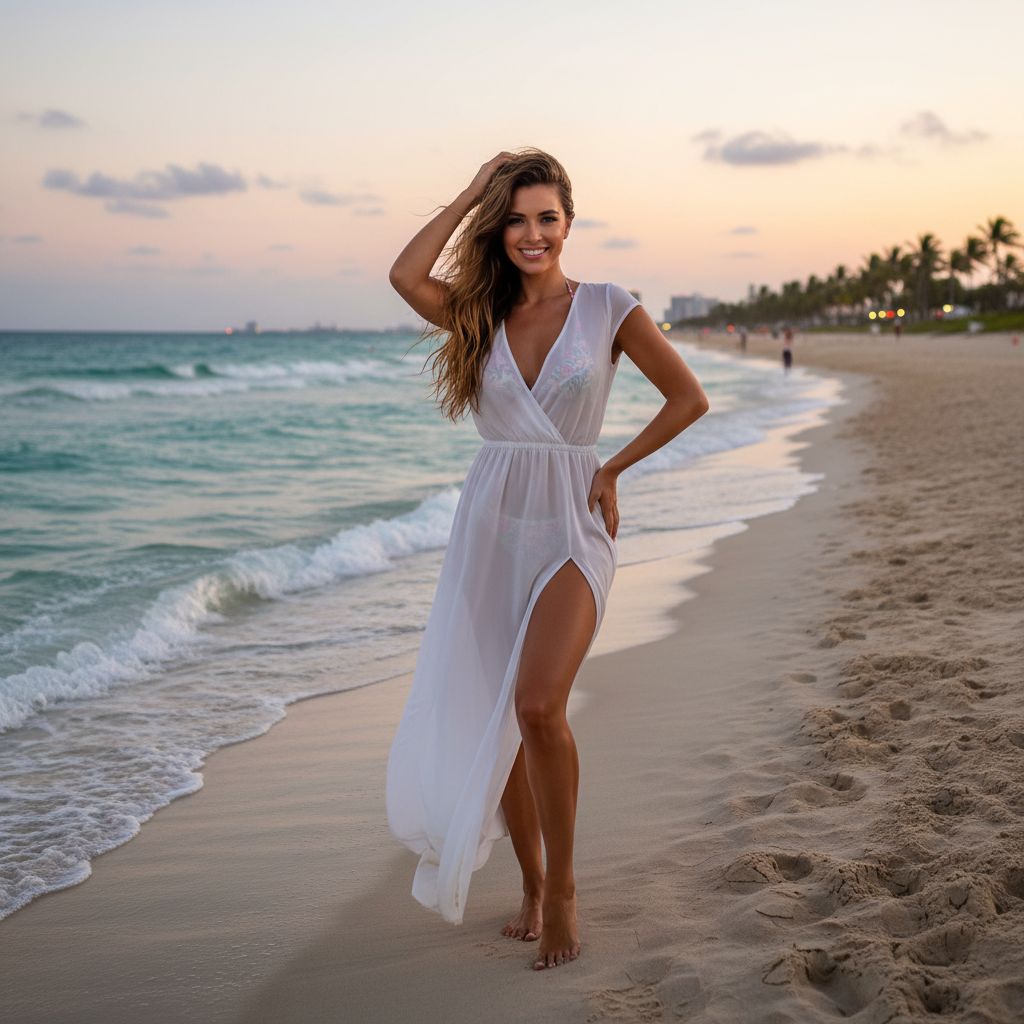
Instead of "a woman in a park," write: "a young woman sitting on a wooden bench in a Japanese garden, cherry blossoms falling, soft afternoon light, shot from eye level, medium close-up, wearing a white linen dress." Include details about framing (close-up, wide shot), angle (eye level, overhead, low angle), distance (intimate, environmental), and environment (specific location, time of day, weather).
Technique 2: Specify Lighting and Mood
Lighting transforms an image more than any other element. Specify conditions explicitly: "golden hour sunlight with long warm shadows," "dramatic studio lighting with strong rim light and dark background," "soft overcast diffused daylight," or "neon-lit cyberpunk street at night with rain reflections." Pair lighting with mood descriptors: "serene," "energetic," "mysterious," "cinematic."
Technique 3: Use Photography and Art References
Camera and lens references help the AI understand your desired visual style: "85mm portrait lens, f/1.4, shallow depth of field" produces a different look than "wide-angle 24mm, deep focus, leading lines." Reference specific film stocks ("Kodak Portra 400 color palette"), art movements ("Art Deco styling"), or photographers whose style you admire.
Technique 4: Choose the Right Model for Your Goal
Different AI models produce fundamentally different output. Flux Kontext is unmatched for photorealism. GPT Image excels at creative interpretation. Experiment with the same prompt across multiple models to find which produces output closest to your vision — the results can vary dramatically.
Technique 5: Iterate — Professional Creators Never Settle for the First Result
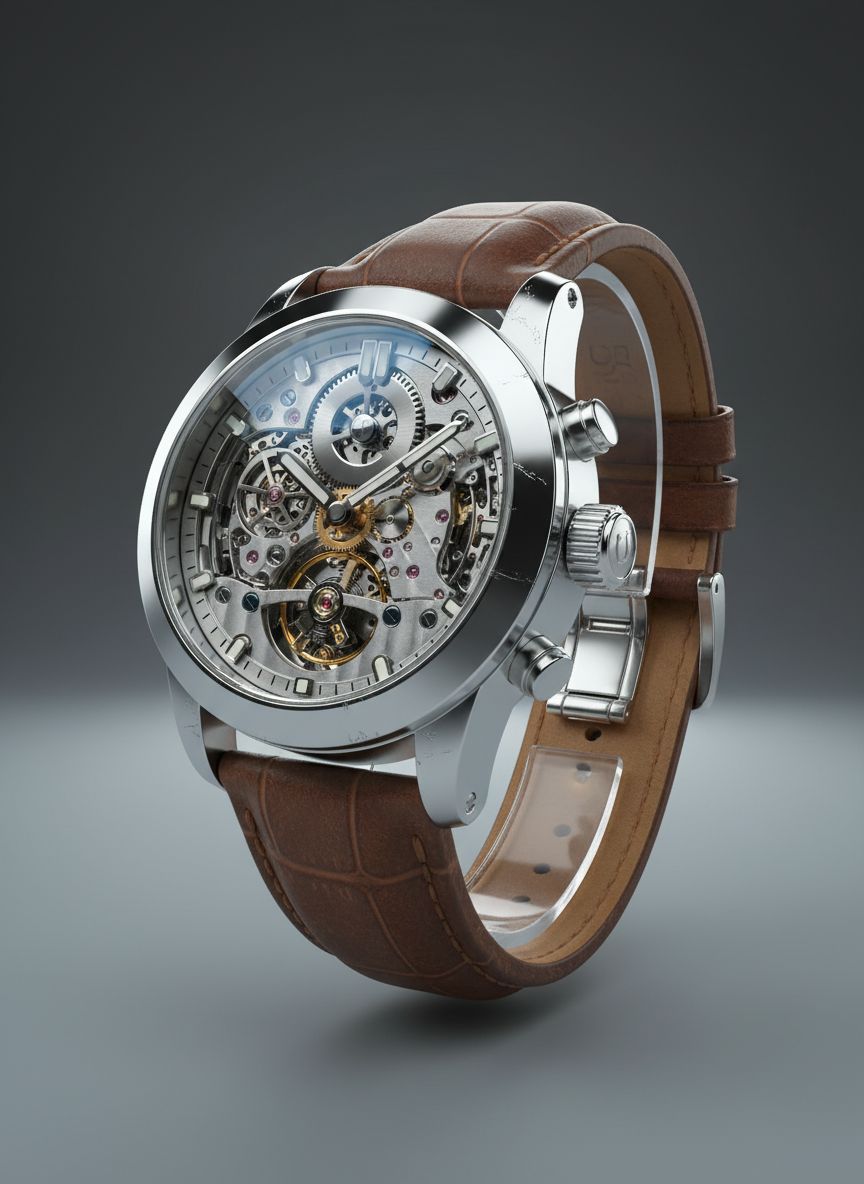
Professional AI creators generate 5–10 variations before choosing the best one. Use DesignerBox's variation feature to explore different interpretations of the same concept. Refine your prompt based on what works and what doesn't. Then upscale your favorite to full print-quality resolution using the AI Upscaler. This iterative approach consistently produces the highest-quality final output.