


AI creative production for brands, creators and agencies
Scale images, ads and videos with AI. Always on brand.
Set your brand once. Generate images, ads and videos with the AI models you know. Edit them in the image and video editors, all in one place.
- Nano Banana
- GPT Image
- Seedream
- FLUX
- Veo
- Seedance
- Kling
- Runway
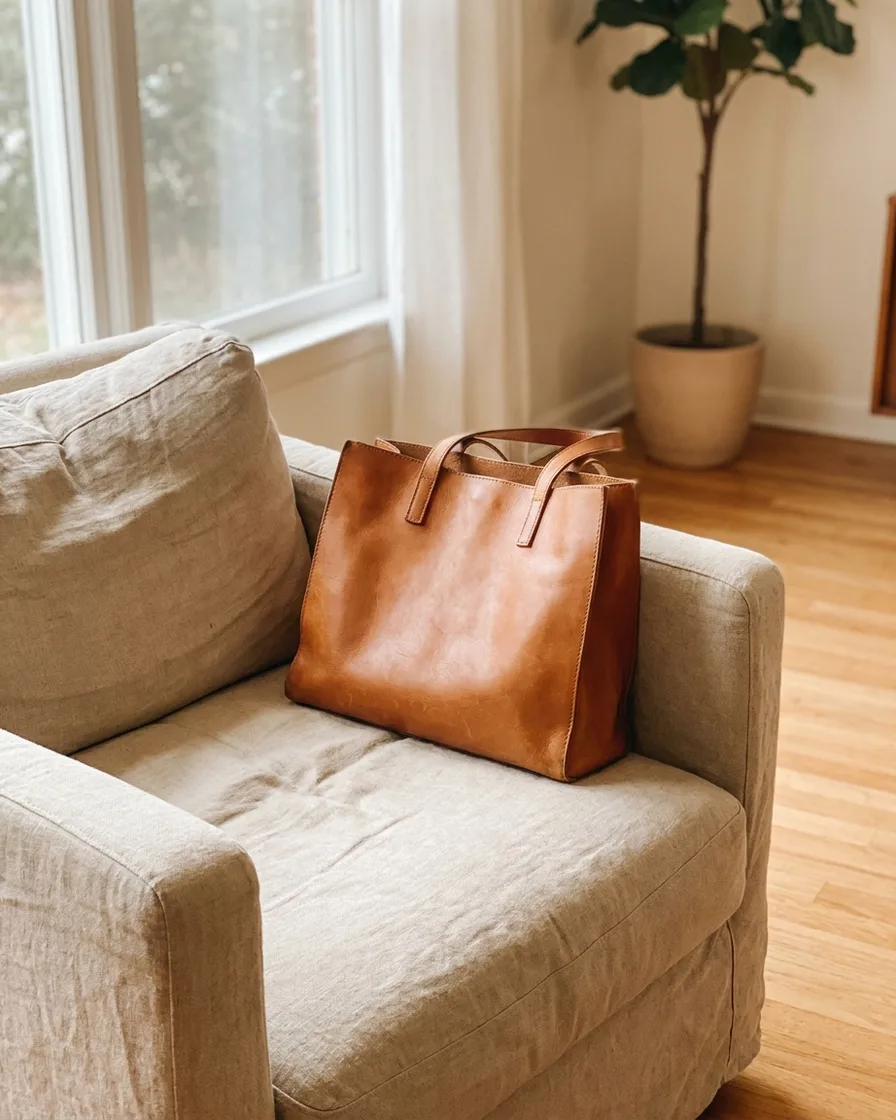
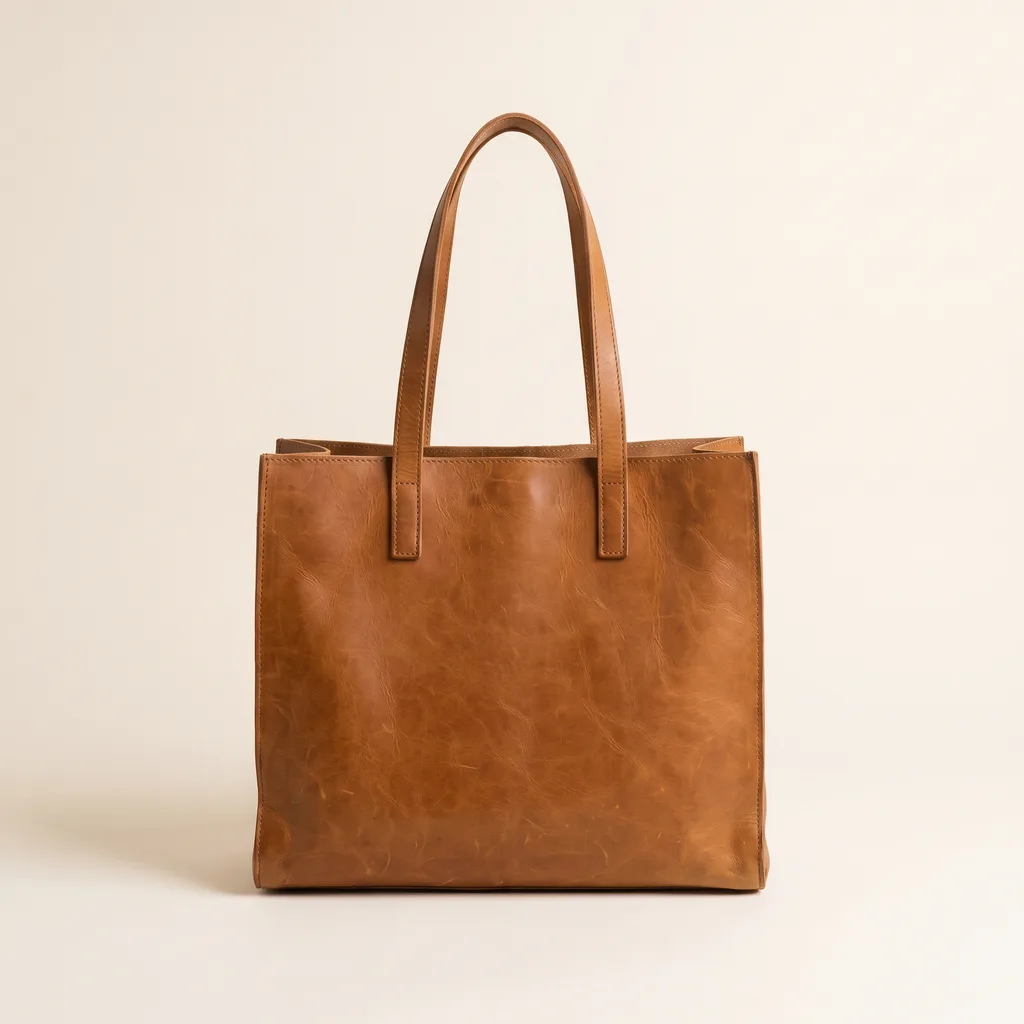
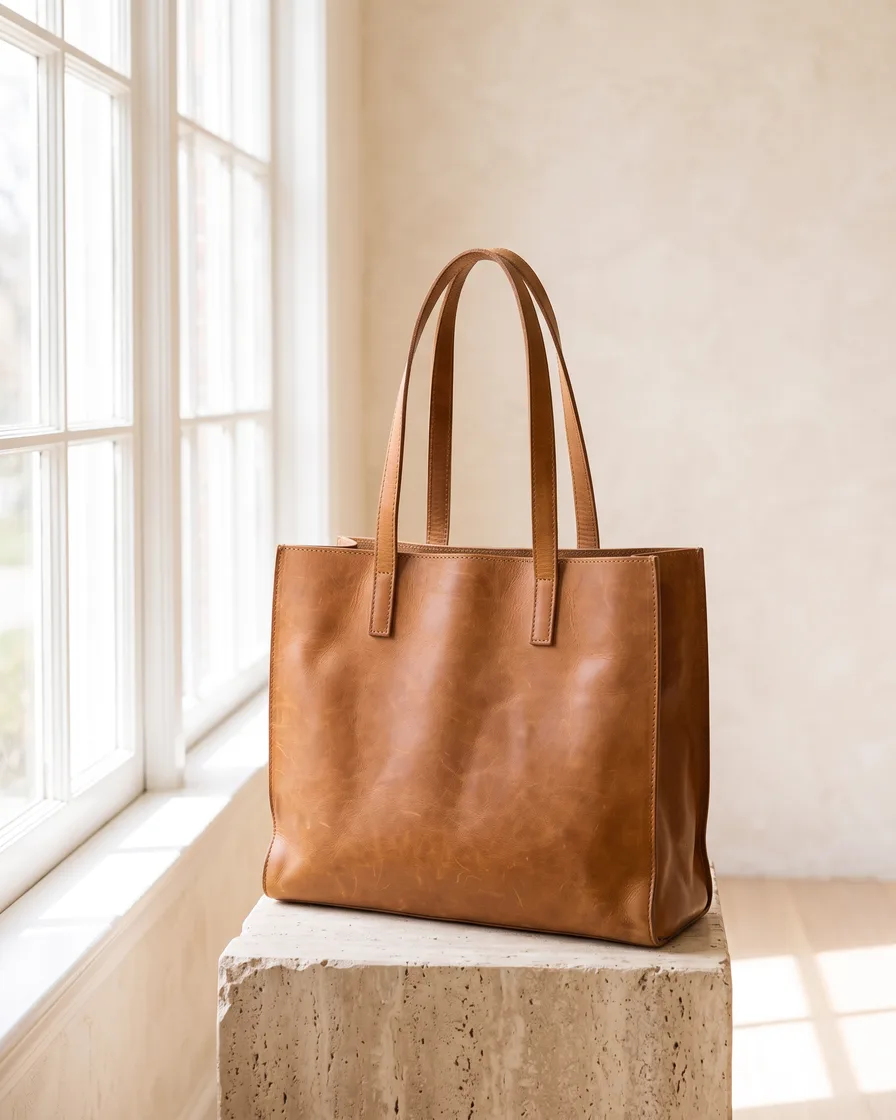

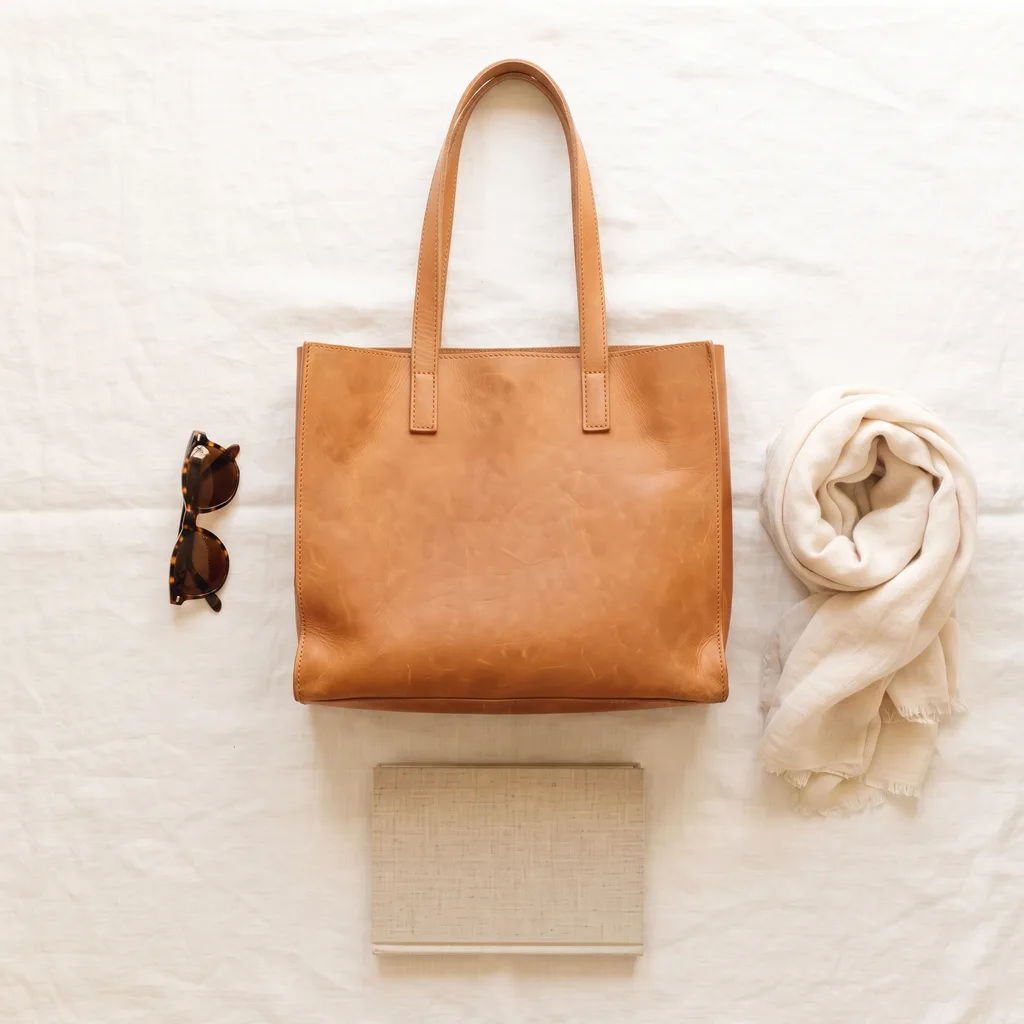
Why now
There's never been a better time to create with AI
The way content is created has changed forever. Anyone can make an AI picture. Making hundreds that still look like your brand is the hard part.


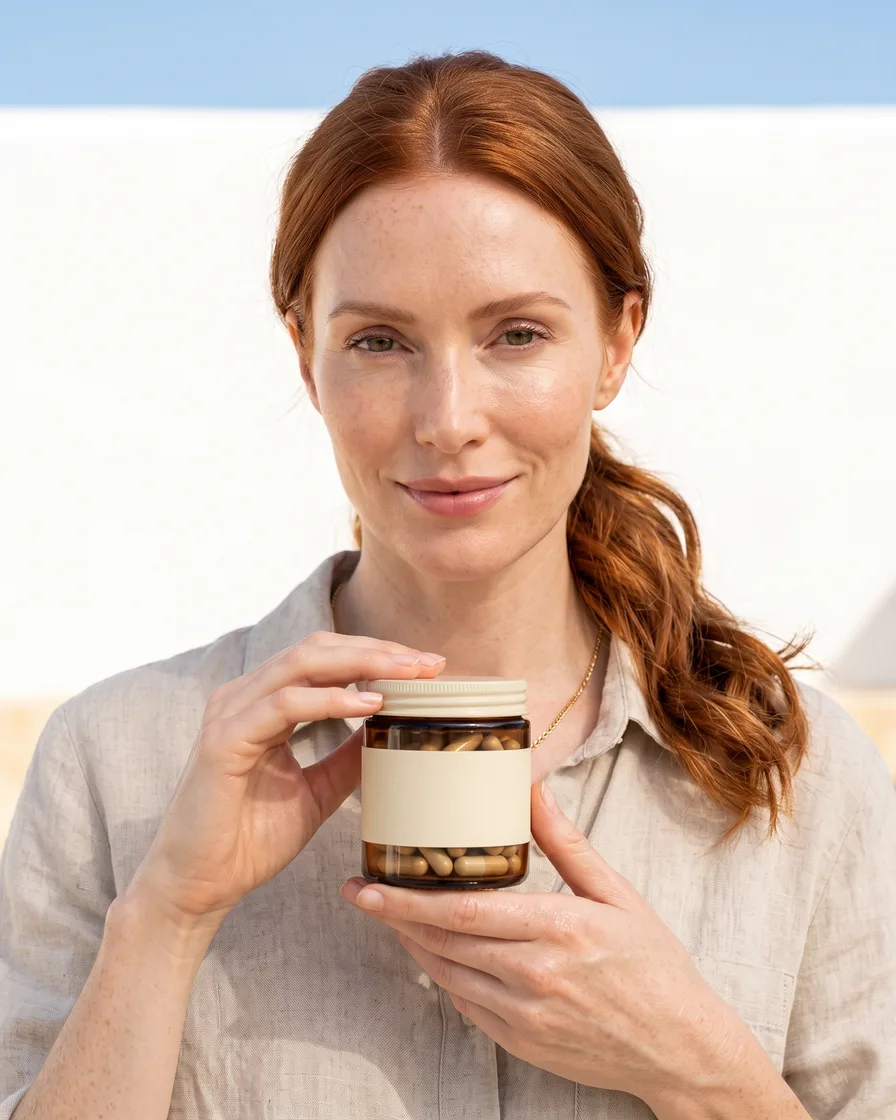
Create content at scale
Growth requires more content in more places. AI allows your brand to expand its content without expanding costs.
- Your product







More room to test
A smaller brand can afford more testing. An agency can pursue a concept that previously wouldn't have survived the budget conversation.

- Ink
- Grey
- Lime
- Hairline
Stack Sans Text
- Warm daylight, no text on the picture
- The label stays as shot
Future-proof your brand
AI helps you deliver relevance, frequency, and value at scale. Build systems now to support tomorrow's growth.
What you can make
The next era of content is here.
Smart brands don't wait for change. They build for what's next.
- Your product


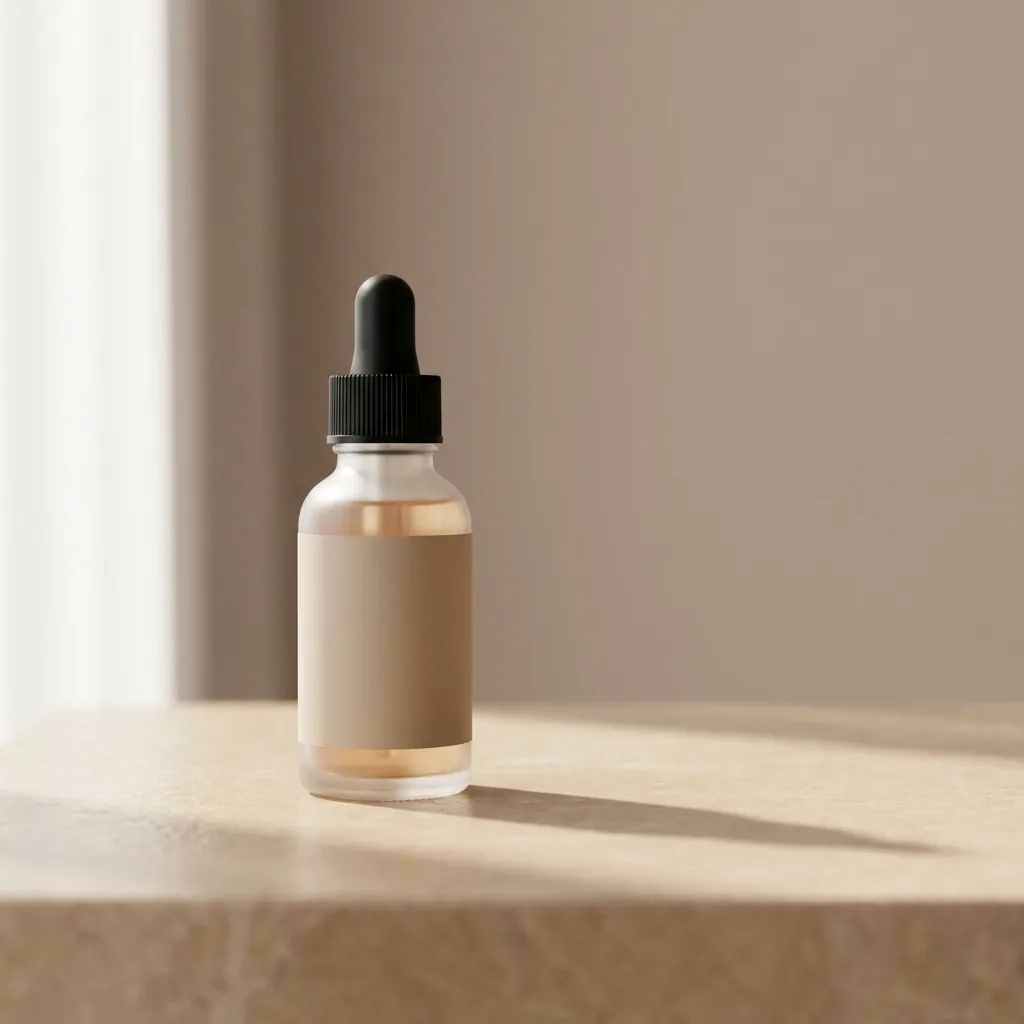
Generate product shots
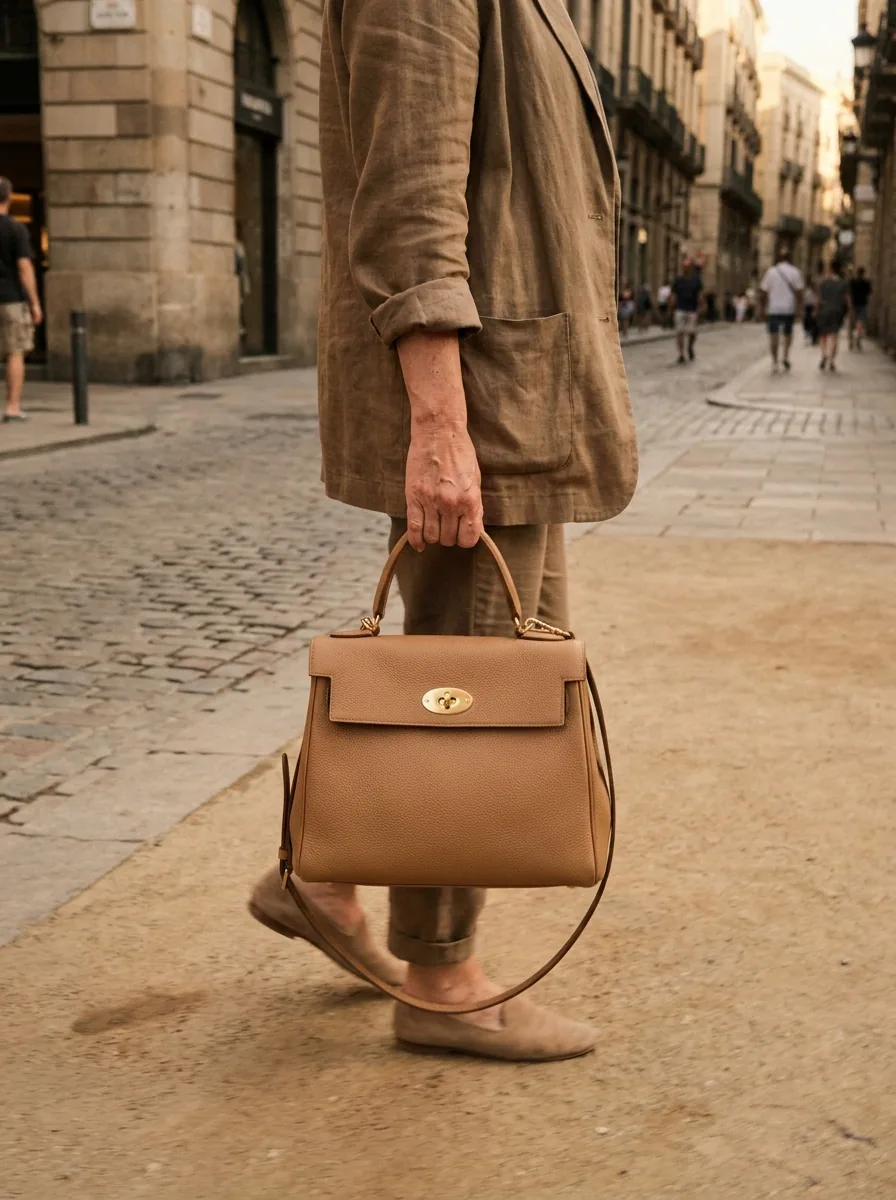
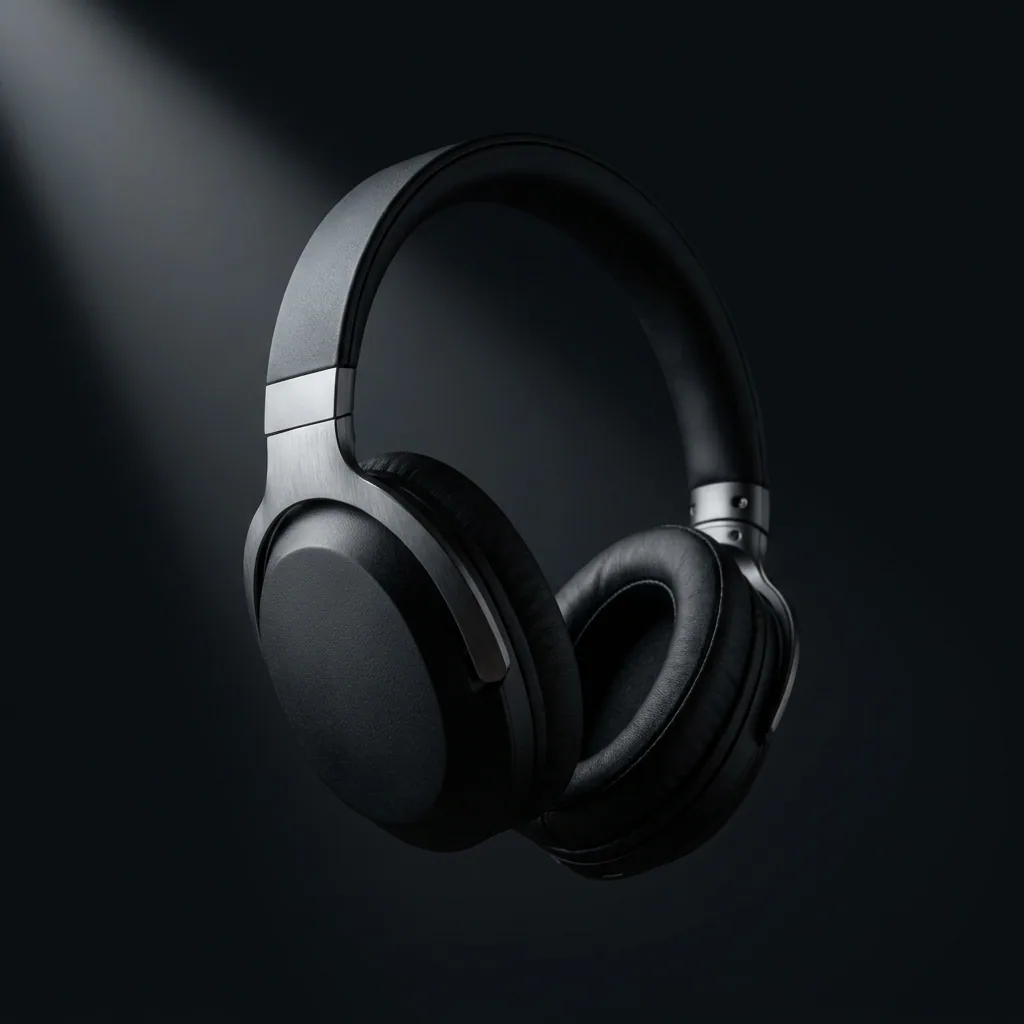
Generate professional, studio-quality images of your products in consistent settings for a cohesive brand look across your catalog. Add new products anytime without the need to reshoot.
See product shots - Your product
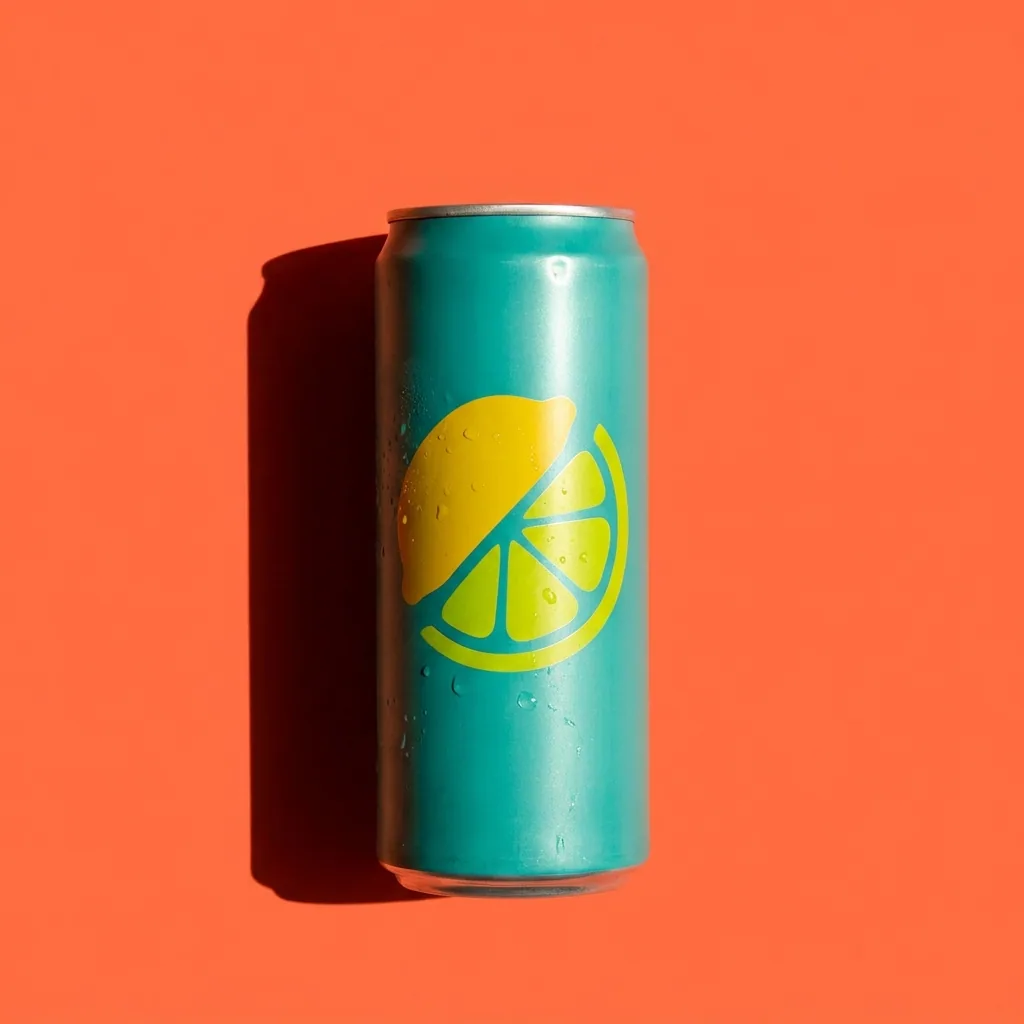
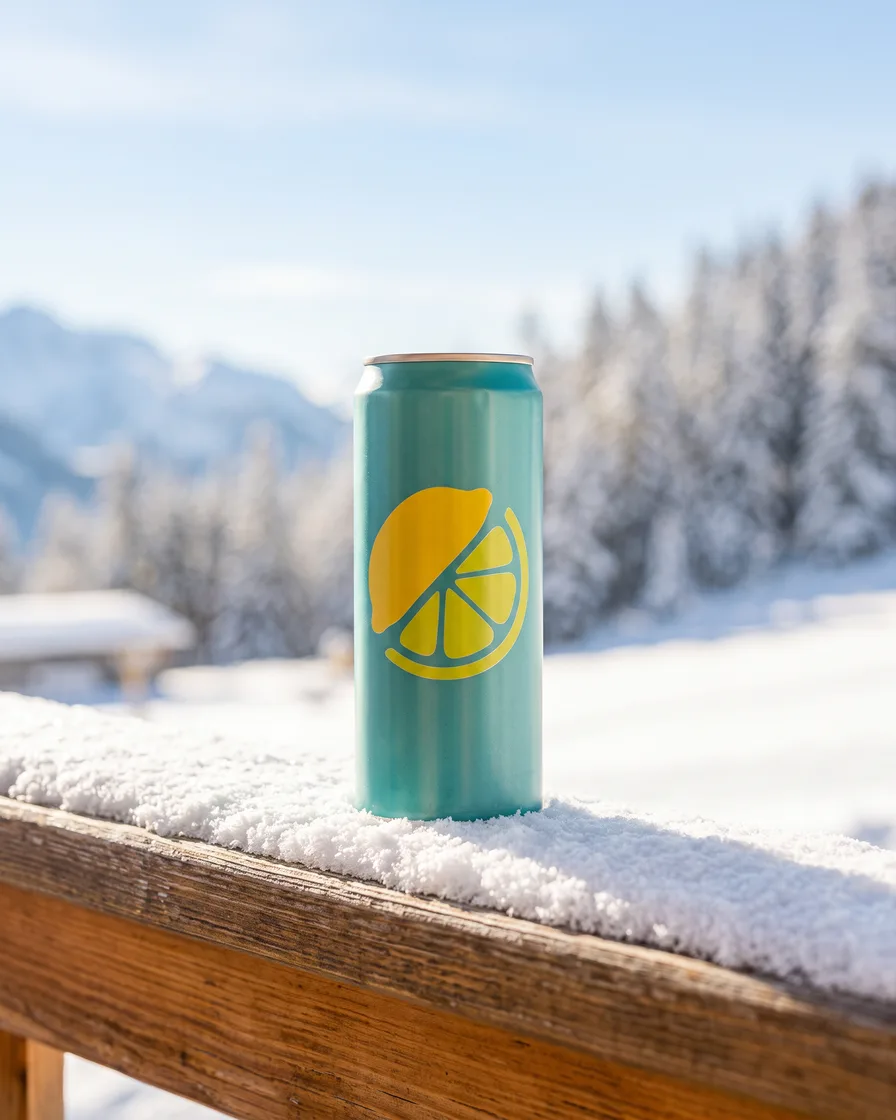
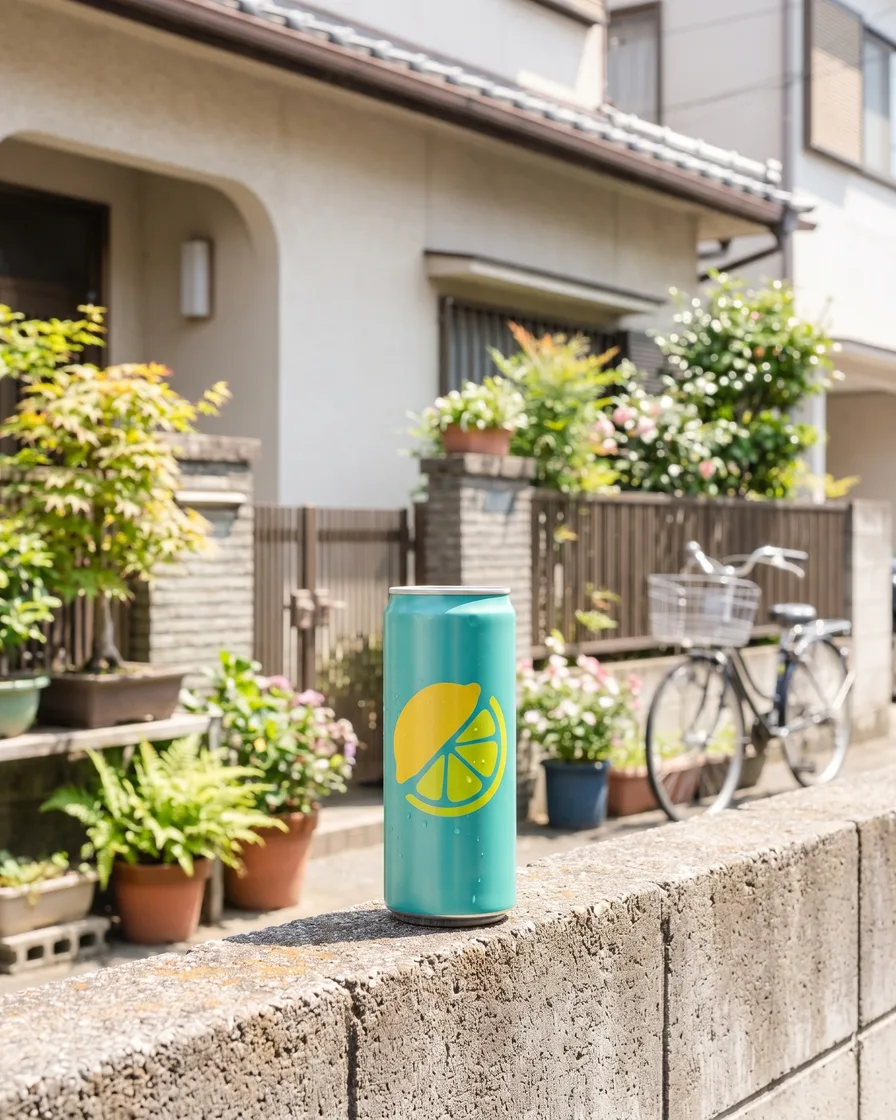
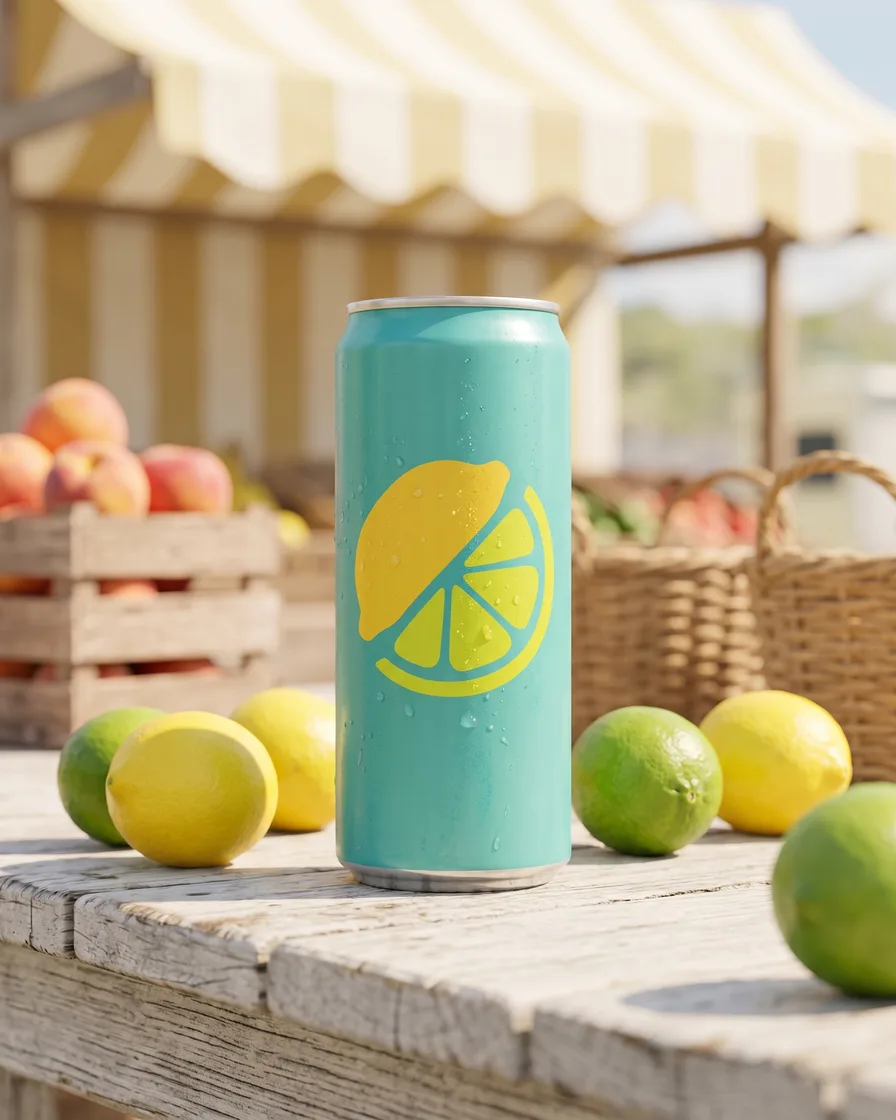
Generate scenes
Present your products in different scenes for seasonal campaigns or to market to local audiences.
See scenes - Your product
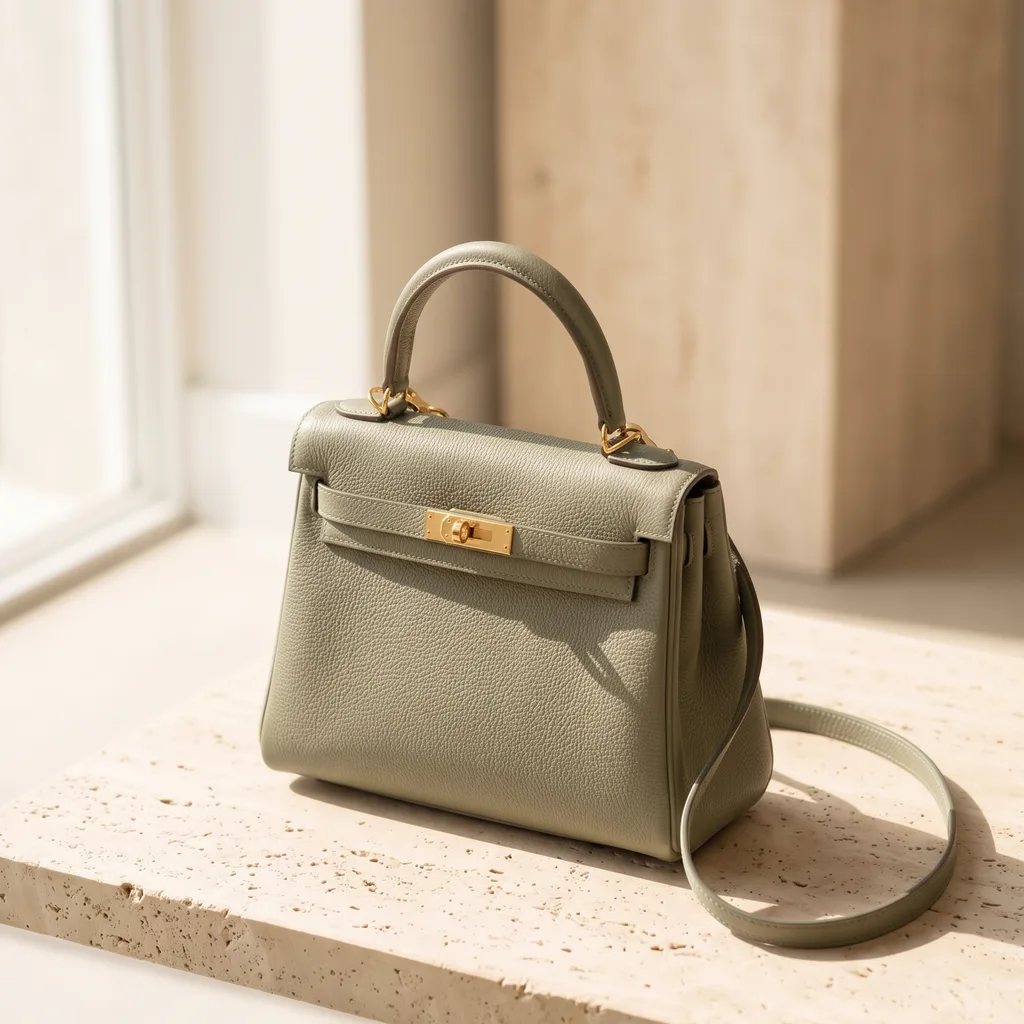
- Cream
- Burgundy
- Sage
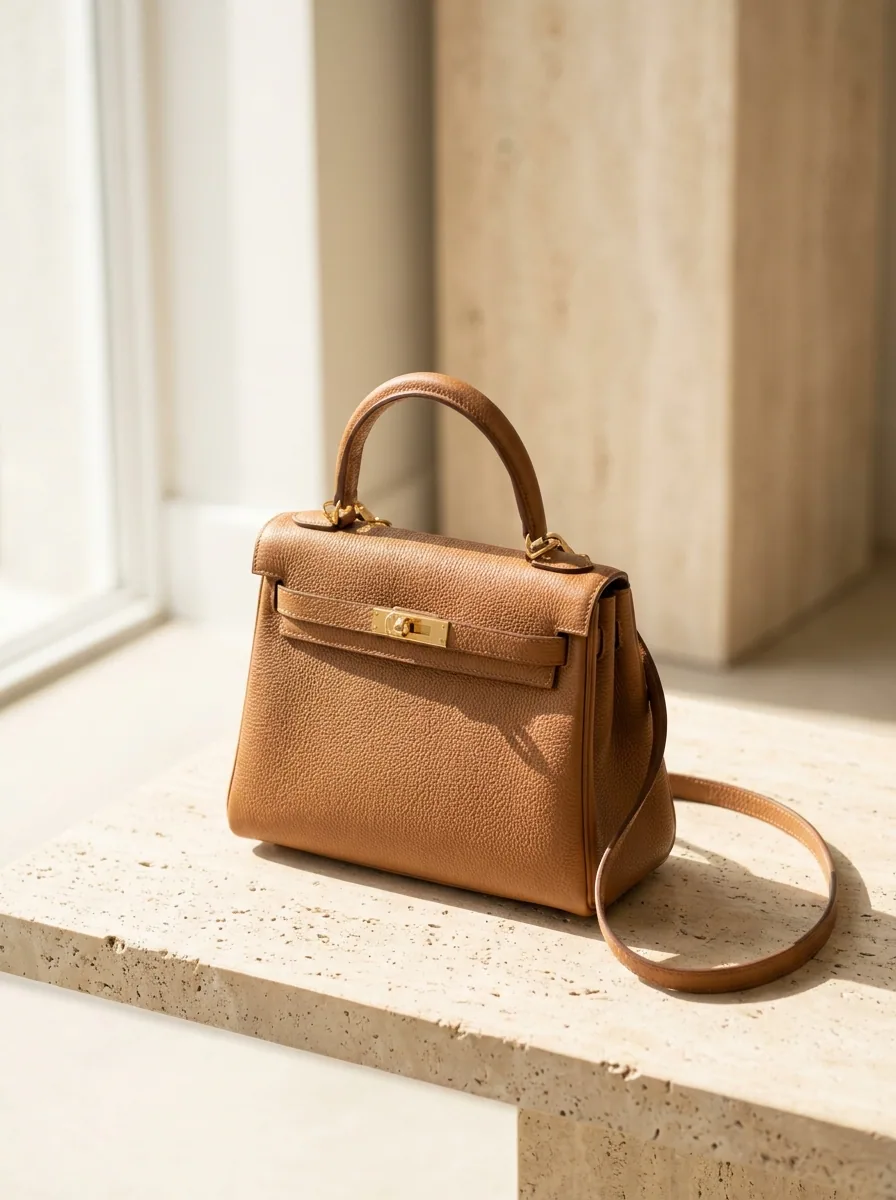
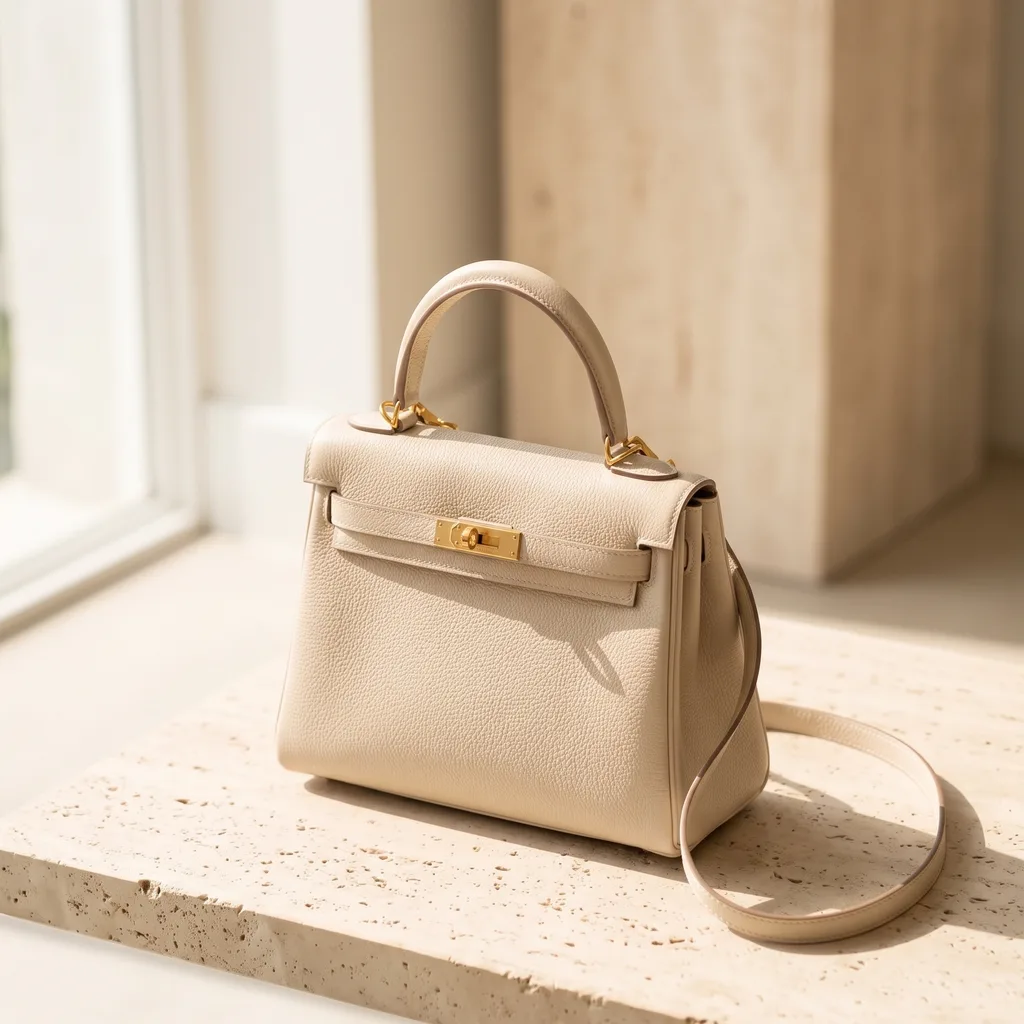
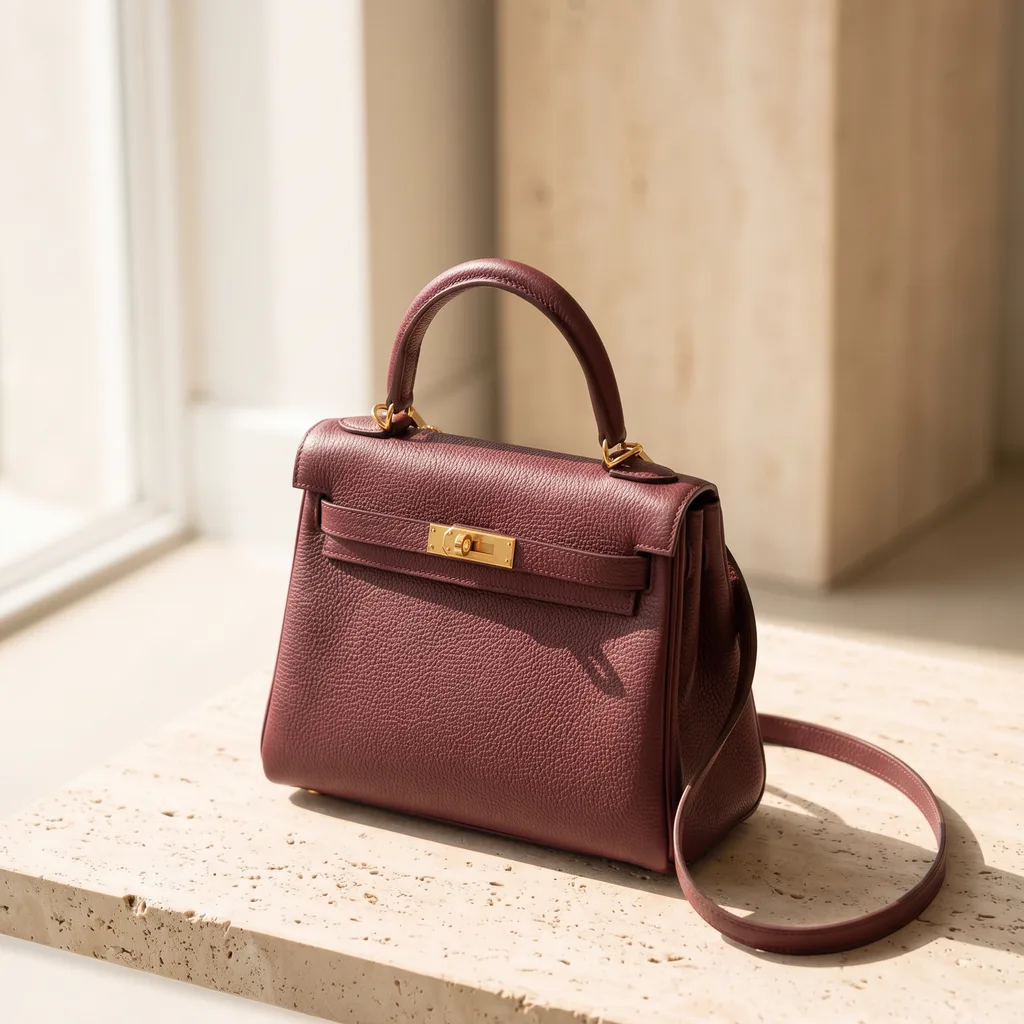
Generate variants
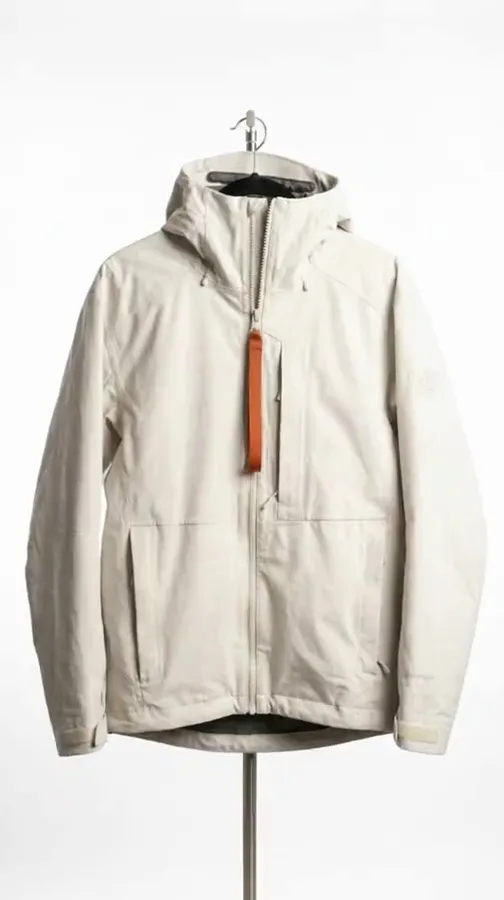
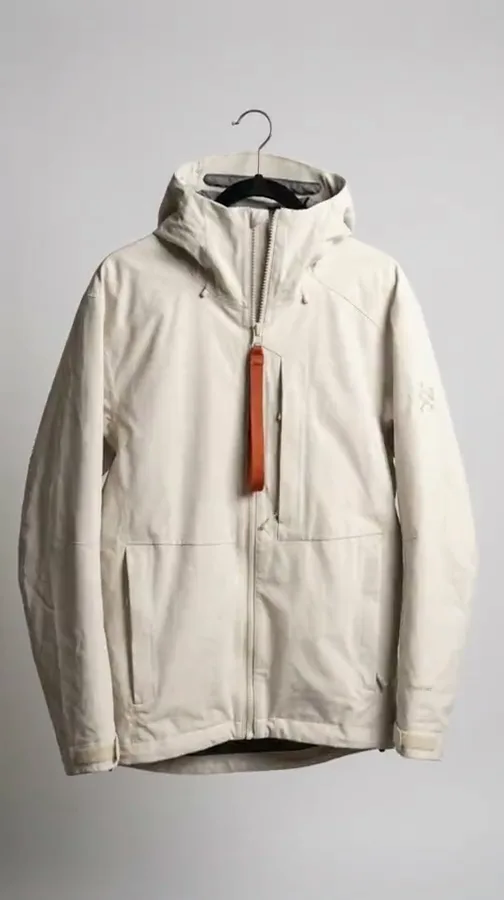
Visualize how different variants of your product could look before investing heavily in production or add visuals of new product variants without costly reshoots.
See product colours - Your product
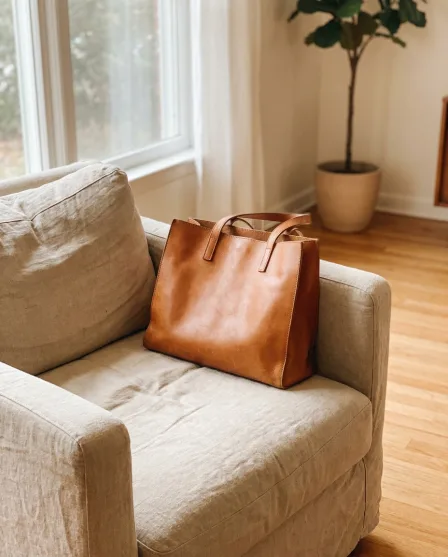
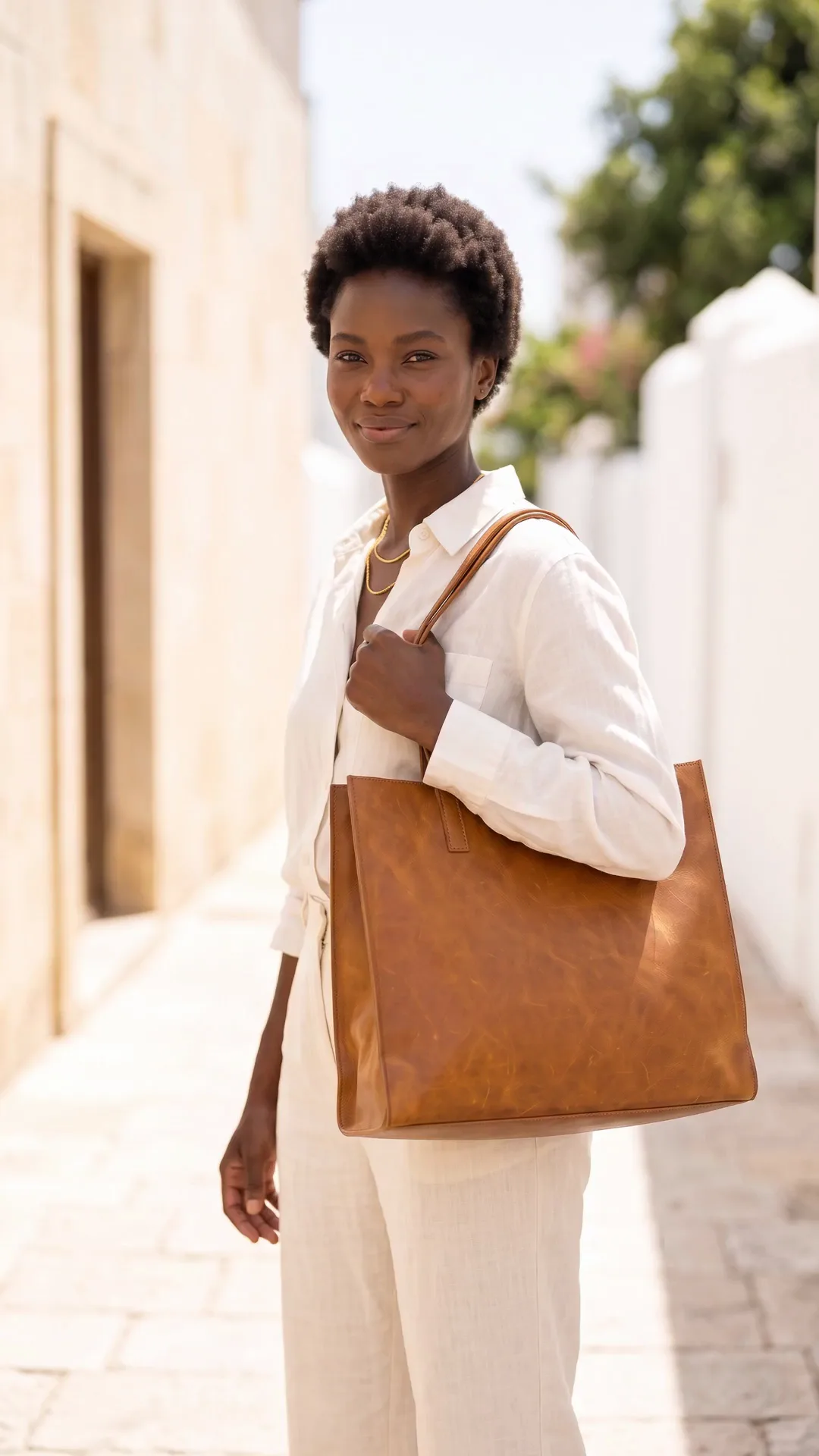
Generate videos
Generate video clips featuring your products or services for your socials or ads, showing what they look like in action.
Video starts on the Premium plan.
See video - Model photo
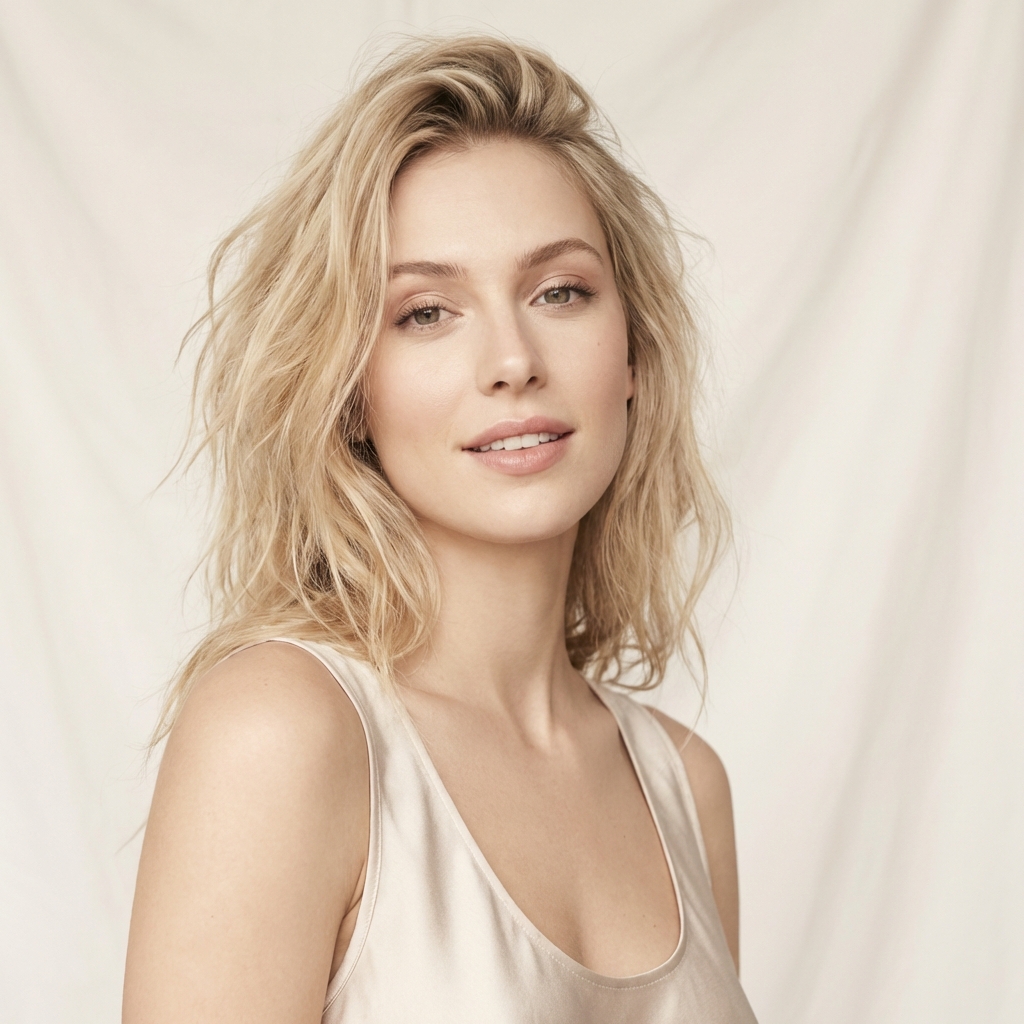 Garment photos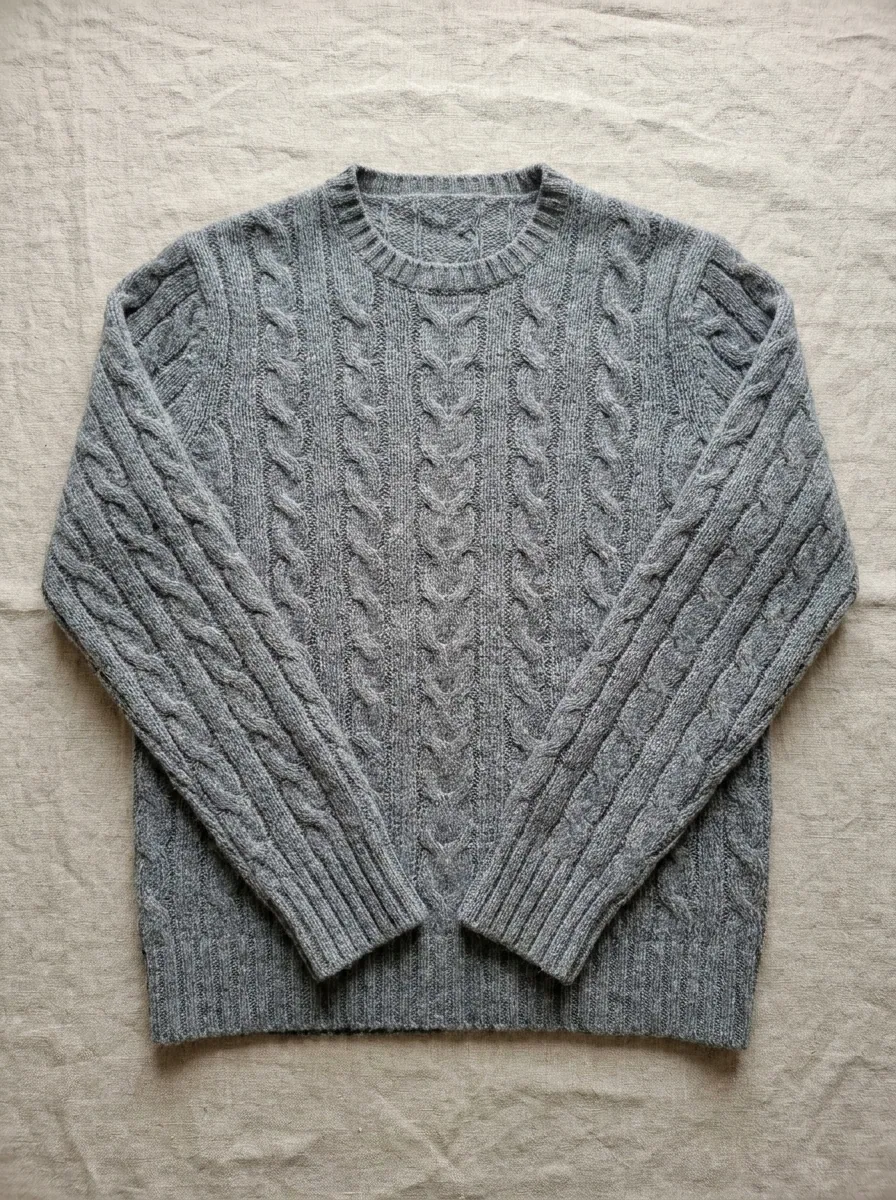
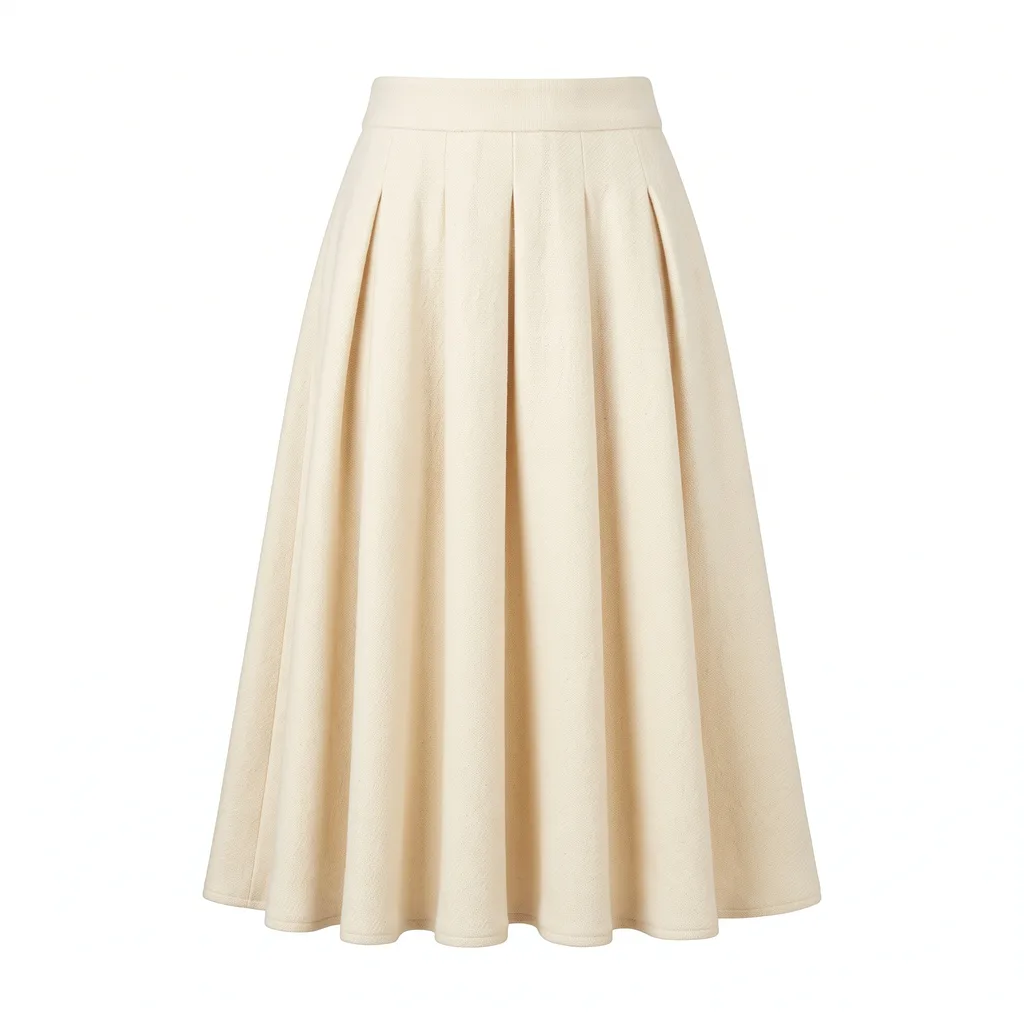 From this to this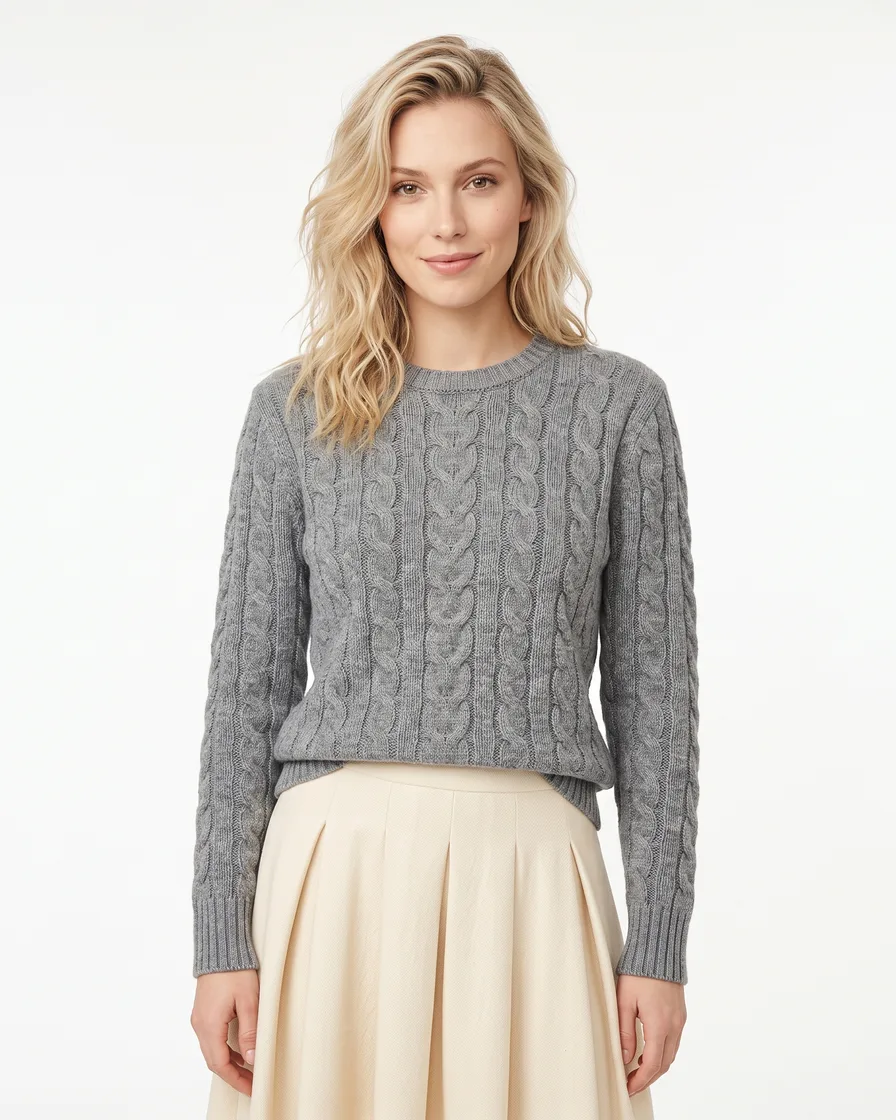
Generate model shots
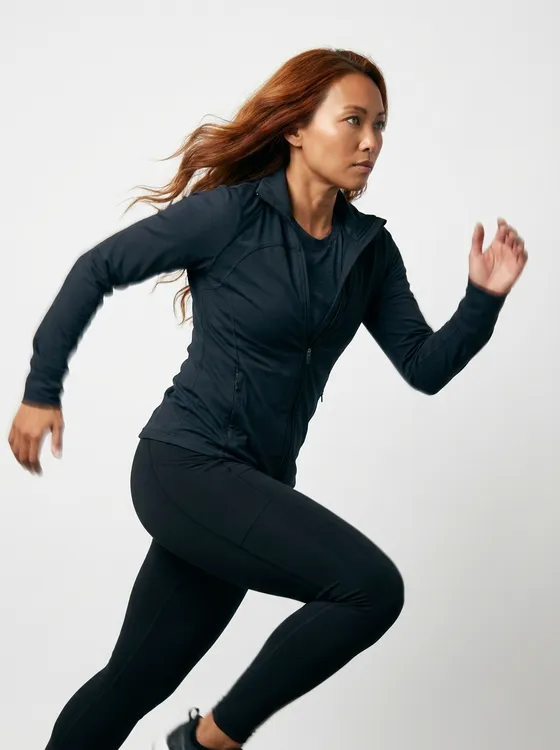
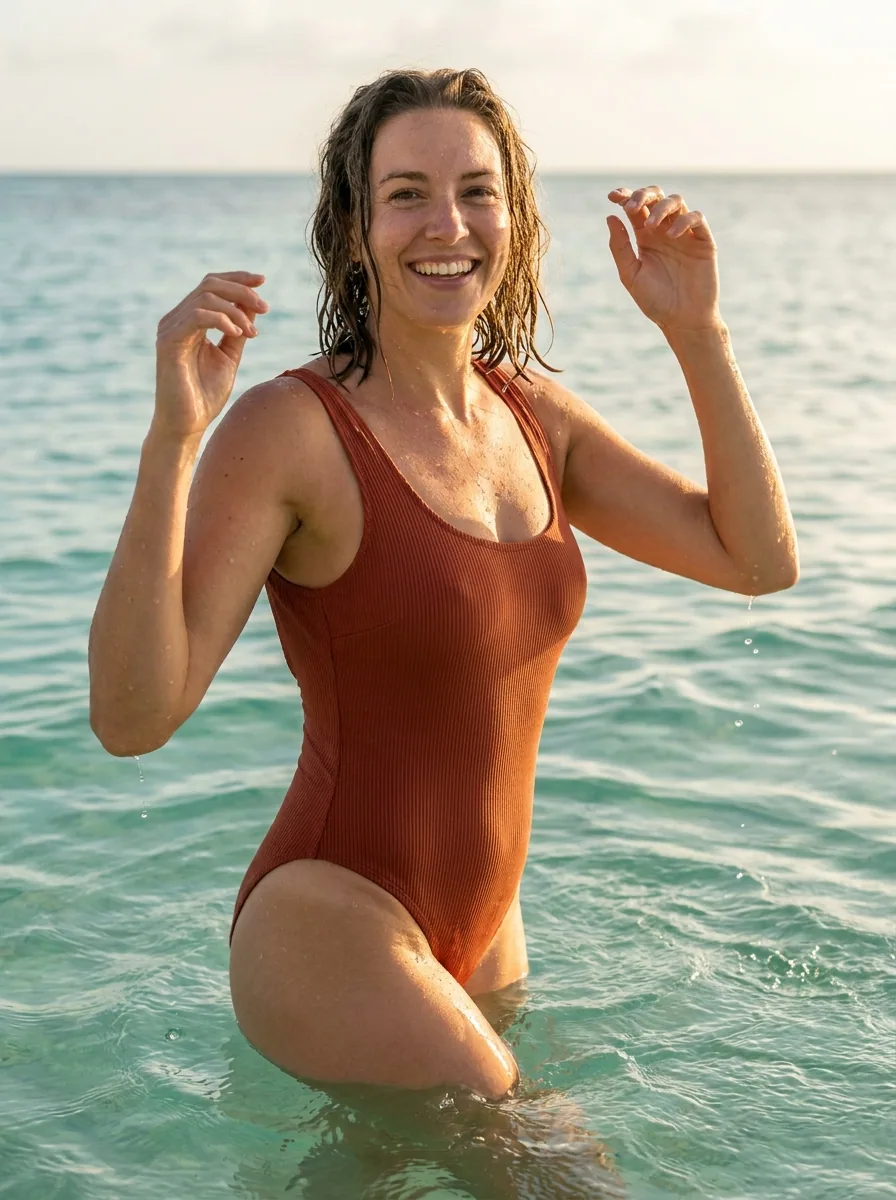
Generate images with models to give a sense of scale and fit for your products, or to showcase your service experience.
See model shots 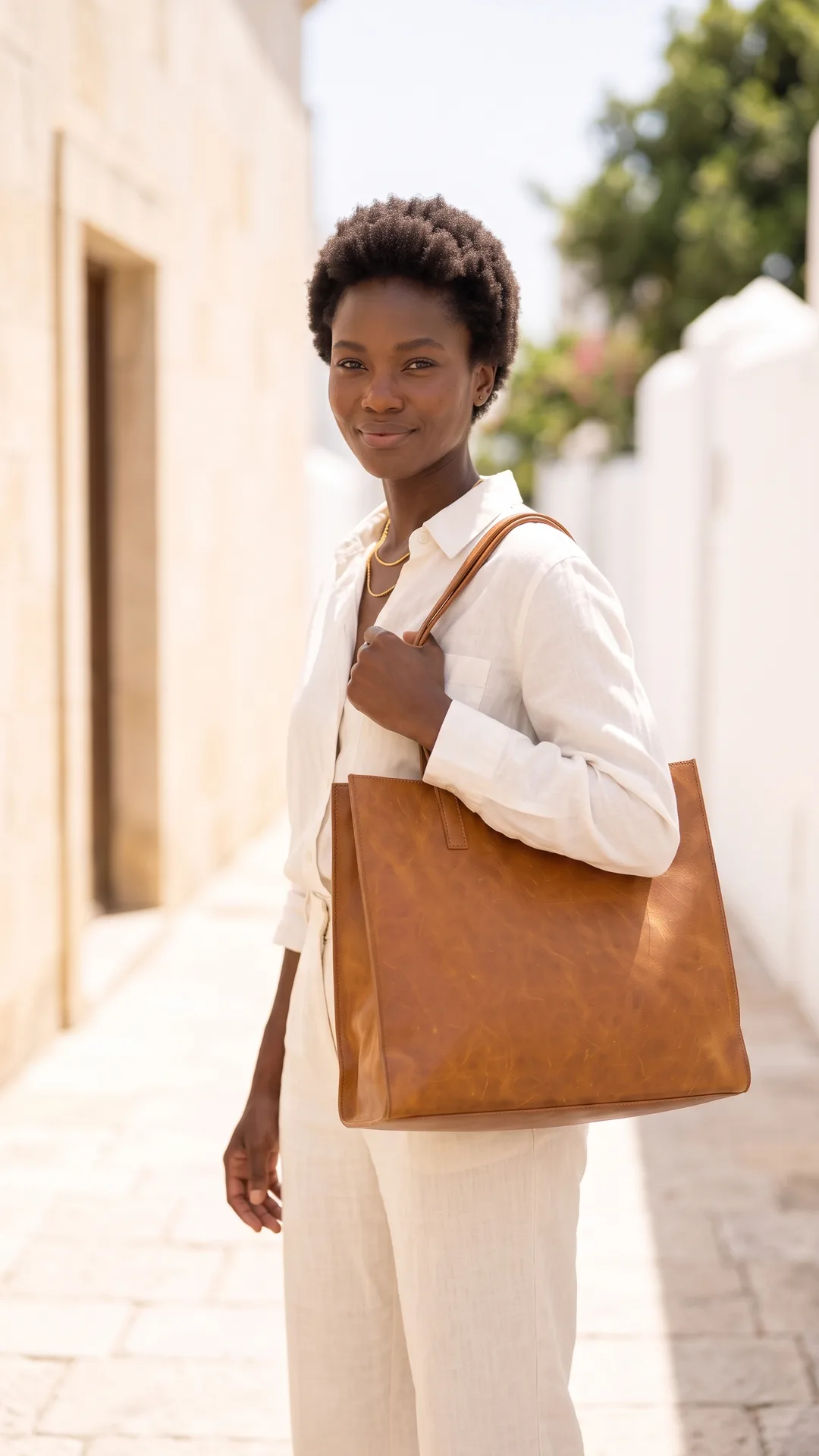 Clips
Clips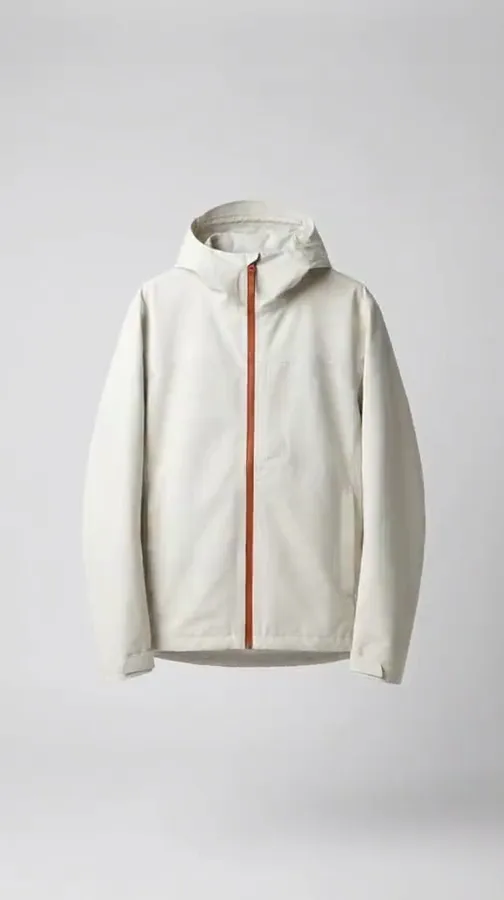
 WordsSound
Edit into commercials
Edit your generated videos step by step into fully animated commercials with captions, a voiceover and music, ready for your ads.
The video editor starts on the Premium plan.
See the video editor
Who it is for
Does that sound like you?
Results designed for brands, agencies and creators like you.
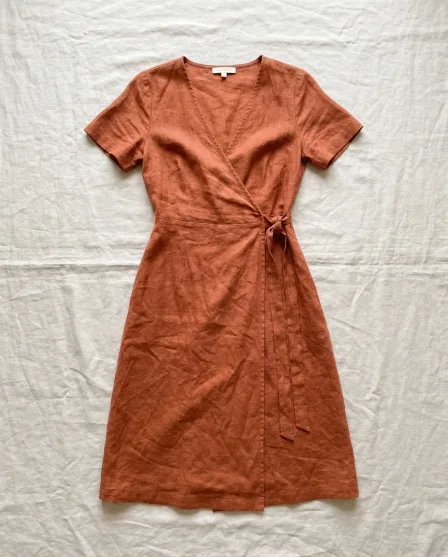
Scaling without compromising quality.
You want to create more content for your organic socials and paid ads without spending your entire ad budget on content creation, and without compromising your brand's quality or reputation.
- Generate images and video clips with AI
- AI workflows like changing models, clothes and scenes
- Editing videos into fully animated ads and reels
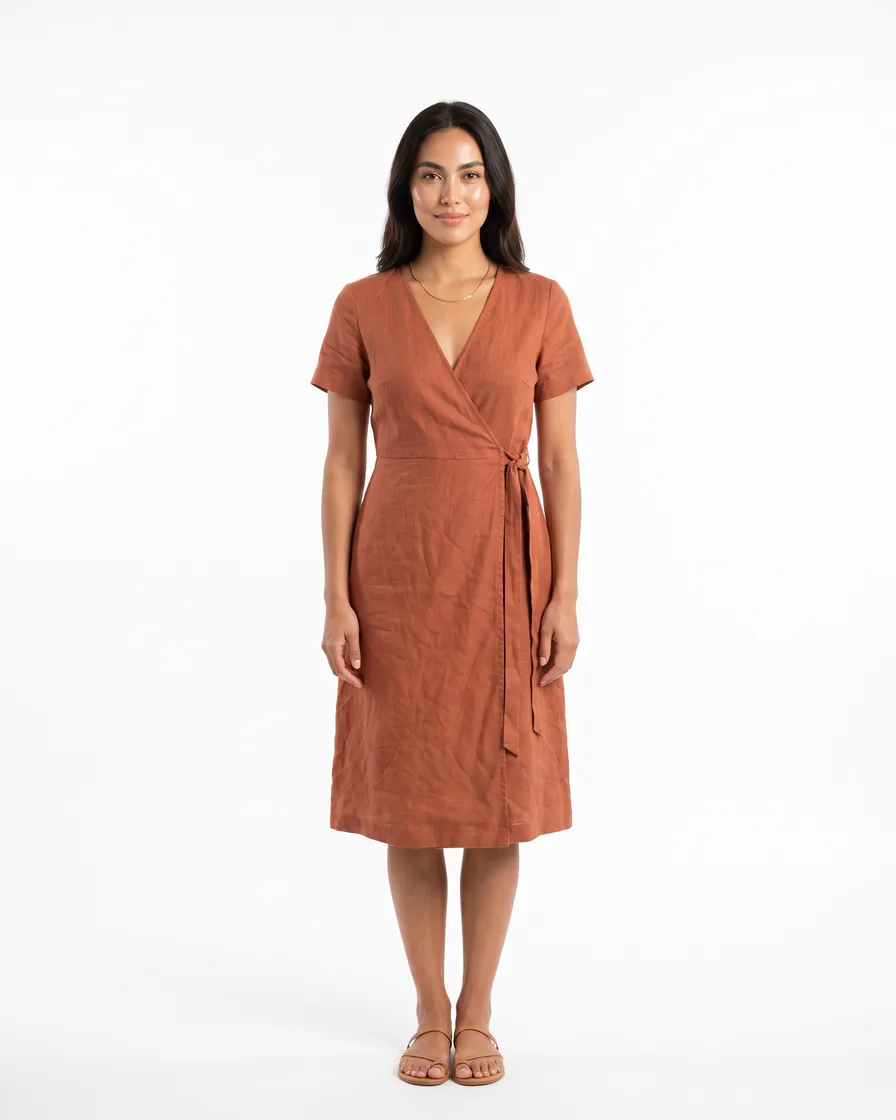
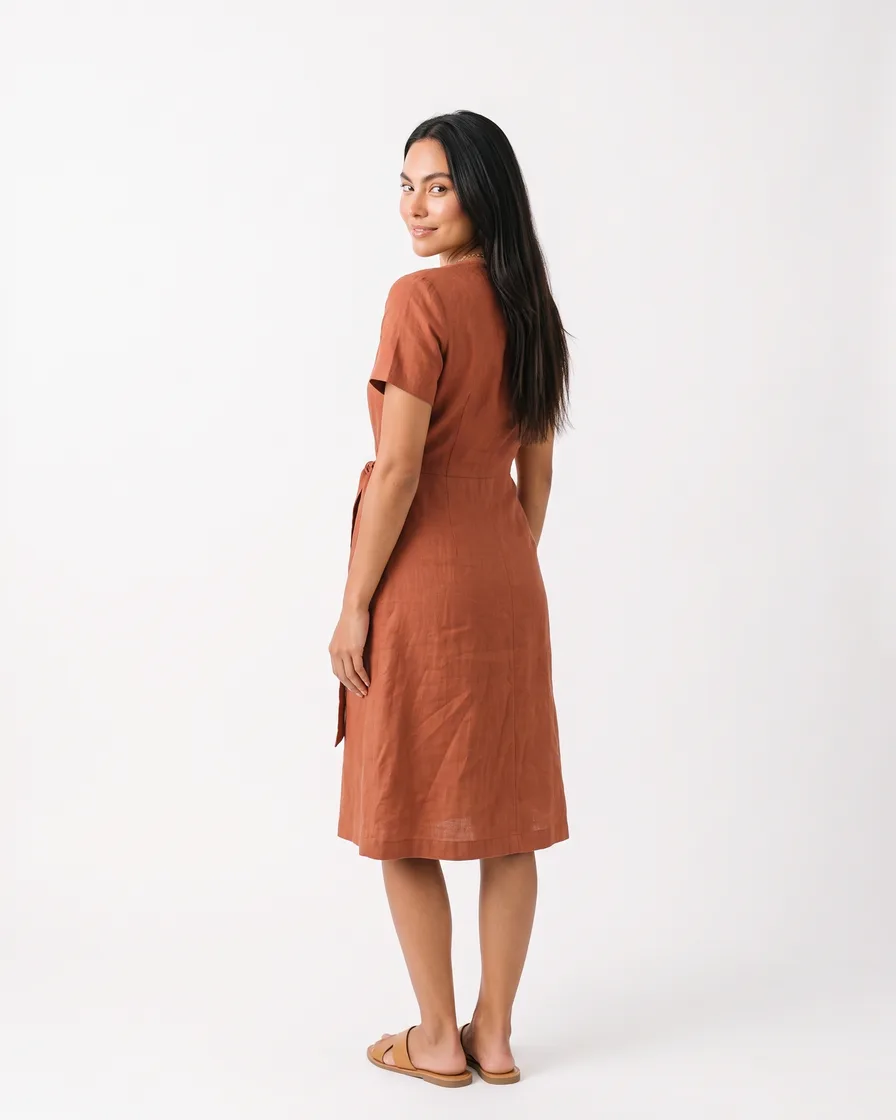

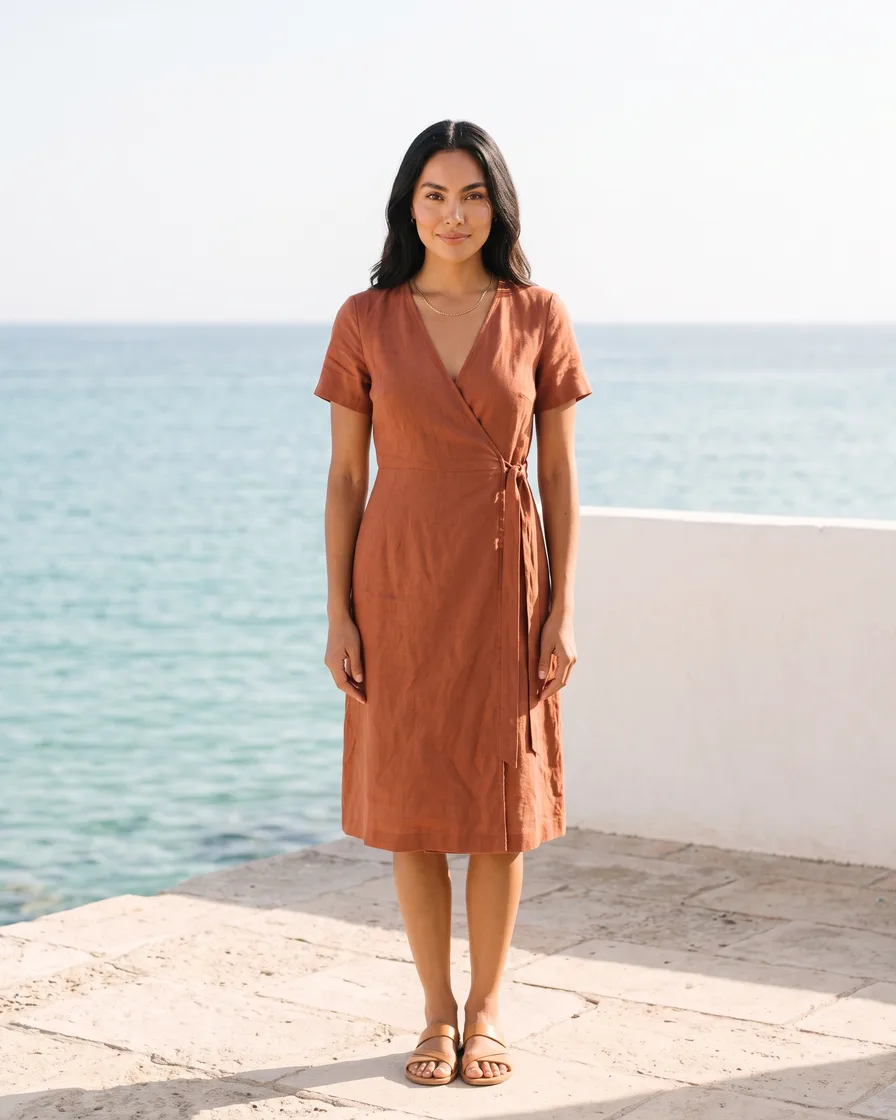
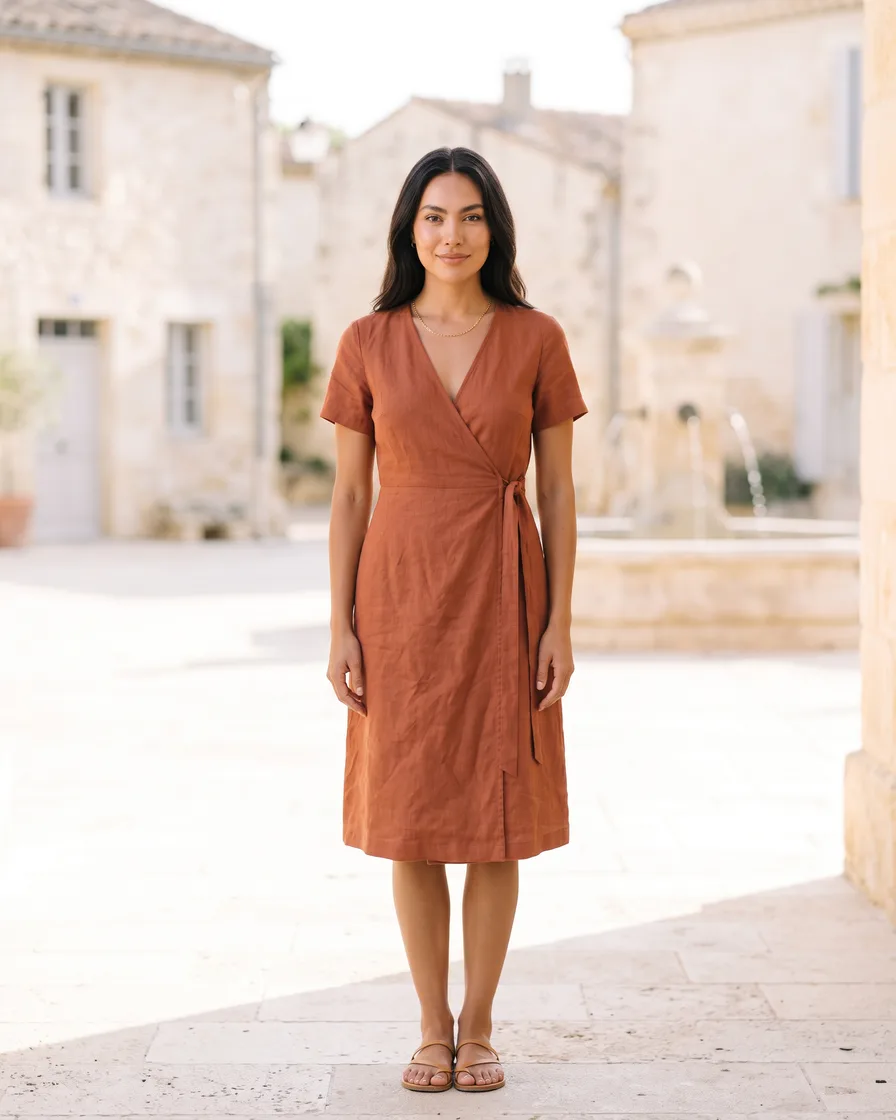

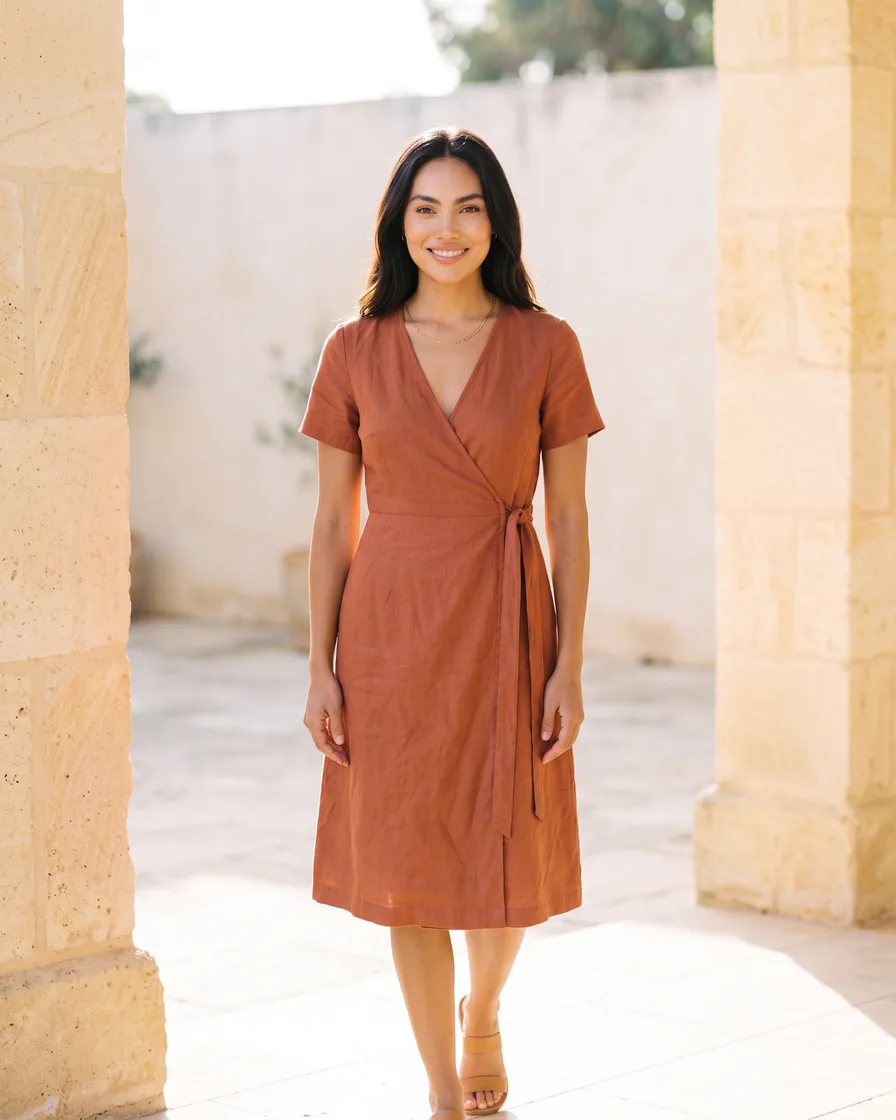
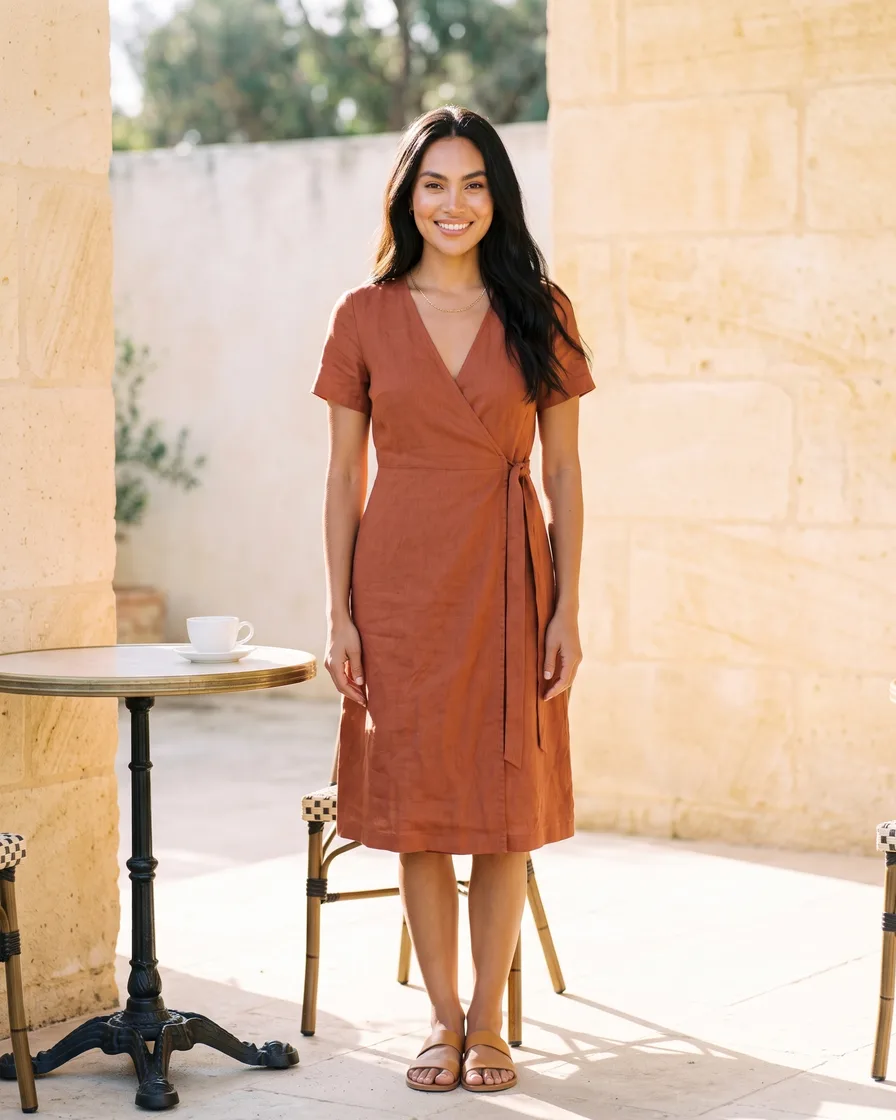
Cut the waiting time and budget for deliverables.
You want to deliver more content for every client without waiting weeks for shoots and edits, and without losing control of each client's brand.
- One workflow for each client, with that client's brand rules
- Apps a colleague runs from a short form
- Batch: a whole product drop in one run, reviewed in one pass
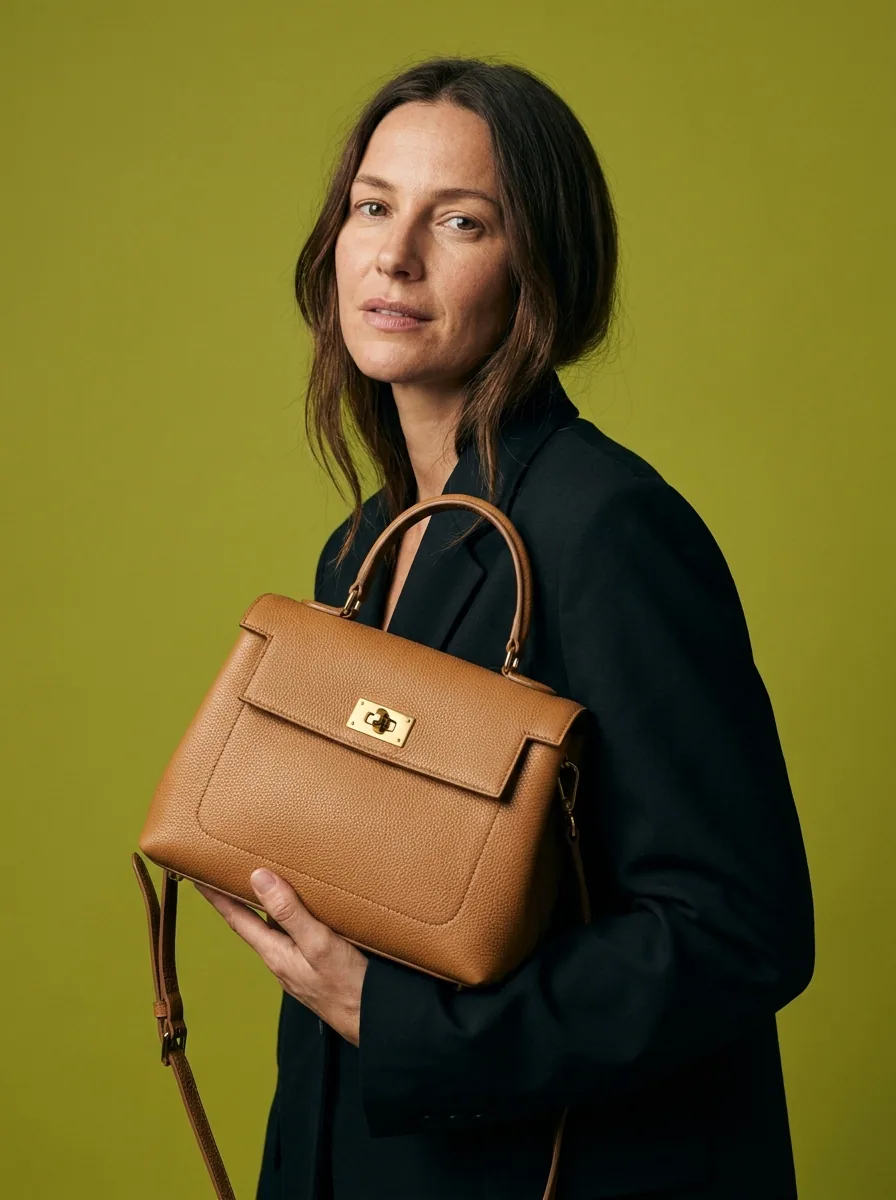
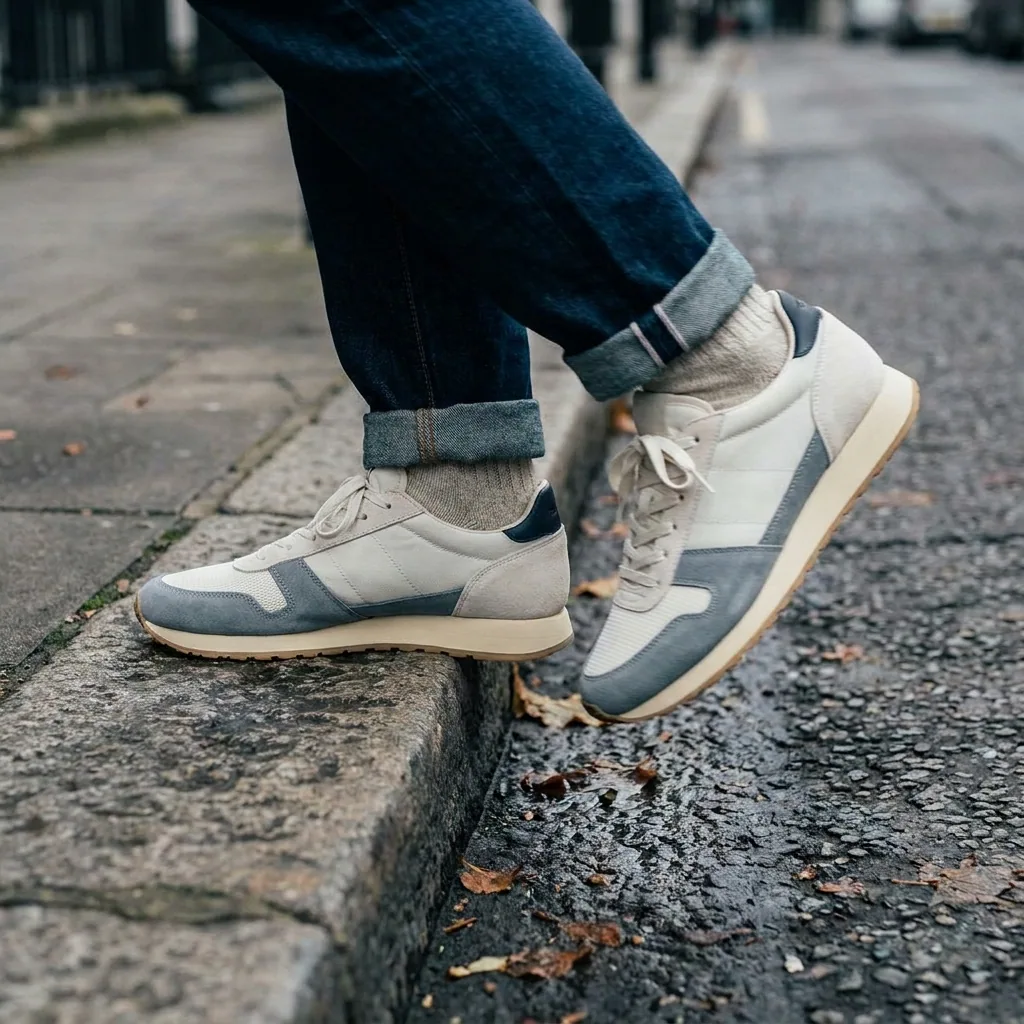
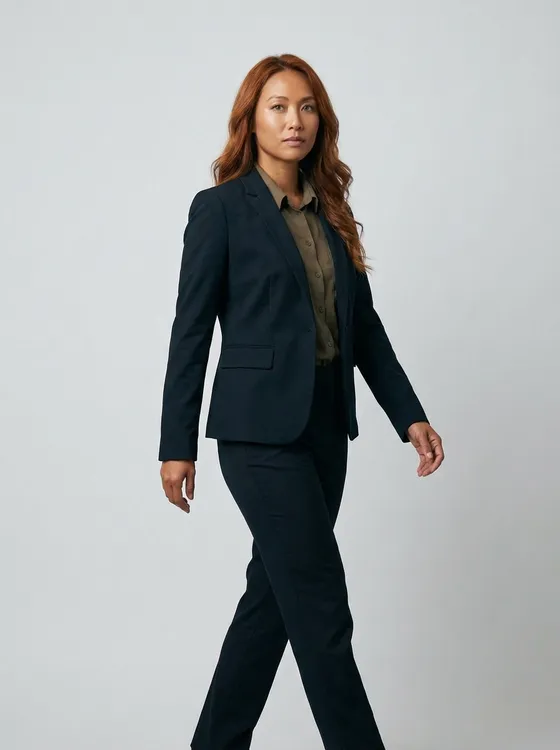
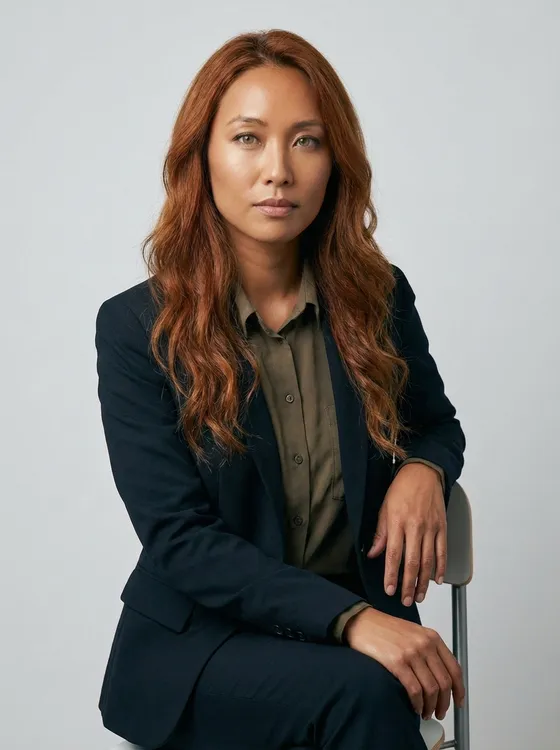
Post every day without shooting every day.
You want to post more often and deliver sponsored posts faster. You do not want to shoot and edit every day. You do not want content that looks like generic AI.
- Generate images and short videos for your feed with AI
- Avatars and presenters for your videos
- Edit clips into reels with captions, a voiceover and music
Video and the video editor start on the Premium plan.
See UGC video templates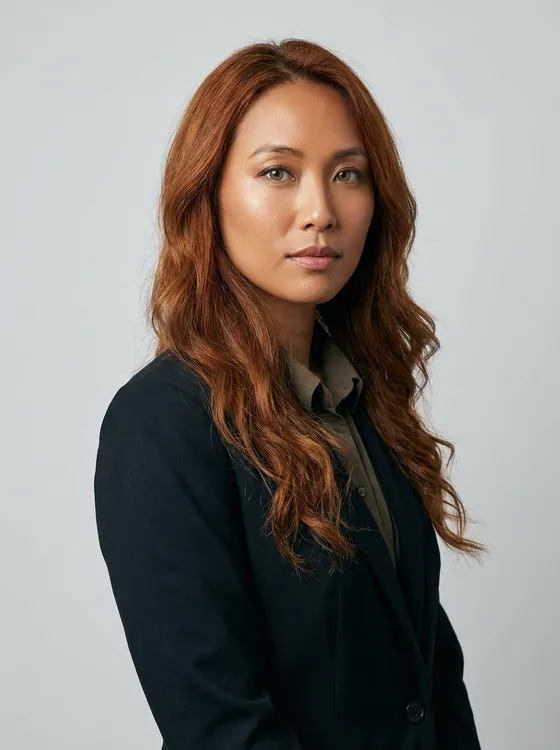
Everything in one place
Everything you need, in one place
The full workflow from the first product photo to the finished ad, in one subscription.
Templates
Start from a finished result
Workflows
Your steps, saved to run again
Apps
Fill a short form, press Run
Batch
Run one workflow on a whole spreadsheet
Image editor
Change one picture, keep the detail
Video editor
Cut, caption and add a voice
Brand
Logos, fonts, colours and rules
Assets
Every result in one place







Do I need experience with AI?
No. Every template already holds the job. You add your product photo, press Run, and review the results. Prompts stay optional. Your brand rules are saved once and read on every run, so the results look like your brand from the first run.
Which AI models are included?
DesignerBox includes Nano Banana, GPT Image, Seedream, FLUX, Veo, Seedance, Kling and Runway. Video models start on the Premium plan. Each template already holds the models it needs, and the workflow picks the model for each step. You need no separate subscription per model and no other app. The full list is on the models page.
Can I use my own products? How does it work?
Yes. Add a photo of your product, even a phone photo. Templates keep the product's shape, colour and label and change the scene, the model or the format around it. Own-photo uploads start on the Pro plan.
Can I also use it for my service business?
Yes. A service has no product photo, so you start from a model photo, a scene or a brand asset instead. Templates for avatars, presenters, video ads and social creatives work the same way: pick the job, add your inputs, press Run.
Will my pictures match across a catalogue?
Yes. The brand rules, the model, the light and the framing are set once. Every run reads them, so the results for the first product and the last product have the same style. You keep or discard each result.
Can I run one workflow on many products at once?
Yes. Batch runs one workflow over a spreadsheet of products, one product per row. You see the cost of the whole sheet before the run and review every result in one pass.
Which plan do I need for video?
Video, virtual try-on, upscaling and both editors start on the Premium plan. Images, templates, apps, batch and brand rules run on every plan.
Can my team share one workspace?
On the Ultra plan a workspace holds five people, with shared brand kits, white label and the API. Every plan below Ultra is one seat.
Scale content without limits.
Generate content for your products or services with AI, starting today, and keep your brand on every piece.