Package Workflows into Reusable Techniques
Take any workflow and turn it into a single reusable node. One-click packaging with custom ports, version tracking, and team sharing.
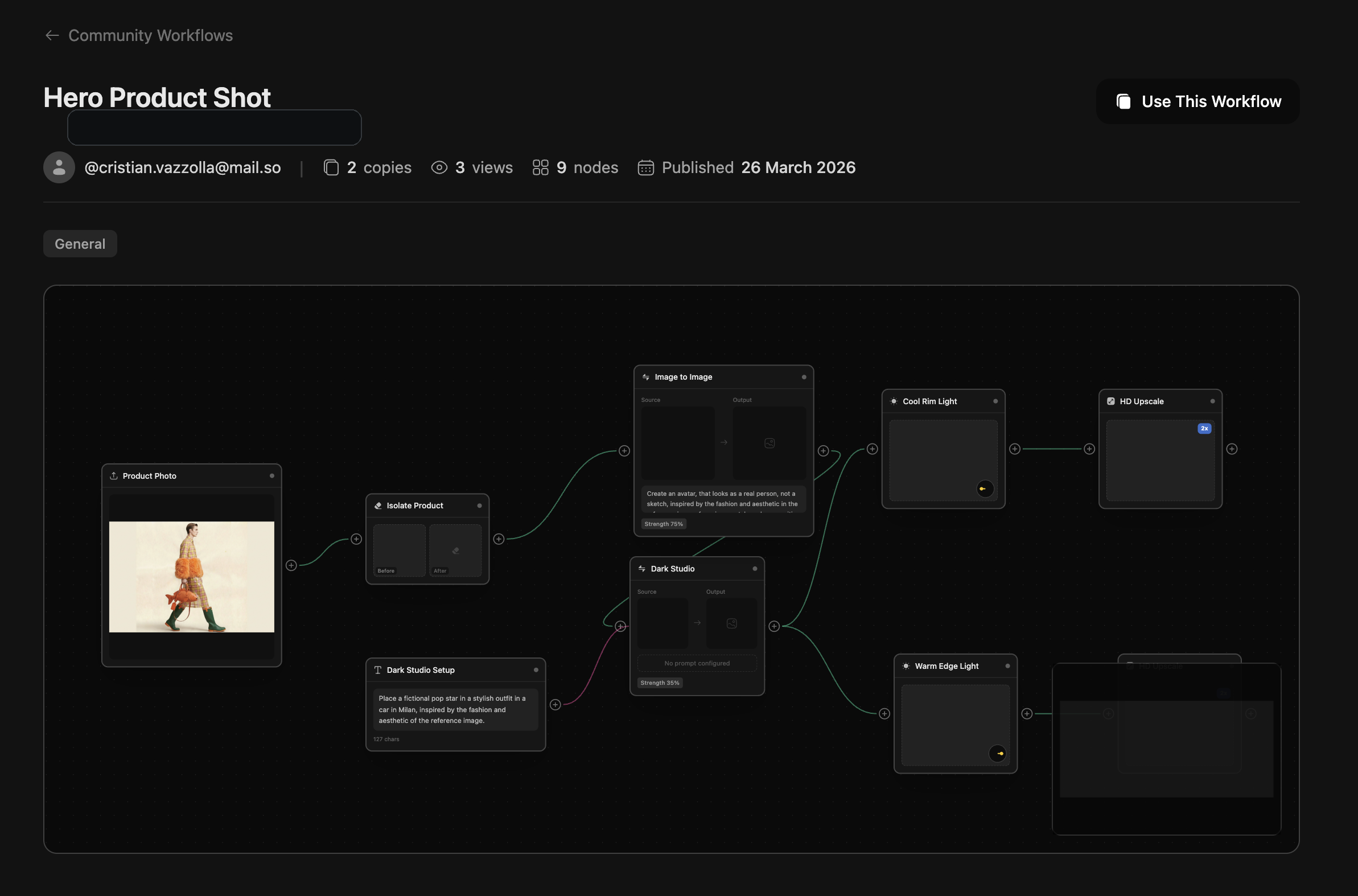
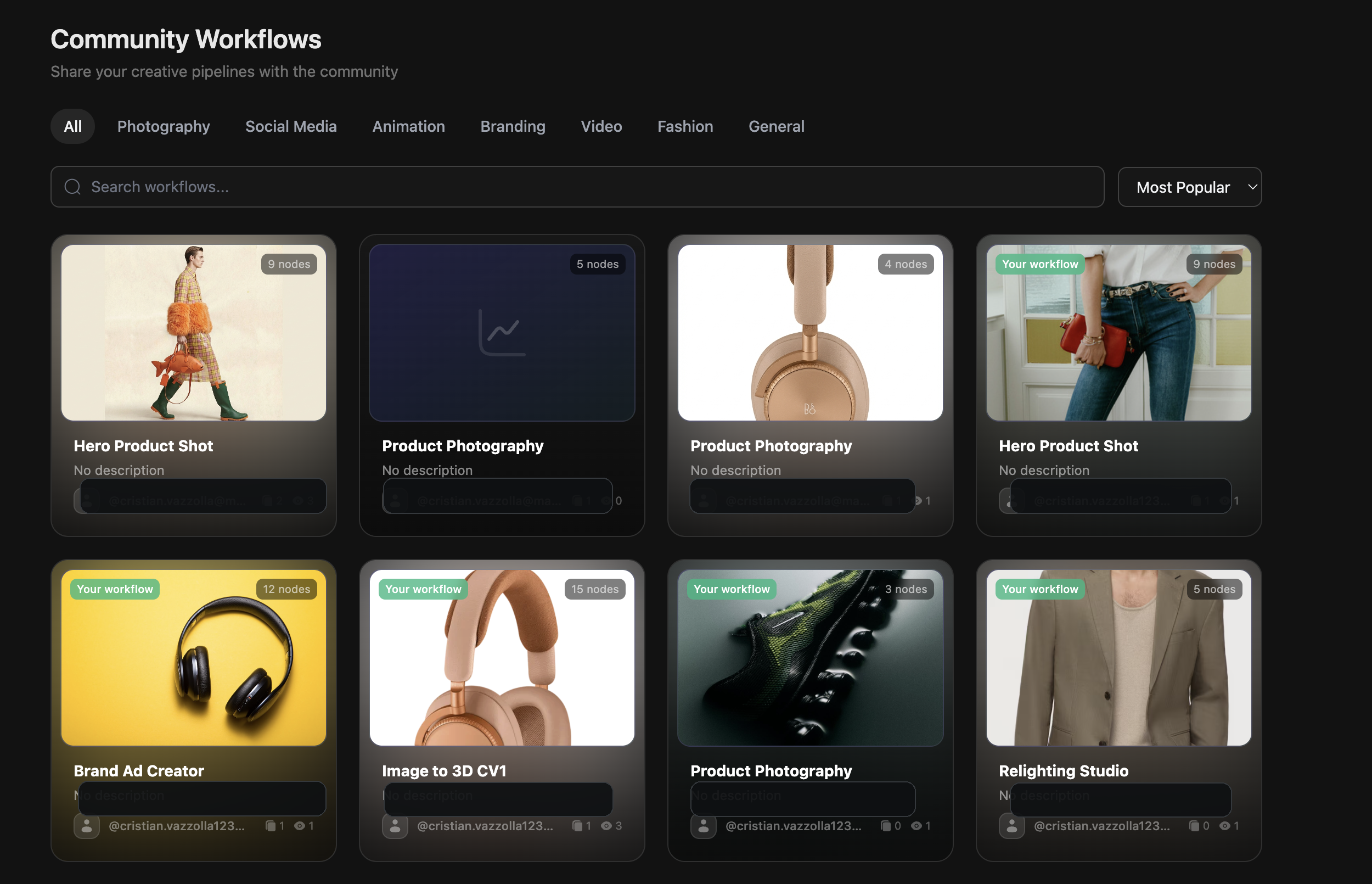
Publish, version, and drop your best multi-step systems into any other workflow without exposing internal complexity.
How Techniques Work
From workflow to reusable building block in 5 steps
Build a Workflow
Create and test your multi-step AI pipeline in the Workflows editor until it does exactly what you need.
Open Publish Menu
Click the Publish button in the top toolbar to open the Technique packaging options.
Select Exposed Ports
Choose which input and output nodes are visible to users of your Technique — hide internal complexity.
Publish as Technique
Give it a name, description, and version tag. Your workflow becomes a single reusable node.
Reuse Anywhere
Drop your Technique into any other workflow as a single node. Share it with your team or the Community.
Key Capabilities
Everything you need to package and share workflows
One-click Packaging
Turn any workflow into a Technique with a single click. No complex configuration — just pick your ports and publish.
Custom Ports
Choose exactly which inputs and outputs are exposed. Hide internal nodes to keep your Technique clean and focused.
Sub-workflow Execution
Techniques run as nested workflows inside the parent pipeline. Full execution isolation with shared credit accounting.
Version Tracking
Publish new versions without breaking existing workflows. Users can choose to update or stay on a stable version.
Transparent / Opaque Modes
Choose whether users can inspect your Technique's internals or keep the implementation private.
From Complex to Simple
One workflow becomes one node
Before packaging
A rich internal workflow with many nodes, branch logic, and implementation detail your users do not need to touch directly.
One reusable node, same execution power
Package the original workflow as a Technique, expose only the right inputs and outputs, and reuse it across your workspace or the community.
Product Photo Technique
2 inputs · 1 output
Built for Every Team
From solo creators to enterprise agencies
Content Creators
Package your signature editing style as a Technique. Apply it consistently across every piece of content with one click.
E-commerce Teams
Build a product photography Technique once. Your entire team can produce on-brand images without learning the full pipeline.
Agencies
Create client-specific Techniques with locked-down parameters. Deliver consistent results while protecting your IP.
AI Enthusiasts
Explore advanced model combinations and publish your discoveries. Let others build on your experiments.