Saltar al contenido principal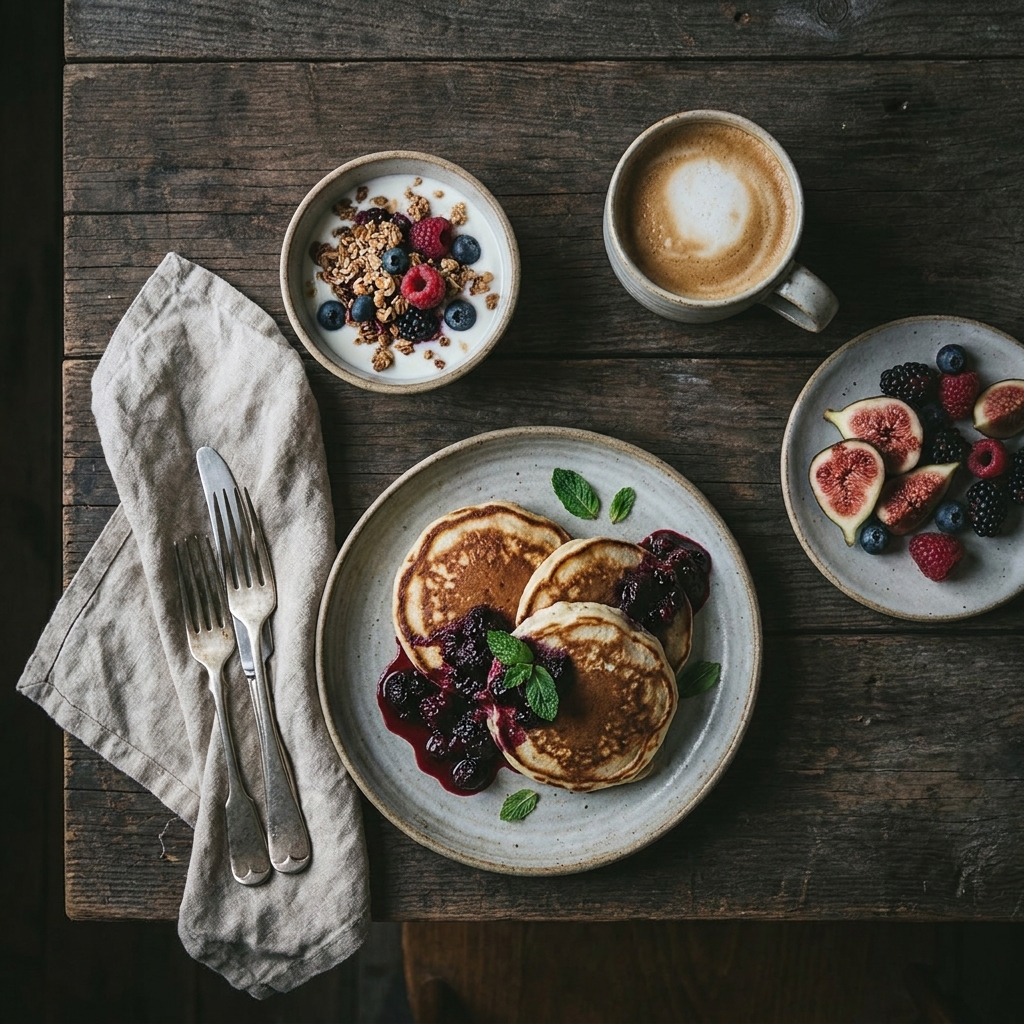
Editorial Flat-Lay
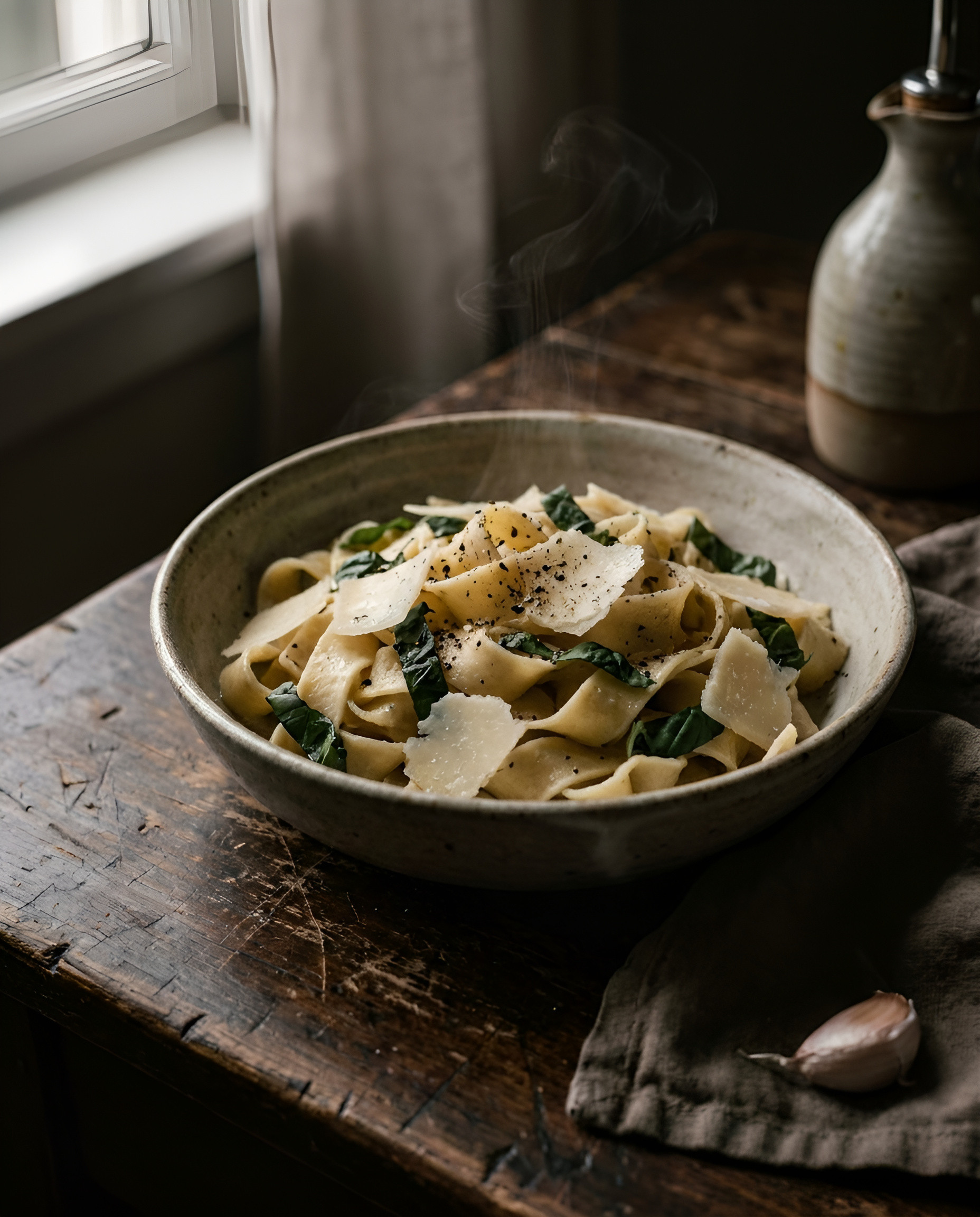
Restyle a dish into a moody top-down flat-lay with linen, cutlery and negative space — the food-blog brunch look. Main dish stays identical.
Sign up to generateHow to create this look
- Upload your photo to the DesignerBox AI studio.
- Apply the Editorial Flat-Lay template — it keeps your face and identity and restyles the rest.
- Generate in seconds and download your images.
Frequently asked questions
- What is the Editorial Flat-Lay template?
- Editorial Flat-Lay turns your uploaded photo into a food look while keeping your facial features and identity. Restyle a dish into a moody top-down flat-lay with linen, cutlery and negative space — the food-blog brunch look. Main dish stays identical.
- How do I create a Editorial Flat-Lay?
- Create a free DesignerBox account, open the AI studio with this template applied, upload a photo, and generate.
- Is it free to try?
- You can start for free — sign up and generate your first images, then upgrade for more.
- What photo works best?
- A clear, well-lit photo where your face is visible gives the most faithful, natural-looking result.