One master concept, 20 to 40 platform-ready variants
The core production workflow for the Performance Creative Rotation Playbook. From approved master to platform-spec compliant variants in about 90 minutes.
Open workflow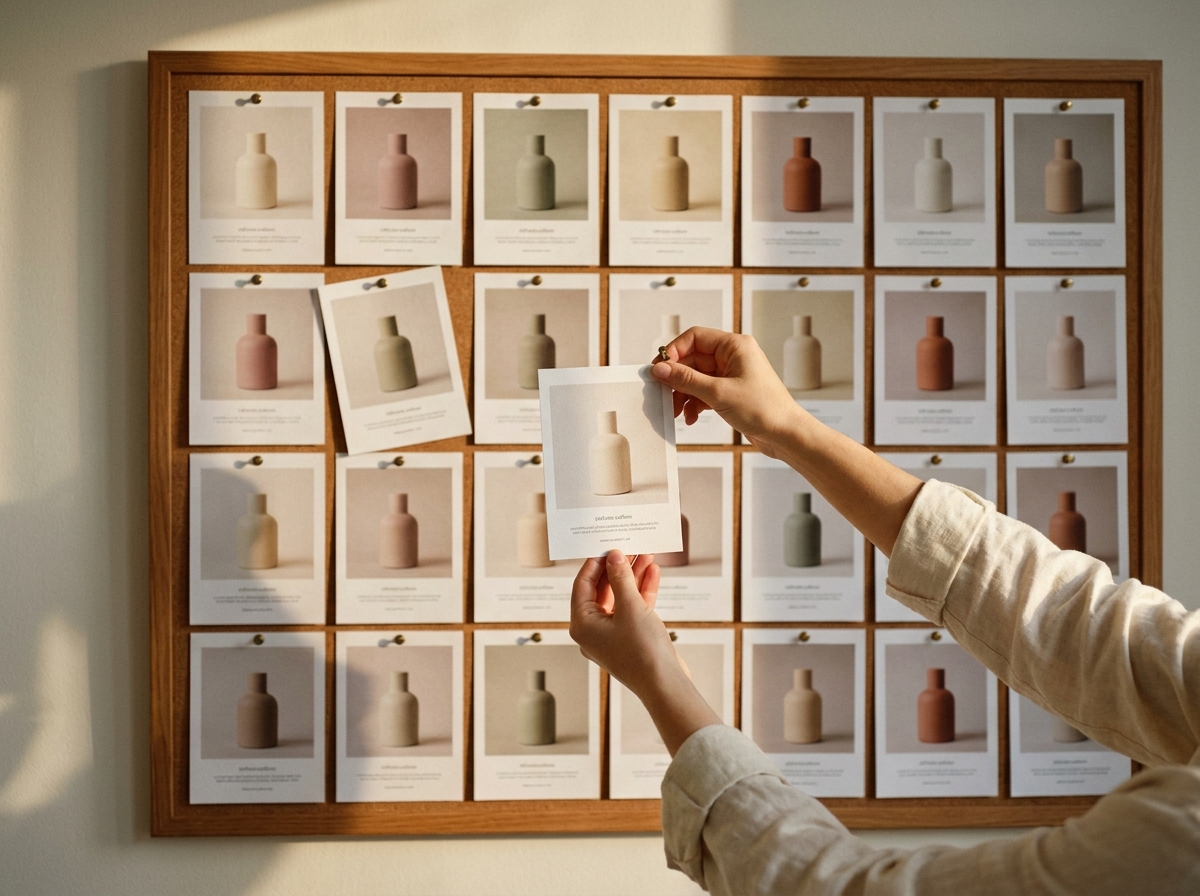
When to use this recipe
Built for performance creative teams running variant tests at meaningful spend. Use it when these four conditions hold.
Master concept is approved and locked
Variants from a moving master waste production. Lock the master first; then run variants. Otherwise revisions cascade across the matrix.
You need 15 or more variants
Below 8 variants, the workflow overhead does not pay back. Above 15, the batch workflow comes alive. Sweet spot is 20 to 30 per campaign.
Variants must stay strictly on-brand
Brand kit, style references, and character LoRAs lock the brand layer so junior team members can run variants without drift. Senior creative does QA, not execution.
Variation along specific test dimensions
Headline copy, framing, CTA, casting, aspect ratio. The matrix is testable; the variants are repeatable. This is variant testing, not exploratory creative.
The workflow
Seven steps from approved master to platform-ready variant set, with realistic time estimates.
Tips and failure modes
Six patterns that separate teams who run variants smoothly from teams who hit the same issues every campaign.
Lock brand kit BEFORE running variants
Brand colors, type, logo placement, character identity. The locks are why juniors can run variants without senior review per asset.
Filter the matrix before generating
A 4x5x3 matrix is 60 theoretical variants. You do not need all 60. Pick the 20 to 30 that test actual hypotheses.
Run 5 then review before scaling
If you batch 30 and the first 5 share a subtle quality issue, you have wasted 25. Run small, review, then scale.
Verify text in image character by character
AI text rendering is improving but not perfect. Brand-mark errors are reputationally damaging. Read every text element before approving.
Name files for media-buyer tagging
Variant_AspectRatio_Headline_CTA naming makes performance attribution work. Without it, your test data is a mess and the campaign learnings die with the campaign.
Senior QA is non-negotiable
Junior can run the workflow; senior must approve the cut. Brand drift catches most often in the senior pass, not the technical pass.
Frequently asked questions
What performance creative teams ask before adopting the variant generator workflow.
How long does the full workflow take end to end?
About 90 minutes for 20 to 30 variants once the workflow template is set up. Matrix planning 15 min, generation 45 to 60 min, review and labeling 15 to 20 min.
Can junior team members run this?
Yes, once a senior has built and locked the workflow template. The brand kit and style locks are the safety rail. Senior reviews the final cut; junior runs production.
What about video variants?
Same workflow shape, longer compute. Video variants average 30 to 90 seconds each. 30 variants takes 15 to 45 minutes of compute time plus configuration.
How many variants is too many?
Above 40 to 50 per campaign you usually hit diminishing returns on testing. Pick the 20 to 30 hypotheses worth testing rather than maximizing variant count.
What if the master concept changes mid-production?
Stop. Re-lock the master. Rerun the variants from scratch. Trying to patch existing variants to a new master creates inconsistency that breaks the test.
Does this work for non-paid creative (organic social)?
Yes, with smaller matrices. Organic variant counts are usually 5 to 10 per post instead of 30. The workflow shape is the same; the matrix is smaller.
How do I track which variant wins?
Name files for your media-buyer tagging scheme so performance attribution links back to the variant matrix. Otherwise you ship the test, get the data, and cannot tell which dimension drove the lift.
Is this safe for brand-sensitive enterprise teams?
Yes, when brand kit and style locks are properly configured. Enterprise teams also use workflow-level permissions so only senior creatives can edit the locks while juniors run variants.
Open the workflow and ship your variant batch today
Campaign Variant Generator is a saved workflow template with brand kit, style references, and character LoRA slots pre-configured. Load your approved master and run the matrix.
Open workflow