Script page to animatic, in a day
Block out scenes before you commit to shot lists. Show the director what the climax could look like. Iterate at the speed of conversation, not the speed of pre-production meetings.
Open workflow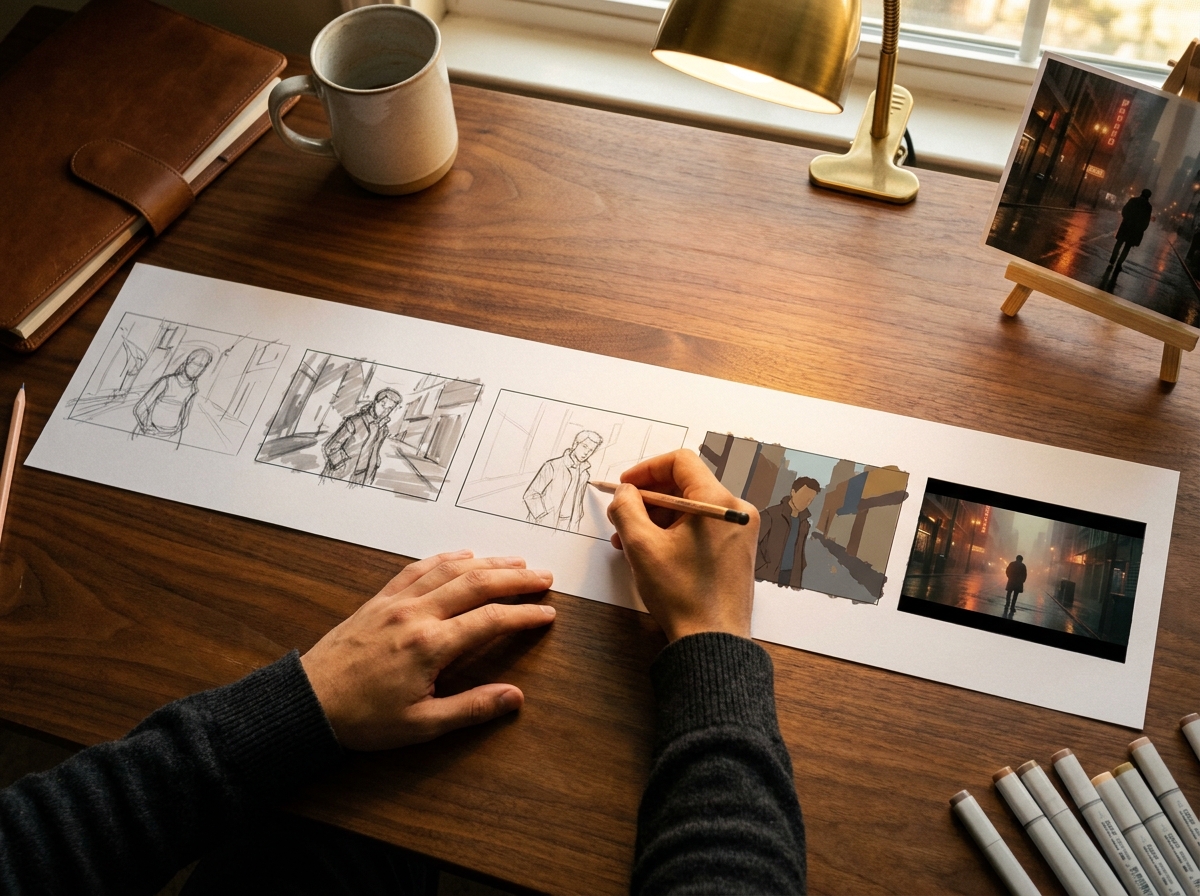
When to use this recipe
Built for working filmmakers and motion designers in pre-production for a real project.
Script or treatment locked
Pre-viz against a moving script wastes generation. Lock the script first or pre-viz a specific scene that is locked. Otherwise you re-iterate every revision.
Director or production review imminent
Pre-viz exists to support a decision meeting. If the meeting is not scheduled, you may be over-investing in pre-viz. Make sure the artifact has an audience.
Multiple scenes or a complex scene
Single-shot pre-viz is faster done as static concept frames (see the Concept Frame Moodboard recipe). This workflow shines on multi-shot scenes that need timing blocked.
Production decisions ride on the pre-viz
Camera operator commitment, location lock, casting calls. The pre-viz informs decisions that cost real money to revise. Worth the investment time.
The workflow
Seven steps from script page to a director-review-ready animatic with placeholder timing.
Tips and failure modes
Six patterns separating useful pre-viz from over-engineered animatics.
Reference anchor images per shot
Pull a reference still from existing cinema for each shot. Anchors compress iteration; the prompt language has a target. Without reference, the model interprets loosely.
LoRA train your hero character first
Character consistency is the hardest pre-viz problem. Train a hero-character LoRA from 15 to 20 reference images before generating character shots. Pays back across every shot featuring the character.
Time-block in the edit tool
Pre-viz stills without timing are concept frames, not animatics. The timing decision (how long each shot holds) is the value-add of the animatic. Block timing in Premiere/Resolve/FCP.
Curate generation output ruthlessly
Per shot you may generate 10 to 20 candidates; the animatic uses 1. The cut-down ratio matters more than the generation. Pick the strongest, not the latest.
Audio drives perceived pacing
Scratch dialogue, temp music, or even silence with cues impacts how the animatic reads. A silent animatic feels slower than a temp-scored animatic. Layer in audio before director review.
Annotate production cost per scene
Pre-viz informs budget decisions. Per scene: location cost, casting cost, special effects, day count. Director plus producer use the annotated pre-viz to lock the production plan.
Frequently asked questions
What working filmmakers ask about AI pre-viz workflows.
How long does the full pre-viz take?
About 6 to 8 hours of focused work for a 5 to 10 minute scene. Script breakdown 1 hour, generation 3 to 5 hours, animatic assembly 1 to 2 hours, annotation 30 minutes.
Can pre-viz frames become final production assets?
Sometimes. Strong pre-viz frames can become reference for final shots; some establishers can ship as-is. Most need re-generation at higher fidelity for delivery. Plan as concept, surface as opportunity.
Do I need to train character LoRAs for pre-viz?
For hero characters that appear in many shots, yes. For one-off background characters, no. The LoRA training pays back across the volume; it does not pay back for one-shot wonders.
What models work best for pre-viz?
Flux Pro or GPT Image for character work and product/scene fidelity. Veo for cinematic atmospheric establishers when you need motion. Mix models per shot; do not commit to one for the whole pre-viz.
Can I show the pre-viz to clients (not just internal)?
Yes, with framing. Pre-viz is direction, not final. Brief clients that pre-viz visualizes intent, not final output. Clients who understand this engage productively; clients who do not should not see pre-viz.
How does this compare to traditional storyboarding?
Traditional storyboards: sketches, fast to iterate, low fidelity. AI pre-viz: photorealistic stills, slower to iterate per frame but with timing layer included. They are complementary; many directors use both.
What about pre-viz for commercials vs film?
Same workflow shape. Commercials typically have tighter scene count (10 to 20 shots), so pre-viz wraps in 2 to 3 hours. Film is longer (50+ shots per scene), so plan accordingly.
Can I deliver the animatic to the editor for picture lock?
Yes. Edit timeline file (Premiere XML, Resolve project) exports clean. Editor uses the pre-viz cut as a structural reference for the actual edit. Pre-viz informs the cut without locking it.
Ship a director-review-ready animatic this week
Pre-Viz to Animatic workflow takes a script breakdown and produces concept frames plus a timing-blocked edit ready for director review. About 6 to 8 hours per scene.
Open workflow