본문으로 건너뛰기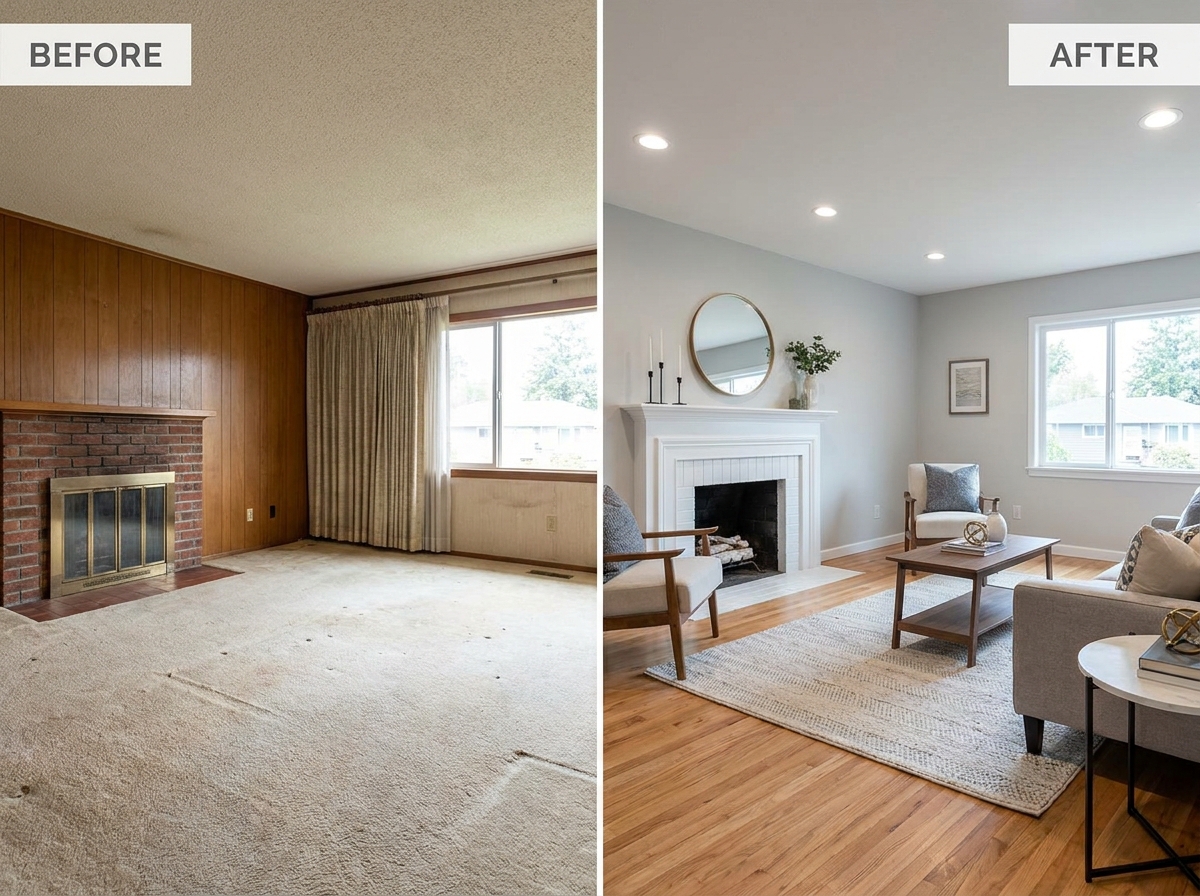
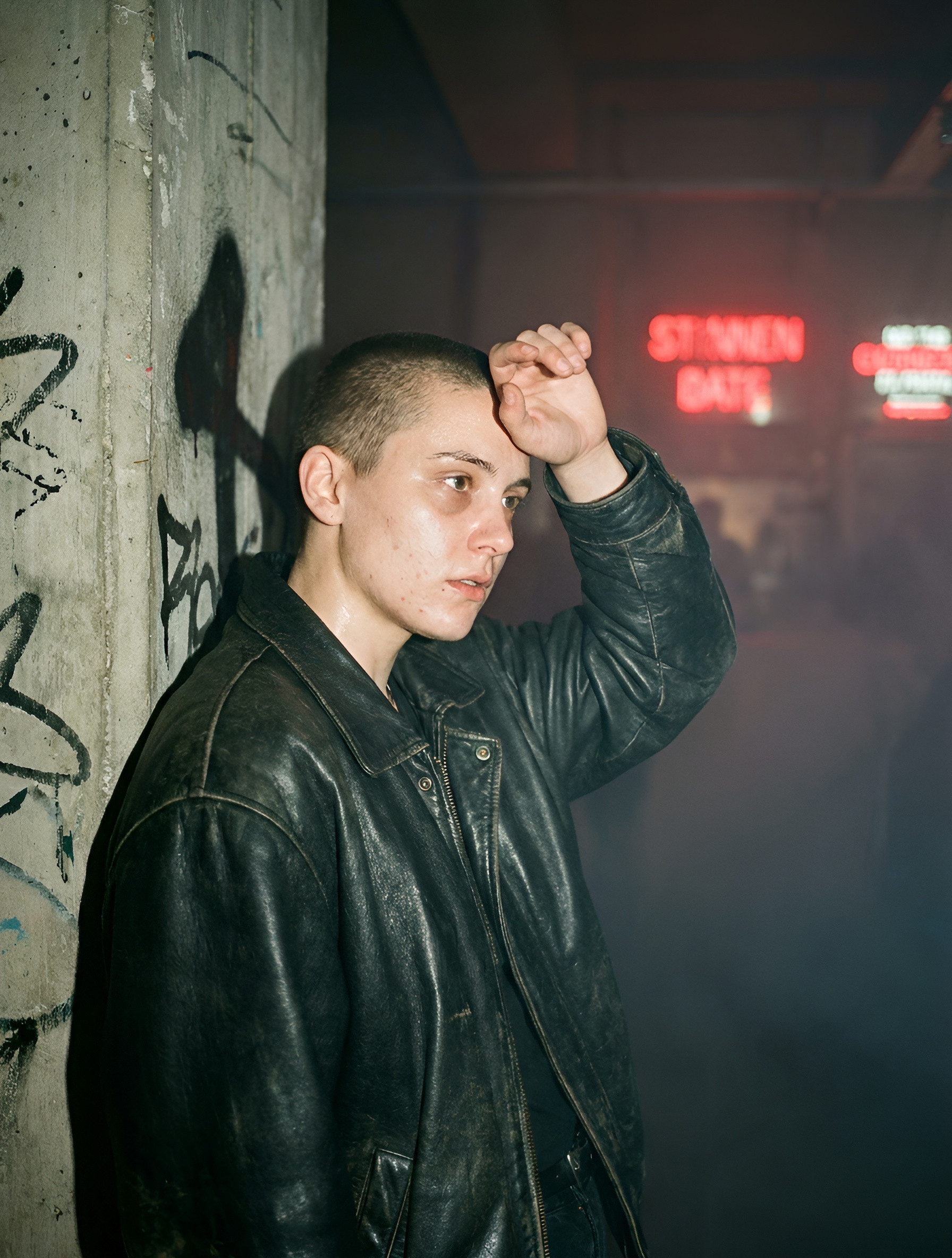
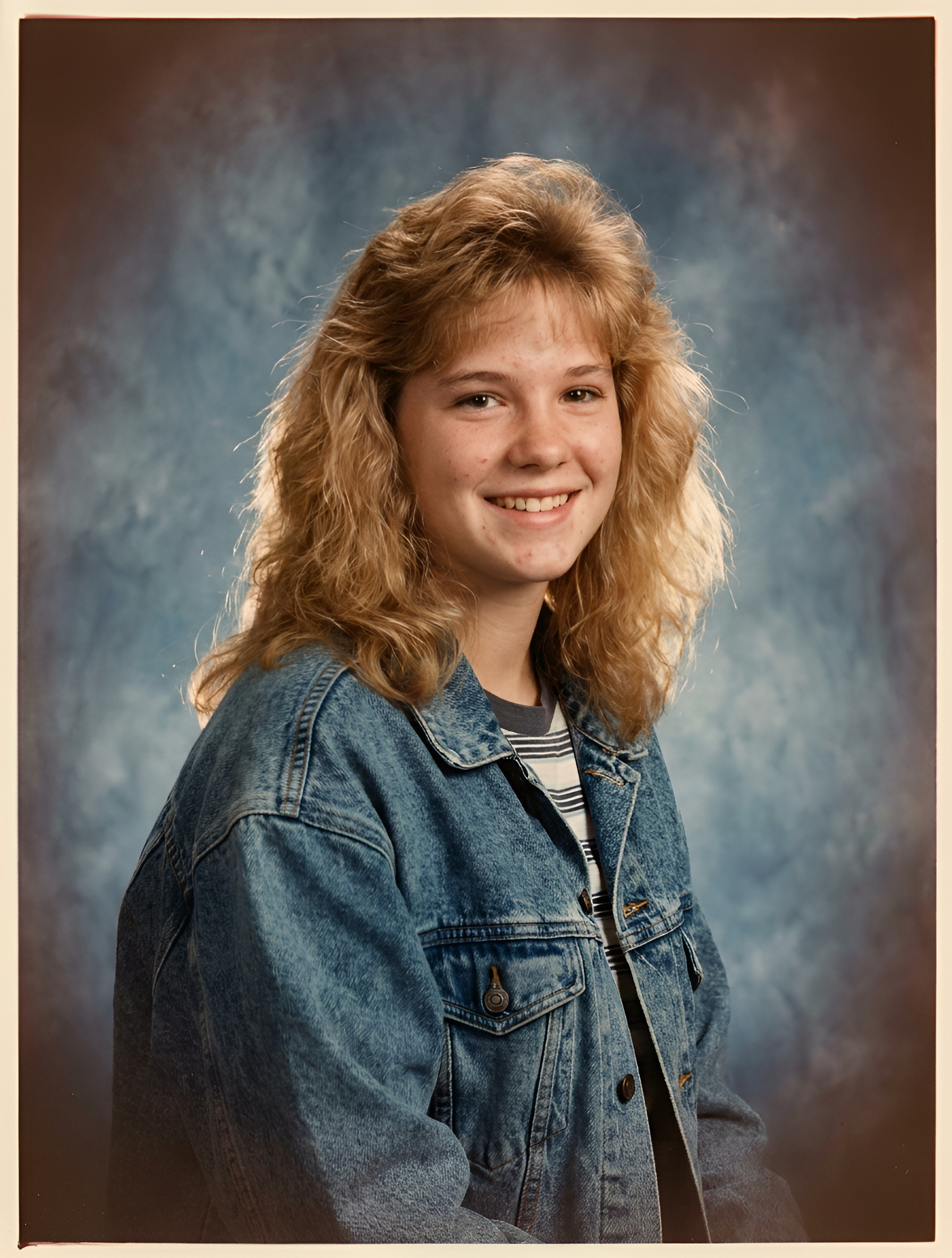
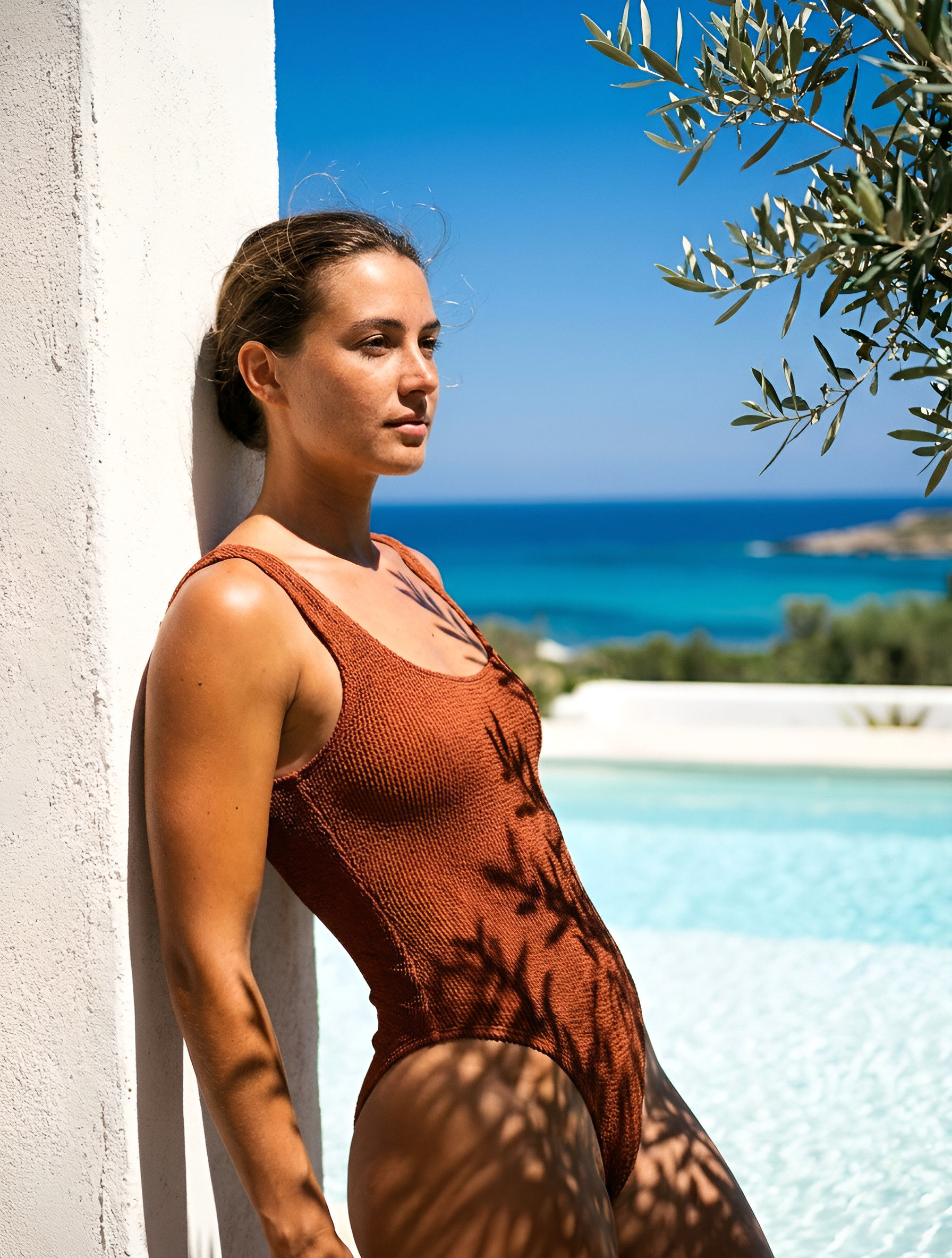
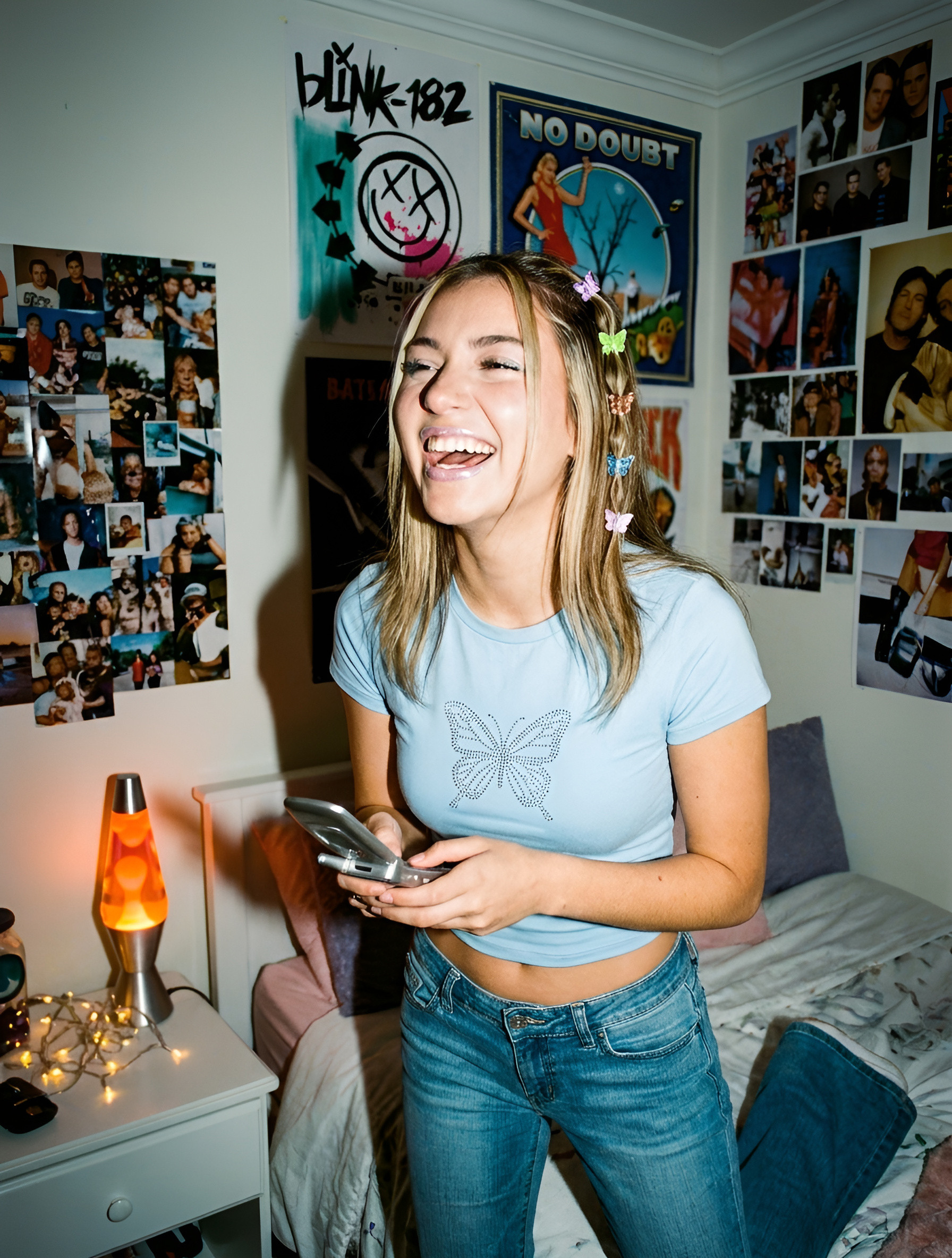
Before After Renovation AI Real Estate Photo
Show your transformation — turn one room photo into a side-by-side BEFORE/AFTER renovation reveal.
Sign up to generateHow to create this look
- Upload your photo to the DesignerBox AI studio.
- Apply the Before After Renovation AI Real Estate Photo template — it keeps your face and identity and restyles the rest.
- Generate in seconds and download your images.
Frequently asked questions
- What is the Before After Renovation AI Real Estate Photo template?
- Before After Renovation AI Real Estate Photo turns your uploaded photo into a real estate look while keeping your facial features and identity. Show your transformation — turn one room photo into a side-by-side BEFORE/AFTER renovation reveal.
- How do I create a Before After Renovation AI Real Estate Photo?
- Create a free DesignerBox account, open the AI studio with this template applied, upload a photo, and generate.
- Is it free to try?
- You can start for free — sign up and generate your first images, then upgrade for more.
- What photo works best?
- A clear, well-lit photo where your face is visible gives the most faithful, natural-looking result.