Same shot, new lighting, no reshoot
Golden hour. Neon noir. Hard side light. Studio softbox. Apply new lighting to existing footage or imagery and recover shots the lighting did not land.
Open workflow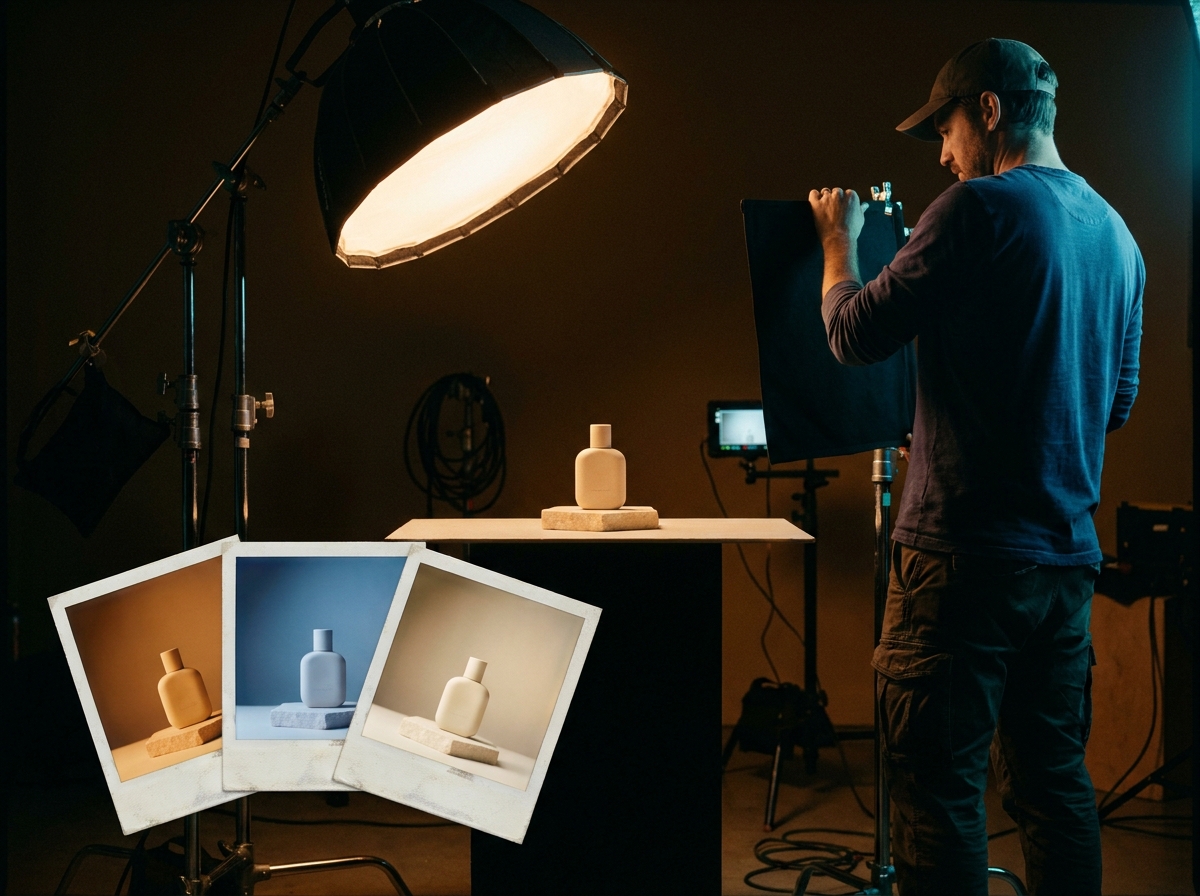
When to use this recipe
Built for production teams handling lighting consistency, scene matching, or salvaging shots with wrong lighting.
Shot has wrong or inconsistent lighting
The shot itself is good (composition, subject, performance) but the lighting does not match the scene or campaign mood. Relight rescues the shot without a reshoot.
Cross-shot lighting consistency
Generated shots in a sequence drift in lighting even with identical prompts. Relight normalizes lighting across a sequence to maintain continuity.
Mood A/B testing
Same shot, golden hour vs neon vs studio. Run the variants and let media buyers pick the highest-performing treatment. Cheaper than producing each variant from scratch.
Plate footage needs to match generated elements
Composite AI elements into real plate footage. Relight the AI elements to match the plate's lighting (or vice versa) for clean integration.
The workflow
Five steps from source shot to relit output.
Tips and failure modes
Six patterns separating clean relights from shots that drift on subject identity.
Reference lighting from existing cinema
Pulling a reference still from a film with the lighting you want anchors the prompt better than abstract description. The reference is the target; the prompt language is the bridge.
Subject integrity is the failure mode
Aggressive relighting prompts cause subject drift (face changes, pose changes). Conservative parameters preserve subject; aggressive parameters change too much. Lean conservative; iterate.
Reflections and contact shadows
New lighting implies new reflections and contact shadows. Workflow handles most but check explicitly: reflective surfaces and shadows that match the new light direction.
Color temperature matters
Golden hour is warm; neon is cool; studio softbox is neutral. Match color temperature to the target lighting; mismatched temperature reads as wrong even when the direction is right.
Across-shot continuity
When relighting one shot in a sequence, verify it matches neighboring shots. Lighting that is correct in isolation but wrong against neighbors breaks continuity.
Extreme lighting changes need re-generation
Day shot to night shot is a different scene, not a relight. Relight handles same-time-of-day mood adjustments; extreme changes are better as full re-generation.
Frequently asked questions
What post and production teams ask about relight workflows.
How aggressive a relight is safe?
Conservative: shift color temperature, soften or harden shadows, change light direction. Safe across most subjects. Aggressive: day to dusk, indoor to outdoor. Often produces subject drift; better as re-generation.
Will the subject look exactly the same?
Mostly yes; subtle drift can occur on faces and identity. Compare against source after each relight. If identity drifts, re-run with more conservative parameters or anchor with a reference image.
Can I relight real footage (not AI-generated)?
Yes. Photography and video can be relit. Real footage usually preserves subject identity better than fully AI-generated shots because the source carries more identity information.
How does this compare to a colorist's grade?
Relight changes the light direction, intensity, and quality (which a colorist cannot do). A colorist adjusts color, contrast, saturation in post. Different tools for different problems; often used together.
Does this work for video, not just stills?
Yes for short clips (a few seconds). Long-form video relight is harder due to per-frame consistency. For long shots, relight key frames and use frame interpolation for continuity.
Can I relight an entire sequence at once?
Yes, batched per shot. The workflow handles batch operation. Verify consistency across the sequence after batch run; some shots may need individual refinement.
Will the relit shot composite into plate footage?
Yes after match-grading. The relight gets the lighting direction and quality close; final color match against plate footage typically happens in your colorist's pipeline (DaVinci or similar).
What about reflective products (glass, metal)?
Reflective surfaces are the hardest relight case. Reflections must match the new lighting direction or the shot reads as wrong. Plan extra QA on reflective products and accept higher iteration count.
Salvage shots with wrong lighting without a reshoot
Cinematic Relight workflow takes a source shot and applies new lighting while preserving subject. 5 to 15 minutes per shot. Color match in your colorist's pipeline.
Open workflow