Headshots that look like you, on a good day
$30 to $60 instead of $500 to $1,500 typical New York studio session. The honest principle: AI photos appropriate when they show you on a good day; misrepresentation when they show someone who is not quite you.
Open workflow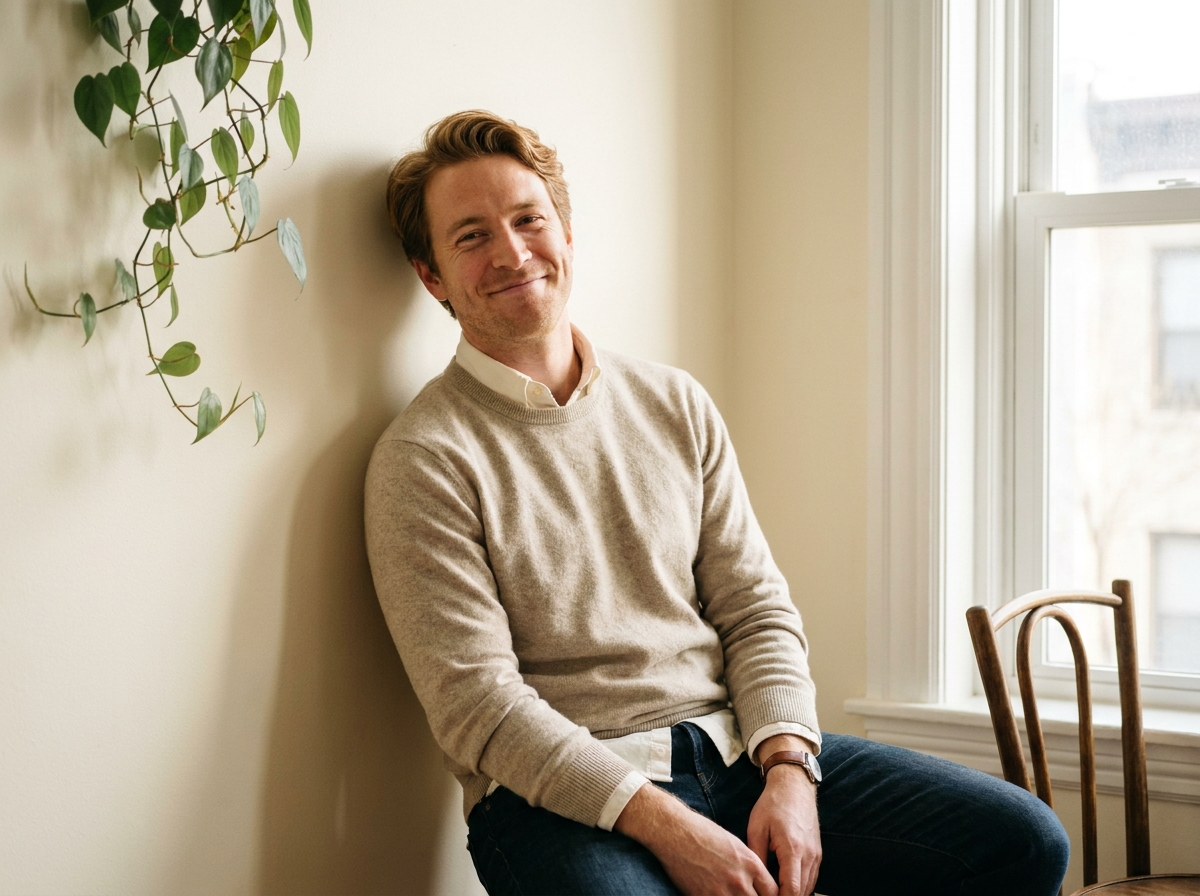
When to use this workflow
Personal-use cases where AI headshots are reasonable. The boundary matters; misrepresentation hurts more than the photo cost saves.
LinkedIn headshot refresh
Professional context where you need a headshot but cannot justify $1000+ studio sessions. Looks-like-you AI headshots work when colleagues and recruiters will not be surprised meeting you in person.
Dating profile photos
Dating audiences meet you in person. AI photos that overstate your appearance create in-person letdown. Looks-like-you AI photos prevent the letdown; misrepresentation breaks the match.
Personal branding for consultants and service providers
Speaker bio photos. About-page photos. Professional headshots for service-provider websites. Personal brand uses where the standard is professional appearance, not fashion-magazine appearance.
Not appropriate for: misrepresentation
AI photos that show someone who is not quite you (different body, different age, different appearance) cross from personal-use into misrepresentation. Not what this workflow produces.
The workflow
Six steps from selfie set to honest professional headshots.
The honest principles
Six rules that separate ethical personal-use AI photography from misrepresentation.
Looks like you on a good day = appropriate
Generous lighting. Flattering angle. You with the kind of glow that happens occasionally. People meeting you in person will recognize you.
Looks like someone else = misrepresentation
Different body type. Significantly different age. Features substantially modified. Audiences meeting you in person will feel deceived. Not what this workflow produces.
Ask a friend if uncertain
Self-perception is unreliable for this judgment. A friend who knows you should say yes that looks like you. If they hesitate, the photo crosses the line.
Hinge AI Principles are a useful guide
Hinge's published principles for AI photos on dating profiles (March 2025) align with this workflow. Photos should help users feel confident; not misrepresent. The principles generalize.
Mix AI photos with real recent photos
Especially on dating apps. AI-only profiles read as off; mixed profiles read as polished. 2 to 3 AI photos plus real recent photos is the typical balance.
Cost comparison is honest math
$30 to $60 in AI workflow cost vs $500 to $1,500 typical New York studio headshot. The savings are real. The boundary (looks like you) is also real. Both matter.
Frequently asked questions
Honest answers about personal-use AI headshots.
Is using AI photos on dating apps OK?
Yes when they look like you on a good day. Hinge and Bumble's AI principles support this use case. Not OK when they show someone who is not quite you; the in-person meeting reveals the gap and breaks trust.
Will LinkedIn or recruiters detect AI photos?
Detection technology is improving. The honest workflow positions AI photos as professional polish, not deception. Looks-like-you photos do not trigger the same concerns as obviously-fake photos.
How much does this cost vs a traditional headshot?
AI workflow: $30 to $60 in credits for a strong set of headshots. Traditional New York studio headshot sessions: typically $500 to $1,500 depending on photographer, location, and revision count. The savings are substantial; the boundary matters.
How many reference selfies do I really need?
15 to 25 is the sweet spot. Below 15: LoRA drifts on angles you did not provide. Above 25: diminishing returns. Phone selfies work; do not need professional photos.
What if the AI photos look too good?
Honest self-review. If the photos look like someone else, regenerate with prompts that pull back the polish. Looks-like-you on a good day, not looks-like-a-different-person.
Can I use AI photos for professional work where my likeness matters (acting, modeling)?
This workflow is for personal use. Professional acting and modeling have different likeness contracts and union rules. Consult your representation; do not use AI workflow output for paid likeness work without permission.
What if my body changes (weight, age)?
Retrain the LoRA with recent selfies. Old LoRAs trained on different-you produce different-you photos. Keep the reference set recent (last 6 months) for honest output.
Is there a free trial?
Yes. Free plan supports a starter LoRA training run. Most personal-use cases work within Free or Basic tier; this is not a high-credit workflow.
Get headshots that look like you, not someone else
Personal-use AI headshot workflow uses your selfies to train your LoRA, then generates honest professional photos. Looks-like-you on a good day. The boundary matters as much as the savings.
Open workflow