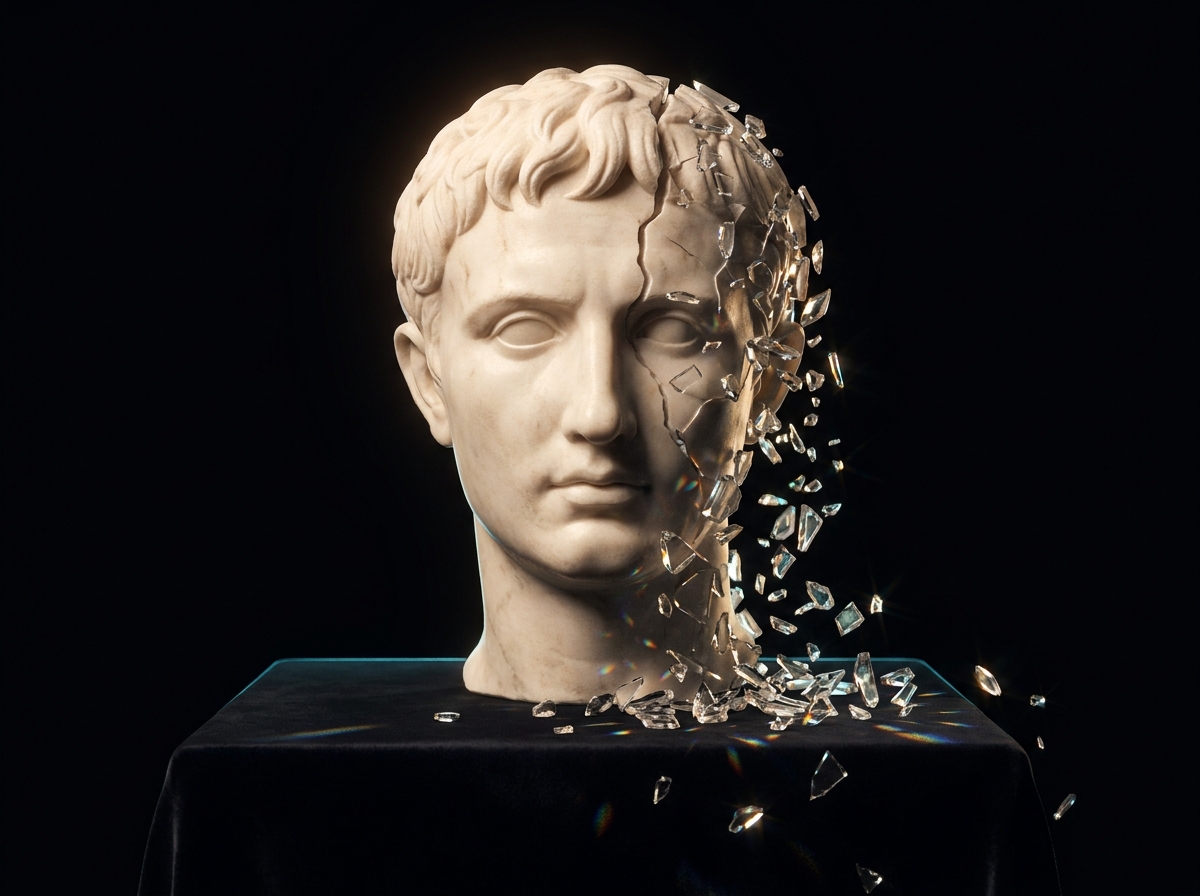
'거의 다 왔지만 아닌' 실패
언뜻 보면 멀쩡하지만 자세히 보면 오류가 드러납니다. 클로즈업 샷의 손과 손가락, 특정 텍스트의 정확도, 반사와 거울, 복잡한 광학 표현, 사물에 적힌 숫자(시계, 표지판, 등번호), 멀리 있는 배경 인물. QA를 서두르면 그대로 납품되기 때문에 가장 대비하기 어려운 유형입니다.
AI 크리에이티브는 무작위로 실패하지 않습니다. 거의 모든 프로젝트에서 같은 다섯 지점에서 실패합니다. 인접한 컷 사이의 연속성 이탈, 아무도 승인하지 않은 로고나 라벨을 지어내는 브랜드 요소 환각, 천과 머리카락과 액체에서 나타나는 모션 아티팩트, 영어 이외 언어에서의 립싱크 실패, 같은 프롬프트에서 나온 두 컷이 두 스톱 차이로 벌어지는 색보정 붕괴입니다. 각각에는 원인이 있습니다. 그럼에도 대부분 그대로 납품됩니다. 빠른 검수는 통과하고, 클라이언트가 큰 화면으로 편집본을 볼 때에야 드러나기 때문입니다.
해법은 두 가지의 조합입니다. 가장 어려운 실패가 애초에 시도되지 않도록 브리프를 설계하는 것, 그리고 전체 재생성에 크레딧을 태우는 대신 실제로 고칠 수 있는 것을 고치는 것입니다. 이 가이드는 실패 유형마다 이름을 붙이고 원인을 설명하며 예방 단계와 복구 단계를 함께 제시합니다. 어떤 한계가 구조적이고 어떤 한계가 현재 버전의 문제인지도 표시하므로, 향후 1년간 무엇을 감안하고 무엇이 개선될지 예상할 수 있습니다.
모두 2026년 초 기준의 실제 사례이며, 앞으로 12~18개월은 유효할 가능성이 큽니다. 일부는 시간이 지나며 해결되겠지만, 상당수는 그렇지 않습니다.
언뜻 보면 멀쩡하지만 자세히 보면 오류가 드러납니다. 클로즈업 샷의 손과 손가락, 특정 텍스트의 정확도, 반사와 거울, 복잡한 광학 표현, 사물에 적힌 숫자(시계, 표지판, 등번호), 멀리 있는 배경 인물. QA를 서두르면 그대로 납품되기 때문에 가장 대비하기 어려운 유형입니다.
고품질의 다중 캐릭터 상호작용은 단일 캐릭터 작업보다 훨씬 크게 흔들립니다. 50컷이 넘는 긴 시퀀스에서는 보통 5~10컷에서 캐릭터 동일성이 눈에 띄게 무너집니다. 시간 경과에 따른 노화 표현, 정면 학습 LoRA에서 벗어나는 측면과 3/4 앵글도 마찬가지입니다. 버전 문제가 아니라 실제 벽입니다.
인접한 생성 컷 사이의 연속성(색, 조명, 프레이밍), 정확한 속도의 특정 카메라 무빙, 움직이는 사물의 물리(천, 머리카락, 액체), 여러 언어에서 원어민 수준의 립싱크, 8~15초를 넘는 장시간 일관성. 모두 현장에서 바로 티가 나는 방식으로 무너집니다.
컬러 매니지먼트 파이프라인(Rec.709, Rec.2020, DCI-P3) 처리가 들쭉날쭉합니다. 생성물마다 브랜드 지정색 재현이 달라지고, AI 컷과 실사 플레이트의 매치 그레이딩도 어렵습니다. AI 툴만으로는 완성된 색이 나오지 않기 때문에 콜리스트에게 넘기는 단계가 대부분 필요합니다.
정밀한 부분 수정(이 오브젝트를 왼쪽으로 2인치 옮기기, 이 색 하나만 바꾸기)을 요청하면 이미지 전체가 다시 생성되면서 엉뚱한 부분까지 바뀌는 일이 잦습니다. 영역 지정 편집은 나아지고 있지만 아직 기존 리터칭만큼 정밀하지 않습니다. AI가 정밀 수정을 해내길 기대하기보다, 쓰던 후반 툴에서 보정 단계를 잡아 두세요.
AI 기반 제작을 포기하지 않으면서 위 실패 유형을 줄이는 5가지 워크플로 원칙입니다.
주요 컷의 손, 브랜드 마크가 들어가는 텍스트, 반사면, 배경 인물. 실패 확률이 높은 컷일수록 검수를 두껍게 하세요. 깨끗한 결과가 나오길 기대하는 대신, 이런 컷에만 QA 시간을 20~40% 더 배정하는 편이 낫습니다.
시간 경과에 따른 노화 연출이 필요하다면 프리 프로덕션 단계에서 우회안(다른 배우, 시간 점프)을 잡으세요. 텍스트 정확도가 중요한 캠페인이라면 렌더링 후 텍스트 오버레이를 전제로 설계하세요. 제작 단계에서 구조적 한계와 싸우면 크레딧만 태우지만, 기획 단계에서 우회하면 프로젝트를 살립니다.
다중 캐릭터 상호작용은 단일 캐릭터보다 빠르게 무너집니다. 두 명씩 생성한 뒤 후반에서 합성하세요. 3인 이상 장면은 현재 툴로는 대체로 무리이며, 조립이 곧 워크플로입니다.
어떤 컷은 특정 모델에서는 계속 실패하다가 다른 모델에서는 한 번에 나옵니다. 컷 유형별로 대체 모델을 지정해 두세요. 현실적인 워크플로는 단일 모델이 아니라 멀티 모델입니다. 여러 모델을 한곳에 묶어 둔 플랫폼을 쓰면 툴을 갈아타는 번거로움이 사라집니다.
최종 그레이딩은 DaVinci, Resolve 또는 담당 콜리스트에게 넘기세요. AI 툴은 쓸 만한 소재를 만들어 줄 뿐, 완성된 색은 후반 파이프라인의 몫입니다. 실사 플레이트와의 매치 그레이딩에는 콜리스트의 판단이 필요합니다.
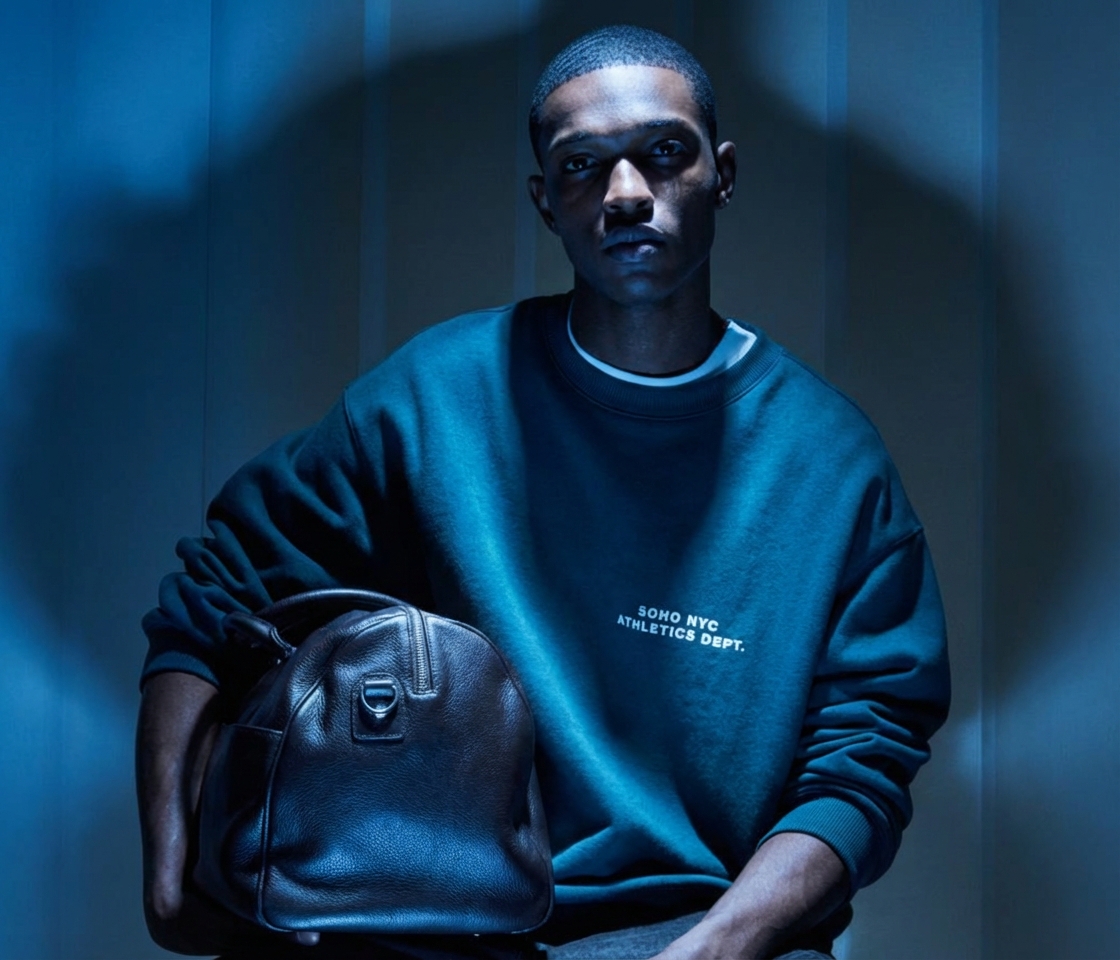
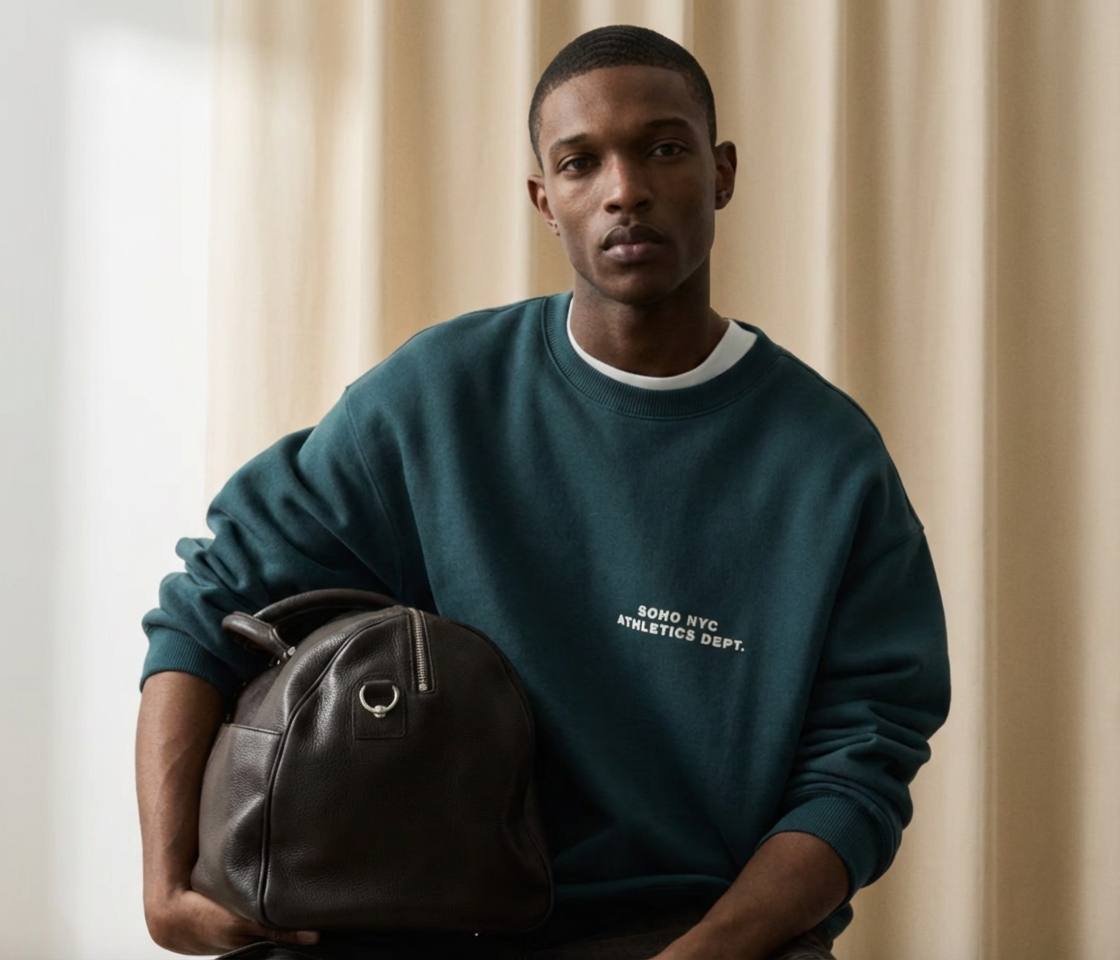 이전이후
이전이후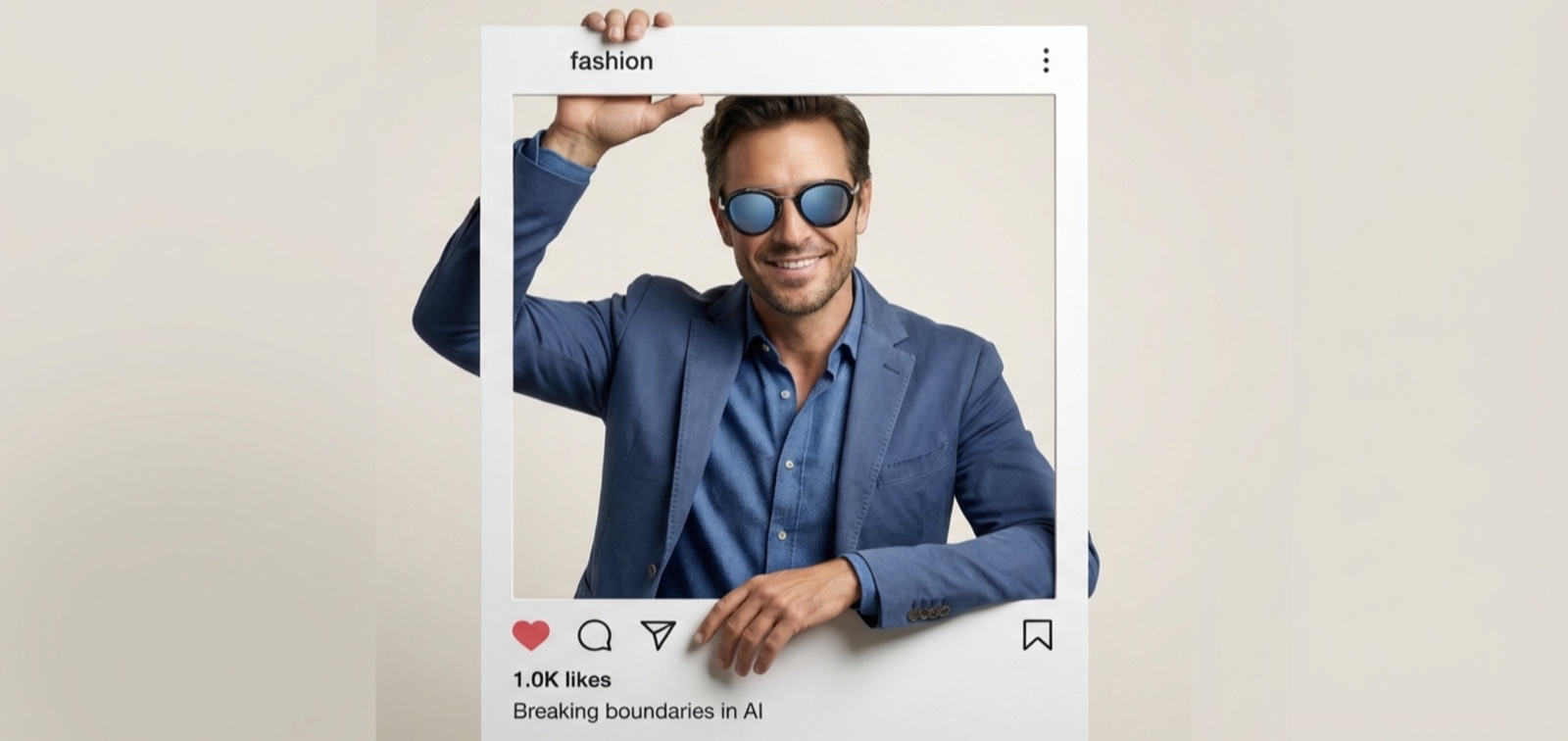
 이전이후
이전이후실패 유형에 가장 크게 걸리는 6가지 반복 컷 패턴입니다. 미리 알아 두면 크레딧과 일정을 아낄 수 있습니다.
손가락과 사물의 관계는 이미지 AI가 가장 자주 무너지는 지점입니다. QA 시간을 확보하고, 깔끔하게 나온 손 컷에 사물을 후반 합성하는 방법도 고려하세요.
글자 단위까지 정확한 브랜드 마크 재현은 구조적으로 어렵습니다. 텍스트 가독성이 중요한 컷은 후반 레이어에서 텍스트를 얹으세요. 배포 전에는 항상 글자 하나하나를 확인하세요.
물리적으로 말이 안 되는 표현은 다른 어떤 요소보다 반사에서 많이 드러납니다. 뽑는 양이 쓸 수 있는 양을 크게 웃돌게 되니, 반사 요소가 있는 컷은 반복 생성 비율을 높게 잡으세요.
두 캐릭터가 얽히면 한 명일 때보다 빠르게 흔들리고, 세 명 이상이면 일관성이 무너집니다. 두 명 구도나 단일 캐릭터로 쪼개서 생성한 뒤 후반에서 조립하세요. 이런 장면은 전체 생성을 시도하지 마세요.
같은 프롬프트를 써도 시퀀스 안의 생성 컷들은 조명과 색이 흔들립니다. 후반 컬러 그레이딩으로 톤을 맞추세요. 그레이딩 없이 여러 컷의 연속성을 AI가 완벽하게 유지해 주리라 기대하면 안 됩니다.
영어 립싱크는 쓸 만한 수준입니다. 다른 언어는 편차가 크고, 일부 언어는 여전히 눈에 띄게 나쁩니다. 현지인이 보기에 자연스러운 로컬라이제이션을 약속하기 전에 해당 언어로 립싱크 품질을 직접 확인하세요.
AI 결과물을 승인하거나, 배포된 뒤 클라이언트에게 설명해야 하는 모든 분입니다.
작업이 클라이언트에게 가기 전 마지막 검수 단계입니다. 어떤 컷 유형이 실패하고 그 실패가 어떻게 보이는지 알면, 막연한 직감이 구체적인 점검 목록으로 바뀝니다.
마감 압박이야말로 실패 유형이 그냥 통과되는 지점입니다. 실패 목록을 미리 알면 재작업을 떠안는 대신 현실적인 QA 시간을 견적에 넣을 수 있습니다.
연속성 이탈, 모션 아티팩트, 립싱크는 생성이 끝난 뒤에 물려받는 실패입니다. 원인을 알면 브리프 단계에서 요구하는 내용이 달라집니다.
작업량이 검수 역량을 금방 앞지릅니다. 컷 유형별 QA 기준표가 결과물을 늘리는 것과 브랜드에서 벗어난 자산의 수를 늘리는 것을 가릅니다.
DesignerBox는 이 실패 유형들을 없앤다고 말하지 않습니다. 어떤 도구도 그러지 못합니다. 달라지는 것은 대응 비용입니다. 손 하나가 잘못됐거나 환각으로 생긴 라벨이 끼어들었다고 프레임 전체를 다시 생성하는 대신, Retouch가 해당 영역만 편집하고 나머지 컷은 그대로 둡니다. 옆 컷과 조명이 맞지 않을 때는 Spotlight가 프레임을 다시 라이팅합니다. 색보정 붕괴의 통상적인 첫 증상이 바로 이것입니다. Skin Retouch는 얼핏 보면 통과하지만 가까이서 보면 어긋나는 피부 디테일을 정리합니다. 일관 캐릭터 도구는 시퀀스 전체에서 인물의 동일성을 유지하고, 공유 애셋 라이브러리는 승인된 레퍼런스를 한곳에 보관해 두 번째 배치가 첫 번째와 맞아떨어지게 합니다. 최종 그레이딩과 실사 플레이트와의 매치 그레이딩은 여전히 후반 파이프라인의 몫입니다. 그 부분은 제품의 공백이 아니라 정당한 작업입니다.
실제 프로젝트에서 위 실패 유형을 겪은 현업 크리에이터들이 가장 많이 묻는 질문입니다.
AI를 활용한 프로덕션을 위한 기록 프레임워크: 샷 결정, 모델 선택, 샷당 비용, 실패 유형, 그리고 솔직한 회고는 어떤 모습이어야 하는지.
가이드 읽기
주요 이미지 및 영상 모델 총정리: 성능, 라이선스 조건, 학습 데이터에 대한 입장, 면책 보장 범위, 그리고 프로덕션 규모에서 중요한 트레이드오프.
가이드 읽기
광고 크리에이티브 작업에 쓰이는 주요 AI 영상 모델을 정면으로 비교했습니다: Veo, Kling, Sora 계열, Seedance, Hailuo, Runway. 프롬프트 공식과 샷별 추천 포함.
가이드 읽기
나가시기 전에 연간 플랜으로 바꾸고 1년 내내 40% 할인을 받으세요.