Video ads
Video ad templates for social
A video ads template turns a picture of your product into a short ad for social. The clip is made from your own product, in your brand's look, so a set of them still reads as one brand. Video starts on the Premium plan.
The templates
Video ad templates for social
None of these run yet. Each card says what it will return when it does.
 Static ad animatorYour finished static ad turned into a short moving video
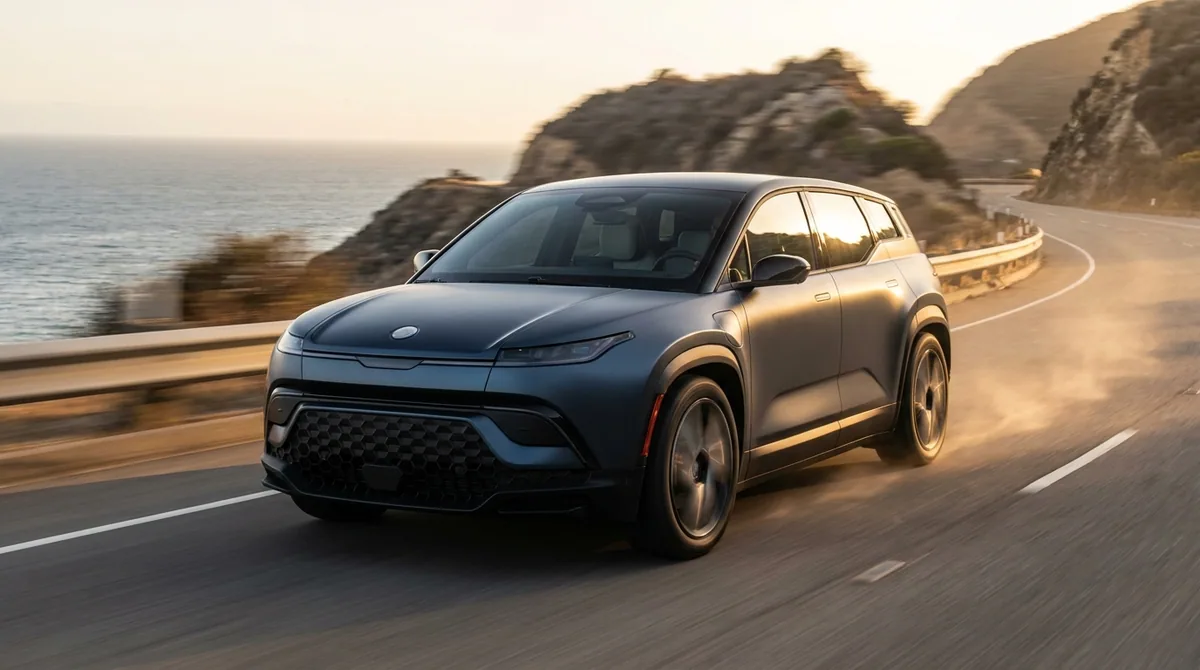 TV ad with SeedanceA short video ad with the pace and look of television
 Storyboard to video clipEach frame of your storyboard turned into a short video clip
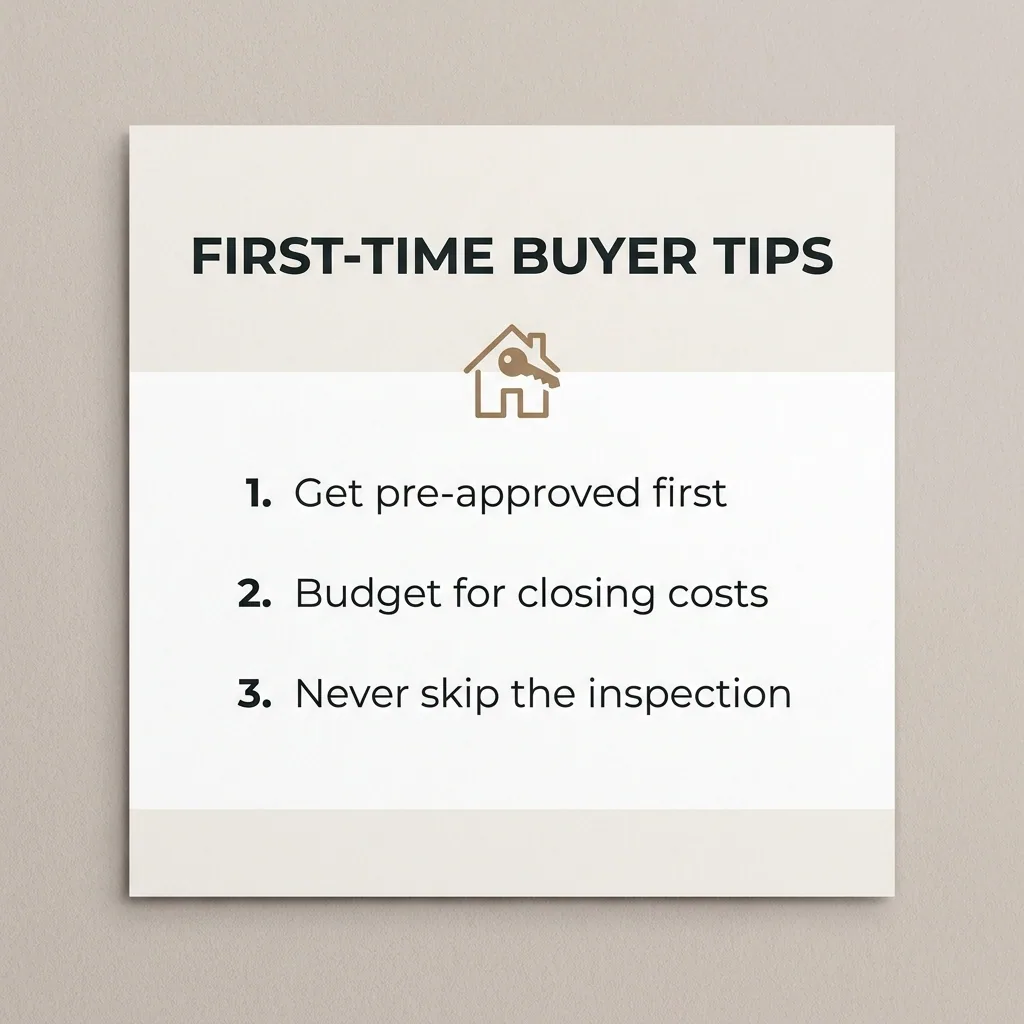 Explainer-style video adsAn explainer video that shows what your product does and why
 Product to static + video adsBoth a static ad and a short video ad from your product photo
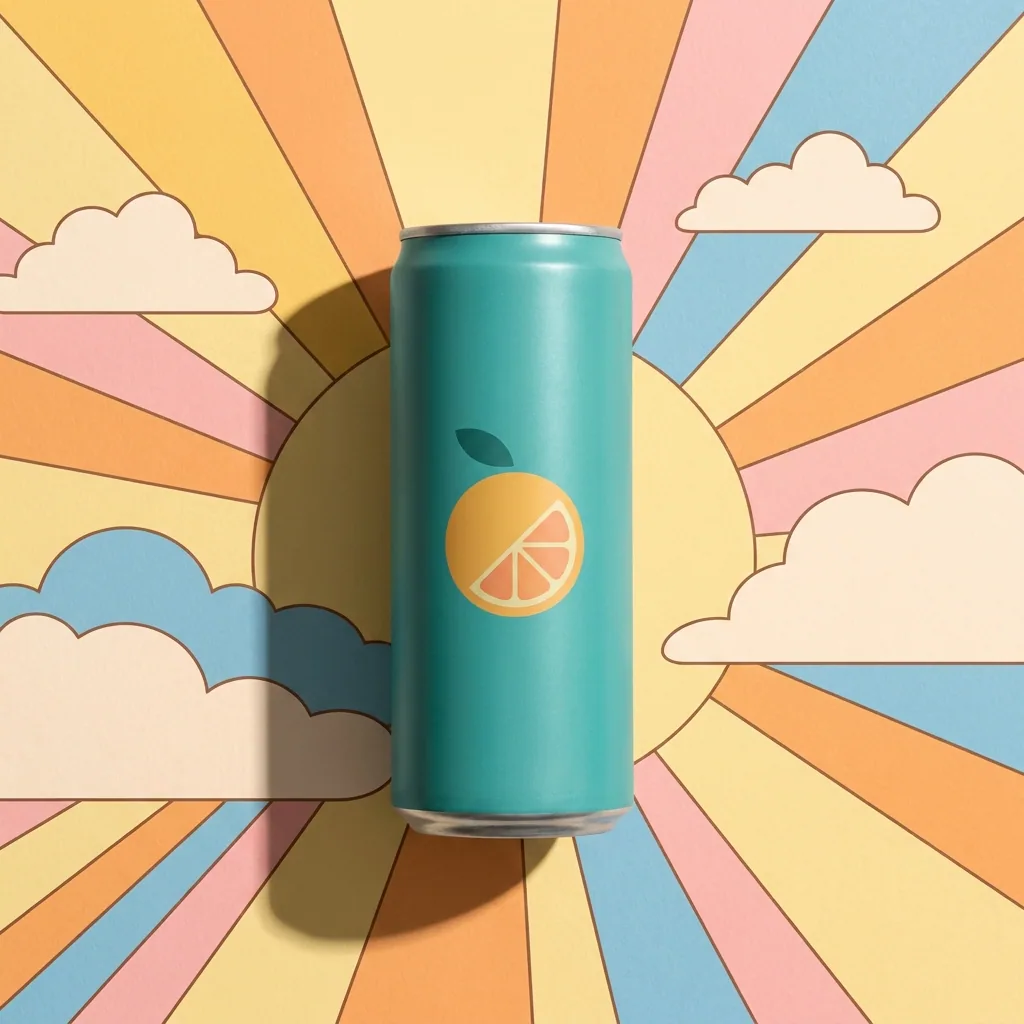 Animated-film style video adsA short animated video ad in a family film style
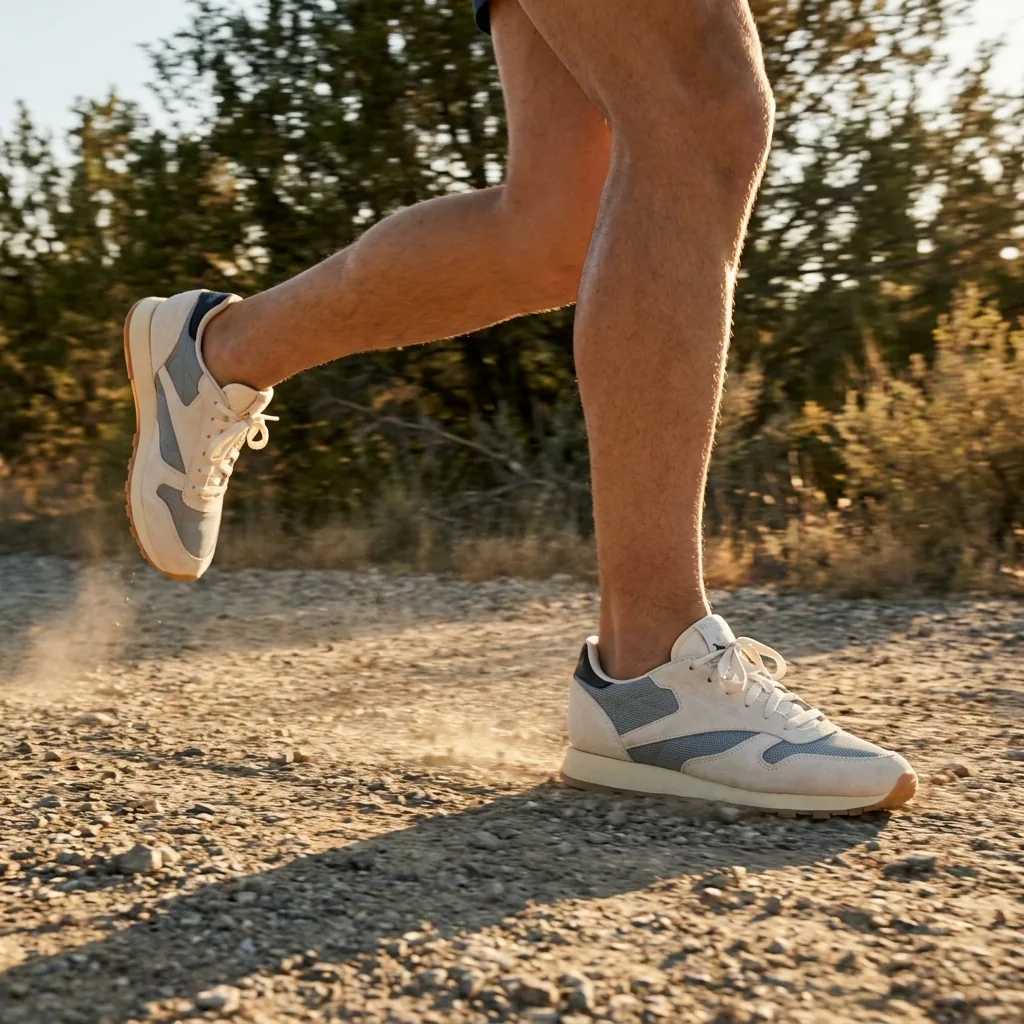 Outdoor ad generatorYour product on an outdoor poster, shown in a street scene
 Character story videoA short video that tells one story with the same character
 Podcast-style adsTwo generated presenters talking about your product, in a vertical clip
 Street interviewsGenerated people on a street answering one question, in a vertical clip
 Scripted presenter videoA short video of a generated presenter reading your script
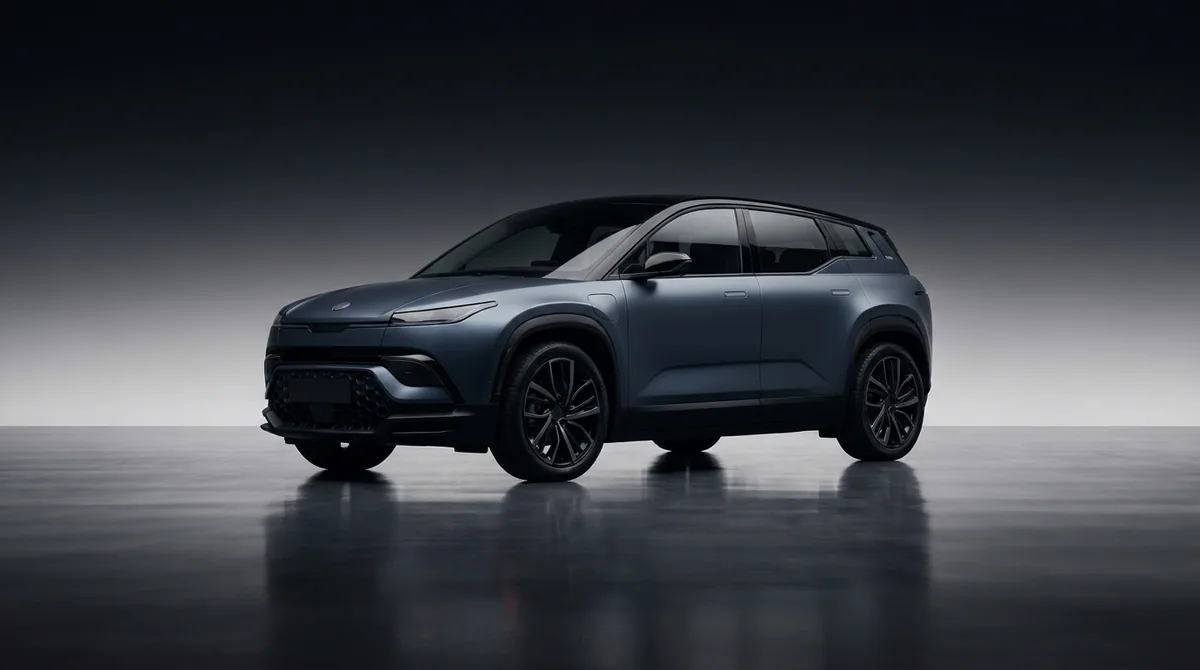 Clone a video adThe format of a video ad you like, rebuilt around your own product
Run today
Templates you can run today
None of the video ads templates run yet. These three run today, and they run on the same product photo.

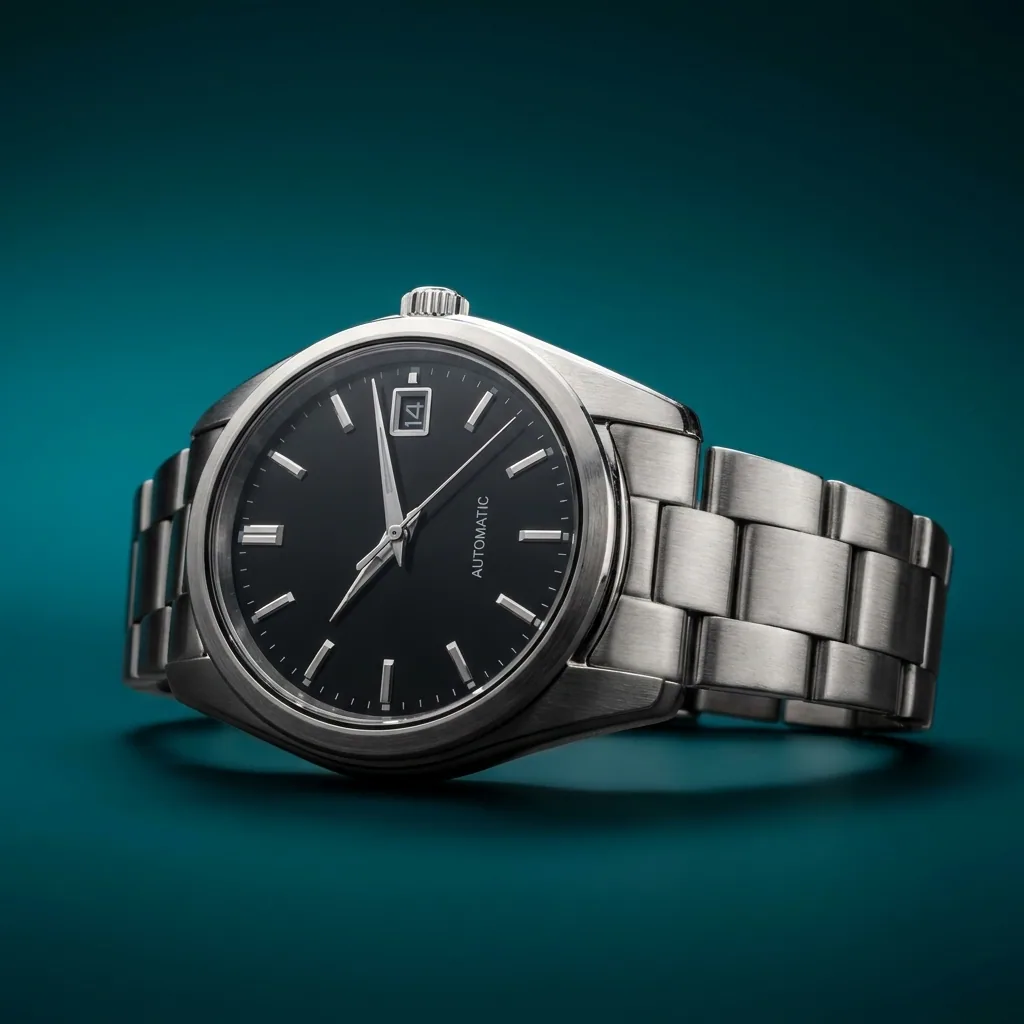

Start free. You see the price before you make anything.
Your own photos, your own prompts and the commercial licence start on the Pro plan. Video starts on the Premium plan.
What is a video ads template?
A template is a job that is already built, with every step in place. You add your product and a few words, then run all the steps at once.
Do all of these run today?
Not yet. These templates are being built, so their pictures are examples. The templates marked "Runs today" on the template library run now.
What does a run cost?
A template runs several steps and models, so its price adds up step by step as it runs. Each run uses credits from your plan.
Make your first pictures today.
Sign up with Google or your email. Nothing to set up.
Get started free- Claude
- ChatGPT
- Cursor











