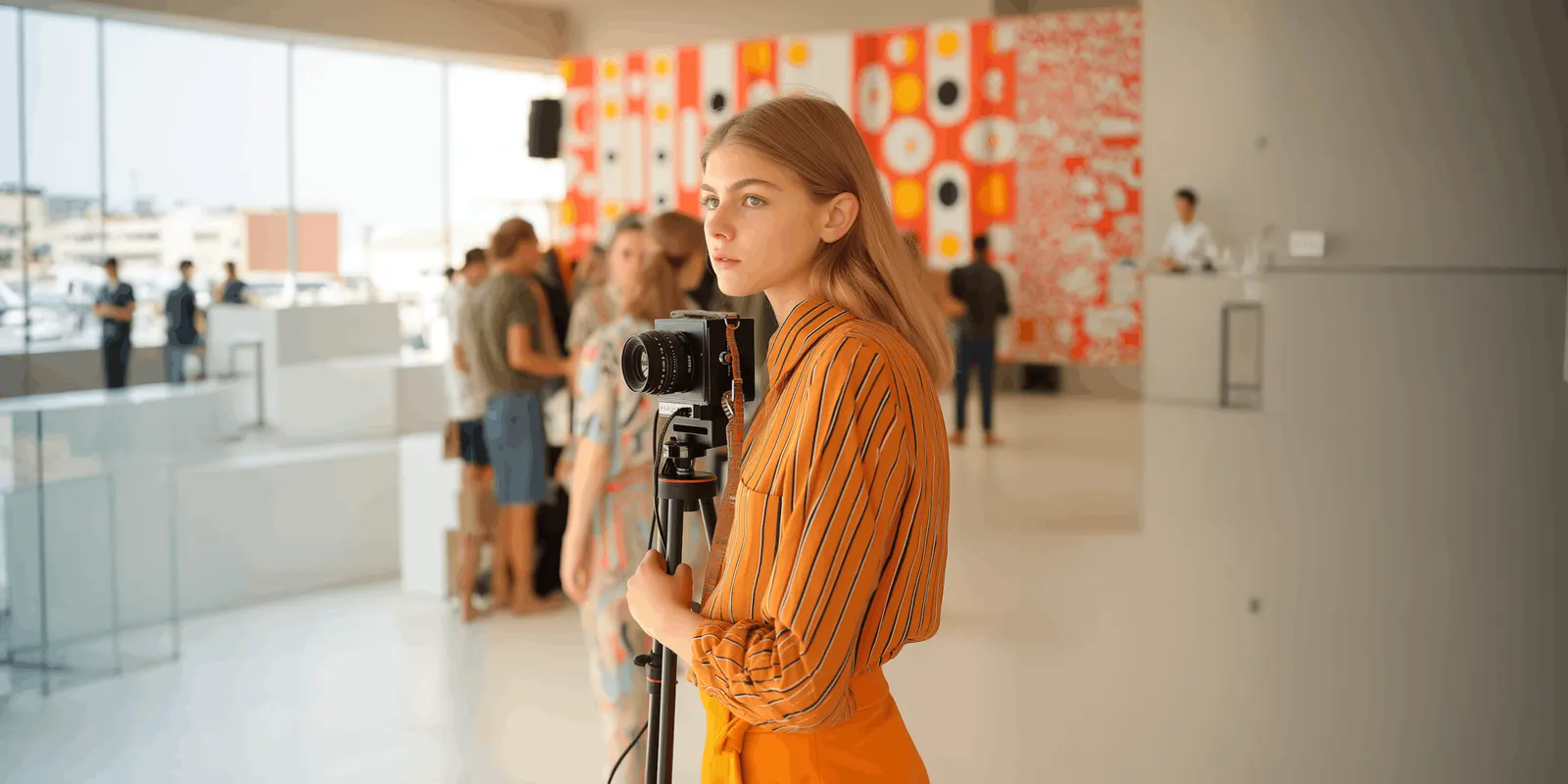
3D Product Rendering: Render, Photo or AI Image? (2026)
3D product rendering in 5 steps, with furniture as the example. See what a 3D model needs, where a render wins, and when a photo or an AI image fits better.
Teams and brands
Agencies Brand teams Performance marketers Creative studios Ecommerce brands Fashion brands Furniture and homeware brands Solo foundersUse cases
 Product imagery
  Static ads
  Video ads
  User-generated content
  Social creatives
  Campaign concepts
  Brand assets
  Automations
 What you sell
Sales channels
Programmes
Affiliate programme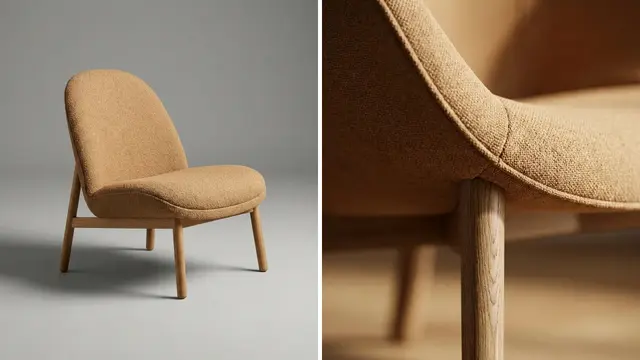
3D product rendering in 5 steps, with furniture as the example. See what a 3D model needs, where a render wins, and when a photo or an AI image fits better.

Ad layout for product ads: 6 layout types, the order of the 6 elements, and the one box that survives 1:1, 4:5 and 9:16, about 38% of a vertical frame.

AI brand guidelines are your brand rules rewritten so a model can follow them. See 10 before-and-after rules, a voice table and a 10-run test for each rule.

An AI design agent reads a brief, picks a tool, shows a plan and runs it. See the 6 steps, a 6-line brief to copy, 5 named tools and the 4 checks to run.

AI for product photography covers 8 jobs. Five edit your own photo and three redraw the product. See the first run, the tips and what Amazon and Google ask.

An AI image generator comparison that uses your own product: 3 hard products, 3 instructions, fixed size, and a 5-line scorecard to count passes for each model.

AI in ecommerce covers 6 jobs in an online store, from product content to AI chat shopping. What each needs from you, the sources we found, and where to start.
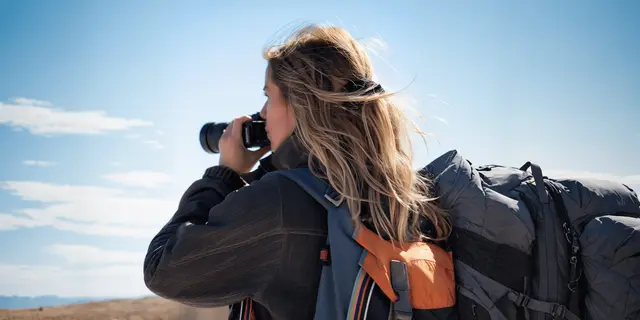
AI in photography works in 3 stages: capture, editing and generation. What each one does to a product image, and the provenance rules that apply in 2026.
AI productivity tools sorted by 8 jobs for a small team: 16 named tools, one test to run on each, and what four independent studies measured about time saved.

The best Shopify apps, sorted by 5 jobs on the product page: images, reviews, upsell, search and bulk data. See what Shopify includes before you add one.
Botika AI review for apparel brands and agencies: its 3 input routes, what its terms say about image rights, a 6-garment test and 4 alternatives by job.

Brand compliance means every asset passes 3 checks in a fixed order: product truth, brand rules and channel rules. Rejection criteria, owners and a checklist.

Candle photography needs two exposures: unlit for the vessel and label, lit for the room. A shot list for 6 listing slots, with the marketplace image rules.

Claude connectors in 5 steps: open Customize, add a server URL as a custom connector, sign in, and choose which tools need approval. Free plan: 1 connector.
A clipping path is a vector outline that cuts a product from its background. Compare 3 cutout methods, the edge each one fits and the formats that keep it.

Codex MCP in 4 steps: add a server with one command or a config.toml table, sign in with OAuth, and choose which tools must ask you before they run.
Color theory in photography, taught on product images: the color wheel, 6 color schemes, white balance, sRGB and the 4.5:1 WCAG contrast test for ad text.
CPG marketing explained: how it differs from DTC, the 5 channels a packaged-goods brand has to feed, and a monthly asset plan for a range of 12 products.
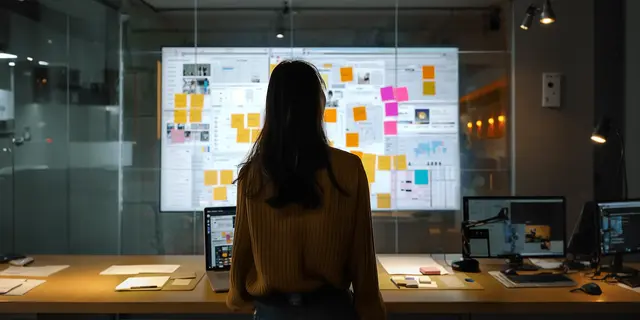
Creative operations for a team of 3 to 15: one intake form, three request tiers, named decision owners, example service levels and 5 metrics with formulas.
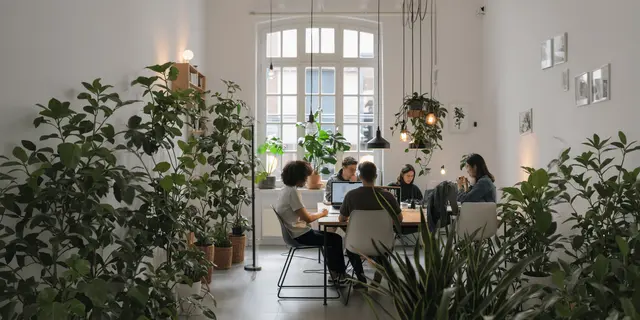
A creative request form with 12 fields you can copy today. See which fields to require, which to make a fixed choice, and how to sort repeat work first.

Cursor MCP in 4 steps: add the server to .cursor/mcp.json, restart, sign in and pick one of 3 run modes. Then make product pictures from the editor.
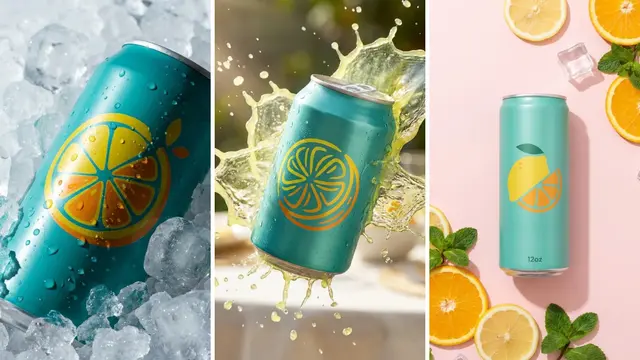
Drink photography ideas for cans, bottles, cartons and multipacks: 16 scenes sorted by what covers the label, with the channel each one fits and the rule.
A DTC brand sells its own products straight to shoppers. See how DTC differs from wholesale and marketplaces, and the 6 things to make in your first 6 months.
eBay image requirements for 2026: 500 pixels minimum on the longest side, about 1600 x 1600 recommended, 12MB a file, 24 pictures, and 6 things eBay bans.
Product video and video ads. Which model fits the shot, and what a clip costs before you run it.
Why clips warp, drift and lip sync late, and the fixes that hold across a whole batch.
Packshots, flat lays, angles and styled scenes. Set the shot up once, then repeat it.
Put a garment on a model, hold the same face across a drop, and try-on that fits.
Ad generators, cost per ad, and how to turn the ad that worked into the next forty.
Build a job once, hold the brand, and hand it to the rest of your team as a form.
Running one approved shot across hundreds of SKUs, and reviewing the results in one pass.
Store setup, listing copy, AI shopping and creator programs. The work around the picture.
New DesignerBox features, model additions and release notes.
Build the job once with your brand and your products. Run it on your whole catalog, and see the cost before each run.