







For agencies
AI creative production for agencies
Deliver more content for every client without waiting weeks for a shoot. AI creative production for agencies keeps each client's brand on every piece. An agency can pursue a concept that previously wouldn't have survived the budget conversation.
 Leather brand

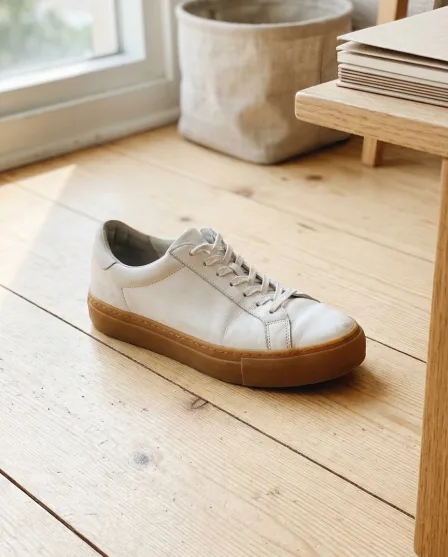 Sneaker brand

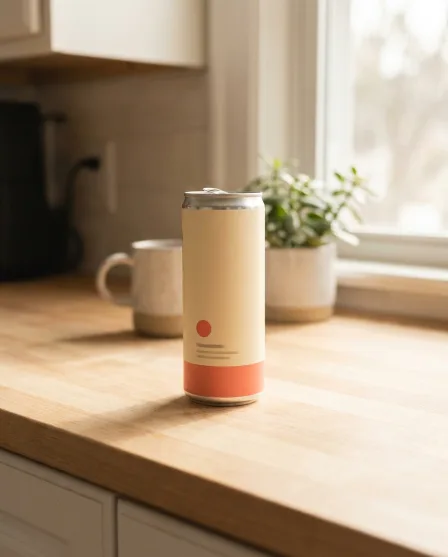 Drinks brand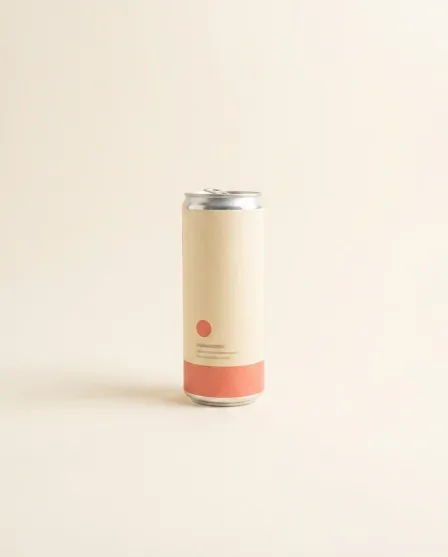

 Home brand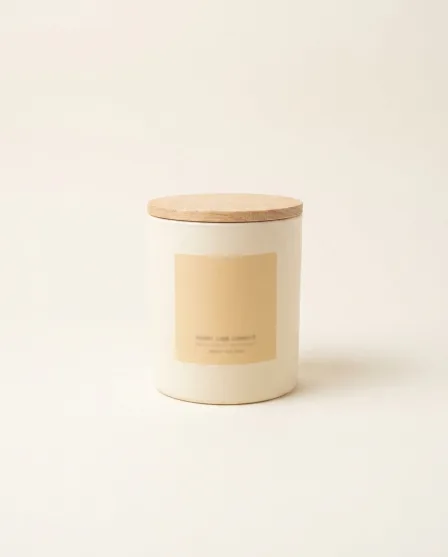

Who it is for
Does that sound like you?
Cut the waiting time and budget for deliverables.
You want to deliver more content for every client without waiting weeks for shoots and edits, and without losing control of each client's brand. Anyone can make an AI picture. Making hundreds that still look like your brand is the hard part.
How we solve it:- One workflow for each client, with that client's brand rules
- Apps a colleague runs from a short form
- Batch: a whole product drop in one run, reviewed in one pass
Results
What you can make
Pictures and video made from the photos you already have.
- Your product







Generate product shots
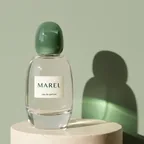
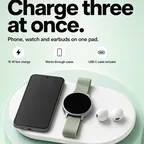
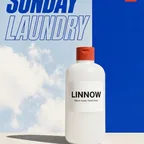
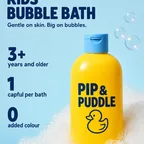
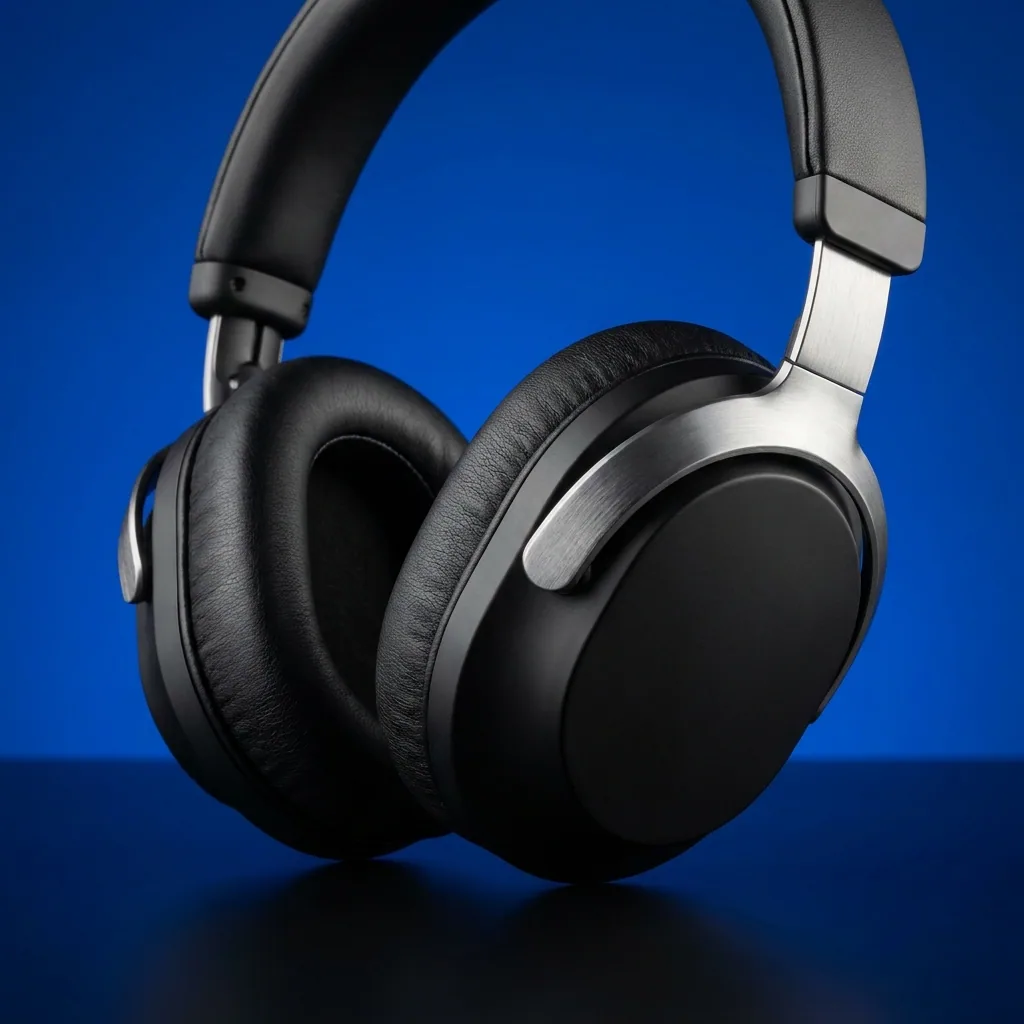
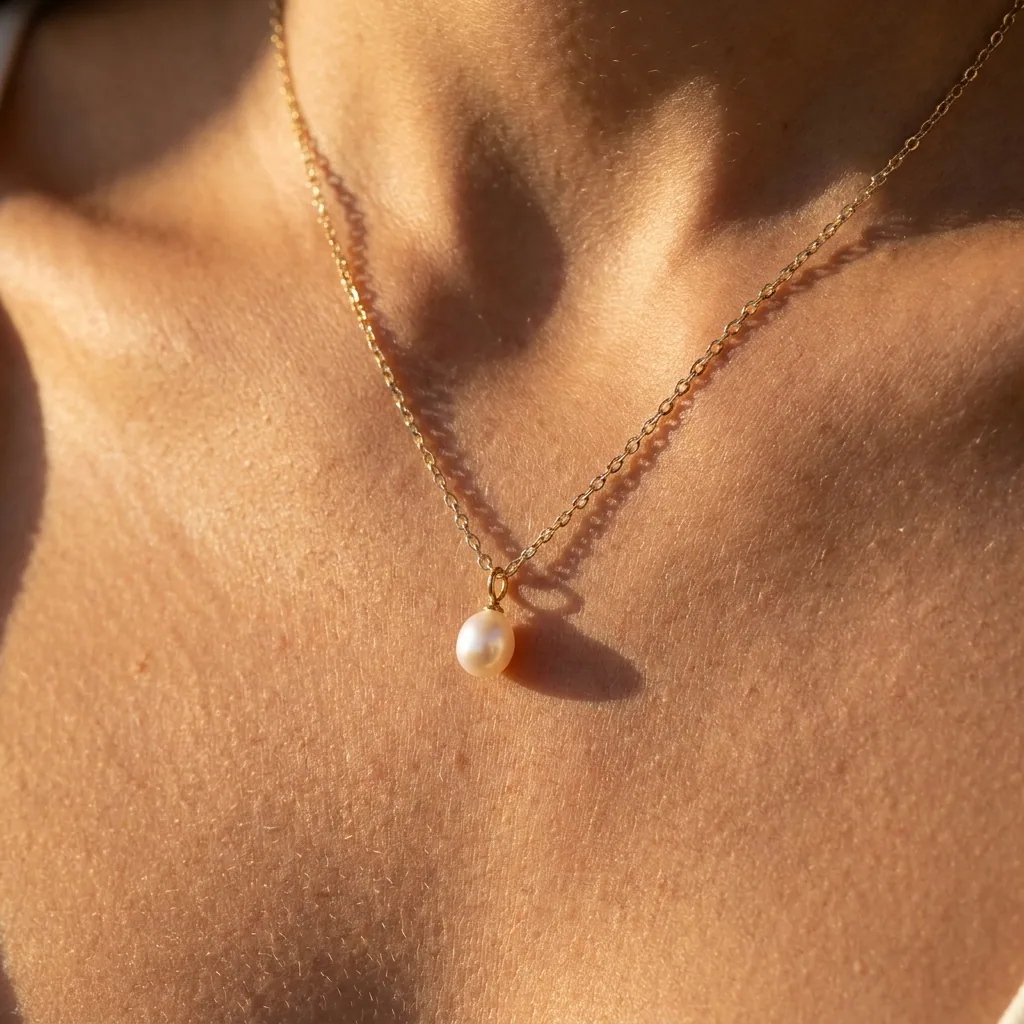
Generate professional, studio-quality images of your products in consistent settings for a cohesive brand look across your catalogue. Add a new product any time. You do not reshoot.
See product shots - Your product
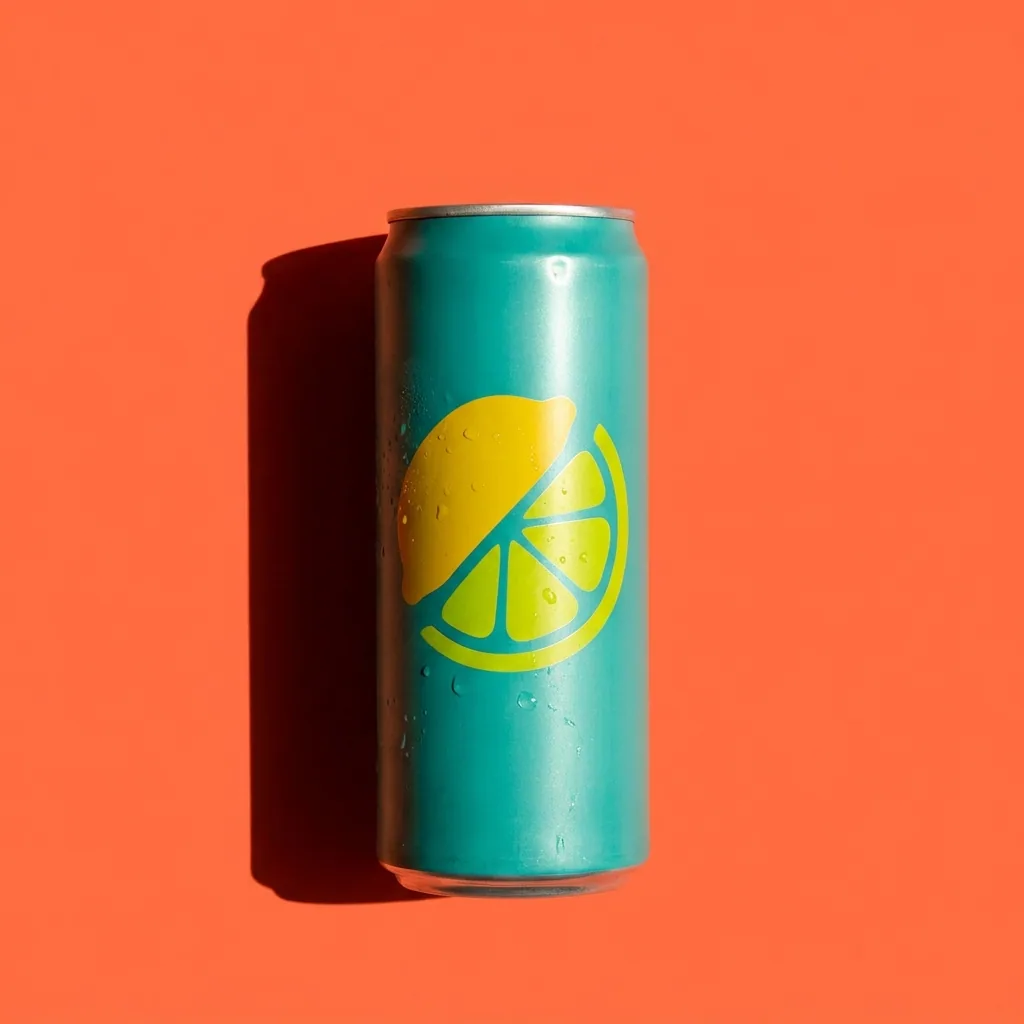
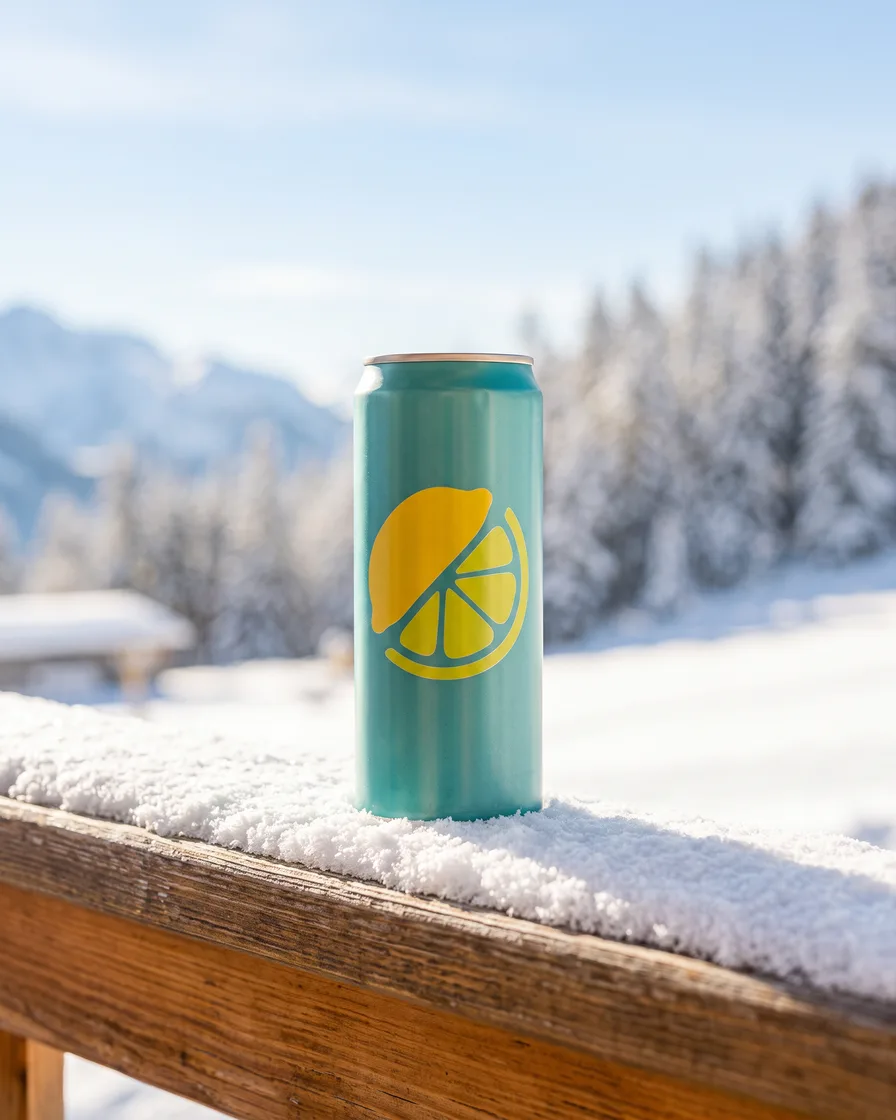
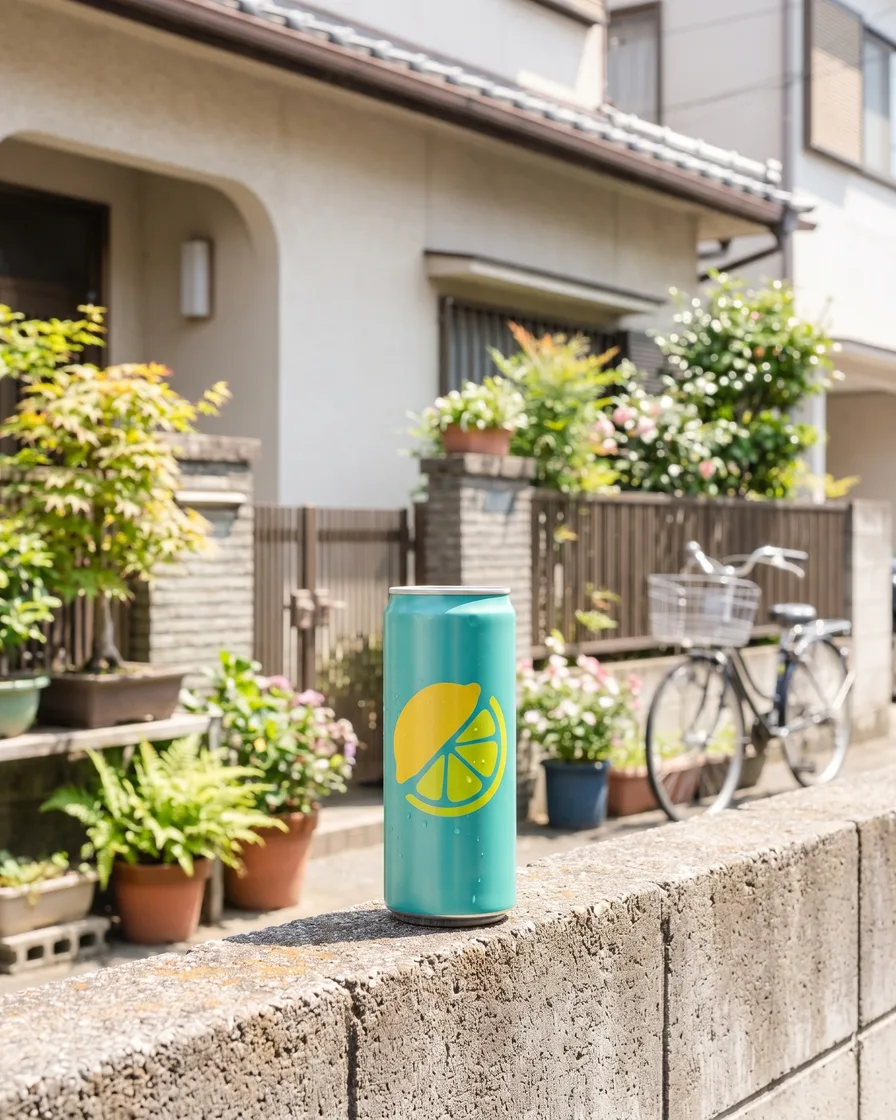
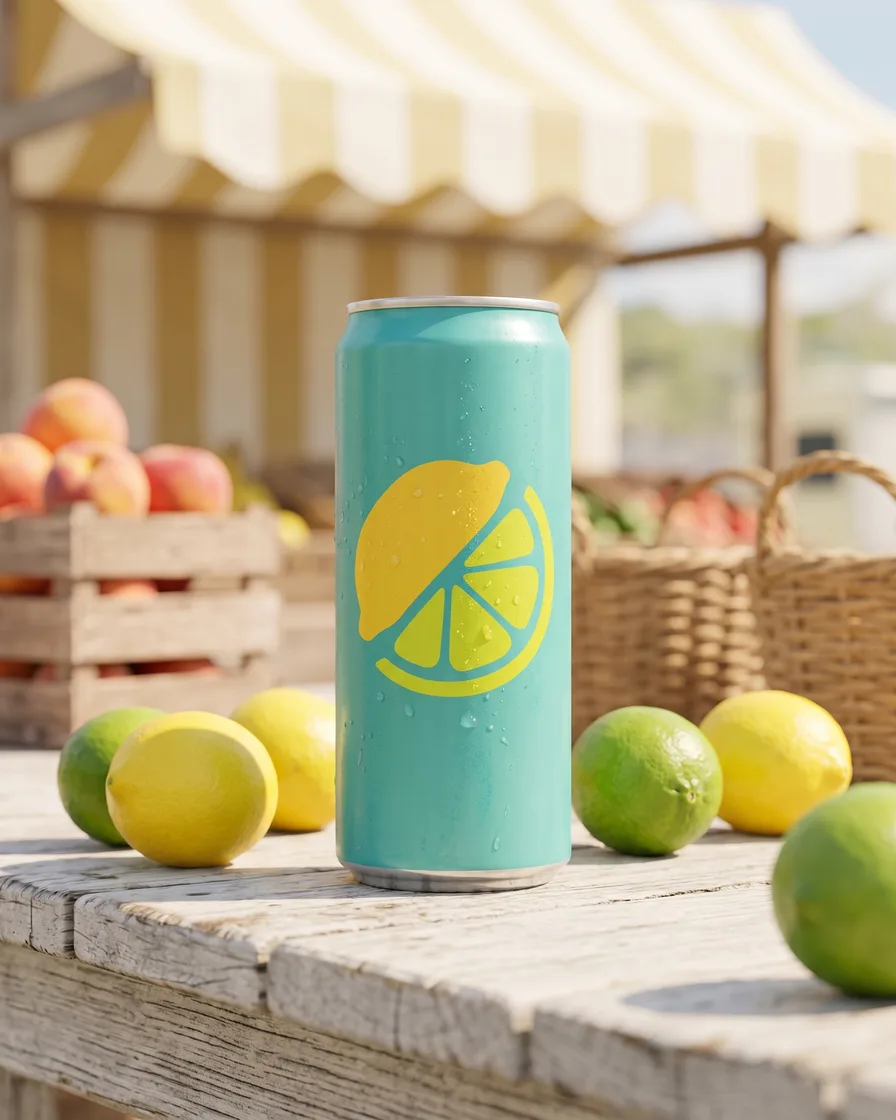
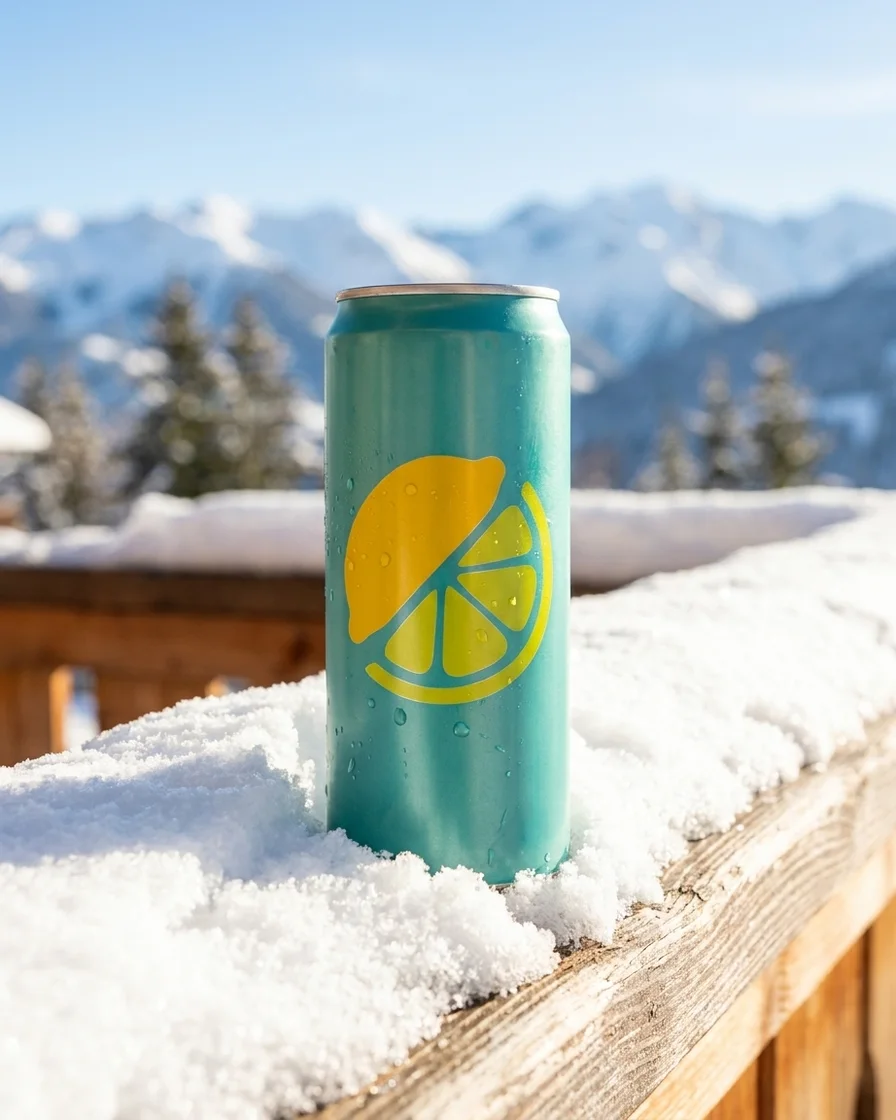
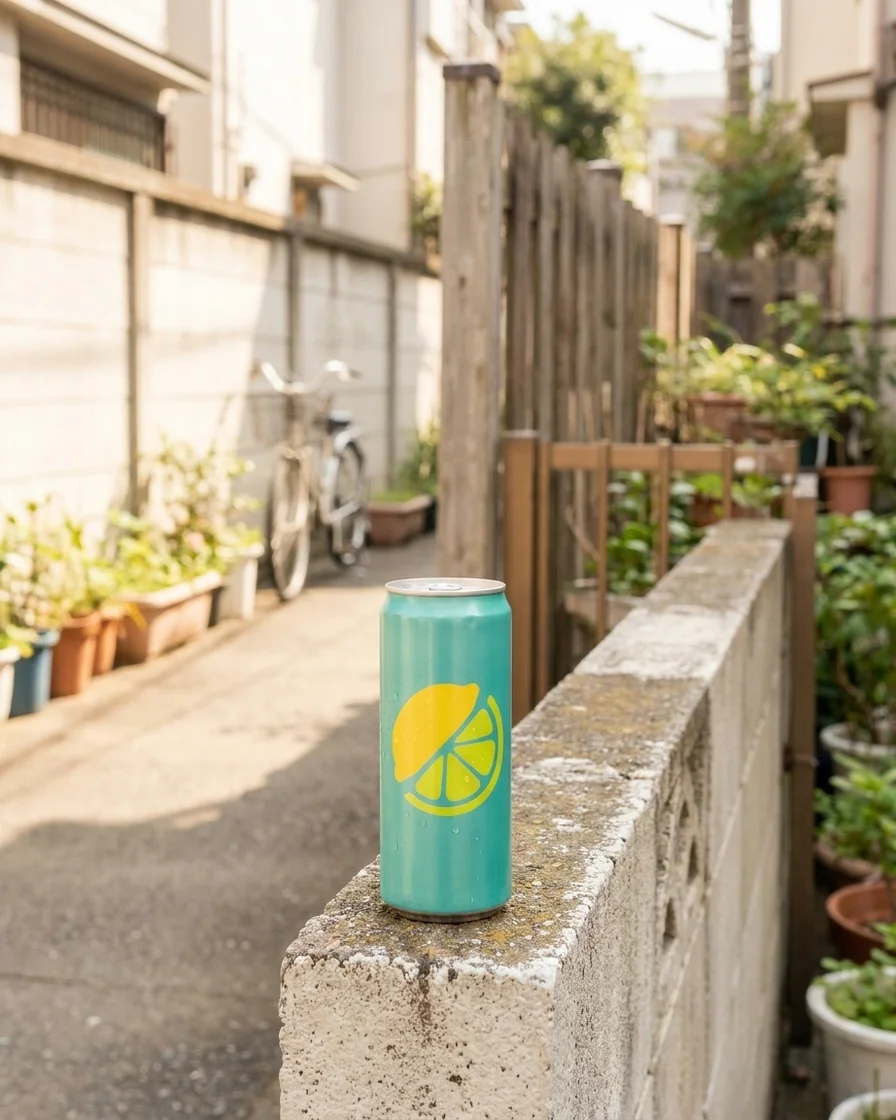
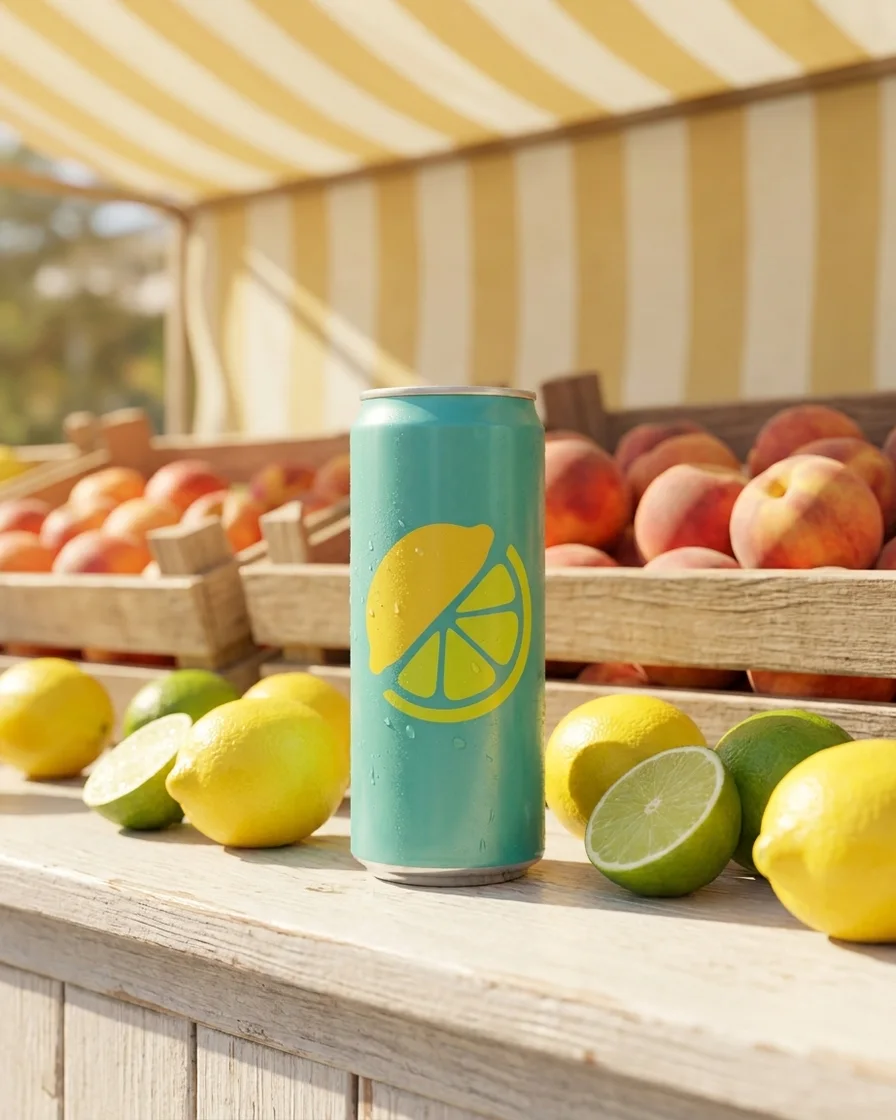
Generate scenes
Present your products in different scenes for seasonal campaigns or to market to local audiences.
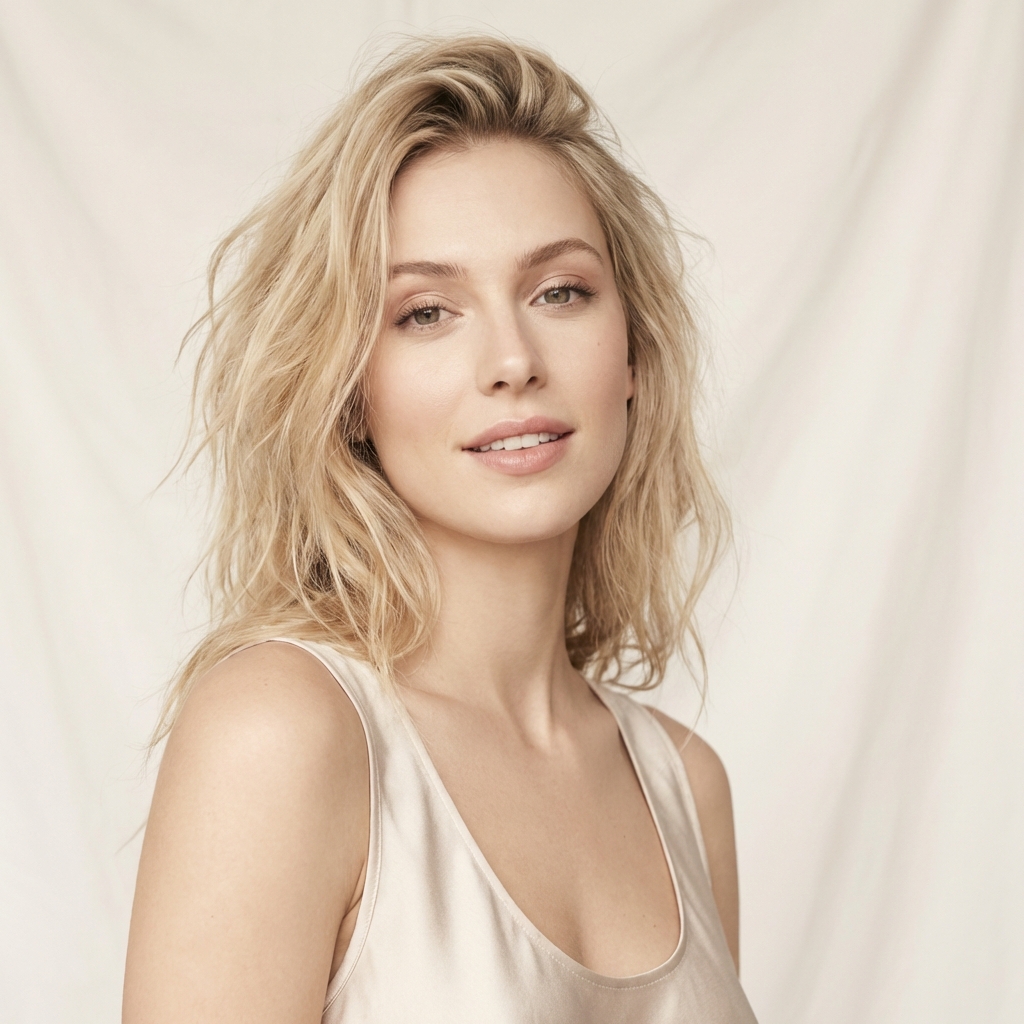
See scenes - Model photo
 Garment photos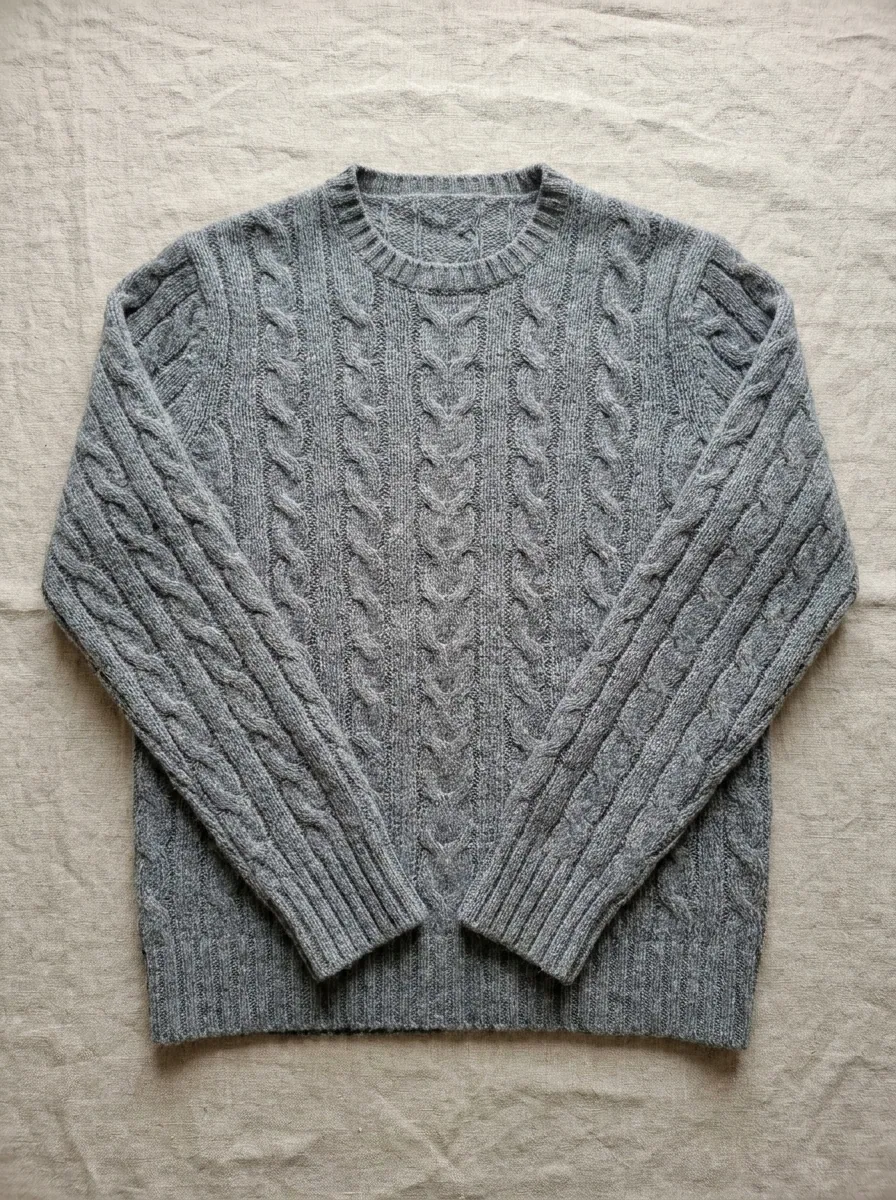
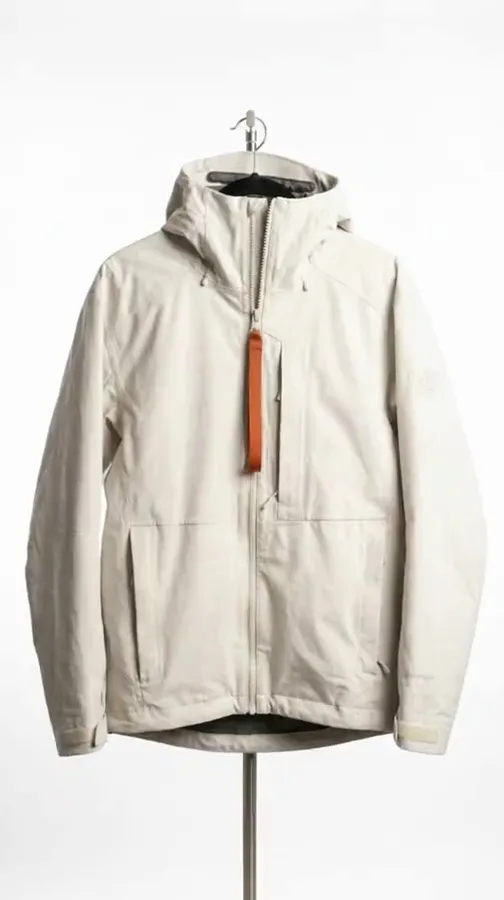
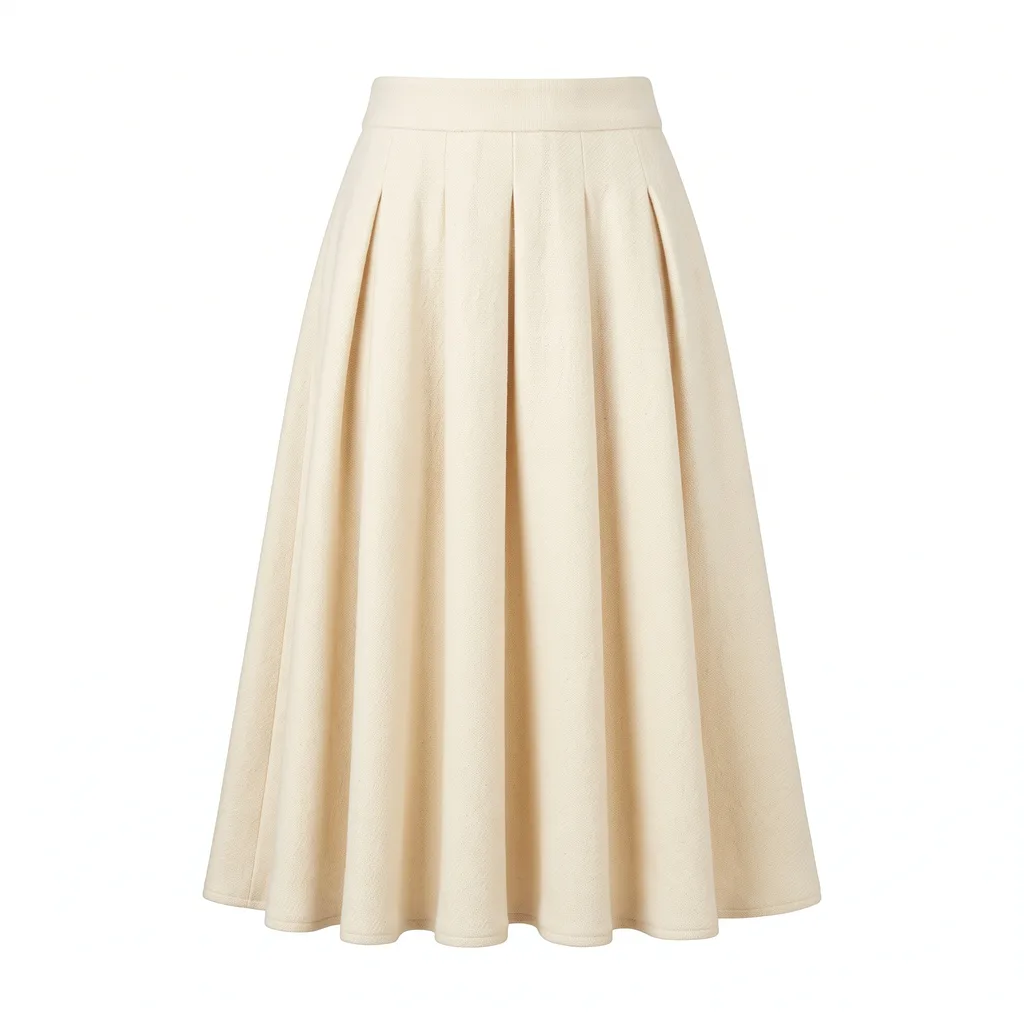 From this to this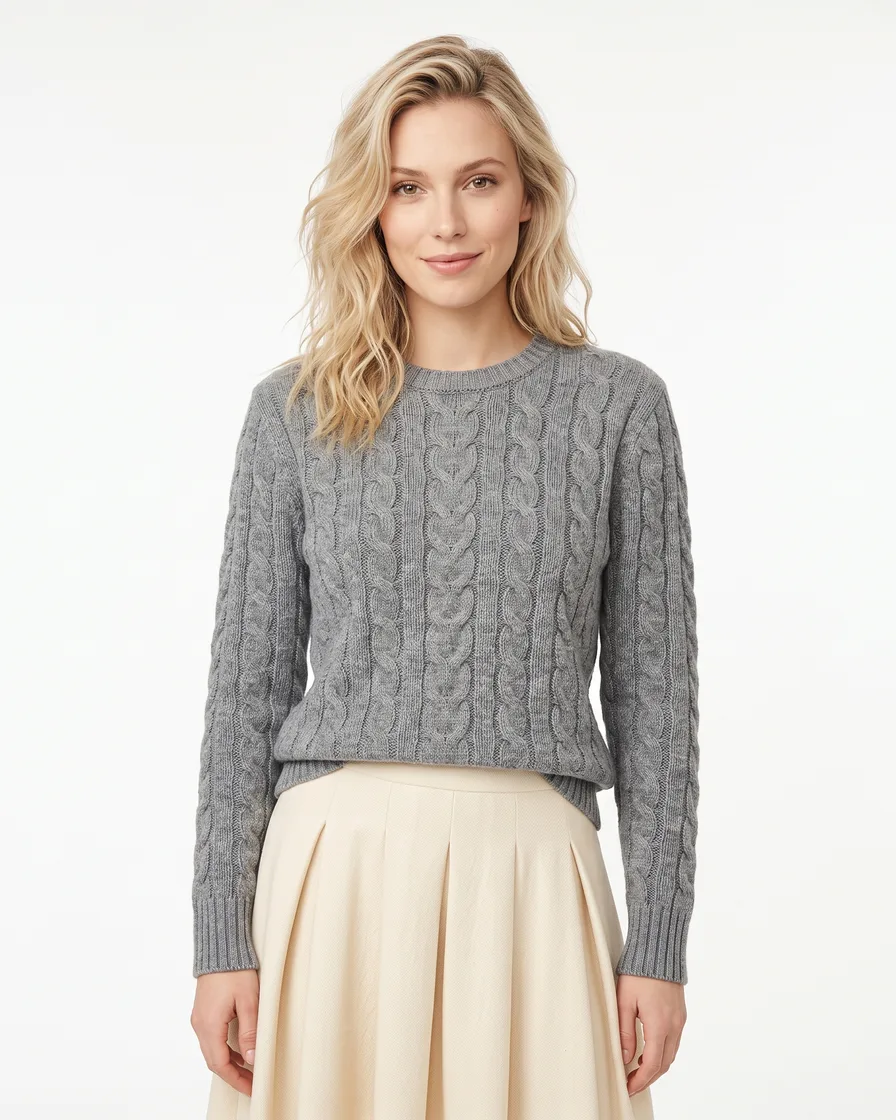
Generate model shots
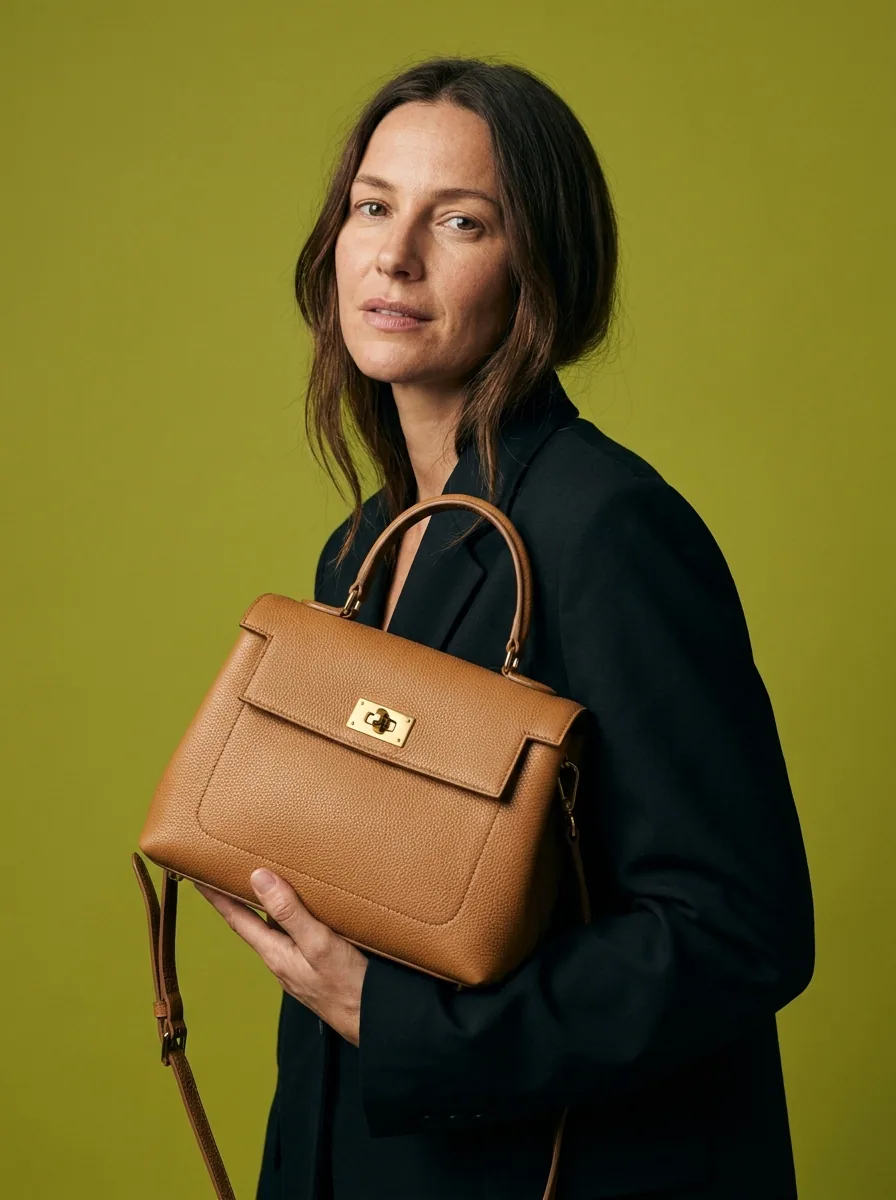
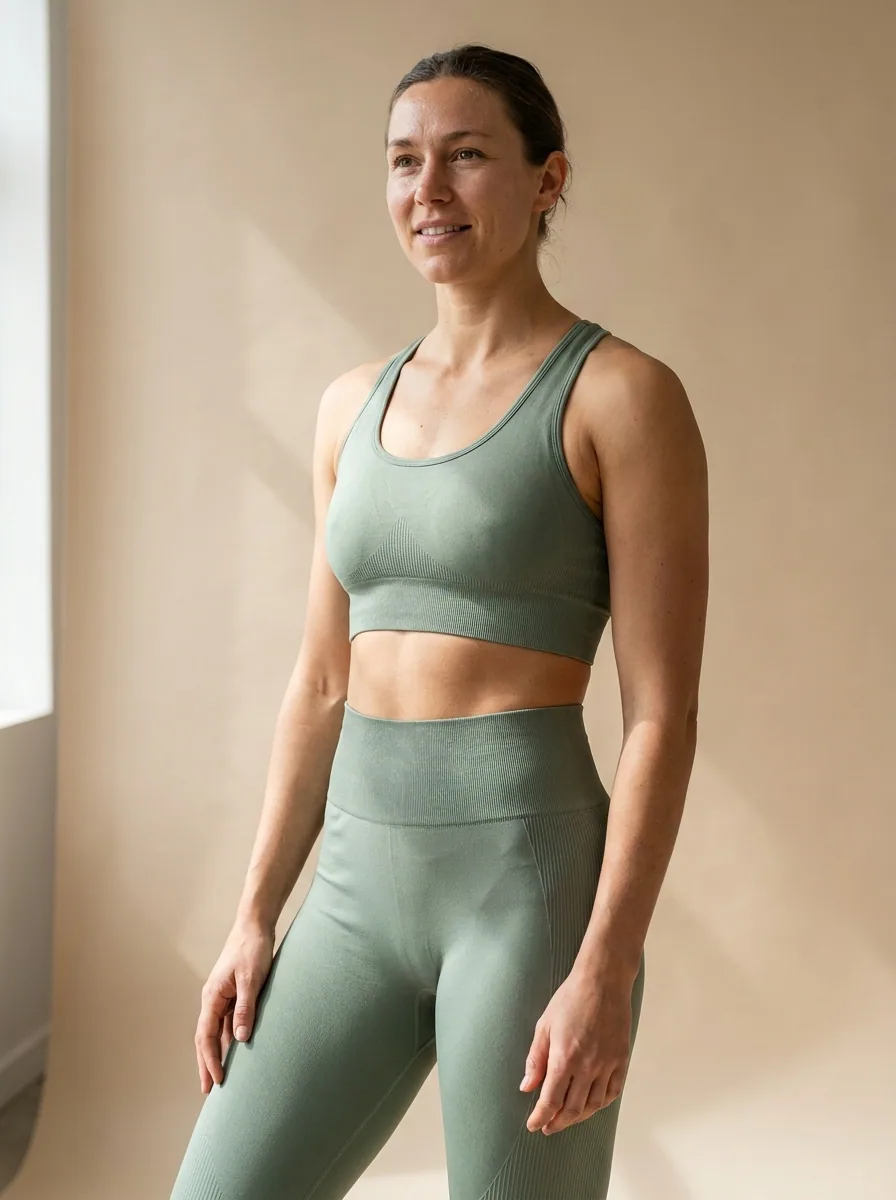
Generate images with models to give a sense of scale and fit for your products, or to showcase your service experience.
See model shots 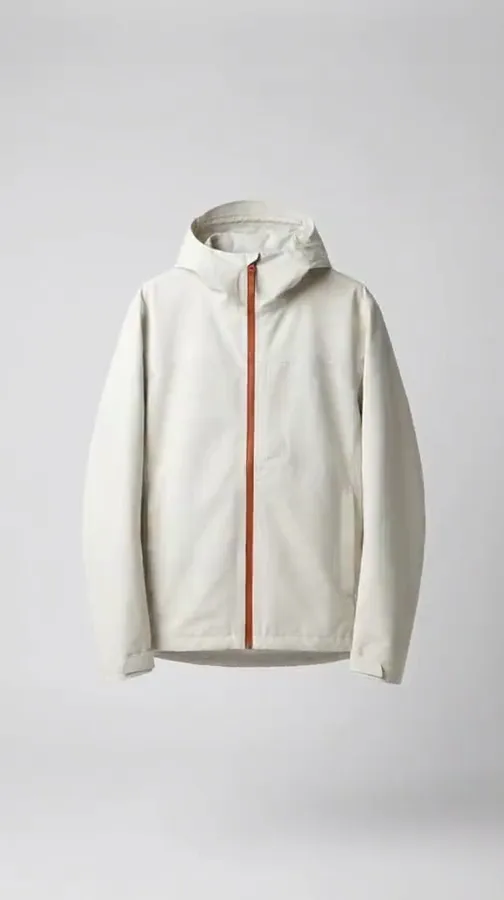

Edit into commercials
Edit your generated videos step by step into fully animated commercials with captions, a voiceover and music, ready for your ads.
The video editor starts on the Premium plan.
See the video editor
Plans
Plans for a team
A shared workspace for up to five people is on the Ultra plan.
Everything in one place
Everything you need, in one place
The full workflow, from your product photos to the finished ad, in one subscription.

Questions
Curious? Let's clear things up.
How do you keep each client's brand separate?
Each client brand is its own brand record: logos, fonts, colours and rules. A workflow reads the brand that is active when you run it, so each run uses that client's rules.
Can a junior run the work without breaking it?
Yes. Publish a workflow as an app. The app shows a short form: the product photos, the scene, the size. A colleague fills the form and presses Run, and never sees the steps.
Can I price a job before I run it?
Yes. The cost in credits shows before you press Run, for one product and for a whole sheet, so you can quote the client first.
Can I run a whole product drop at once?
Yes. Batch runs one workflow over a sheet, one product per row, with the same brand rules on every row. You review every result in one pass and re-run a single row without touching the rest.
Can I sell the pictures to a client?
Yes, from the Pro plan, where the commercial licence starts. The terms page says what the licence covers. Paid plans also remove the DesignerBox mark from your results.
Do you offer anything for larger agencies?
Yes. The agency partner programme agrees a price for your client brands and your monthly volume, trains your people and adds your first client brands with you.
Scale content without limits.
Generate content for your products or services with AI, starting today, and keep your brand on every piece.











