メインコンテンツへスキップ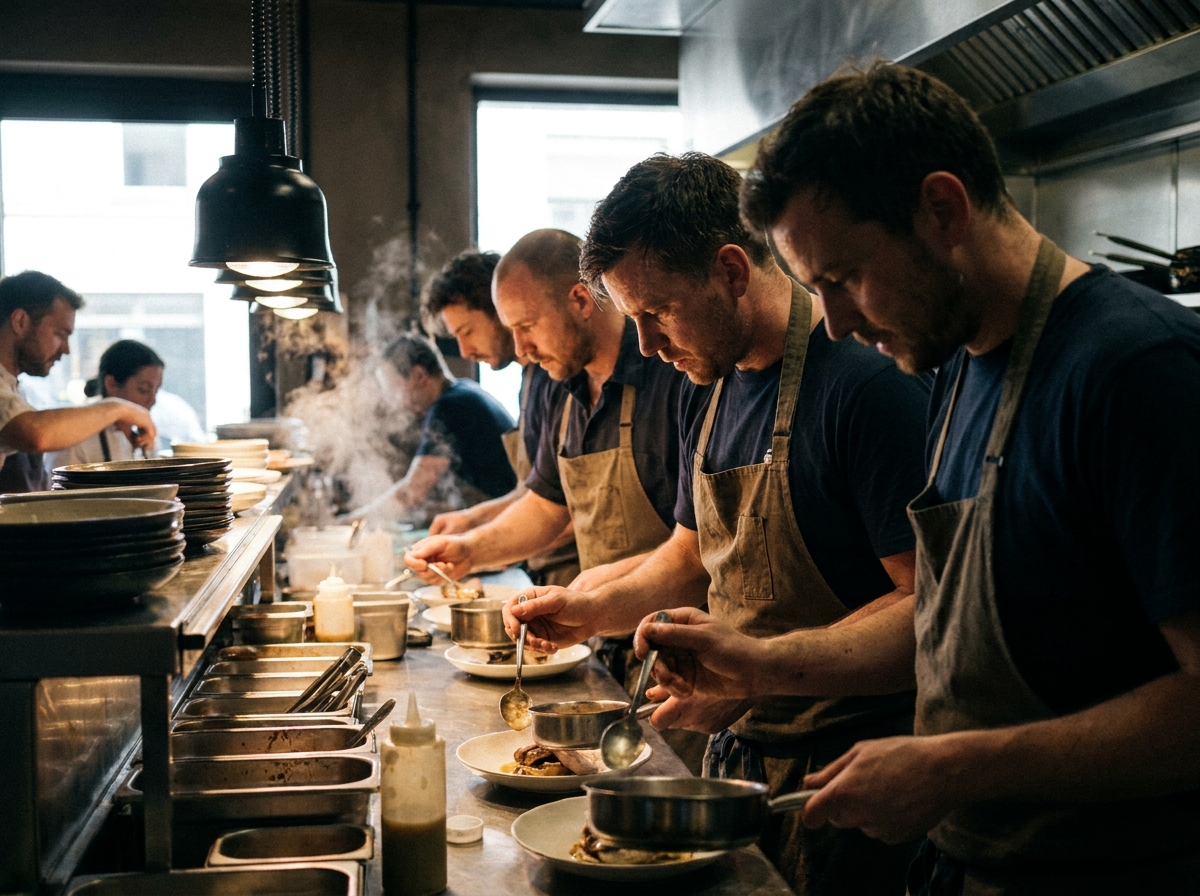
Behind-the-Scenes Kitchen Selfie AI Photoshoot
Turn a kitchen photo into a moody documentary behind-the-scenes shot — drama, steam, motion. People's faces stay identical.
Sign up to generateHow to create this look
- Upload your photo to the DesignerBox AI studio.
- Apply the Behind-the-Scenes Kitchen Selfie AI Photoshoot template — it keeps your face and identity and restyles the rest.
- Generate in seconds and download your images.
Frequently asked questions
What is the Behind-the-Scenes Kitchen Selfie AI Photoshoot template?
Behind-the-Scenes Kitchen Selfie AI Photoshoot turns your uploaded photo into a selfie look while keeping your facial features and identity. Turn a kitchen photo into a moody documentary behind-the-scenes shot — drama, steam, motion. People's faces stay identical.
How do I create a Behind-the-Scenes Kitchen Selfie AI Photoshoot?
Create a free DesignerBox account, open the AI studio with this template applied, upload a photo, and generate.
Is it free to try?
You can start for free — sign up and generate your first images, then upgrade for more.
What photo works best?
A clear, well-lit photo where your face is visible gives the most faithful, natural-looking result.
年額プラン限定
40%OFFすべての年額プランが対象
ブランドの世界観に沿ったキャンペーンを制作するAIクリエイティブスタジオ。年額プランなら、主要な画像・動画・アバターモデルをすべて1つのワークスペースにまとめて、40%OFFでご利用いただけます。
- 商品写真1枚から、物撮りも動画広告もSNSクリエイティブも、キャンペーン一式を仕上げます。
- 主要なAIモデルは全プランに標準搭載。モデルごとの追加料金はかかりません。
- キャンペーンはワークフローとして保存し、チームで何度でも再実行できます。
- 7日間の無料トライアル。いつでも解約でき、費用はかかりません。