Copy-paste AI prompts that actually work
Battle-tested prompts organised by model and by use case. Copy one, run it in DesignerBox, and remix it into your own. No sign-up needed to browse.
What is the DesignerBox prompt library?
The DesignerBox prompt library is a free, curated set of copy-paste AI prompts organised by model (Nano Banana, Seedance, Veo, Sora, FLUX, GPT Image, Kling) and by use case (product photography, UGC ads, headshots, virtual staging). Copy any prompt, then run it in DesignerBox on the model of your choice.
Prompts tuned for each model
Every model likes to be prompted differently. These packs are written for how each one actually behaves, so you spend less time fighting the generator.
Nano Banana
6 copy-paste prompts for Nano Banana, written for how the model responds.
View promptsSeedance 2.0
6 copy-paste prompts for Seedance 2.0, written for how the model responds.
View promptsVeo 3.1
6 copy-paste prompts for Veo 3.1, written for how the model responds.
View promptsSora 2
6 copy-paste prompts for Sora 2, written for how the model responds.
View promptsGPT Image 2
6 copy-paste prompts for GPT Image 2, written for how the model responds.
View promptsFLUX 2
6 copy-paste prompts for FLUX 2, written for how the model responds.
View promptsKling 2.6
6 copy-paste prompts for Kling 2.6, written for how the model responds.
View promptsPrompts for what you are making
Model-agnostic packs for the jobs people actually run, from product shots to UGC ads. Run them across a few models and keep the best output.
Product photography
6 prompts for product photography, ready to copy and run.
View promptsUGC ads
6 prompts for ugc ads, ready to copy and run.
View promptsAI headshots
6 prompts for ai headshots, ready to copy and run.
View promptsReal estate
6 prompts for real estate, ready to copy and run.
View promptsCinematic ads
6 prompts for cinematic ads, ready to copy and run.
View promptsCopy, run, remix
Three steps from prompt to finished asset, all in one workspace.
Grab any prompt with one tap. Each one names the subject, surface, light, and camera, so it works straight away.
Paste it in, pick a model, and generate. Switch models in the same workspace to compare results side by side.
Edit, upscale, or turn a still into video. Save your winners as reusable workflows and ship a whole campaign.
The models behind these prompts
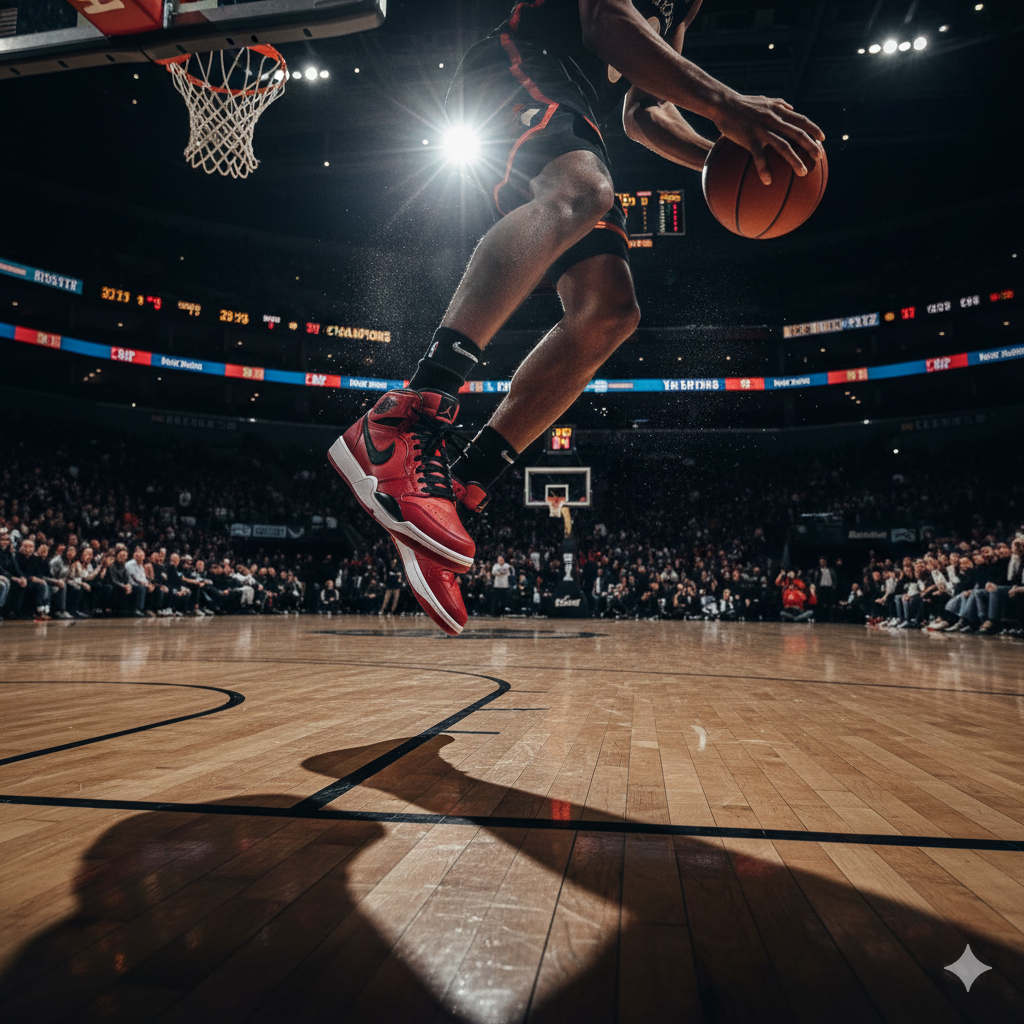
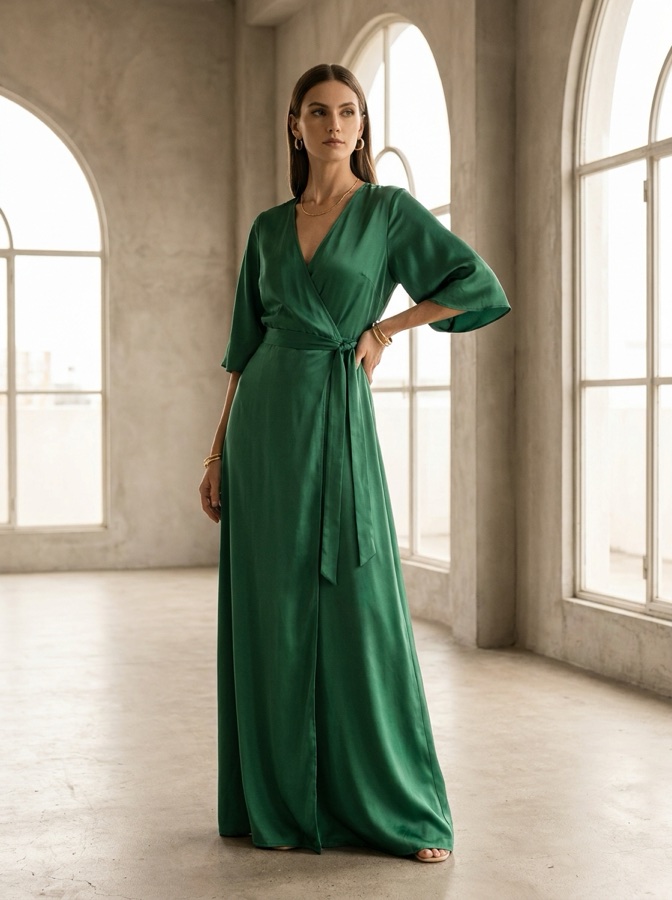
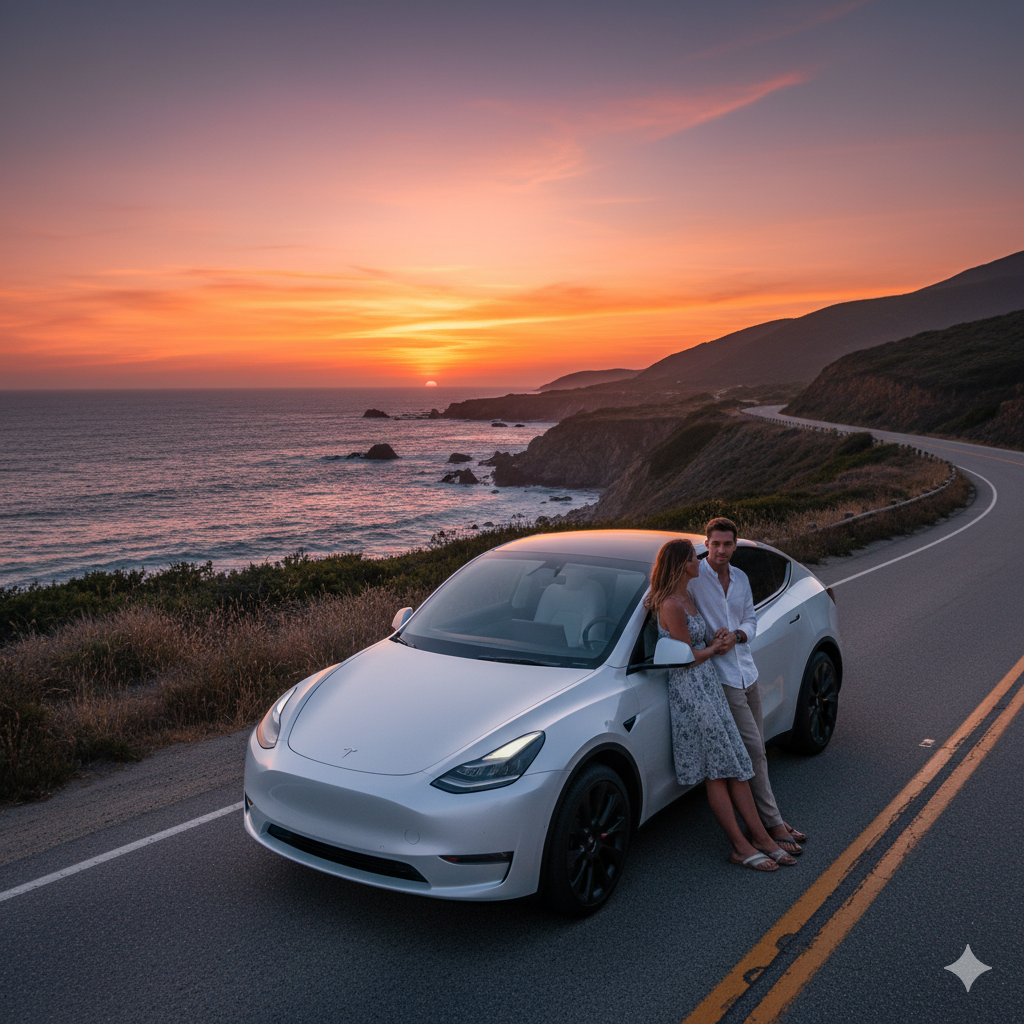
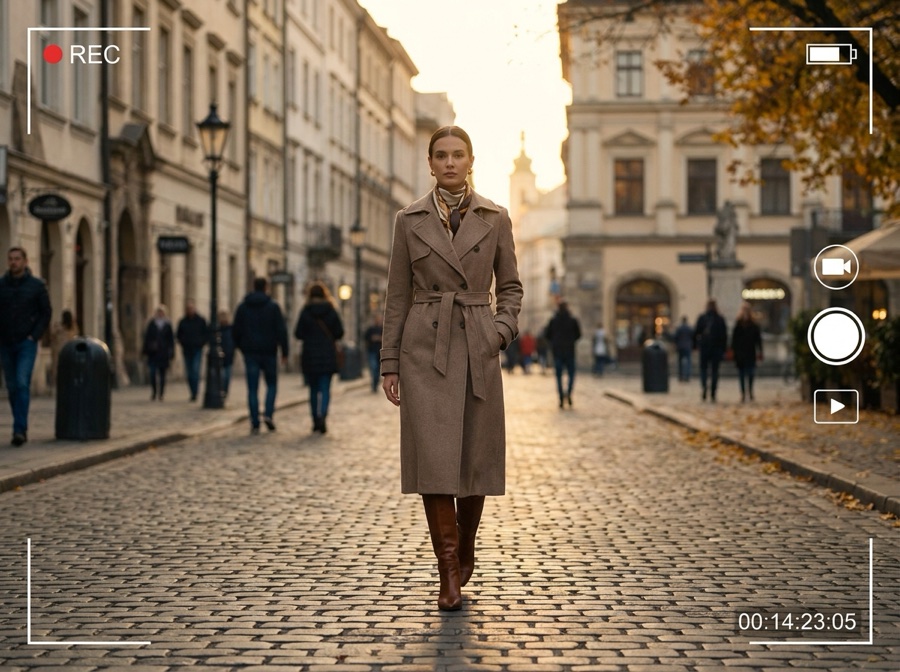
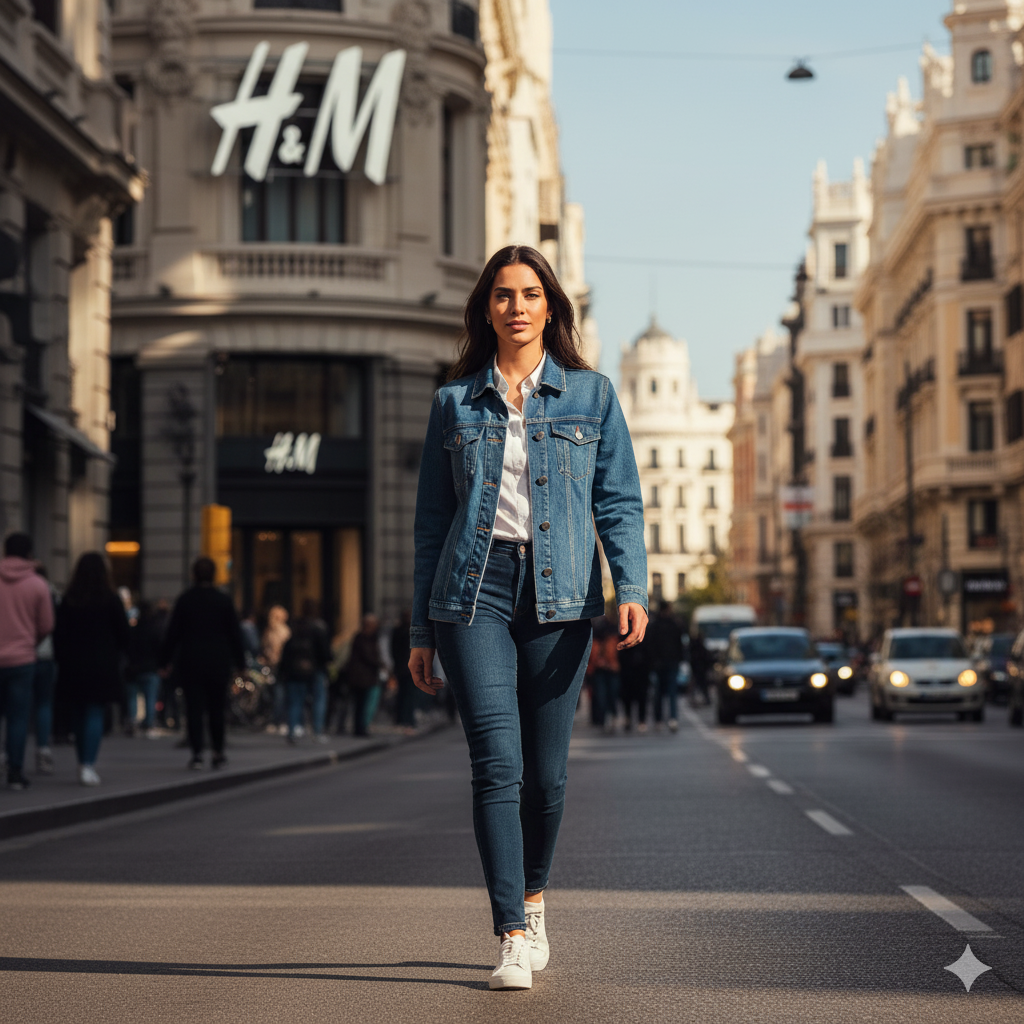
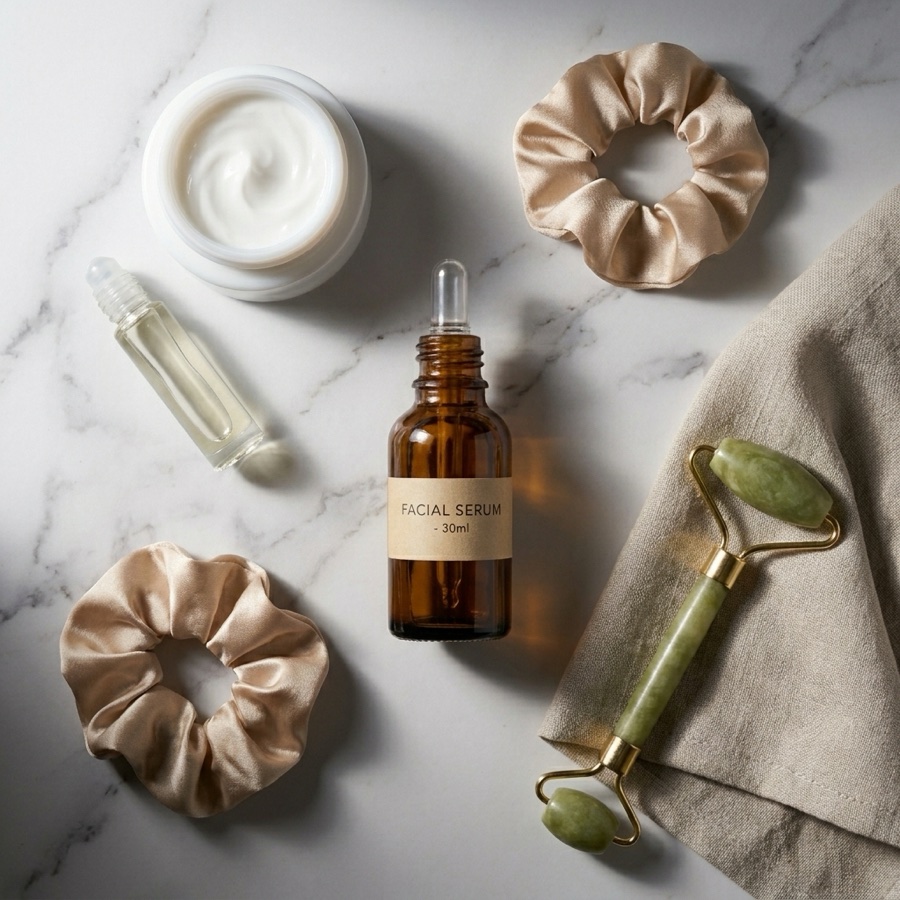
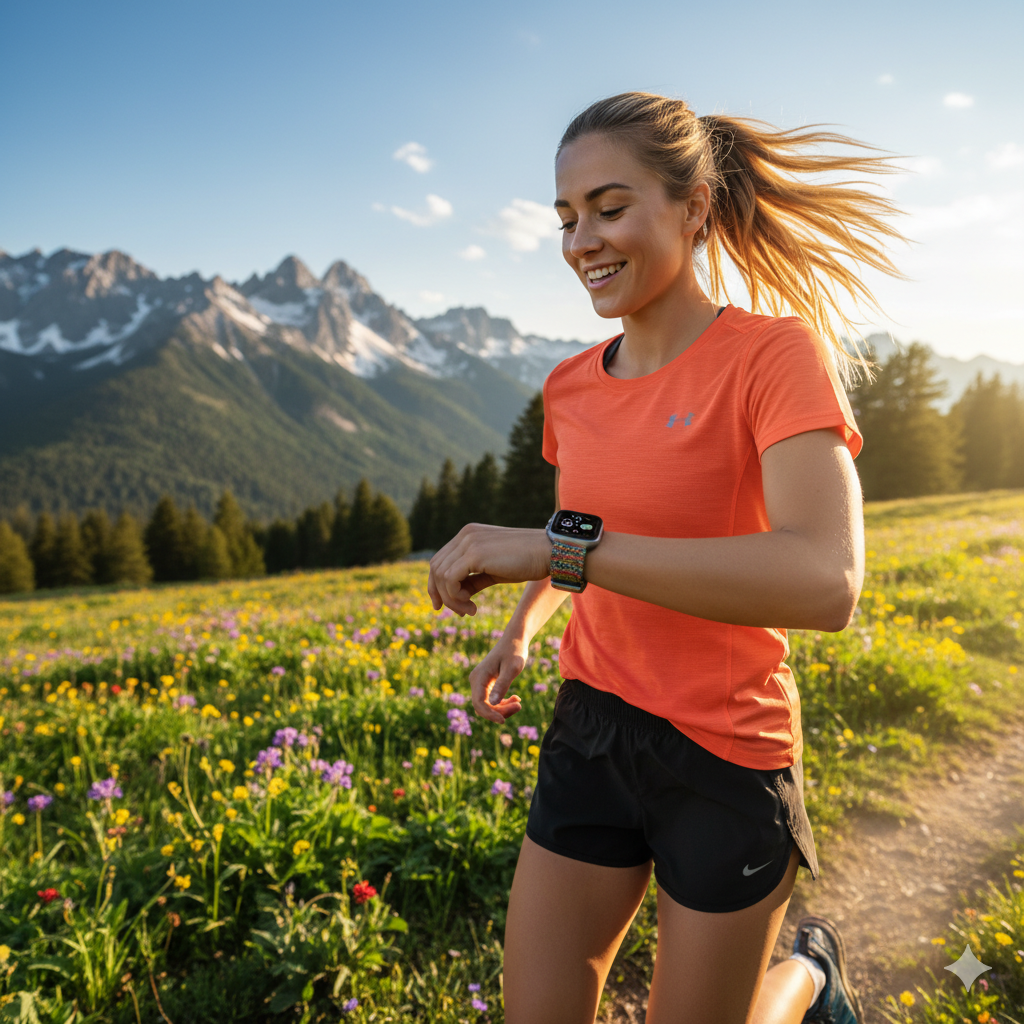
Every prompt here runs on the same production models that made these results.

Prompt library, answered
The quick version of how the library works.
What is the DesignerBox prompt library?
Are these prompts free to use?
Do I need a specific model for each prompt?
How often are new prompts added?
Turn a prompt into a finished asset
Start with free credits. No card required to try it.
