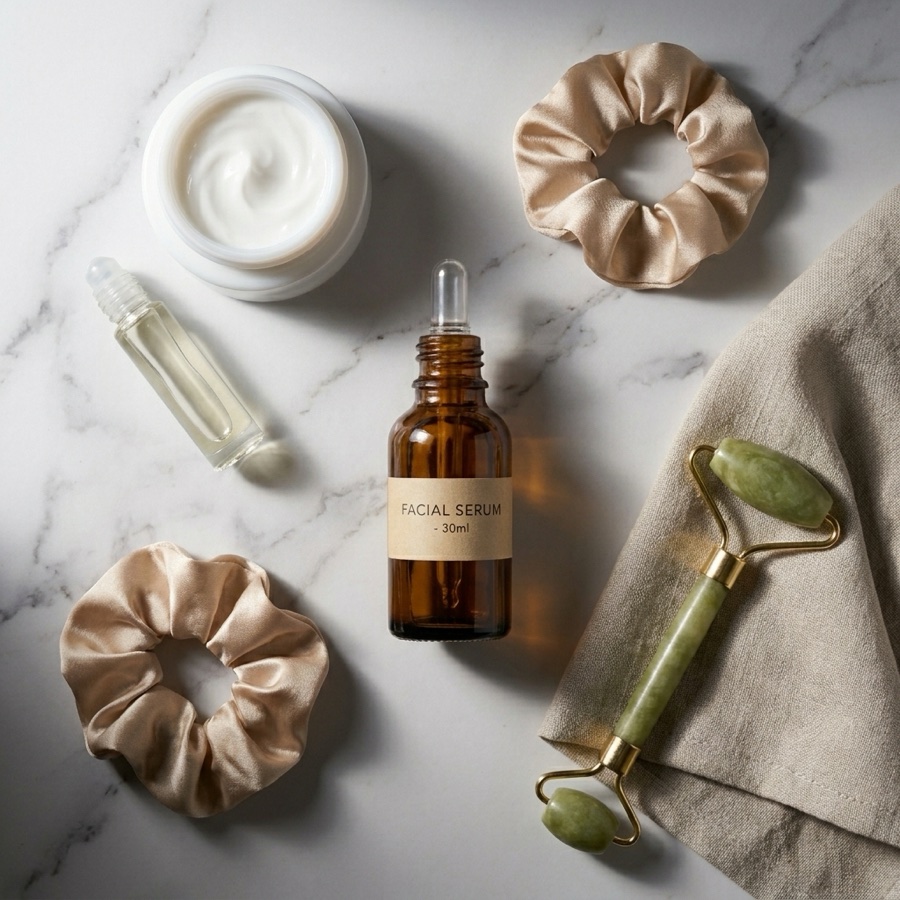
Campaign-ready retouching for on-model and product shots
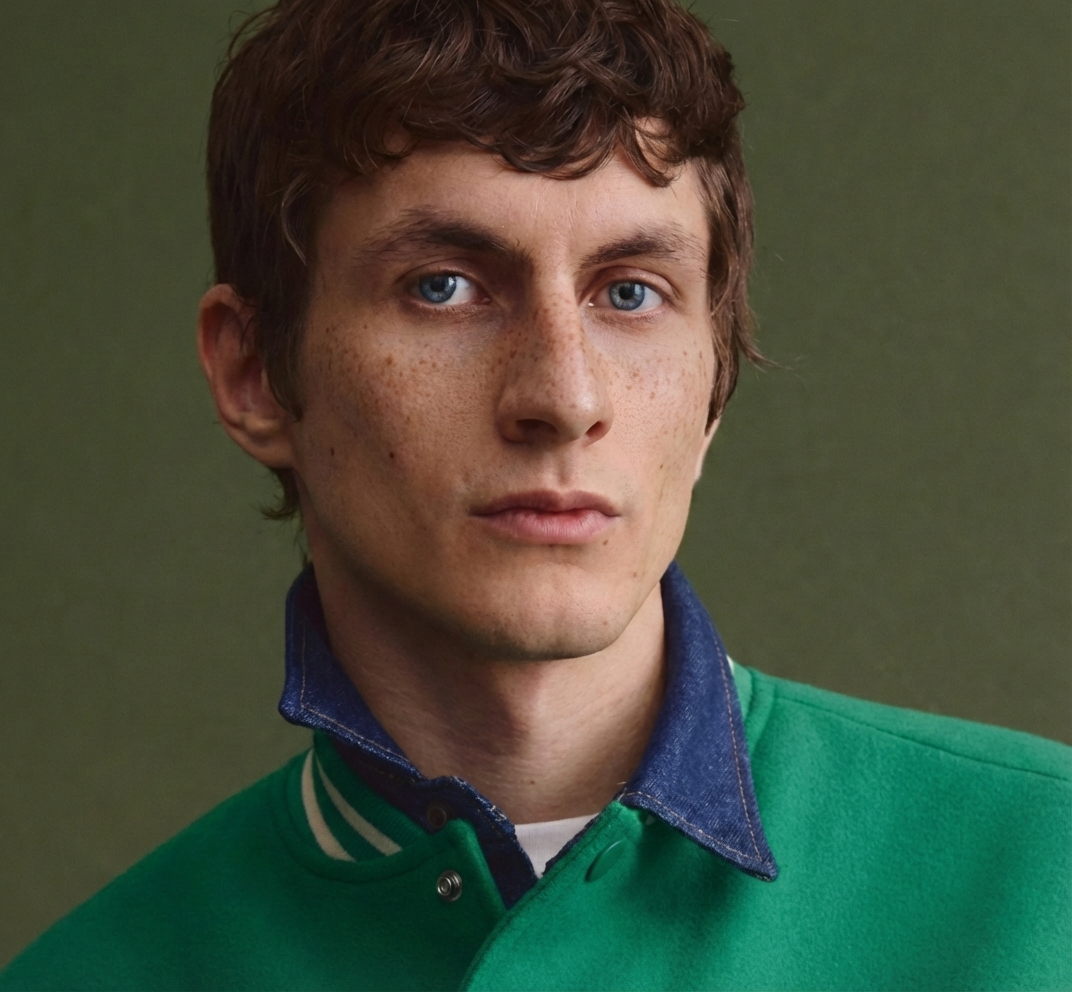
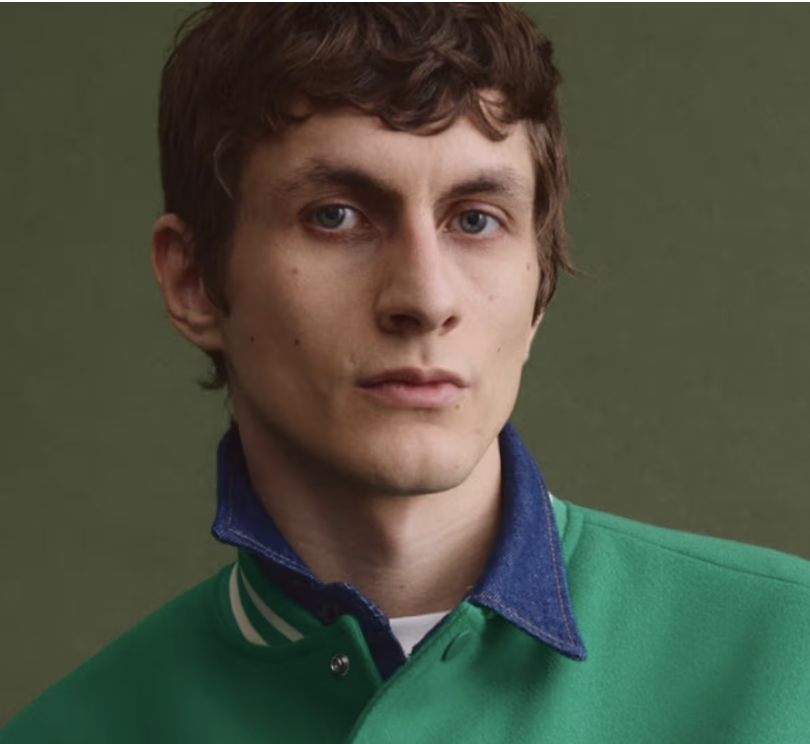
Retouch the on-model and product imagery behind your campaigns and product pages. AI evens skin, clears blemishes, brightens eyes, and whitens teeth while keeping skin texture true to the shoot. Six presets, ten controls, three intensity levels, before and after on every result.
- AI-powered skin smoothing and blemish removal
- Eye brightening and teeth whitening
- 6 style presets with 3 intensity levels
- Before/after comparison with instant results
How It Works
Upload Portrait
Upload any portrait or selfie photo. The AI analyzes facial features and prepares targeted enhancements while preserving your natural appearance.
Choose Enhancements
Choose from 6 presets — Natural, Glowing, Porcelain — or fine-tune 10 toggles including skin smoothing, blemish removal, and eye brightening.
Instant Results
AI applies professional-grade retouching in seconds. Compare before and after with an interactive slider, then download your enhanced portrait.
Enhancement Options
Professional retouching tools powered by AI
Skin Smoothing
Smooth skin texture while preserving natural pores and details
Blemish Removal
Remove spots, acne, and skin imperfections automatically
Eye Brightening
Brighten and enhance eyes for a more vibrant, engaging look
Teeth Whitening
Subtly whiten teeth for a natural-looking, confident smile
Wrinkle Reduction
Reduce fine lines and wrinkles while maintaining natural expression
Complexion Evening
Even out skin tone and reduce redness or discoloration
How It Works
Style Presets
One-click professional retouching styles for every look
Soft Skin
Gentle smoothing with complexion evening for a soft, polished look
Natural
Subtle smoothing with blemish removal that preserves authentic skin texture
Matte Finish
Smoothing with complexion evening and imperfection removal for a clean matte look
Glowing
Full enhancement with bright eyes, white teeth, and radiant even skin
Porcelain
Heavy smoothing with wrinkle reduction and birth mark removal for flawless skin
HD Skin
Blemish removal with enhanced skin texture for a realistic, high-definition look
Frequently Asked Questions
Common questions about Skin Retouch
What types of photos work best with Skin Retouch?
Skin Retouch works best with portrait photos, selfies, and headshots where the face is clearly visible. The AI detects facial features to apply targeted enhancements, so clear, well-lit photos produce the best results.
Will the retouching look natural?
Yes, the AI is designed to enhance while preserving your natural features. The Light intensity applies subtle improvements, Medium provides balanced retouching, and Heavy applies more dramatic changes. You can also use the Natural or HD Skin presets for the most realistic results.
What do the style presets do?
Each preset applies a curated combination of enhancements. Soft Skin focuses on gentle smoothing, Natural preserves texture while removing blemishes, Matte Finish creates a clean even look, Glowing adds full radiance, Porcelain creates flawless skin, and HD Skin enhances texture detail.
Can I customize individual enhancements?
Absolutely. You can toggle each of the 10 enhancements independently — skin smoothing, blemish removal, eye brightening, teeth whitening, wrinkle reduction, complexion evening, imperfection removal, birth mark removal, add freckles, and add skin texture. Adjust intensity from Light to Heavy.
How many credits does Skin Retouch cost?
Each Skin Retouch generation costs 5 credits. The credit cost is displayed on the generate button before you confirm, so you always know the cost upfront.
Can I compare the original and retouched photos?
Yes, after generation you get an interactive before/after slider that lets you drag to compare the original and enhanced photos side by side. You can then download the retouched version.
Ready to Enhance Your Portraits?
Upload a portrait photo and get professional AI retouching in seconds.
Get Started