AI product photography and video tools, compared
You are picking a tool to shoot your products, put them on a model, and turn them into video and ads. We sell DesignerBox, so we name our bias and say where each rival genuinely wins.
Try DesignerBox freeLast updated
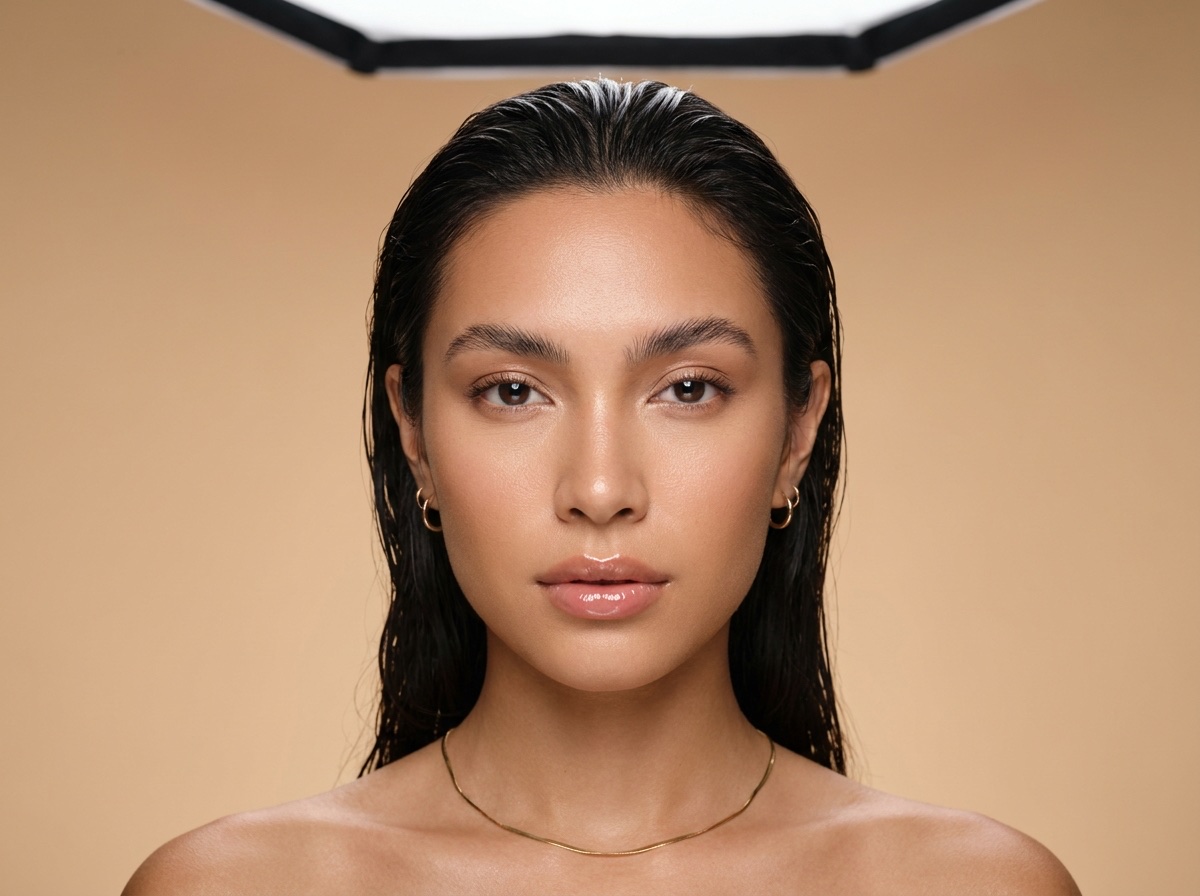 Nano Banana Pro
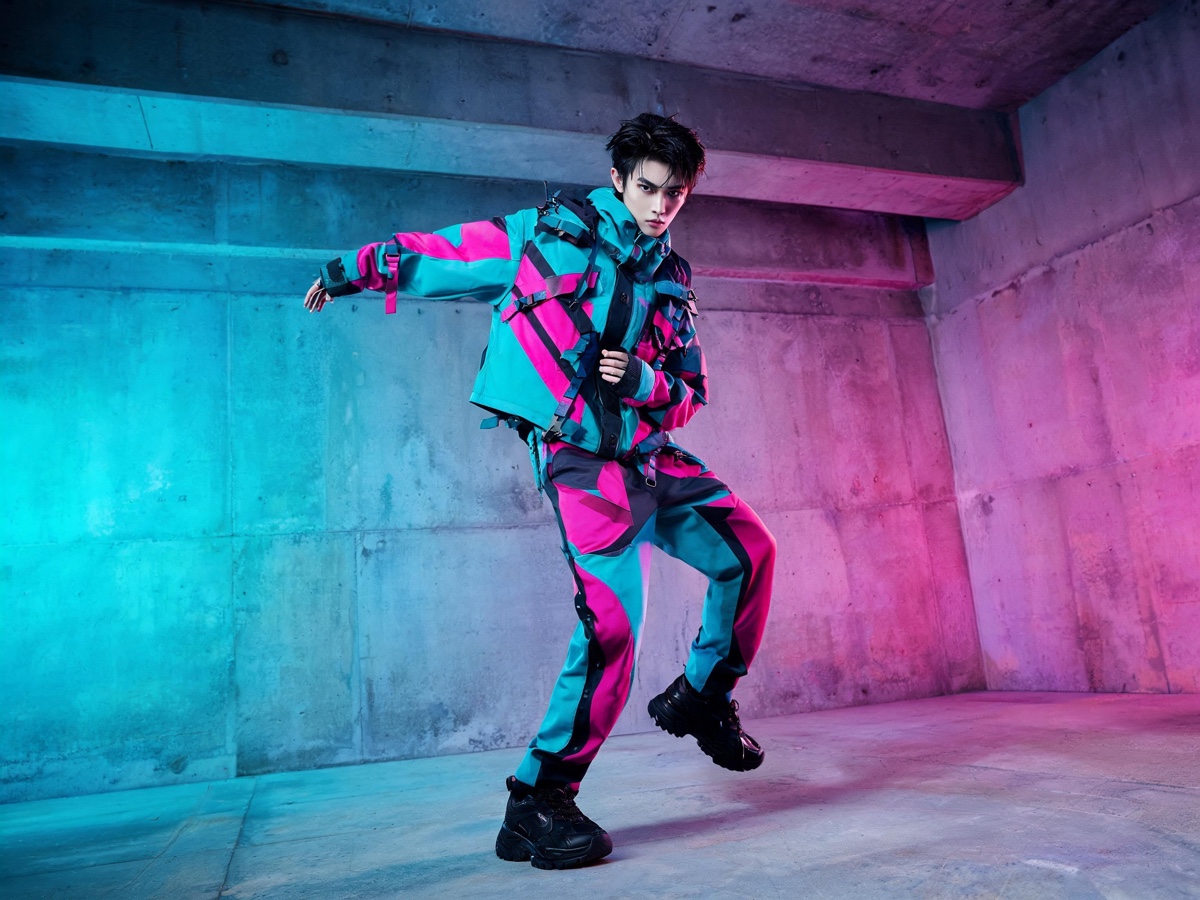 Seedream 5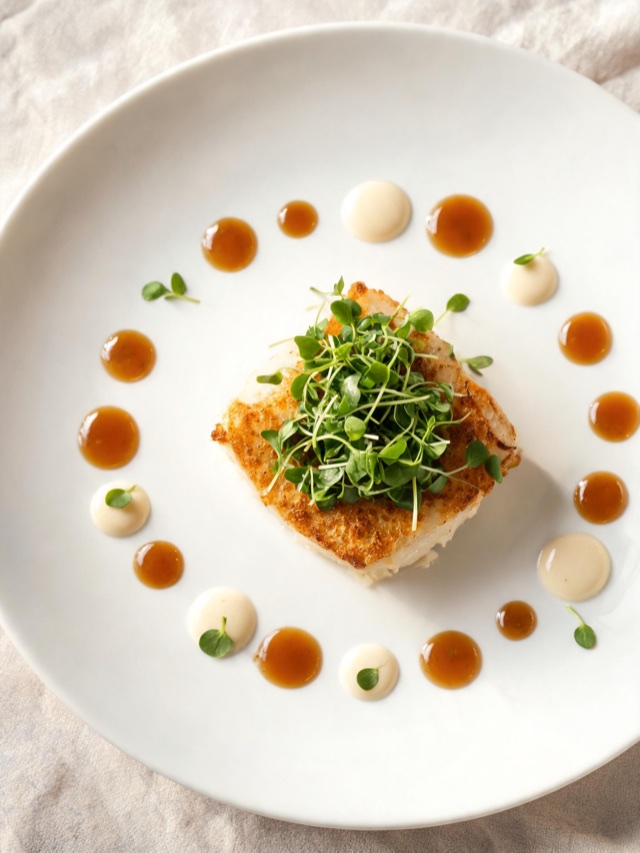
 GPT Image 2
 FLUX 2 Flex
DesignerBox is an AI product photography and video platform for online sellers and creators. Upload one product photo and get store-ready images, on-model shots, ads, reels and feed posts, made with every top AI model in one subscription. The comparisons below weigh that against the tools sellers usually buy instead.
These comparisons are honest. We sell DesignerBox, so we name our bias and stay specific about where a focused tool is genuinely the better pick and where consolidating into one platform wins. Each page breaks down capabilities, pricing, and who should choose which.
Pricing and features on every page were checked against each vendor's own site and carry the date they were verified. AI tools change their plans often, so treat the figures as a snapshot and confirm current pricing before you buy. Where a company does not publish prices, we say so instead of guessing.
One workspace, or a stack of point tools
Most sellers end up paying for four or five single-purpose tools to cover one product launch. Here is the same job in one subscription.
The point-tool stack
Five subscriptions, five logins, assets scattered
- PhotoroomBackground removal
- Flair.aiProduct scenes
- BotikaOn-model shots
- RunwayProduct video
- AdCreative.aiAd creative
DesignerBox, one workspace
One subscription, one login, one asset library
- Photo Studio: backgrounds, scenes, angles and relighting
- Model Studio: virtual try-on, ghost mannequin and AI models
- Video Studio: product video, fashion video and talking avatars
- Ad Studio: ads, social posts and per-channel formats
- Save any of it as a workflow and rerun it for the next product
Compare DesignerBox to any product visual tool
Pick the tool you are weighing up. Every comparison names where each side genuinely wins.
Product photo tools
Backgrounds, scenes, angles and retouchingDesignerBox vs Photoroom
Product photo editingDesignerBox vs Claid.ai
Catalogue automationDesignerBox vs Flair.ai
Product photographyDesignerBox vs Pebblely
Product backgroundsDesignerBox vs ZMO.AI
AI video ad toolsDesignerBox vs Bazaart
Phone-first design appOn-model and virtual try-on
Show the product worn or usedDesignerBox vs Botika
Fashion on-model photosDesignerBox vs FASHN
Fashion try-on studioDesignerBox vs VModel
Fashion and apparel imageryProduct video and motion
Clips, animation and upscalingDesignerBox vs Kling AI
Video generationDesignerBox vs Runway
Video generationDesignerBox vs Pika
Short-form videoDesignerBox vs Topaz Video AI
Video enhancementPresenters and UGC video
Talking avatars, actors and ad readsDesignerBox vs HeyGen
Avatar videoDesignerBox vs Synthesia
Enterprise avatarsDesignerBox vs Arcads
AI UGC adsDesignerBox vs Creatify
Video ads and AI actorsAd and social creative
Campaign output at volumeDesignerBox vs AdCreative.ai
Ad creative and scoringDesignerBox vs CreatorKit
Ecommerce video adsGeneral image generation
Stills, art and enhancementDesignerBox vs Magnific
All-in-one and upscalingDesignerBox vs Krea
Real-time playgroundDesignerBox vs Adobe Firefly
Adobe creative AIGeneral AI assistants
Chat-first tools sellers already pay forDesignerBox vs ChatGPT
General AI assistantDesignerBox vs Gemini
Google's AI assistantPlatforms and APIs
Multi-model canvases and developer toolsHow these comparisons are built
So you can judge the source, not only the verdict.
Checked against the vendor
Features and prices come from each vendor's own site and documentation, not from third-party listicles. Where a review site and the vendor disagree, the vendor wins.
Dated, not evergreen
Every page carries the date its facts were last verified. AI tools change plans often, so a comparison without a date is a comparison you cannot trust.
Our bias is named
We sell DesignerBox. Every page says so, and every page names the buyers who should pick the other tool instead. A comparison we win on all counts would not be worth publishing.
Gaps are stated, not guessed
Where a company does not publish pricing, we say so rather than estimating. Where a feature exists but we have not tested it, we say that too.
Choosing an AI product photography tool
The questions buyers ask before they pick one.
What is the best AI product photography tool?
Can I use ChatGPT or Gemini for product photos instead?
Which AI tools do product video, not only photos?
Are these comparisons biased?
How current is the pricing on these pages?
Do I have to replace my current tool to try DesignerBox?
Shoot it. Show it. Sell it.
Upload one product photo and get store-ready images, on-model shots, video and ads. Every top AI model, one subscription.
Start free