Runway · Video model
Runway Gen-4.5 AI video generator
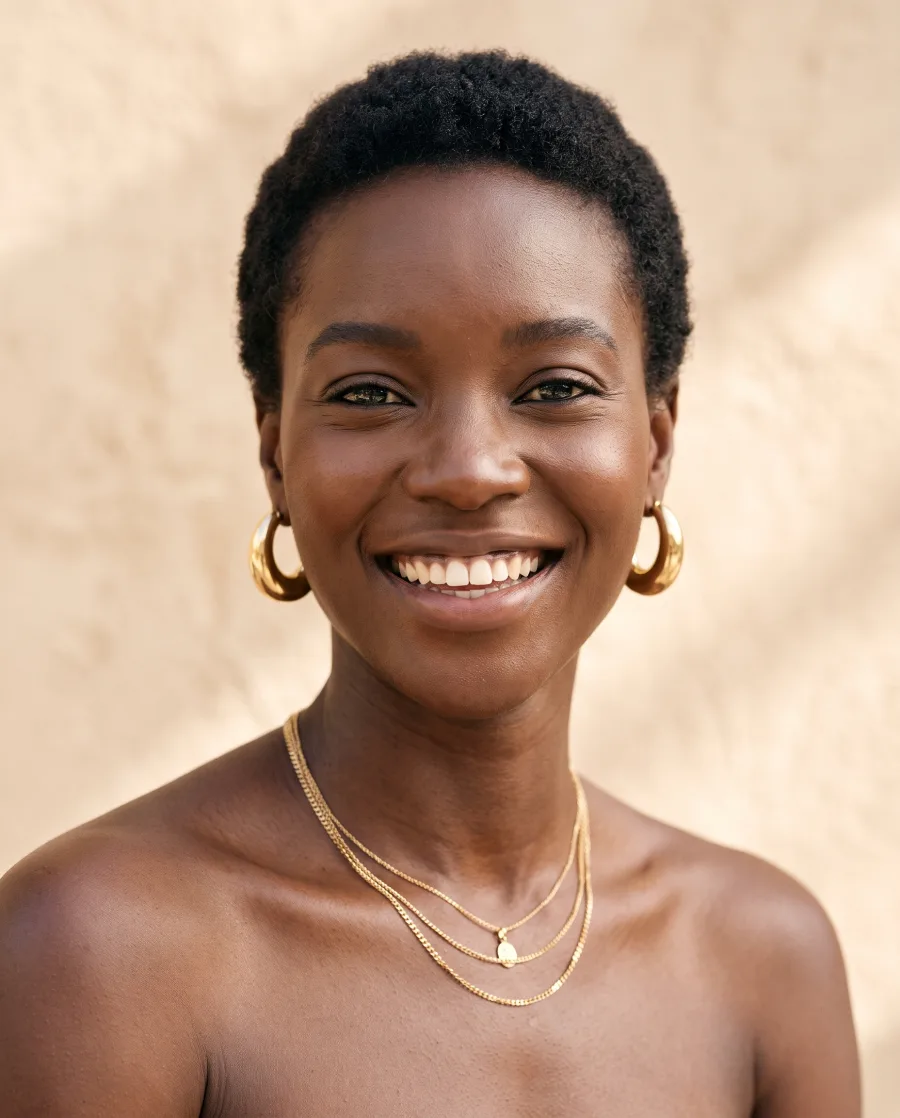
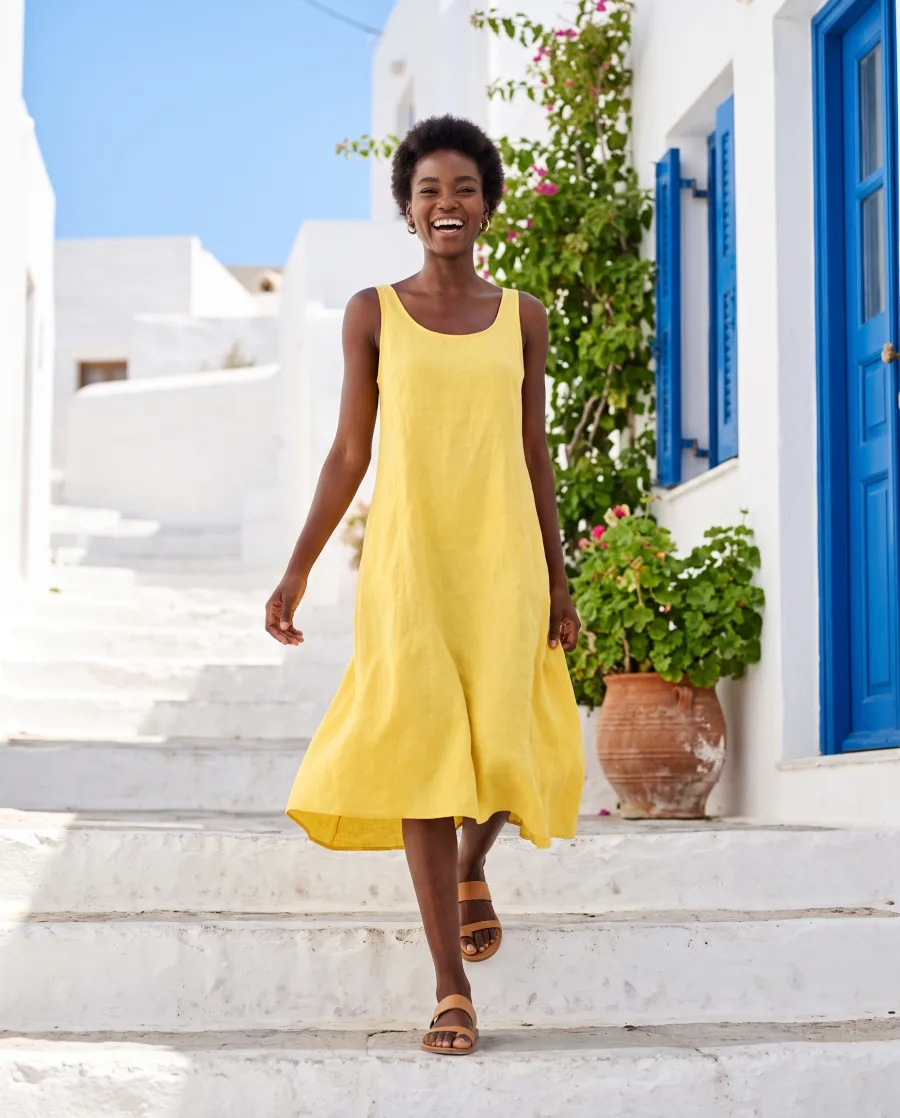
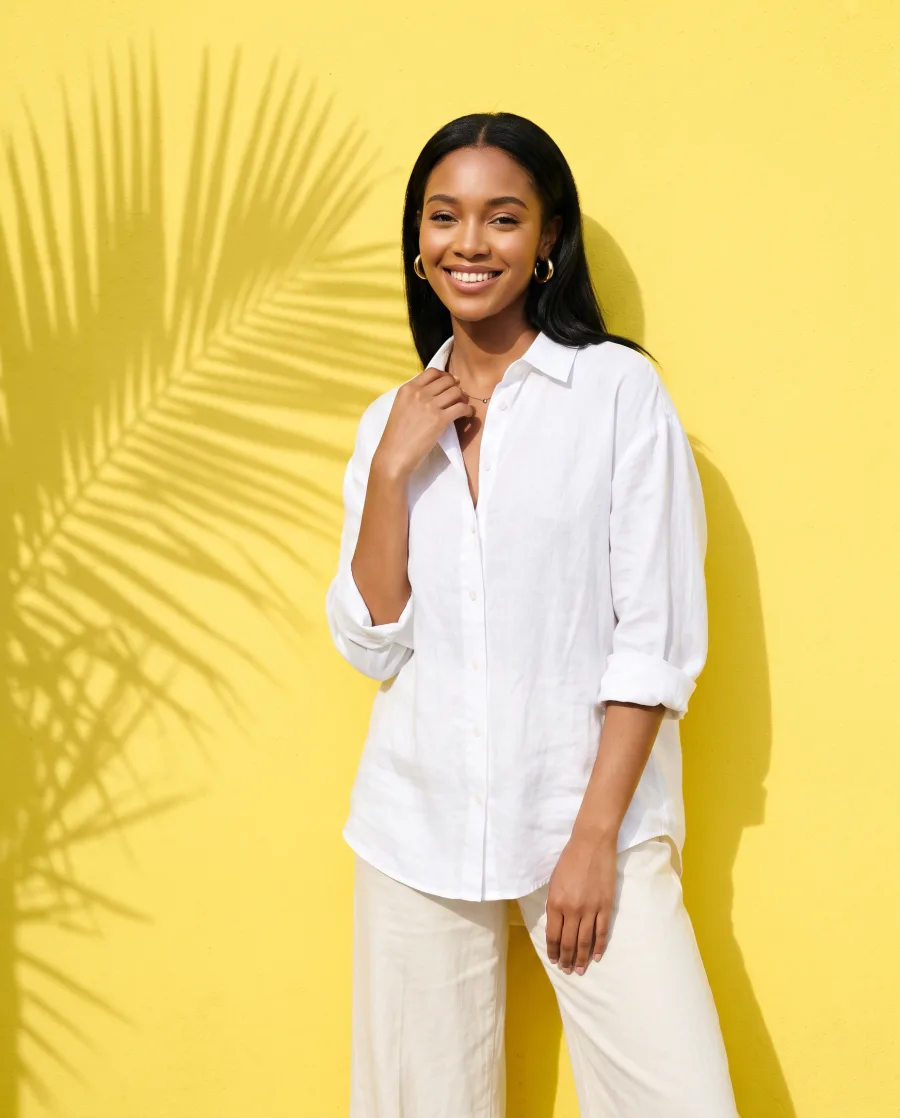
Runway's video model for polished clips with a strong look. It animates a still picture into a short clip in five shapes.
Runs in Generate and in a workflow step · The cost shows before you press Generate · No separate Runway subscription
- Claude
- ChatGPT
- Cursor
At a glance
Runway Gen-4.5 in DesignerBox
Use Runway Gen-4.5 in Generate, in a step of your own workflow, or on many rows at once in batch. Video starts on the Premium plan.
- Made by
- Runway
- Type
- Video model
- Name in Generate
- Studio Video
- You give it
- A text prompt, a start frame
- Shapes
- 16:9, 9:16, 4:3, 3:4, 1:1
- Sizes
- 720p
Strengths
What Runway Gen-4.5 is good at
- A polished lookClips come out with a finished, graded look.Try it in Generate
- Animates a stillGive it a picture and it brings the scene to life.Try it in Generate
- Five shapes16:9, 9:16, 4:3, 3:4 and 1:1.Try it in Generate
- Strong styleGood when the clip should feel like a brand film more than a demo.Try it in Generate
How to use it
How to use Runway Gen-4.5 in DesignerBox
- 1. Open Generate. Sign in to DesignerBox, open Generate and choose Video. You can also add a video step to a workflow.
- 2. Choose Studio Video. Pick Studio Video in the model list. Then set the shape, the size and the length of the clip.
- 3. Add a start frame and run. Add the picture the clip starts from and describe what happens. The cost shows next to the button before you press Generate.
Start free. You see the price before you make anything.
Video starts on the Premium plan. Your own photos and prompts start on the Pro plan.
Tips
Tips for better results with Runway Gen-4.5
- Start from a graded still. The clip keeps the look of the start frame, so get the colours right there first.
- Describe the camera. Say how the camera moves, for example "slow orbit to the left".
- Add sound later. Runway Gen-4.5 makes the picture only. Add music or a voice in the video editor.
- Start from a finished picture. Make the still first and check it. A clip that starts from a good picture needs fewer runs than one made from words alone.
- Describe one movement. Ask for one camera move or one action per clip. Two or three moves in one prompt often end up as none of them.
- Make the short clip first. Run the shortest length while you test the prompt. Make the long clip once the motion is right, because the length sets most of the cost.
Other models
Other video models in DesignerBox
Every model below runs in the same workspace, on the same plan.
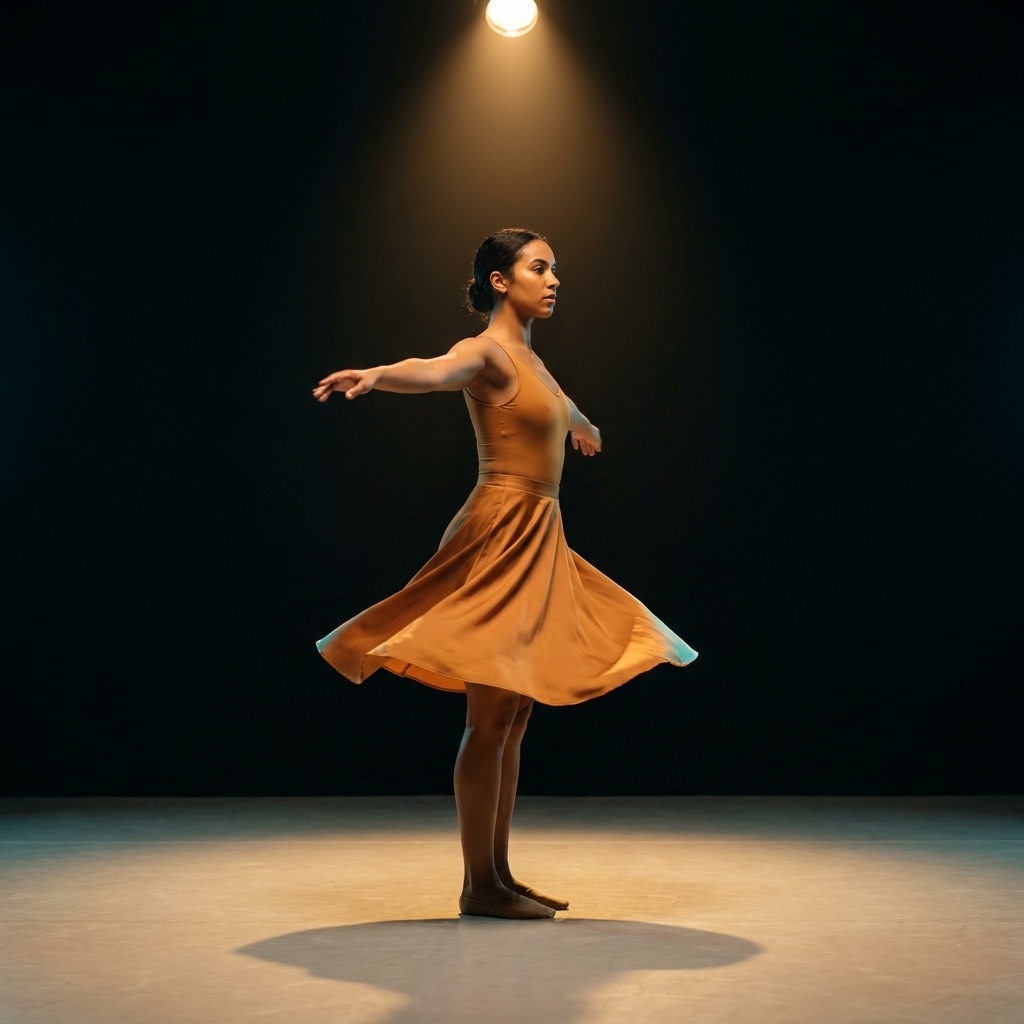 Veo 3.1Realistic video with sound, up to 4KGoogle
 Veo 3.1 FastQuick draft clips with sound, at a lower costGoogle
 Seedance 2.0Video with sound from several references, up to 15 secondsByteDance
 Kling 2.6 ProClips with sound of 5, 10 or 15 secondsKuaishou
What is Runway Gen-4.5?
Runway Gen-4.5 is a video model from Runway. It makes polished clips and animates still pictures.
Can I use Runway Gen-4.5 in DesignerBox?
Yes. In Generate it is called Studio Video. You can also pick it in a video step of a workflow. Video starts on the Premium plan.
Which shapes does Runway Gen-4.5 make?
Five: 16:9, 9:16, 4:3, 3:4 and 1:1, at 720p.
Does Runway Gen-4.5 make sound?
No. Add music or a voice in the video editor after the clip is made.
Make your first pictures today.
Sign up with Google or your email. Nothing to set up.
Get started free- Claude
- ChatGPT
- Cursor