


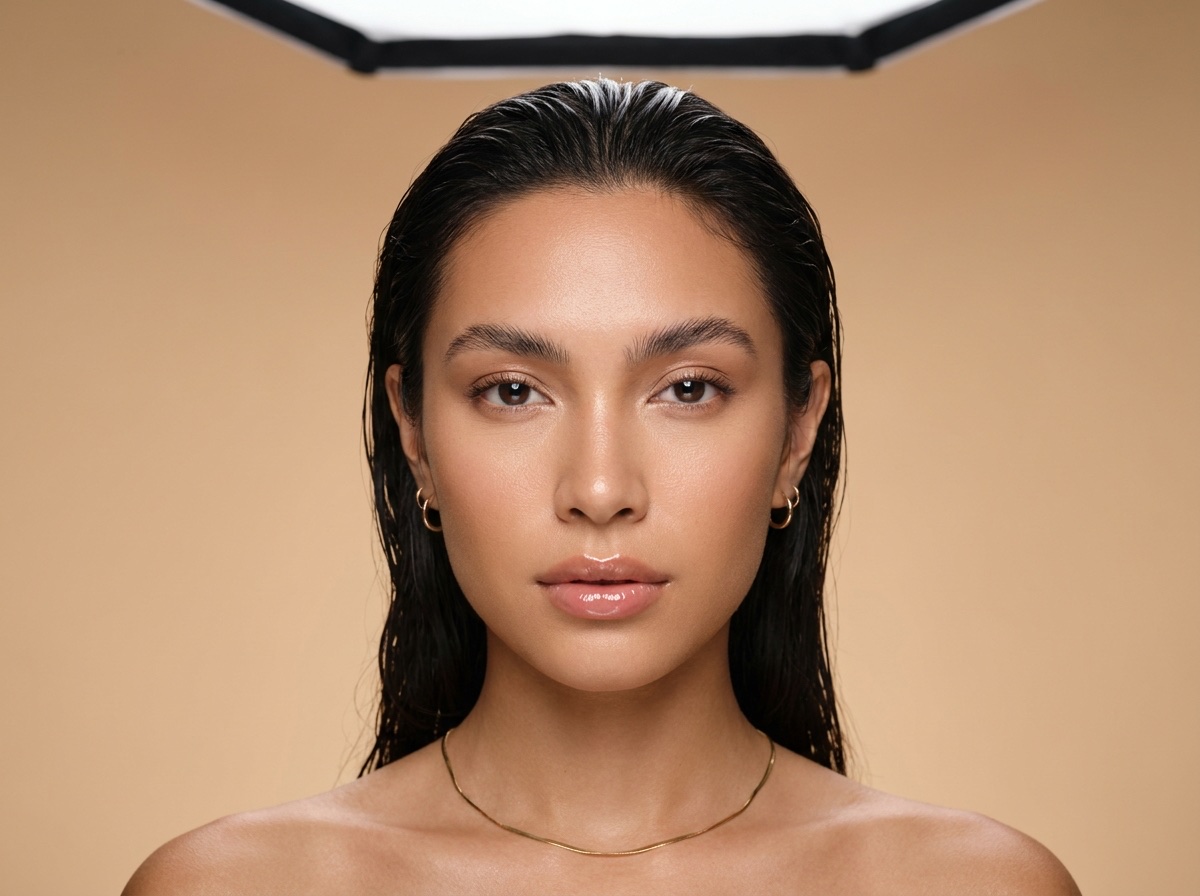
 Image
ImageGoogle
Nano Banana Pro
High-quality image generation and editing powered by Gemini 3 Pro
Used inFour ways to work
TemplatesStart from a finished resultWorkflowsYour steps, saved to run againAppsFill a short form, press RunBatchRun one workflow on a whole spreadsheetBrowse
AI models
Each step of a workflow runs on one of these models. A template comes with the model set, and in your own workflow you pick it. Runs use the credits of your plan, with no separate subscription for each model.



Image
The workflow picks one of these for each step.
ImageHigh-quality image generation and editing powered by Gemini 3 Pro
Used in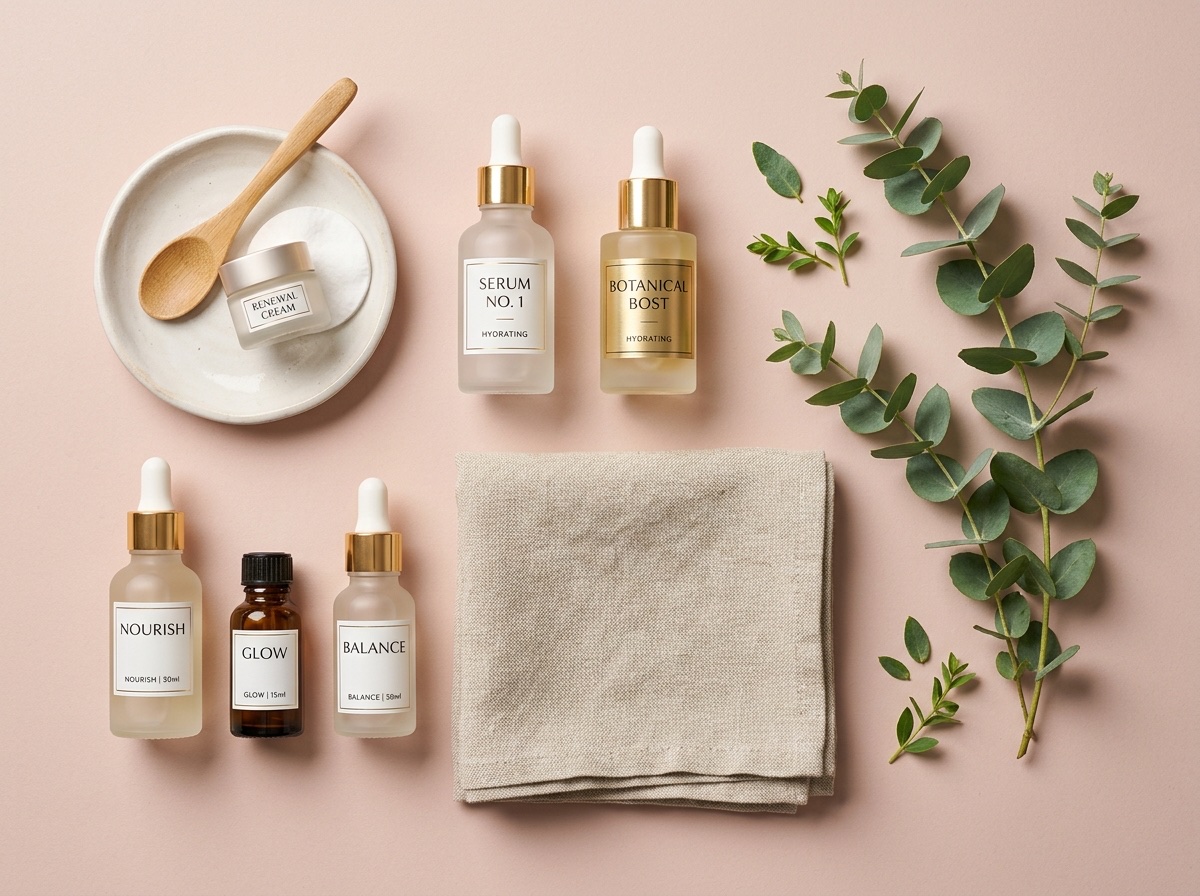 Image
ImageFast production-scale image generation on Gemini 3.1 Flash
Used in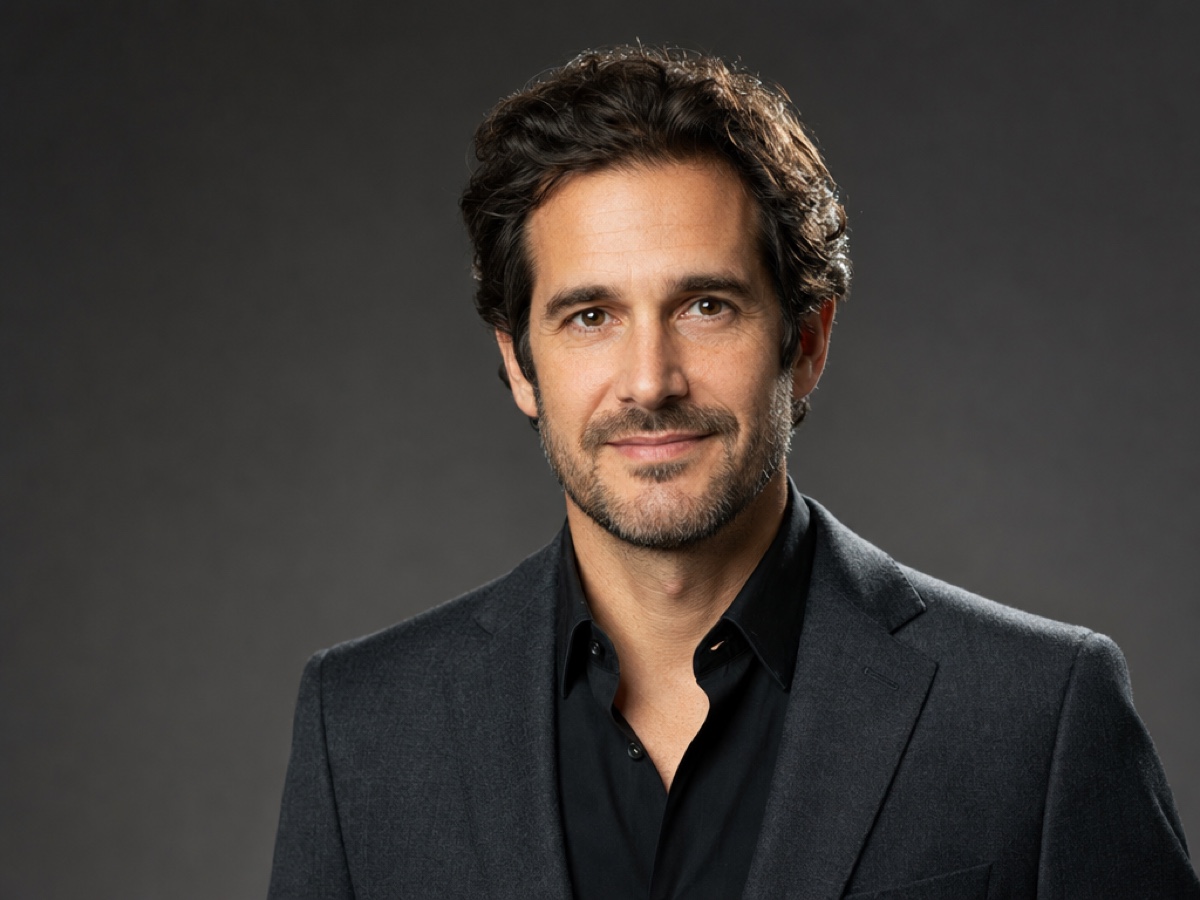 Image
ImageOpenAI image model with readable text and detail up to 4K
Used inPick this model in your own workflow step.
Build a workflow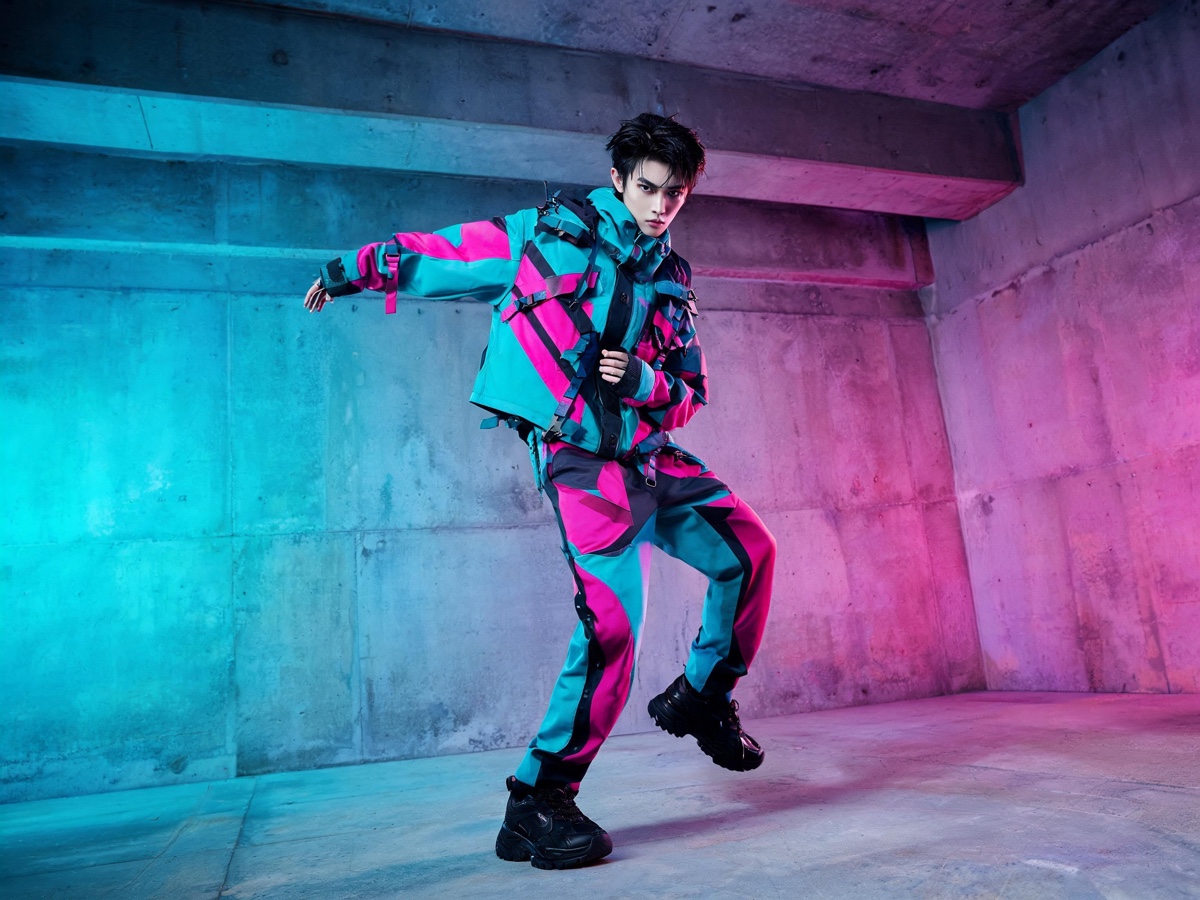 Image
Image2K-3K resolution with native text rendering, editing, and style transfer
Used in Image
ImageTypography, retexturing and edits from several references
Used inPick this model in your own workflow step.
Build a workflow Image
ImageProfessional-grade text-to-image generation
Used inPick this model in your own workflow step.
Build a workflowAlso available in a workflow step: Kontext Multi.
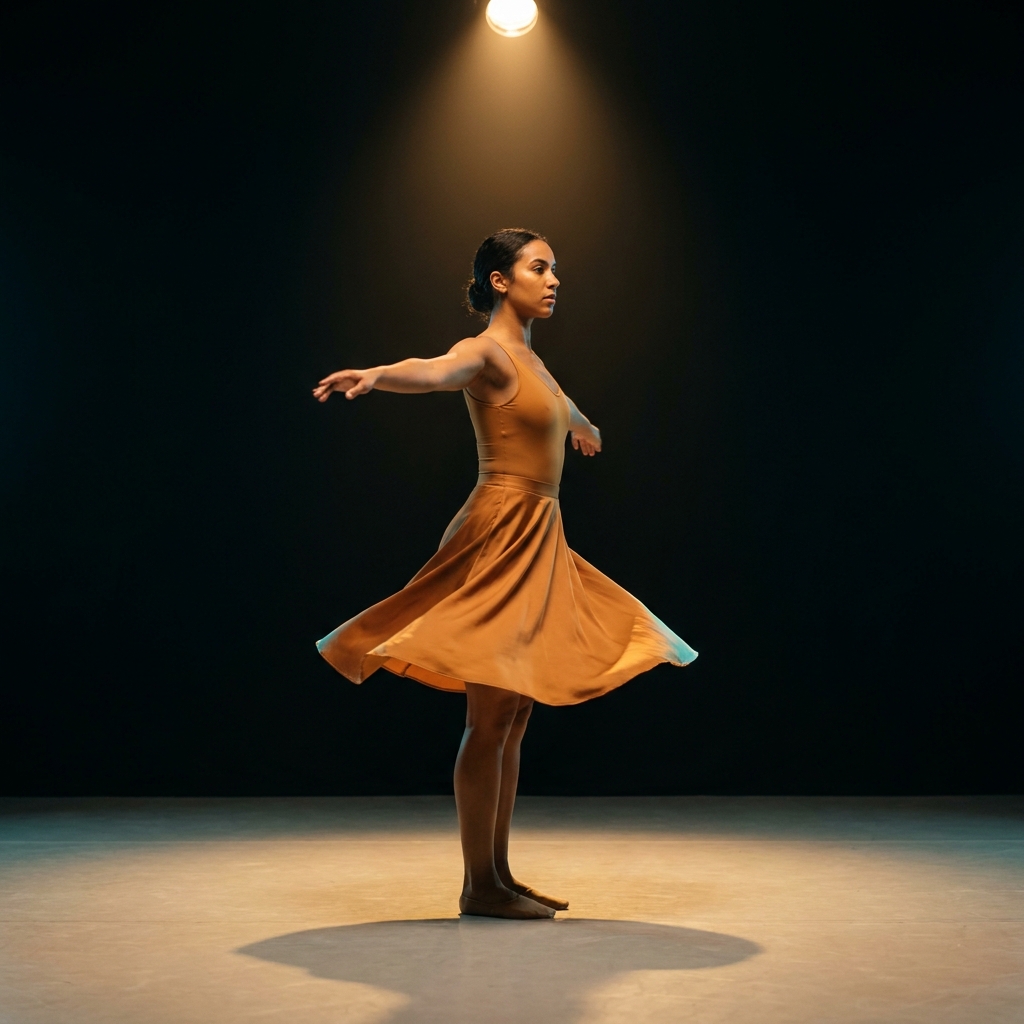 Video
Video Video
VideoQuick drafts with native audio at moderate cost
Used inPick this model in your own workflow step.
Build a workflow Video
VideoVideo with audio and several reference images, up to 15 seconds
Used in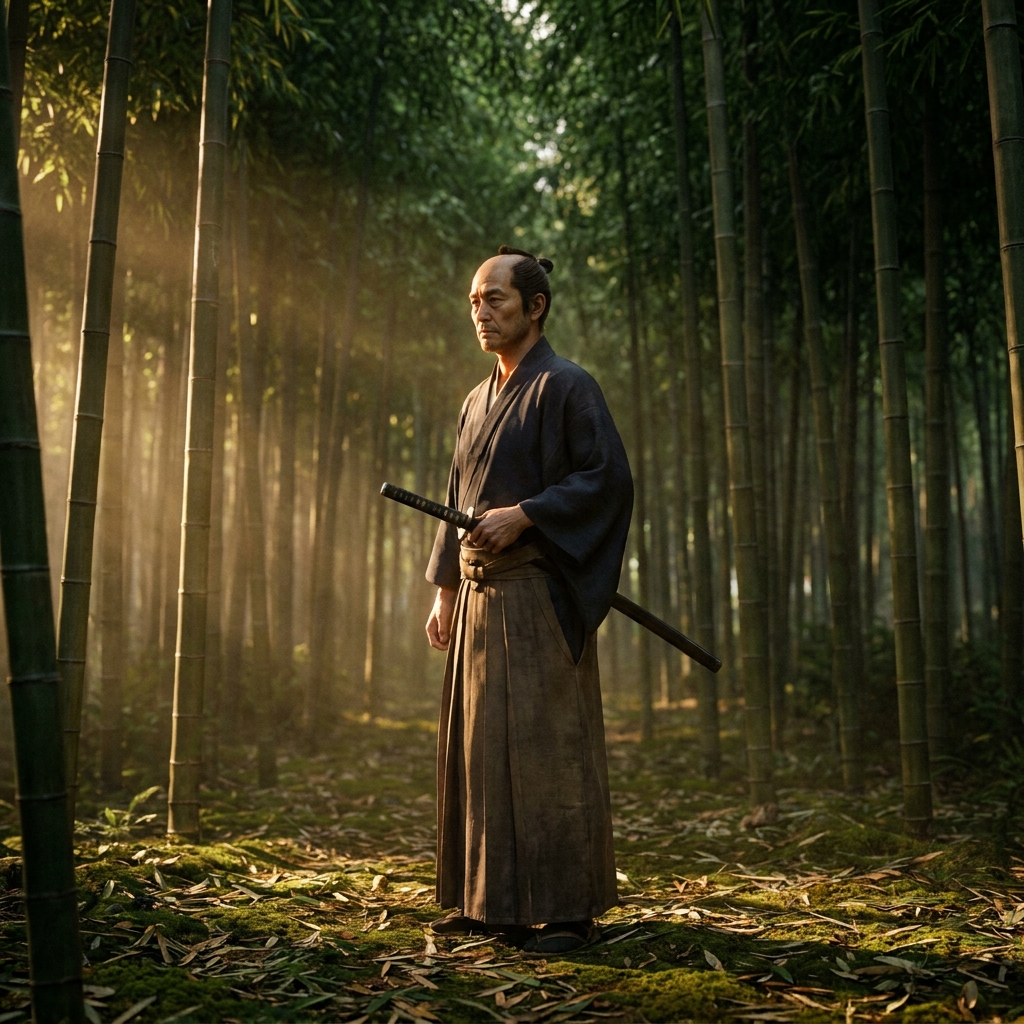 Video
VideoAlso available in a workflow step: Runway Gen-4.5.
Who it is for
Results designed for brands and agencies like you.
You have tried three AI image apps. Each one has its own models, its own prompts and its own subscription. The results look different from one app to the next, and none of them looks like your brand. You want one place where the model is already chosen for the job.
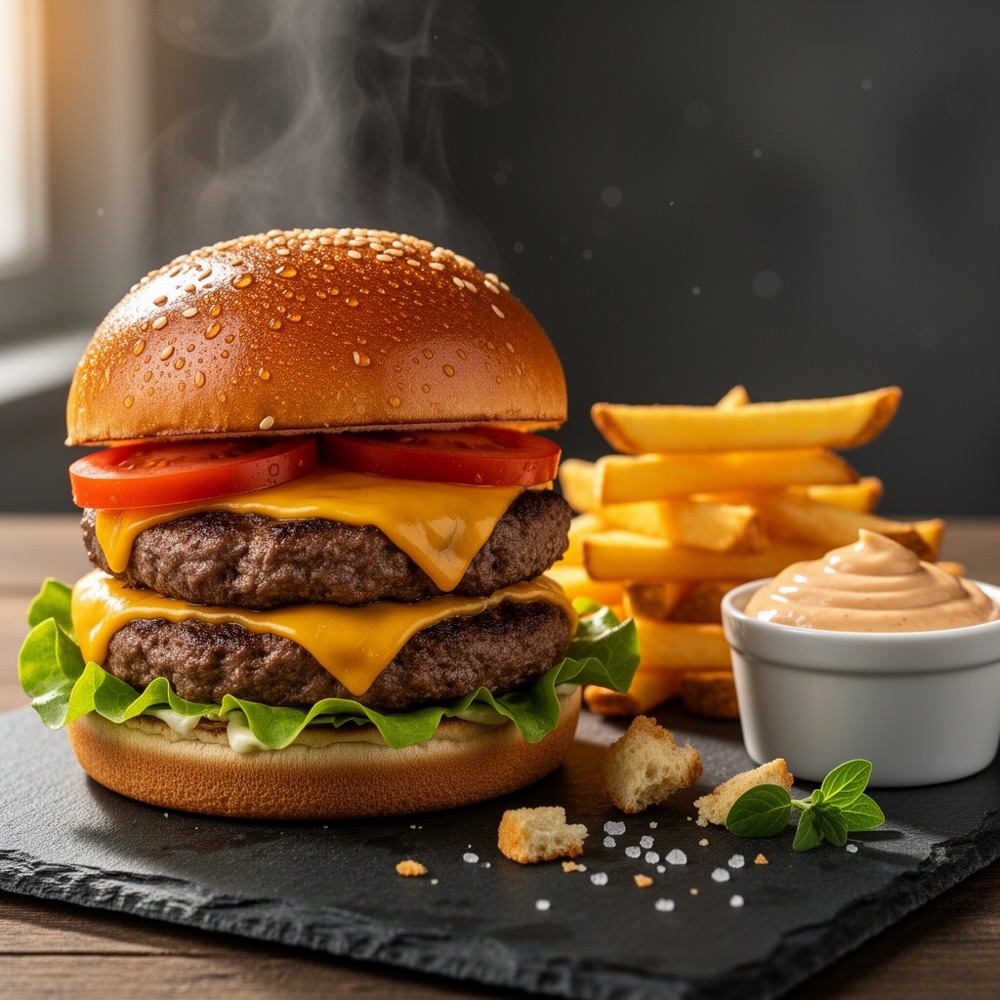
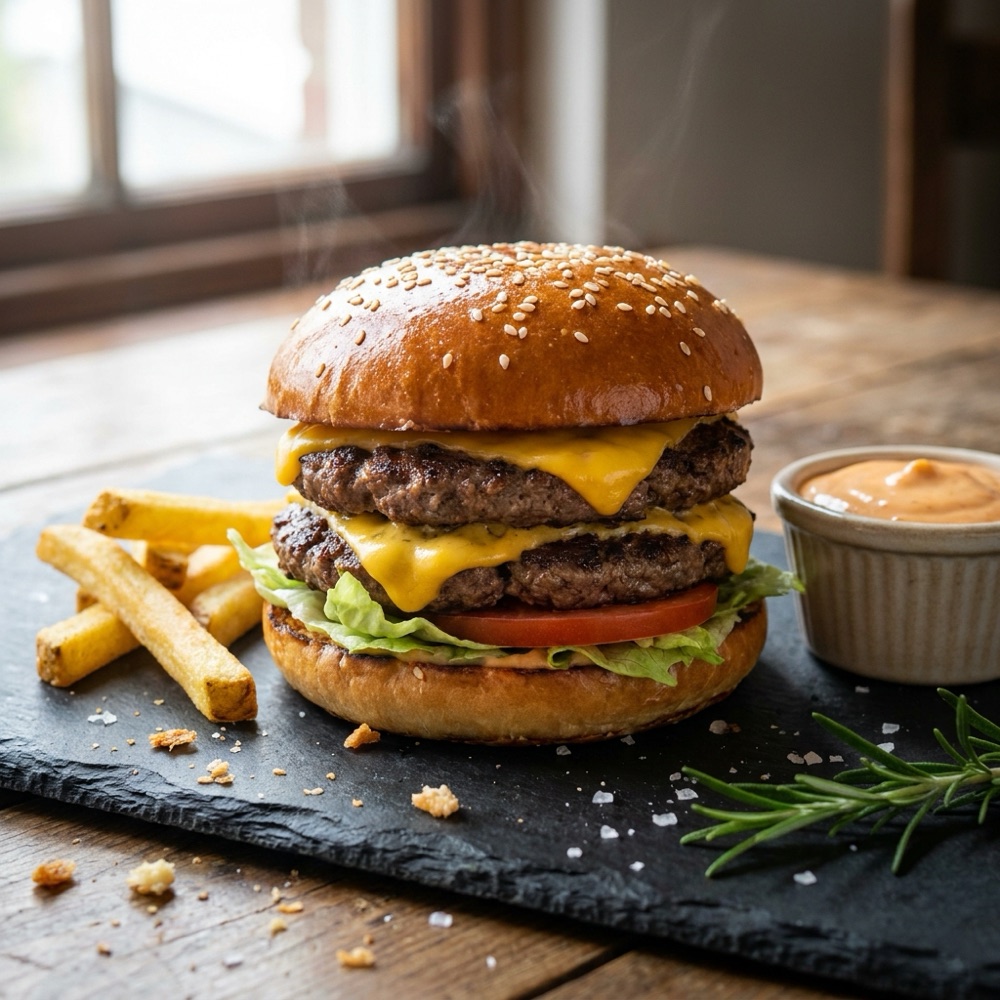
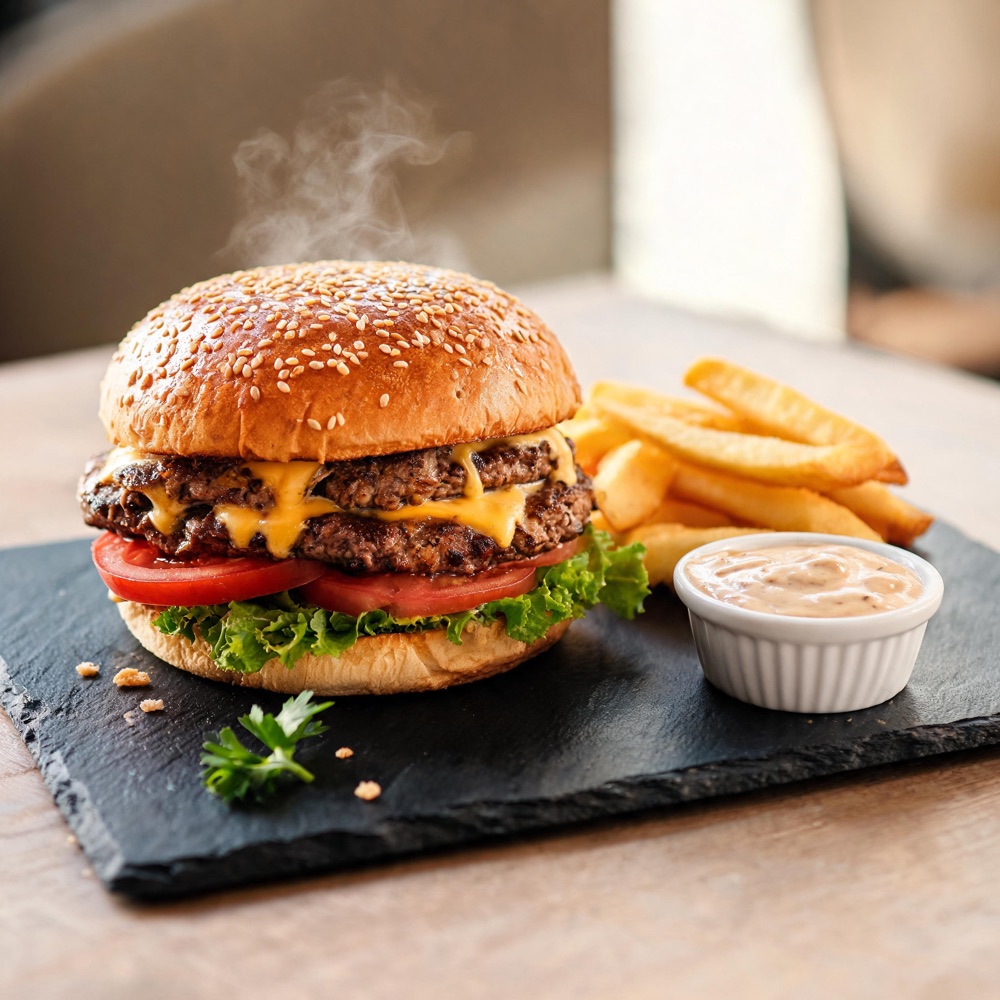
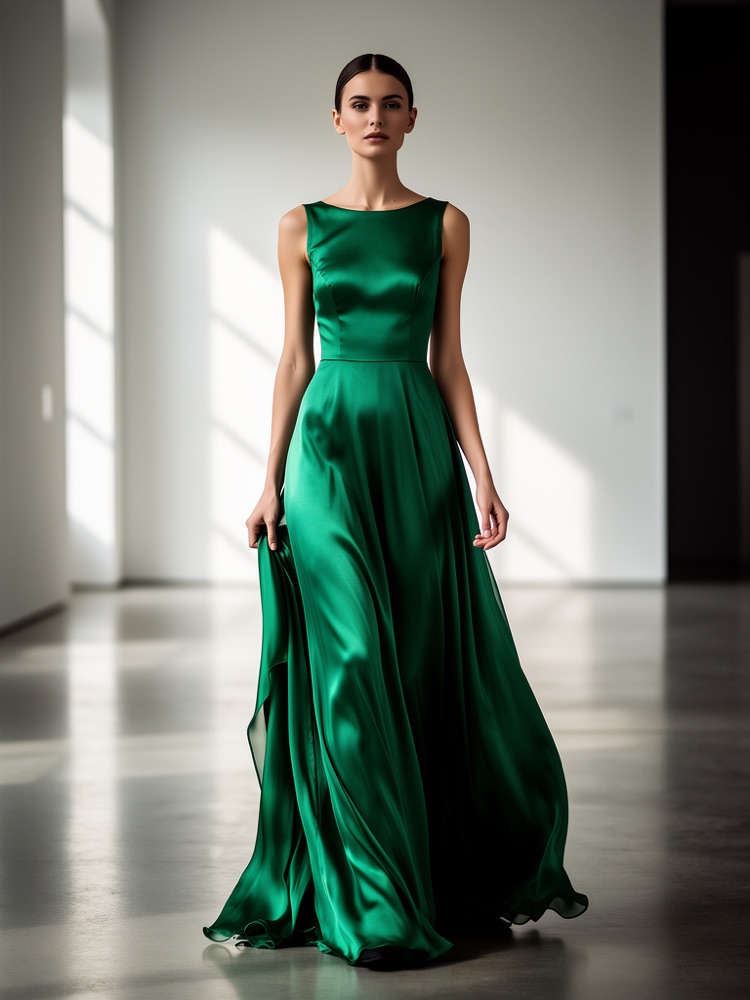
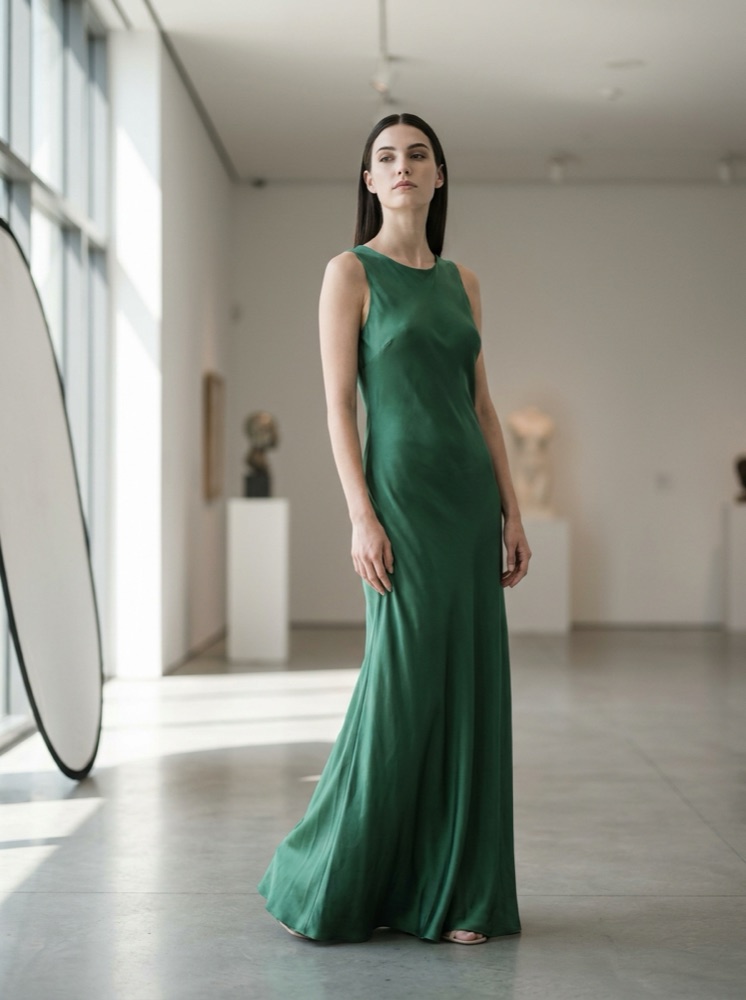
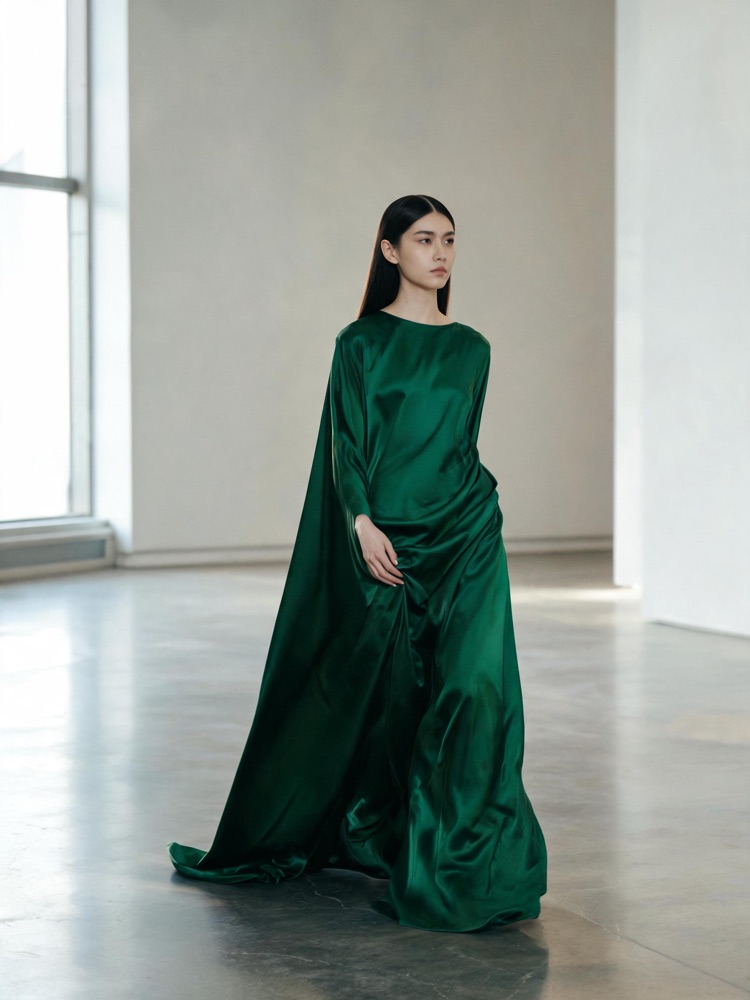
Two briefs, each on the same three image models, from the Image models comparison template.
How to choose
There is no single best model. The right one depends on what you are making. Three rules cover most decisions. Once the choice is in the workflow, every row uses it.
Text inside the image is a different problem from photoreal skin. Animating a still is a third. GPT Image 2 and Seedream 5 are strong on text in the image. Nano Banana Pro is strong on following the brief, and Kontext Multi on keeping one character the same across a campaign.
Use a fast model for the first directions and the strongest model for the frame you ship. In a workflow that is two steps. A critic step or best-of-N ranking picks the draft that the final step uses.
Video cost grows with the length of the clip, so length matters more than the model. Plan the clip first, then pick the model. The workflow shows the cost of the run before you run it.
Questions
There is no single best model. Nano Banana Pro is strong at following the brief and at photoreal skin. GPT Image 2 is strong at text inside the image and 4K detail. Seedream 5 is strong at typography. FLUX 2 Flex is strong at retexturing and edits from several references. A template sets the model that fits its job, so you change the model only when the job changes.
No. The model is set in the workflow step, and every row of a run uses it. When you start from a template, the model is already set. When you build your own workflow, you pick the model in the step.
Each run has a cost. The workflow shows it before you press Run, so you know the cost before the result exists. Plans are on the pricing page.
Yes, from the Pro plan up. Pro, Premium and Ultra results carry a commercial licence and no watermark, so you can use them in products, ads, client work and social posts. Free and Basic do not include the commercial licence, and Free results carry a watermark.
Veo 3.1, Veo 3.1 Fast, Seedance 2.0 and Kling 2.6 Pro produce native, synchronised audio. A clip from them needs no separate audio pass. Runway Gen-4.5 makes video only.
Everything in one place
The full workflow, from your product photos to the finished ad, in one subscription.
Generate content for your products or services with AI, starting today, and keep your brand on every piece.











