DesignerBox Documentation
Welcome to DesignerBox
DesignerBox is an AI studio for visual content. Generate and edit images, create AI videos, build reusable workflows on a node canvas, and run pre-built techniques, all in one place.
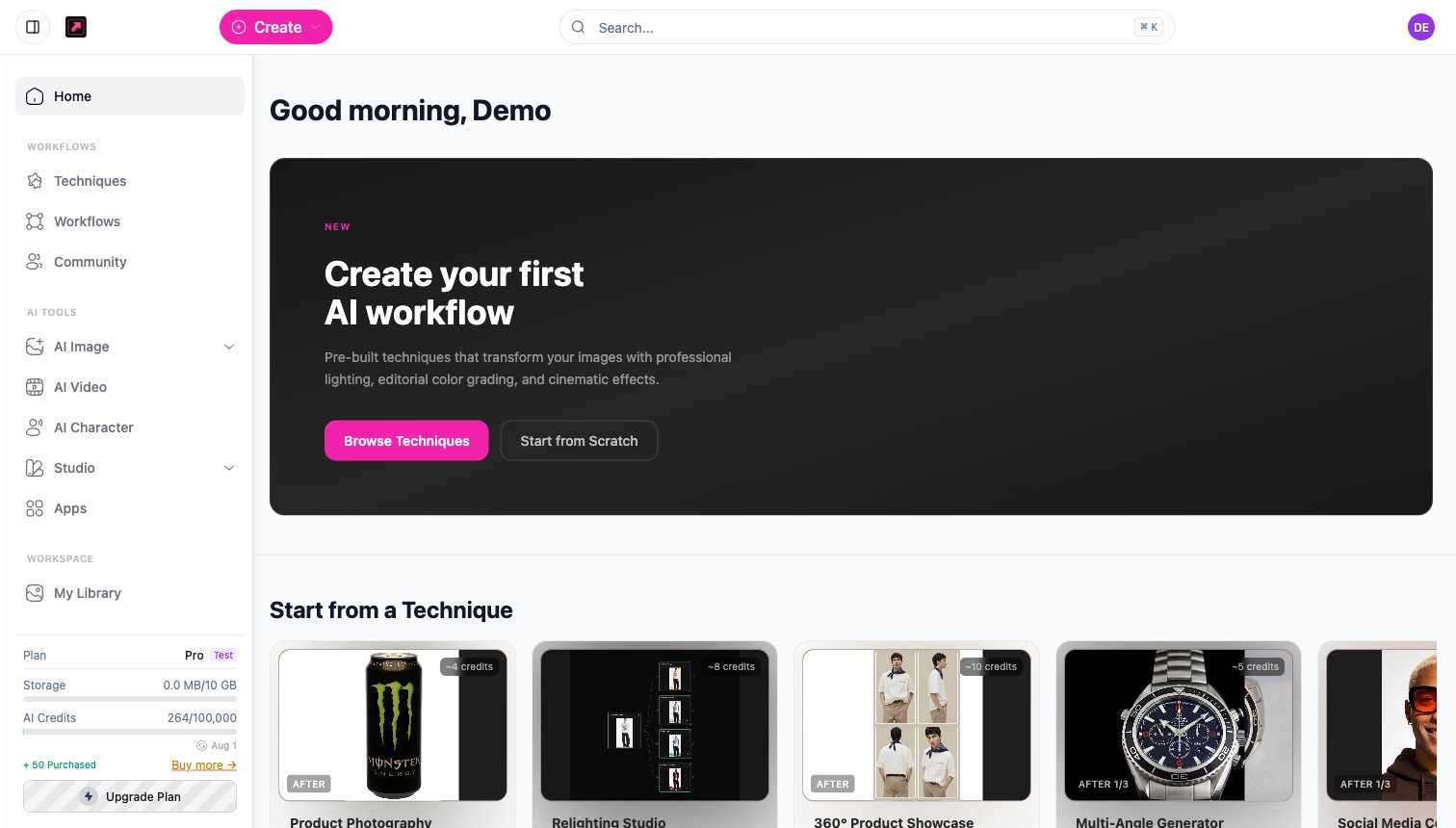
The core workflow
- Start from an image or a prompt - upload your own photo or describe what you want.
- Pick a technique or build a workflow - run a pre-built technique or assemble your own pipeline on the canvas.
- Configure and generate - choose your settings and generate. See Create your first image to walk through it.
- Download or iterate - save the result, refine it, or turn it into a video.
Explore the docs
- Guides - step-by-step walkthroughs for common workflows.
- Features - AI Image, AI Video, AI Character, techniques, workflows, community, and more.
- Integrations - MCP for AI assistants, the REST API, and white-label options.
- Knowledge Base - plans, credits, limits, and billing.
- Pricing FAQs - plans and what they include.
Need help?
Reach support from the in-app help menu or visit https://designerbox.ai.