










Workflows
Creative automation for every product
A workflow is the job you repeat every week, saved as steps. Build it once with your brand rules. Run it on one product today and on the whole catalogue tomorrow, and every result has your brand's look.
- Steps you build once and run again
- Your brand rules, read before every run
- The cost shown before you press Run

What a run makes
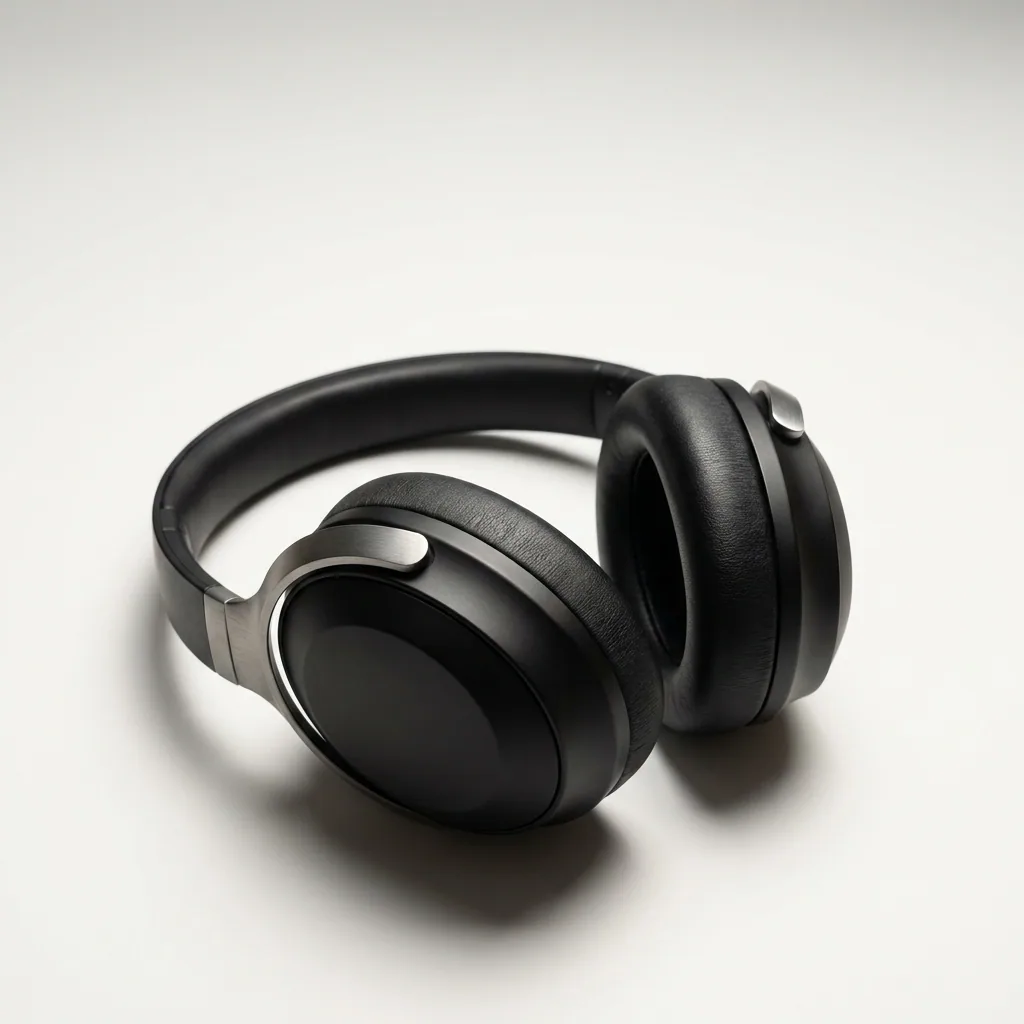
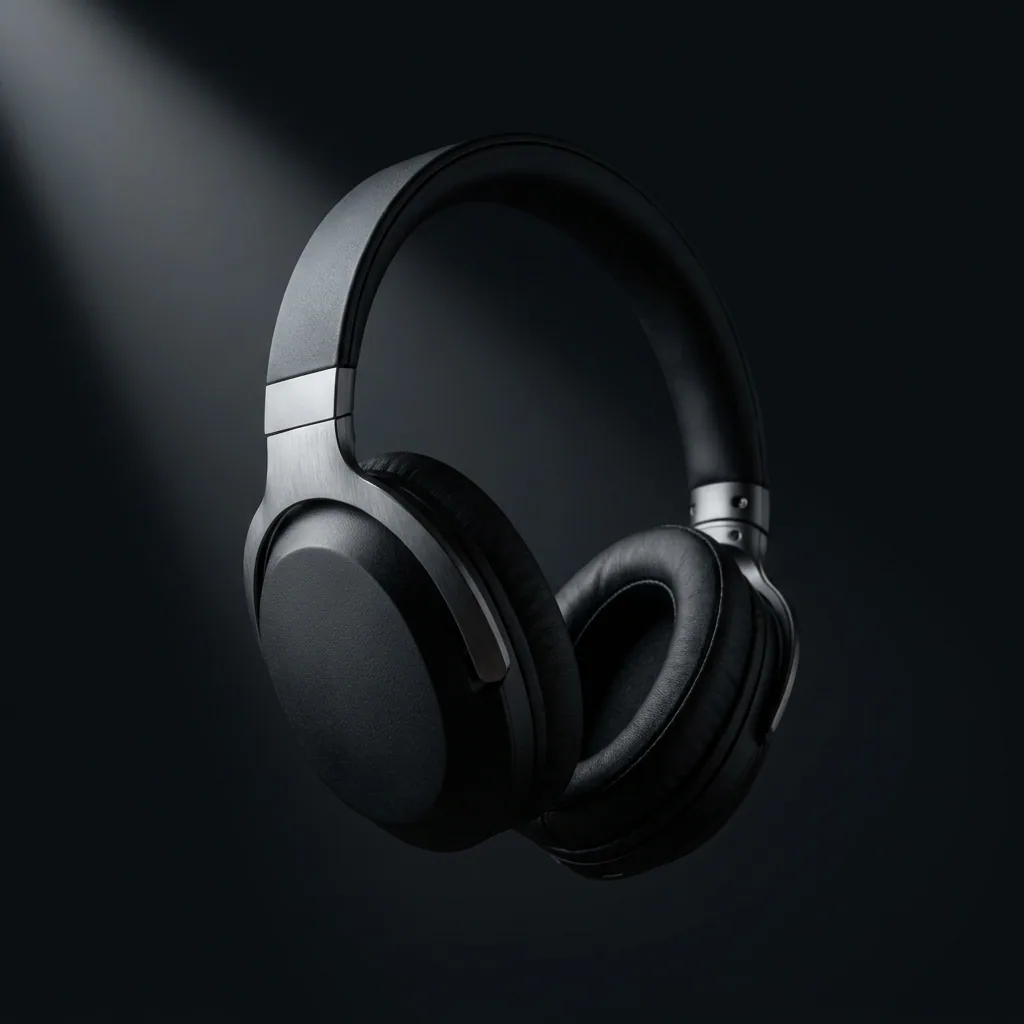
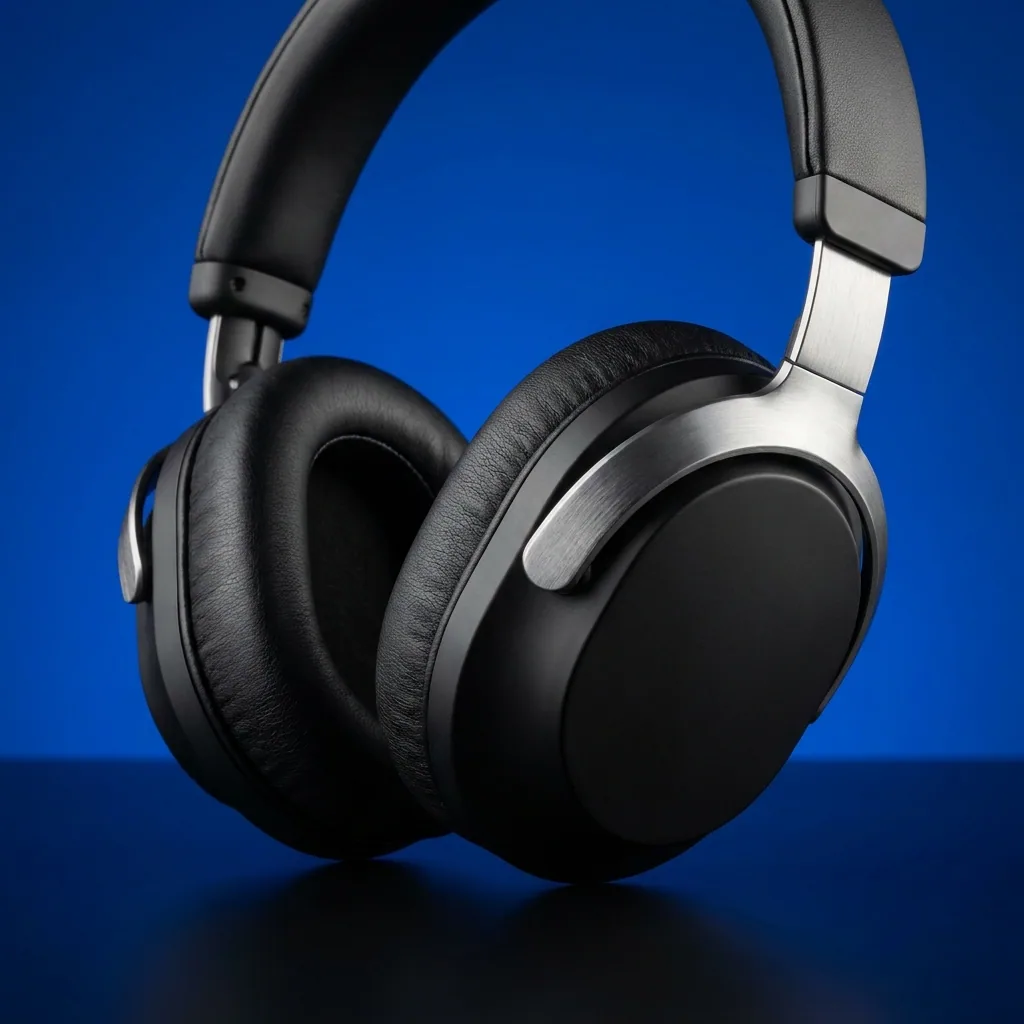
The set your brand needs, from your product photos




Who it is for
Does that sound like you?
Scaling without compromising quality.
Anyone can make an AI picture. Making hundreds that still look like your brand is the hard part. A workflow saves the steps once, so the tenth run and the hundredth are made the same way.
How we solve it:- Build the workflow once with your brand rules
- Run it on one product or the whole catalogue
- See the cost before you press Run
Cut the waiting time and budget for deliverables.
You deliver for several clients, and each one has its own brand book. Waiting weeks for a shoot or an edit delays every delivery. One workflow per client runs that client's rules, every time.
How we solve it:- One brand record per client, read on every run
- Apps a colleague runs from a short form
- A shared workspace and team seats on the Ultra plan
What you get
What a workflow can hold
A workflow is a canvas of steps. Each step takes what the step before it made, so a photo becomes a packshot, then a scene, then a video, in one run.
Steps that make a picture
Generate an image, change one you have, remove a background, relight it, place it in a scene, upscale it at the end.
Steps that make a video
Turn a picture into a clip, add a voice from twenty, write the captions from the voice, and cut the clips together.
Steps that write and judge
Write the line for an ad, translate it, then let a critic step rank several results and keep the best one.
Steps that send the result out
Save to Assets, post to a webhook, put the file in your own S3 bucket, or build a carousel for the feed.
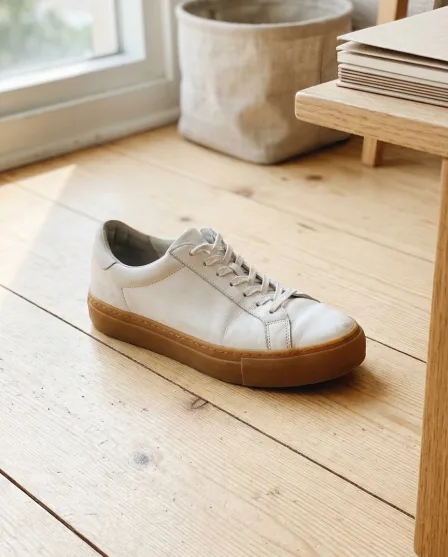



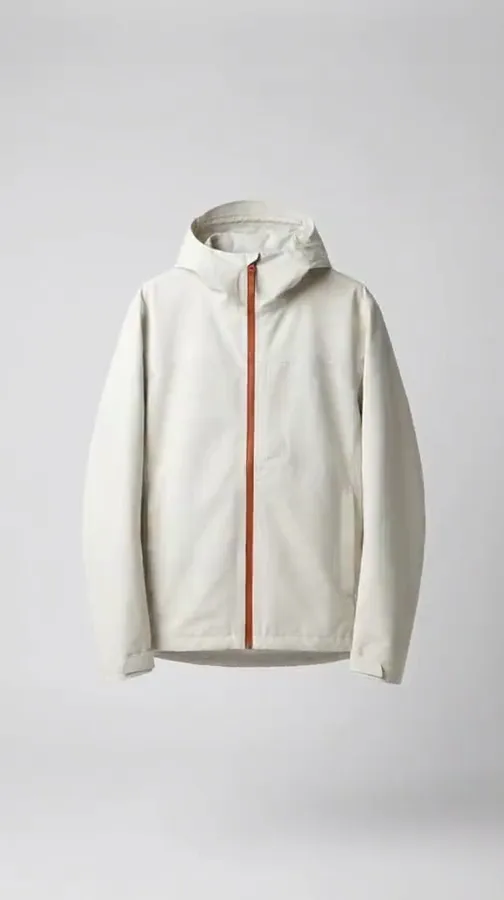
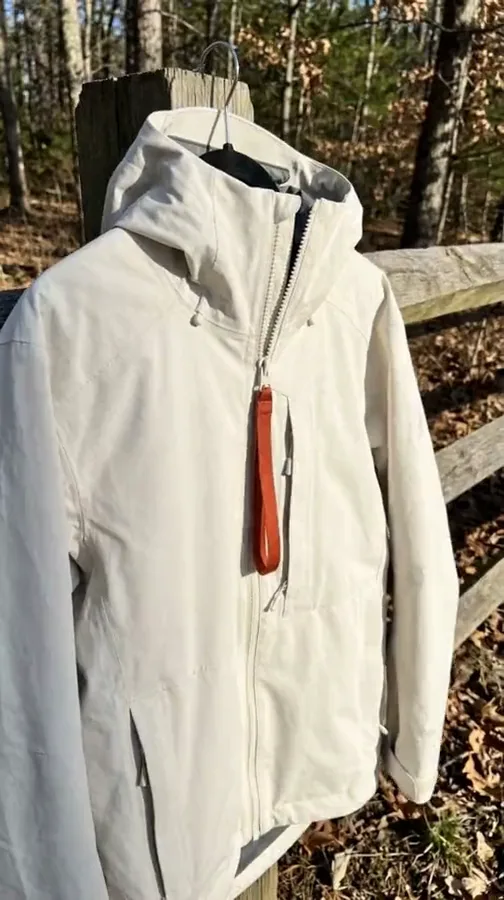

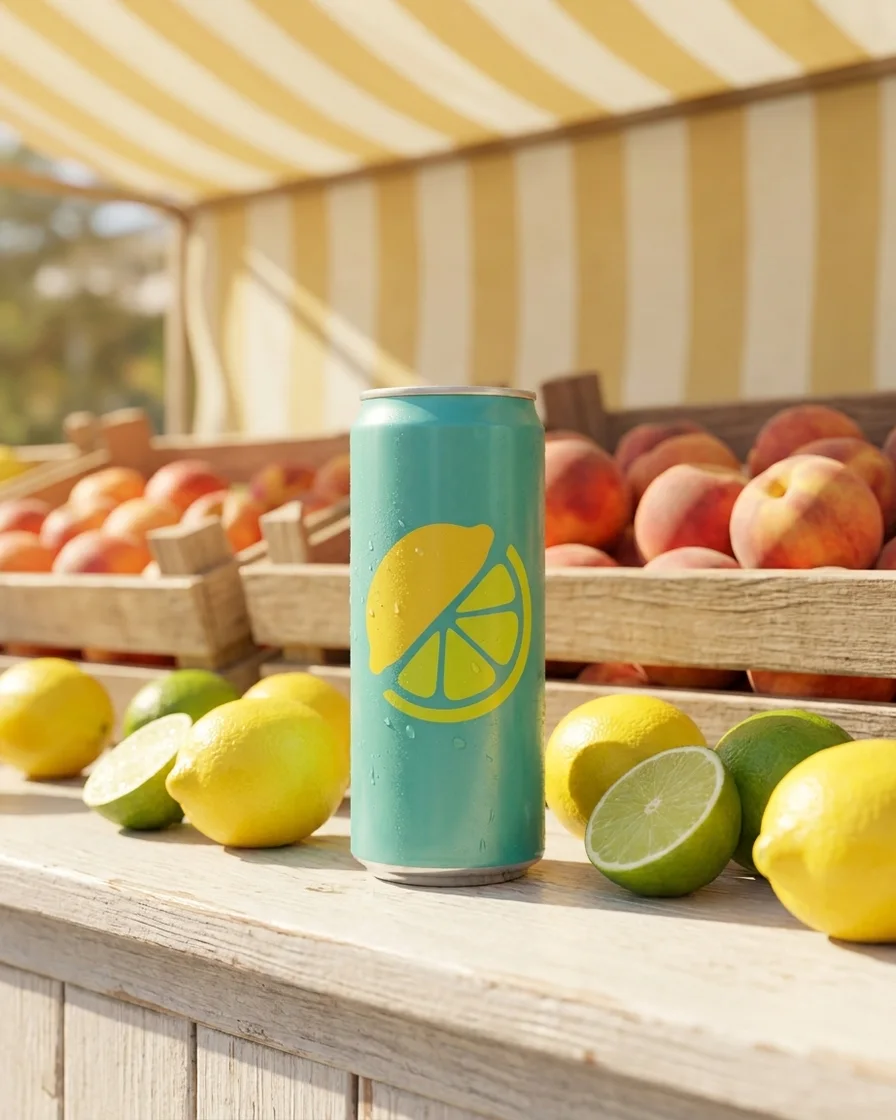
How it works
How a workflow is built
- 01
Start from a template
A template is a workflow somebody already built. Open one, add your product photo and make it yours.
- 02
Set your brand once
Your logo, colours, fonts and rules are read before every run. Nothing is typed twice.
- 03
Run it, then run it again
Press Run on one product. Share it as an app for a colleague, or run it as a batch over the whole catalogue.
One workflow, four ways to run it
A template, a workflow, an app, a batch
They are the same engine at four distances. Start with somebody else's, save your own, share it with a colleague, then run it over the whole catalogue.
Template
A workflow somebody already built. Open one, add your photo, press Run.
Anyone, on the first day
Workflow
Your own steps, saved once with your brand and your products, run again.
The person who sets the standard
App
The same workflow behind a short form. Fill the fields, press Run.
A colleague who never opens the steps
Batch
One workflow over a spreadsheet. One product per row, reviewed in one pass.
One person, once, for the whole drop


Everything in one place
Everything you need, in one place
The full workflow, from your product photos to the finished ad, in one subscription.

Templates
Start from a finished result

Apps
Fill a short form, press Run

Batch
Run one workflow on a whole spreadsheet
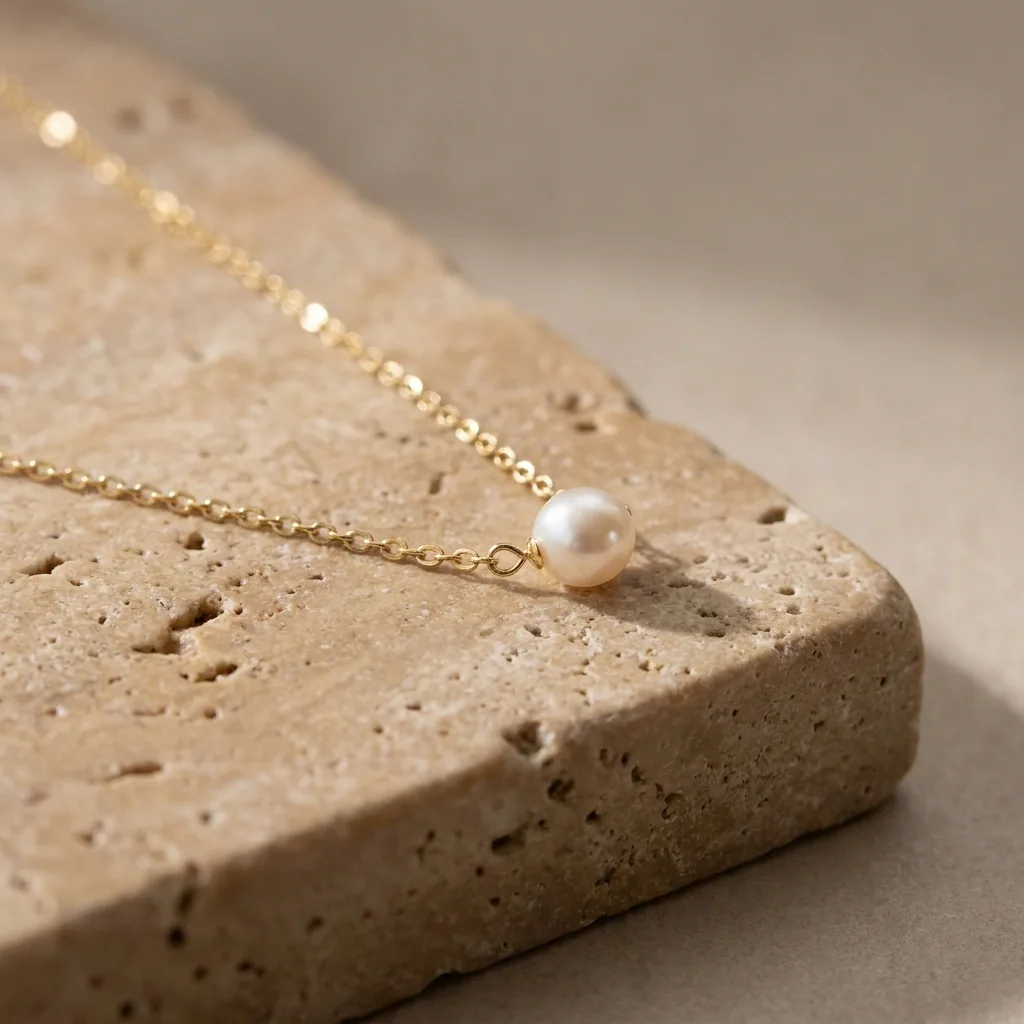
Image editor
Change one picture, keep the detail
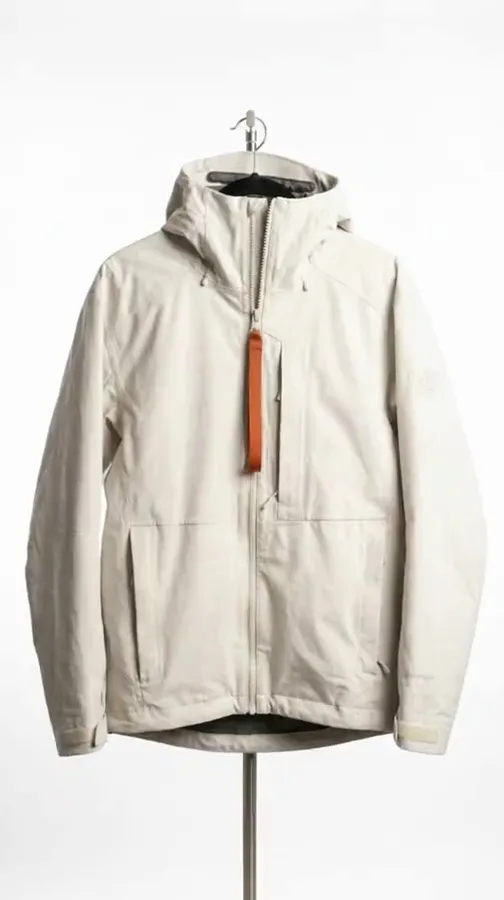
Video editor
Cut, caption and add a voice

Assets
Every result in one place

Brand
Logos, fonts, colours and rules

AI models
The image and video models inside every workflow
MCP server
Run DesignerBox from Claude, ChatGPT, Cursor or Codex
Figma plugin
Make on-brand images inside Figma
Chrome extension
Make images and video beside any web page
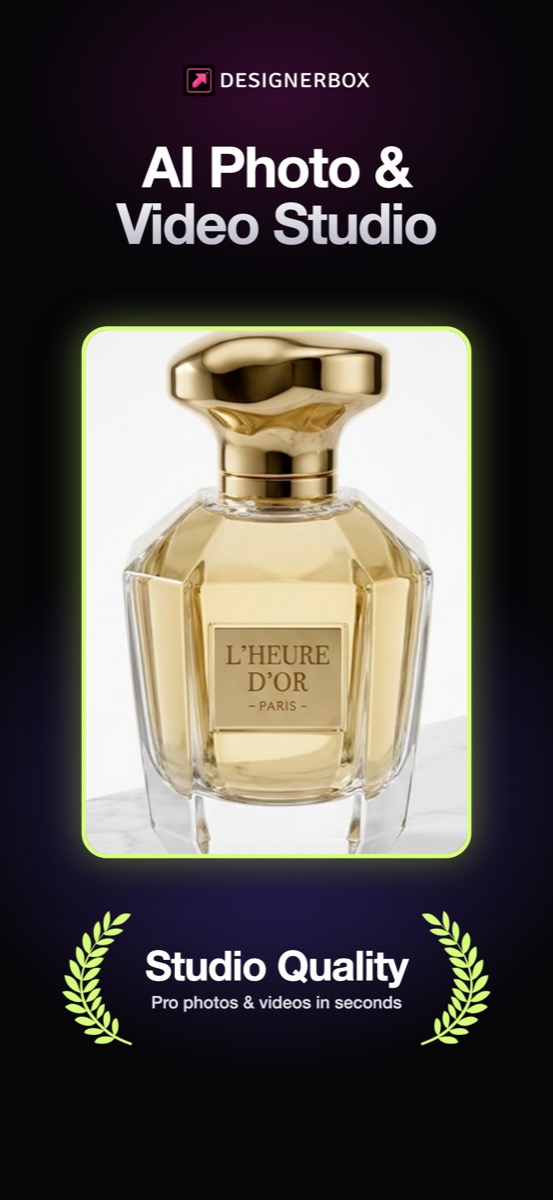
iOS app
Your workspace on your phone
API
Run workflows from your own code. See the Ultra plan.
Questions
Curious? Let's clear things up.
What is a workflow?
A workflow is a set of steps you build once and run again. A template is a workflow somebody already built. An app is a workflow behind a short form. A batch runs one workflow over many products.
Which steps can a workflow hold?
Five kinds: generate, transform, video, delivery and utility steps. Generate makes a new picture or clip. Transform changes one you have, such as background removal or relighting. Delivery sends the result to Assets, to S3 or to a webhook. The steps page lists every one.
Do I need to write a prompt?
No. The template sets the model, the light, the angle and the crop. Prompt assistance writes the prompt from your brief when a step needs one. From the Pro plan you can also write your own brief.
How do I know what a run costs?
The cost in credits shows on the button before you press Run, for one product and for the whole set. Nothing is charged until you press it, and your plan sets how many credits you get each month.
How is a result checked?
A critic step scores each result against your rules. With best-of-N the workflow makes several tries and keeps the one that scores highest. You still keep or discard each result.
Can a colleague run my workflow?
Yes. Publish it as an app and choose which steps become fields. The app shows a short form. A colleague fills the form and presses Run, and the same steps and brand rules run behind it.
Who can see my workflow?
You decide for each workflow. It can be private, shared with your workspace, or open to anyone who has the link.
Scale content without limits.
Generate content for your products or services with AI, starting today, and keep your brand on every piece.











