ByteDance · Video model
Seedance 2.0 AI video generator
ByteDance's video model for clips with sound, made from several reference pictures. Clips run from 4 to 15 seconds in six shapes.
Runs in Generate and in a workflow step · The cost shows before you press Generate · No separate ByteDance subscription
- Claude
- ChatGPT
- Cursor
At a glance
Seedance 2.0 in DesignerBox
Use Seedance 2.0 in Generate, in a step of your own workflow, or on many rows at once in batch. Video starts on the Premium plan.
- Made by
- ByteDance
- Type
- Video model
- Name in Generate
- Seedance Pro
- You give it
- A text prompt, a start frame, reference pictures, a last frame
- Shapes
- 16:9, 4:3, 1:1, 3:4, 9:16, 21:9
- Sizes
- 720p
- Lengths
- 4 to 15 seconds
- Sound
- Yes
- Last frame
- Yes
Strengths
What Seedance 2.0 is good at
- Several referencesGive it more than one picture, so the product and the person stay the same through the clip.Try it in Generate
- Up to 15 secondsLong enough for a short ad in one clip.Try it in Generate
- Sound in the clipIt makes sound together with the picture.Try it in Generate
- Six shapesFrom 9:16 for stories to 21:9 for a wide banner.Try it in Generate
How to use it
How to use Seedance 2.0 in DesignerBox
- 1. Open Generate. Sign in to DesignerBox, open Generate and choose Video. You can also add a video step to a workflow.
- 2. Choose Seedance Pro. Pick Seedance Pro in the model list. Then set the shape, the size and the length of the clip.
- 3. Add a start frame and run. Add the picture the clip starts from and describe what happens. The cost shows next to the button before you press Generate.
Start free. You see the price before you make anything.
Video starts on the Premium plan. Your own photos and prompts start on the Pro plan.
Tips
Tips for better results with Seedance 2.0
- Add the product as a reference. A clear picture of the product keeps its shape and label steady while the scene moves.
- Plan the clip in parts. For a long clip, describe what happens at the start, in the middle and at the end.
- Avoid real people's faces. The model refuses pictures that show a real person it can recognise. Use one of your avatars instead.
- Start from a finished picture. Make the still first and check it. A clip that starts from a good picture needs fewer runs than one made from words alone.
- Describe one movement. Ask for one camera move or one action per clip. Two or three moves in one prompt often end up as none of them.
- Make the short clip first. Run the shortest length while you test the prompt. Make the long clip once the motion is right, because the length sets most of the cost.
Other models
Other video models in DesignerBox
Every model below runs in the same workspace, on the same plan. Also built in: Runway Gen-4.5.
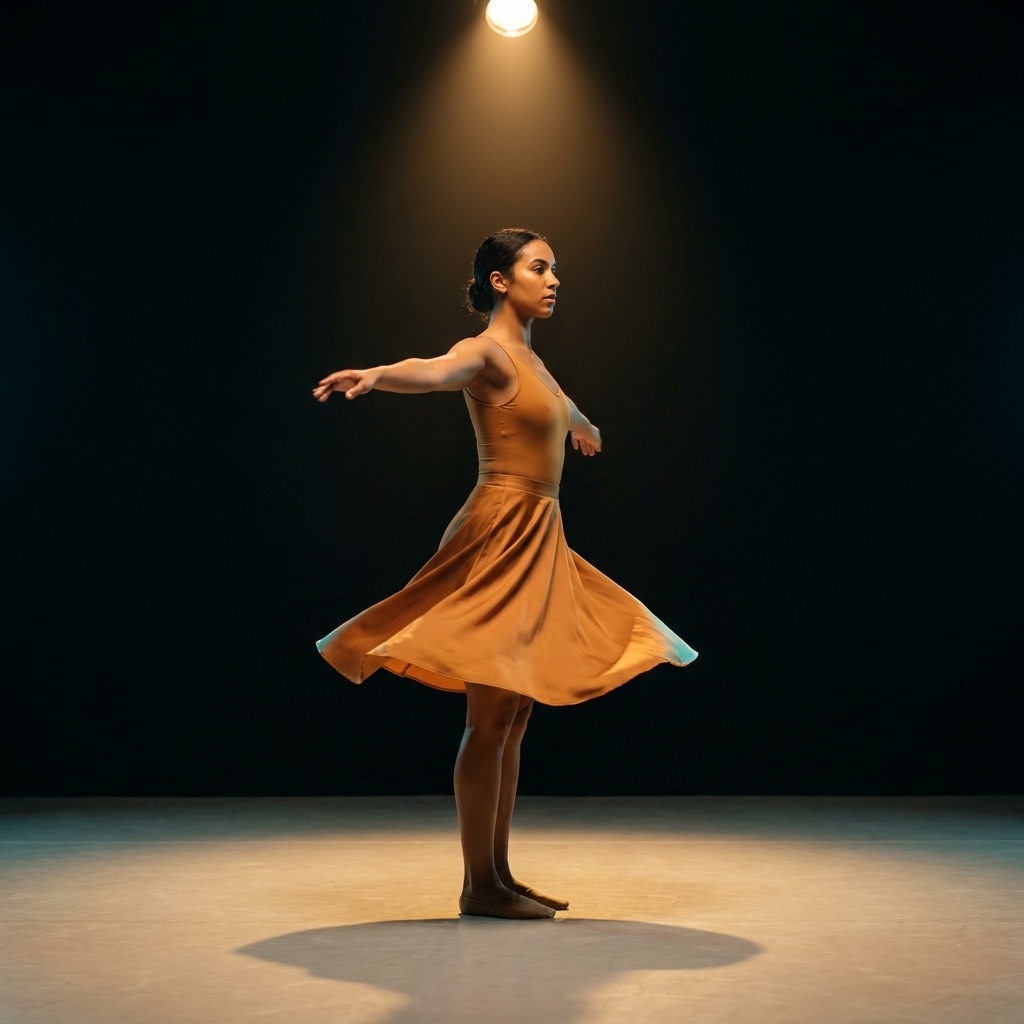 Veo 3.1Realistic video with sound, up to 4KGoogle
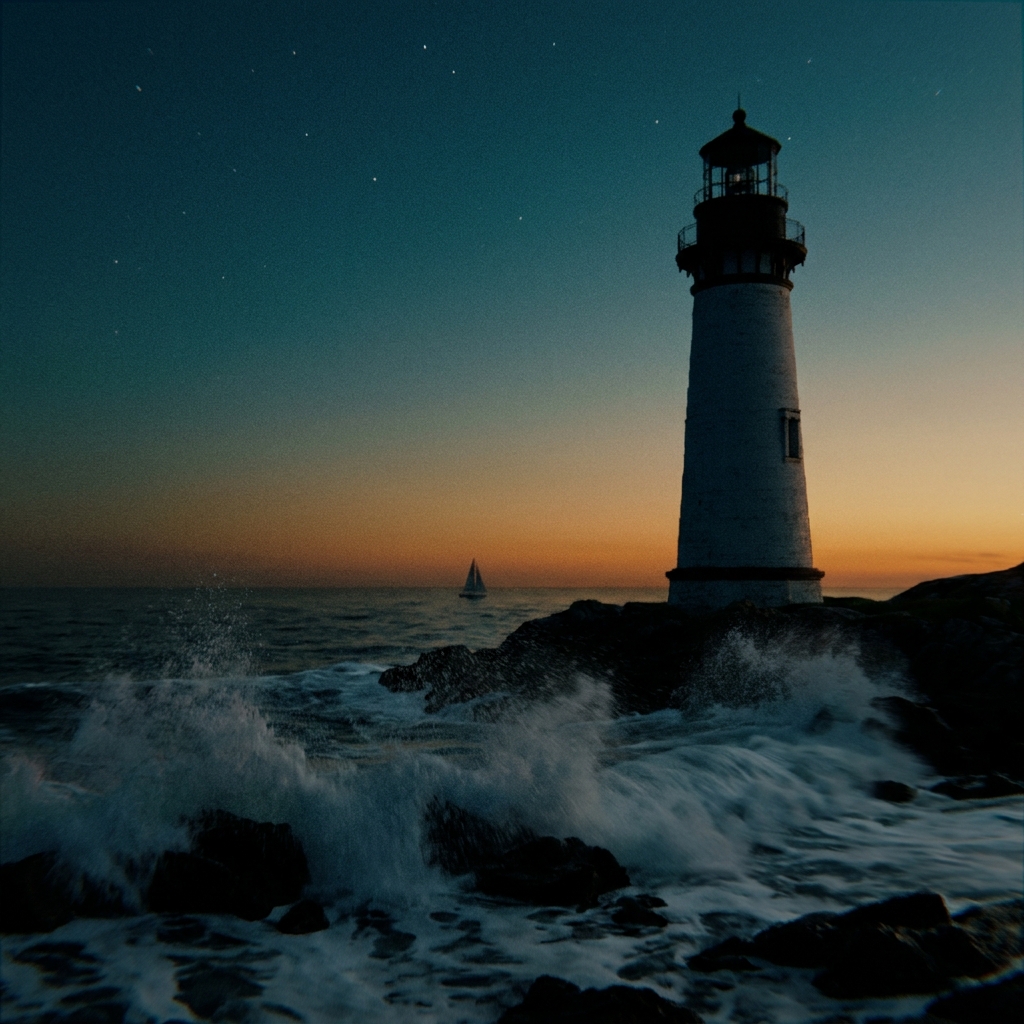 Veo 3.1 FastQuick draft clips with sound, at a lower costGoogle
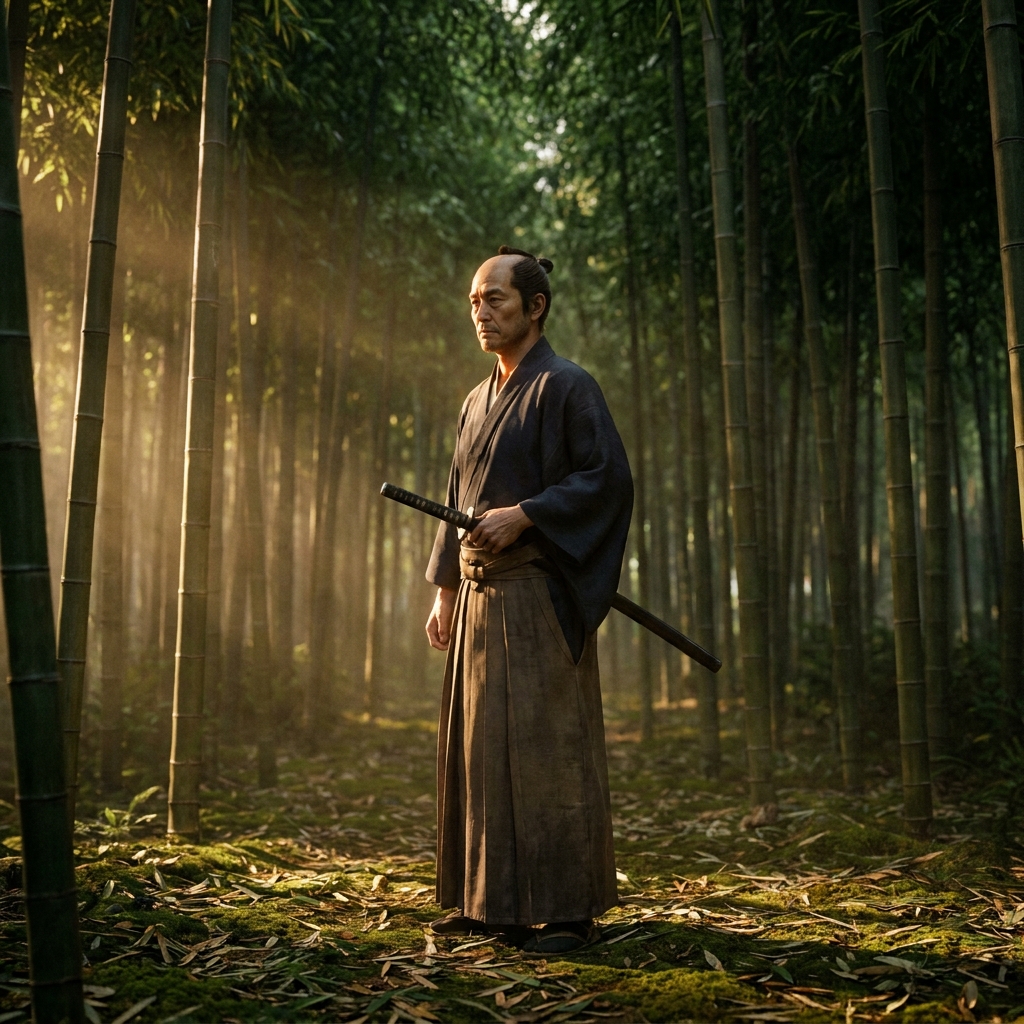 Kling 2.6 ProClips with sound of 5, 10 or 15 secondsKuaishou
What is Seedance 2.0?
Seedance 2.0 is a video model from ByteDance. It makes clips with sound from a prompt and several reference pictures.
Can I use Seedance 2.0 in DesignerBox?
Yes. In Generate it is called Seedance Pro. You can also pick it in a video step of a workflow. Video starts on the Premium plan.
How long can a Seedance 2.0 clip be?
From 4 to 15 seconds.
Which shapes does Seedance 2.0 make?
Six: 16:9, 4:3, 1:1, 3:4, 9:16 and 21:9, at 720p.
Make your first pictures today.
Sign up with Google or your email. Nothing to set up.
Get started free- Claude
- ChatGPT
- Cursor