AI creative workspace for commerce
AI use cases for everything you sell
Product photos, ads, videos and posts for every product, in your brand's style. Pick a use case and see what goes in and what comes out.
- Claude
- ChatGPT
- Cursor
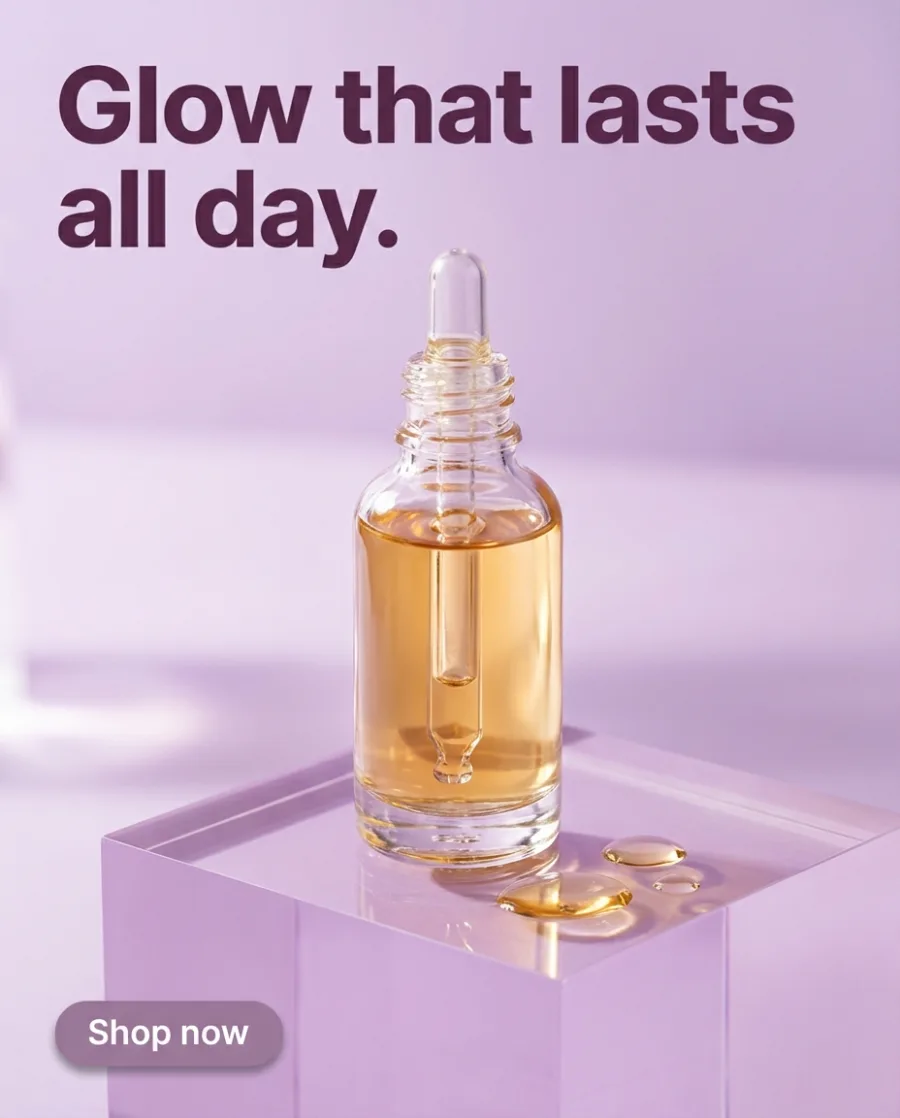
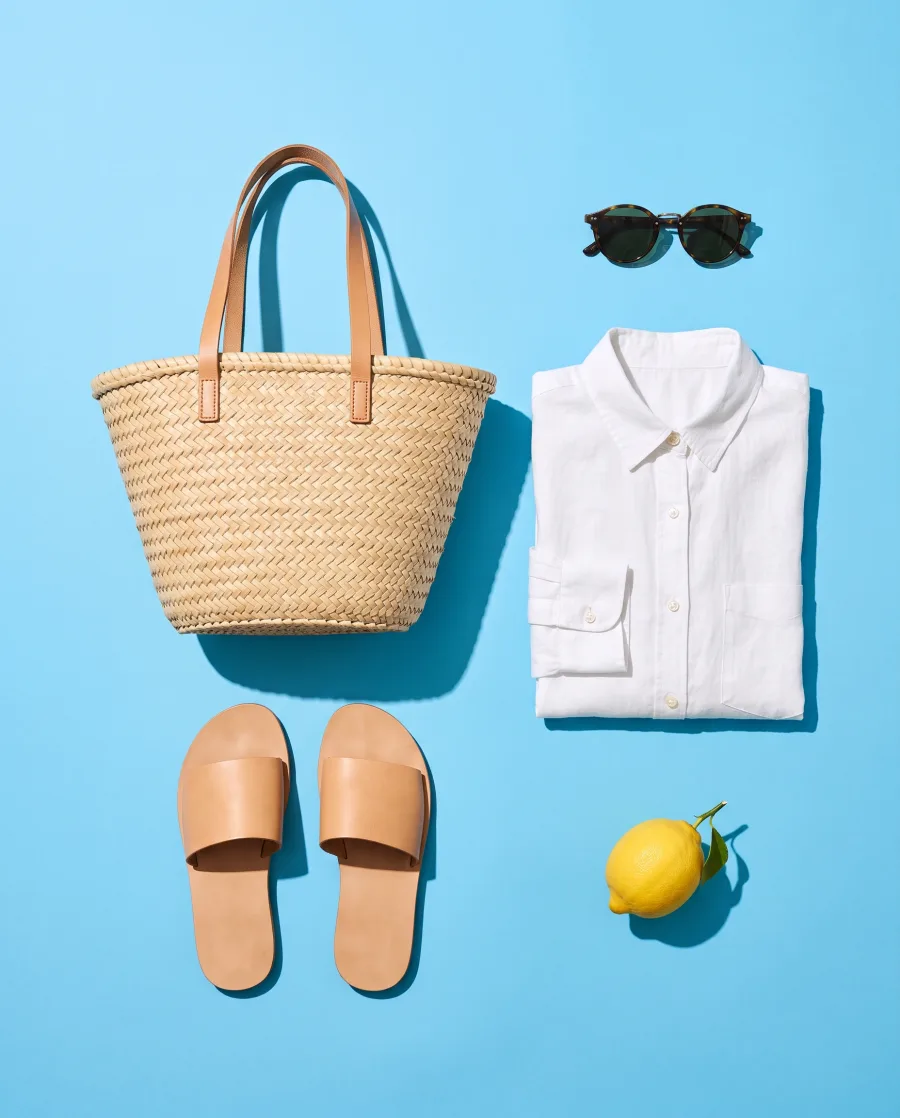

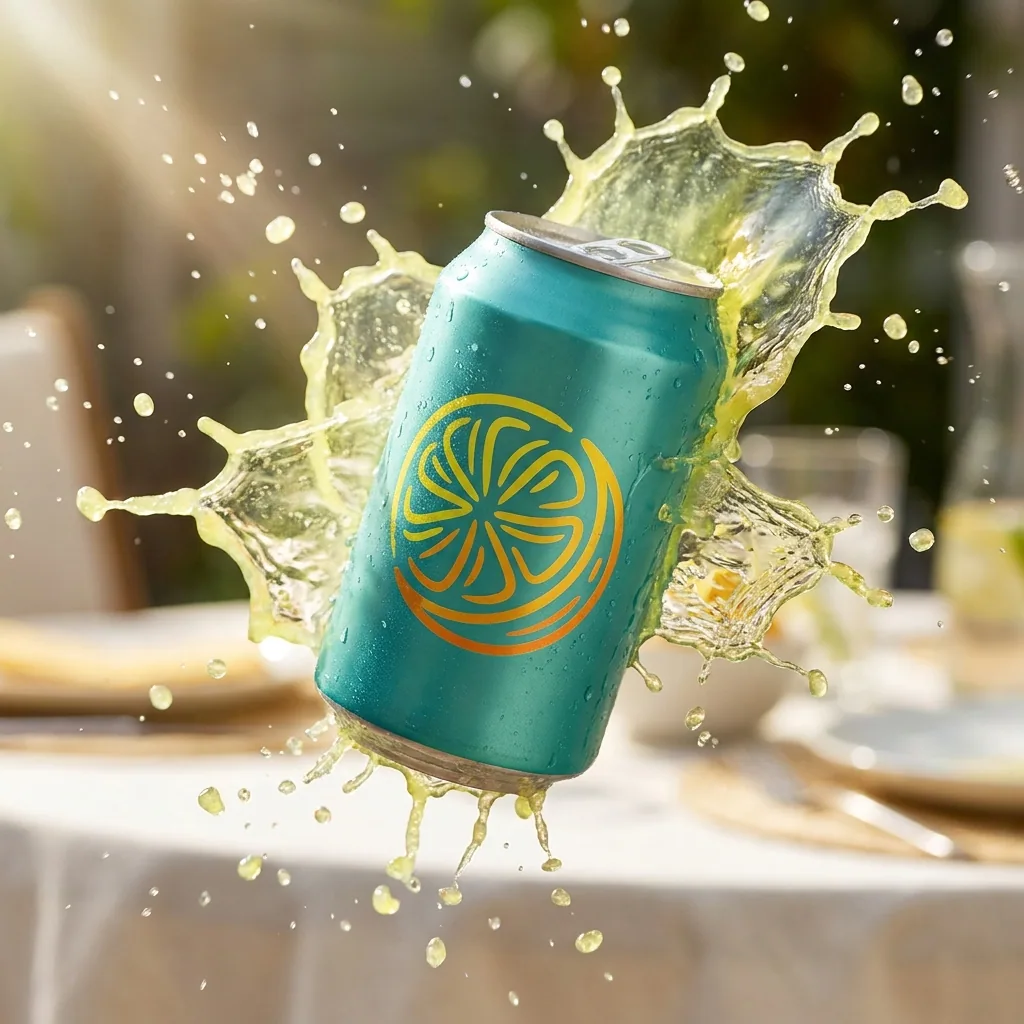
Making one AI picture is easy. Making every picture a shop needs, photos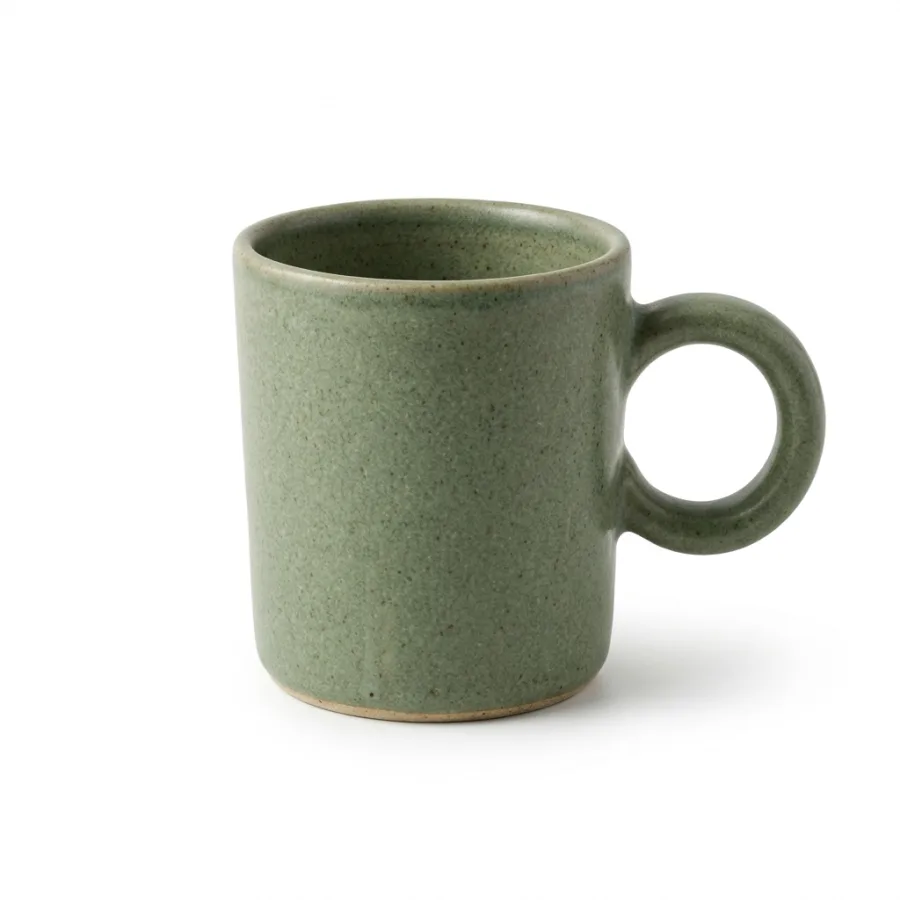 , ads
 , videos
 and posts
 , in your brand's style, is hard. DesignerBox does the hard part.
What you can make
One example from each use case
Shop photos on a pure white background
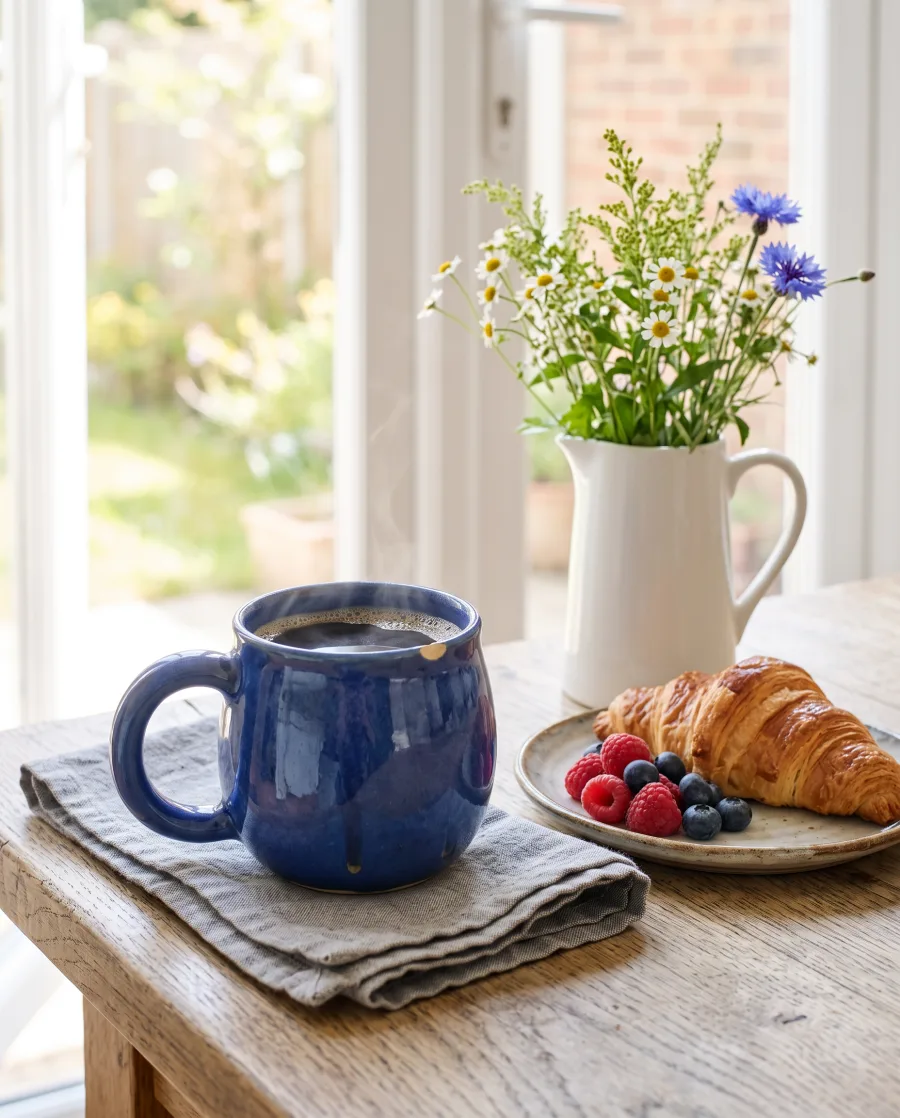
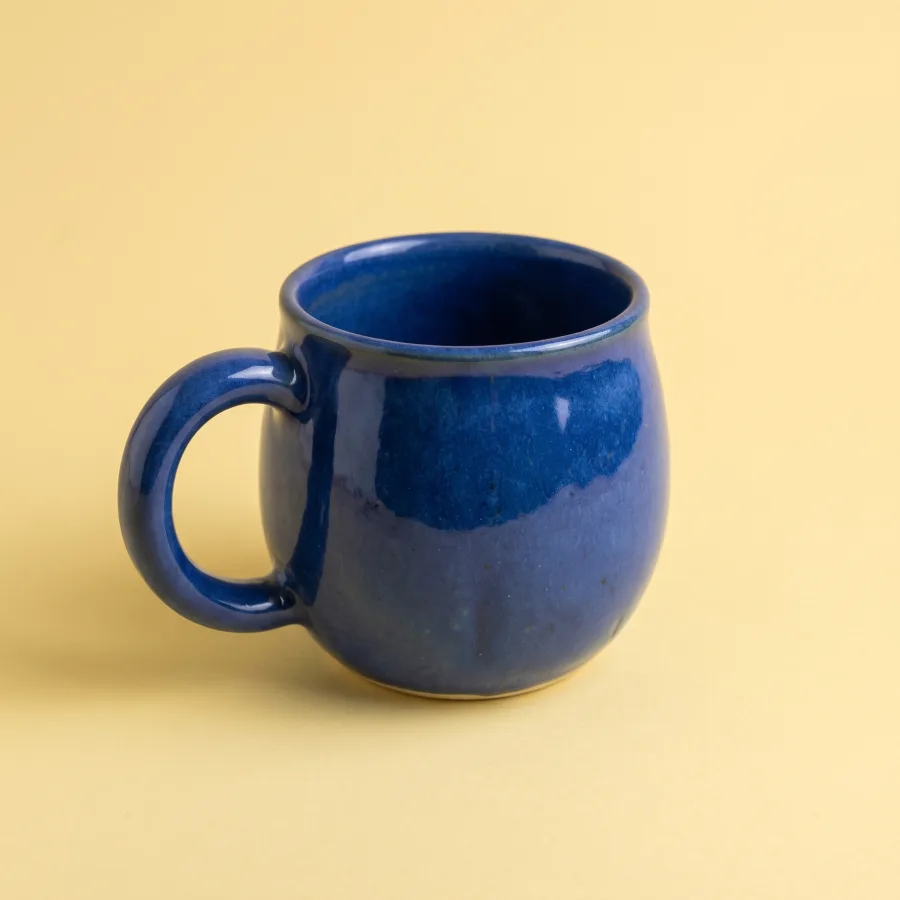
Add a photo of your product. Get it on pure white from the front, from above and up close, for your shop page and your marketplace listings.
See AI product photography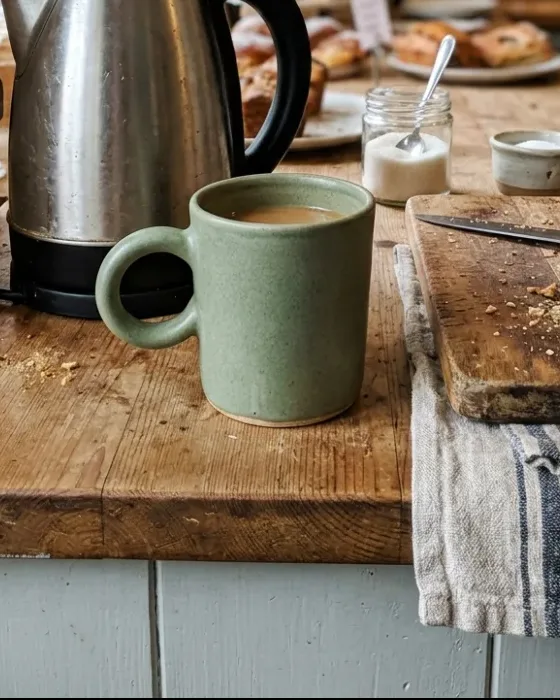 Your phone photoStoneware mugAdd to bagShop page
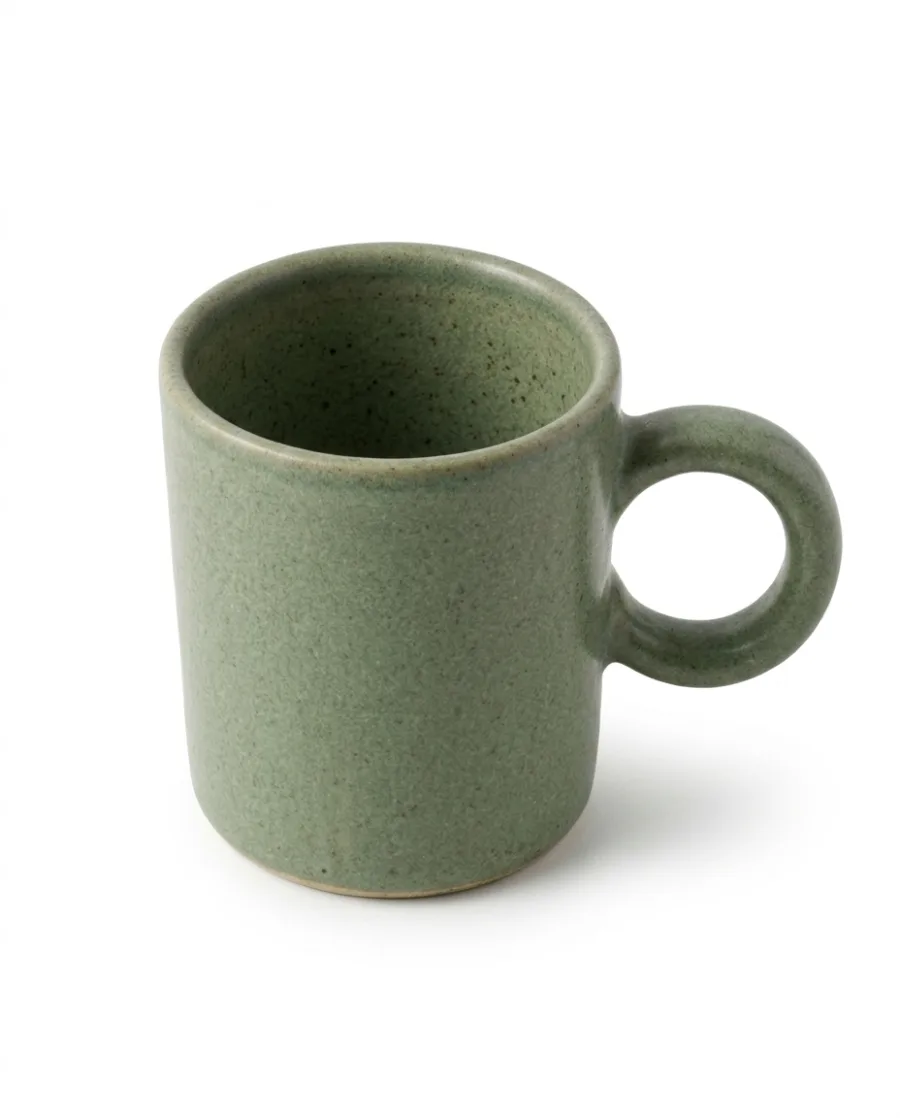 From above
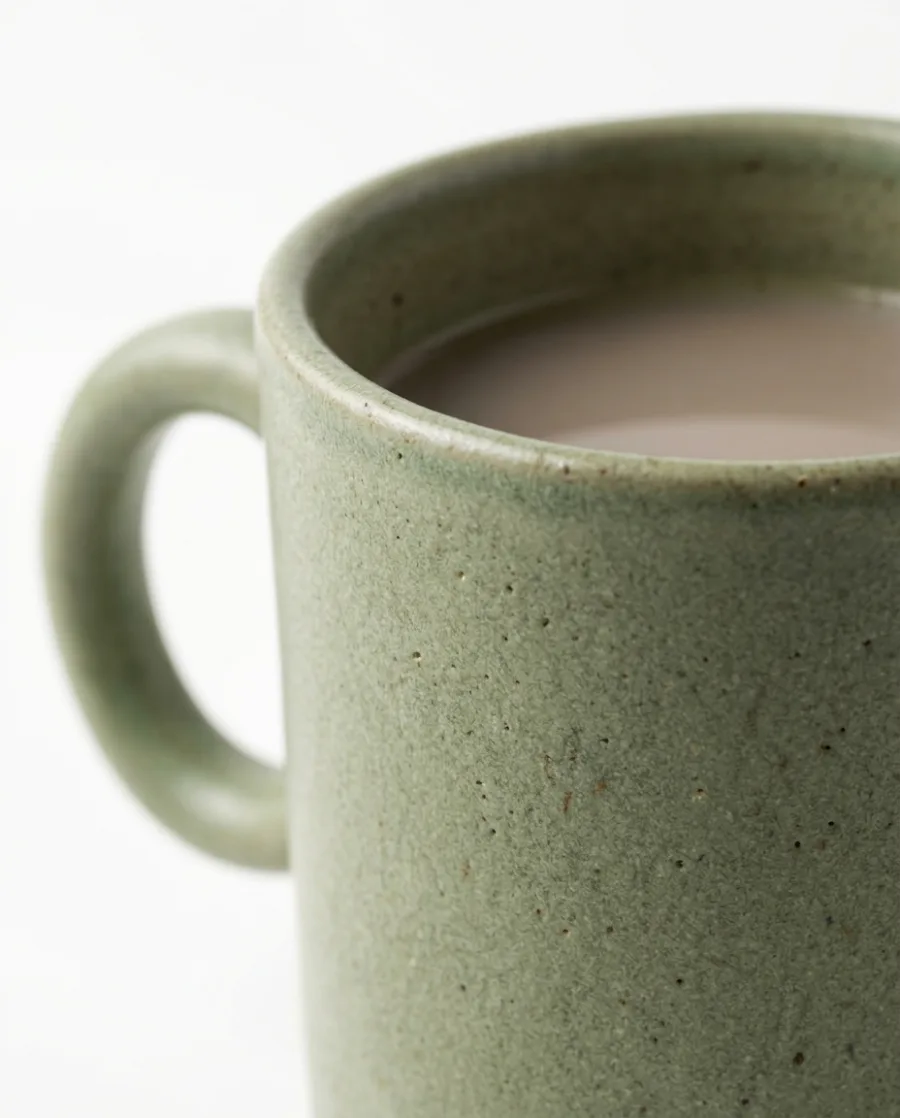 Close-up
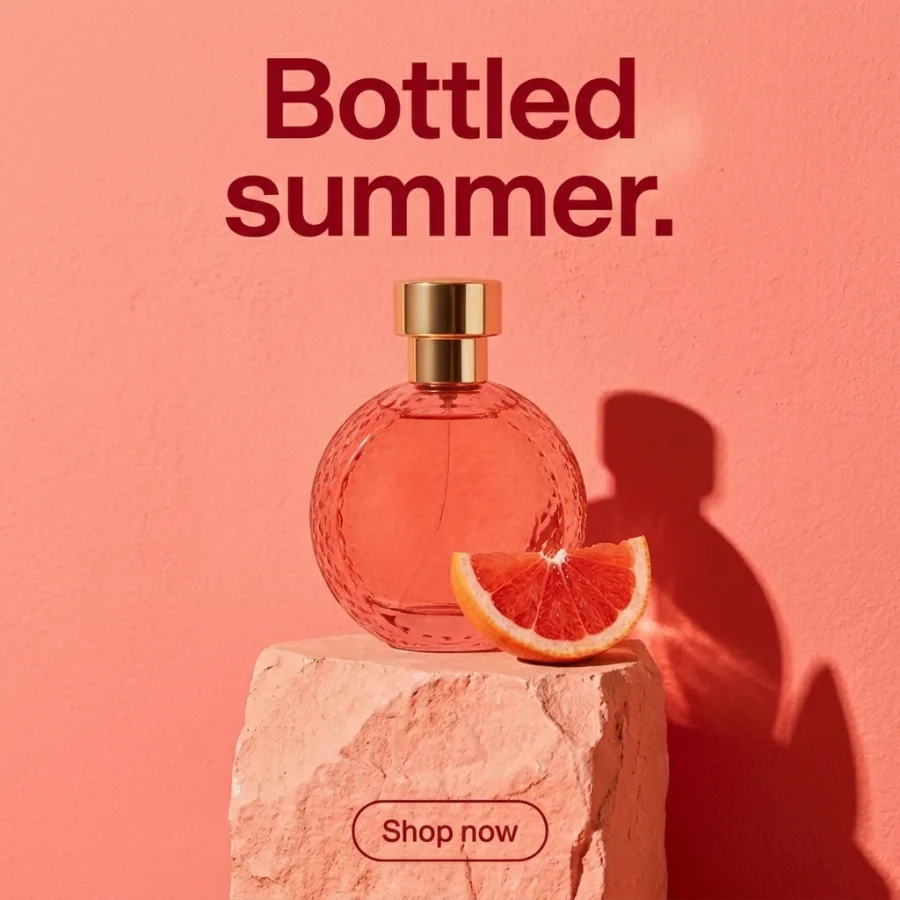
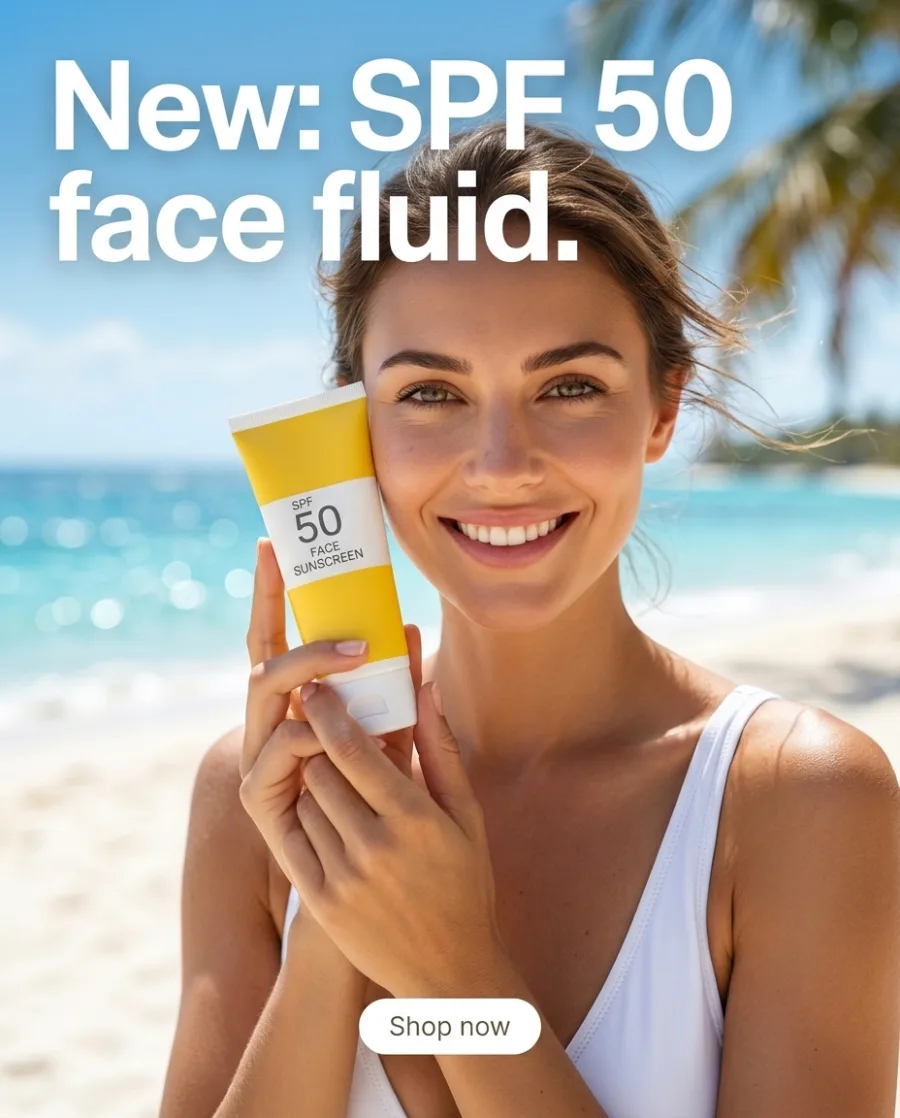
Finished ads with your headline and offer
Add your product and type the headline and the offer. Get a finished ad with a button, in the size of the placement you pick.
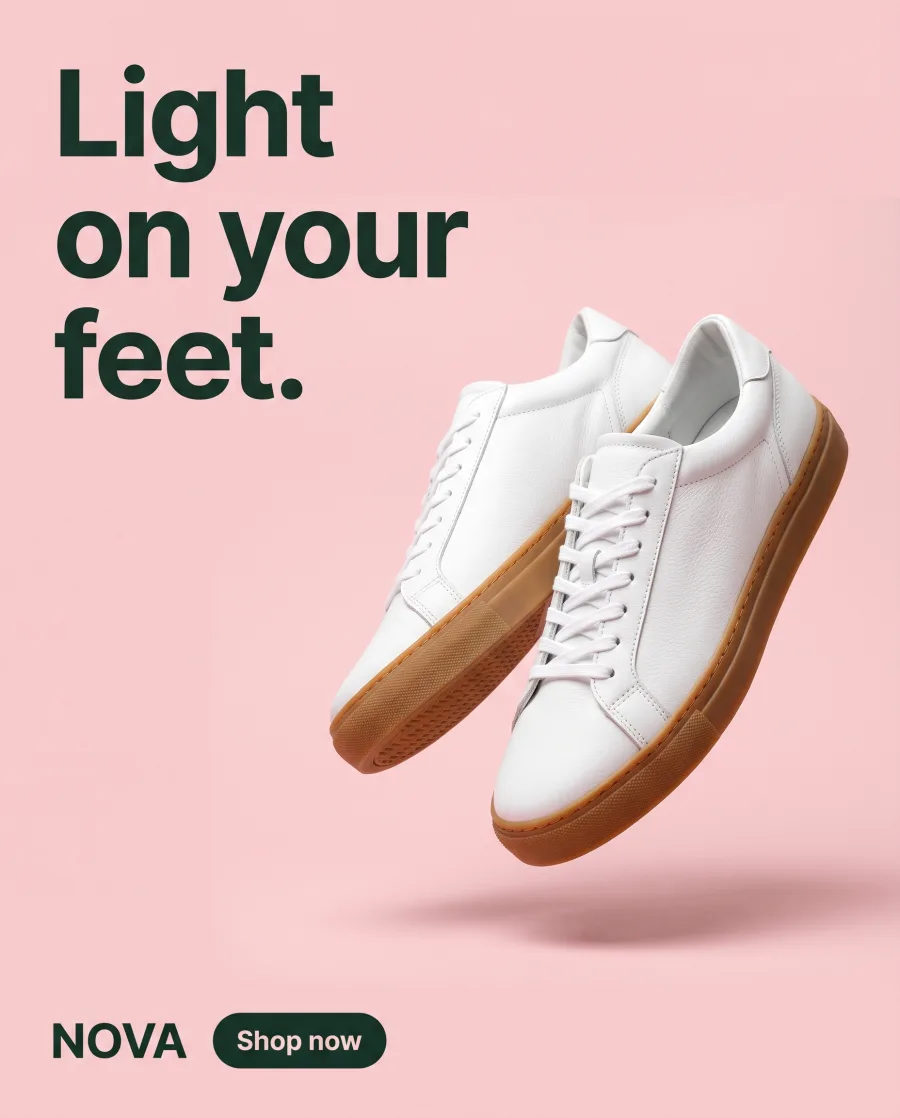
See the AI ad generator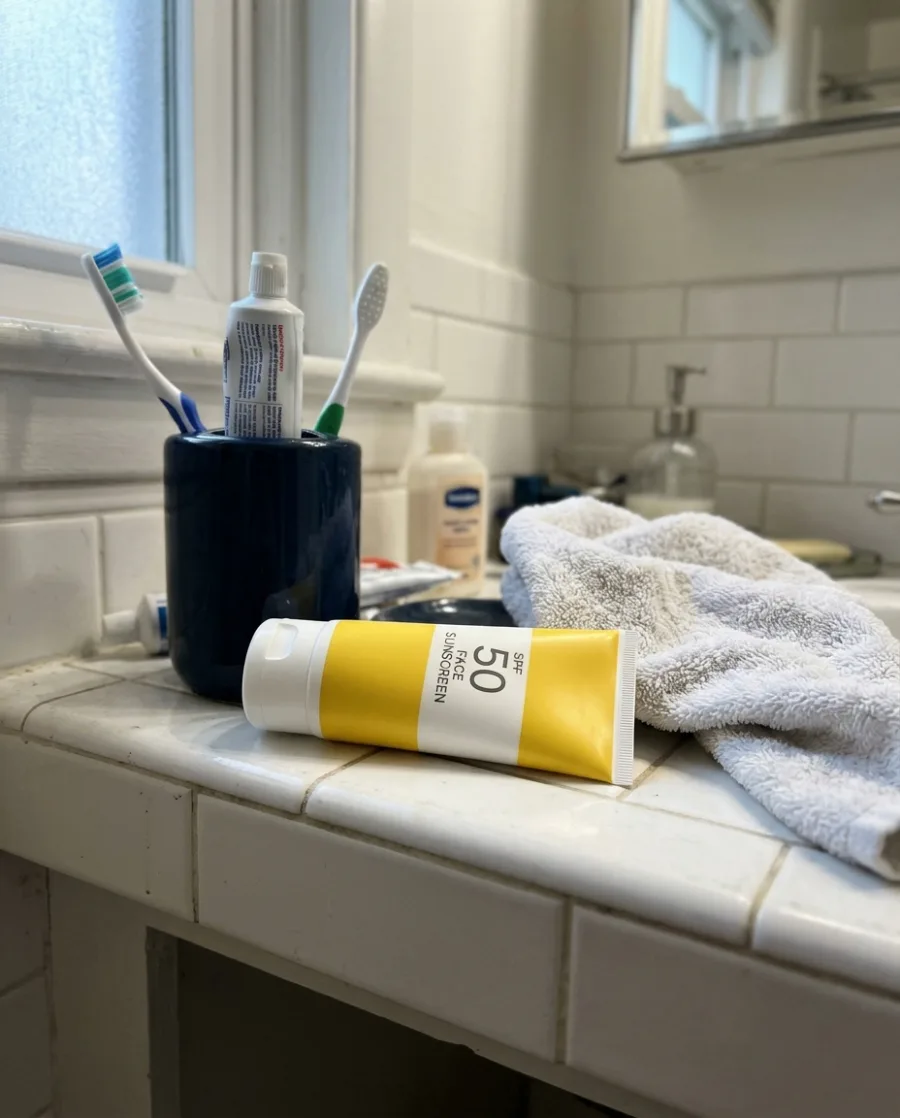 Offer: 2 for 1 this summer.Your product and words
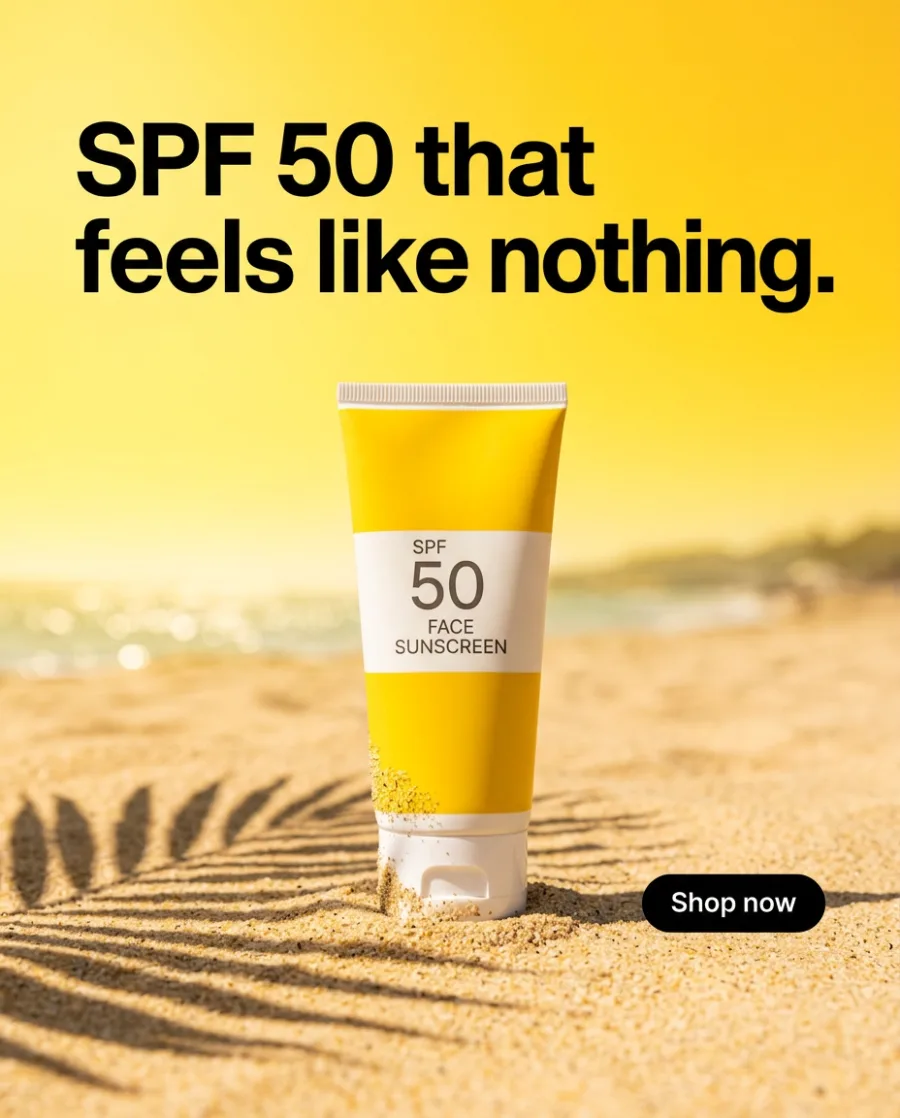 Benefit
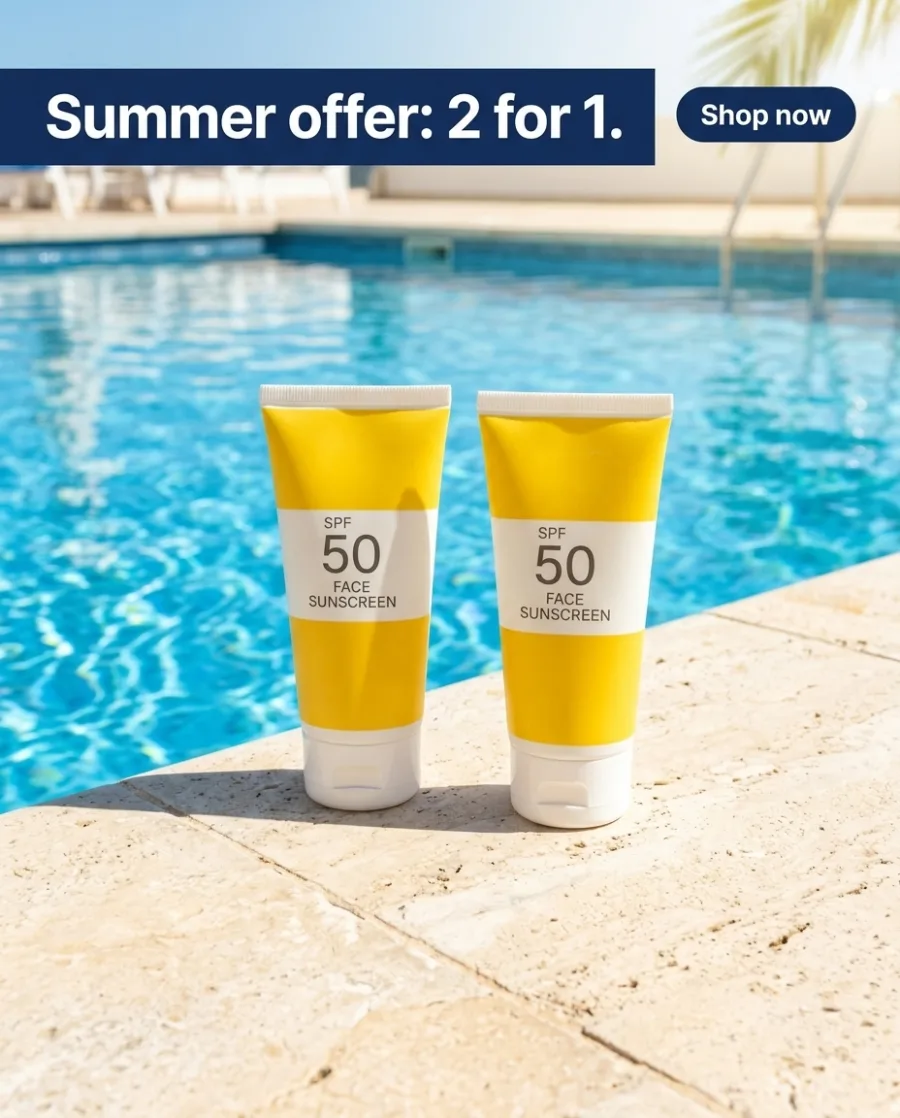 Offer
 New in
Videos of your clothes on a model
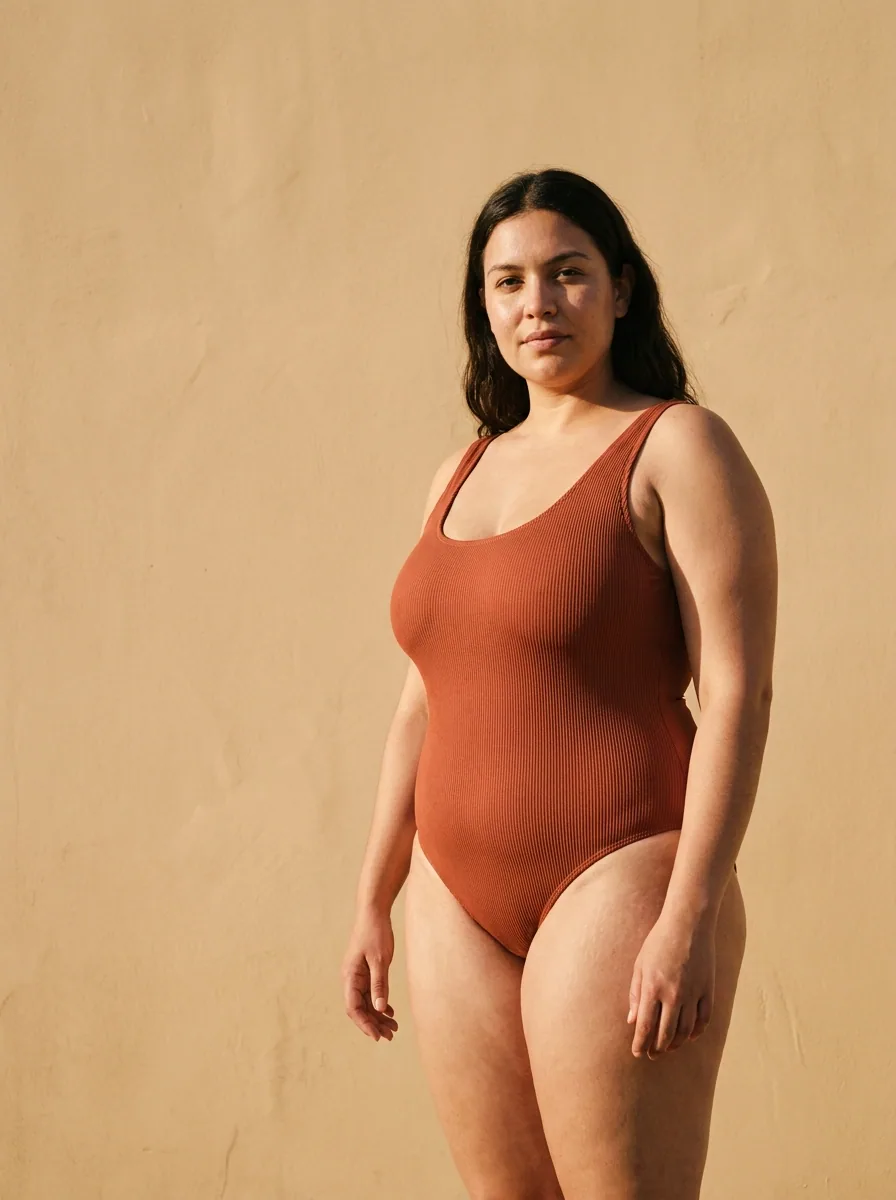
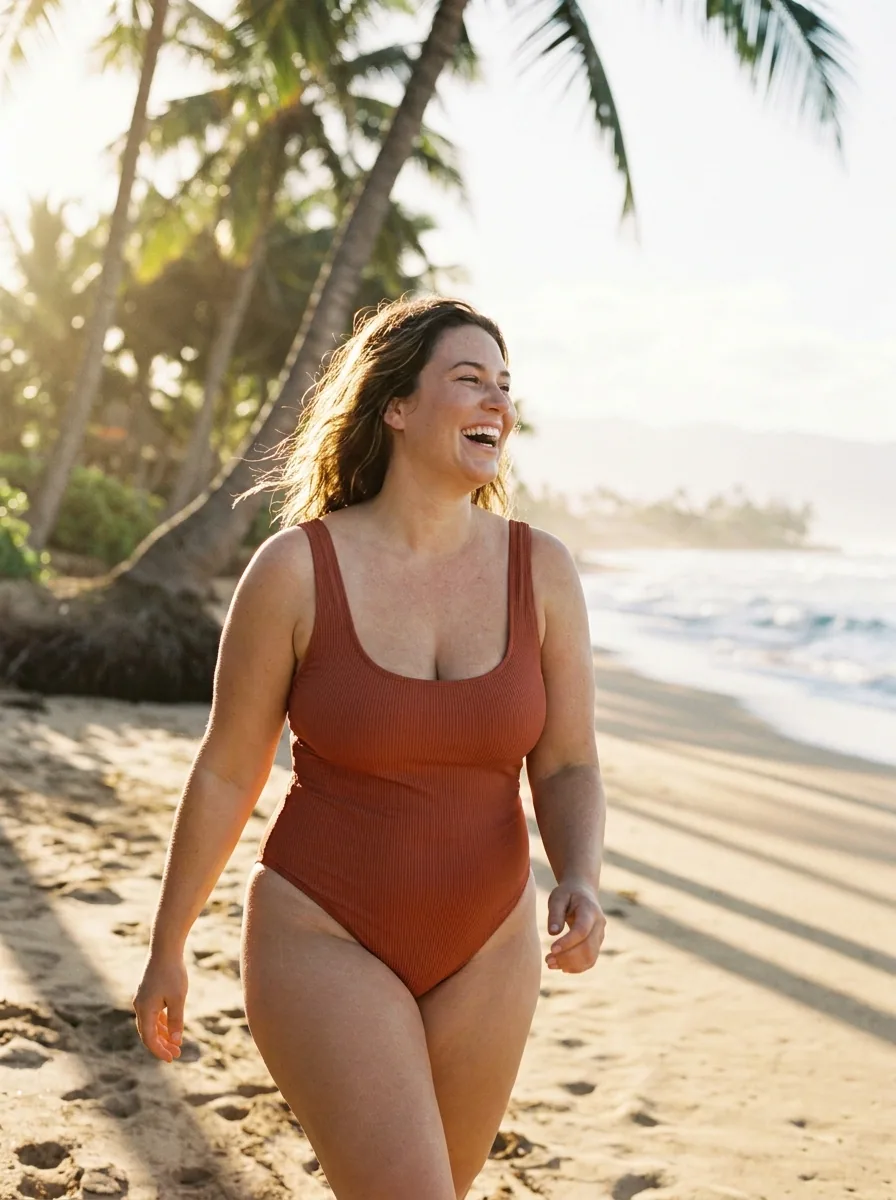
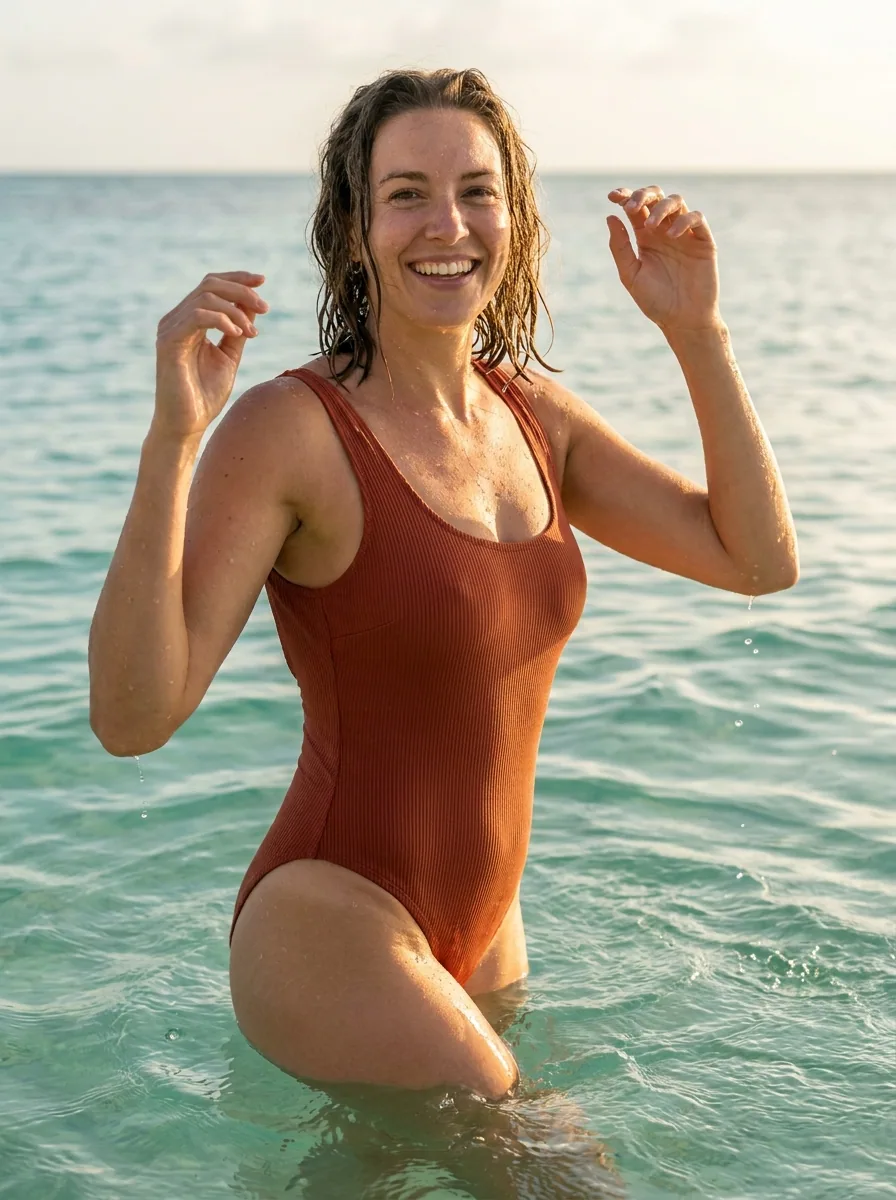
Add a photo of your clothes laid flat. Get videos of them on a model: turning in a studio, walking by the sea or under flowers.
See AI video ads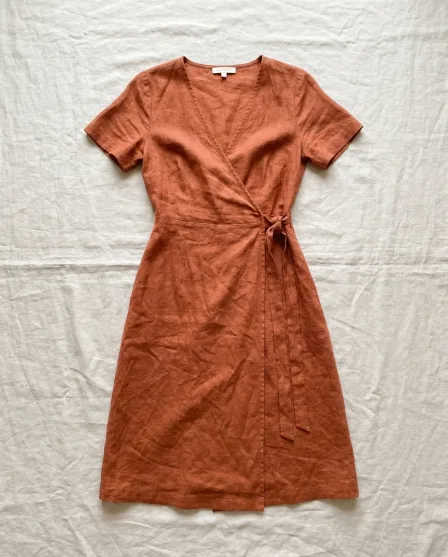 Your flat lay
Creator-style videos with your product
Add a photo of your product. Get short videos of a person holding it, using it or showing it to the camera, filmed like a phone video.
See AI UGC videos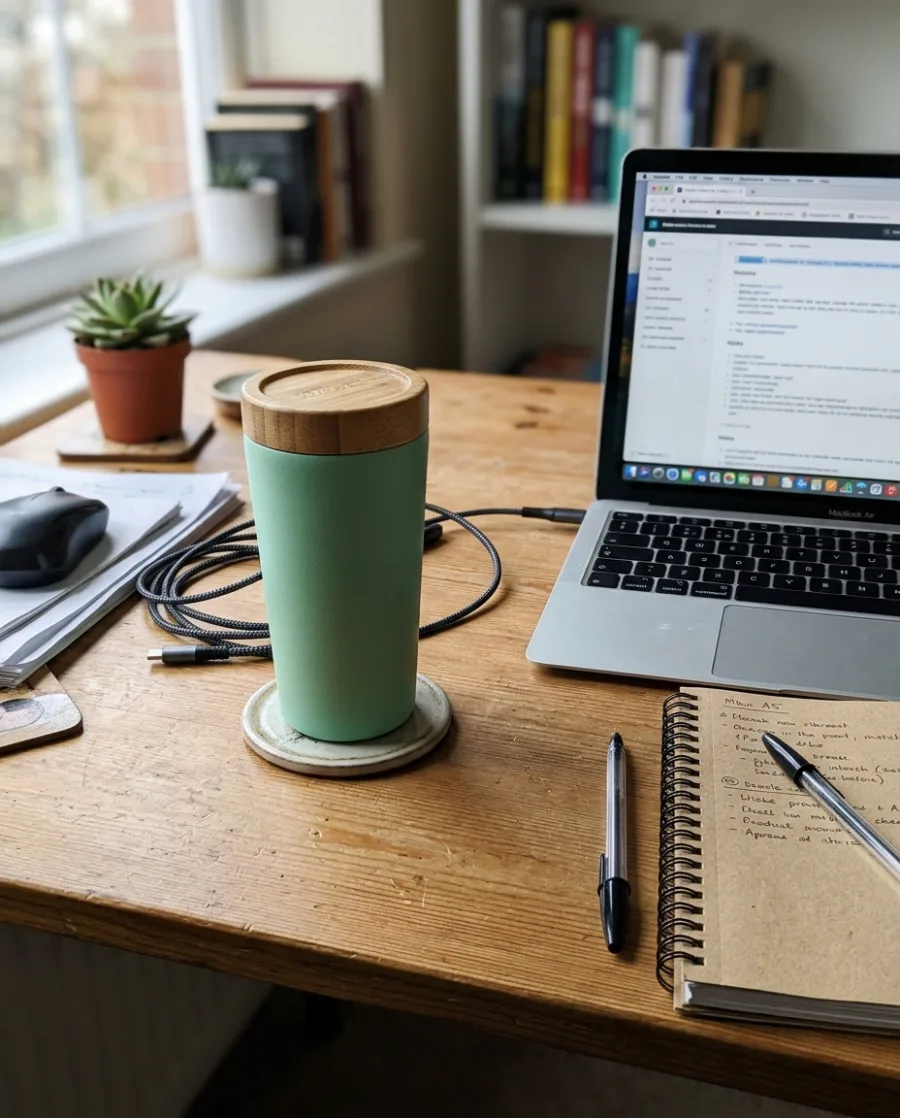 Your phone photo
An Instagram post, a story and a pin of one product
Add a photo of your product. Get a 4:5 post, a 9:16 story and a 2:3 pin, each made for the place it is posted.
See AI social media posts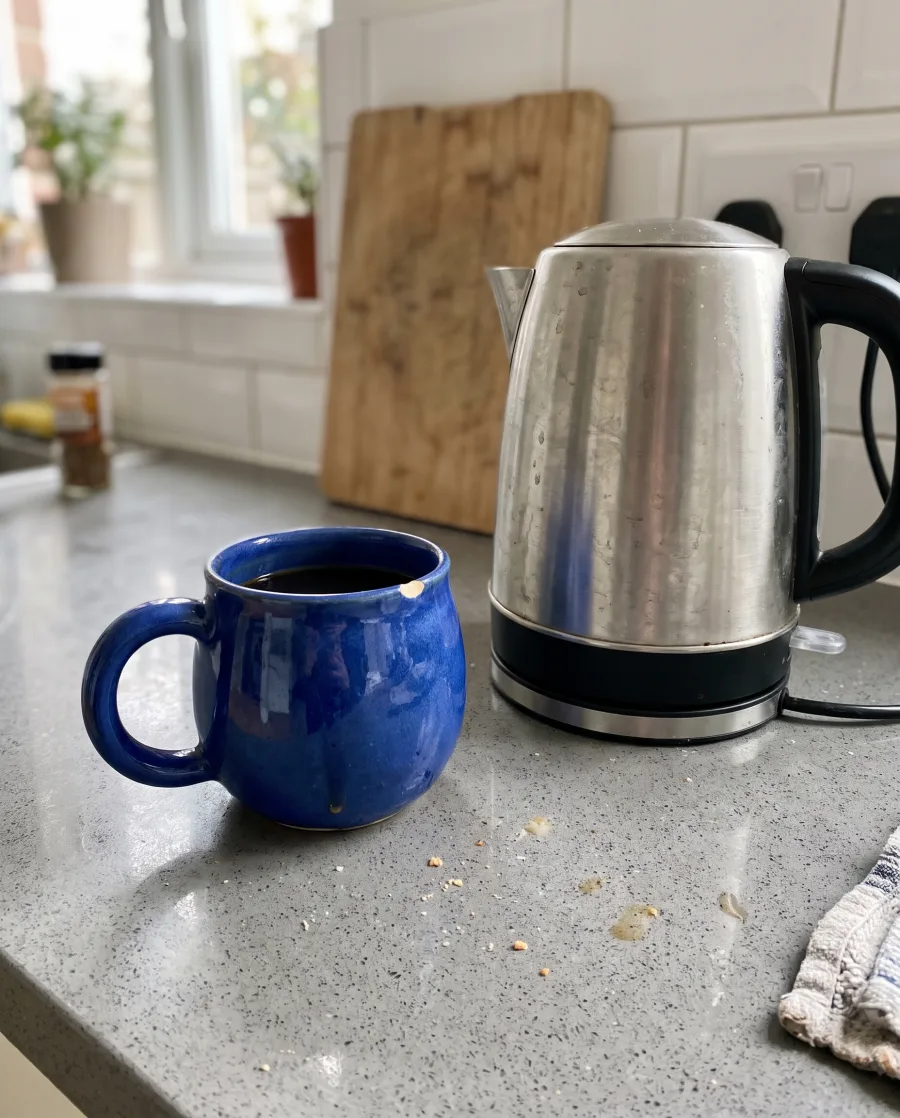 Your phone photo
 Instagram post
 YyourbrandInstagram storyPinterest pin
One product in every scene of the campaign
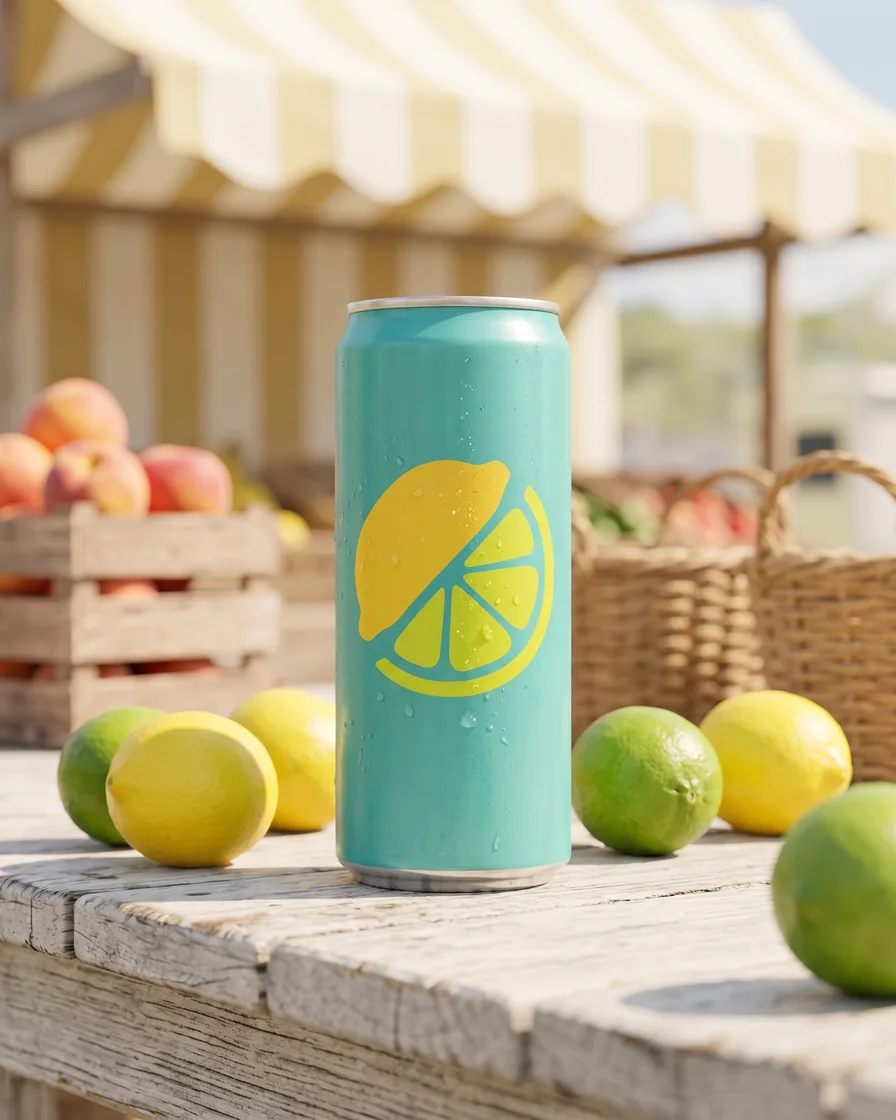
Add a photo of your product and describe the look. The Brand storyboard app shows the product in four scenes for one campaign.
See AI campaign concepts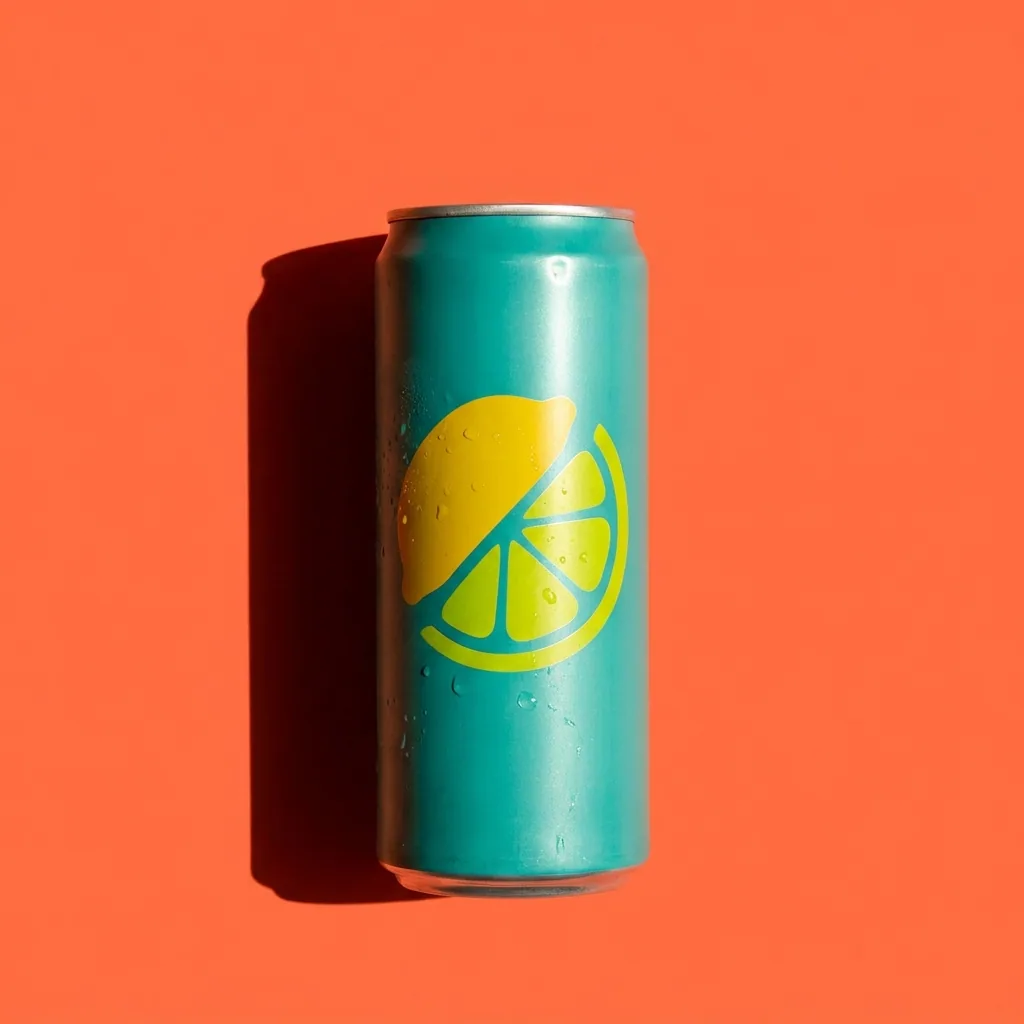 Your product photo
 Snowy terrace
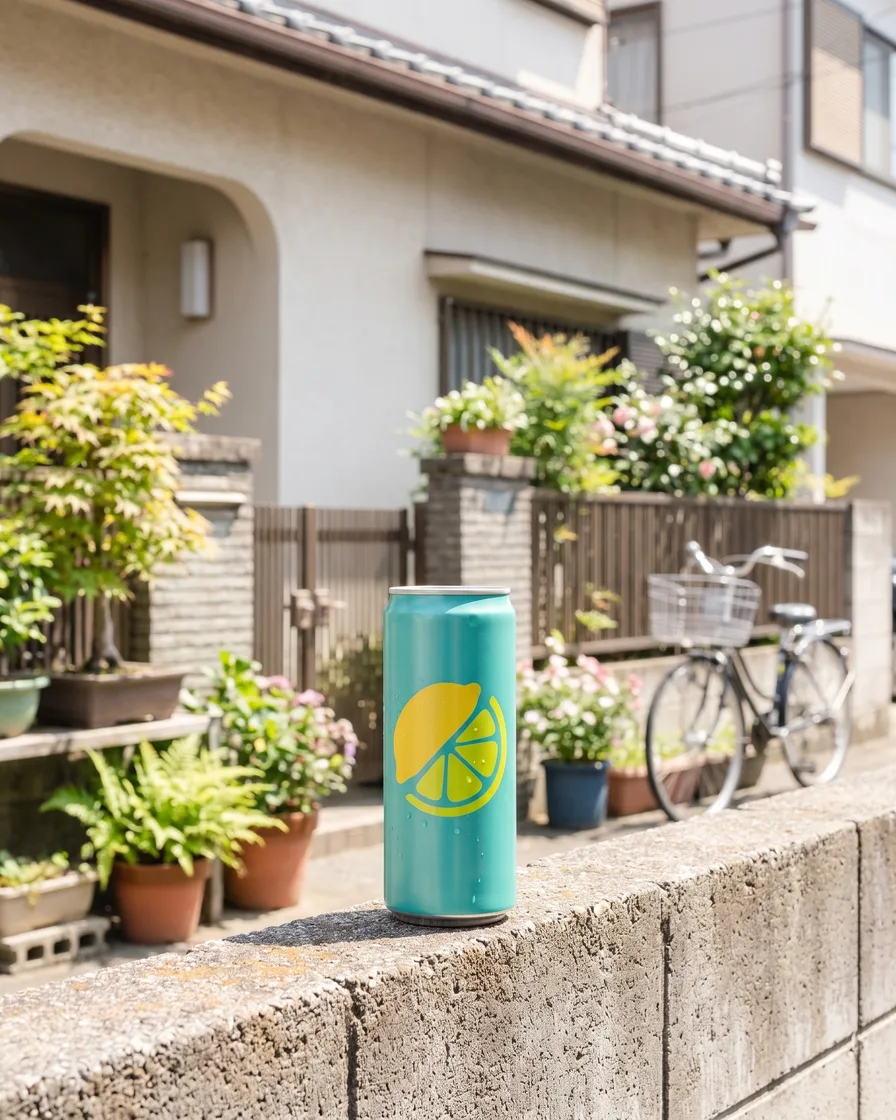 Street
 Market
Start free. You see the price before you make anything.
Your own photos, your own prompts and the commercial licence start on the Pro plan. Video starts on the Premium plan.
Use cases
All AI use cases
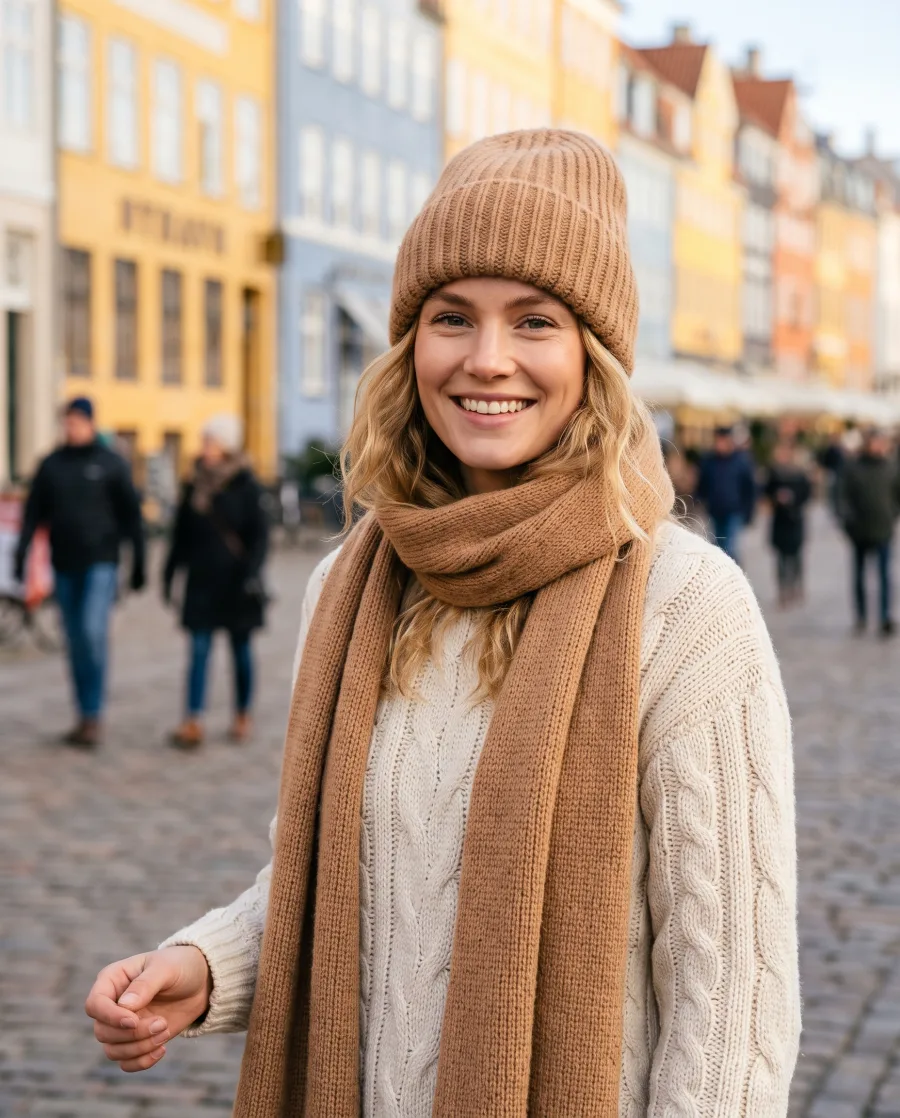 AI product photographyOn white, in scenes and on models
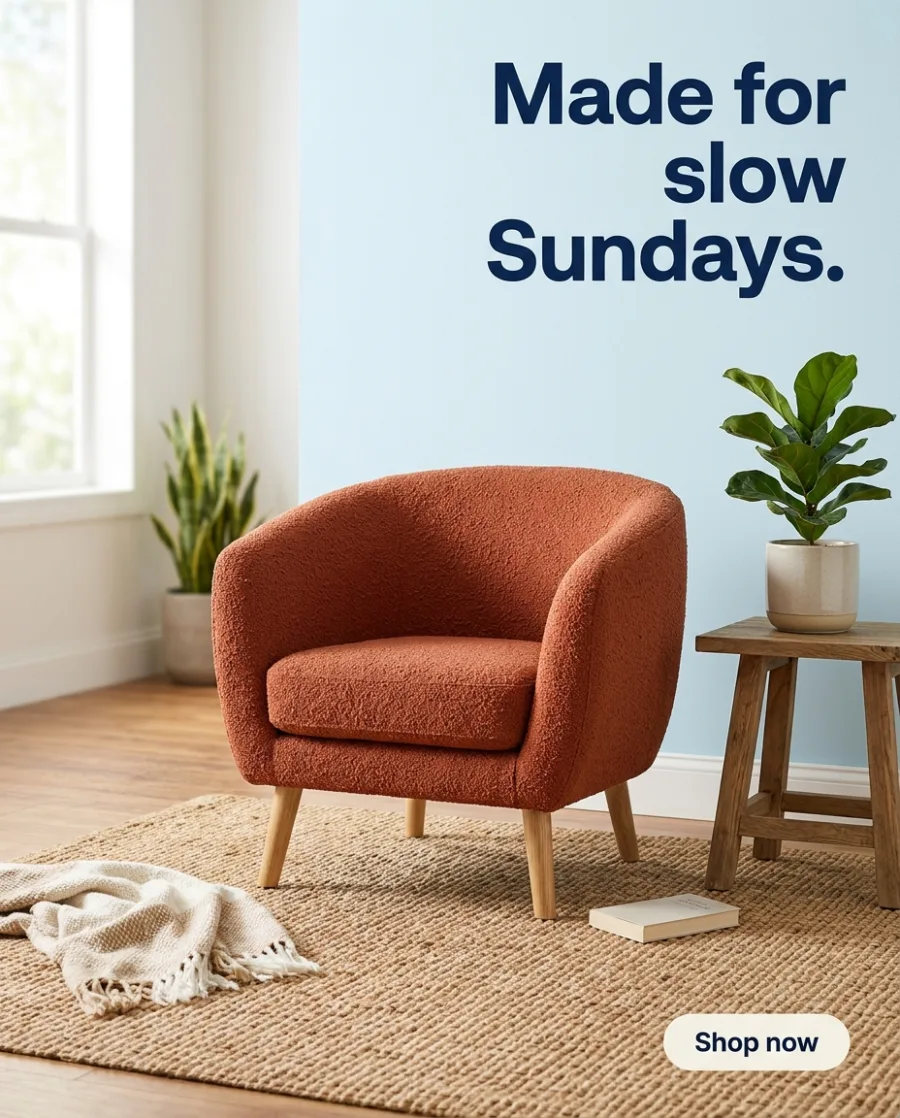 AI ad generatorFinished ads in every size
 AI video adsProduct and model videos
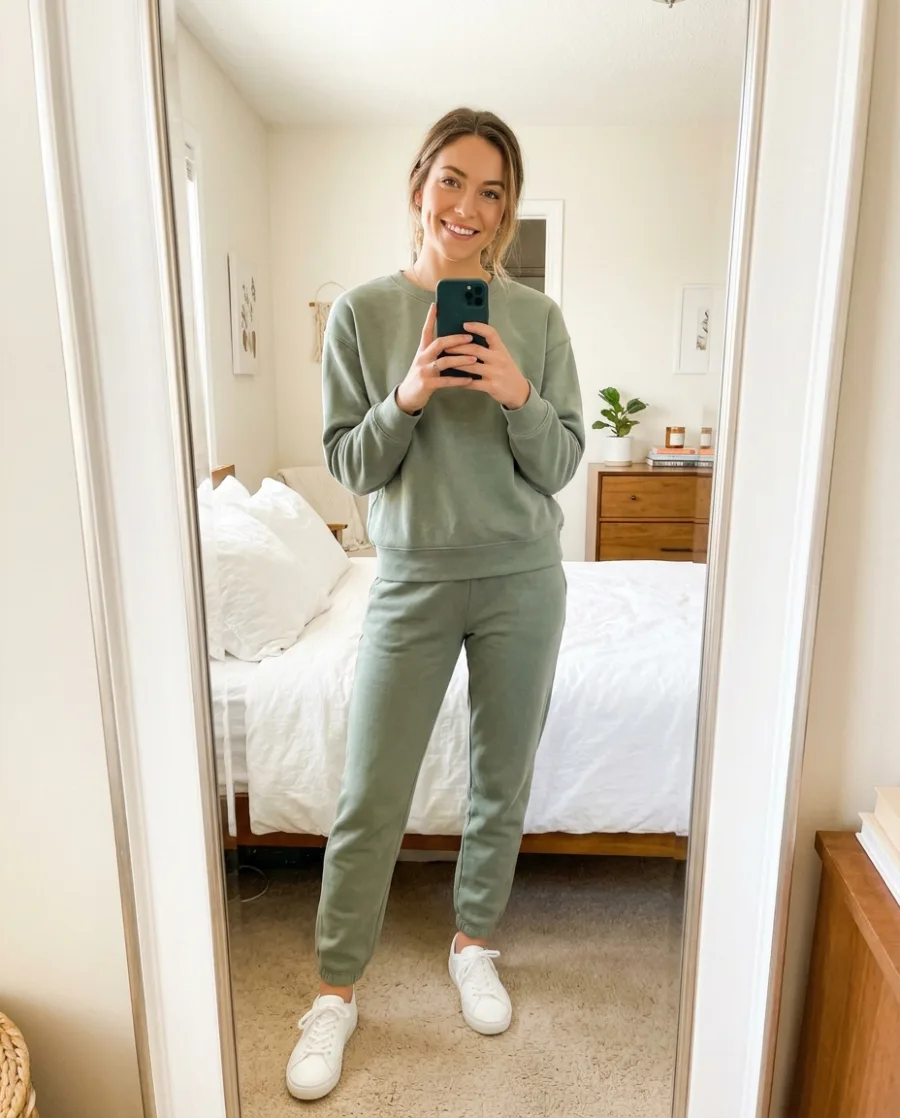 AI UGC videosCreator-style videos with your product
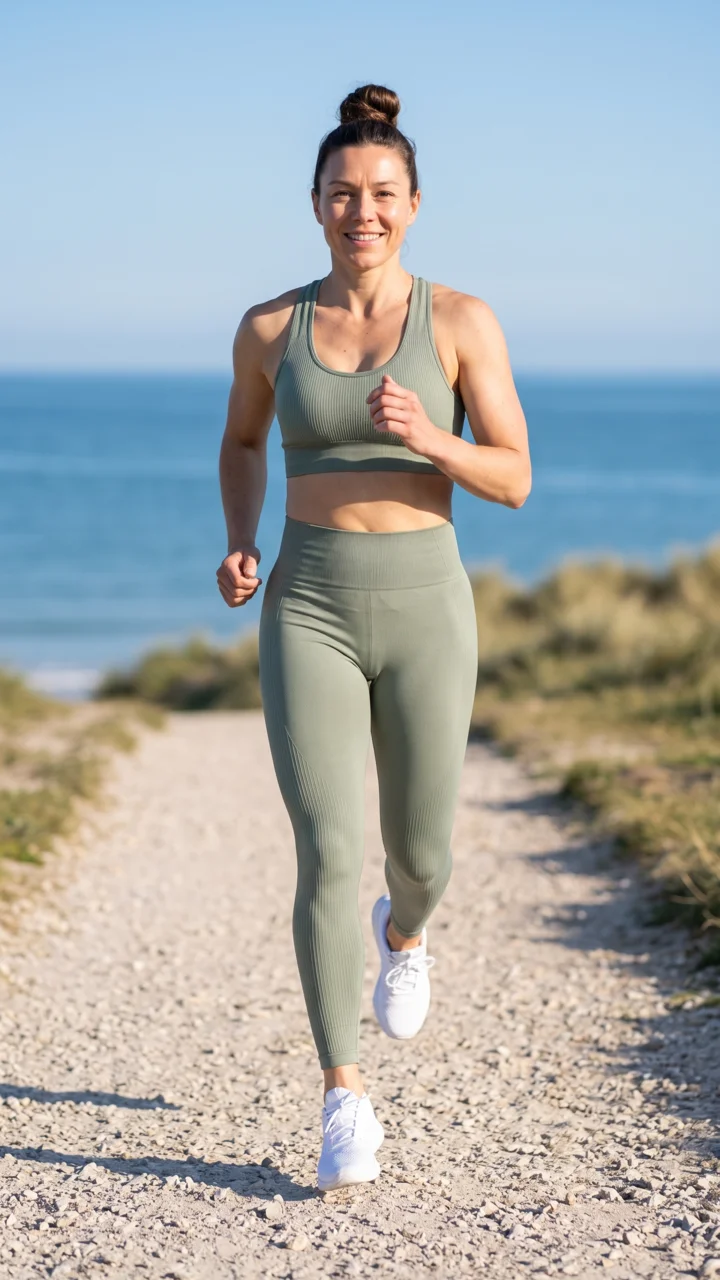 AI reelsVertical clips for Reels and TikTok
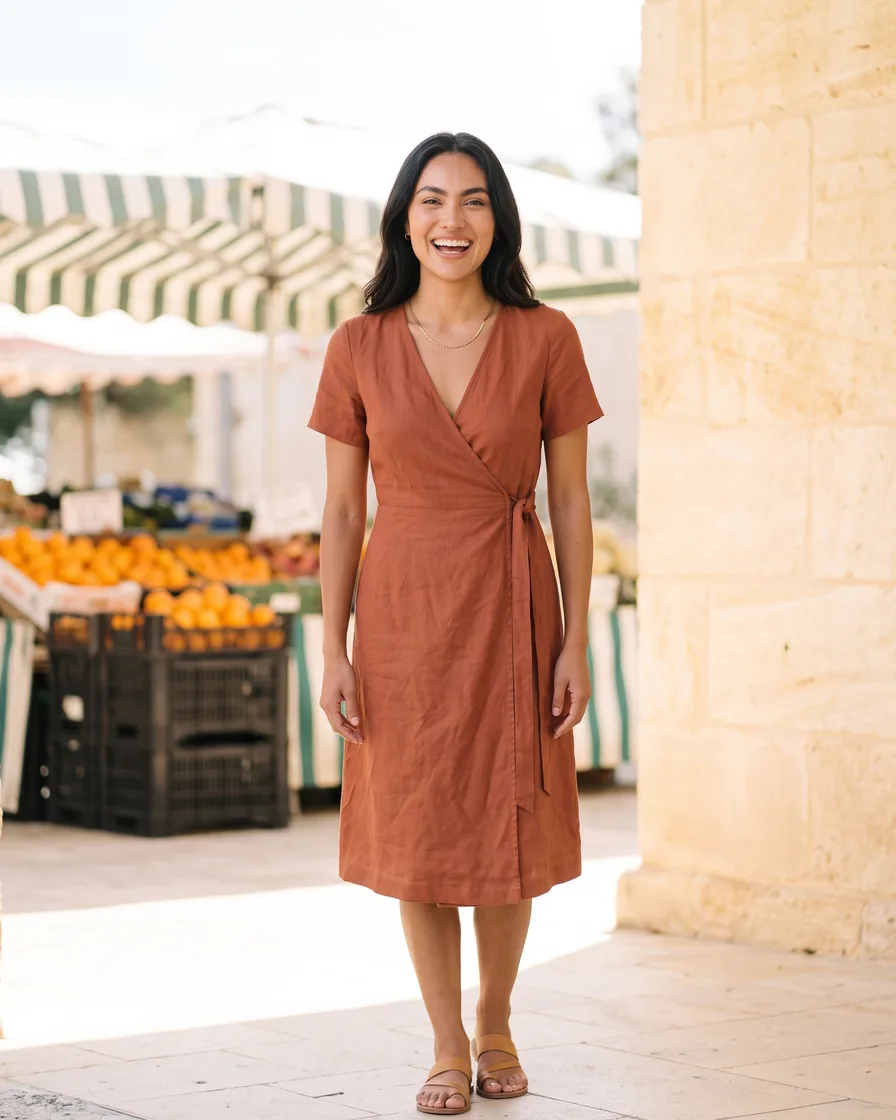 AI influencerOne face in every post
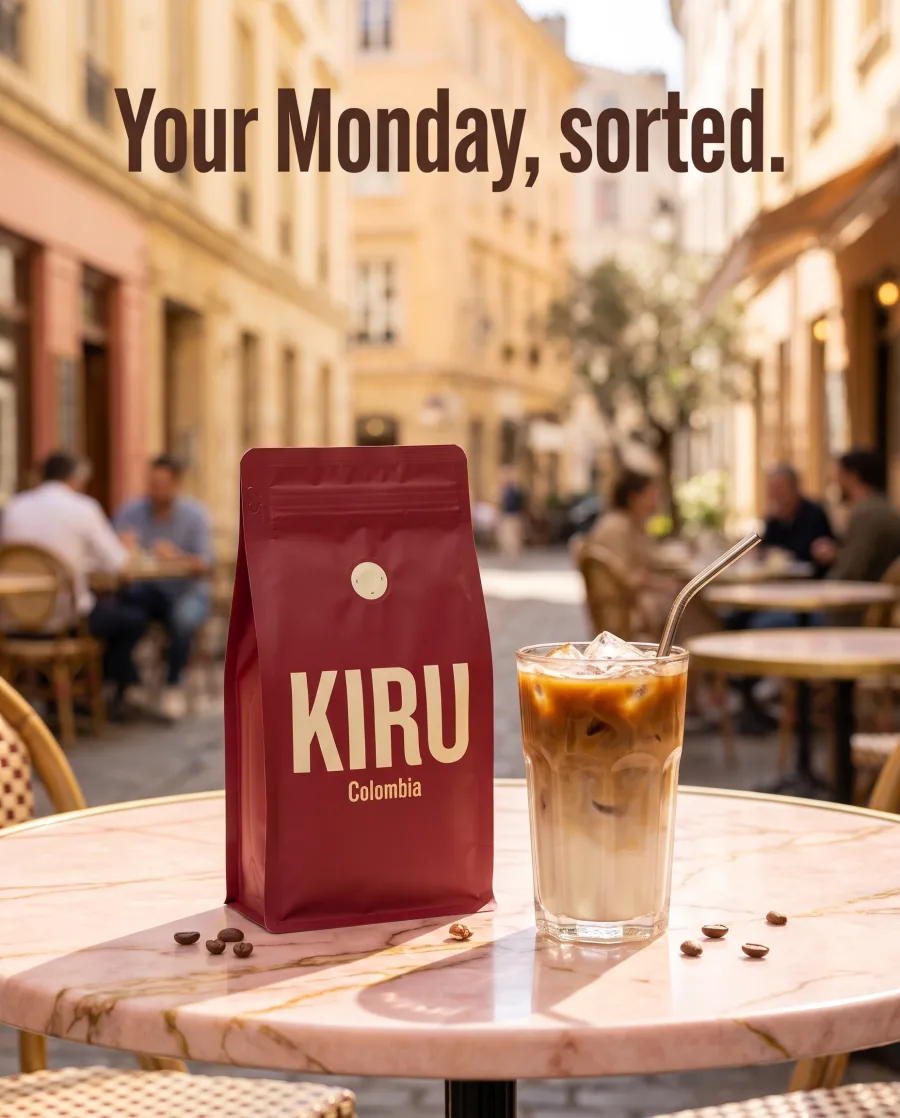 Social media postsPosts, stories and pins
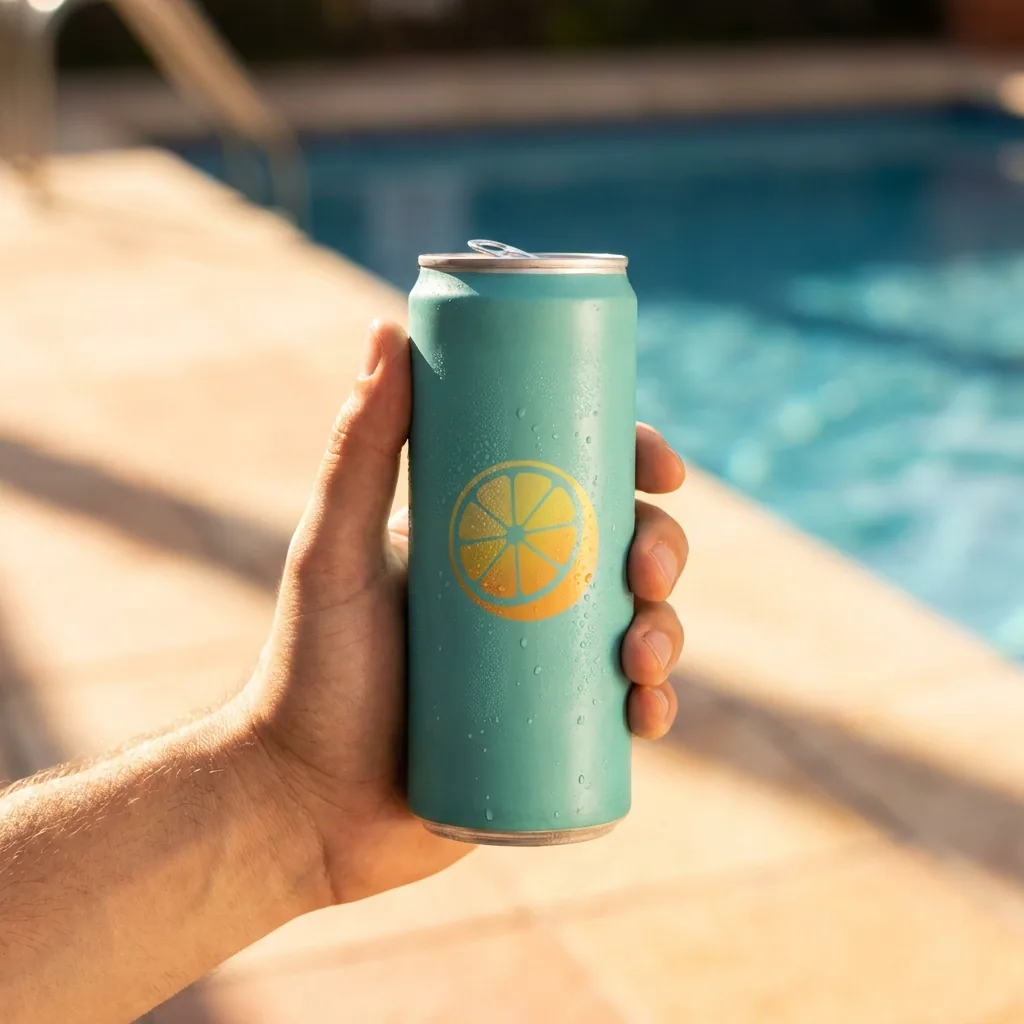 Campaign conceptsScenes before the shoot
 Brand assetsMockups, icons and one style
 AutomationsThe same ad or photo for every product
By business: Online shops, Fashion brands, Beauty brands, Jewellery brands, Furniture and homeware, Restaurants and cafes, Car dealers and Agencies.
Also see: AI for advertising, every template and every app.
Inside DesignerBox
Everything in one place
Make, edit, approve and keep every picture and video in one workspace. You do not need a separate app for each job.
The picture and video models are built in. DesignerBox picks the model for each job, or you choose it yourself.
See the AI modelsSave a logo, colours and fonts for each client or shop. Pick the brand when you ask for a picture.
See the brand kitAdd text, your logo and a price to a picture. Add captions, music and one of 20 voices to a video. Both editors start on the Premium plan.
See the video editorPut up to 200 products in a sheet and run one job on all of them. You see the total cost before it starts.
See batchSend your client a link. They tick the pictures they like and add a note. They need no account, and it uses no credits.
See client reviewsEvery picture and video you make is saved in Assets. Make a folder for each client, product or campaign.
See Assets
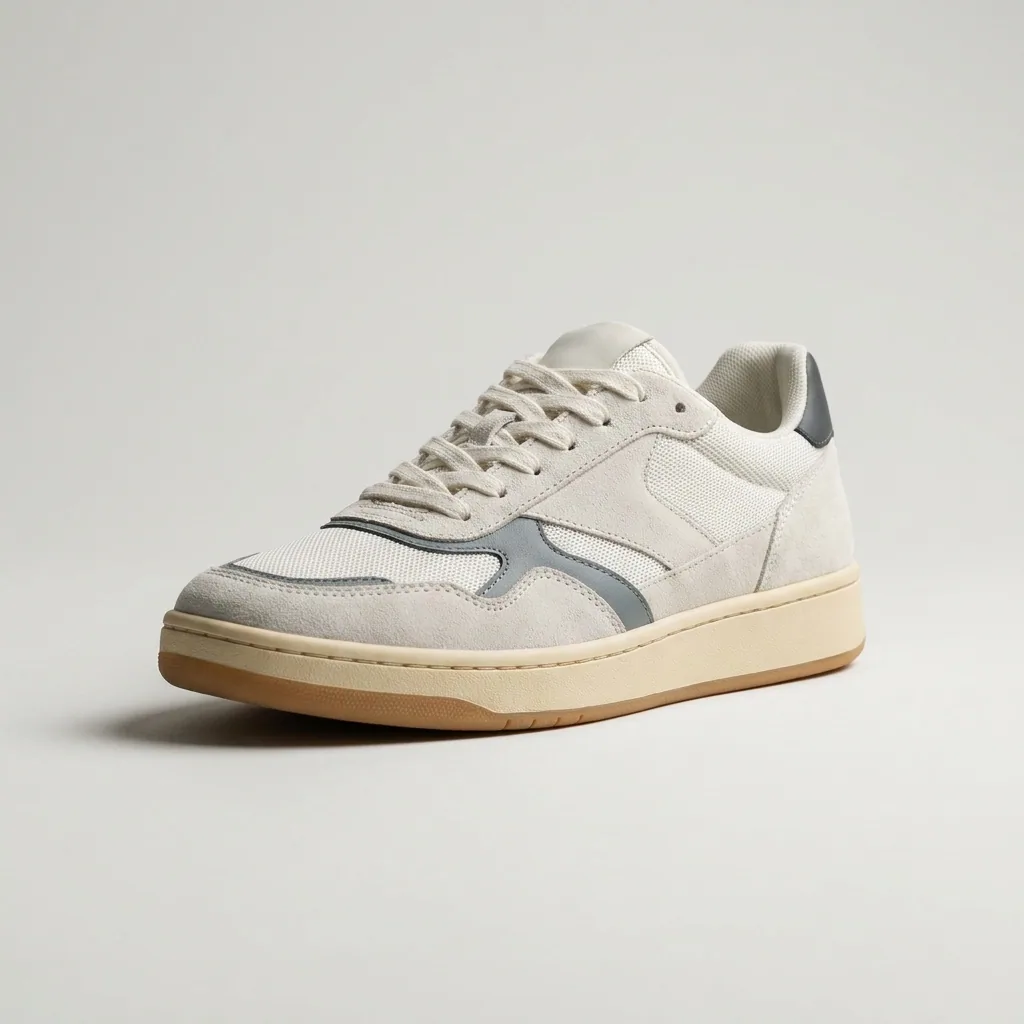 Sneakers
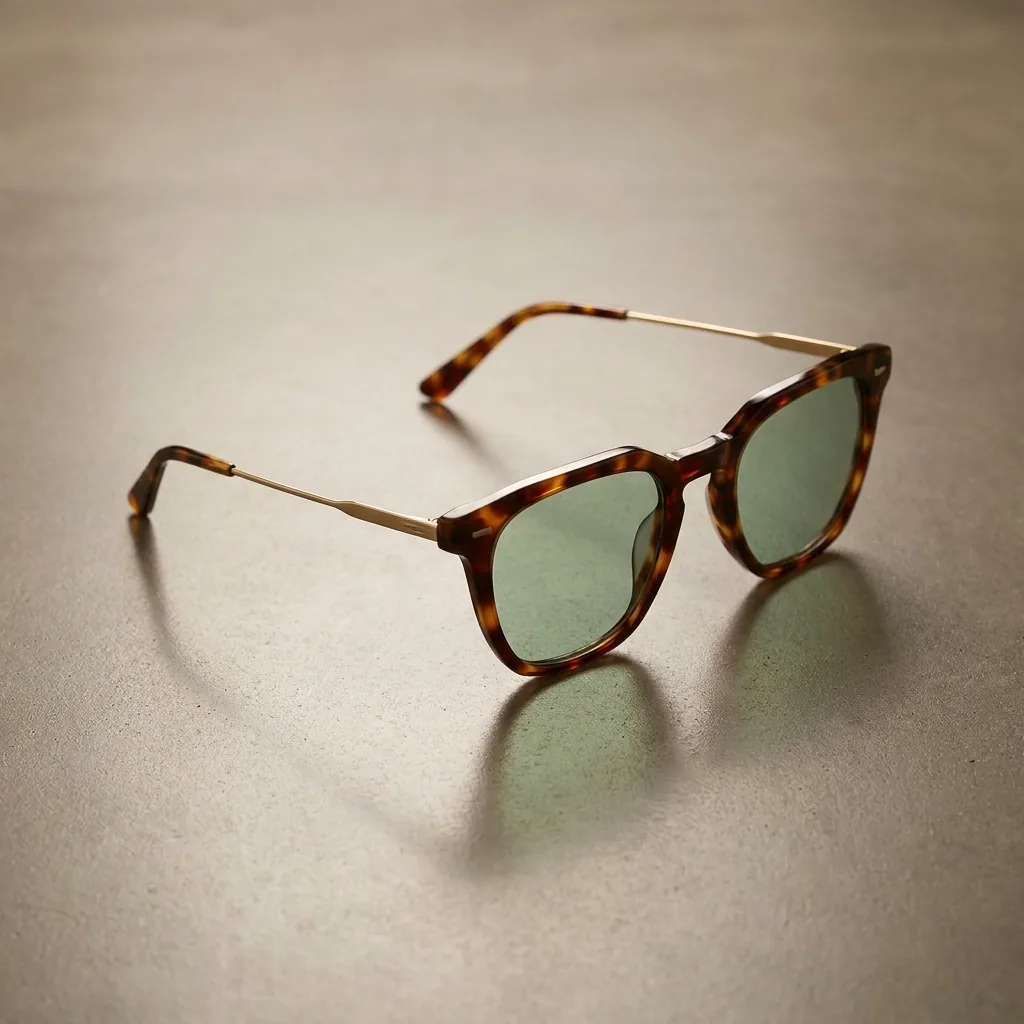 Sunglasses
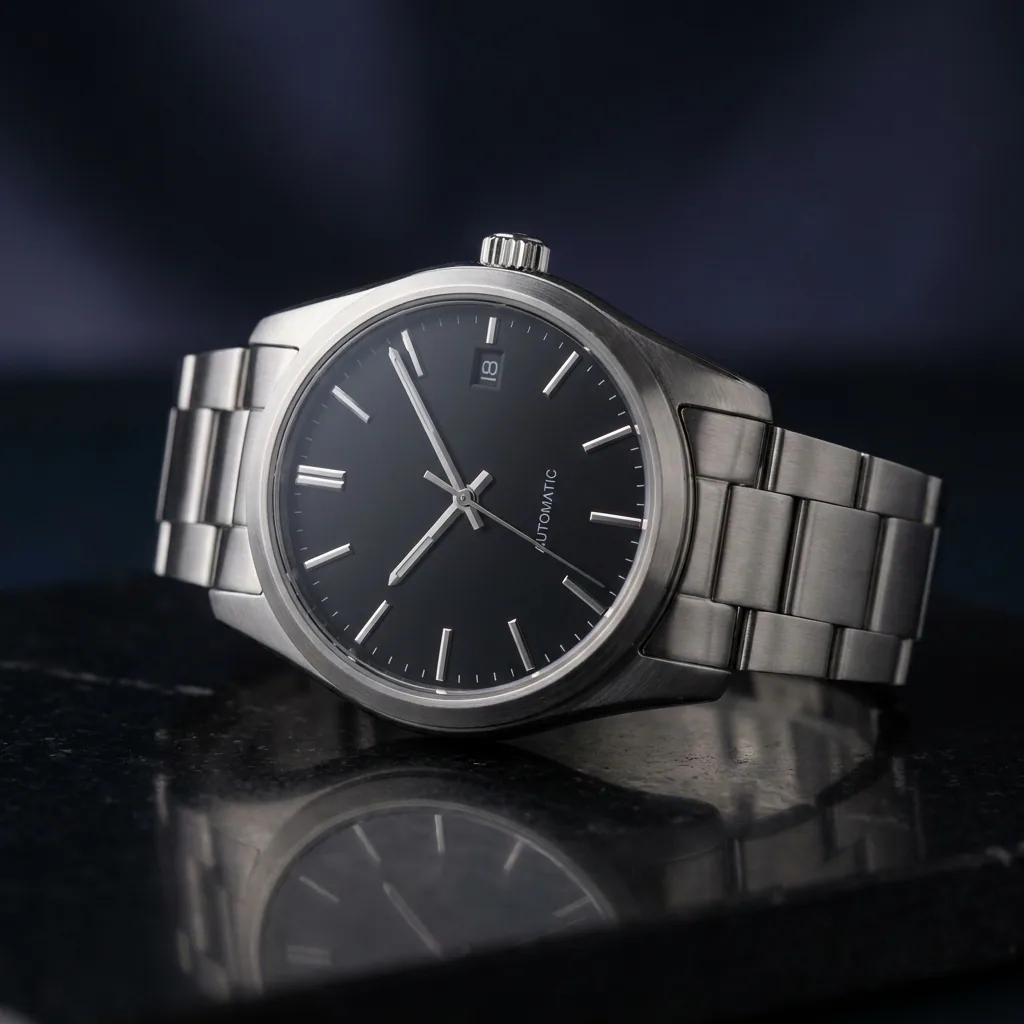 Watch
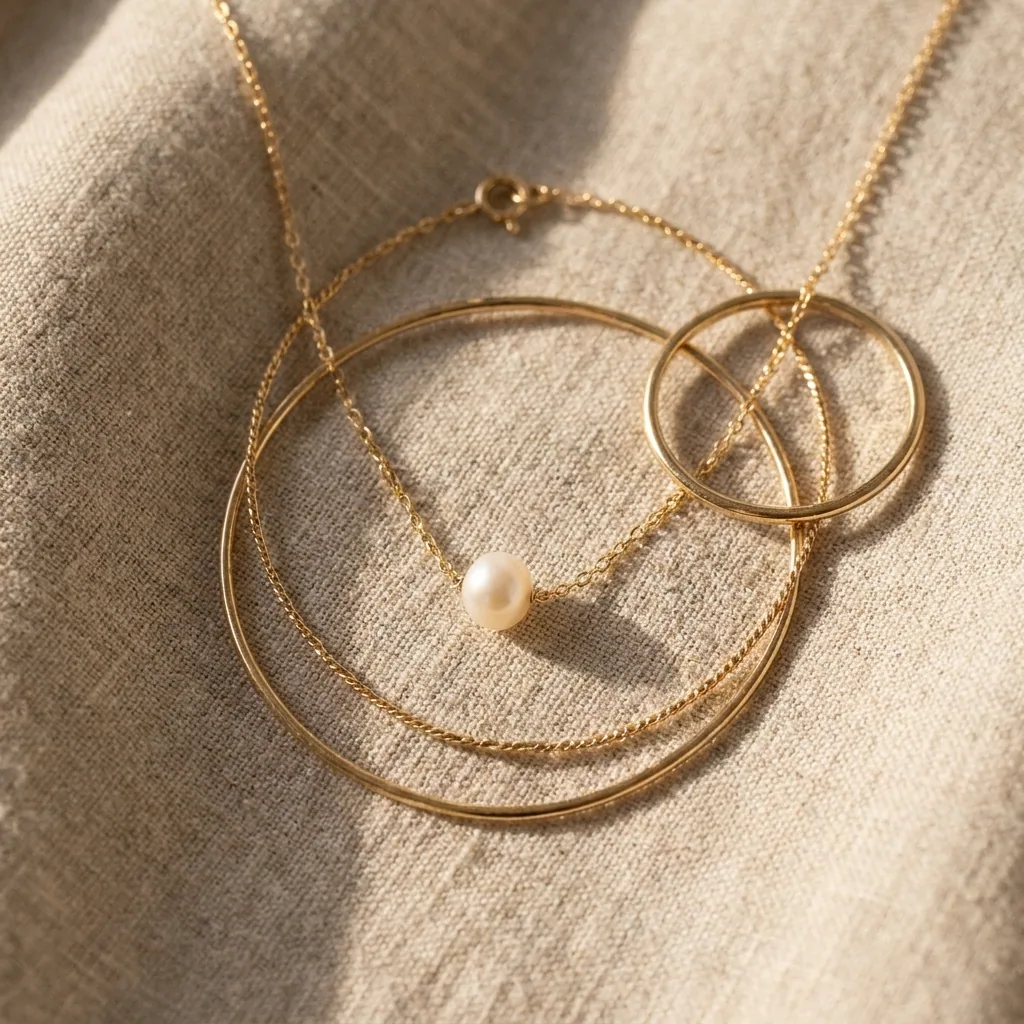 Necklace
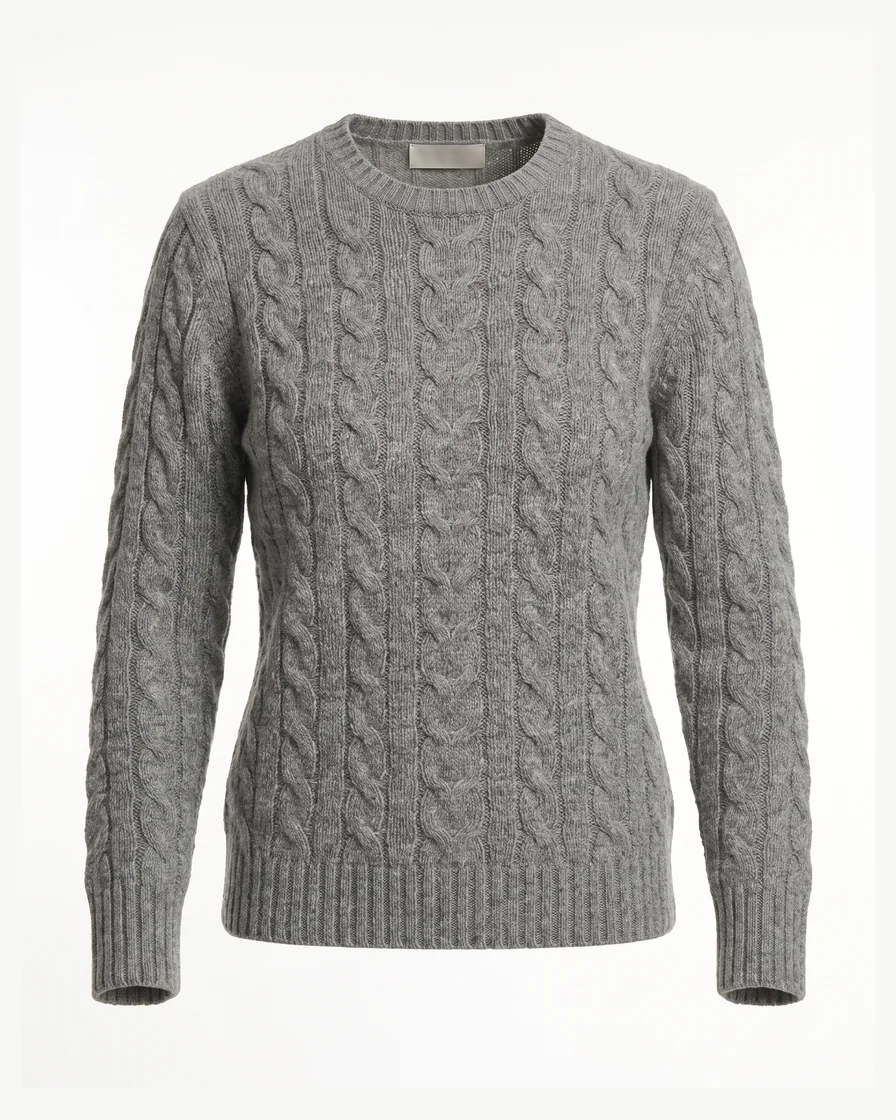 Sweater
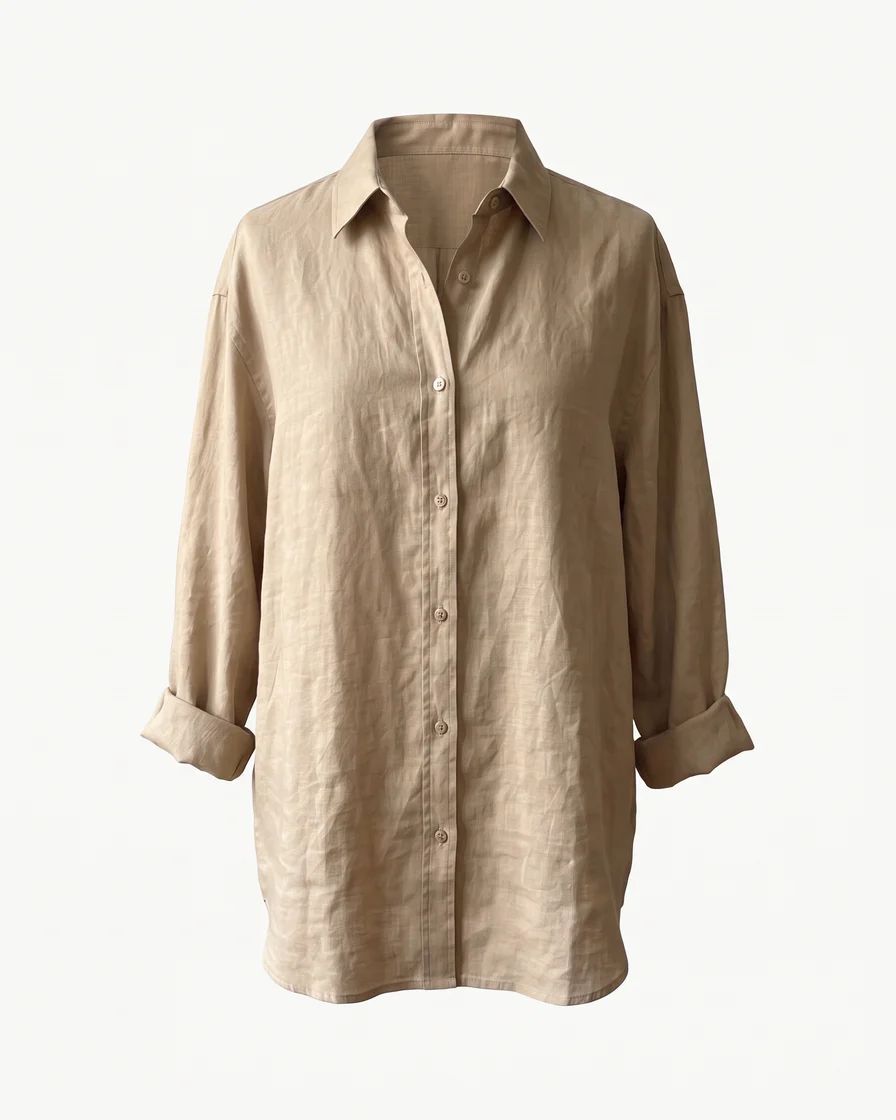 Linen shirt
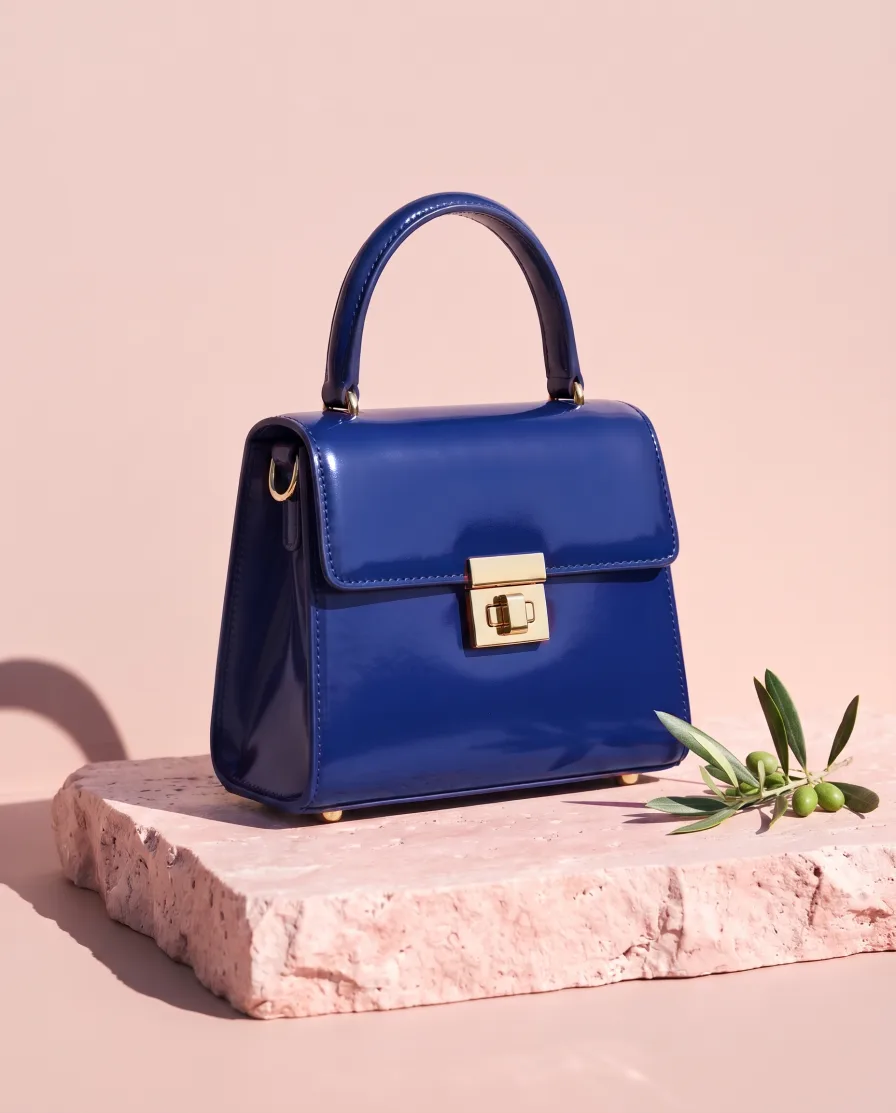
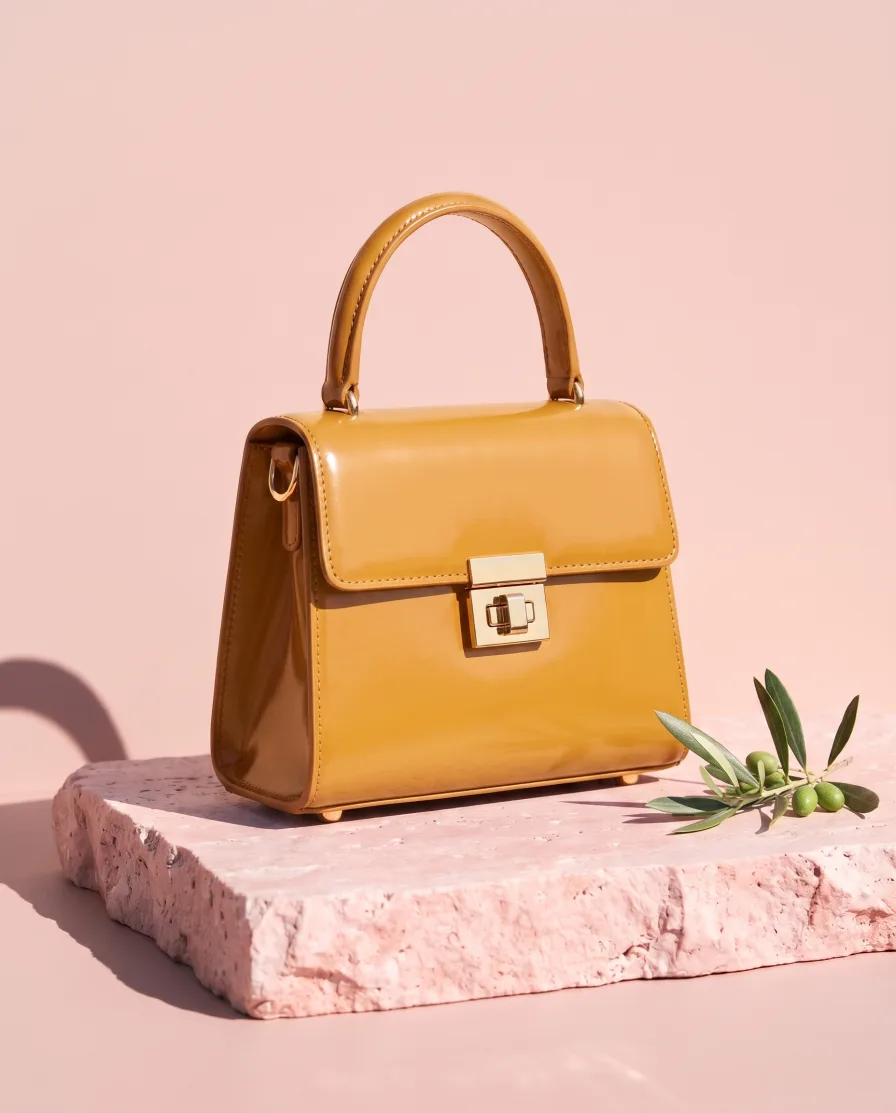
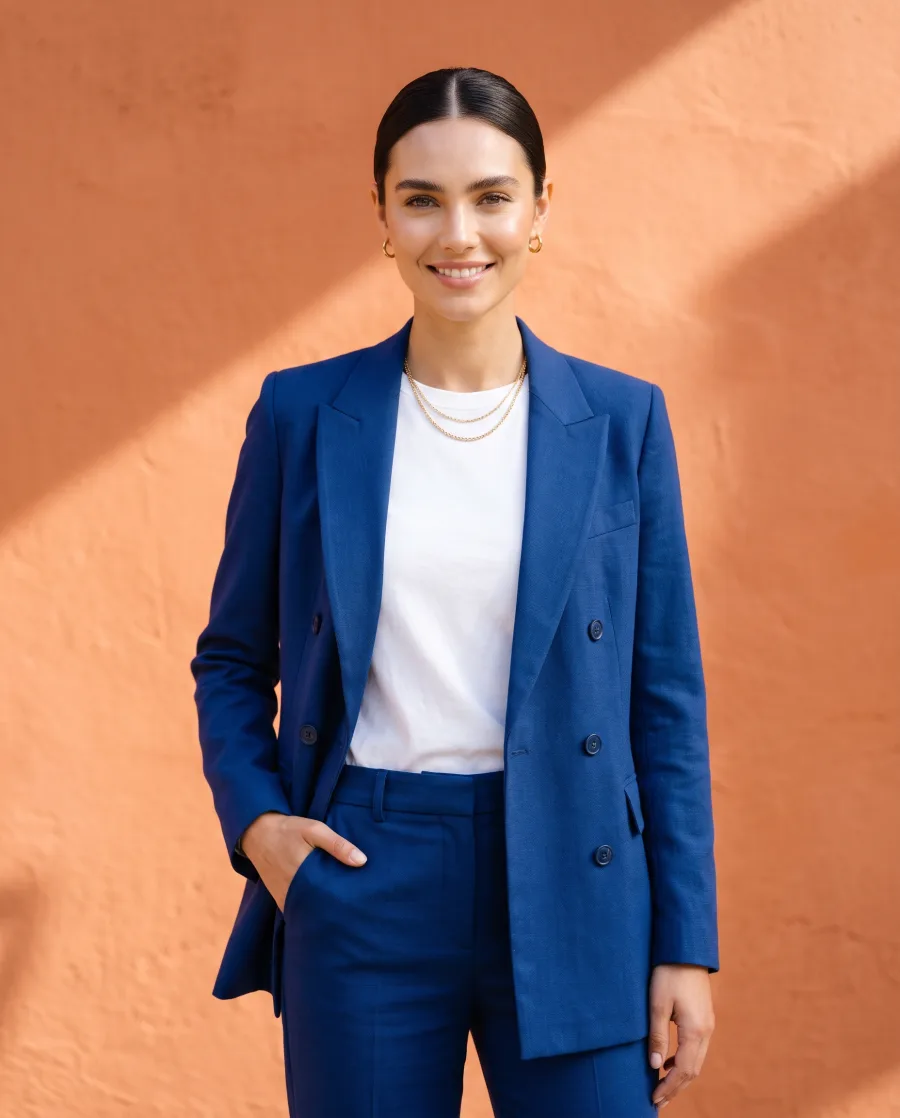
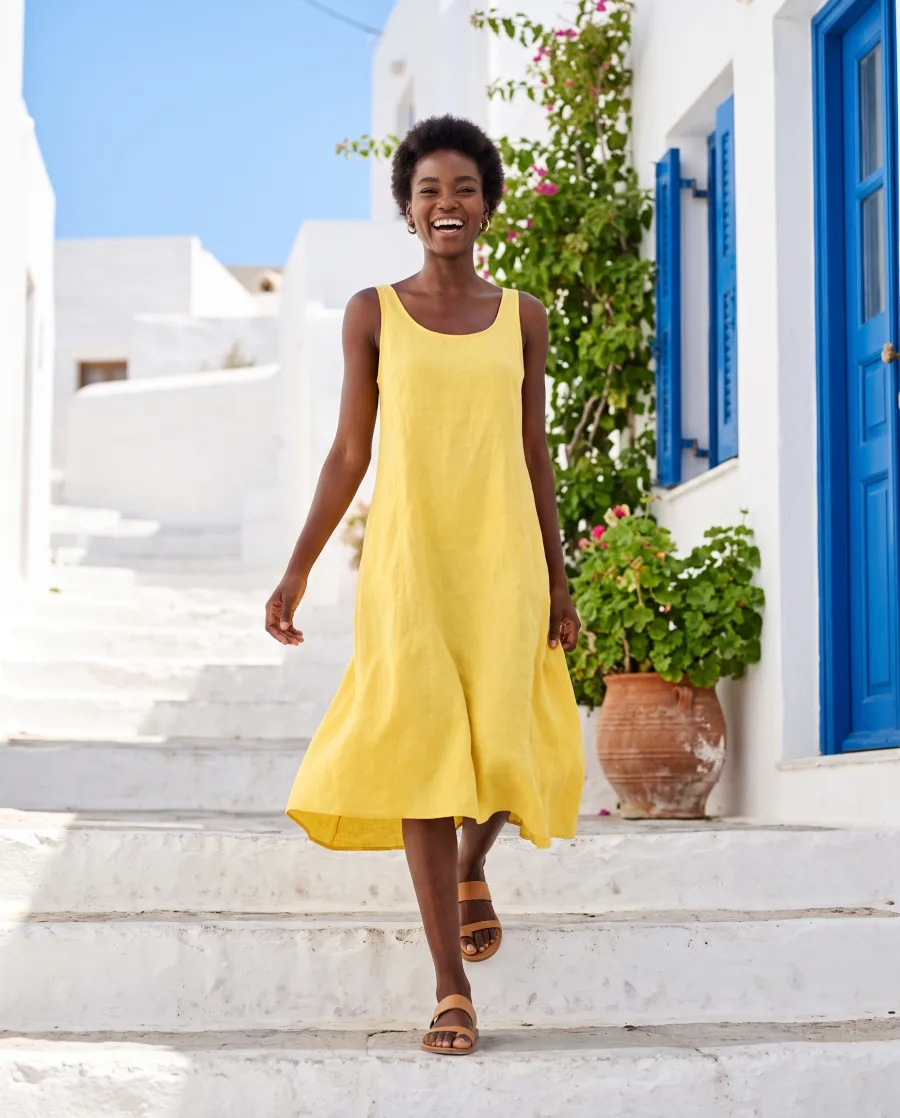
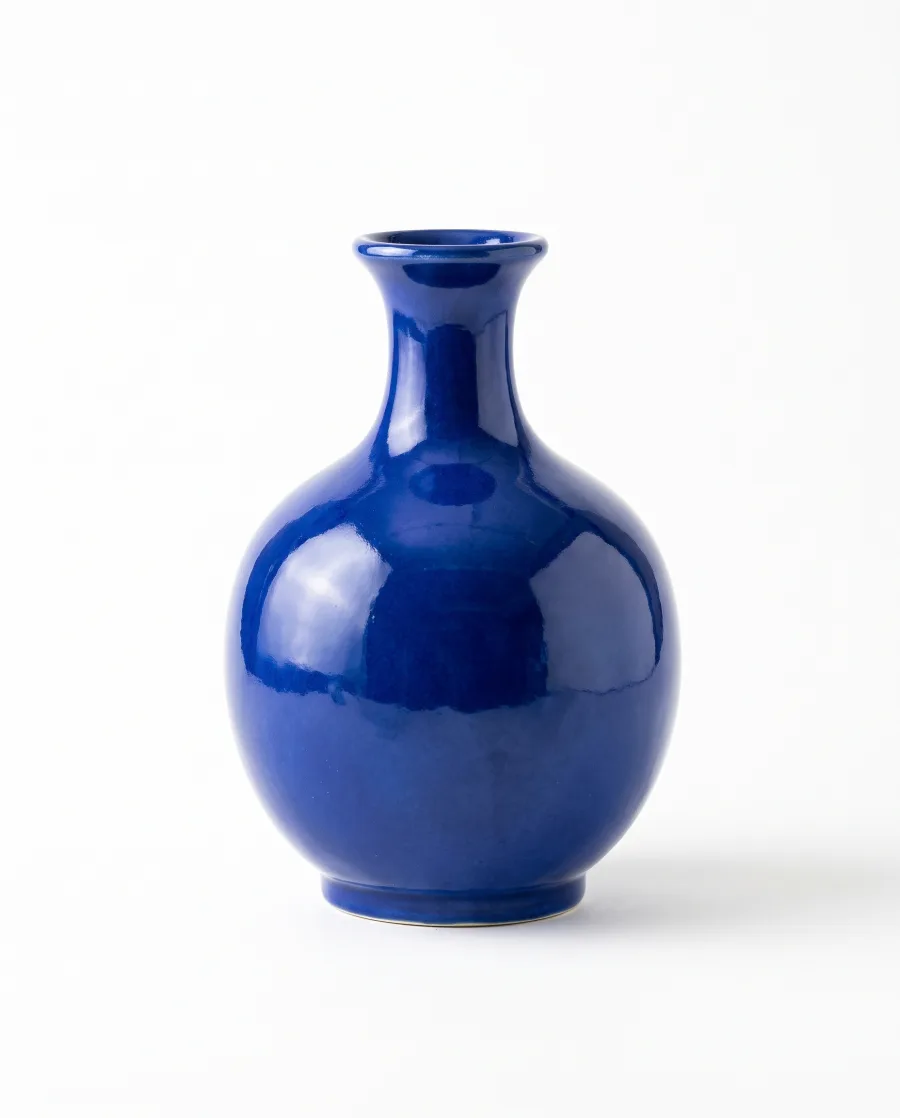
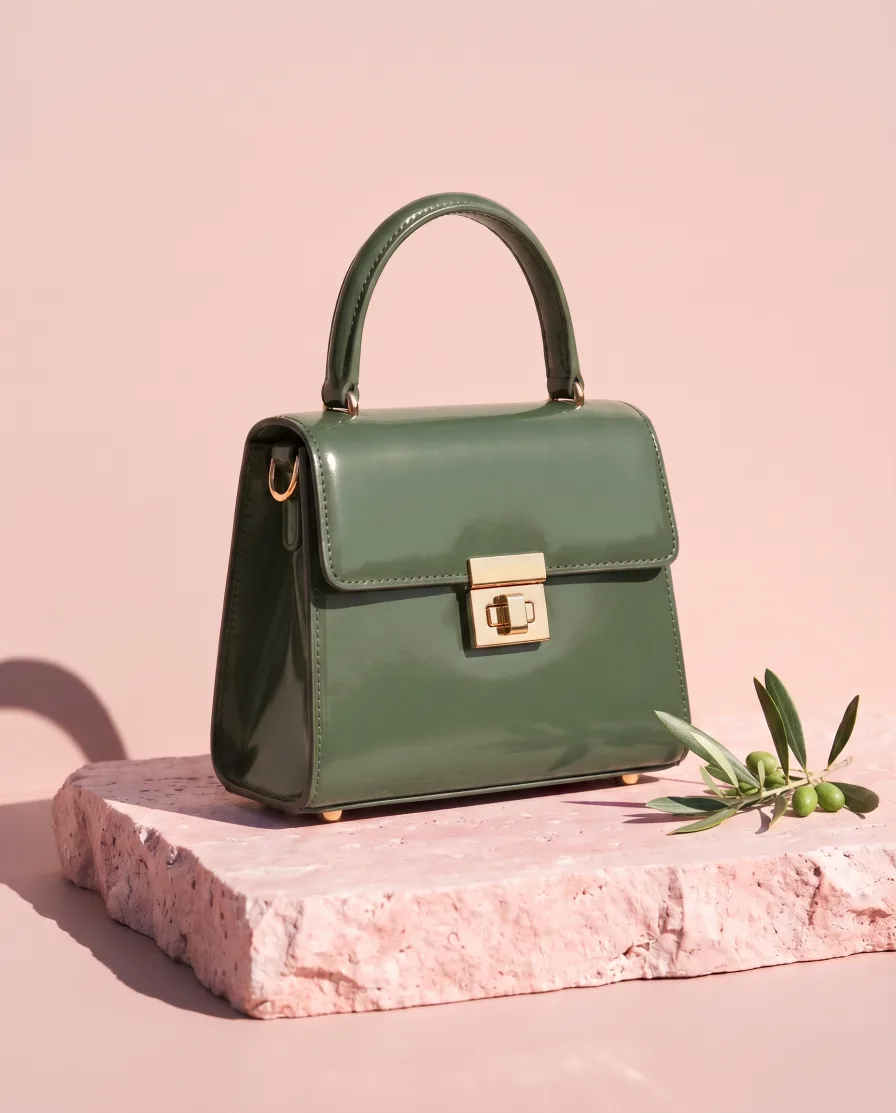 MThe blue and the green, please.

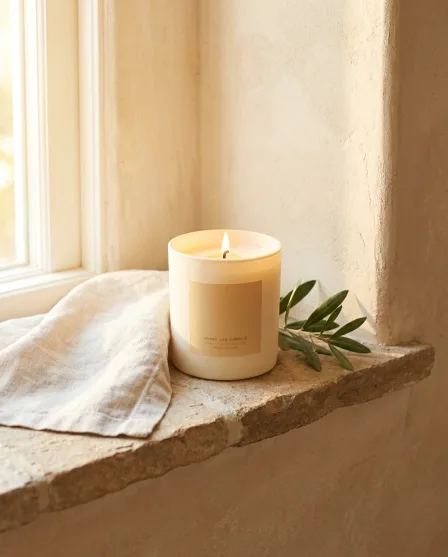
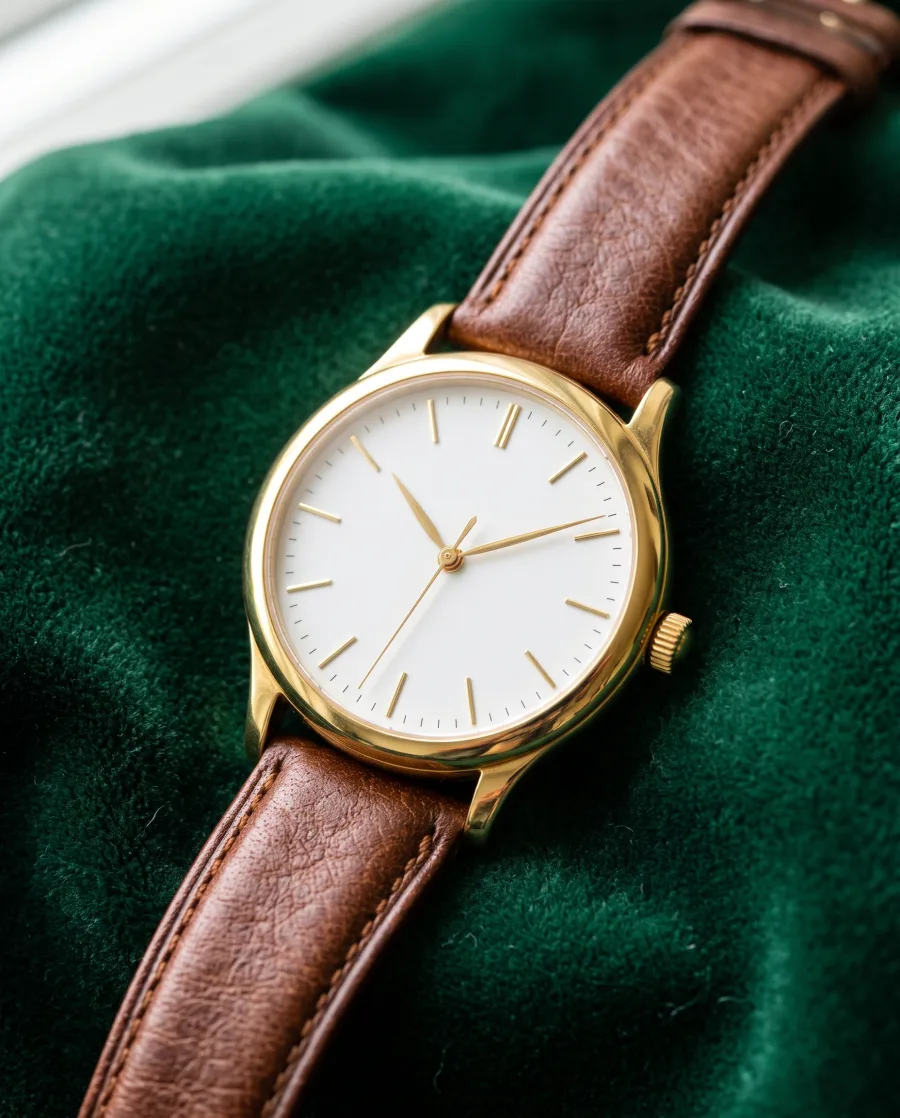
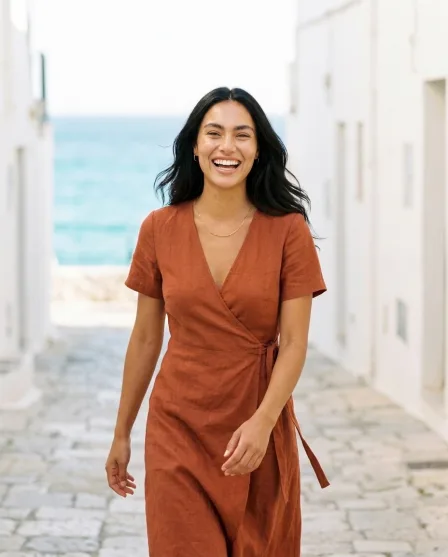
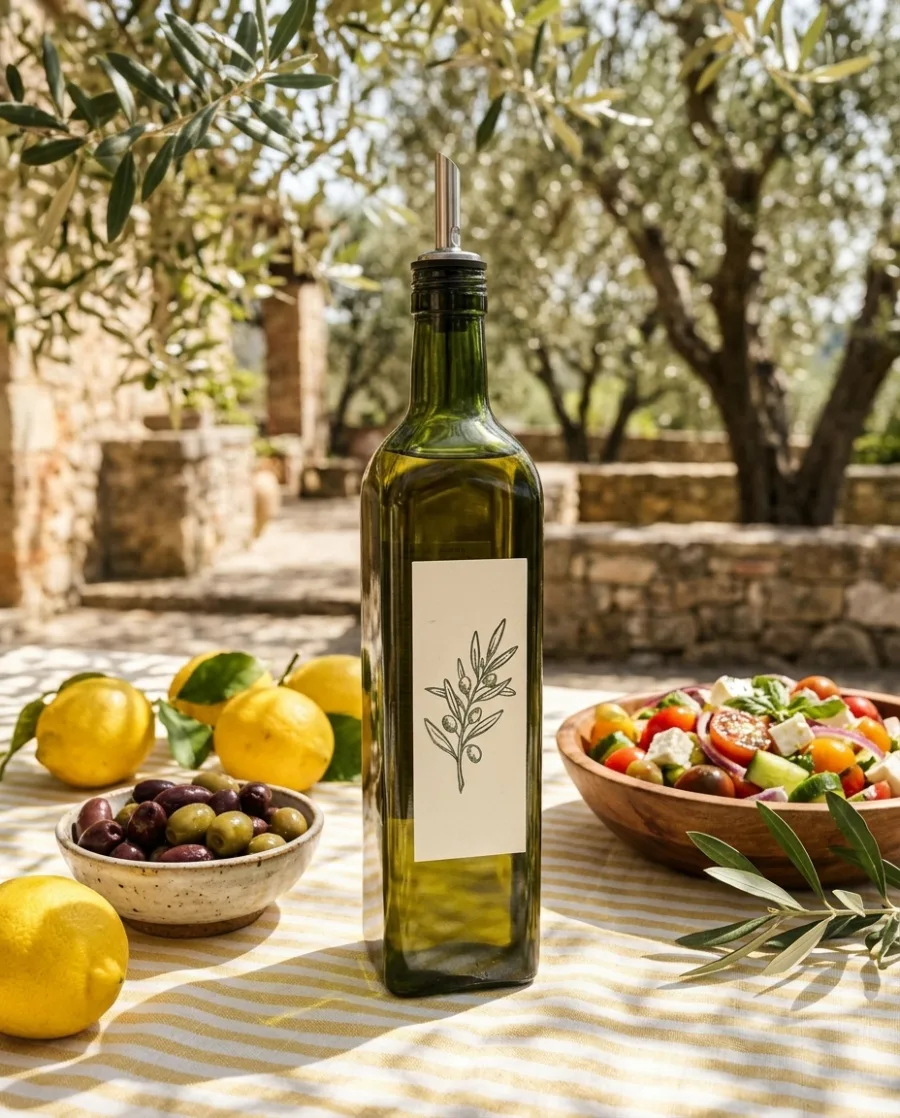
AI chat
DesignerBox in Claude and ChatGPT
Connect DesignerBox once. Then ask for pictures in Claude, ChatGPT or Cursor. You confirm each run in the chat.

Will my product look the same?
DesignerBox keeps your product's shape, colour and label and changes what is around it. AI can still get a small detail wrong. If it does, run it again and keep the result you like.
What can I make with DesignerBox?
Product photos, ads, video ads, UGC videos, reels, social media posts, campaign concepts and brand assets. You make them with AI from your product photos, in your brand's style, in one workspace.
Which use case should I start with?
Start with the picture you need most this week, like product photos for a new listing or an ad for a sale. Each use case page shows what goes in and what comes out.
Do I need a separate app for each job?
No. The AI models, the brand kit, the image editor and the video editor are in one workspace. Every picture and video you make is saved in Assets.
Can I run a job on many products at once?
Yes. Put up to 200 products in a sheet and run one job on every row with batch. You see the total cost before it starts.
Is there a free plan?
Yes. The free plan is for personal projects, and the results carry a watermark. Your own photos, your own prompts and the commercial licence start on the Pro plan. Video and the editors start on the Premium plan. You see the price of each picture before it is made.
Make your first pictures today.
Sign up with Google or your email. Nothing to set up.
Get started free- Claude
- ChatGPT
- Cursor