



iOS app
The DesignerBox iOS app
Your workspace on your phone. Make product pictures and video from the photos on your iPhone, in your brand's look, and find every result on the web too.

 Android coming soon
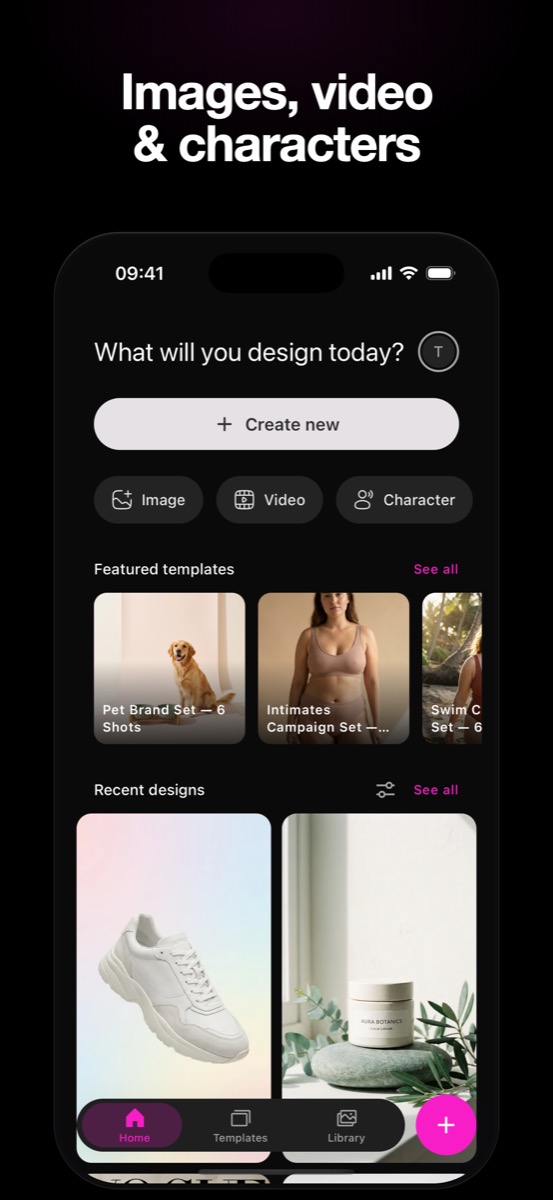
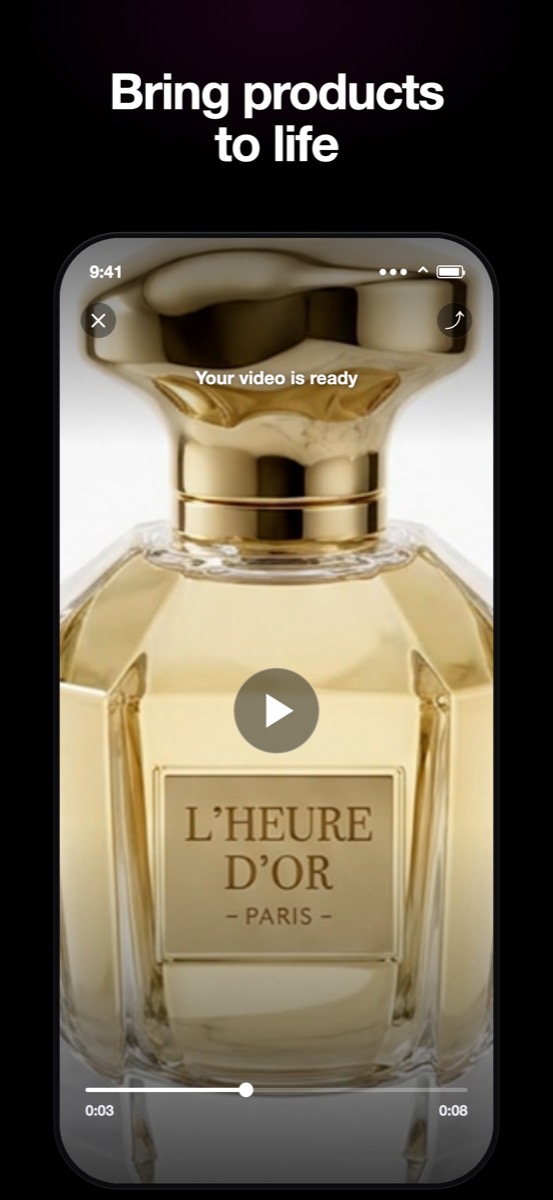
From this to this
Phone photos in, finished pictures out
Take the photo on your phone. Pick a template. The result comes back in your brand's look, ready for the shop, the feed and the ads.
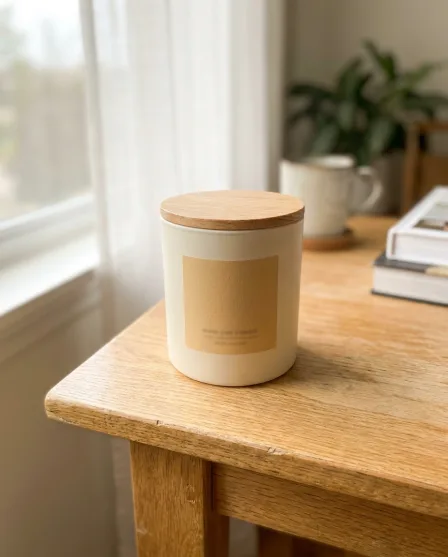



Who it is for
Does that sound like you?
Results designed for a brand that one person runs.
One brand, from your phone.
You run the brand alone. You are the designer, the photographer and the marketer. A designer is out of budget, and you do not want to learn a design program. You want pictures for the feed, the shop and the ads that look like one brand, from the product photos on your phone.
- Templates: pick the job, add your phone photo, press Run
- Your brand, your templates and your Assets are the same on the phone and on the web
- Every result is saved in your Assets, on your phone and on the web



DesignerBox render
How it works
From a photo on your phone to the finished picture
Three steps. The same templates and the same credits as the web app.
- 1
Download the app
Get DesignerBox from the App Store and sign in with your account, or create one for free.
- 2
Add a photo, pick a template
Take a photo of the product or pick one from your camera roll. Choose the job: a clean shot, a scene, an on-model shot.
- 3
Press Run, keep the results
The cost shows before the run. Keep or discard each result. Everything you keep is in your Assets, on the web too.
The app
Ten screens from the app
Templates, product photos, on-model shots, video and your Assets, on one phone.

Start 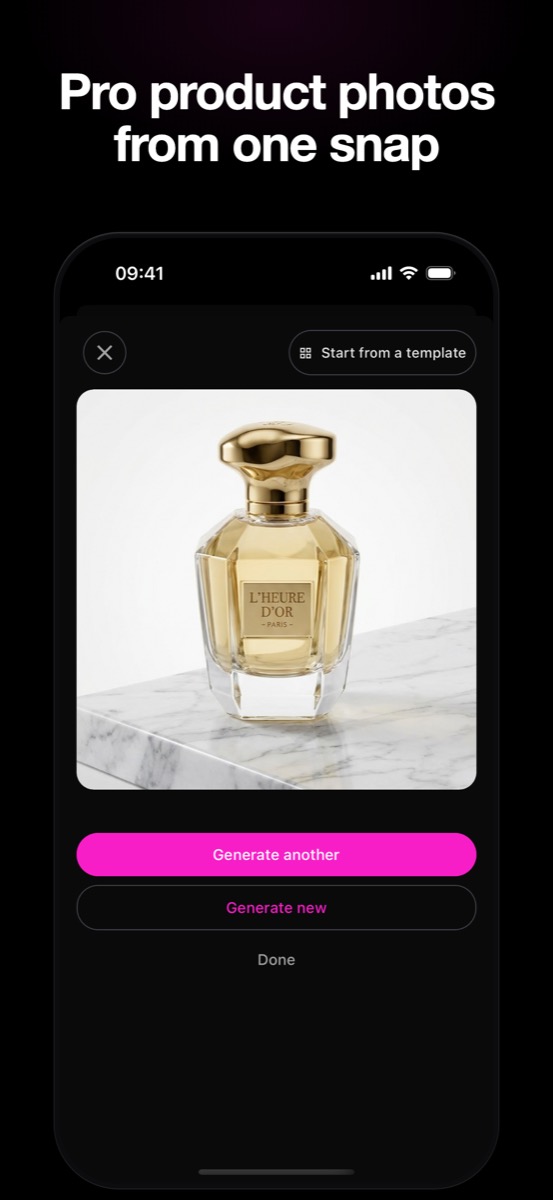
Product photos 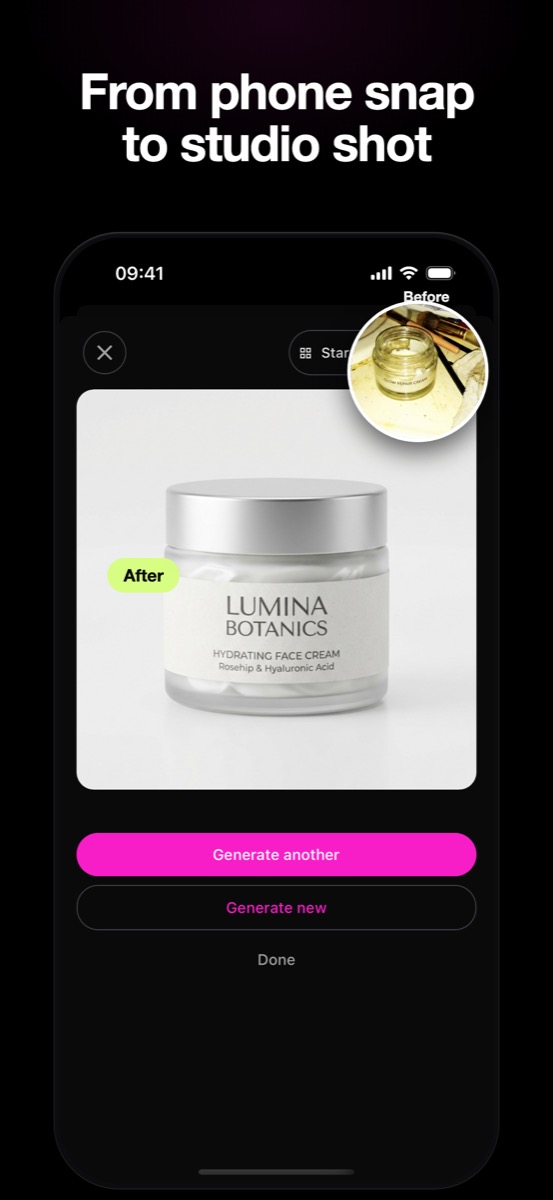
Before and after 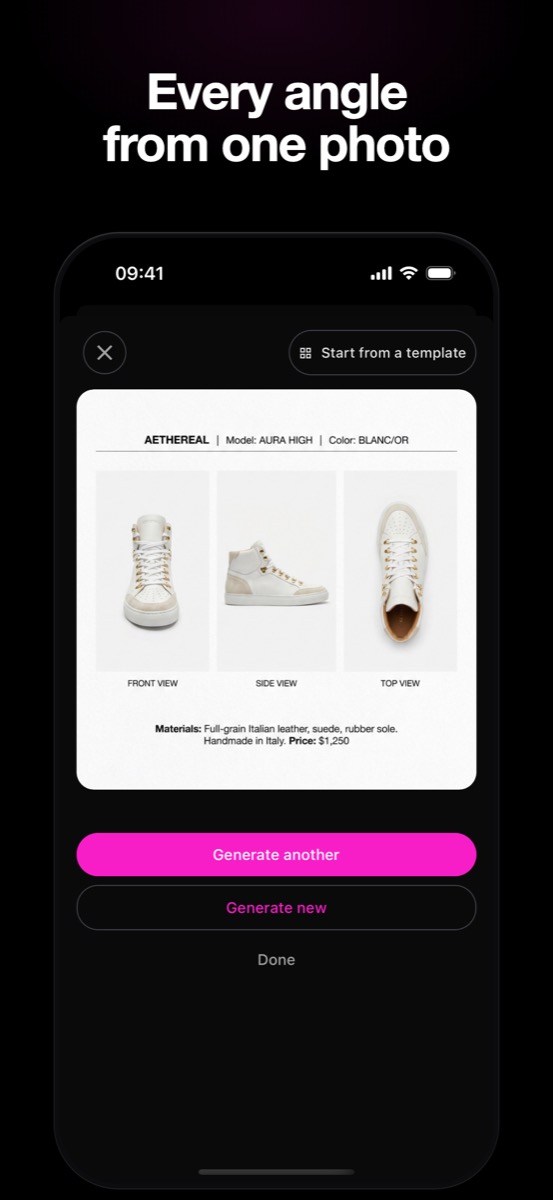
Every angle Video 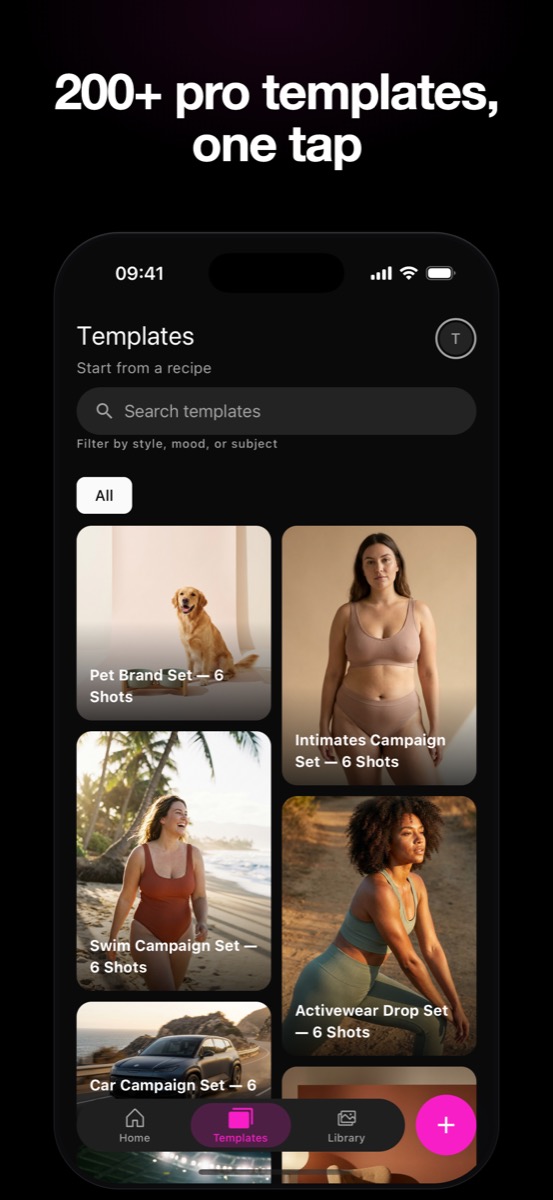
Templates 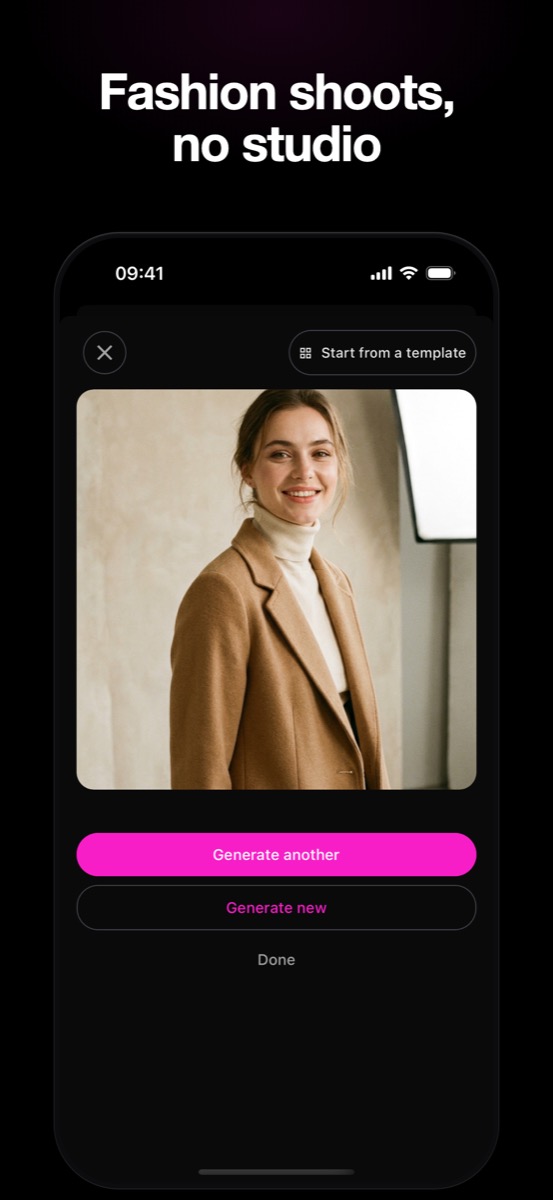
On-model shots 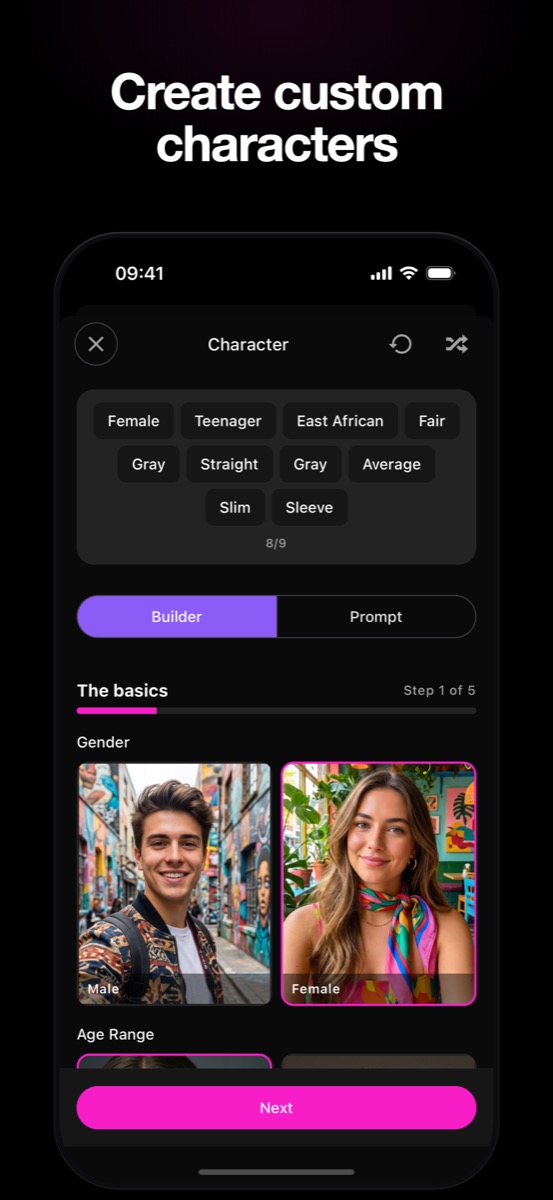
Avatars 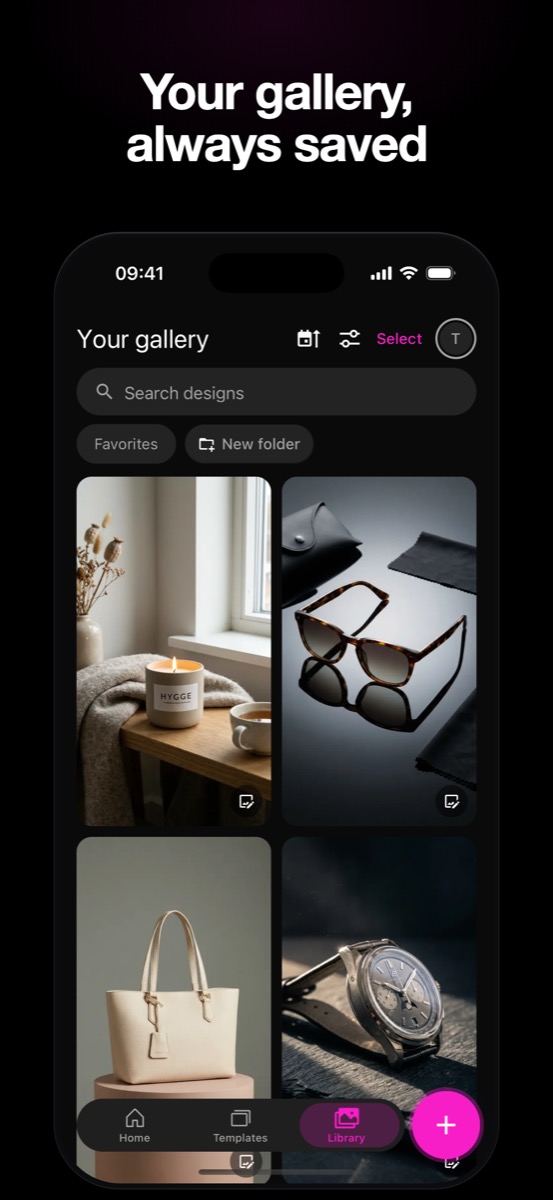
Assets Home
Questions
Curious? Let's clear things up.
Everything you need to know before you download the app.
Is the DesignerBox iOS app free to download?
Yes. The app is free to download from the App Store. Sign in with your DesignerBox account, or create one for free. A run uses the credits of your plan, the same credits as the web app.
What can I make with the app?
Product pictures, scenes, on-model shots, virtual try-on and short clips. Pick a template, add the photo, press Run, then keep or discard each result. Your own photos start on the Pro plan. Video and virtual try-on start on the Premium plan.
Which devices does the app support?
iPhone with iOS 16 or later. The web app at designerbox.ai works in any browser, so you can do the same work on a desktop.
Do my results sync between iPhone and the web?
Yes. One account, one workspace. Every result lands in your Assets, with your brand and your templates, on your phone and on the web.
Is DesignerBox available on Android?
Not yet. The Android app is coming soon. Until it ships, use the iOS app or any browser at designerbox.ai.
Do I need an internet connection?
Yes. Every run happens in the cloud, so the app needs a connection to make and edit pictures.
Do I use the same account on mobile and web?
Yes. One DesignerBox account works everywhere. Sign in on your iPhone with the same email you use on the web, and your plan, credits and Assets are the same.
Everything in one place
Everything you need, in one place
The full workflow from the first product photo to the finished ad, in one subscription.
Scale content without limits.
Generate content for your products or services with AI, starting today, and keep your brand on every piece.








