Google · Image model
Nano Banana 2 AI image generator
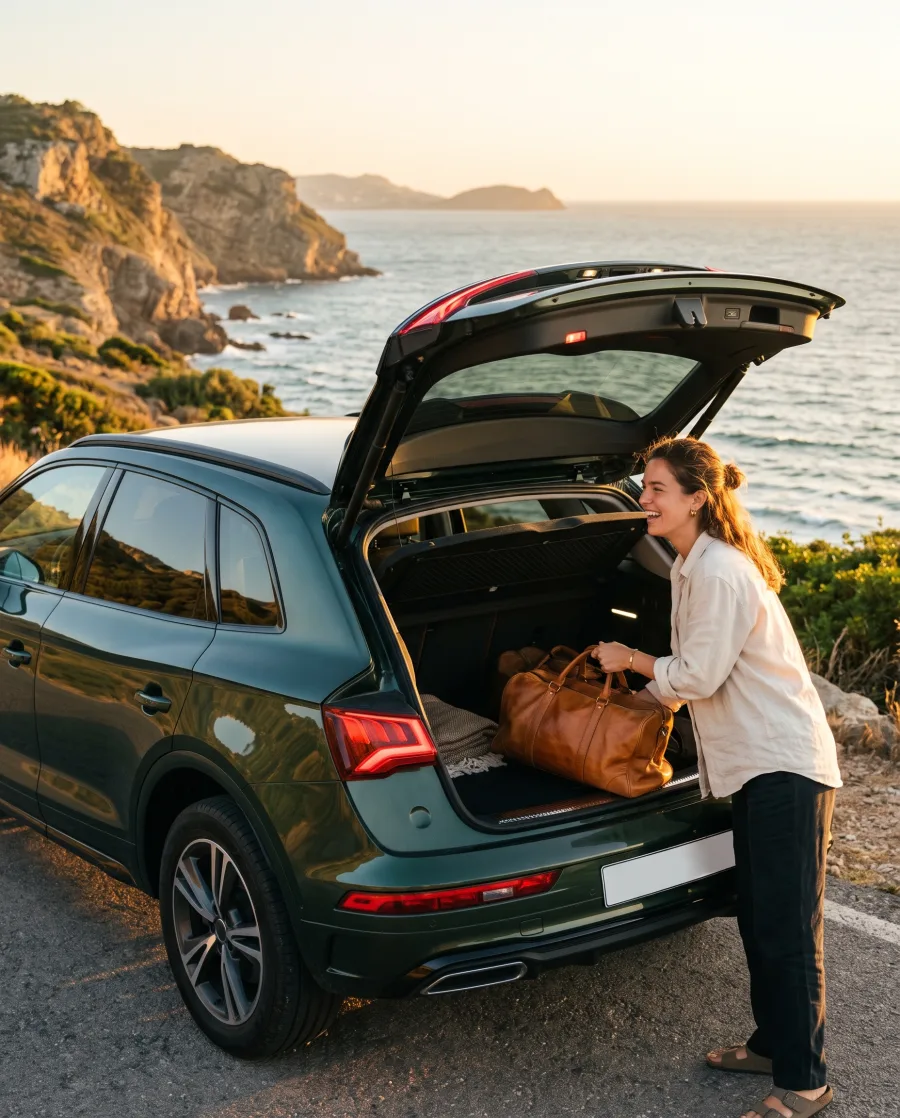
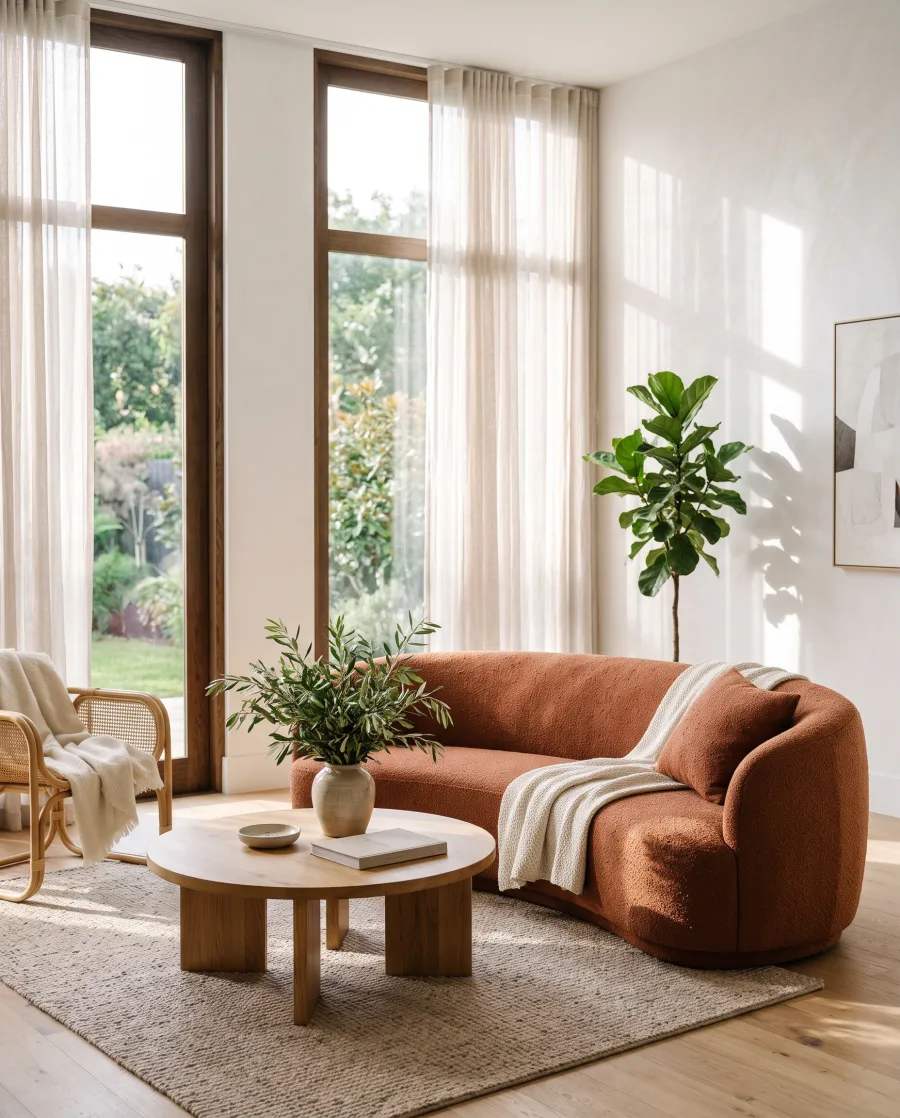
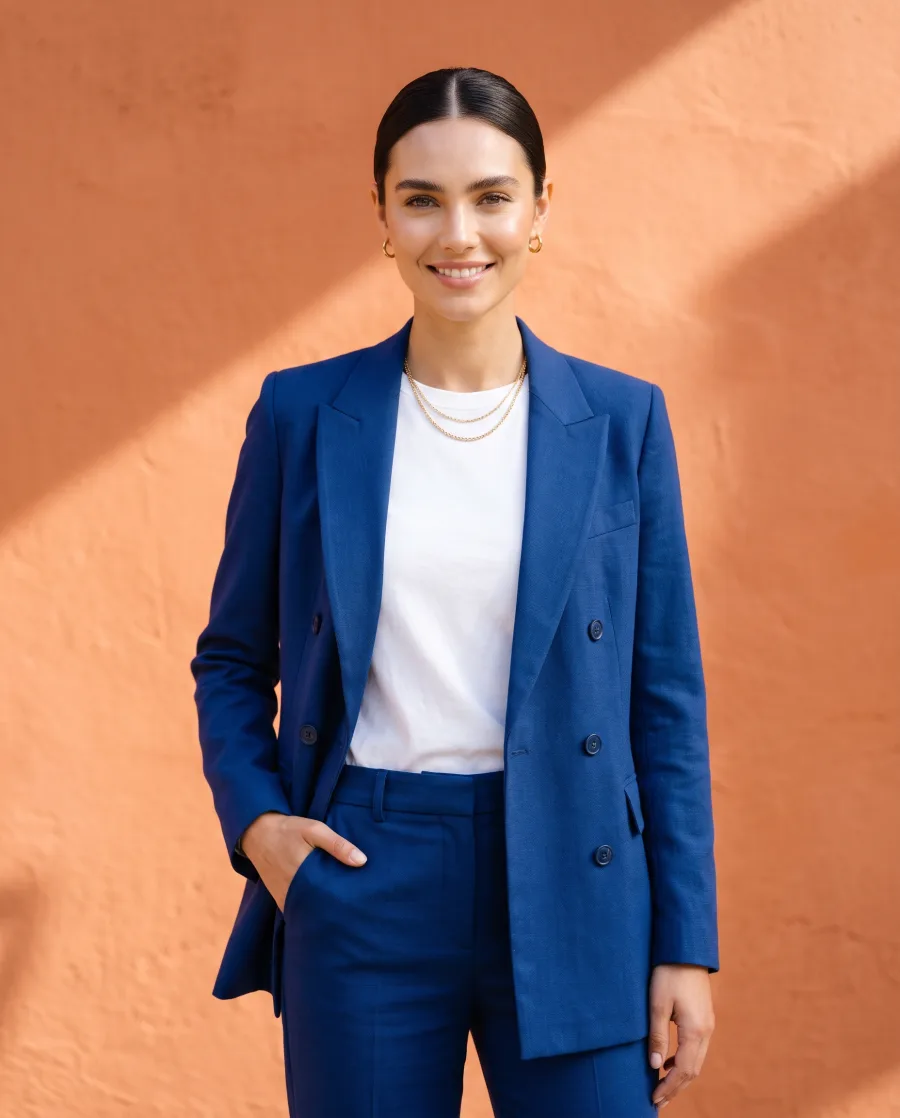
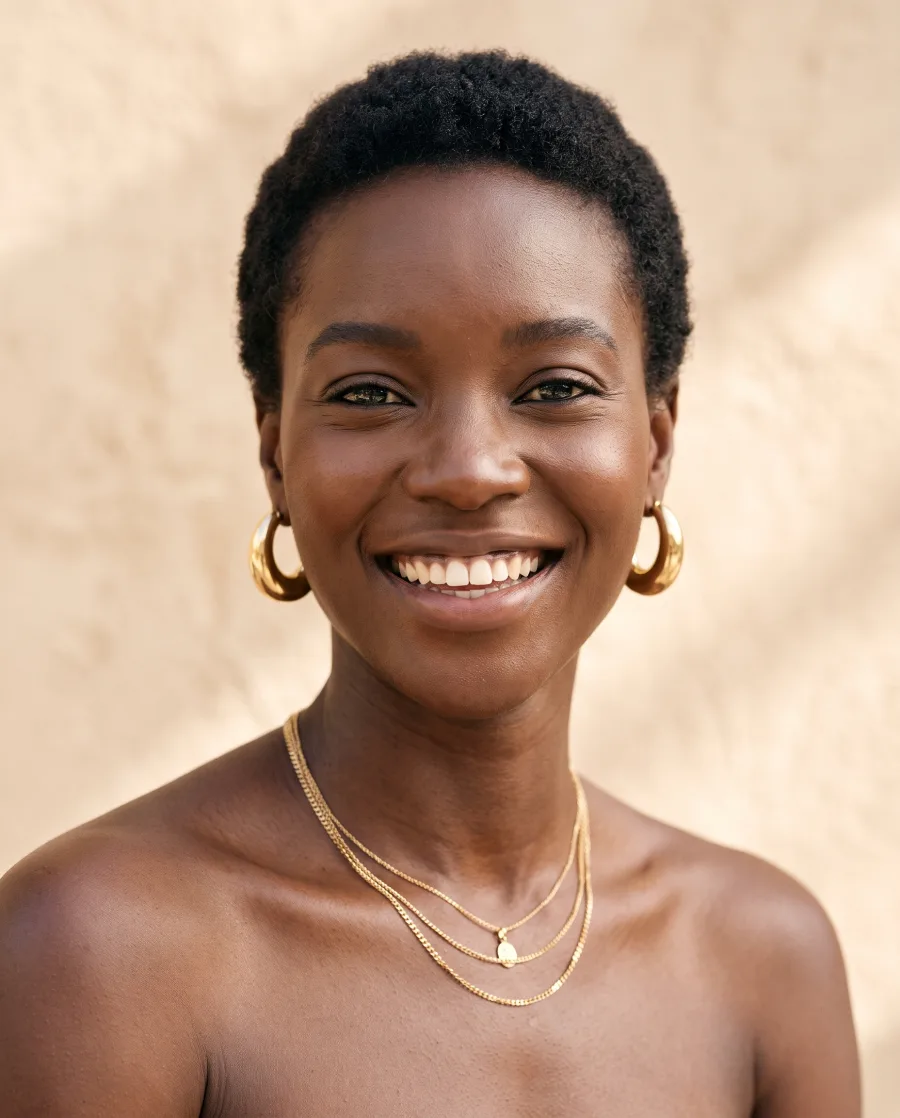
Google's fast image model, for drafts and for large sets. It makes sharp pictures with readable text, at a lower cost.
Runs in Generate, in a workflow step and in batch · The cost shows before you press Generate · No separate Google subscription
- Claude
- ChatGPT
- Cursor
At a glance
Nano Banana 2 in DesignerBox
Use Nano Banana 2 in Generate, in a step of your own workflow, or on many rows at once in batch.
- Made by
- Type
- Image model
- You give it
- A text prompt, and up to 5 reference pictures
- Shapes
- 1:1, 4:5, 3:4, 2:3, 4:3, 3:2, 5:4, 9:16, 16:9, 21:9
- Settings
- Creativity, from 0 to 1, on the AI Image page
Strengths
What Nano Banana 2 is good at
- Fast resultsQuick enough to try an idea several times before you choose one.Try it in Generate
- Readable textShort words on a pack or a poster come out clean, so a draft already shows the layout.Try it in Generate
- Changes the shapeIt can change the shape of a picture without cutting the product out of it.Try it in Generate
- Built for setsSteady enough to run one brief over a whole product range in a batch.Try it in Generate
How to use it
How to use Nano Banana 2 in DesignerBox
- 1. Open Generate. Sign in to DesignerBox, open Generate and choose Picture. You can also add an image step to a workflow.
- 2. Choose Nano Banana 2. Pick Nano Banana 2 in the model list. Then set the shape and the number of pictures.
- 3. Write the brief and run. Describe the picture and add up to 5 reference pictures. The cost shows next to the button before you press Generate.
Start free. You see the price before you make anything.
Your own photos, your own prompts and the commercial licence start on the Pro plan.
Tips
Tips for better results with Nano Banana 2
- Use it to test the brief. Run the brief here a few times. When it works, move the final run to Nano Banana Pro if you need more detail.
- Keep the brief the same in a batch. Change only the product between rows. The pictures then look like one set.
- Ask for one change at a time. When you edit a picture, ask for one change per run and check it.
- Start from your own product photo. Add the real product as a reference. The model keeps its shape, label and colour closer than a description can.
- Name the shot. Say where the product stands, what is behind it and where the light comes from. Words like "premium" give the model nothing to draw.
- Save the brief as a workflow. When one picture works, save the steps as a workflow. Every next product then runs the same brief on the same model.
Other models
Other image models in DesignerBox
Every model below runs in the same workspace, on the same plan. Also built in: Kontext Multi.
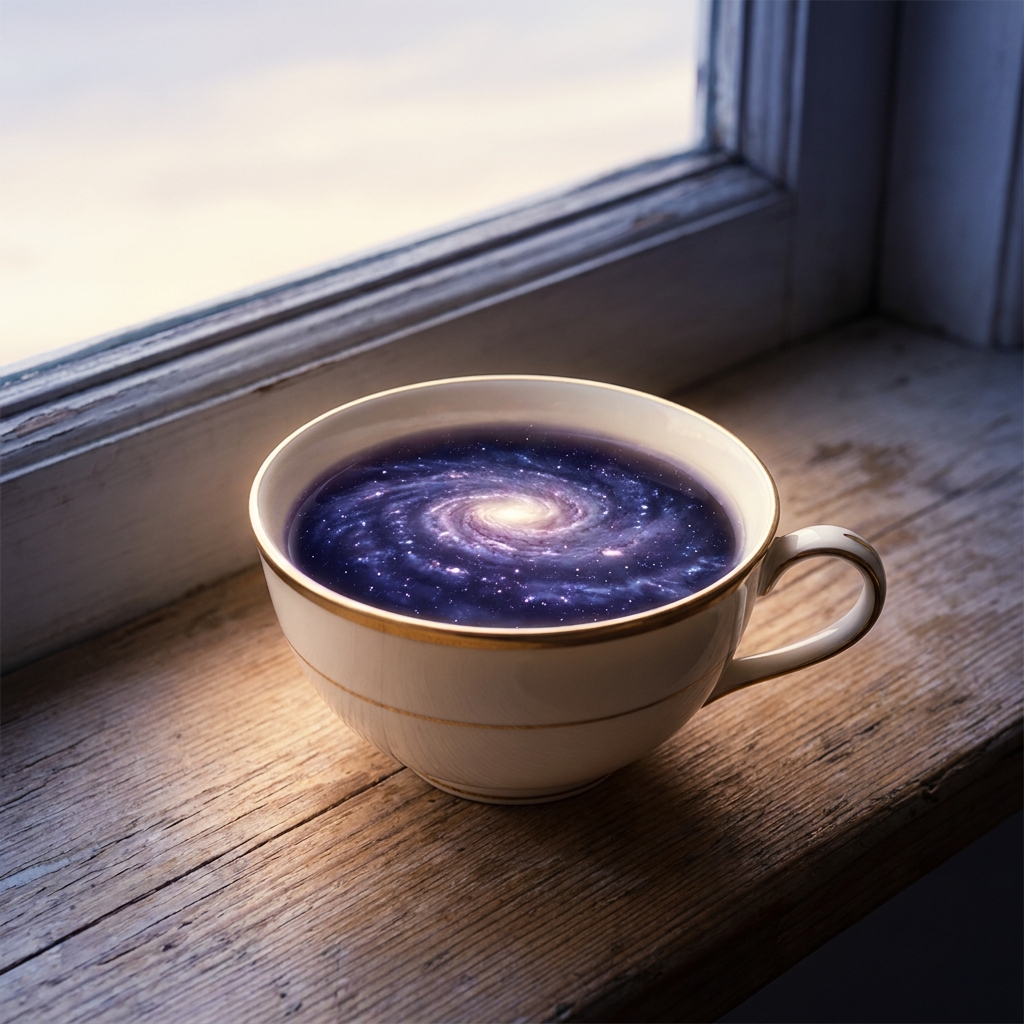 Nano Banana ProGoogle's image model for fine detail, readable text and editsGoogle
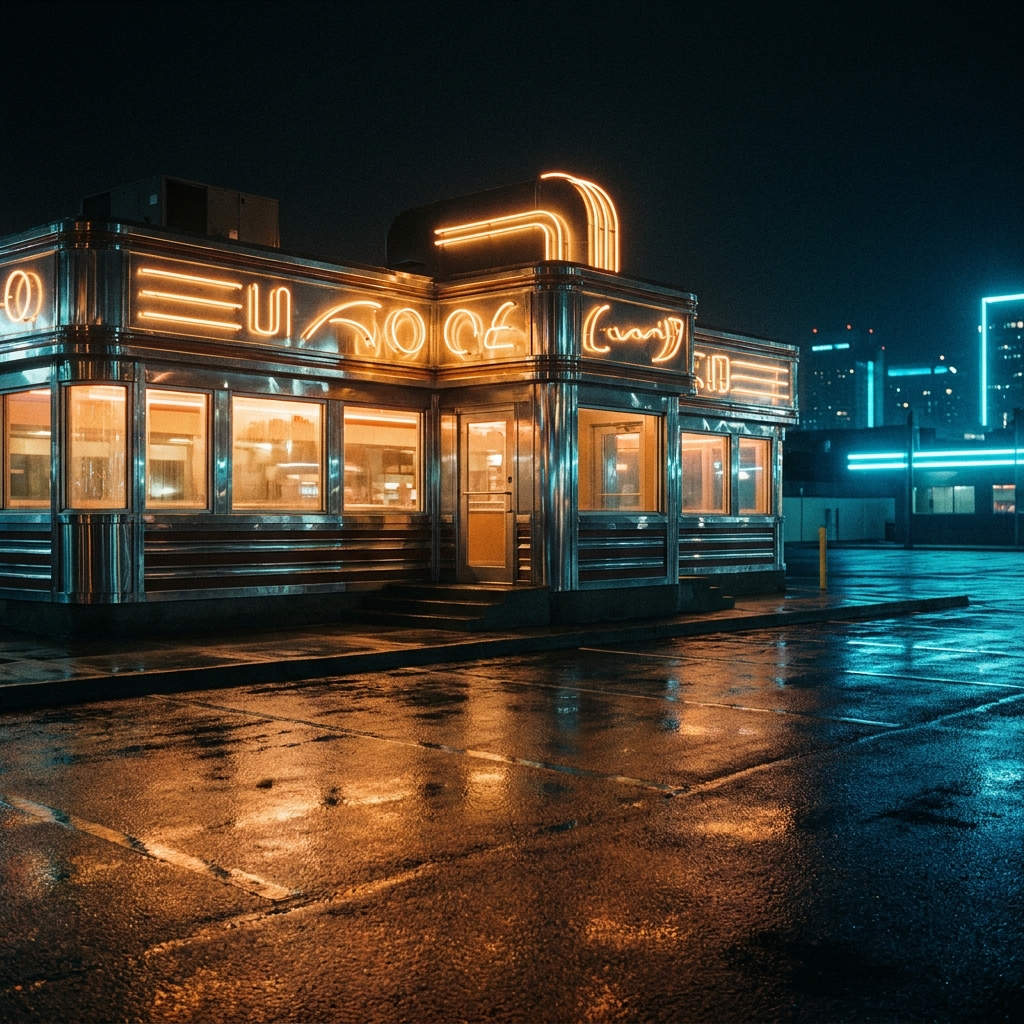 GPT Image 2OpenAI's image model for long briefs and text, up to 4KOpenAI
 Seedream 5ByteDance's image model for people, clothing and text, at 2K to 3KByteDance
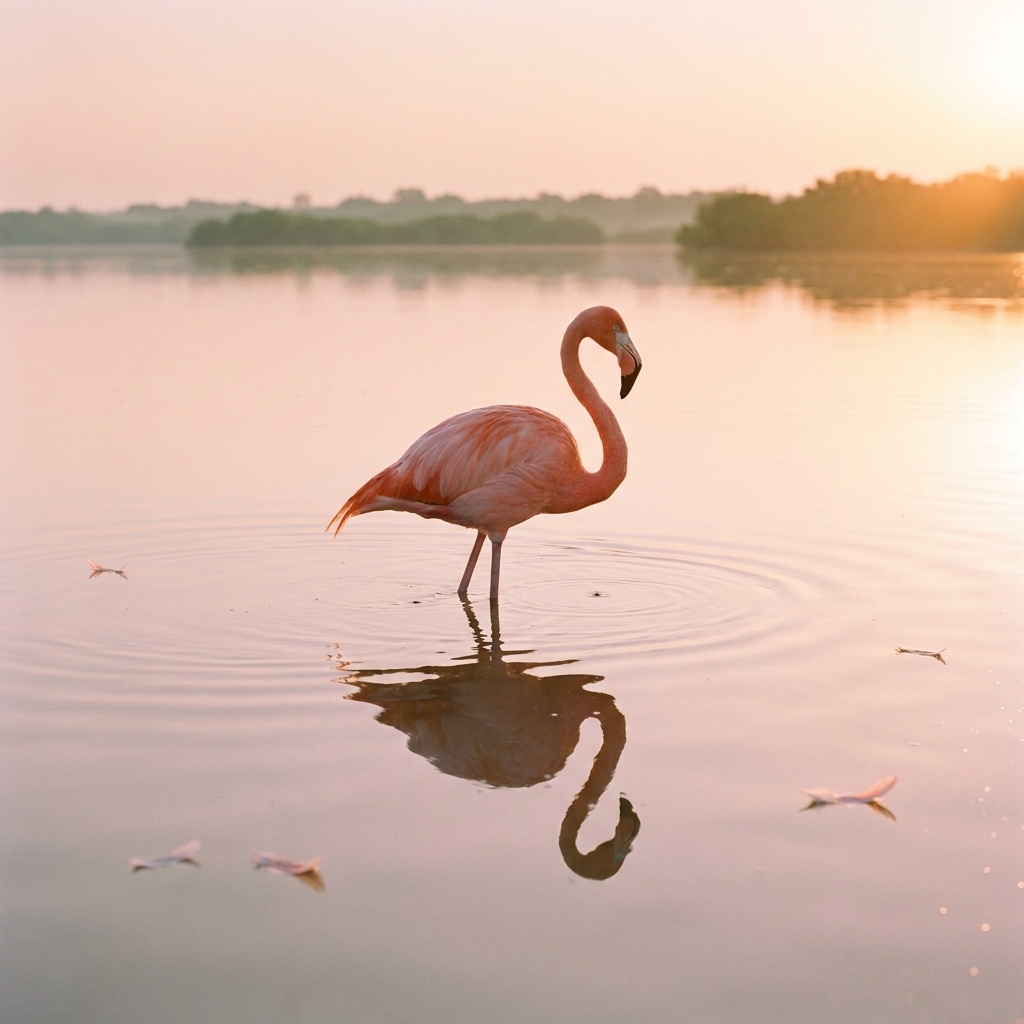 FLUX 2 FlexTypography, retexturing and edits from several referencesBlack Forest Labs
 FLUX Pro 1.1Steady, photoreal pictures for large setsBlack Forest Labs
What is Nano Banana 2?
Nano Banana 2 is a fast image model from Google, built on Gemini 3.1 Flash. It makes and edits pictures and handles readable text.
Can I use Nano Banana 2 in DesignerBox?
Yes. Pick it in Generate or in an image step of a workflow.
What is the difference between Nano Banana 2 and Nano Banana Pro?
Nano Banana 2 is faster and costs less, so it suits drafts and large sets. Nano Banana Pro takes more care over fine detail, so it suits the final picture.
Which shapes does Nano Banana 2 make?
The same ten as Nano Banana Pro: 1:1, 4:5, 3:4, 2:3, 4:3, 3:2, 5:4, 9:16, 16:9 and 21:9.
Make your first pictures today.
Sign up with Google or your email. Nothing to set up.
Get started free- Claude
- ChatGPT
- Cursor