Virtual try-on
Virtual try-on: your garments on a model
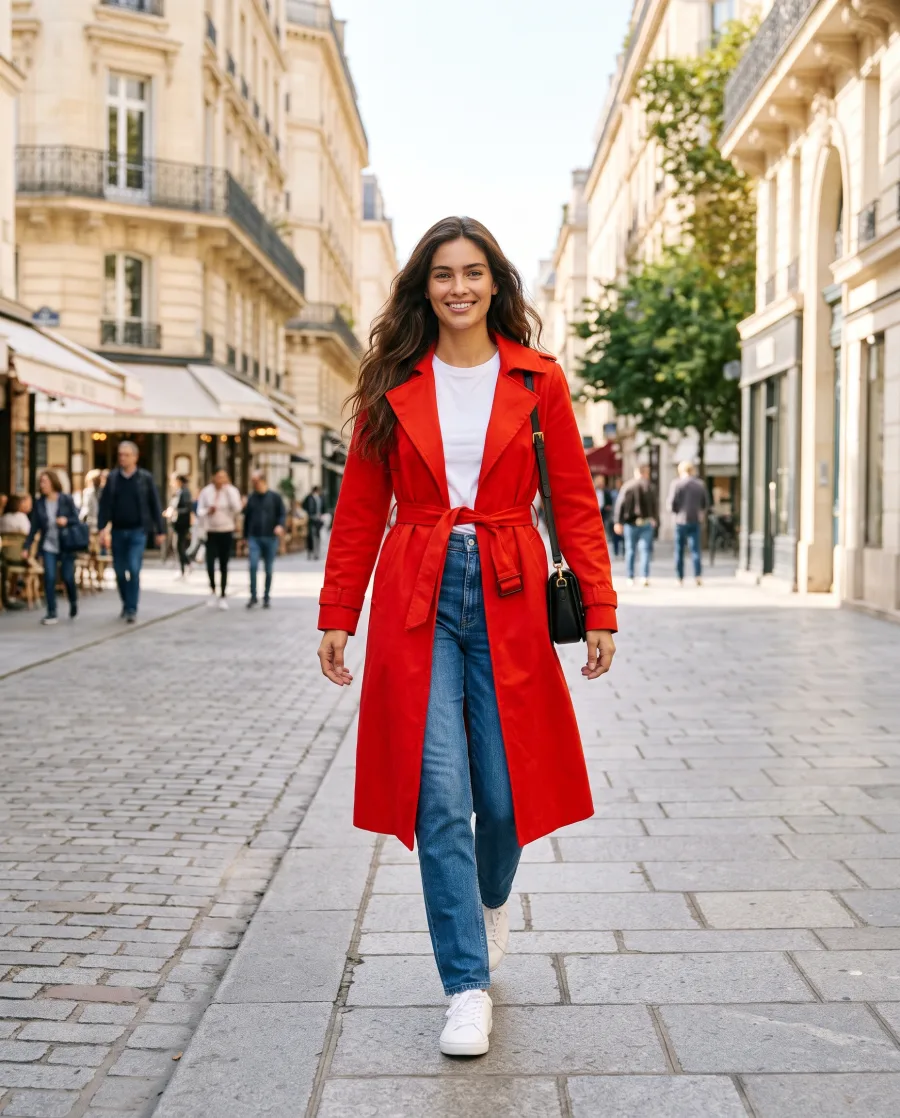
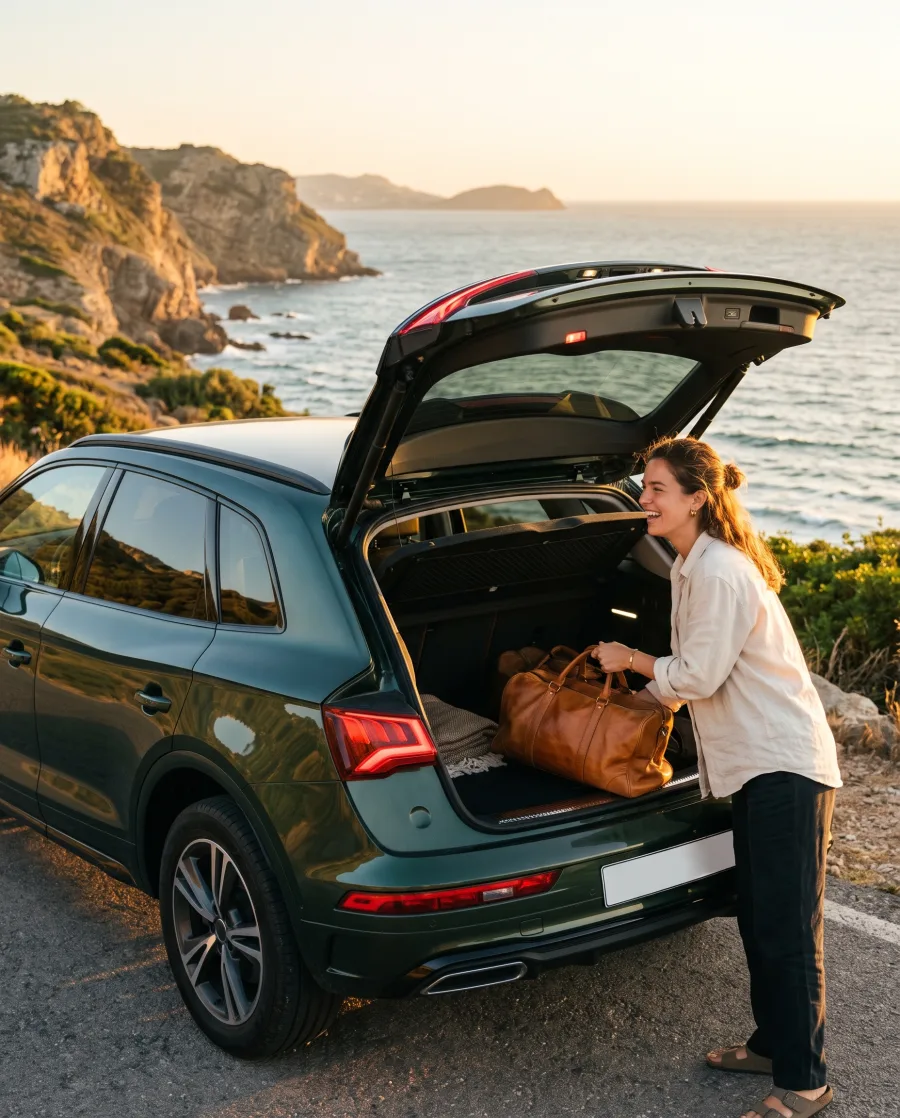
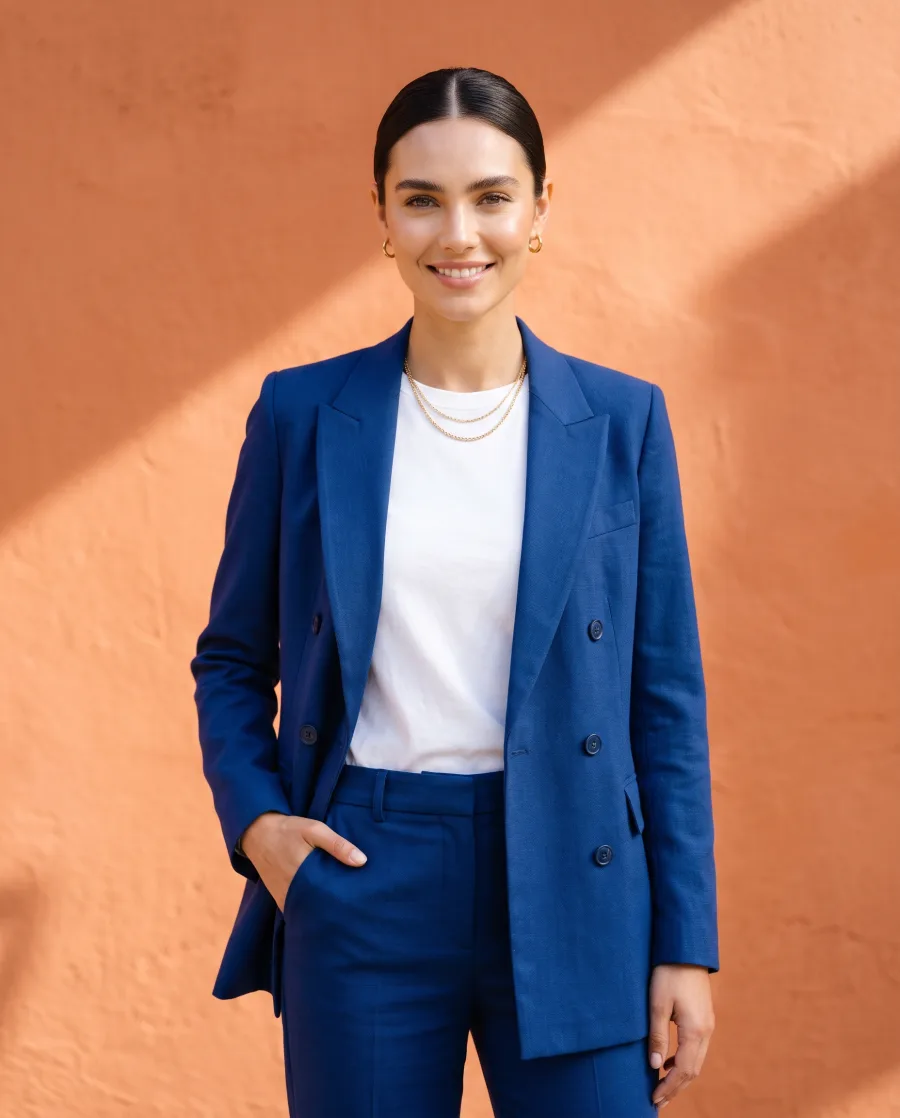
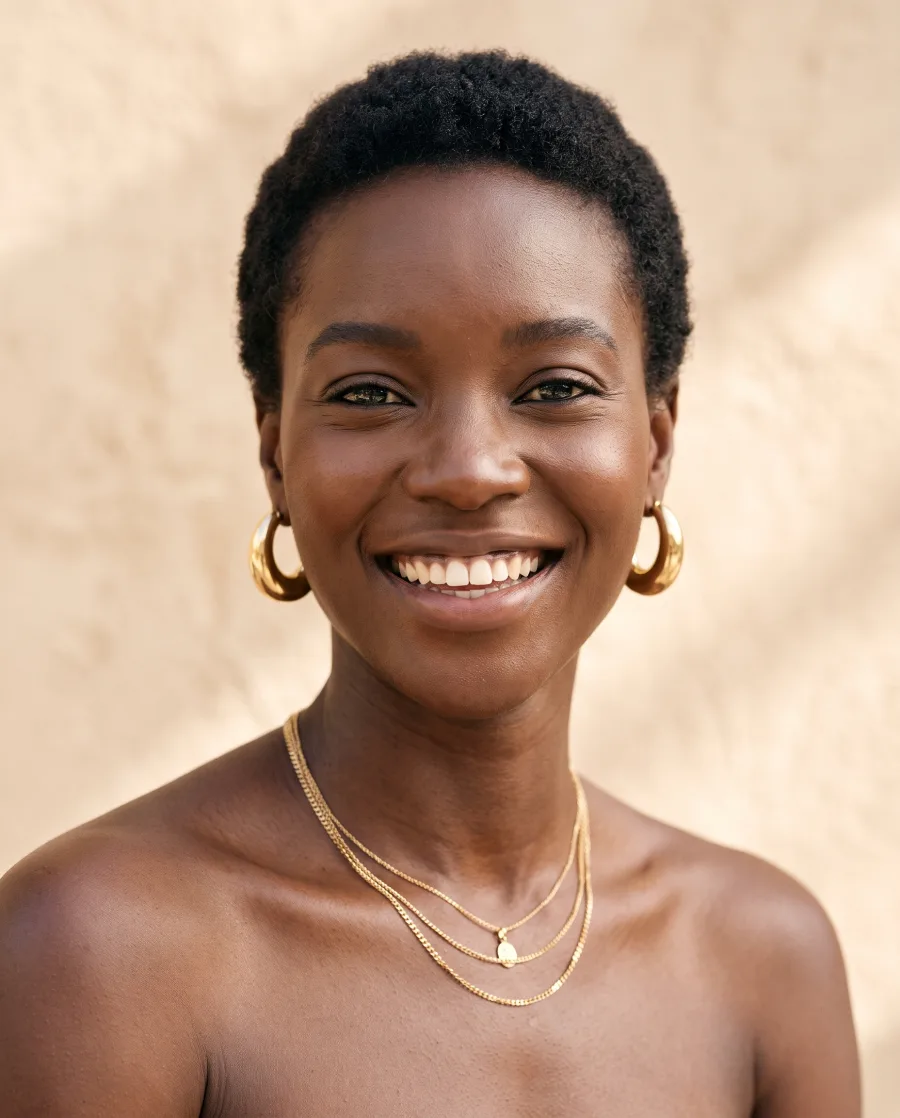
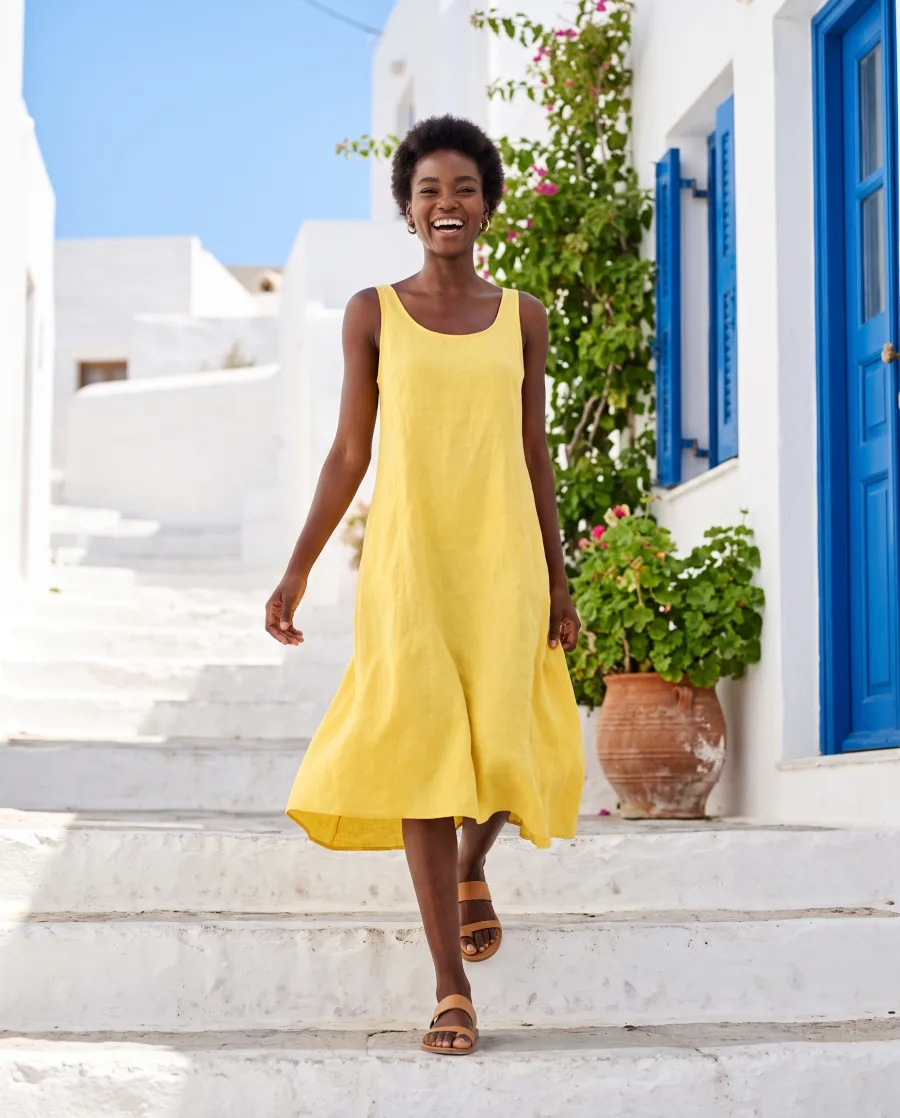
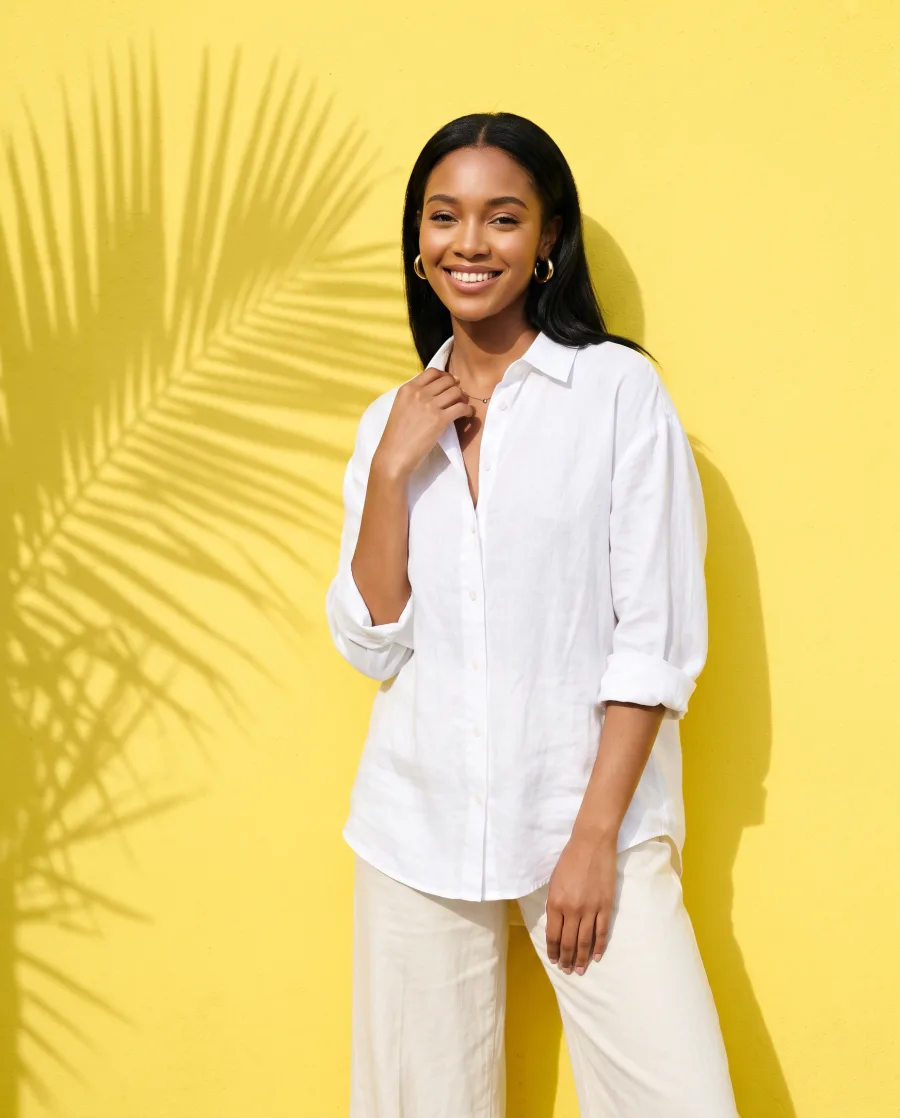
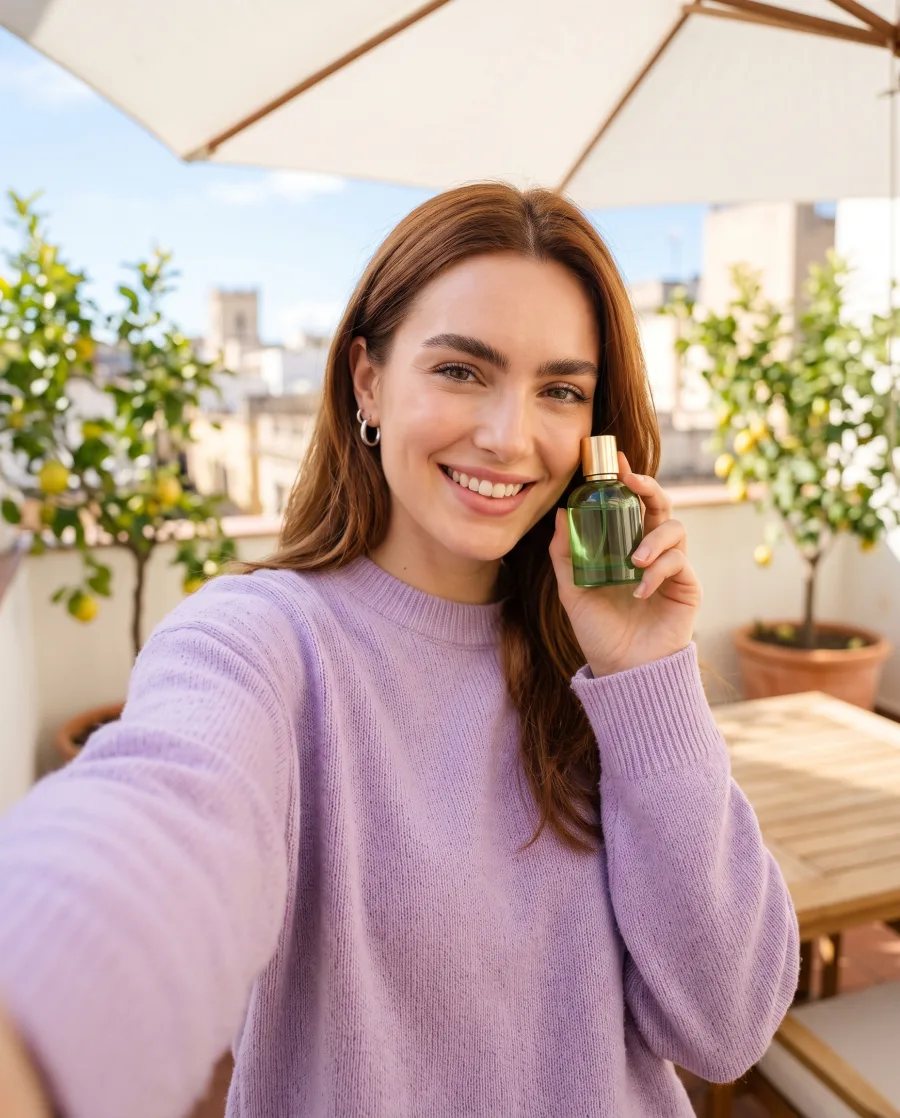
Add a garment photo and a model photo. DesignerBox returns the garment worn by that model, with the face, the pose and the background kept. Use the same model for the whole collection.
Virtual try-on starts on the Premium plan.
- Claude
- ChatGPT
- Cursor
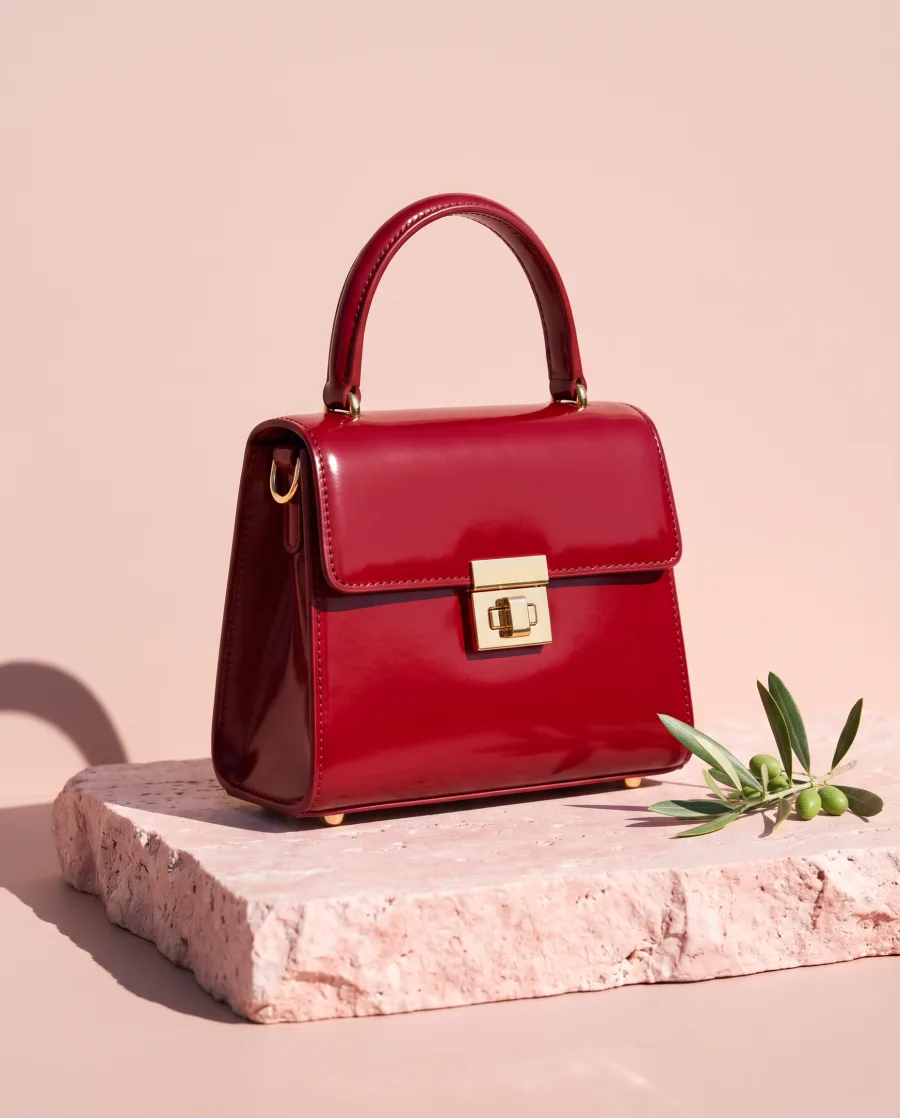
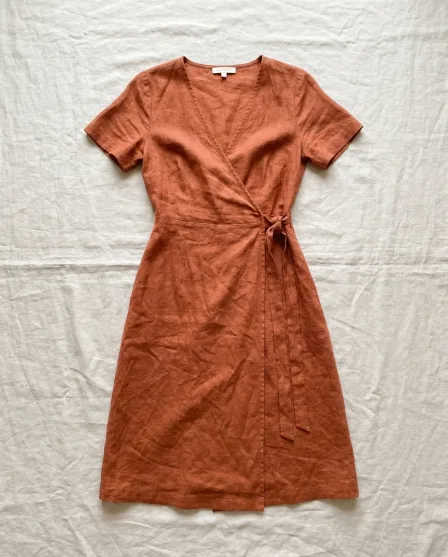 Your garment
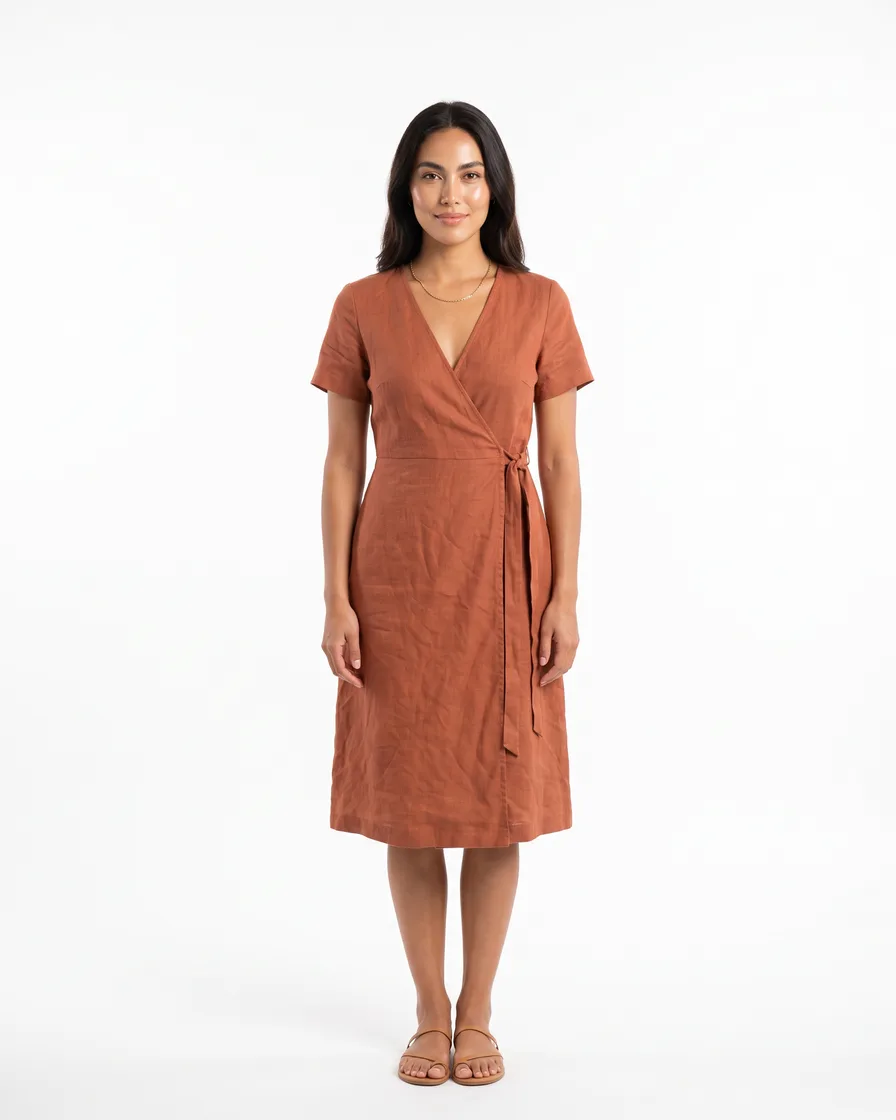 Studio
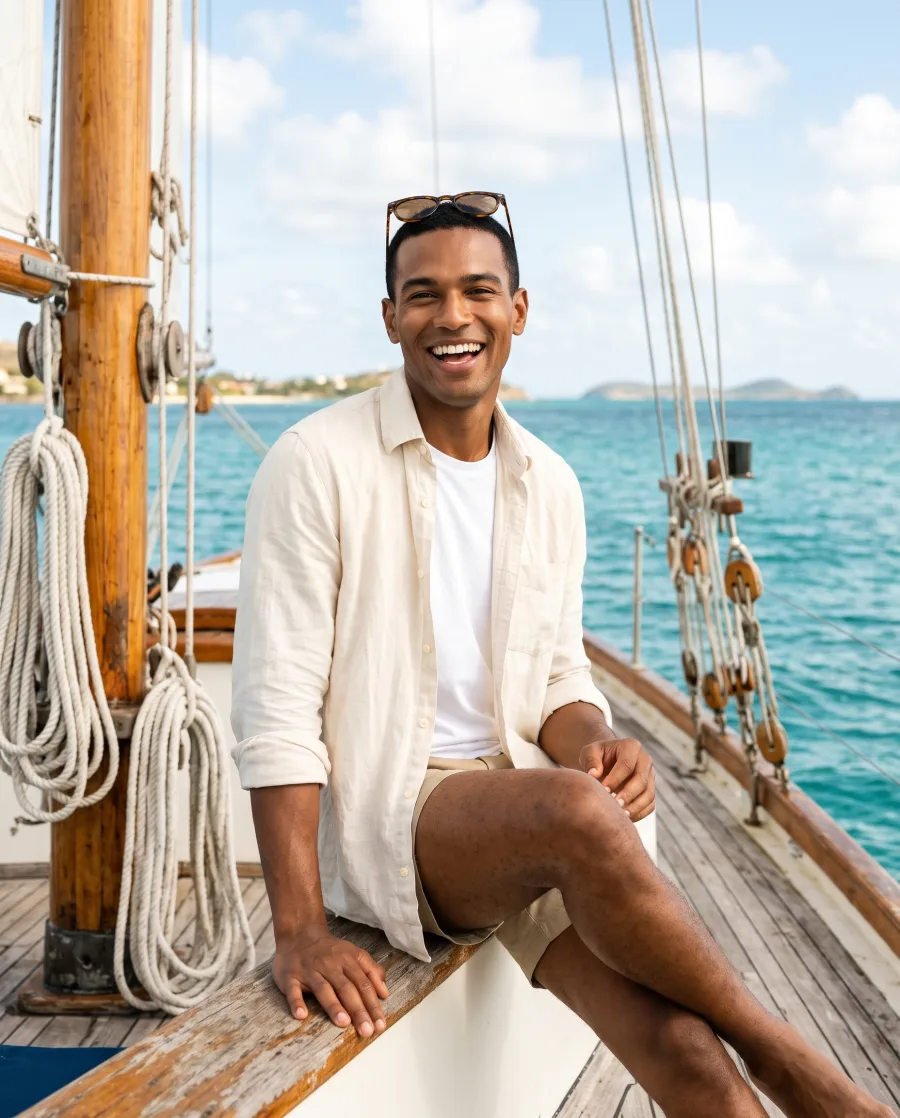
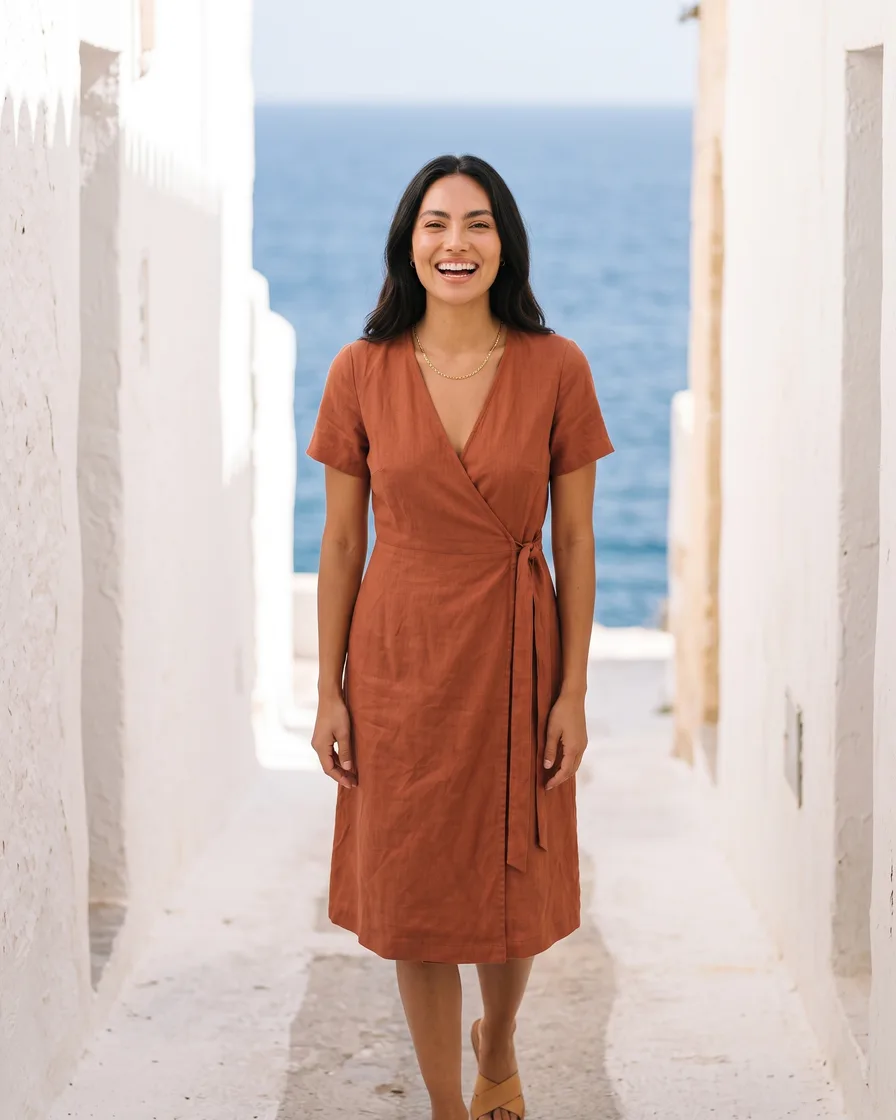 By the sea
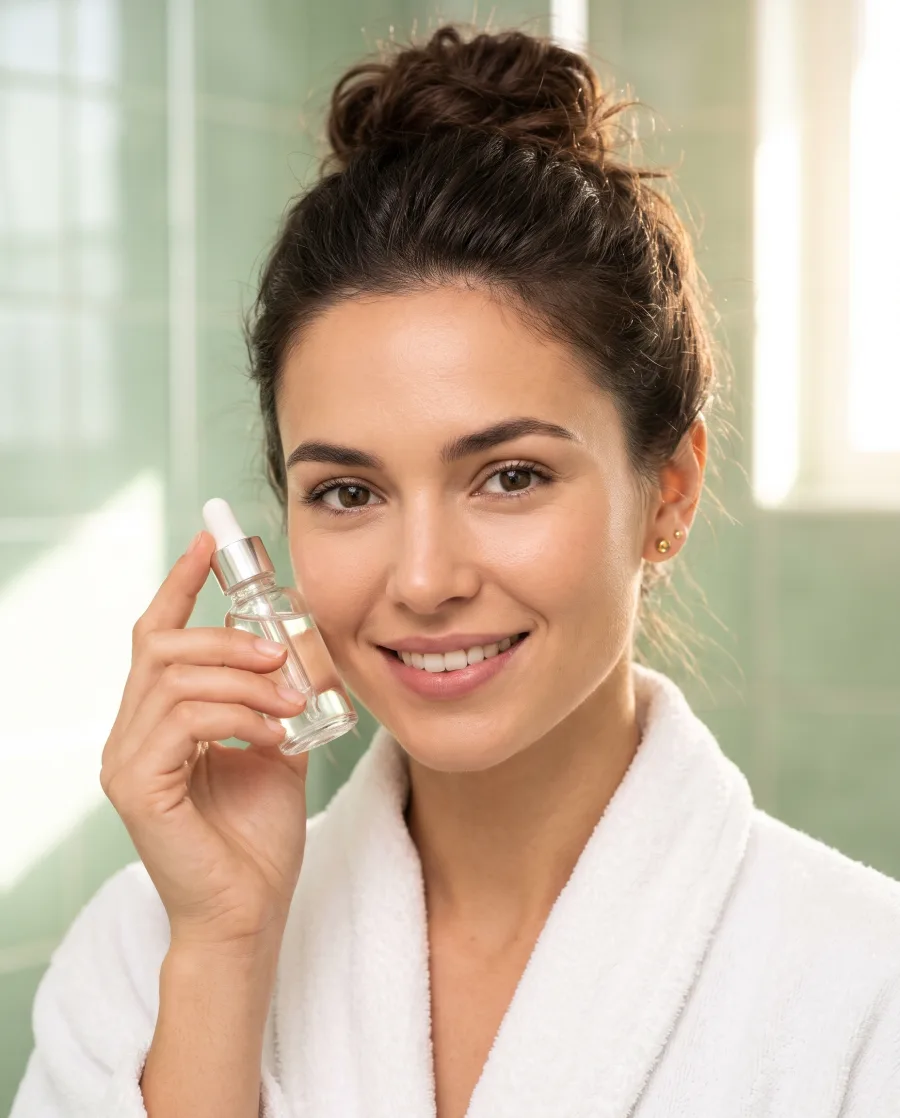
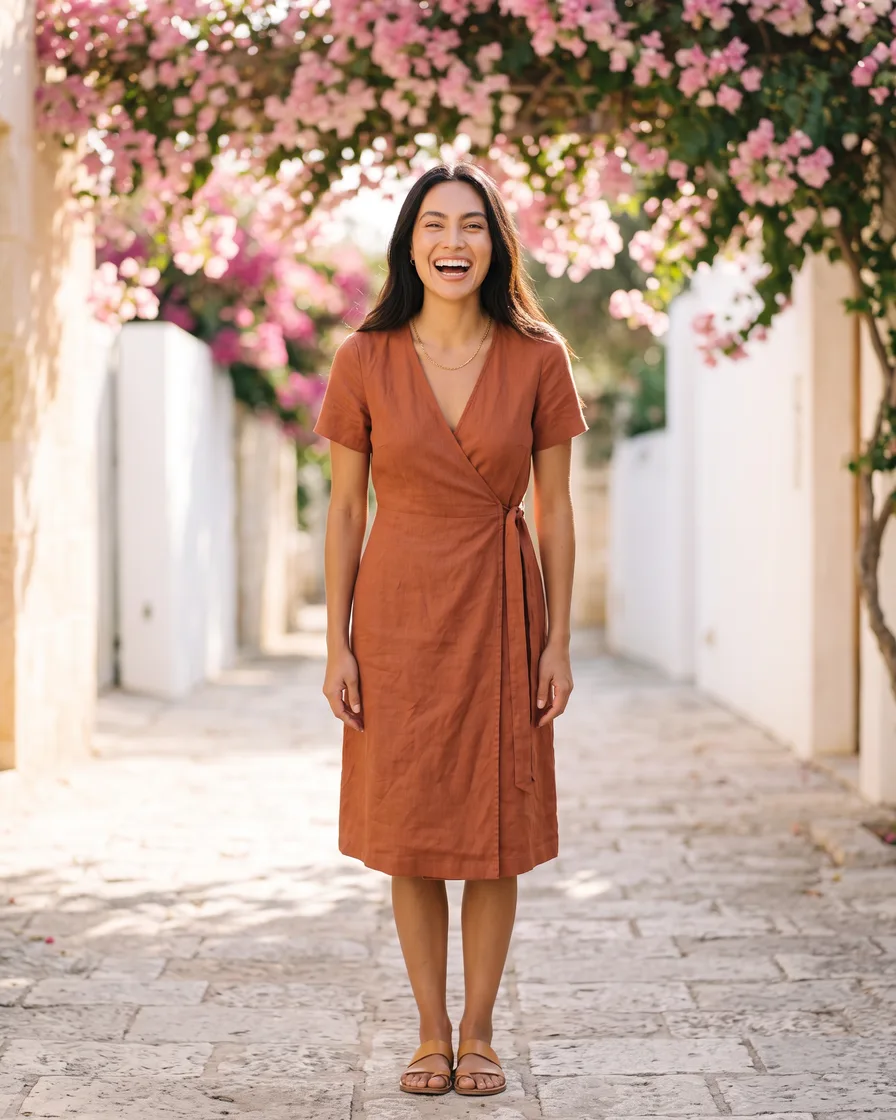 Under flowers
What it handles
Garments on a model, without a shoot day
- Most garmentsTops, dresses, trousers, jackets and swimwear.For fashion brands
- Colours and printsSolid colours, prints and textures.Fashion photography
- One model for the collectionUse the same model photo for every garment, so the set reads as one shoot.See Avatars
- No model bookingStart from a generated model or a photo of a model who has agreed to it.For agencies
How it works
Three steps from a garment photo to the model shot
- 01
Add the garment photo
A flat photo or a ghost-mannequin photo of the garment you sell. Uploading your own photos starts on the Pro plan.
- 02
Pick the model
Choose a generated model or upload a photo of your own model. Use the same model for the whole collection.
- 03
Keep the results
Keep or discard each picture. What you keep is saved in Assets, ready for the product page and the ads.
Start free. You see the price before you make anything.
Virtual try-on starts on the Premium plan. Your own photos and the commercial licence start on the Pro plan.
For a whole collection
Try-on for every garment you sell
Virtual try-on makes on-model pictures of a garment from a flat product photo and a model photo. Brand teams and agencies use it to fill product pages and ads without booking a model for each new piece.
To dress a whole collection, save the job as a workflow and run it as a batch, one garment per row. You confirm before more than 20 runs start, then keep or discard each result. See batch.
How does virtual try-on work?
Add a photo of the garment and a photo of the model. DesignerBox returns the garment worn by that model, with the face, the pose and the background kept.
Which garments does it handle?
Tops, dresses, trousers, jackets and swimwear, in solid colours, prints and textures. A flat product photo or a ghost-mannequin photo both work as the garment photo.
Will the pictures look like one shoot?
Use the same model photo for the whole collection. The first garment and the last are then worn by the same person, in the same kind of light.
Which plan do I need?
Virtual try-on starts on the Premium plan. Your own photos and the commercial licence start on the Pro plan.
Can I use the pictures on product pages and in ads?
Yes, on a plan with the commercial licence. The results are saved in Assets, ready for the product page, the feed and the ads.
Make your first pictures today.
Sign up with Google or your email. Nothing to set up.
Get started free- Claude
- ChatGPT
- Cursor