Model Context Protocol

DesignerBox in your AI chat

Connect Claude, ChatGPT or Cursor once. Your AI chat then runs your templates, workflows and apps. It reads your brand rules and shows what a run costs first.

75 MCP tools behind one URL. Reading your workspace charges no credits.

Works withClaudeChatGPTCursorClaude CodeMCP Inspector
Three products, two results each75 MCP tools
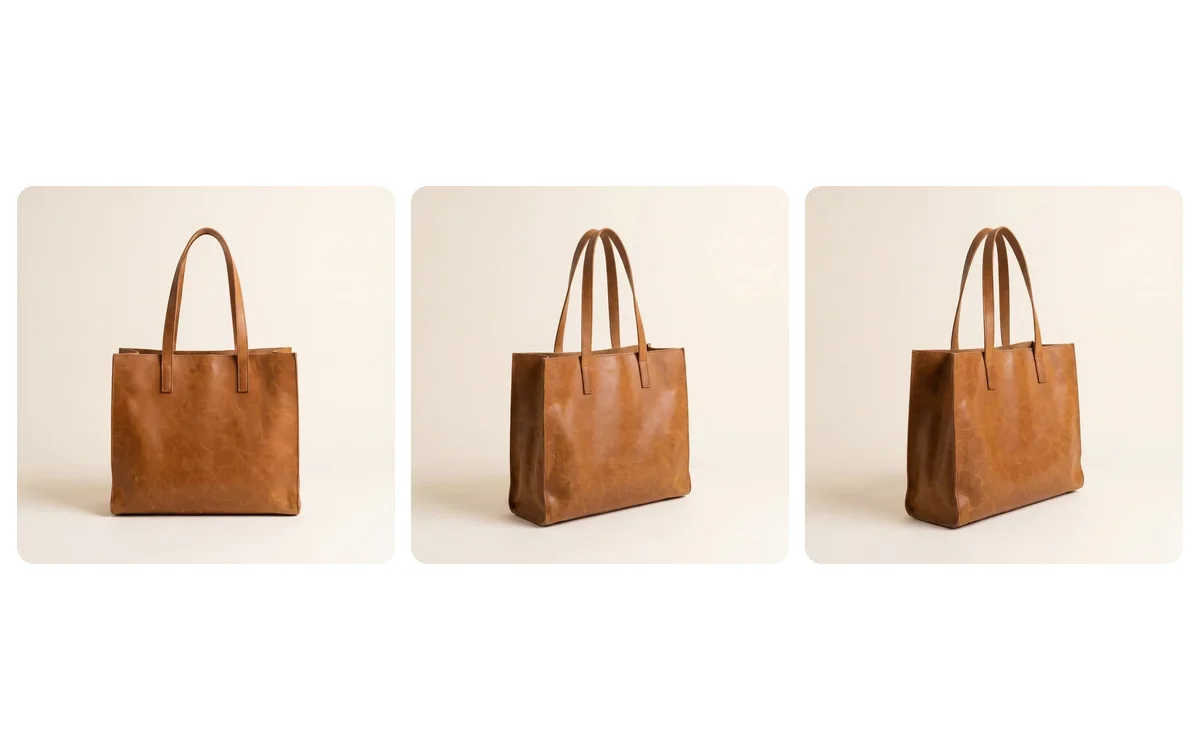
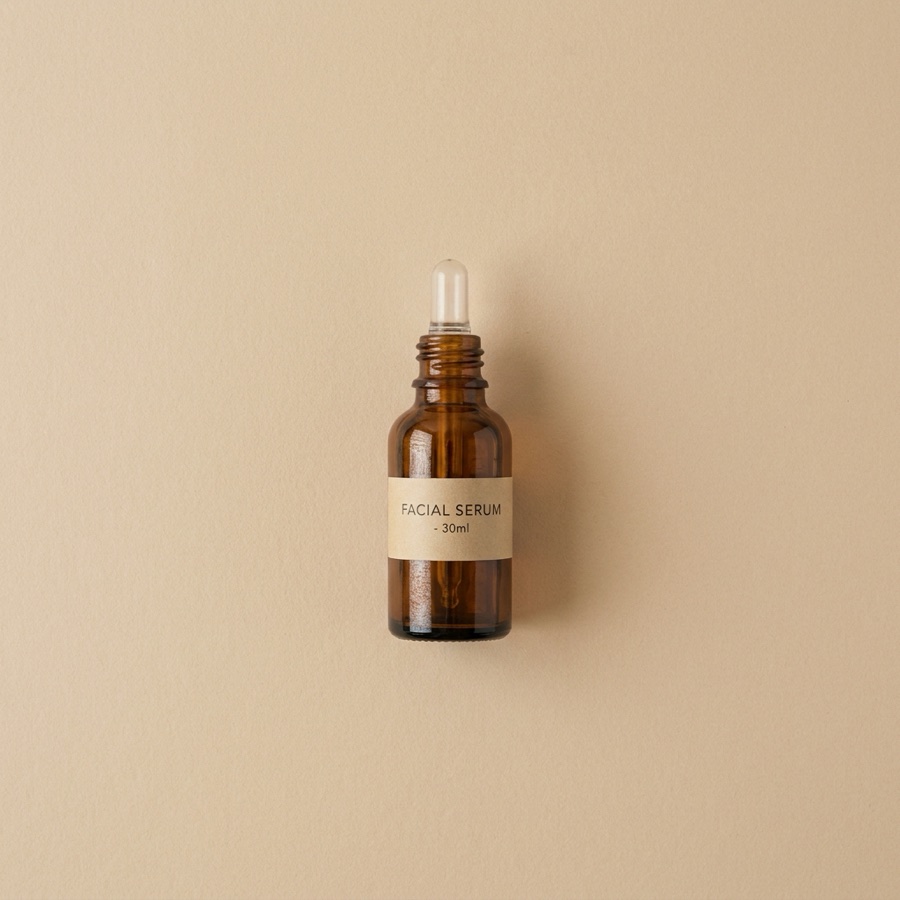
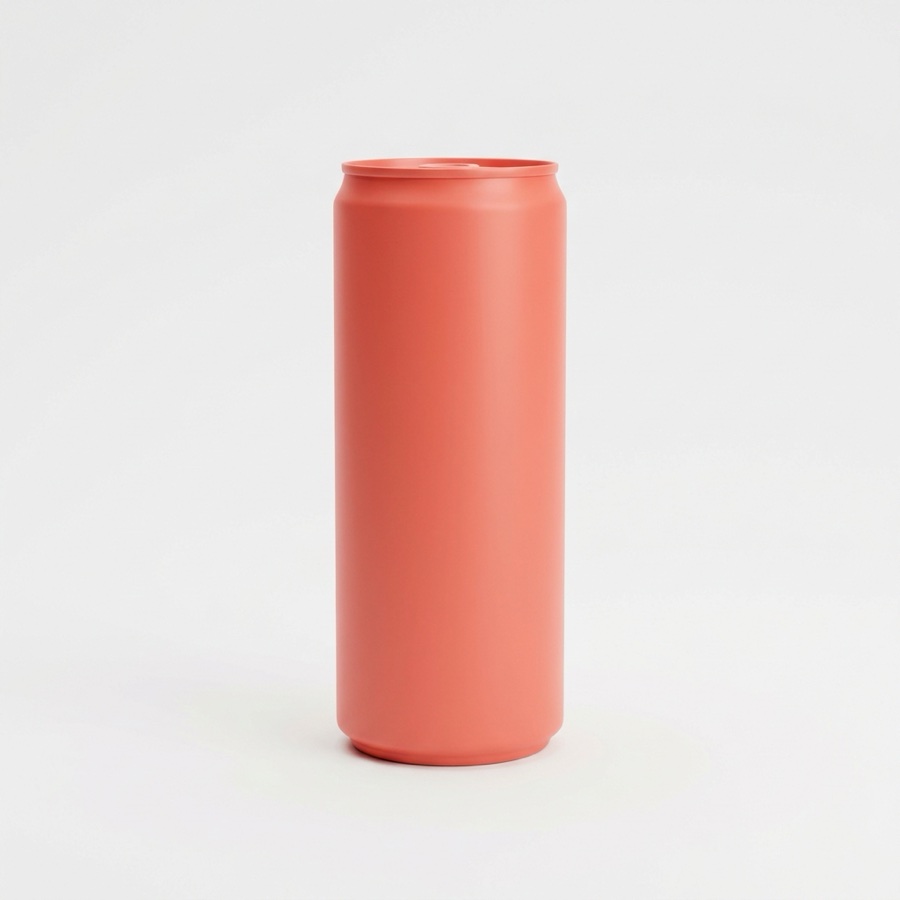
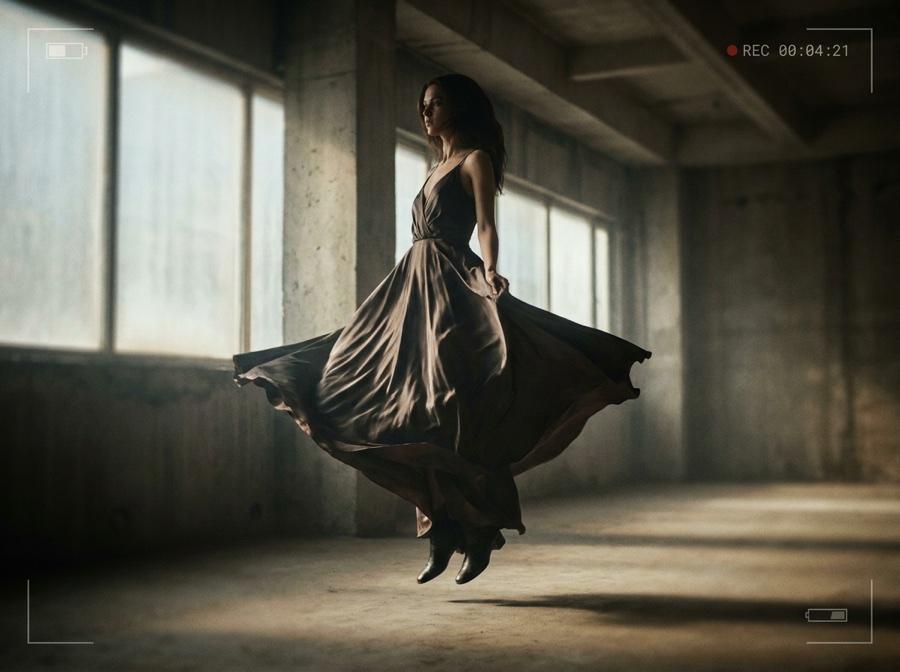
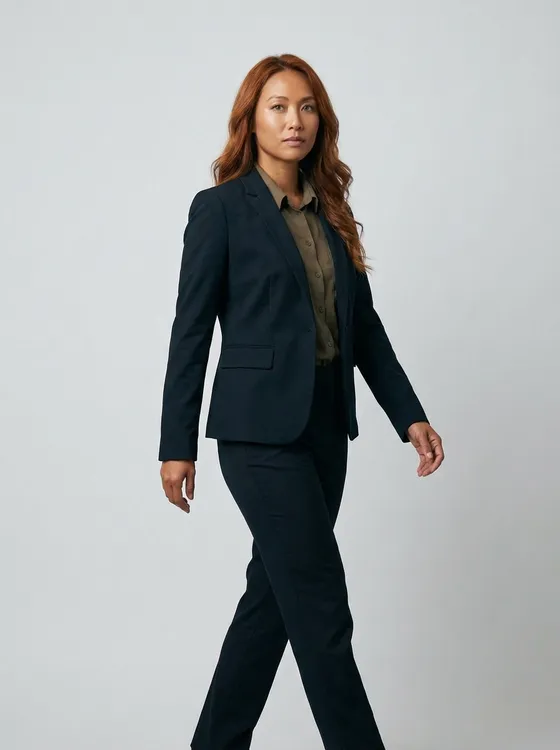
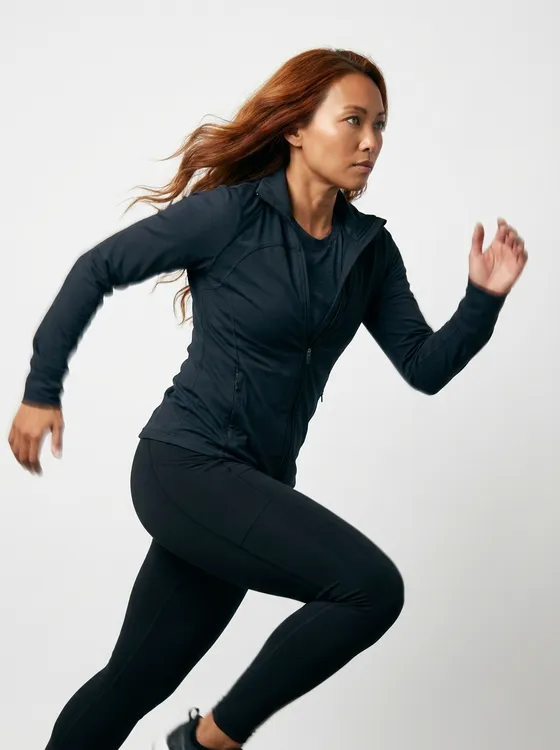
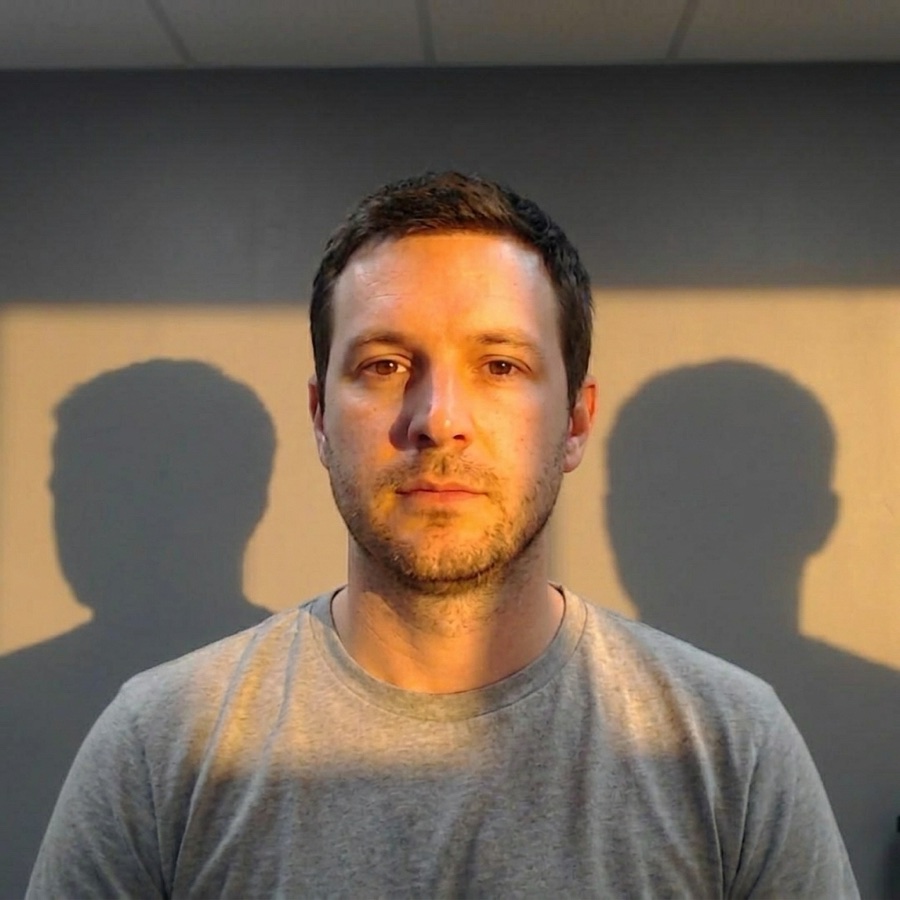
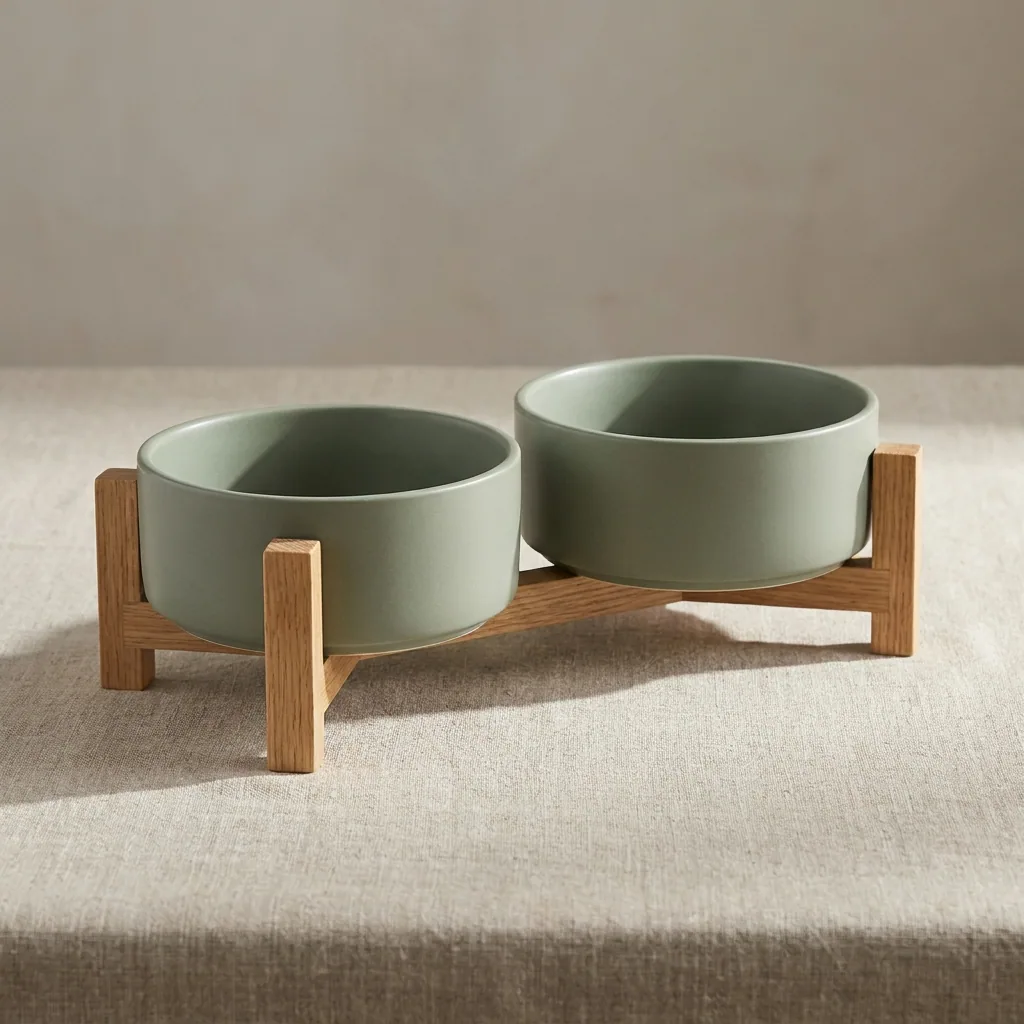
Three product photos, six results. Every picture on this page is a DesignerBox render.
1

Copy your MCP server URL

You will paste this into your AI client.

https://mcp.designerbox.ai/api
2

Add the connector

In Claude Desktop or Claude.ai, open Settings then Connectors, click Add custom connector, name it DesignerBox and paste the URL.

In ChatGPT, open Settings then Connectors, add a connector in developer mode and paste the URL, then approve the DesignerBox sign-in.

Add DesignerBox to your Cursor MCP config, then approve the sign-in when your editor asks.

{ "mcpServers": { "designerbox": { "url": "https://mcp.designerbox.ai/api", "transport": "http" } } }

Point MCP Inspector at the URL, pick Streamable HTTP, and approve the sign-in in the browser window.

For Claude Code, a script or a build server, send the key as a bearer token. An API key is on the Ultra plan.

POST https://mcp.designerbox.ai/api
Authorization: Bearer apikey_xxx
Content-Type: application/json
3

Sign in and ask for a job

Approve the DesignerBox sign-in once. Your client holds a scoped token for 30 days. Then you ask it for a job in plain words.

Send the key with every call. The same 75 MCP tools answer, with no browser step.

Prefer a walk-through with every client? Connect page

How it works

What your AI chat can run

The same jobs you run in DesignerBox, asked for in plain words.

One job

One picture, one edit or one clip. You name the job and add a photo.

A workflow

A workflow you built, with your brand and your steps. Every step returns its own result.

An app

A workflow behind a short form. Your chat fills the fields and presses Run.

A list of products

Your chat repeats one job for every row you paste. A batch in DesignerBox does the same for a spreadsheet.

Step one is a template. Step four is the whole catalogue.

Jobs

Jobs you can run from the chat

Copy a line and paste it in your chat. Each card names the MCP tools your chat calls.

Product photos

Clean background

Give it a product photo. It returns a PNG with no background.

Using DesignerBox, remove the background from this product photo and give me a transparent PNG.
remove_background
Product photos

Another camera angle

Give it a product photo. It returns the same product from a new angle, in the same light.

Using DesignerBox, make a three-quarter view of this product from this photo. Hold the light and the framing.
photo_angles
Product photos

Flat lay

Give it several product photos. It returns one flat lay composition.

Using DesignerBox, build a flat lay from these three product photos on warm linen, seen from above.
flat_lay
Product photos

Product ad

Give it a product photo. It returns an ad picture you can run.

Using DesignerBox, make a product ad from this photo for paid social, portrait, with room for a headline.
product_ad
Fashion

The garment on a model

Give it a garment photo and a model photo. The face, the body and the pose stay.

Using DesignerBox, put this garment on this model photo. Keep her face, her pose and the background.
virtual_try_on
Fashion

Fashion video

Give it an on-model photo. It returns a fashion clip that keeps the outfit.

Using DesignerBox, make a fashion video from this on-model photo: one slow turn, the outfit unchanged.
fashion_video
People

Skin retouch

Give it a portrait. It returns clean skin with the pose and the background kept.

Using DesignerBox, retouch the skin in this portrait. Keep the pose, the light and the background.
skin_retouch
People

An avatar in nine poses

Give it a brief. It returns nine poses of one person.

Using DesignerBox, create an avatar of a woman in an ivory linen shirt, daylight, looking at the camera.
create_avatar
People

A presenter who speaks

Give it a face and a script, or your own audio. It returns a lipsync clip.

Using DesignerBox, make a talking avatar from this face reading this script, in a warm female voice.
talking_avatar
Video

Product video

Give it a product photo. It returns a short clip with the move you describe.

Using DesignerBox, animate this product photo into an eight second clip, a slow push in, 16:9.
generate_video
Video

Clips joined into one video

Give it your clips. It returns one MP4 with titles, sound and a look.

Using DesignerBox, build a video project from these three clips with a crossfade, a title card and music, then make the MP4.
create_video_project
Edits

Studio light

Give it a flat photo. It returns the same shot under the light you describe.

Using DesignerBox, relight this photo with soft studio light from the left, one stop brighter.
spotlight
Edits

An edit that holds the detail

Give it a picture and one instruction. The detail and the resolution stay.

Using DesignerBox, change the label on this jar to matte black. Leave everything else the same.
edit_image

A run charges credits. Your client asks you to confirm the call first.

Workflows

Your workflow, run from the chat

A workflow holds your brand, your products and the steps in order. Your chat can run one, build one, or run the app version for a colleague.

A workflow you built

Your chat lists your workflows and runs the one you name. Each step returns its own result, so you can see where a run went wrong.

Using DesignerBox, list my workflows, then run my product set workflow on this photo and show me each step.

A new workflow from a brief

Describe the steps once. Your chat saves the workflow in your workspace, where you or a colleague can run it again.

Using DesignerBox, build a workflow that clears the background, relights the product and makes three scenes, then save it as Product set.

An app, with the run followed

An app is a workflow behind a form. Your chat fills the fields, starts the run and follows it until the results arrive.

Using DesignerBox, run my on-model app with this model photo and these two garment photos, then tell me when it is finished.

Inputs

Where the picture comes from

Your device

Your chat opens a file picker. The photo goes straight to Assets and is ready to use.

Your workspace

Every design, asset and folder is readable by name, so a run can start from work you already have.

Stock photos

One search covers Unsplash, Pexels and Pixabay, and returns them together.

Working in Figma? The DesignerBox plugin runs the same jobs beside your file. Figma plugin

Brand

Brand rules the chat reads

Your active brand profile loads at the start of a chat: the voice, the themes, the industry. Nobody has to describe the brand again.

Your logos, fonts and palette sit in Assets, readable by the same chat. A workflow reads the brand record before every run.

Hand your chat a style guide and it can create a brand profile, make it the default, or update the default one in your workspace.

Six pictures for one pet brand, in one look.

Cost and control

Cost, credits and permissions

Billing is the loudest complaint in this category. Here is what a chat can and cannot spend.

Reading is free

Reading your designs, brands, models and plan charges no credits.

The price before the run

Your chat can read what each model costs and how many credits you have left, before it starts.

What the run charged

Every finished run reports the credits it charged, in the same answer as the result.

One charge per retry

A repeated call within five minutes returns the first result instead of charging twice.

Cancel and refund

Stop an avatar or a video job while it runs and the credits are refunded.

The recipe stays here

A template runs by name. Its prompt is loaded on our server and never sent to the chat.

Reference

The 75 MCP tools

One URL, 75 MCP tools. Reading charges no credits. A run charges credits and your client confirms the call first.

Your workspace

13
list_designs
Your designs, newest first.
get_design
One design in full.
delete_design
Delete a design. Your client asks you first.
search_designs
Find a design by title or content.
list_folders
Every folder in the workspace.
list_assets
Pictures, video and files you added.
get_asset
One asset with its URL, size and folder.
delete_asset
Delete a picture or a video from Assets.
list_galleries
Pictures made by applying a skill.
list_whiteboards
Your whiteboards.
get_whiteboard
One whiteboard with its content.
list_conversations
Your chats inside the DesignerBox app.
get_conversation
One chat with its full history.

Pictures

12
generate_image
Pictures from a prompt, returned in the same call.
edit_image
Change one part of a picture and hold the rest.
apply_image_template
Run a template by name, with your photo.
generate_design
Apply a skill to a picture you already have.
generate_cinema_studio
Name a camera body, a lens and an aperture.
remove_background
A transparent PNG of the product.
photo_angles
A new camera angle of the same product.
spotlight
Relight a photo: direction, type, brightness, colour.
flat_lay
One flat lay from several product photos.
product_ad
An ad picture from a product photo.
virtual_try_on
A garment worn by the person in your photo.
skin_retouch
Clean skin, with the pose and background kept.

Video

10
generate_video
A clip from a prompt or from a picture.
get_video_status
The video file when the job is done.
list_video_tasks
Your video jobs, with their state.
cancel_video_task
Stop a video job and refund the credits.
fashion_video
A fashion clip that keeps the outfit.
styled_scene
A scene by city, season and time of day.
create_video_project
A timeline: clips, titles, sound and a look.
render_video_project
Turn the timeline into one MP4 file.
get_video_render_status
The MP4 when the timeline is finished.
delete_video_project
Delete a timeline you no longer need.

Workflows and apps

11
run_pipeline
Run a workflow and read every step's result.
list_pipelines
Your workflows, with their step counts.
get_pipeline
One workflow with its steps in order.
create_pipeline
Save a new workflow in the workspace.
update_pipeline
Change the steps of a workflow you have.
delete_pipeline
Delete a workflow from the workspace.
run_app
Run an app with its form fields filled.
get_app_run
How far a run has gone, then its results.
list_community_workflows
Workflows other people published.
get_community_workflow
One published workflow in full.
create_design
Save a Studio design, up to twenty pages.

Brand

7
list_brand_profiles
Every brand profile on the team.
get_brand_profile
One brand profile in full.
update_brand_profile
Change the default brand: voice, themes, industry.
create_brand_profile
Add a brand profile: name, voice, themes, industry.
set_default_brand_profile
Pick which brand profile is the team default.
list_brand_assets
Logos, fonts and palette swatches.
get_brand_asset
One brand asset in full.

People

7
create_avatar
Nine poses of one person.
list_avatars
Your avatar jobs, with their state.
get_avatar
One avatar job and its nine pictures.
get_avatar_status
How far an avatar job has gone.
cancel_avatar_task
Stop an avatar job and refund the credits.
talking_avatar
A face that reads your script or your audio.
get_talking_avatar_status
The lipsync clip when it is ready.

Templates and photos

6
list_image_templates
The template catalogue, searchable.
get_image_template
One template with its model and its size.
list_photo_packs
Photo packs, by category.
get_photo_pack
One photo pack with its pictures.
search_stock_photos
Unsplash, Pexels and Pixabay in one search.
list_skills
The skills a run can apply to a picture.

Models, plan and workspace

9
list_image_models
Image models, with what each one costs.
list_video_models
Video models, with durations and cost.
get_plan
Your plan, renewal date and currency.
get_plan_limits
Your credits, storage and limits.
list_teams
The teams you belong to.
set_current_team
Switch the team your chat works in.
search_tools
Find the MCP tools for the job at hand.
import_chat_image
Pictures you attach to a message, saved to Assets.
upload_asset
A file picker in the chat. The file lands in Assets.

Loaded at the start of a chat

Five read-only records your client reads when the conversation opens, with no prompt to approve.

designerbox://account/summary
Your plan, the credits used this month, storage and how many designs you have.
designerbox://brand-profiles/active
The active brand profile: voice, themes, goals, niche, industry.
designerbox://teams/current
The team this sign-in is scoped to.
designerbox://recent-designs
Your last ten designs, as titles and thumbnails.
ui://upload-asset/widget.html
The in-chat file picker that adds a picture or a video to Assets.

The models a run can pick

Your chat reads what each model costs, then picks one for the job. You can also name the model yourself.

8image models
13video models

Plans

Plans, credits and the API

Reading your workspace works on every plan. Credits pay for the runs. The price and the credits of each plan are on the pricing page.

Free

One run at a time, on the sample products.

Basic

No DesignerBox mark on your pictures. One person.

Pro

Your own product photos, your own brief and a commercial licence.

Premium

Video, virtual try-on, upscaling and both editors.

Ultra

Five people, shared brand kits, white label and the API.

Questions

The things people ask first

Short answers about connecting, credits and what a chat may do.

What is the DesignerBox MCP server?

DesignerBox runs a Model Context Protocol server at one URL. You add that URL to Claude, ChatGPT or Cursor and sign in once. Your AI chat then has 75 MCP tools. It can read your workspace, run your templates, workflows and apps, and make pictures and video in your brand. There is nothing to install.

Which AI clients work with it?

Claude Desktop, Claude.ai, Claude Code, Cursor, ChatGPT and MCP Inspector, and any other client that speaks MCP over HTTP.

What can it make?

Product photos, on-model shots, flat lays, ads, avatars in nine poses, talking presenters, product and fashion video, and one finished MP4 from the video timeline. It can also edit a picture you already have and hold the resolution.

Can my AI chat spend credits without asking?

Reading charges nothing. A run charges credits, and your client asks you to confirm the call first. Every finished run reports the credits it charged. A repeated call within five minutes returns the first result instead of charging twice, and a cancelled avatar or video job is refunded.

Do I need an API key?

Not for an AI client. Claude, ChatGPT and Cursor sign in with OAuth. For Claude Code, a script or a build server, make a key in the app under Account then API Keys and send it as a bearer token. An API key is on the Ultra plan.

Which plan do I need?

Reading your workspace works on every plan, including Free. Runs use credits, and each plan has a monthly allowance. Video and virtual try-on start on Premium. A commercial licence starts on Pro. The plan page lists what each plan holds.

How long does a run take?

A picture comes back in the same call, and the time depends on the model. Video runs in the background: your chat sends the job, checks its status, then gives you the file. A video timeline takes one to five minutes to finish.

Can it run one job over many products?

Yes. Your chat repeats the job for every row you paste, one row at a time, and tells you what each row cost. For a spreadsheet of products, a batch inside DesignerBox runs one workflow over every row and shows the results in one view.

Does it know my brand?

Your active brand profile loads when the conversation opens, and your logos, fonts and palette are readable from Assets. A workflow reads the brand record before each run, so the brand is a record, not something a person has to remember.

Is it safe?

Sign-in is OAuth, so your client holds a scoped token and never your password. The token lasts 30 days and you can revoke it in your account. A template's prompt stays on our server. Only the team you are signed in to is visible.

One URL, your workspace in the chat

Connect Claude, ChatGPT or Cursor in three steps. Reading charges no credits, so you can look before you run anything.