Resources
Guides for the work you do every week
Short, visual recipes for one job at a time. Pick your kind of business, follow the steps, and finish with pictures that look like your brand.
3 guides
Restaurants and cafes
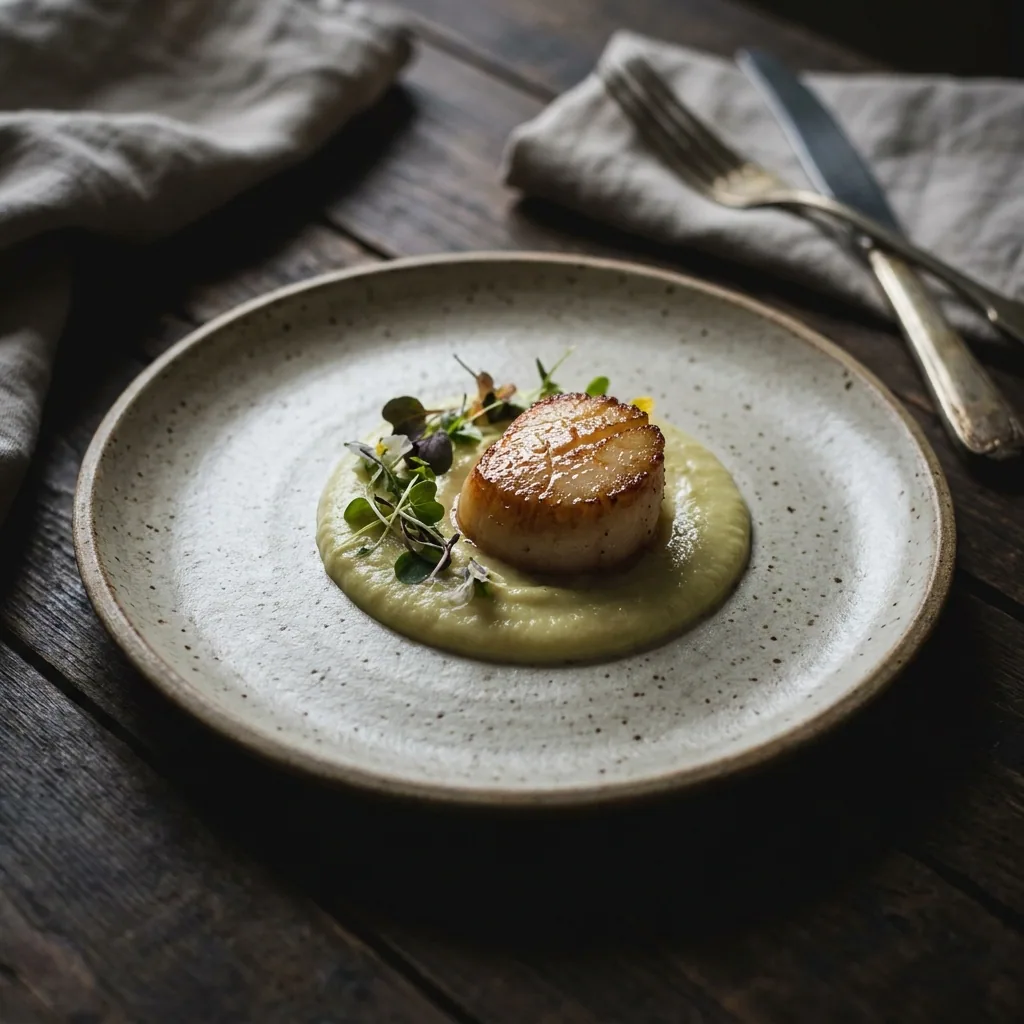
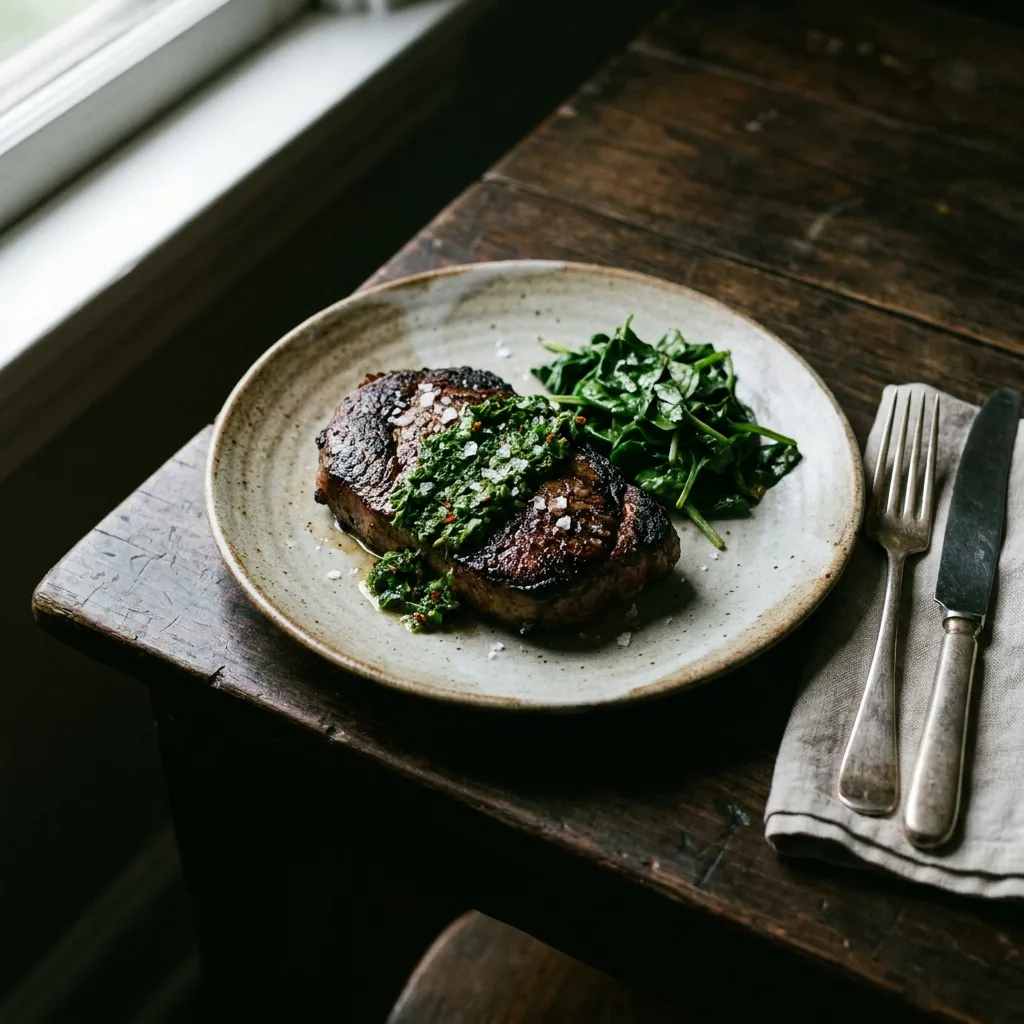
Dish photos, room photos and weekly posts for a restaurant or cafe, made from your own phone photos, for your Google listing, your menu and Instagram.


Restaurants and cafes4 steps
Restaurant photos for Google
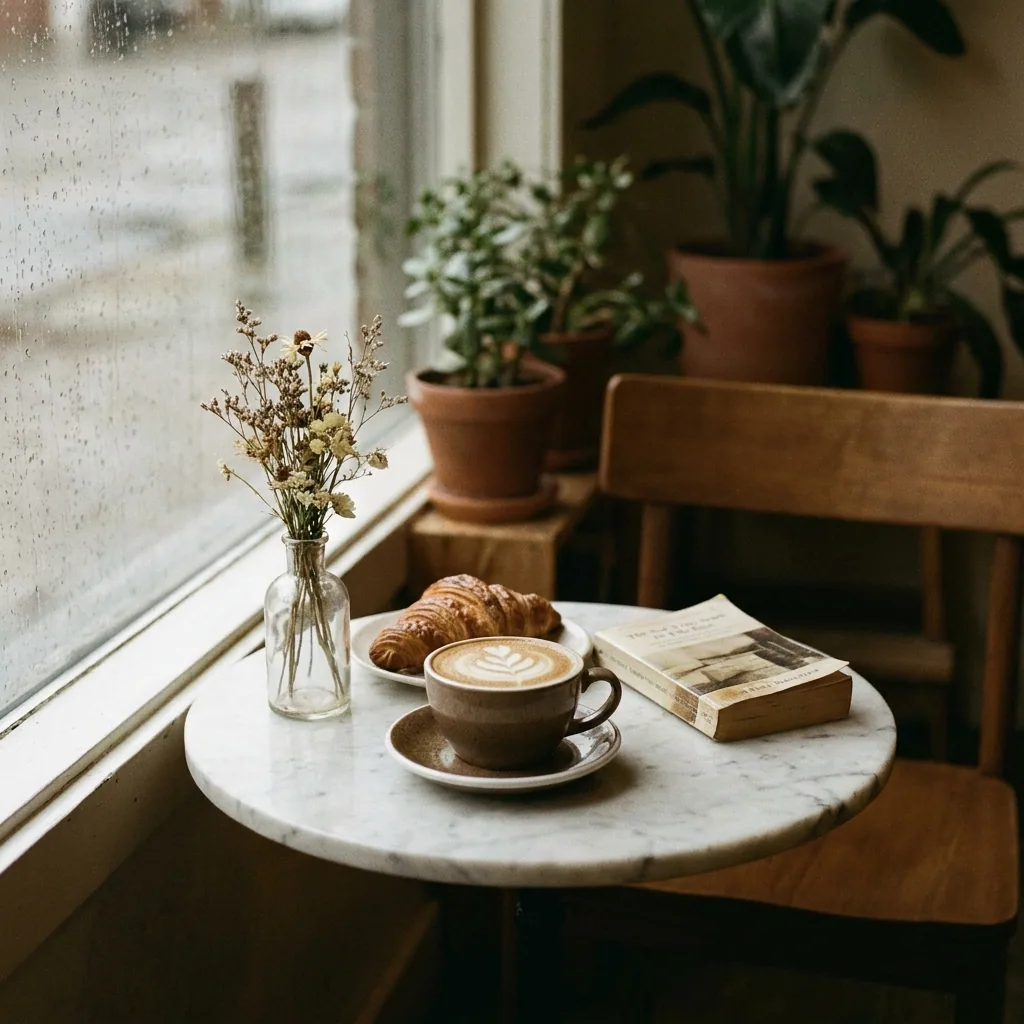
Turn the phone photos you already have into bright dish and room pictures for your Google Business Profile. Every new photo keeps the same look.
- Google Business Profile
- Google Maps


Restaurants and cafes4 steps
Menu photos for every dish
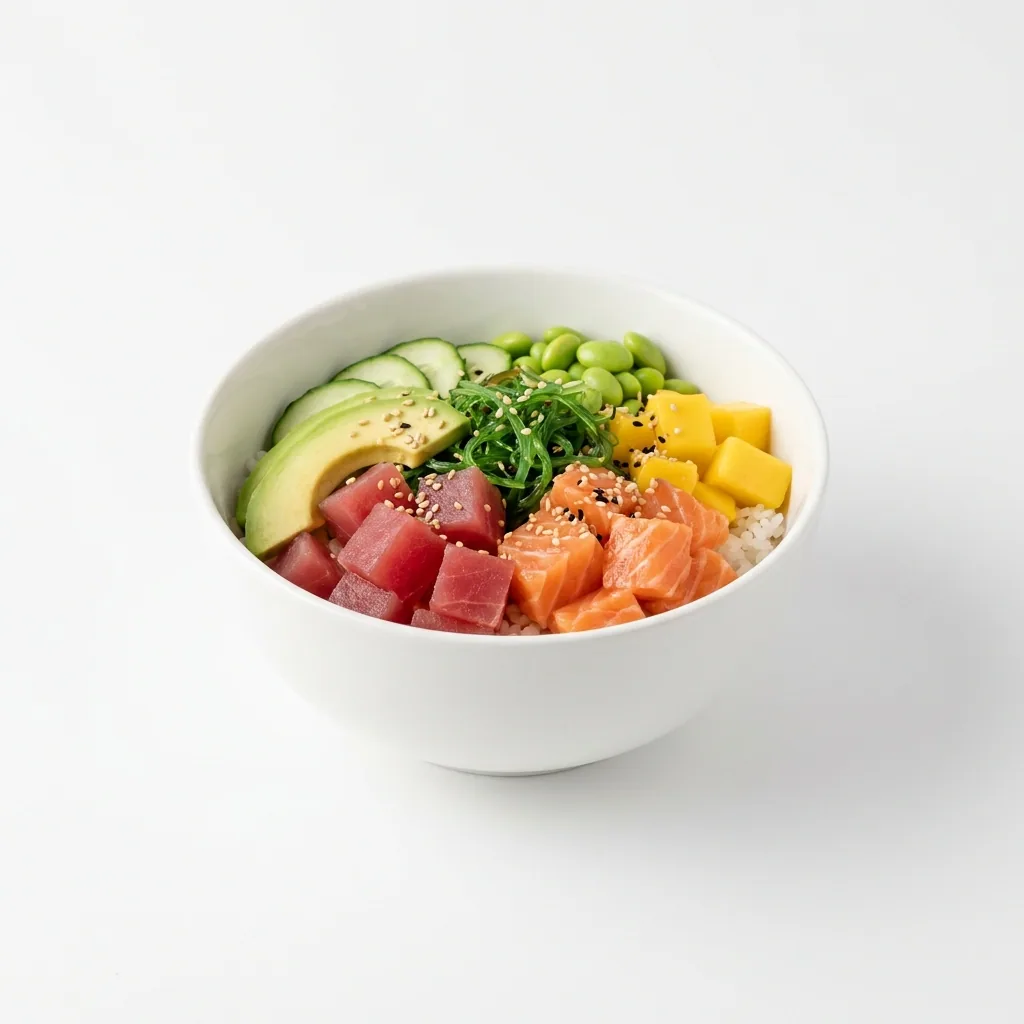
Turn phone photos of your dishes into menu pictures for a restaurant: a plain background shot for delivery apps and a warm table shot for your menu.
- Your menu
- Delivery apps
- Your website


Restaurants and cafes4 steps
A week of restaurant posts
Turn the photos of your dishes and your room into a week of Instagram posts. The offer, the price and the day go on the picture.
3 guides
Short-stay rentals
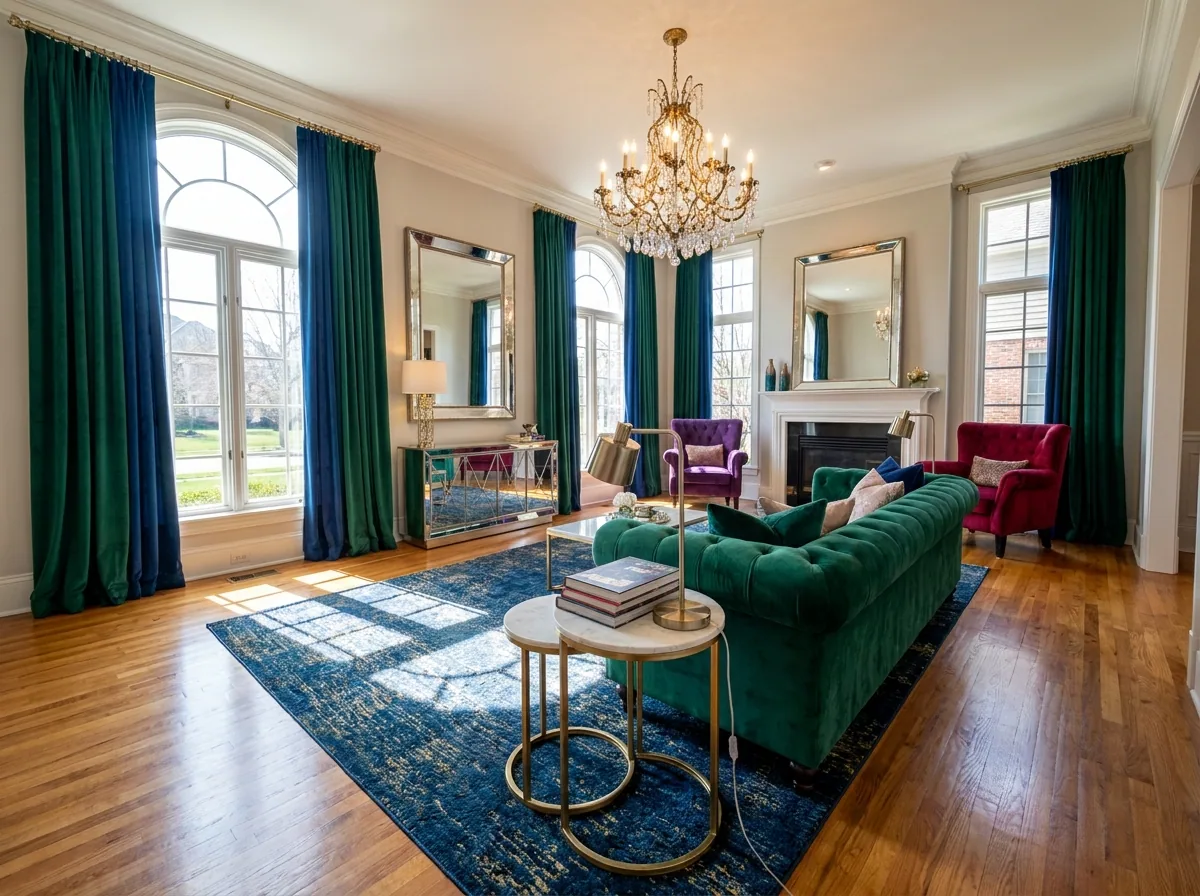
Brighter listing photos, staged empty rooms and Instagram posts for a holiday let, made from your own room photos, for Airbnb, Booking.com and your site.


Short-stay rentals4 steps
Listing photos for a holiday let
Turn the phone photos of your rooms into bright, tidy listing pictures for Airbnb and Booking.com. The room stays the room a guest arrives to.
- Airbnb
- Booking.com
- Your own site


Short-stay rentals4 steps
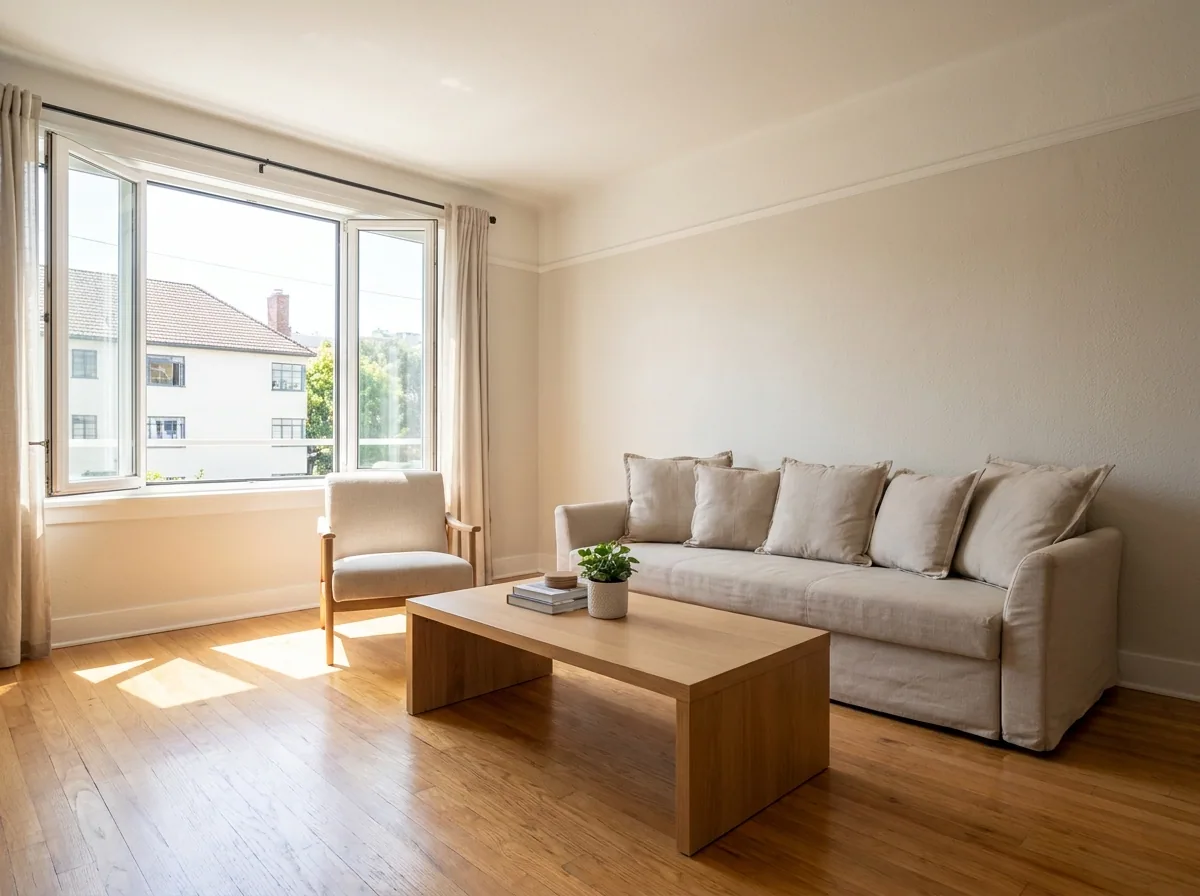
Furniture in an empty let
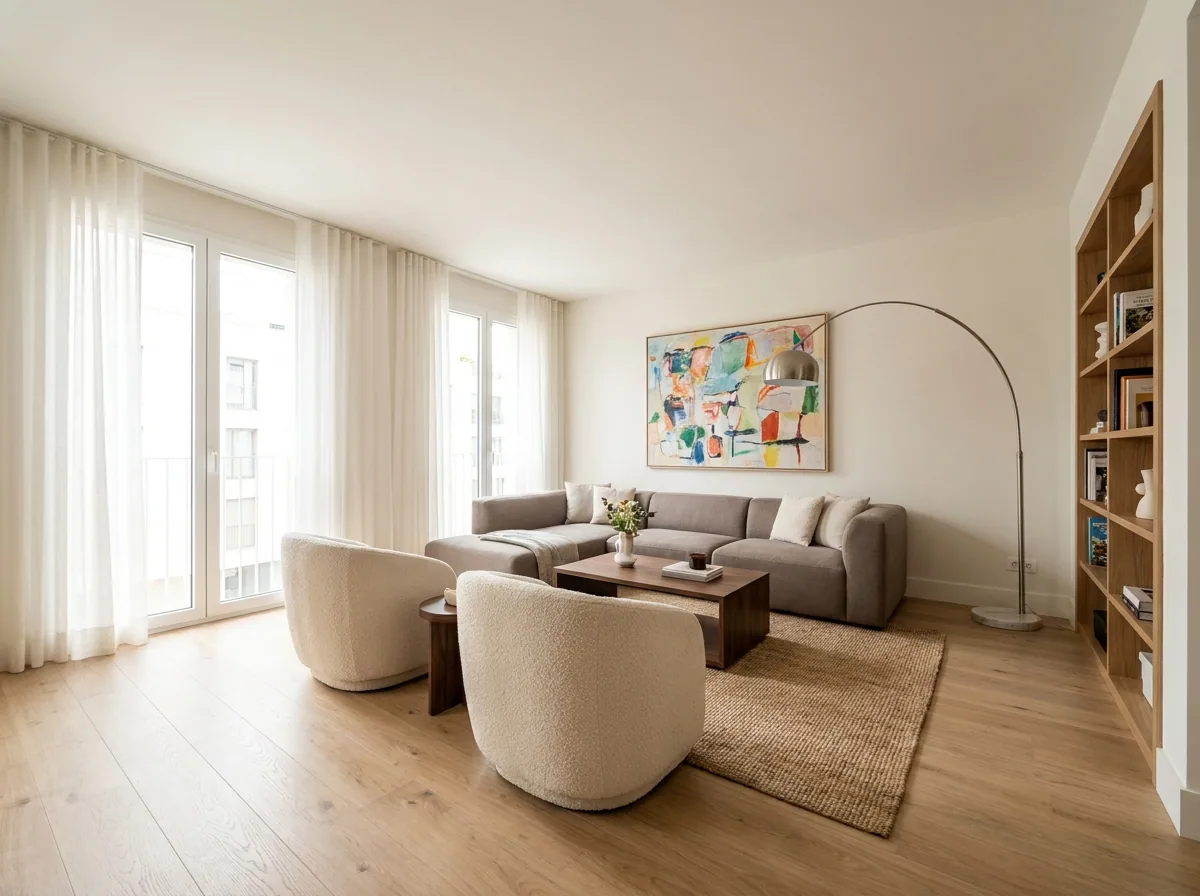
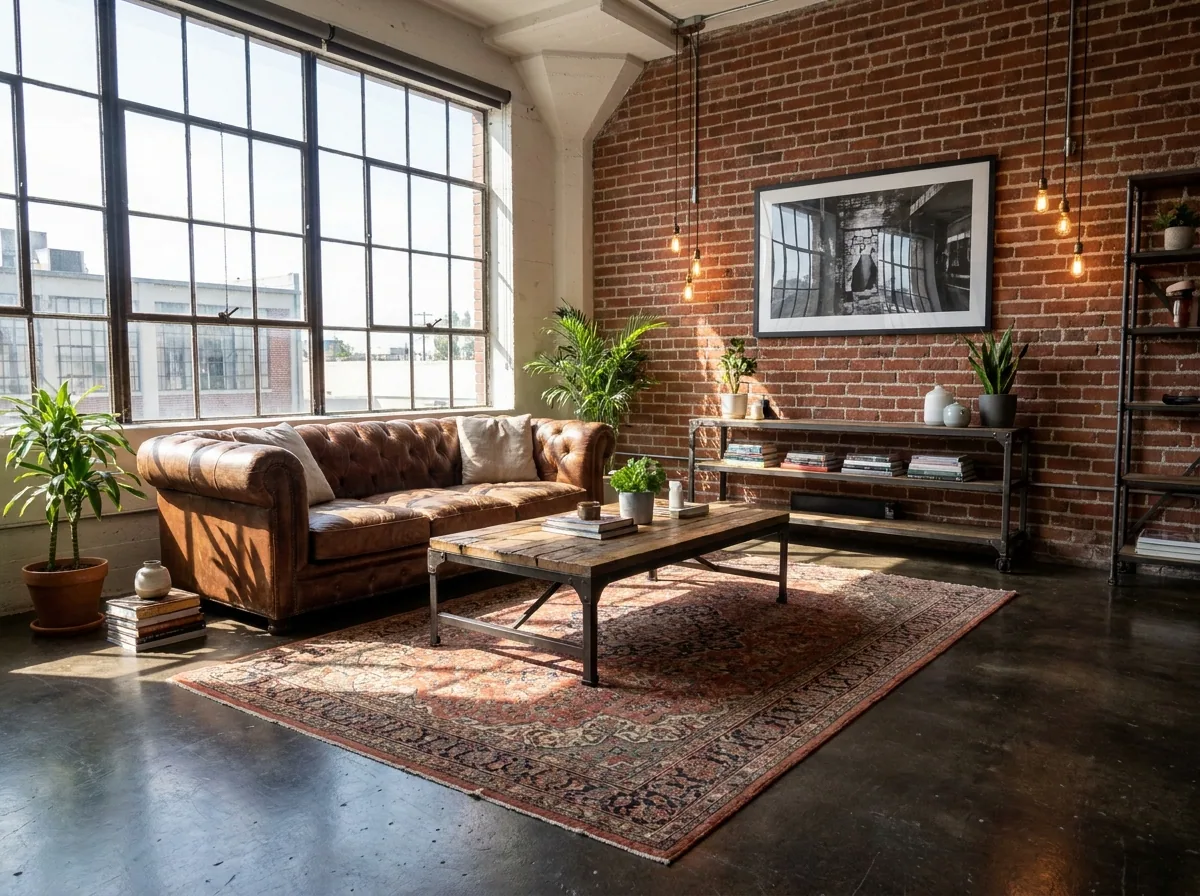
Show the empty rooms of your holiday let with furniture in them, in one style across the property, made from your room photos. Label each staged picture.
- Airbnb
- Booking.com
- Your own site


Short-stay rentals4 steps
Posts for a holiday let
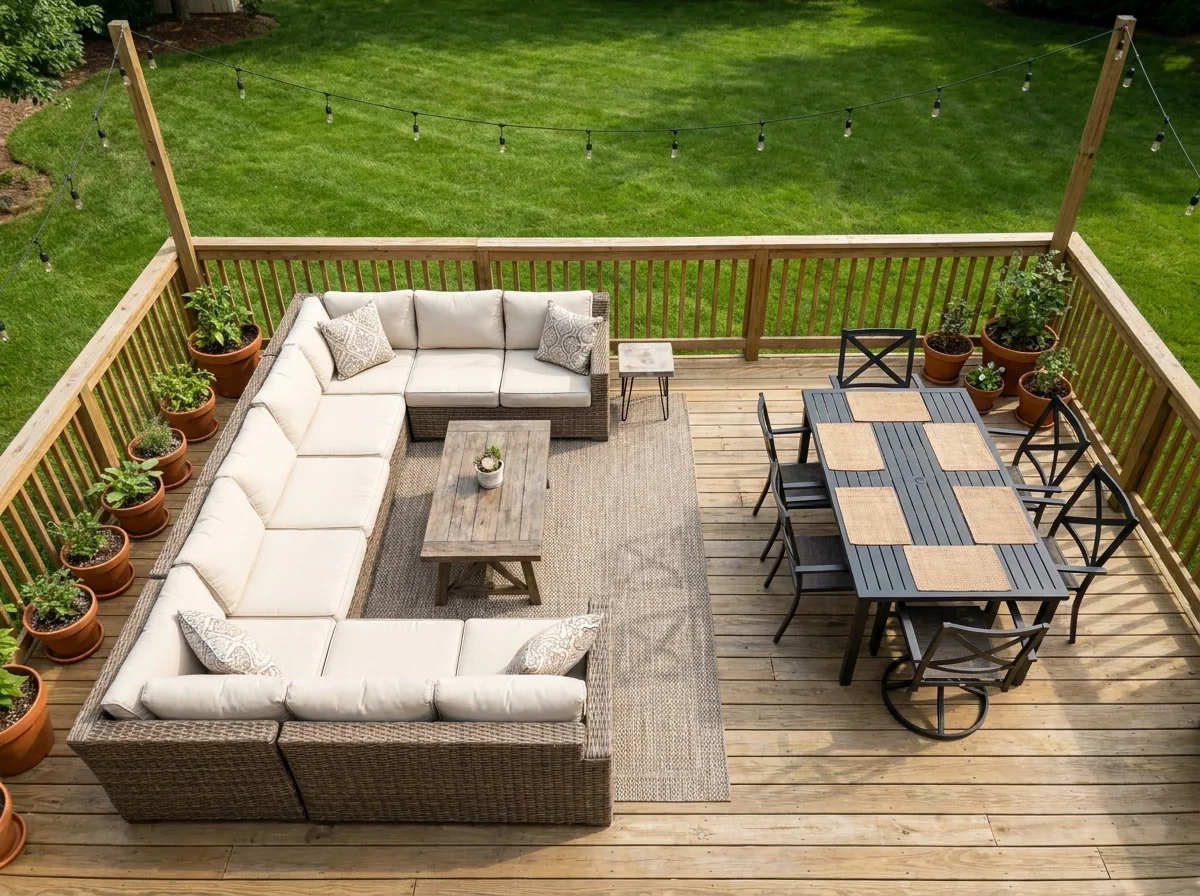
Turn photos of your rooms, your deck and your view into a month of Instagram posts. You also get a carousel and one short clip.
3 guides
Estate agents
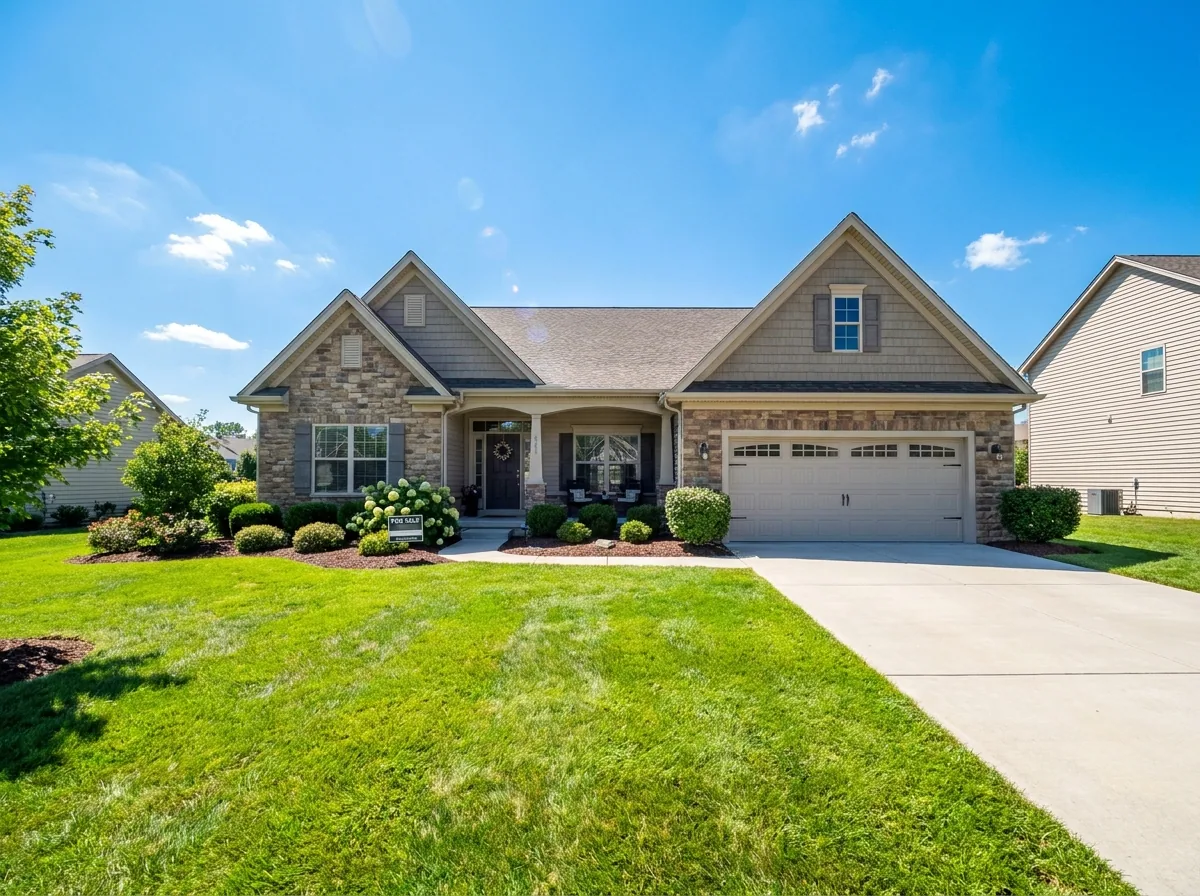
Photos and posts for a property listing, made from your own phone photos: staged empty rooms, brighter rooms and exterior, and the social set.


Estate agents4 steps
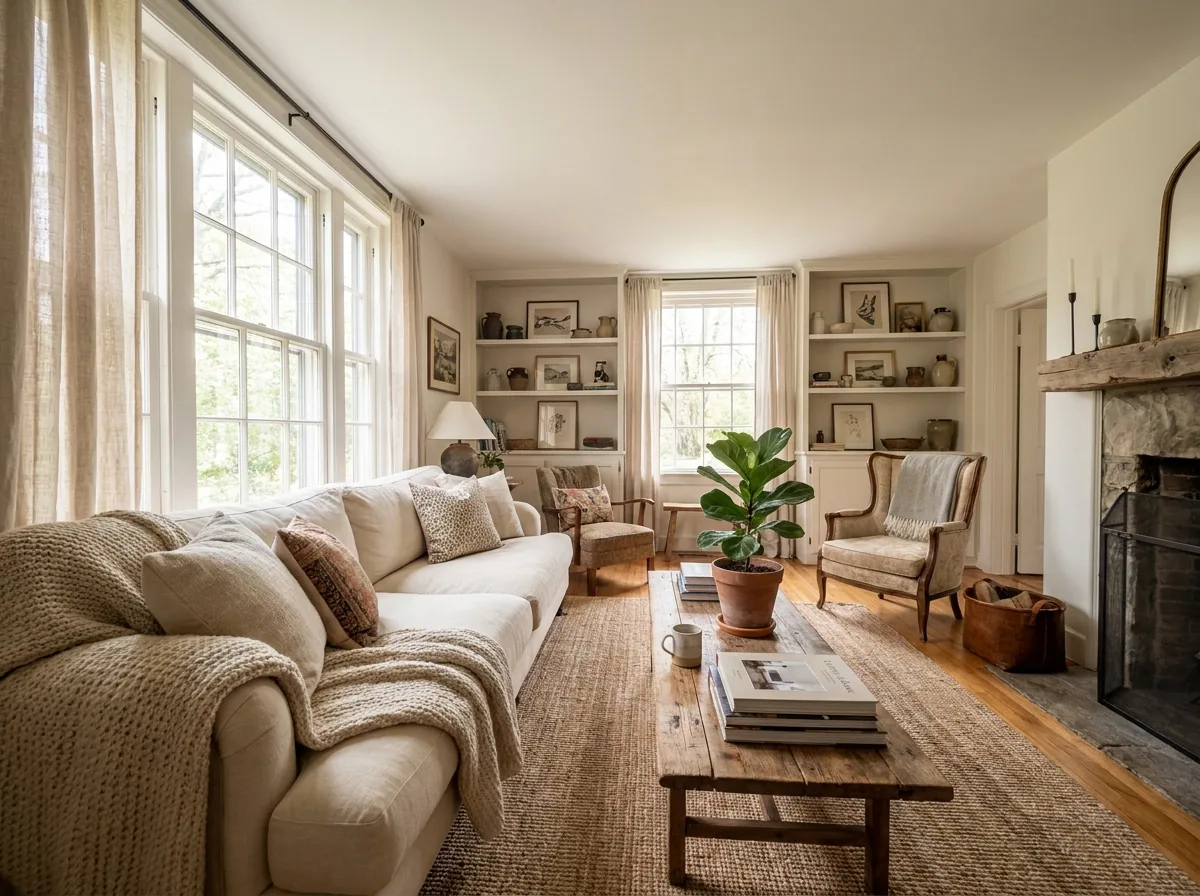
Staging an empty property
Furnish the empty rooms of a property from your listing photos, clear what the last owner left, and keep one style. Label every staged picture.
- Property portals
- Your own site
- Brochures


Estate agents4 steps
Listing photos from a phone
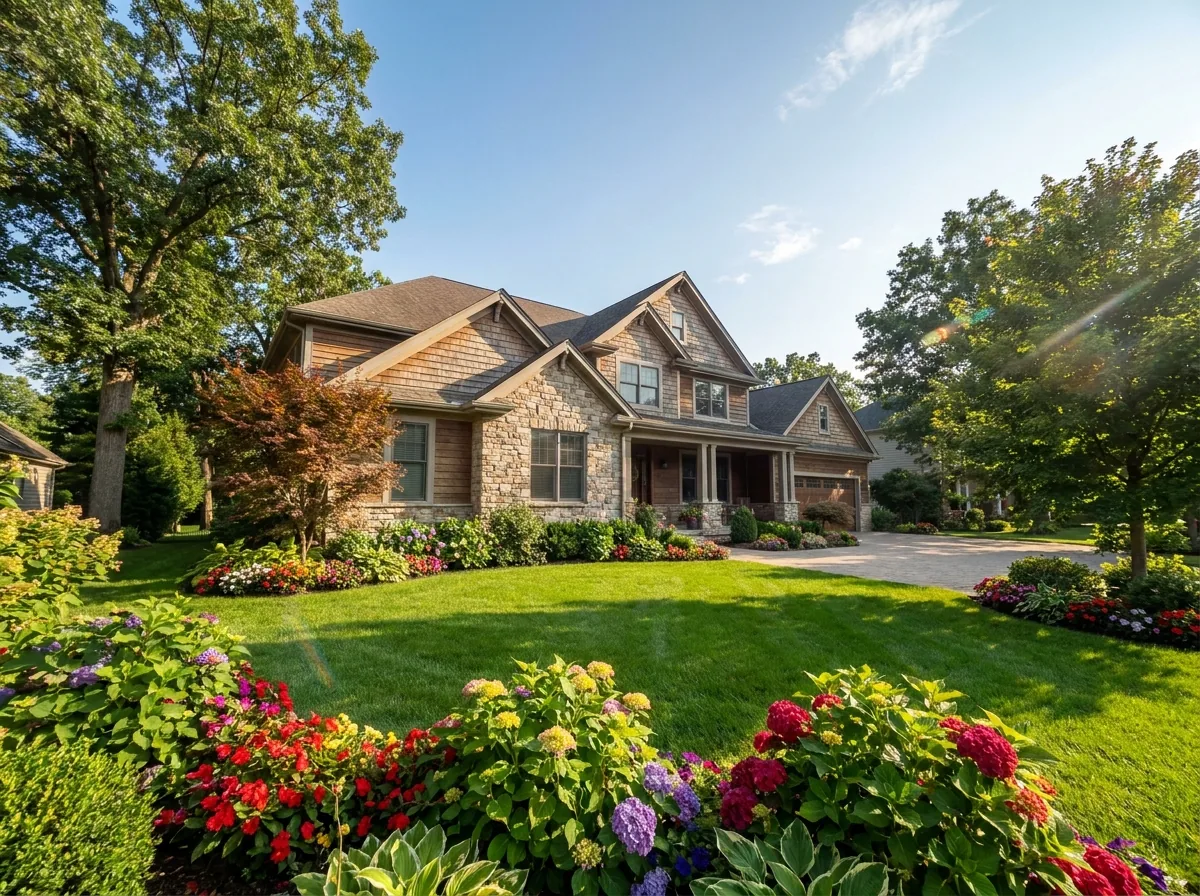
Turn the phone photos you already took into listing photos. Straighten the rooms, brighten them, clear the sky, and keep every listing in one look.
- Property portals
- Your own site


Estate agents4 steps
Social posts for a new listing
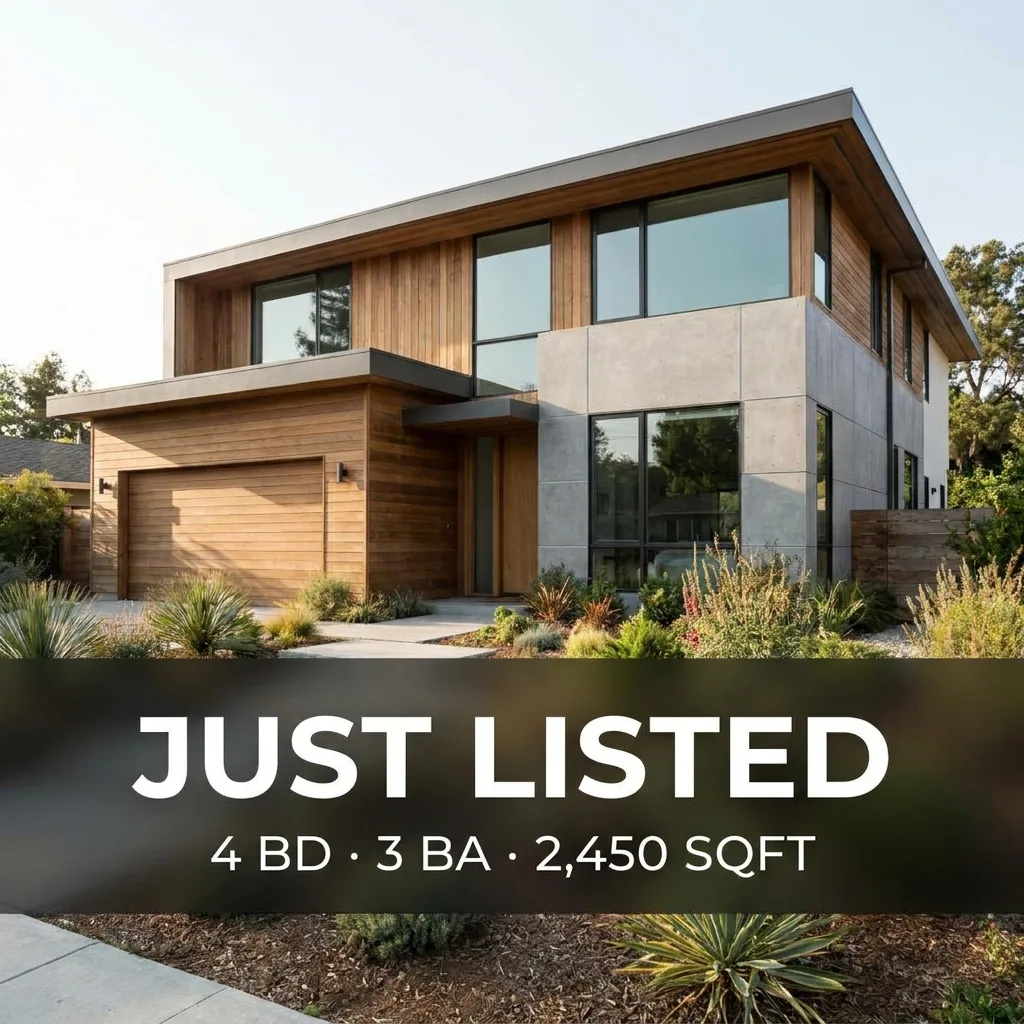
Turn the listing photos you already have into a first post, a card with the beds, baths and size, and a carousel of the property.
- Your own site
4 guides
Fashion brands
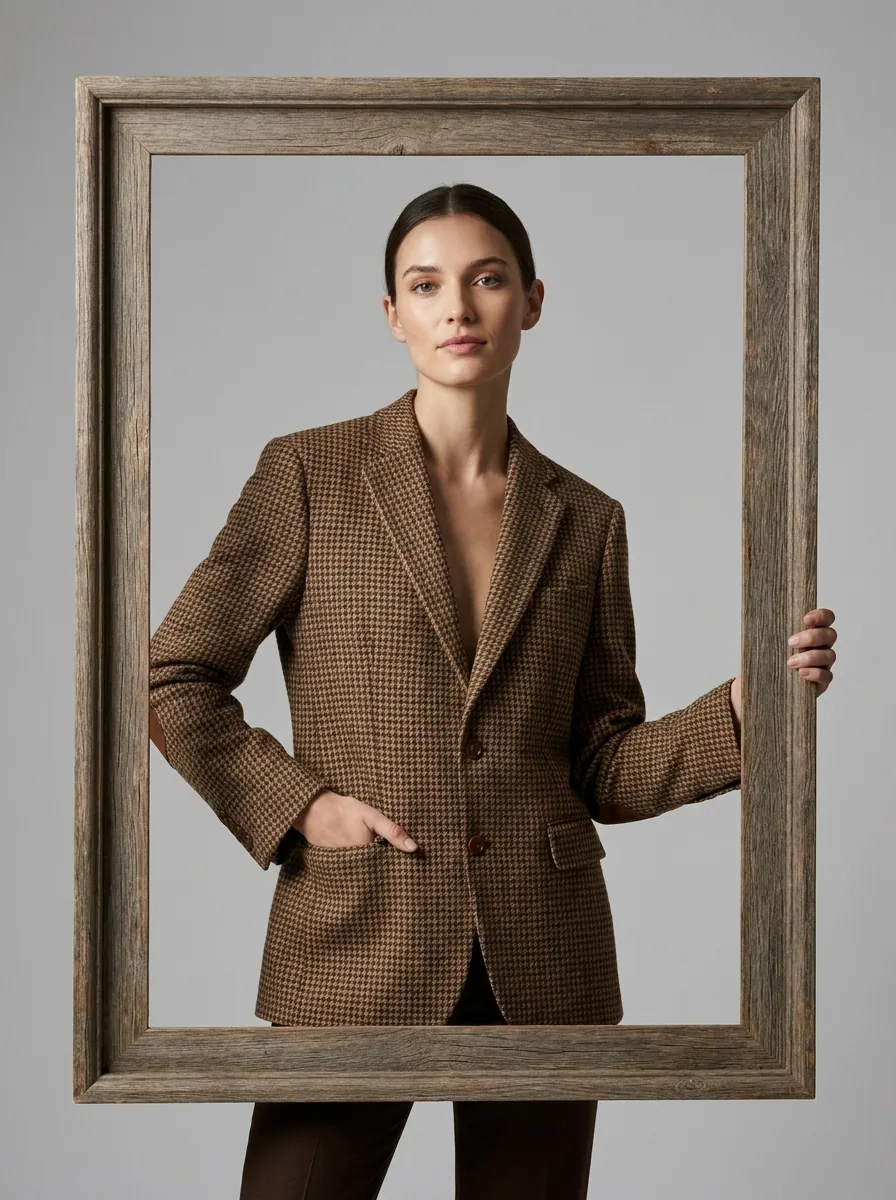
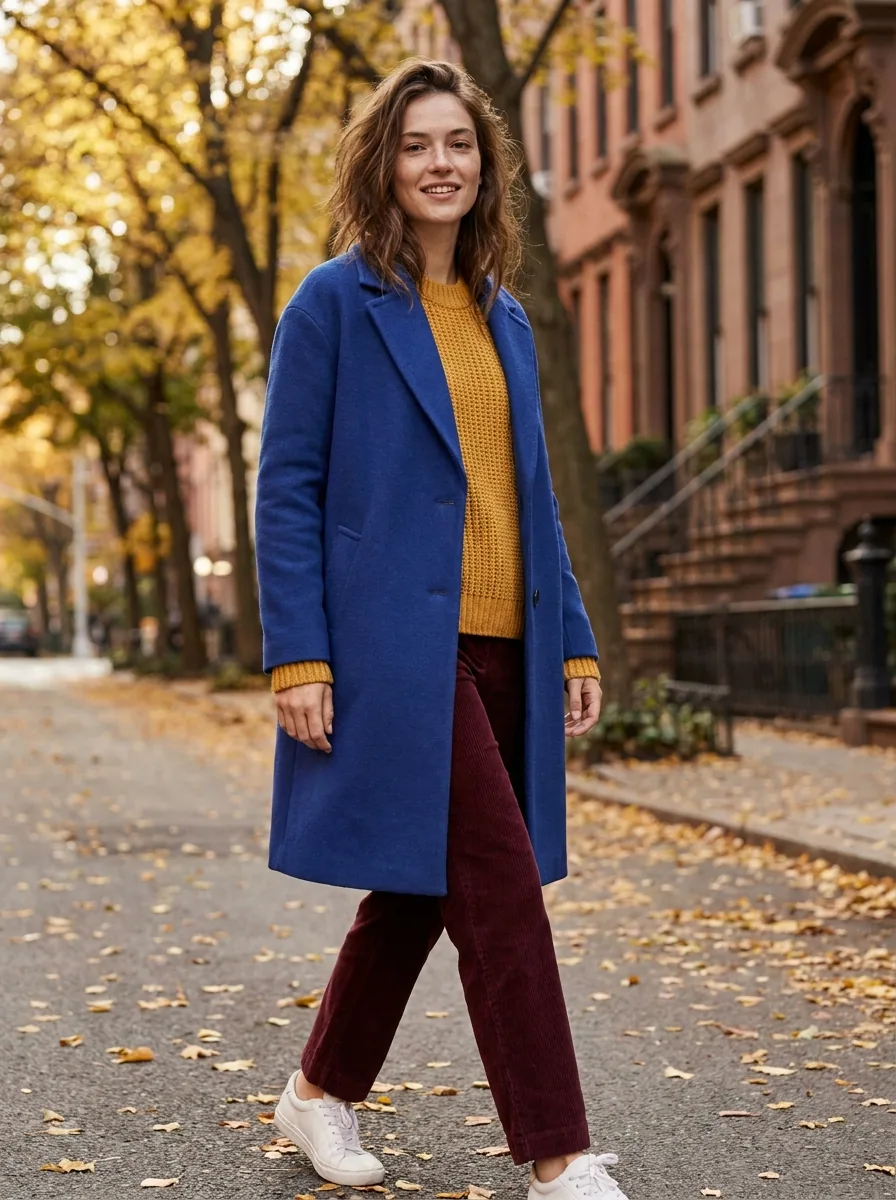
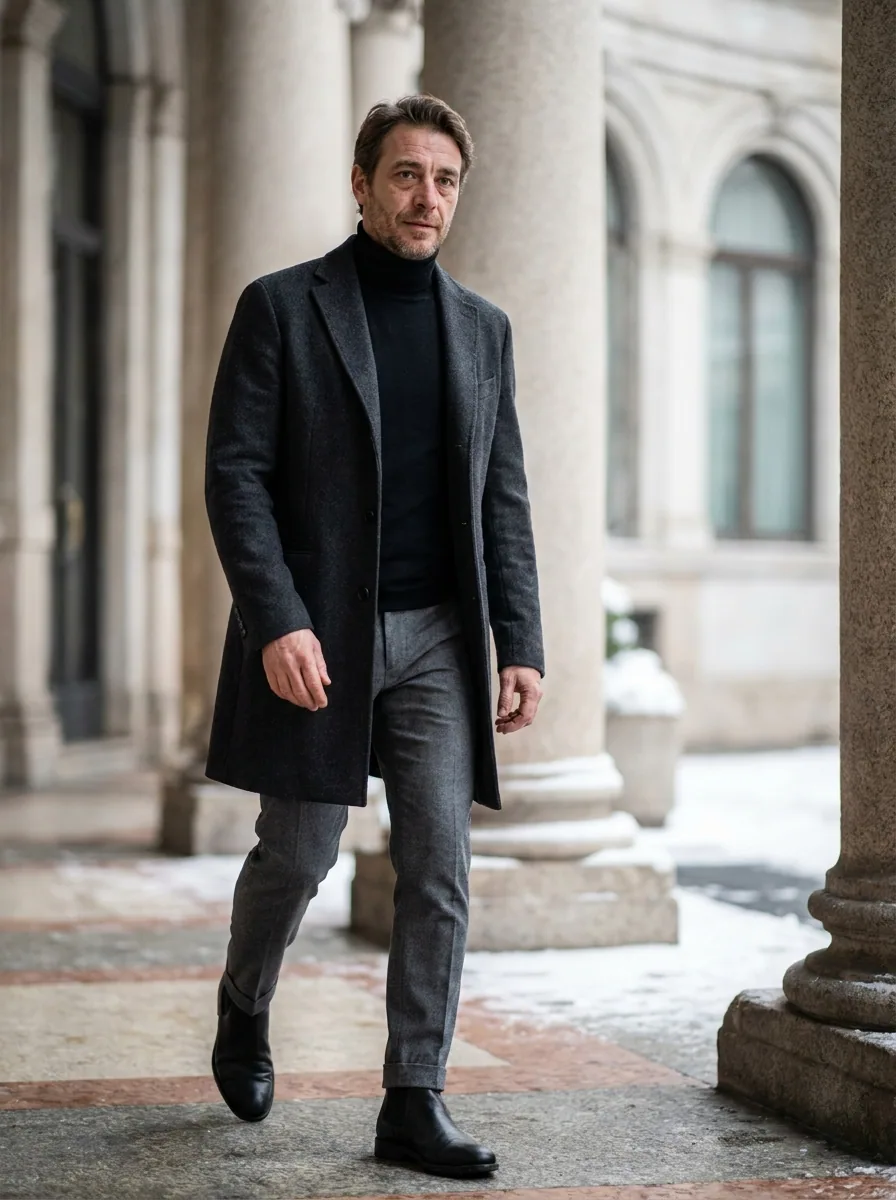
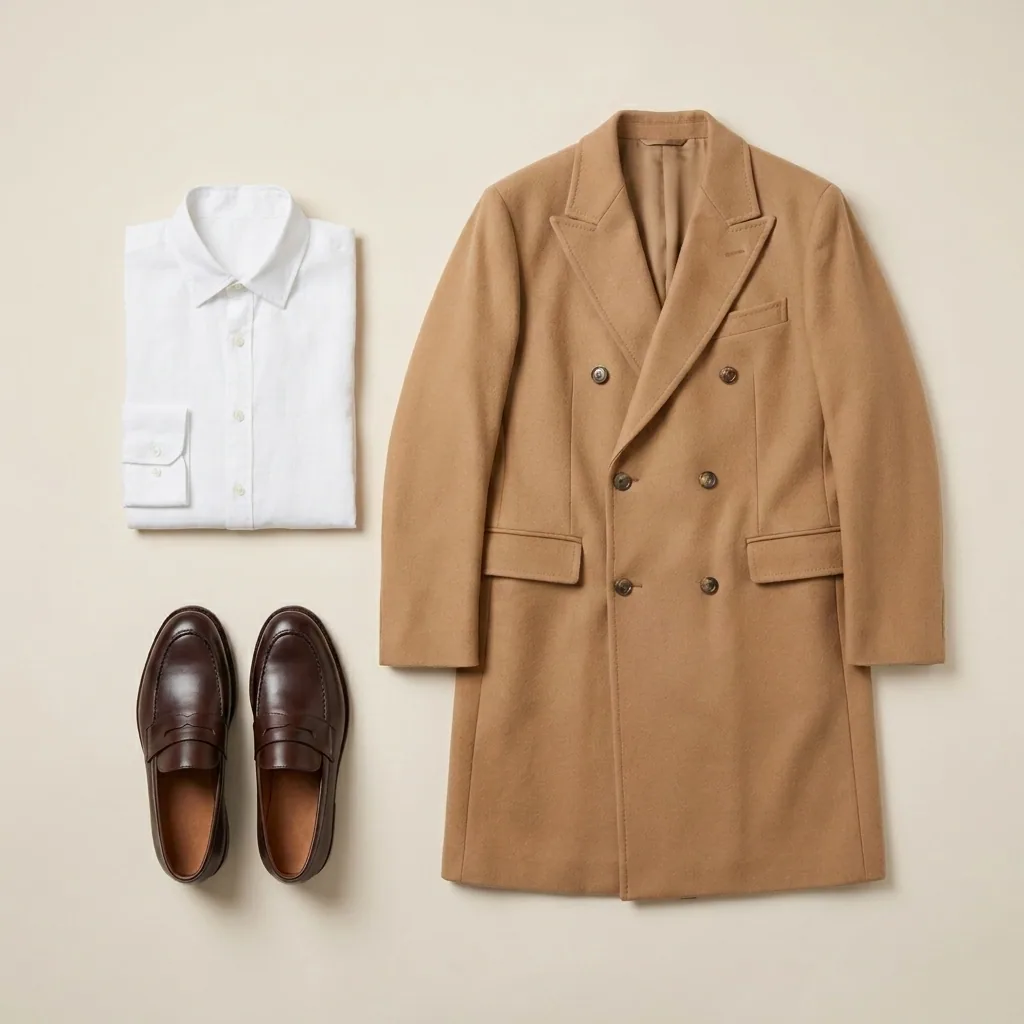
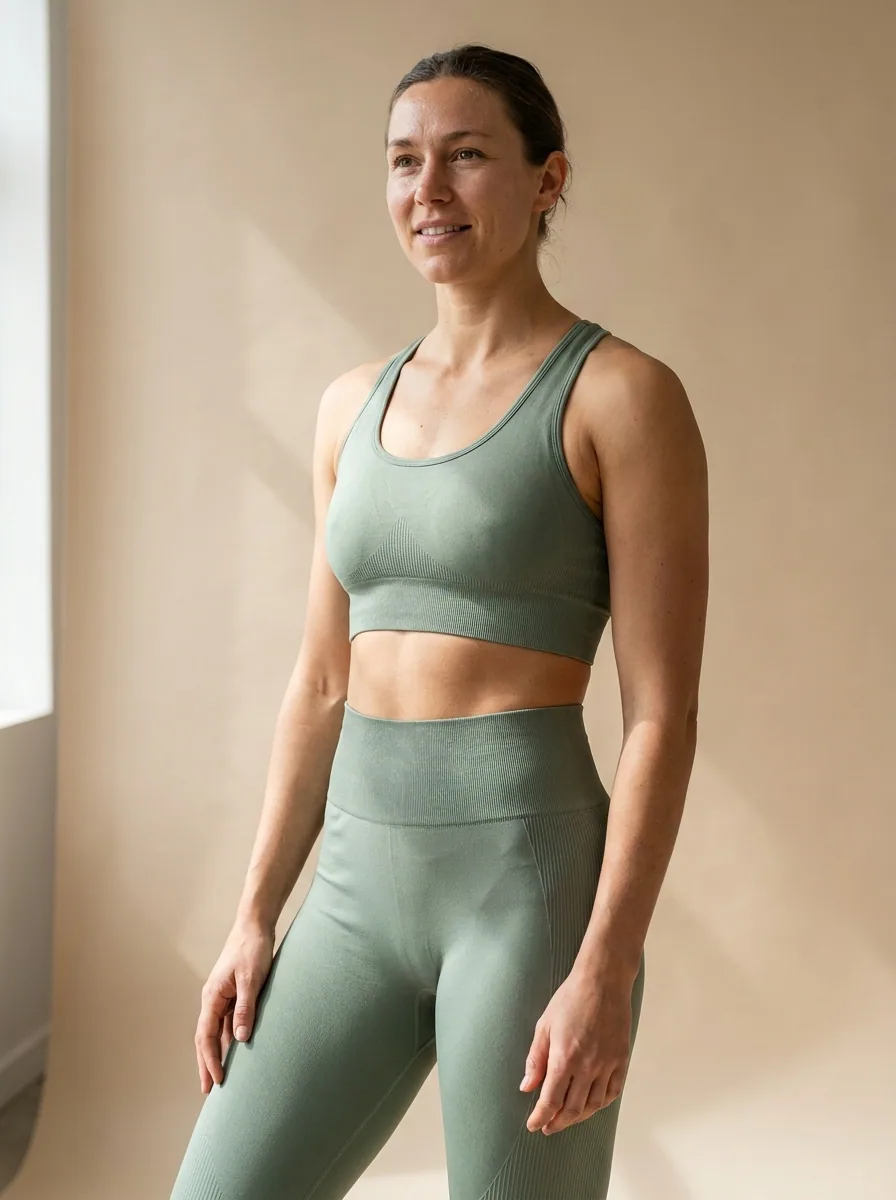
On-model shots, flat lays, product page photos and launch posts for a fashion brand, made from your garment photos in one look across the collection.


Fashion brands5 steps
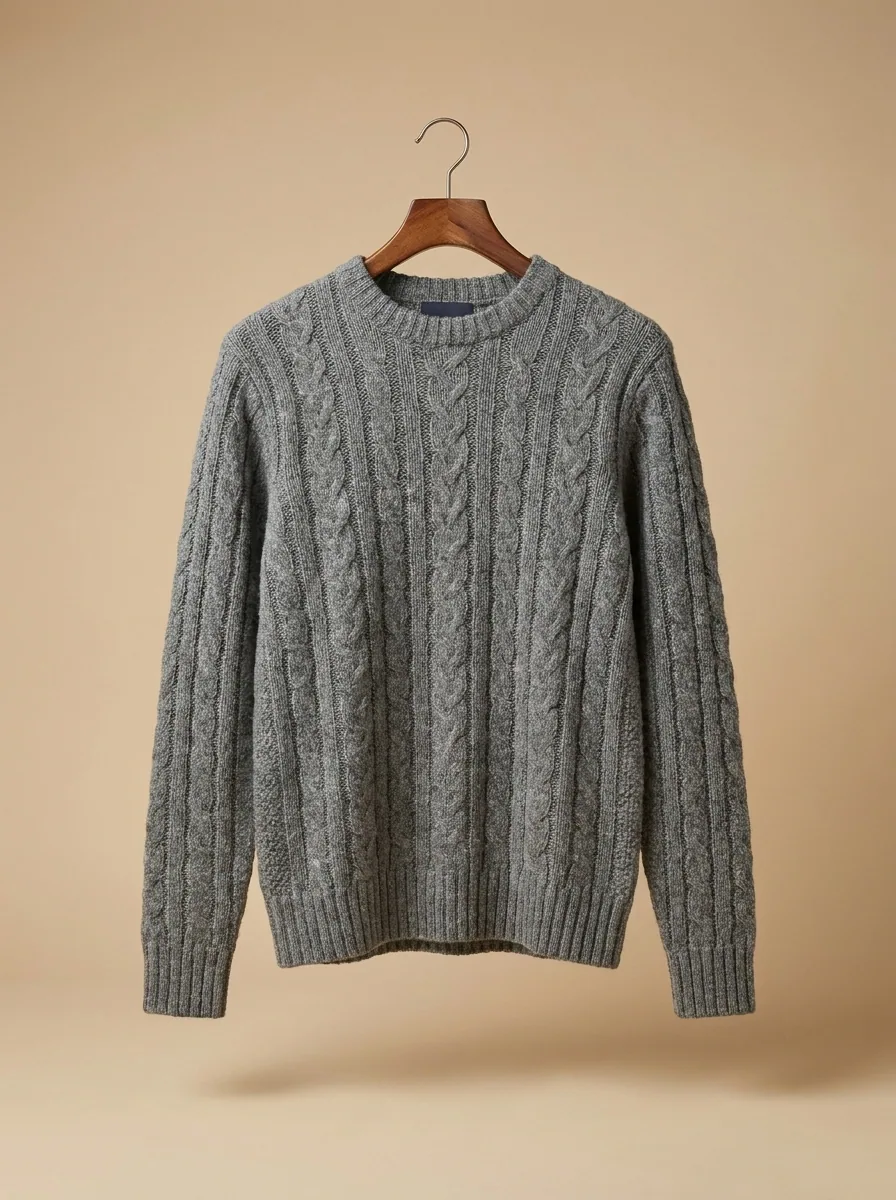
On-model photos for a collection
Turn flat photos of your garments into on-model pictures for your shop, marketplaces and Instagram, with the same generated model across the collection.
- Your shop
- Marketplaces


Fashion brands4 steps
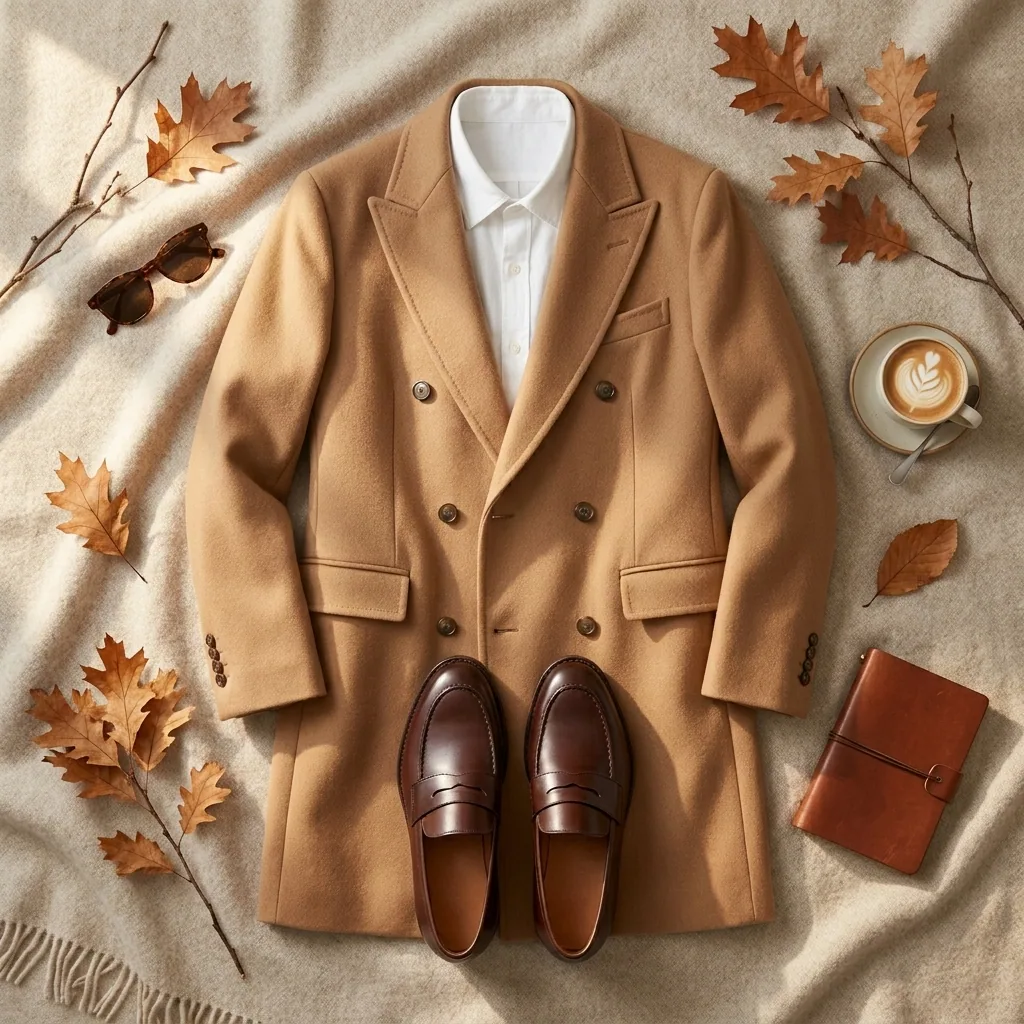
Flat lays for a collection
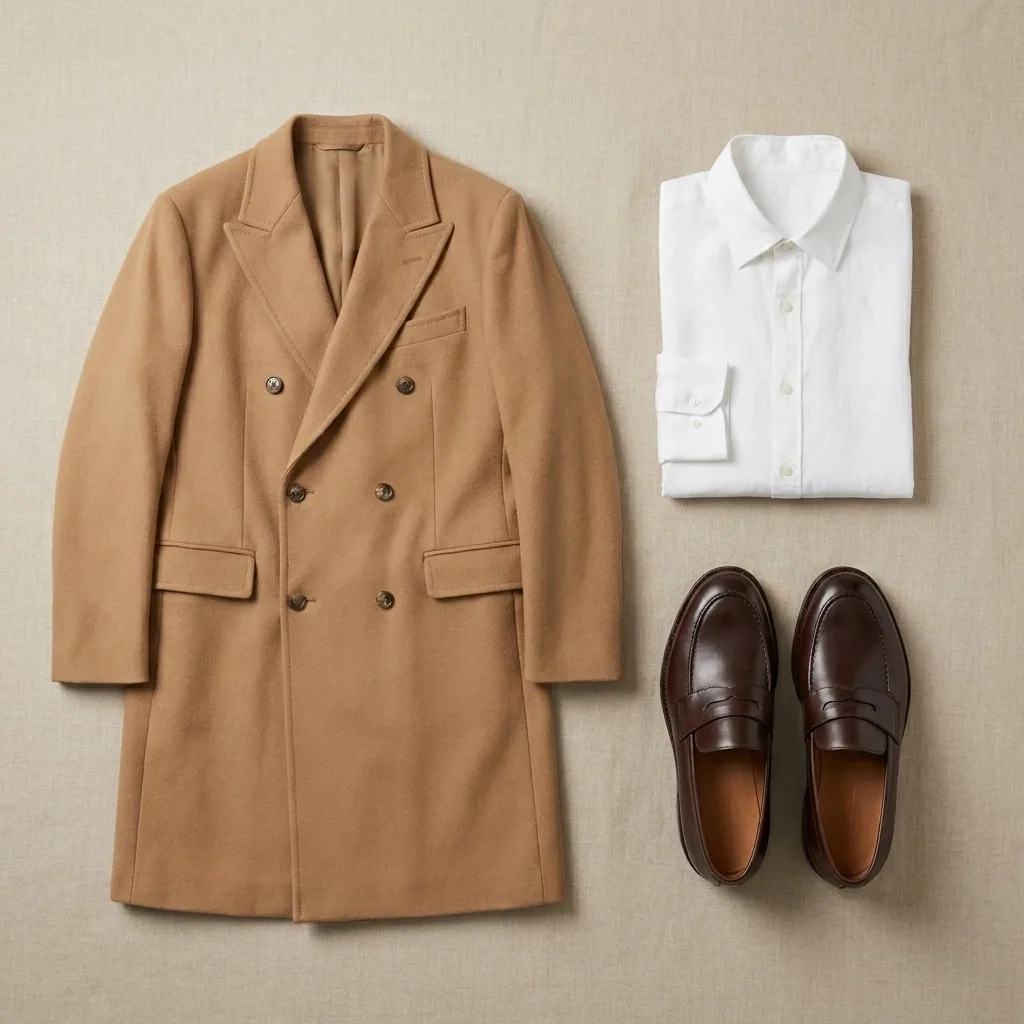
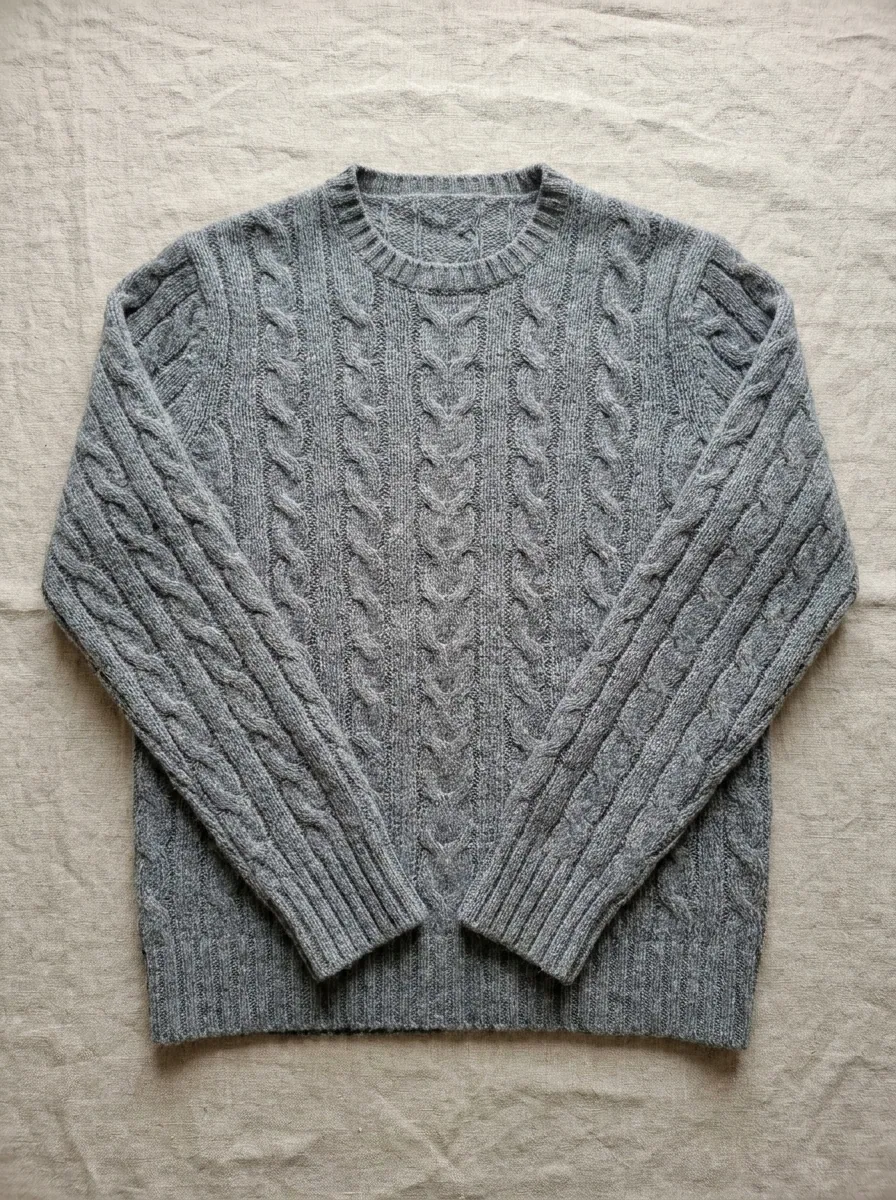
Turn your garment photos into flat lays for your shop, Instagram and Pinterest. Every piece in the collection gets the same surface, light and shadow.
- Your shop


Fashion brands4 steps
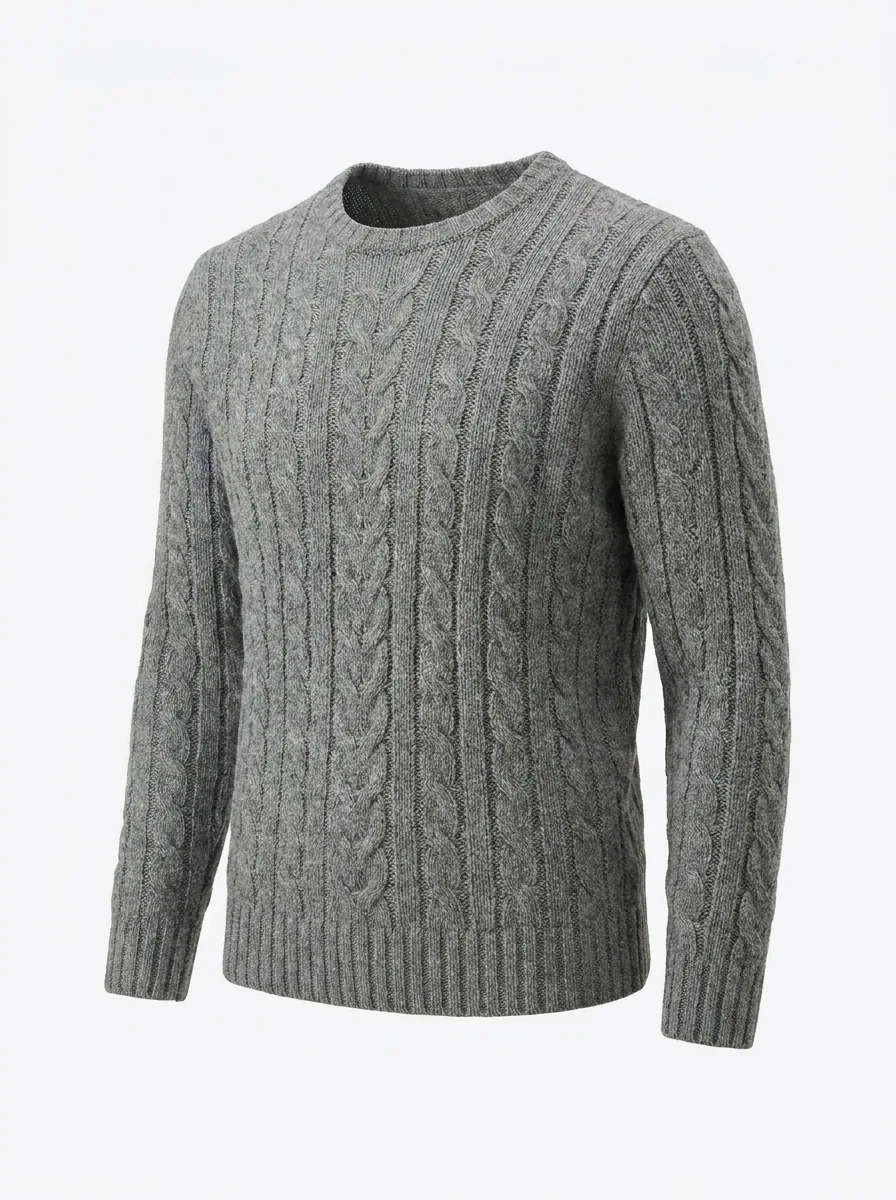
Product page photos
Turn your garment photos into the set a product page needs: the shape with no mannequin, a plain white background, and front, back and detail views.
- Your shop
- Marketplaces


Fashion brands4 steps
Posts for a fashion drop
Turn your photos of a drop into the launch set for each piece. You also get a carousel, posts with the price on them and one short clip.
- TikTok
- Your shop
4 guides
Online shops
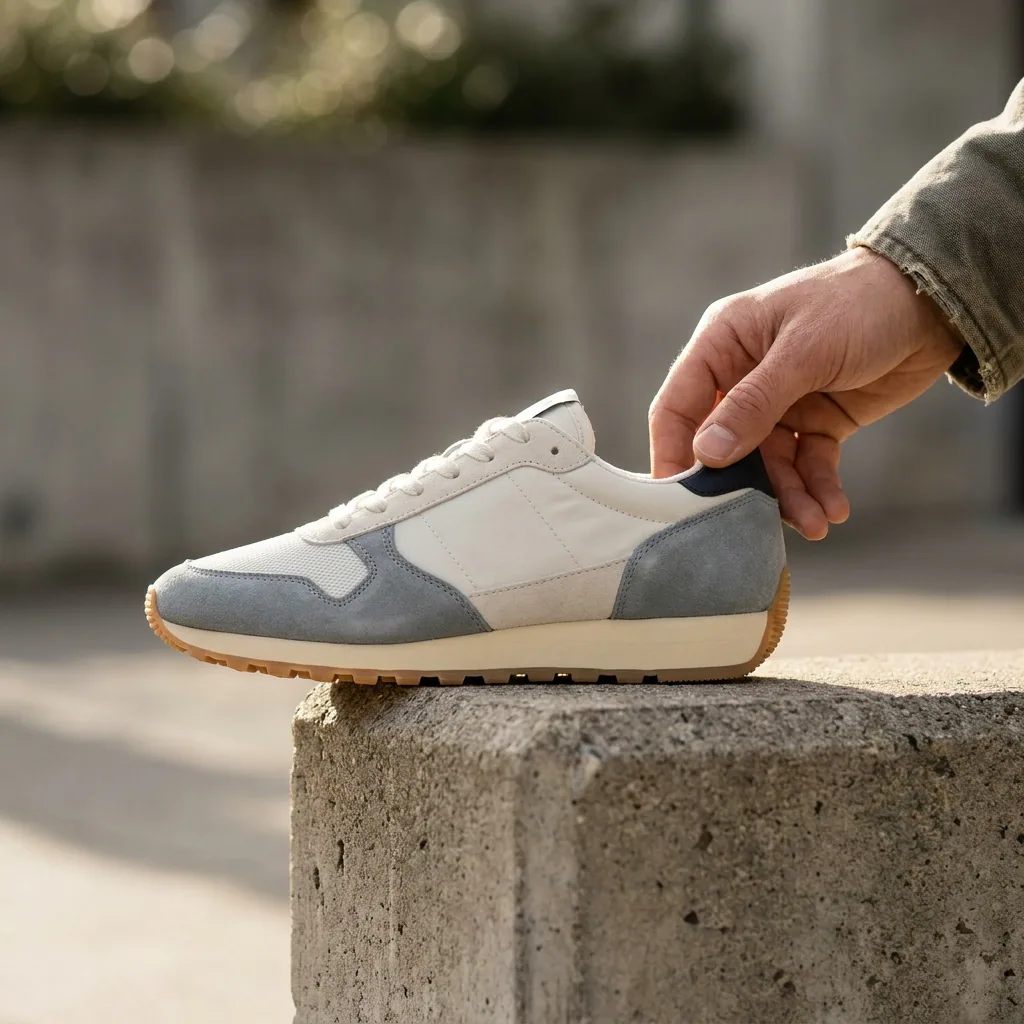
The picture set each shop and marketplace asks for, made from your own product photos: the main shot on white, the angles, the scenes and the sizes.
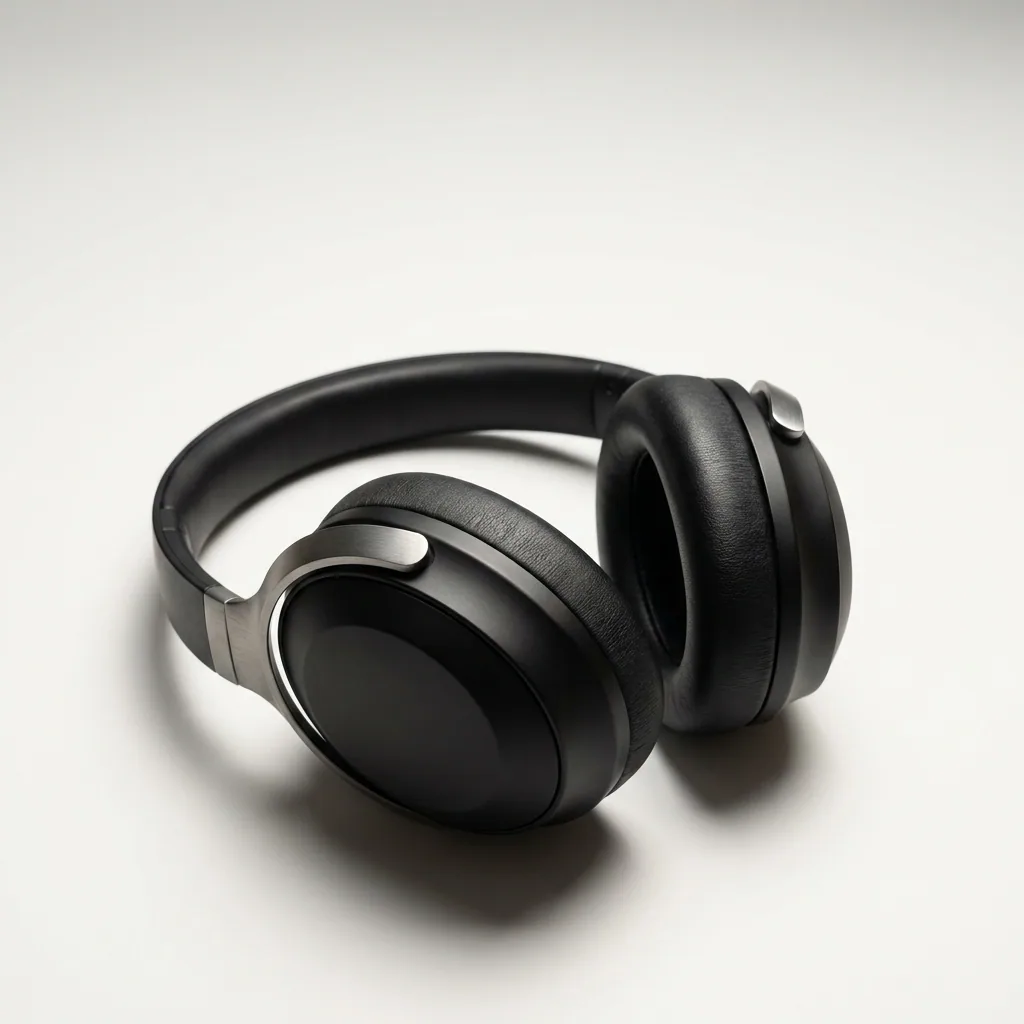
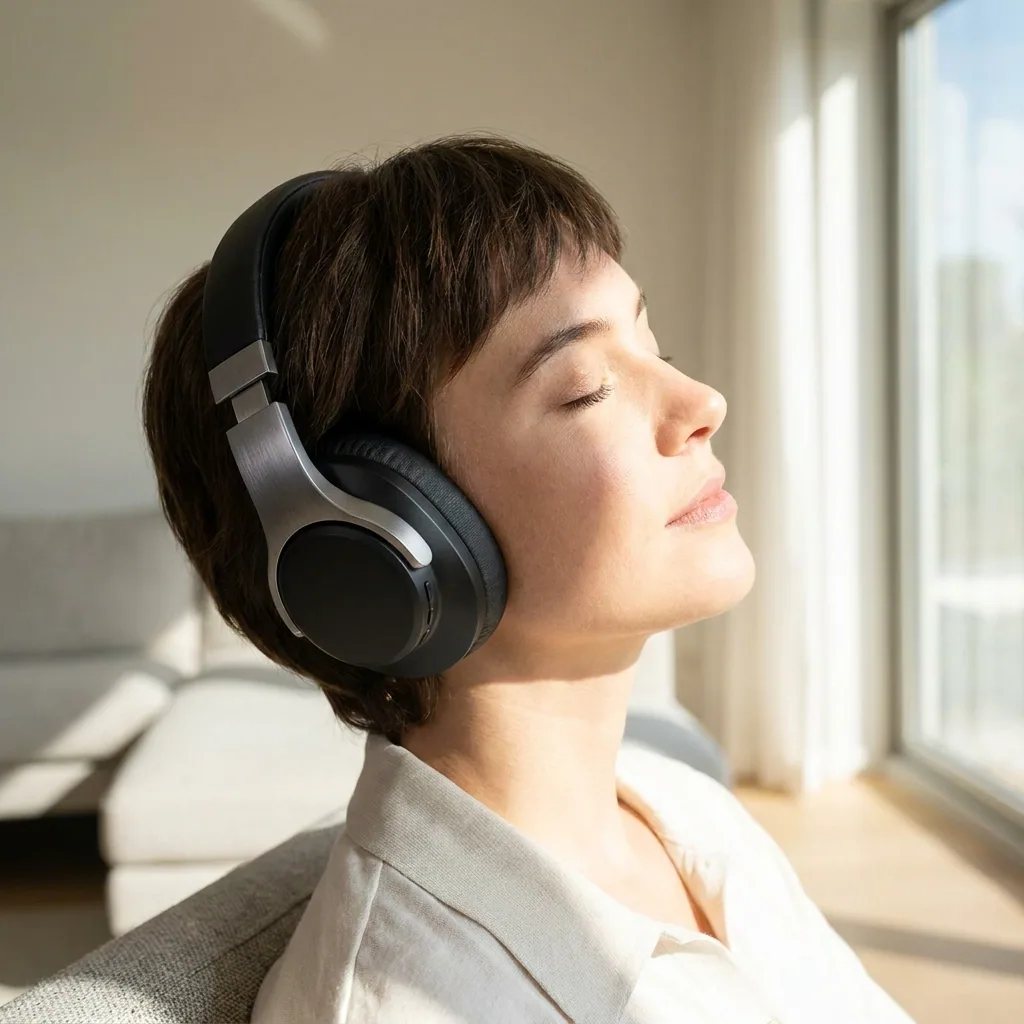

Online shops5 steps
Images for an Amazon listing
Make the image set an Amazon listing asks for from your own product photos: the main image on plain white, the other angles, feature shots and a size shot.
- Amazon
- Marketplaces


Online shops4 steps
Photos for your own shop
Turn phone photos of your products into a main shop image, extra angles and room scenes, then save every size your Shopify theme and your ads need.
- Shopify
- Your own site


Online shops4 steps
Photos for handmade products
Turn phone photos of your handmade pieces into the shots a shop listing needs: a clean background, a prop shot, a worn shot and the extra angles.
- Etsy
- Your own site


Online shops5 steps
Phone photos to a full shop set
Turn daylight phone photos of your products into the main shot, the angles and the room scenes, in every size your shop, marketplace and ads ask for.
- Your shop
- Marketplaces
3 guides
Beauty and wellness brands
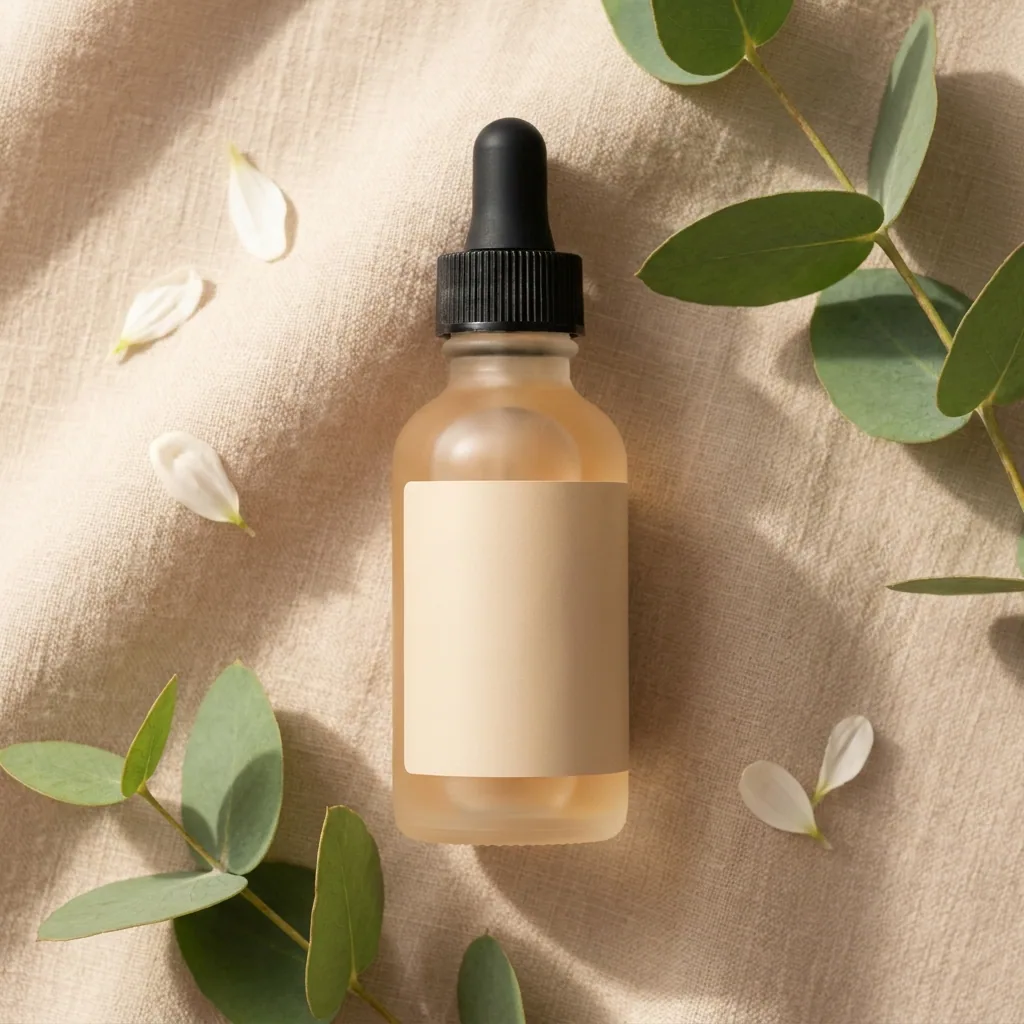
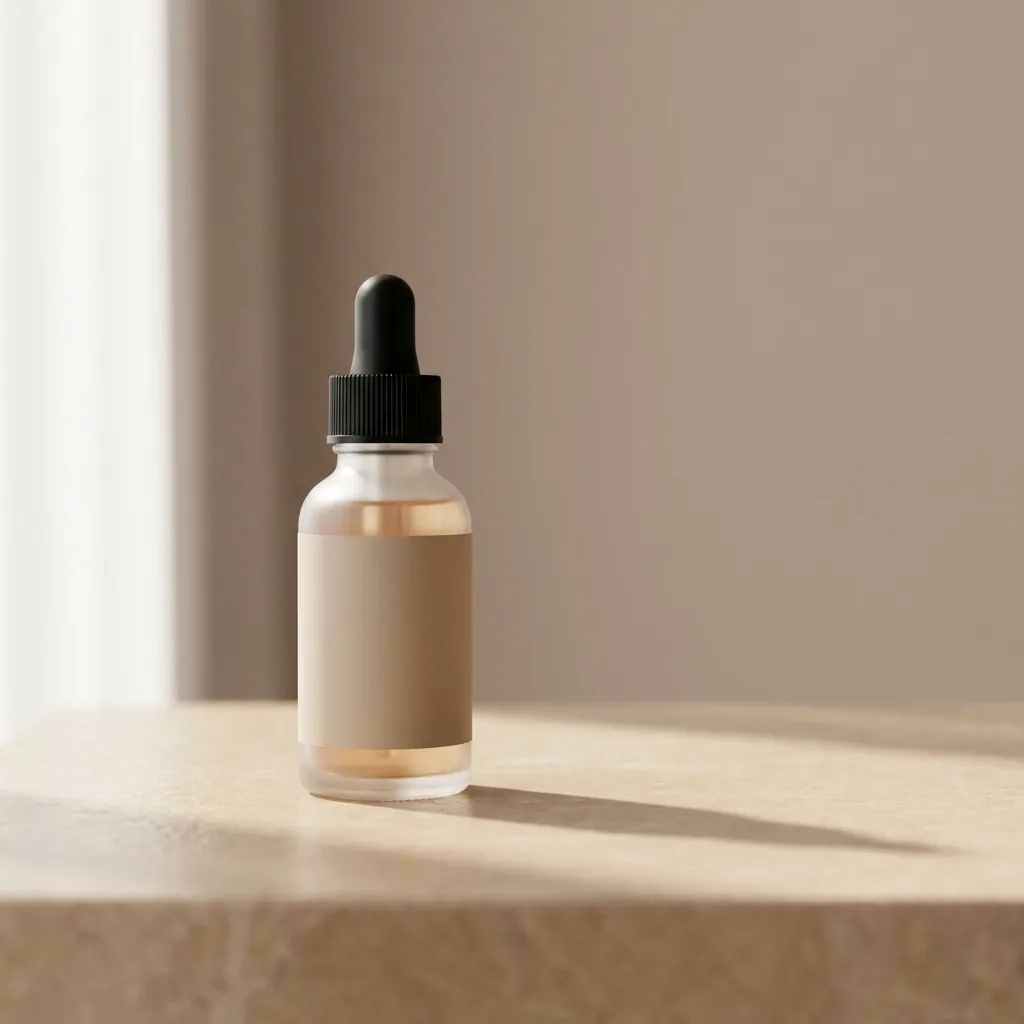
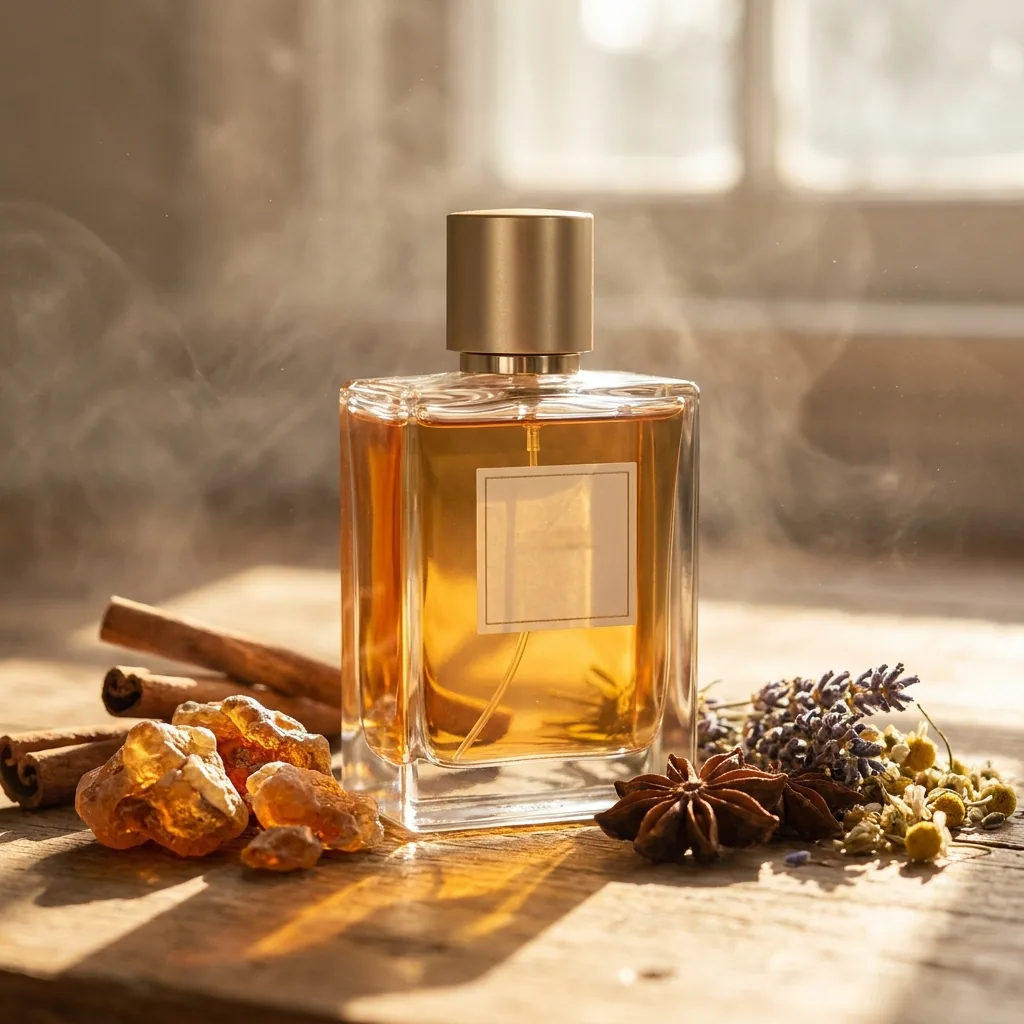
Photos of bottles, jars and tubes that look like one range, plus the short product videos a beauty or wellness launch needs, made from your photos.
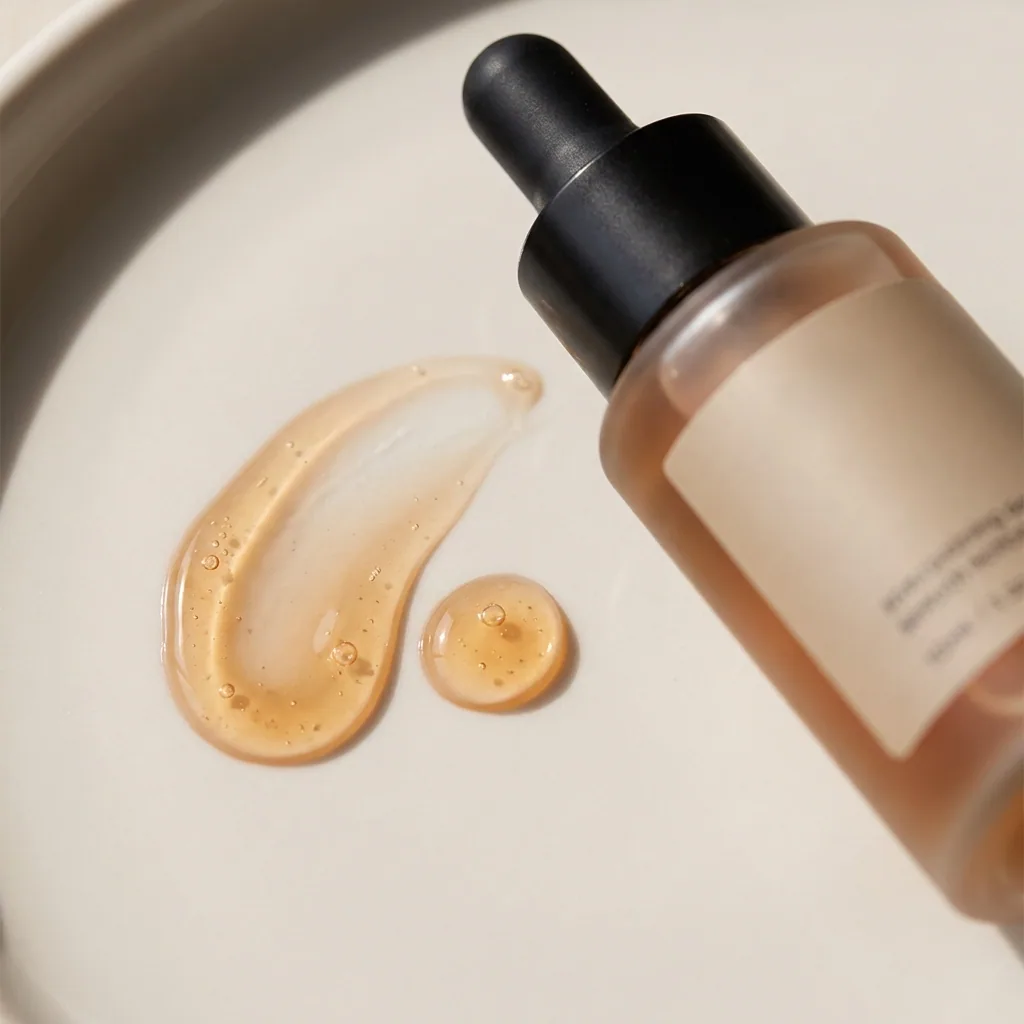
Beauty and wellness brands5 steps
Photos for a skincare range
Turn your photos of each bottle, jar and tube into clean product pictures that share one surface and one light across the whole skincare range.
- Your shop
- Marketplaces


Beauty and wellness brands4 steps
Short videos for beauty
Make short product videos for a beauty brand from your own product photos: a clip for Instagram and TikTok, plus the still frames that go with it.
- TikTok
- Your shop


Beauty and wellness brands4 steps
Photos for a supplement range
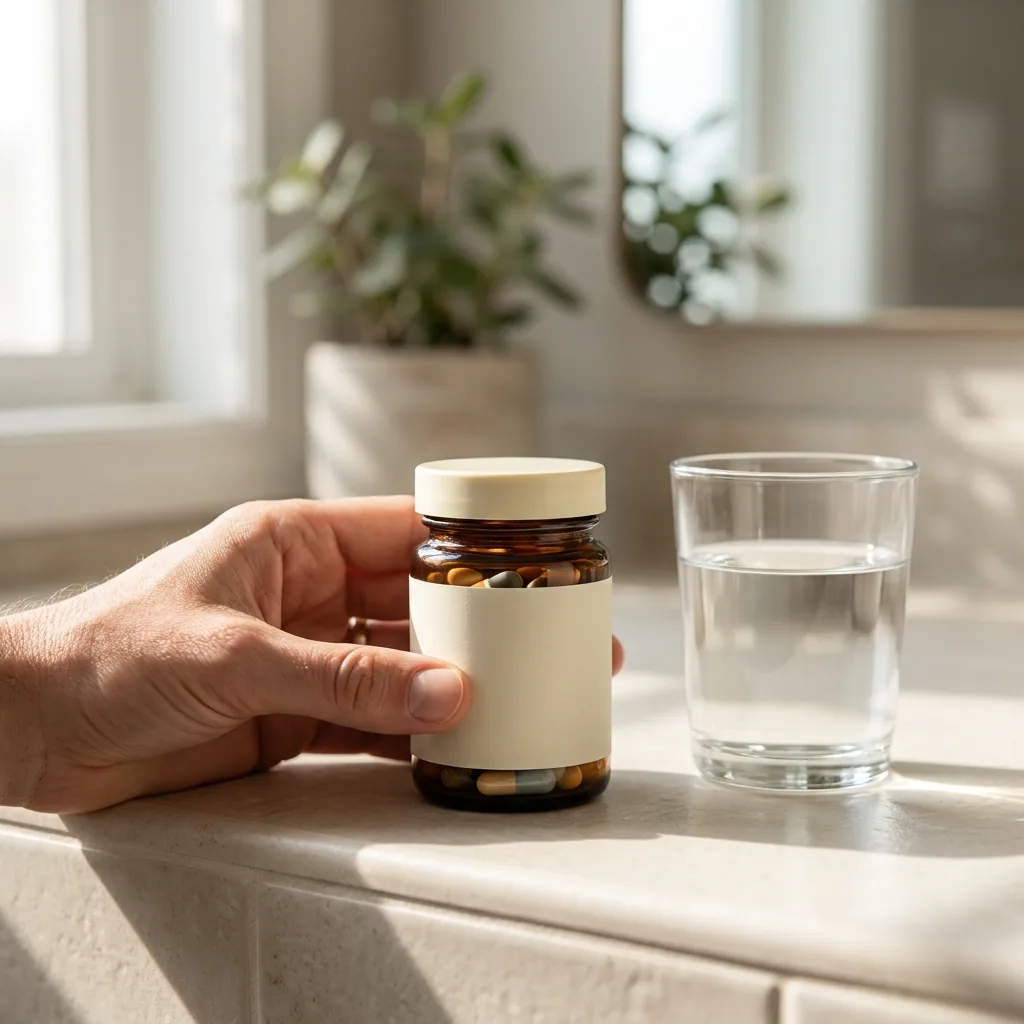
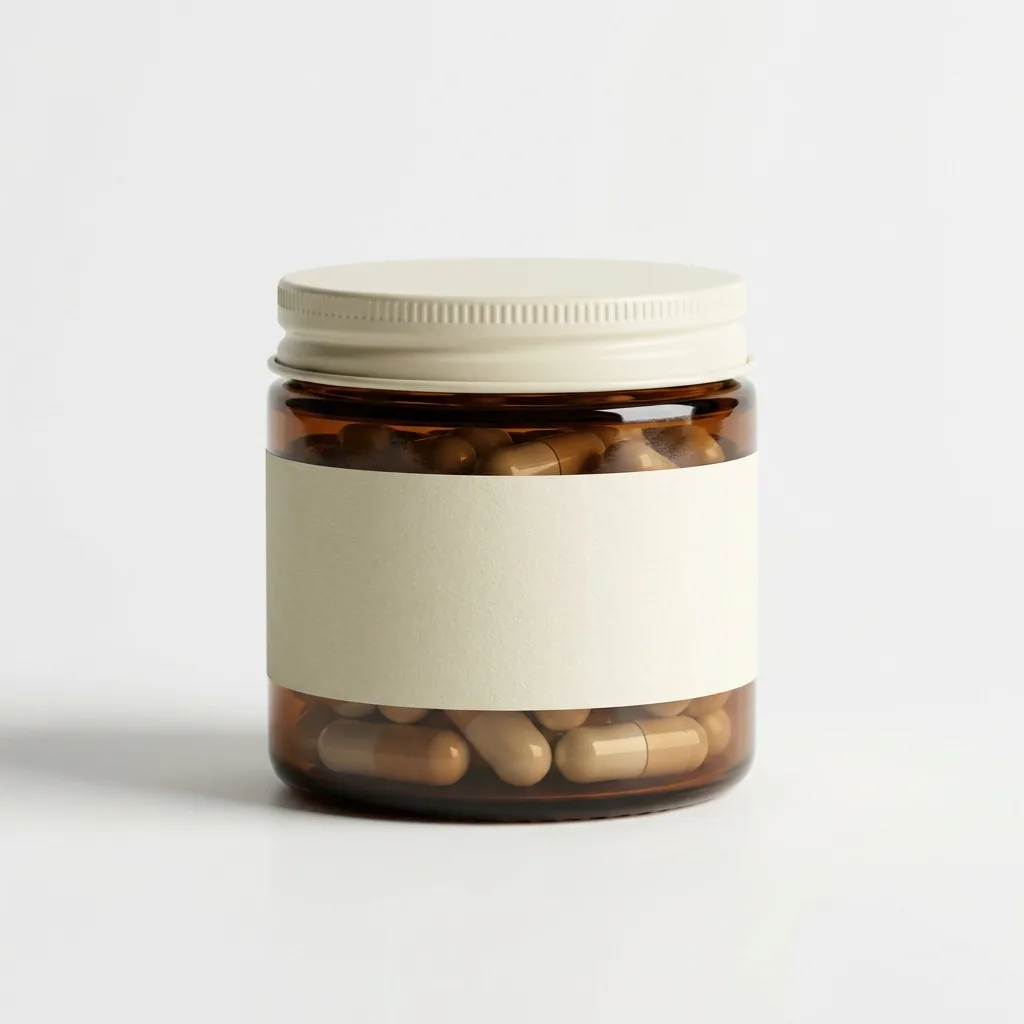
Turn your jar and pouch photos into a listing set for a supplement range: the main shot on white, the angles beside it, and a scene that shows the size.
- Amazon
- Your shop
3 guides
Home, food and pet brands
Furniture in a room, a drinks range on one set and a pet range in one look, made from the product photos you already have, for your shop and social.
Home, food and pet brands4 steps
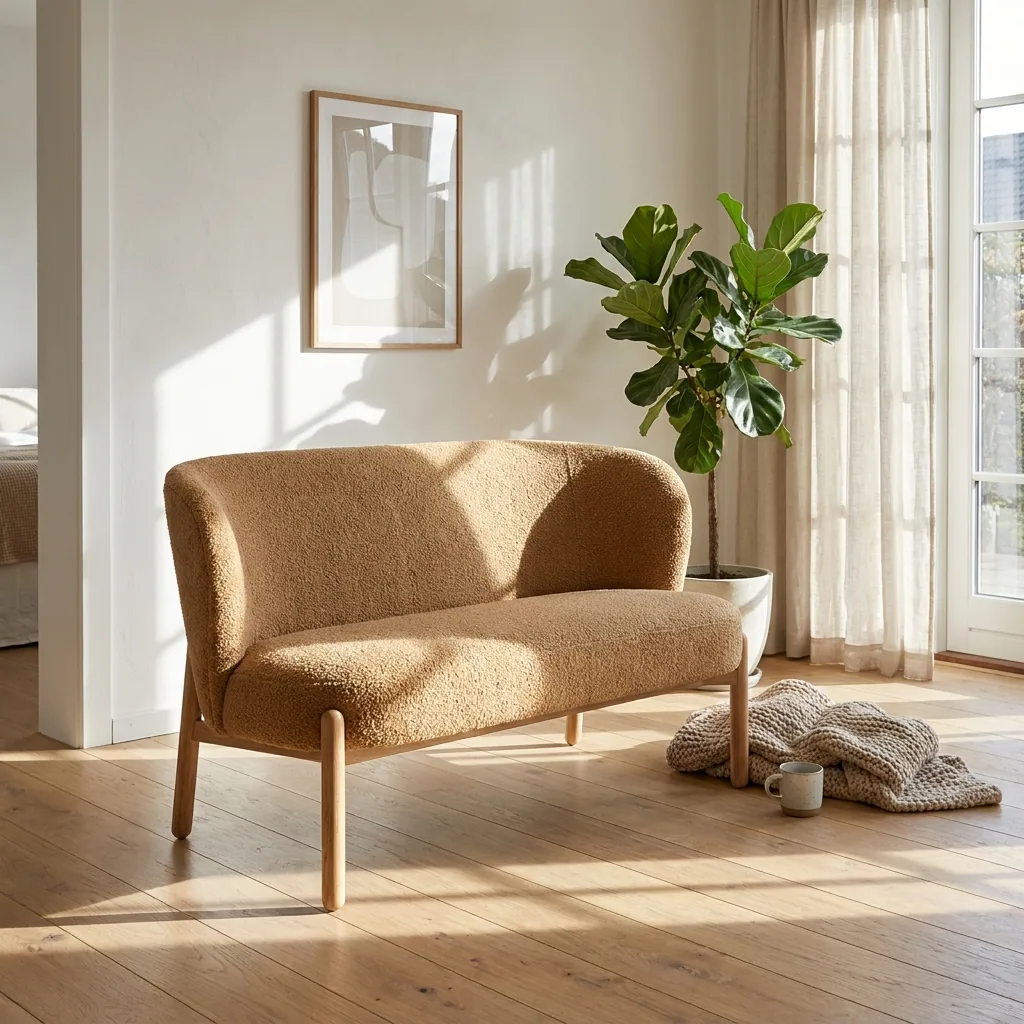
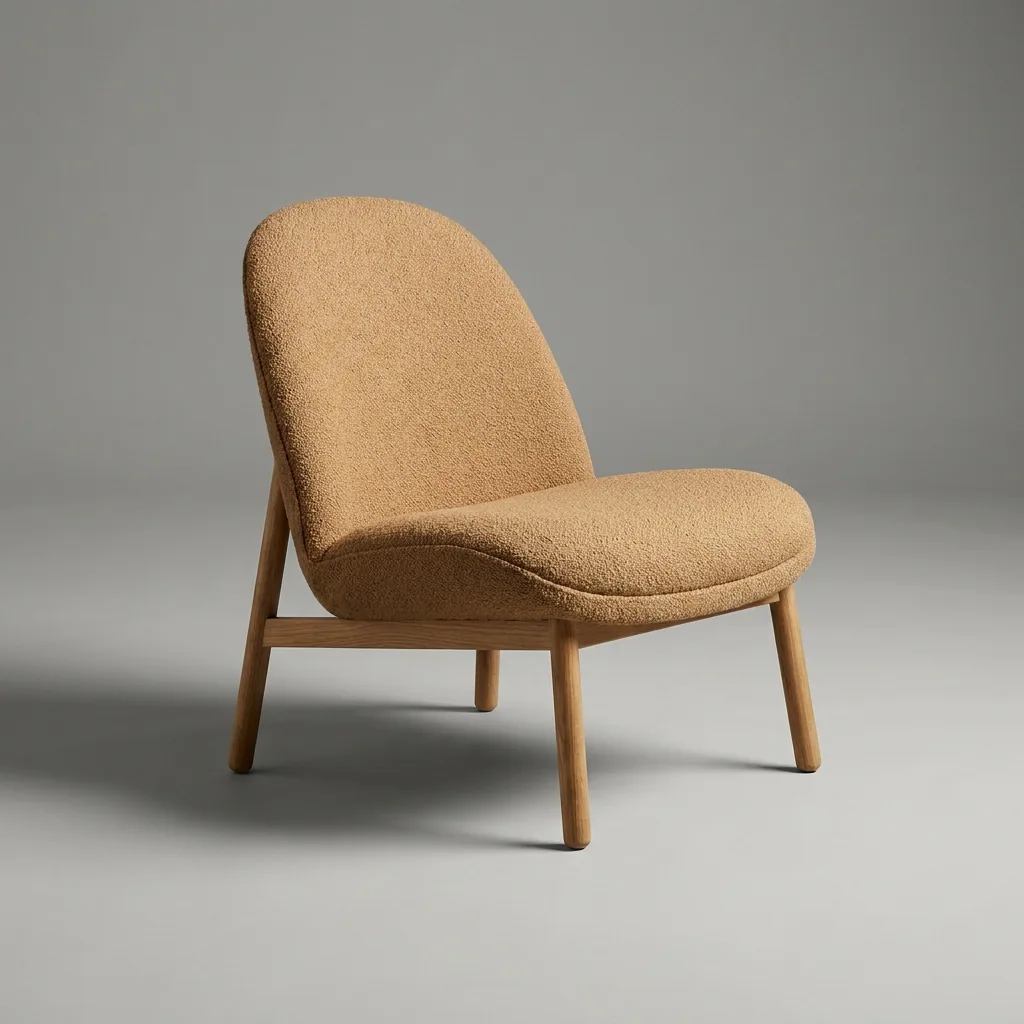
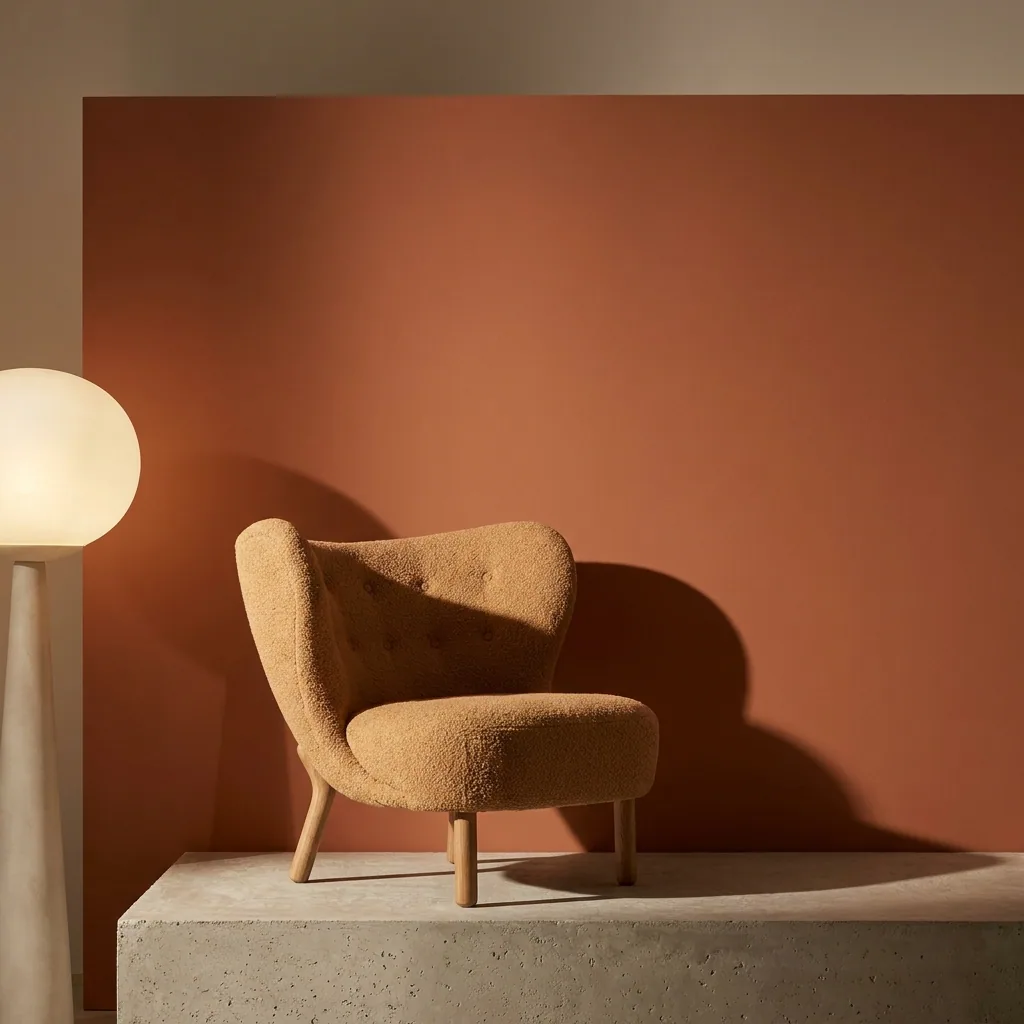
Room scenes for furniture
Turn plain photos of your furniture into a clean studio shot and a room scene for each piece. You give the real size, and you check the scene against it.
- Your shop


Home, food and pet brands5 steps
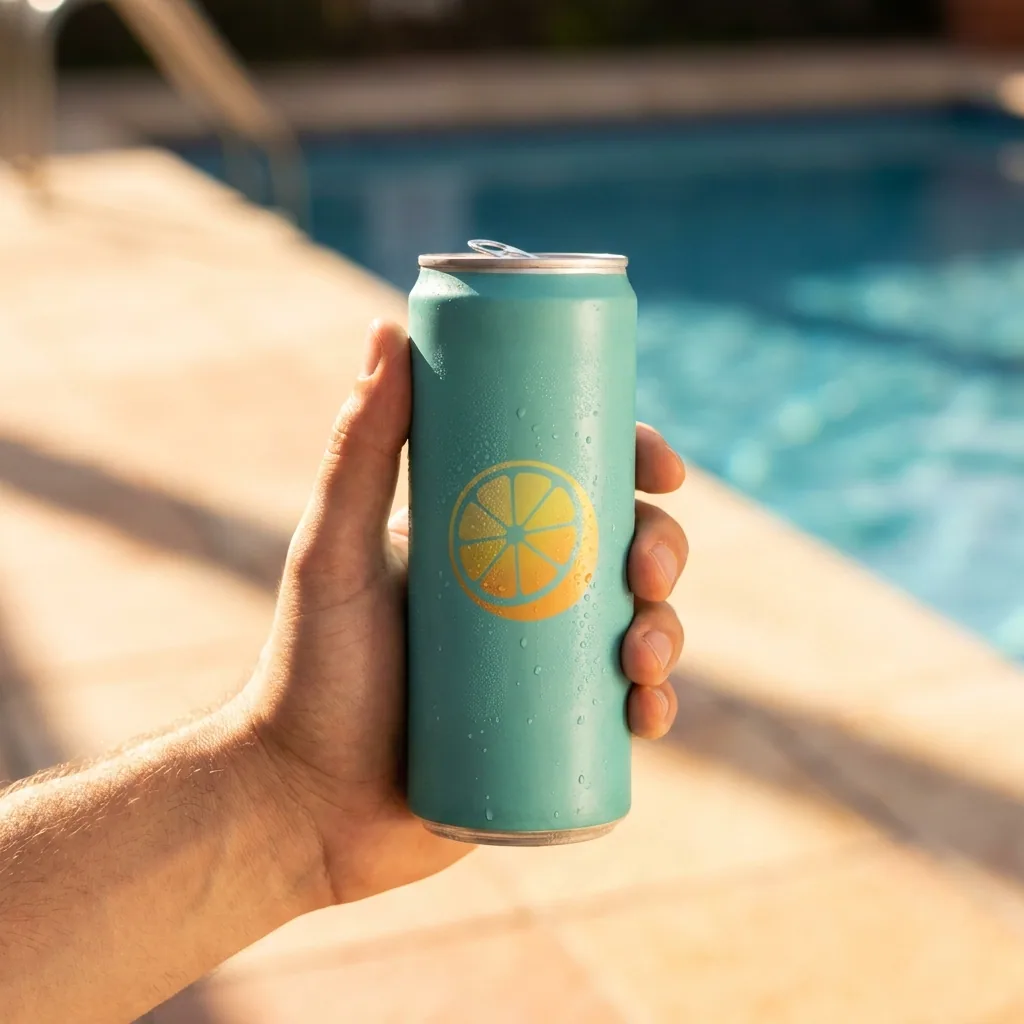
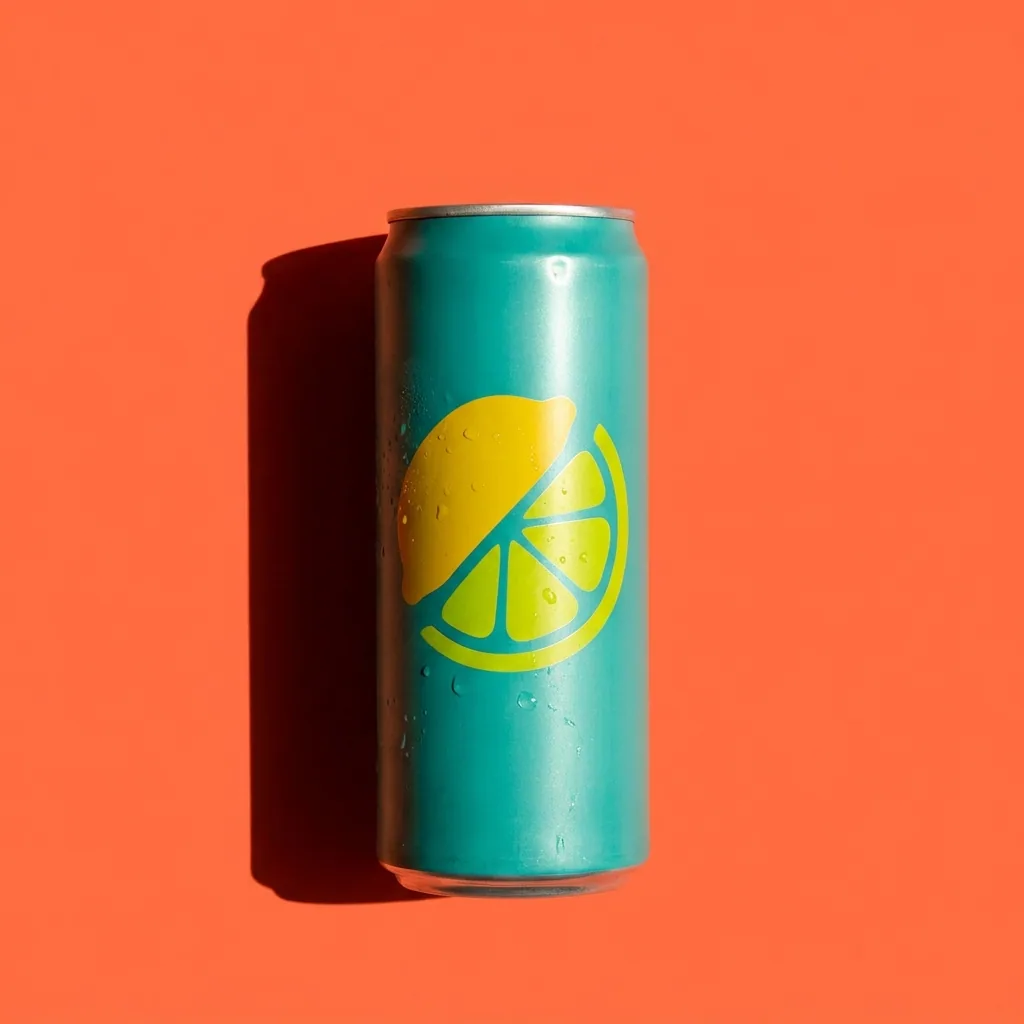
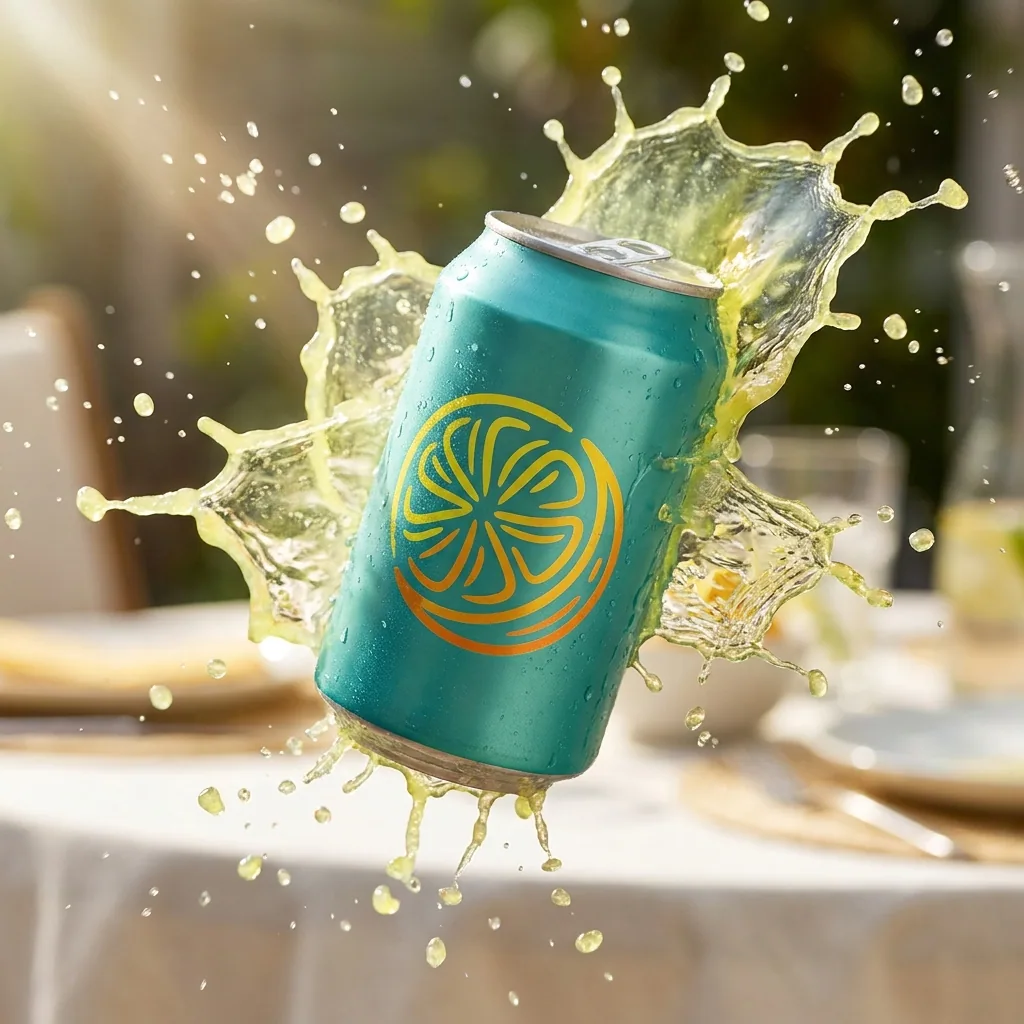
Photos for a drinks range
Turn your can and bottle photos into a campaign set for a drinks brand: clean pack shots, cold studio shots with ice, and scenes for social.
- Your shop
- Trade sites


Home, food and pet brands4 steps
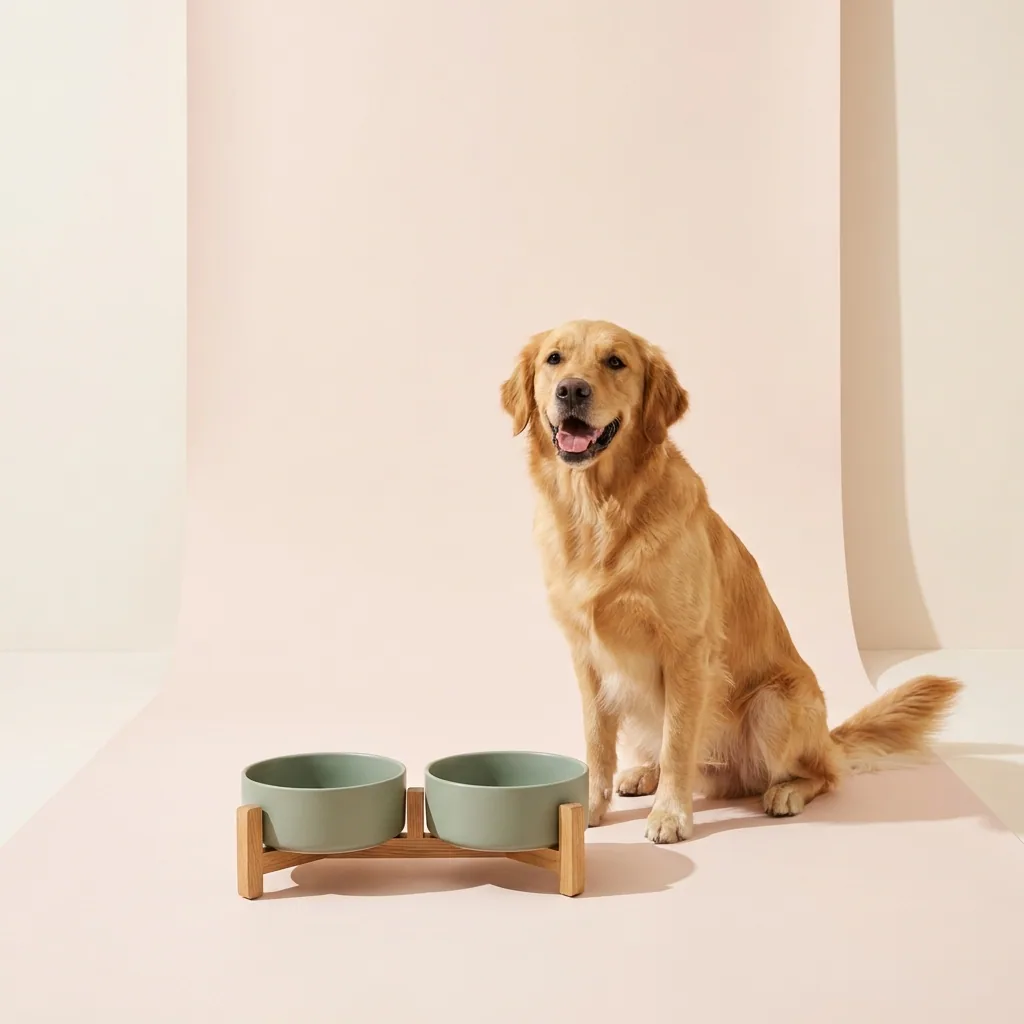
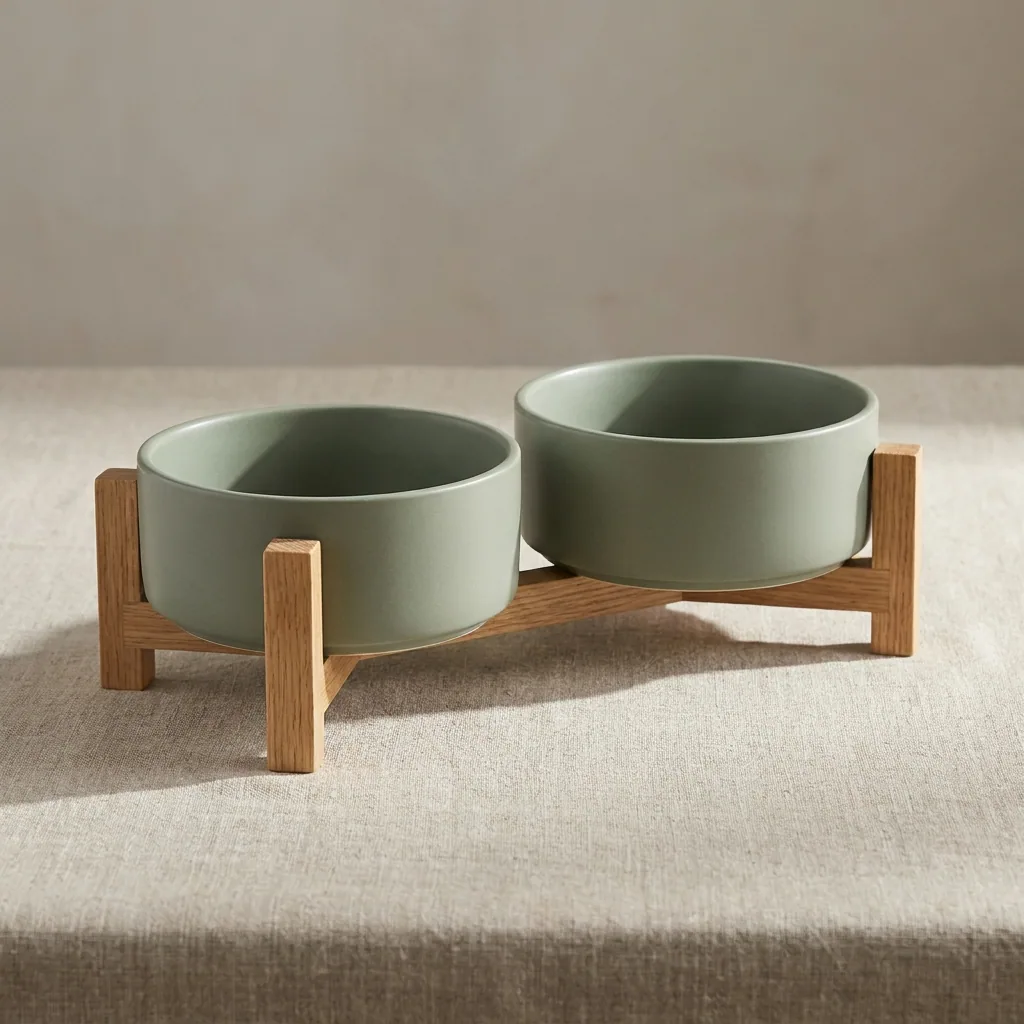
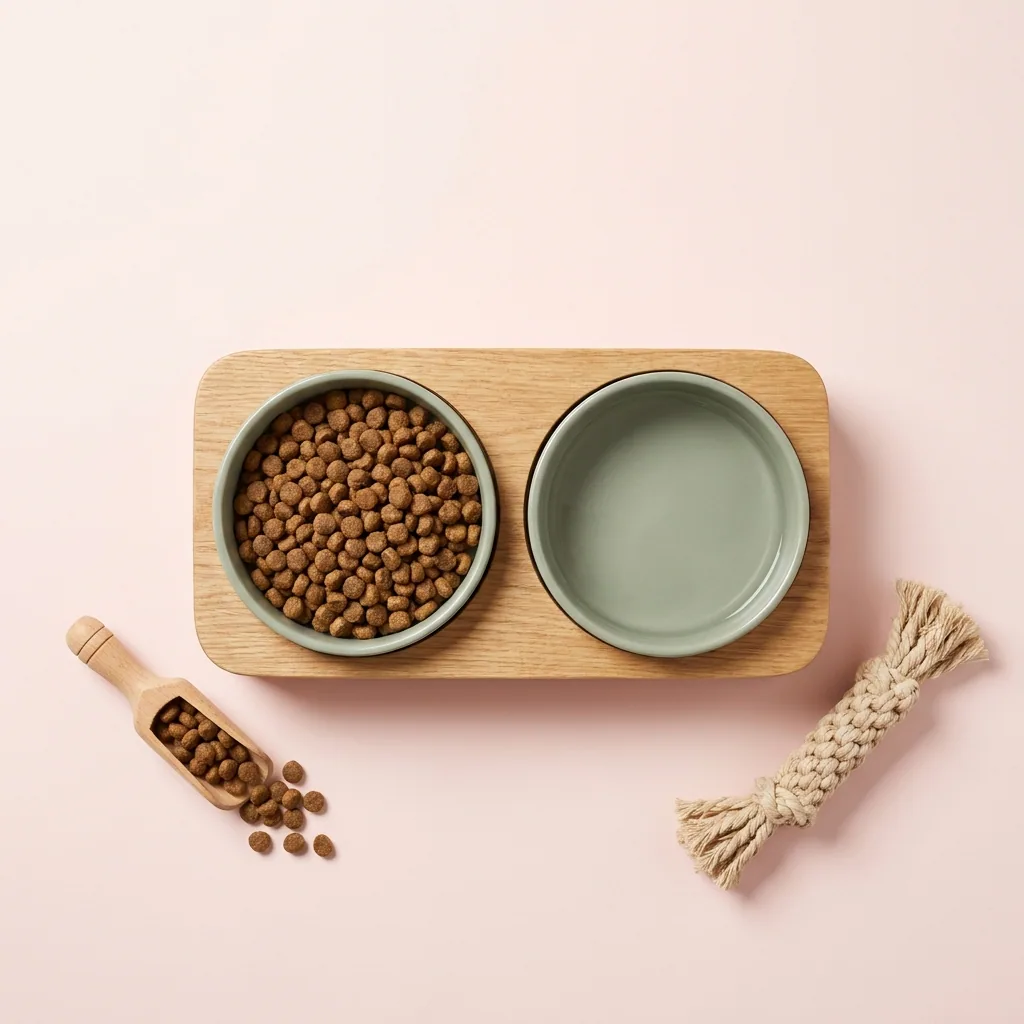
Photos for a pet range
Turn your pet product photos into clean shop pictures, a kitchen scene, a flat shot from above and a shot with a generated dog, all in one look.
- Your shop
- Marketplaces
2 guides
Agencies and studios
The same picture set for every client, in each client’s own brand, with the cost shown before each run so you can quote the client first.

Agencies and studios5 steps
One look per client
Give each client their own brand record. Every new picture then reads that record. The work looks right in the shop, on social and in ads.
- Client shops
- Client social
- Client ads


Agencies and studios4 steps
One ad, every size
Take one ad the client already approved. Rebuild it at every size and in every language you sell in. Each layout is drawn again, not stretched.
- Meta
- TikTok
- Display
Who it is for
Does that sound like you?
Scaling without compromising quality.
Anyone can make an AI picture. Making hundreds that still look like your brand is the hard part. You want to create more content for your organic socials and paid ads without spending your entire ad budget on content creation, and without compromising your brand's quality or reputation.
- Generate images and video clips with AI
- AI workflows like changing models, clothes and scenes
- Editing videos into fully animated ads and reels

Everything in one place
Everything you need, in one place
The full workflow from the first product photo to the finished ad, in one subscription. Each recipe starts from a photo you already have, so the result is your product, in your look.
Scale content without limits.
Generate content for your products or services with AI, starting today, and keep your brand on every piece.