Community
Community
The Community is a shared library of workflows. Browse pipelines other creators have published, copy them into your account, and share your own.
Step 1: Browse by category
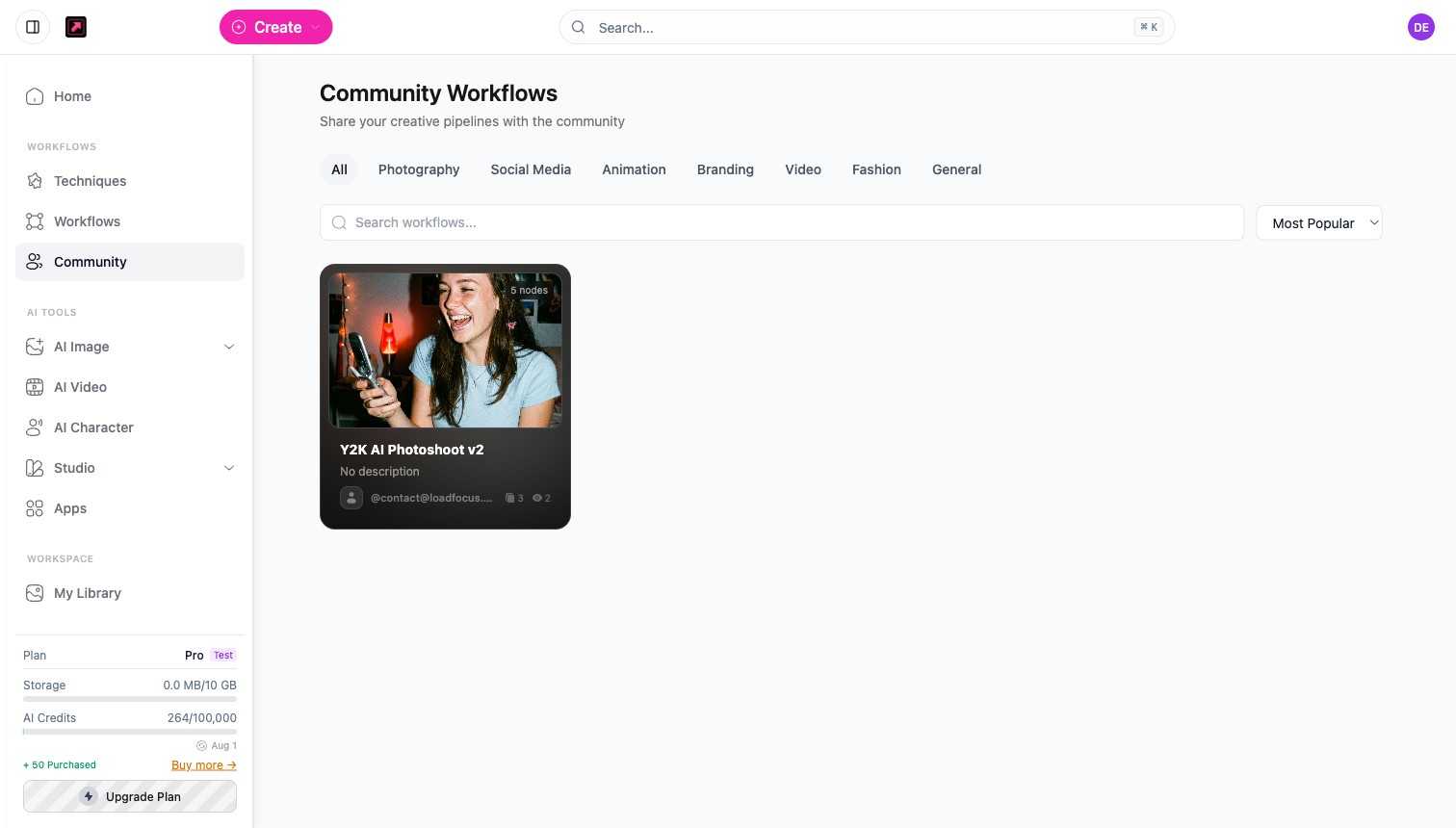
Open Community from the sidebar. Filter by category along the top: All, Photography, Social Media, Animation, Branding, Video, Fashion, and General.
Step 2: Search and sort
Use the search box to find a workflow by keyword, and the sort control (for example Most Popular) to surface the best ones first.
Step 3: Copy a workflow
Open any shared workflow to see what it does, then copy it to your account. It lands in your Workflows, where you can run it as-is or edit its nodes on the canvas.
Step 4: Publish your own
Built something useful? From a saved workflow, publish it to the Community so others can discover and copy it. Pick the category that fits, and your pipeline joins the shared library. Sharing your creative pipelines helps the whole community move faster.
Related
- Workflows and the Canvas - build the pipelines you publish.
- Techniques and Templates - the built-in recipes to start from.