Chrome Extension
Chrome Extension
The DesignerBox Chrome extension puts image and video generation in a browser side panel, so you can create while you browse without opening the app. It uses your existing DesignerBox account and credits.
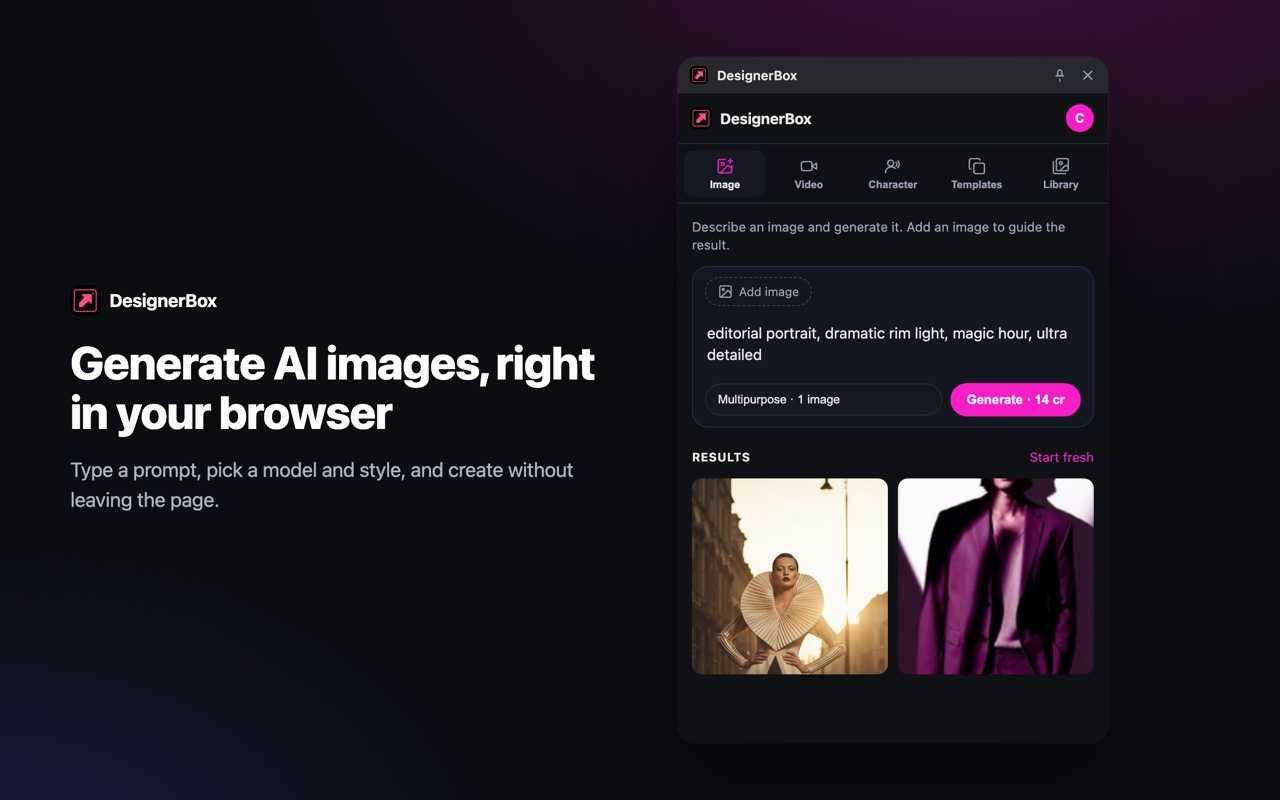
Install and sign in
- Install DesignerBox: AI Image and Video Generator from the Chrome Web Store (Chrome 116 or newer).
- Sign in at https://designerbox.ai in the same browser; the panel picks up your session automatically.
- Open the panel from the toolbar icon, with Alt+Shift+D, or by typing
dbin the address bar.
What you can do
- Generate from anywhere - write a prompt in the side panel and generate images or video on top of whatever page you are on.
- Use the page as input - right-click any image and choose Use image in DesignerBox to add it as a reference, or right-click selected text to turn it into a prompt.
- Reference your assets - type @ in the prompt to mention images from your library as references.
- Apply templates - run the same curated templates as the app.
- Take results with you - copy a result to the clipboard or drag it straight onto a page or your desktop; everything is also saved to My Library.
Video and character generations keep running in the background, and the extension notifies you when they finish.
Credits
The extension spends the same monthly credits as the app; there is no separate allowance. See Plans, Credits, and Limits.