Cinema Studio
Cinema Studio
Cinema Studio generates cinematic, film-look images and video. Instead of only writing a prompt, you choose the gear, a camera body, lens, focal length, and aperture, then describe the shot you want.
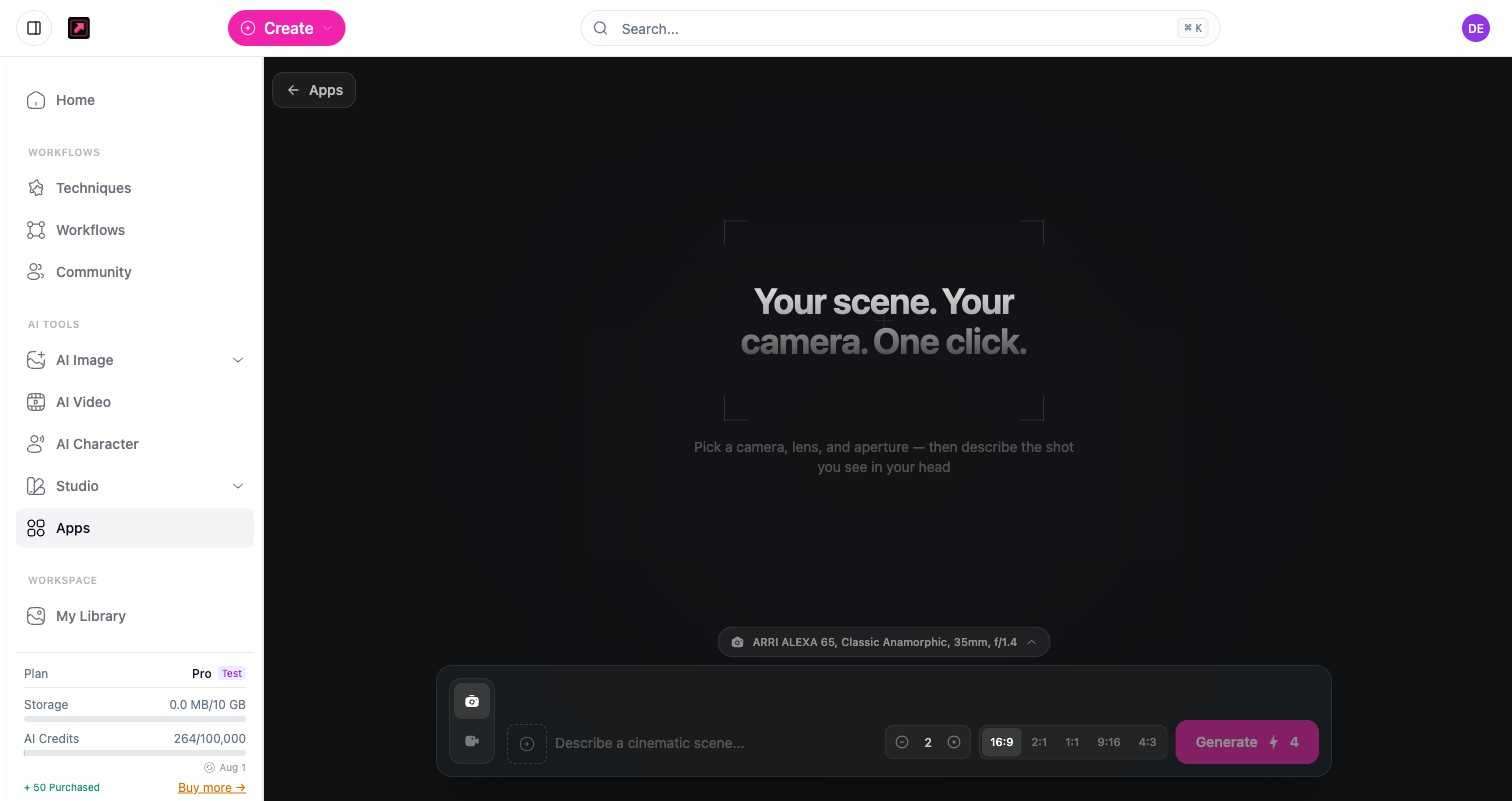
Camera controls
Set up your shot the way a cinematographer would:
- Camera body - eight options, including ARRI ALEXA 65, RED V-Raptor, Sony Venice 2, Hasselblad X2D, Panavision DXL2, Blackmagic URSA, Canon C500 II, and Leica SL3.
- Lens - eight options, from Classic Anamorphic and Master Prime to Vintage Cooke, Panavision Primo, Canon Sumire, Kowa Anamorphic, Sigma Cine, and Tilt-Shift.
- Focal length - 14mm through 200mm.
- Aperture - f/1.2 through f/11, to control depth of field.
- Aspect ratio - 16:9, 1:1, 9:16, or 4:3.
Credits
Cinema Studio images cost 2 credits each, so a batch is 2 credits per image. Video is priced per second of output by the chosen model (for example the default Kling 2.5 Turbo Pro at 7 credits per second), so cost scales with duration. The exact cost is shown before you generate. See Plans, Credits, and Limits.
Where to find it
Open Cinema Studio from the Apps library.