AI Character
AI Character
AI Character creates consistent, reusable characters. From a single description you get a set of poses with the same identity, so you can reuse one face and style across all your visuals.
Step 1: Open AI Character
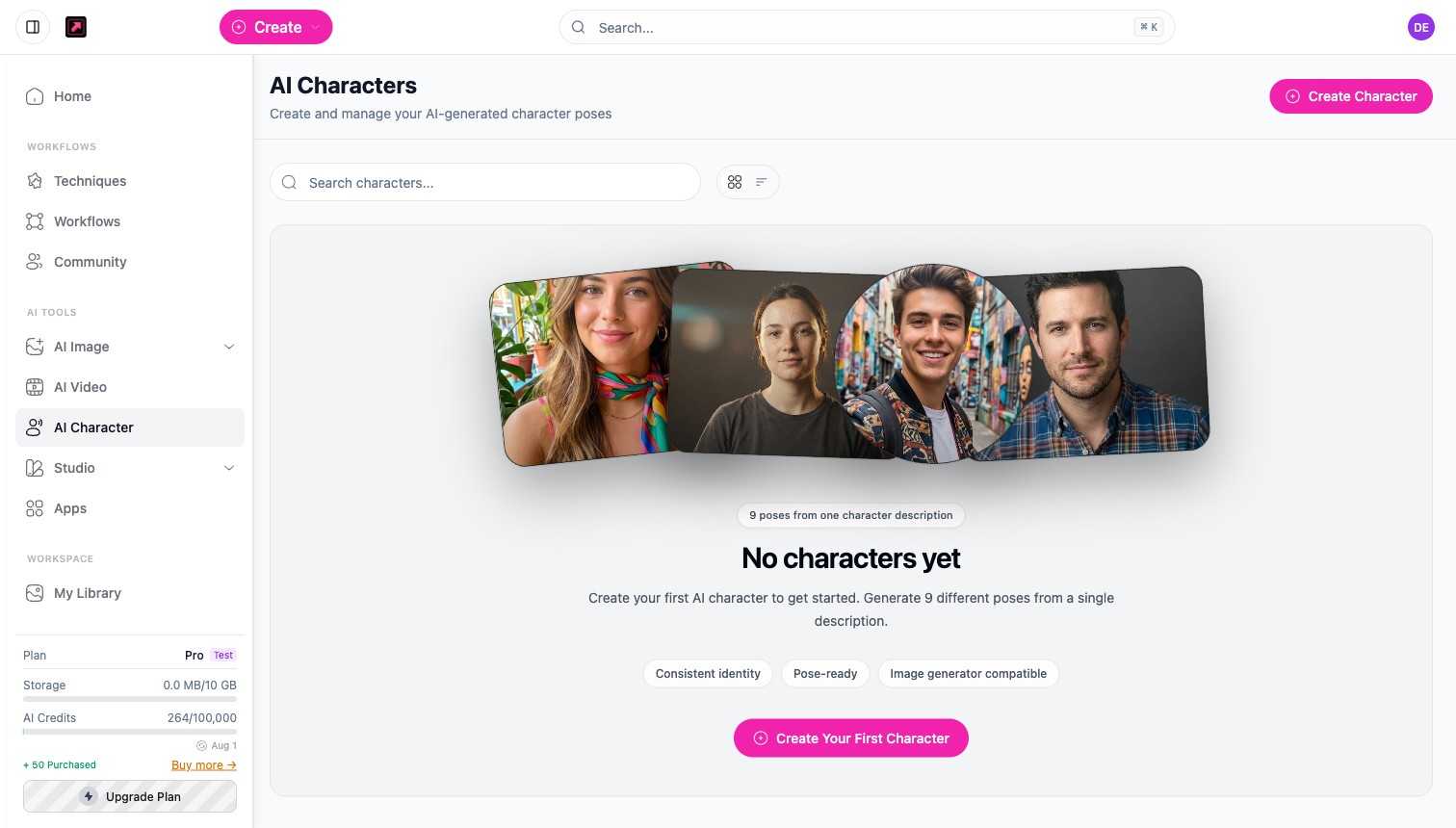
Open AI Character from the sidebar to see your characters. Select Create Character (or Create Your First Character) to start.
Step 2: Describe your character
Write a description of the person you want. DesignerBox generates nine different poses from one description, all sharing the same identity, so the character stays recognizable from shot to shot.
What you get
Characters are:
- Consistent identity - the same face across every pose and scene.
- Pose-ready - a set of poses you can pick from.
- Image-generator compatible - drop a character into AI Image or onto the canvas so your generations feature the same person.
Step 3: Use your character
Reuse a character in techniques and workflows, for example to place the same model into virtual try-on shots or product scenes. Because a character generates several images, it costs more credits than a single image; the cost is shown before you generate. See Plans, Credits, and Limits.
Ready-to-use models
If you would rather not build a character, the Meet your AI models row on your home screen offers a curated roster of ready-made models. Pick one and use it straight away in your generations, the same way you would use a character you created yourself.