Building Workflows on the Canvas
Building Workflows on the Canvas
A workflow is your own AI media pipeline for image and video generation. You build it on the node canvas by connecting building blocks, then run it as many times as you like.
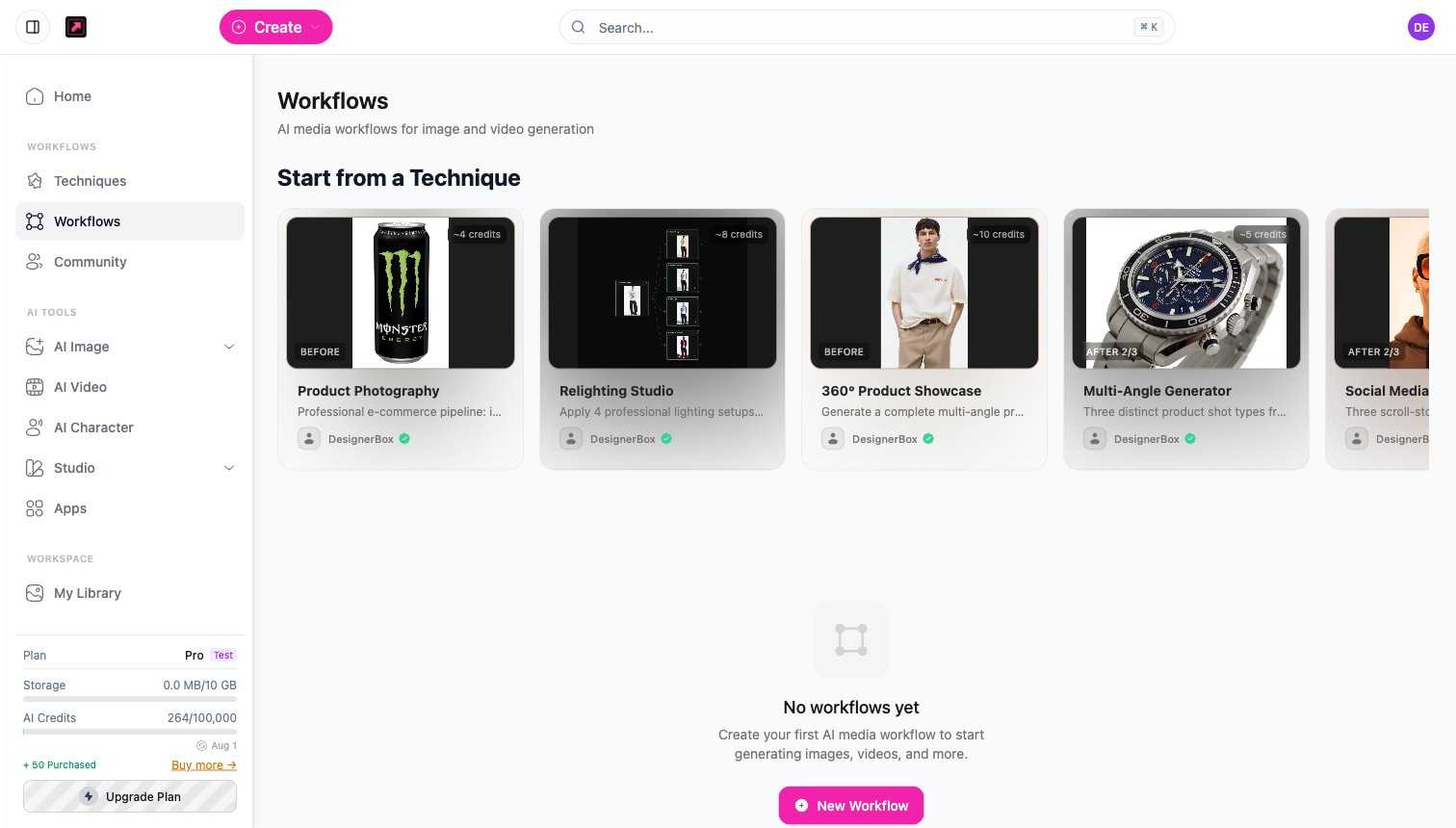
Start a workflow
Open Workflows from the sidebar, then either:
- Select New Workflow to build a custom pipeline from scratch, or
- Start from a Technique to begin with a ready-made recipe and edit it.
Build with nodes
On the canvas, click Add Node (the + button in the toolbar) to open the node palette, then add and connect nodes. Each node does one job, for example bring in an image, remove a background, relight, or upscale. The output of one node feeds the next, so the canvas describes the whole generation step by step.
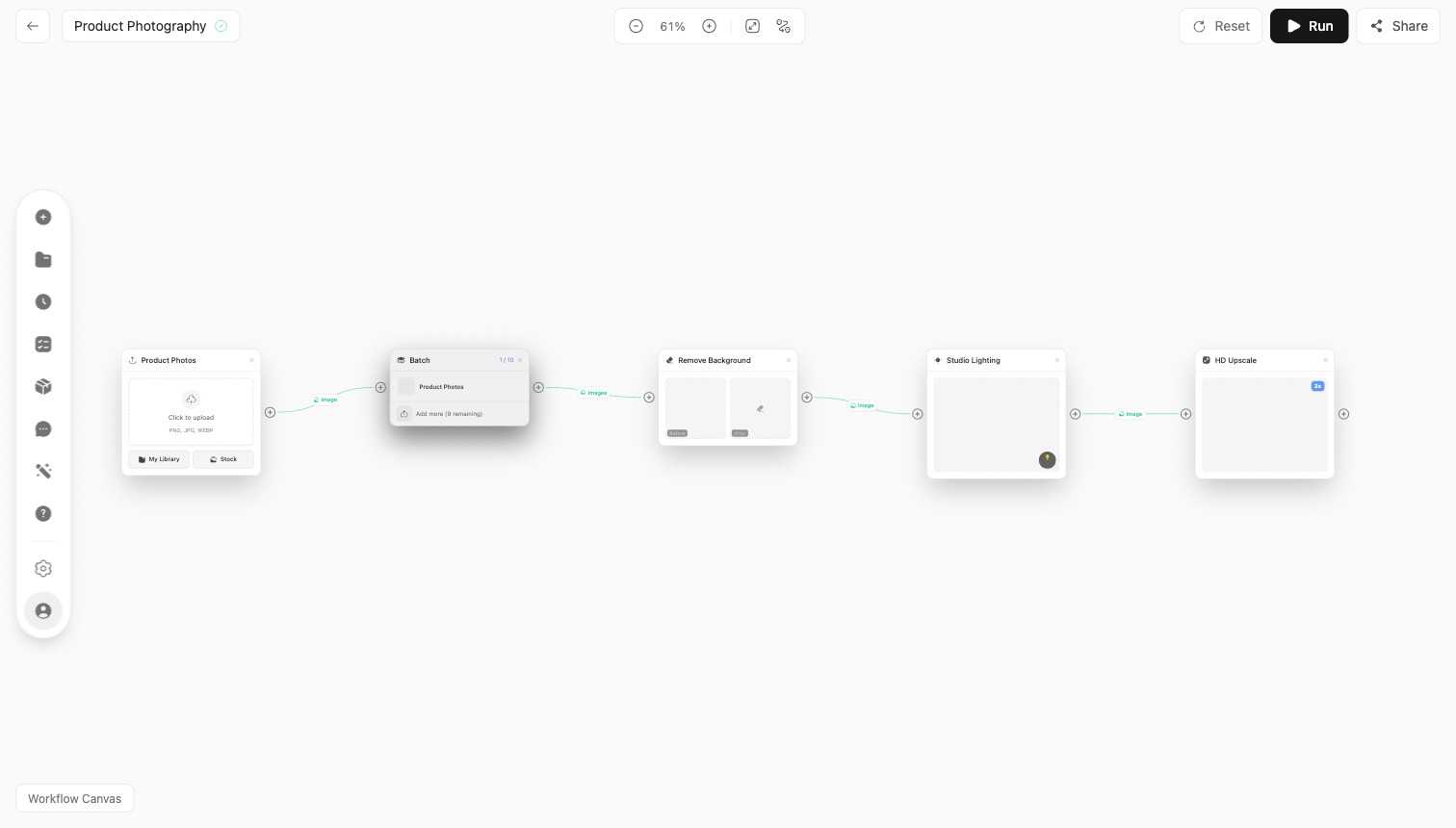
See the node reference for what each node does.
Run, save, and share
Run the workflow to generate your output. Save it to My Workflows to reuse later, and publish it to the Community so others can copy it.
Learn more in Workflows and the Canvas.