Video Studio
Video Studio
Video Studio is a timeline video editor. Bring together video clips, text overlays, and audio into one composition, then render a finished MP4, or describe a video and let AI build the edit for you.
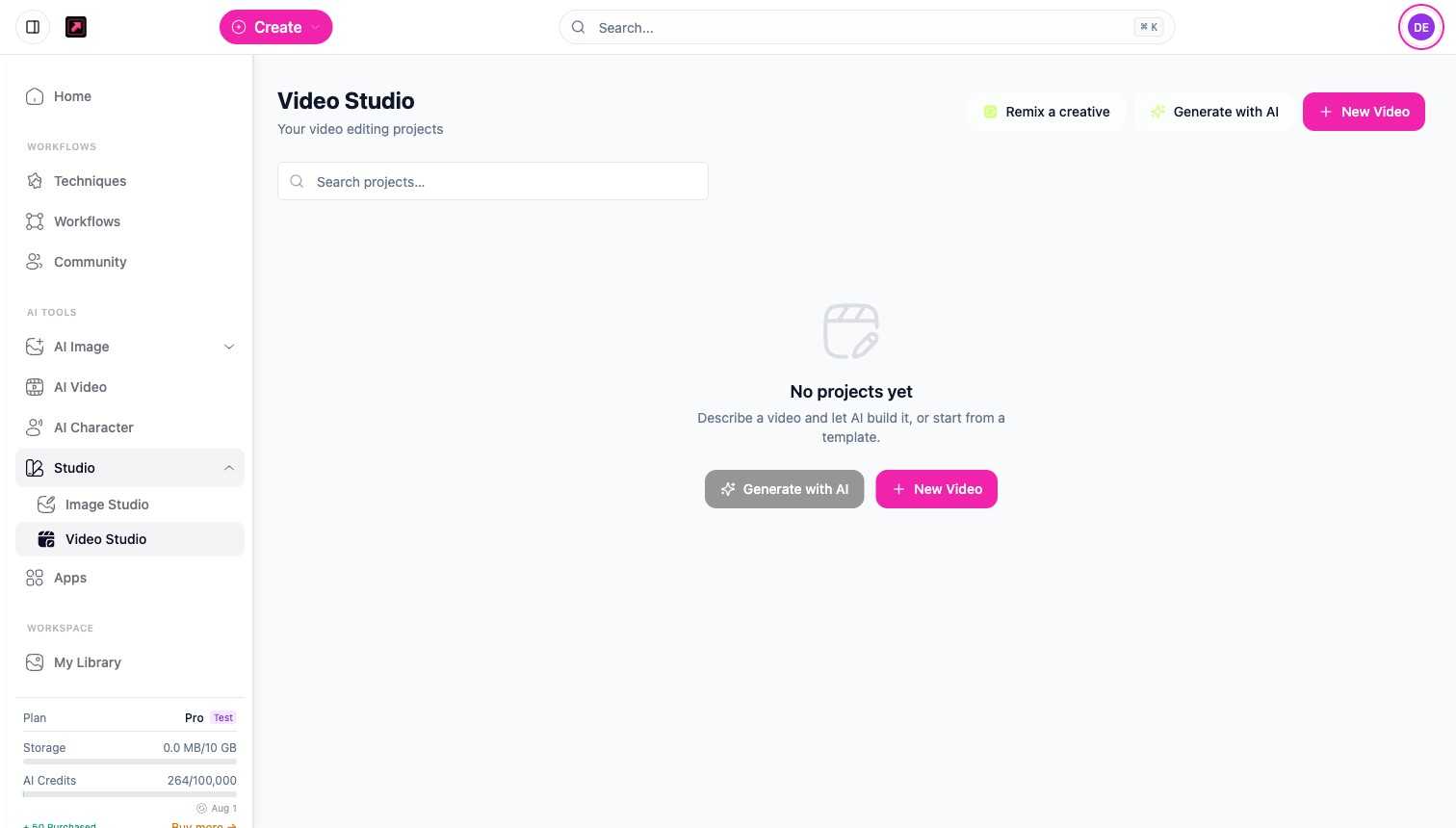
Ways to start
- New Video - open a blank timeline and build the edit yourself.
- Generate with AI - describe the video you want and DesignerBox plans a short storyboard (up to six shots) and assembles a first draft you can refine.
- Remix a creative - start from an existing piece and rework it.
Build on the timeline
Add and arrange your pieces on the timeline:
- Clips - up to 20 video clips, from your Library, an AI Video generation, or the stock library.
- Text overlays - captions and titles, including auto-generated captions timed to your audio.
- Audio - background music or voiceover, from your own files, the stock library, or AI music and voiceover.
A finished video can run up to five minutes. Projects autosave as you work, and earlier versions are kept so you can step back.
Render
When the edit is ready, render it to a single MP4. A render costs 25 credits, charged once the render finishes successfully, and the cost is shown before you start. See Plans, Credits, and Limits.
Related
- AI Video - generate the clips you assemble here.
- Stock library, voiceover, and captions - the media and audio you can add.
- My Library - where finished videos are saved.