DesignerBox AI
DesignerBox AI
DesignerBox AI is the built-in assistant: a chat that works inside your workspace. Describe what you need in plain language and it brainstorms, generates, and refines with you, keeping every conversation saved so you can pick it up later.
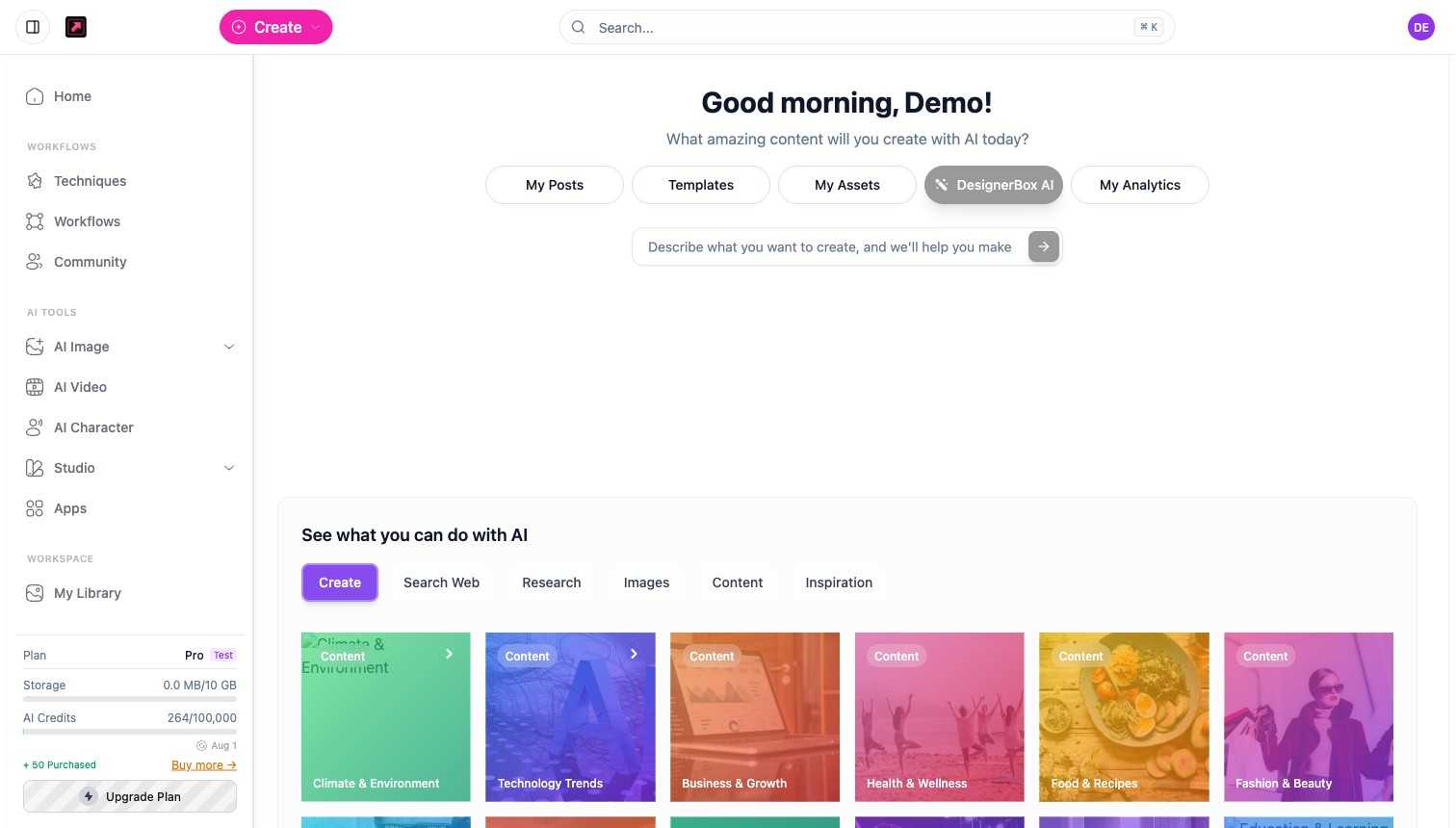
Start a conversation
Open DesignerBox AI at app.designerbox.ai/ai-assistant. Start typing in the prompt box, or pick a starting point: Create, Search Web, Research, Images, Content, or Inspiration. Past conversations are listed so you can continue where you left off.
What it can do
- Generate media in the chat - ask for an image or a video and it generates right there, using the same models and credits as the rest of DesignerBox.
- Brainstorm and research - generate ideas, explore a topic, or pull together background before you create.
- Work with your images - attach an image and ask questions about it, or use it as the starting point for a generation.
- Refine text - tighten a prompt or caption, or change its tone (more concise, more creative, more descriptive).
Credits
Chat replies that only produce text cost little (a few credits at most per request). When the assistant generates an image or video, the normal model cost applies, the same as generating from AI Image or AI Video. See Plans, Credits, and Limits.