Plans, Credits, and Limits
Plans, Credits, and Limits
DesignerBox plans set how much storage you get and how many AI credits you can spend each month. Your current plan, storage, and remaining credits are always shown in the sidebar.
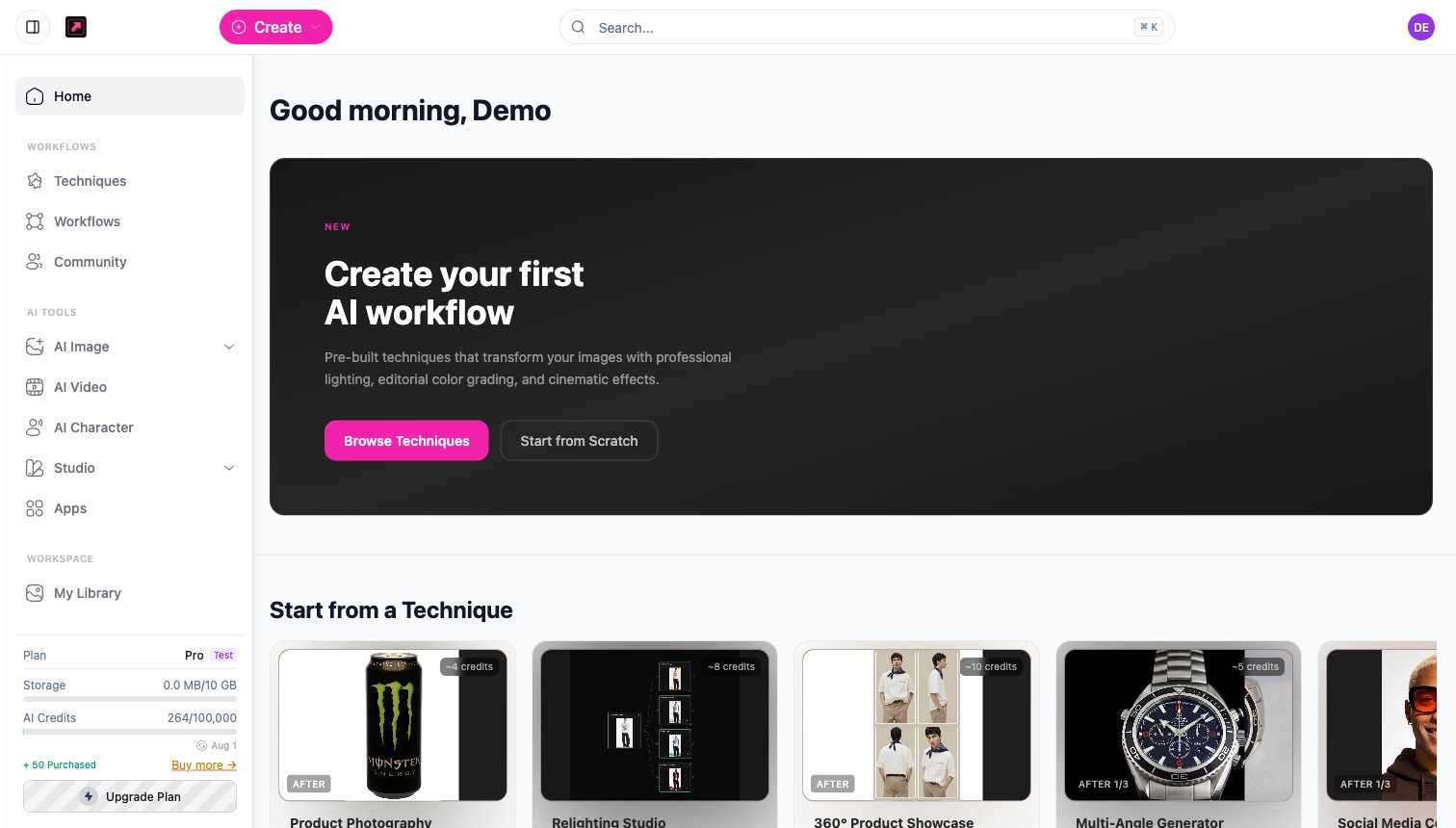
Plan comparison
| Plan | Storage | AI credits per month |
|---|---|---|
| Free | 10 MB | 112 |
| Basic | 500 MB | 500 |
| Pro | 2 GB | 1,000 |
| Premium | 10 GB | 2,500 |
| Ultra | Unlimited | 8,000 |
Each paid plan has a monthly and a yearly billing option. The Ultra plan is built for teams: members share the workspace and the credit allowance scales with the number of users. New paid subscribers start with a trial allowance of 112 credits until the subscription activates. Some features are also plan-gated: AI Video needs the Pro plan or higher.
How credits work
Credits are the single currency for AI generation. Different actions cost different amounts, and the exact cost is always shown before you run:
- Images - the cost depends on the model and settings you pick, shown on the Generate button.
- Techniques - each technique card shows its credit cost (often a few up to around twenty credits).
- Upscaling - basic upscaling costs a little; higher-quality Magnific upscaling costs more.
- AI Character - an avatar set generates several images, so it costs more than a single image.
- Video - cost scales with the model, resolution, and duration, so longer or higher-resolution clips cost more.
Credit packs
If you run out before the month does, you can buy a one-off credit pack from your billing settings: Starter (100 credits for $5), Standard (500 credits for $20), or Bulk (1,500 credits for $50). Purchased credits are spent after your monthly allowance runs out, and they stay valid for 12 months.
Storage
Generated images and videos count toward your plan's storage, shown in the sidebar and in My Library. Upgrade for more storage and credits. For common questions, see Pricing FAQs.