
Model Context Protocol
DesignerBox MCP turns any AI into a creative studio
Connect DesignerBox to Claude Code, Cursor, ChatGPT and Claude Desktop. Generate on-brand images, product videos and avatars right from your chat, then edit, restyle and reuse your whole design library without leaving the conversation.
Copy your MCP server URL
You will paste this into your AI client.
https://mcp.designerbox.ai/apiAdd the connector
In Claude Desktop or Claude.ai, open Settings then Connectors, click Add custom connector, name it DesignerBox and paste the URL.
Open in Claude DesktopIn ChatGPT, open Settings then Connectors, add a connector in developer mode and paste the URL, then authorize the DesignerBox sign-in.
Add DesignerBox to your Cursor MCP config, then authorize when prompted.
{ "mcpServers": { "designerbox": {
  "url": "https://mcp.designerbox.ai/api",
  "transport": "http" } } }
Launch MCP Inspector, choose the Streamable HTTP transport, paste the URL and complete the OAuth prompt.
Generate a personal key in the DesignerBox app under Account then API Keys. It starts with apikey_ and works as a bearer token on every request.
POST https://mcp.designerbox.ai/api
Authorization: Bearer apikey_xxx
Content-Type: application/json
Sign in and create
Approve the DesignerBox sign-in once. Your client receives a scoped 30-day token, then you ask it to design.
Start calling tools
No sign-in needed. Your assistant calls the JSON-RPC 2.0 endpoint over HTTPS with your bearer token.
Not using Claude? See all connect options
Turn a prompt into on-brand images
Ask for product shots, campaign visuals or social posts. Your assistant reads your active brand profile and hands back finished, on-brand images in about 30 seconds.
Generate an image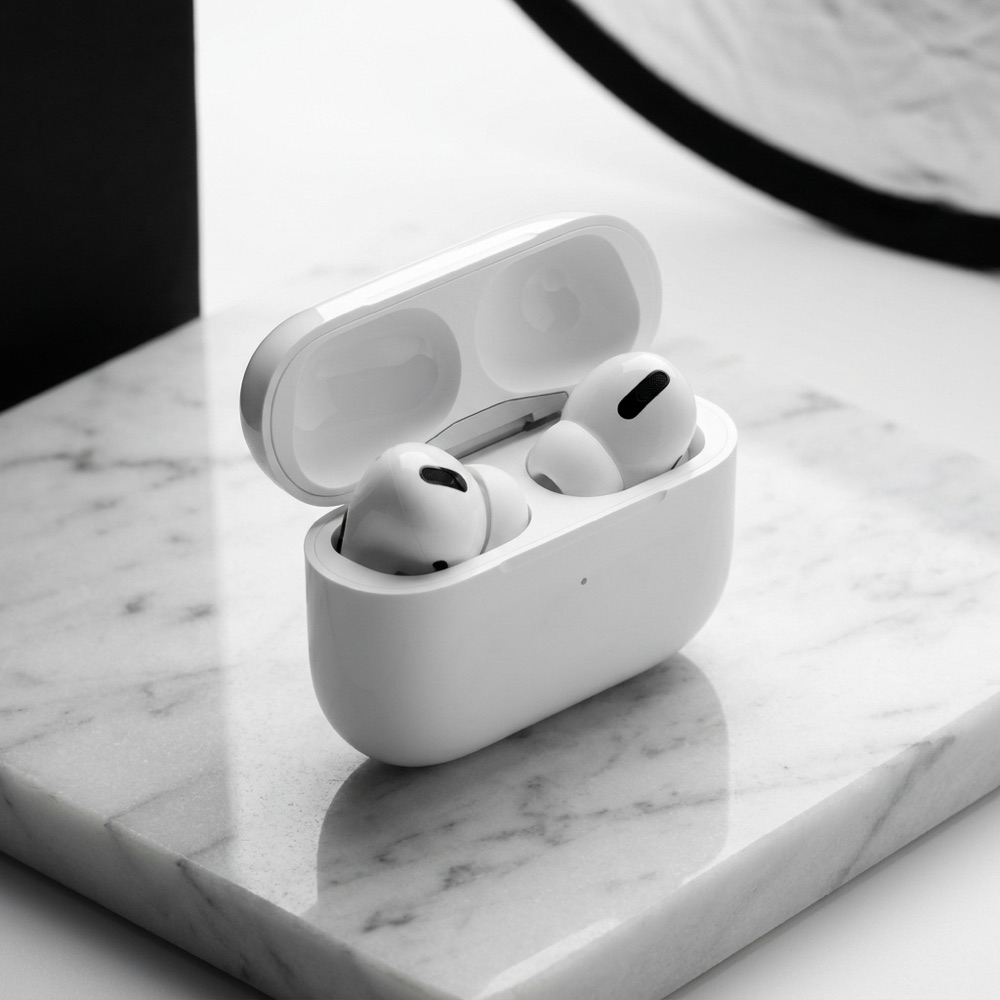
Here are four on-brand shots. Want a lifestyle set next?
Turn product pages into launch videos
Paste a product URL or a short brief. Your assistant pulls the details and returns a polished, ready-to-post launch video with motion and audio.
Create a video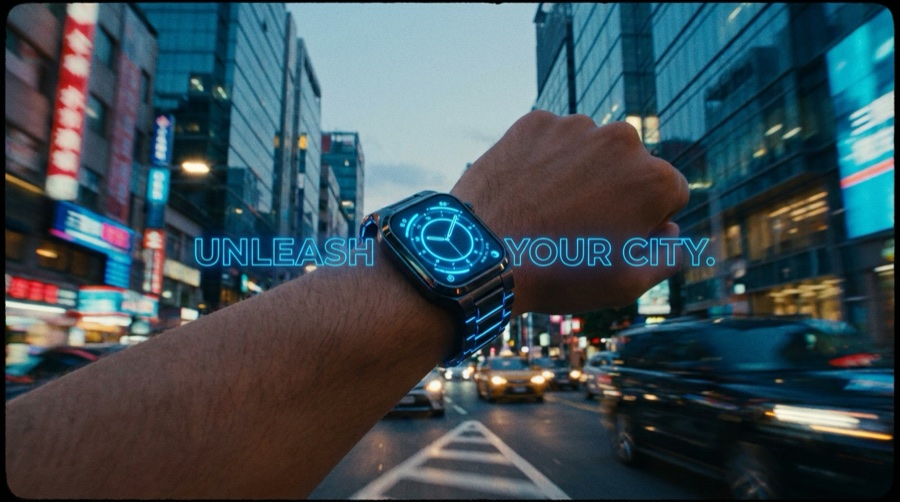 0:08
0:08Here is your launch cut. Want a 9:16 version for Reels?
Put your product on any model
Drop in a garment and a model brief. Your assistant dresses the model and returns editorial-ready shots you can drop straight into a campaign.
Try it on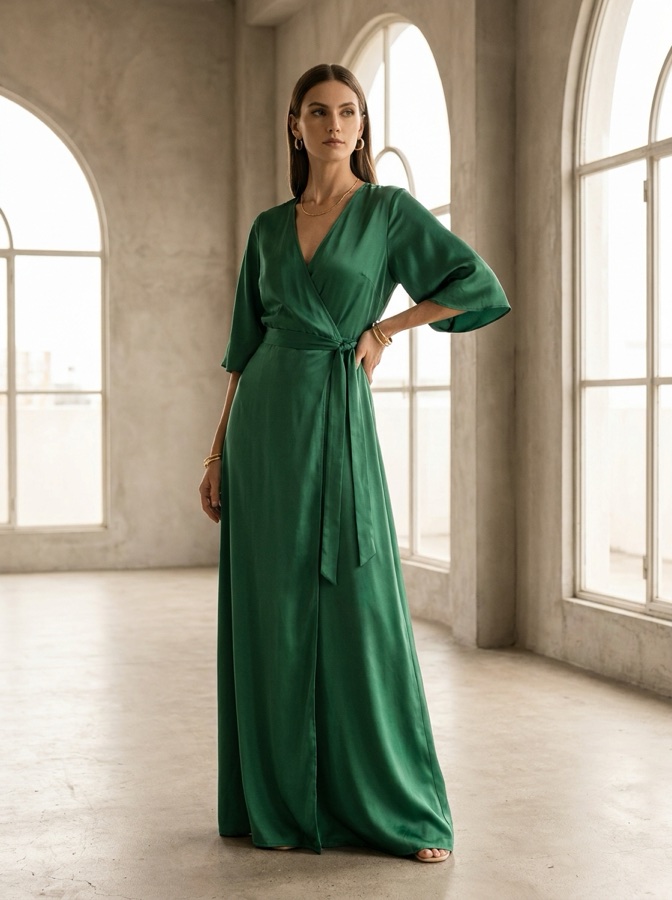
Styled and shot. Want more angles?
Create a reusable AI avatar
Describe a face or brand persona once. Reuse the exact same avatar across product shots, ads and social content, just by calling its name.
Create an avatar
Avatar ready and saved. Reuse it any time by name.
Animate product shots with cinematic motion
Start from a still, pick a camera move, and your assistant builds a cinematic clip that orbits your product in seconds.
Animate an image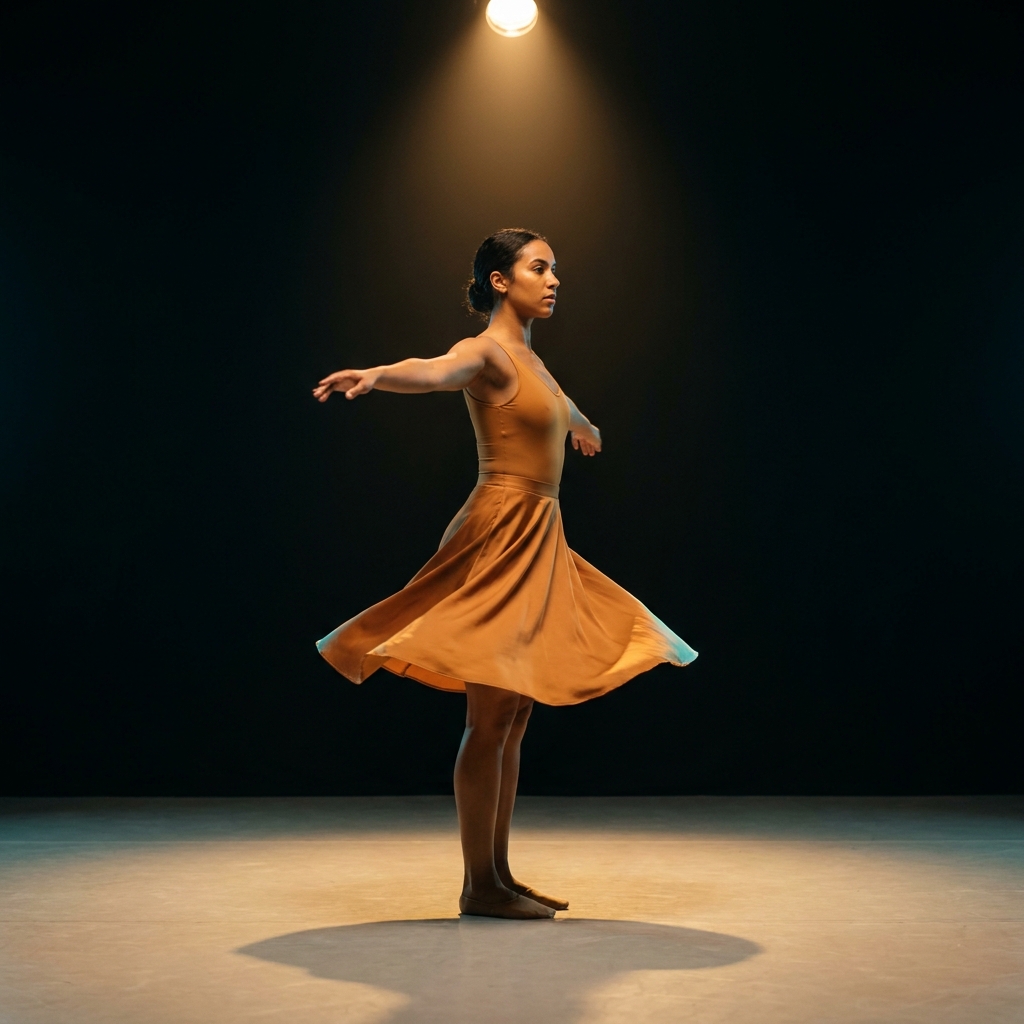 0:06
0:06Rendered your orbit. Download it or push it to your gallery.
Keep your whole library on brand
Run a named workflow and your assistant audits recent designs, flags anything that drifts from your brand, and suggests fixes before you approve.
Audit my libraryThree flags found. Want me to draft brand-profile updates?
The best AI models, in one conversation
Your assistant picks the right engine for the job. You just describe the result you want.
Every DesignerBox app, one message away
Flat lays, product ads, try-on, retouch and more. Every one-click app is available to your assistant through MCP.
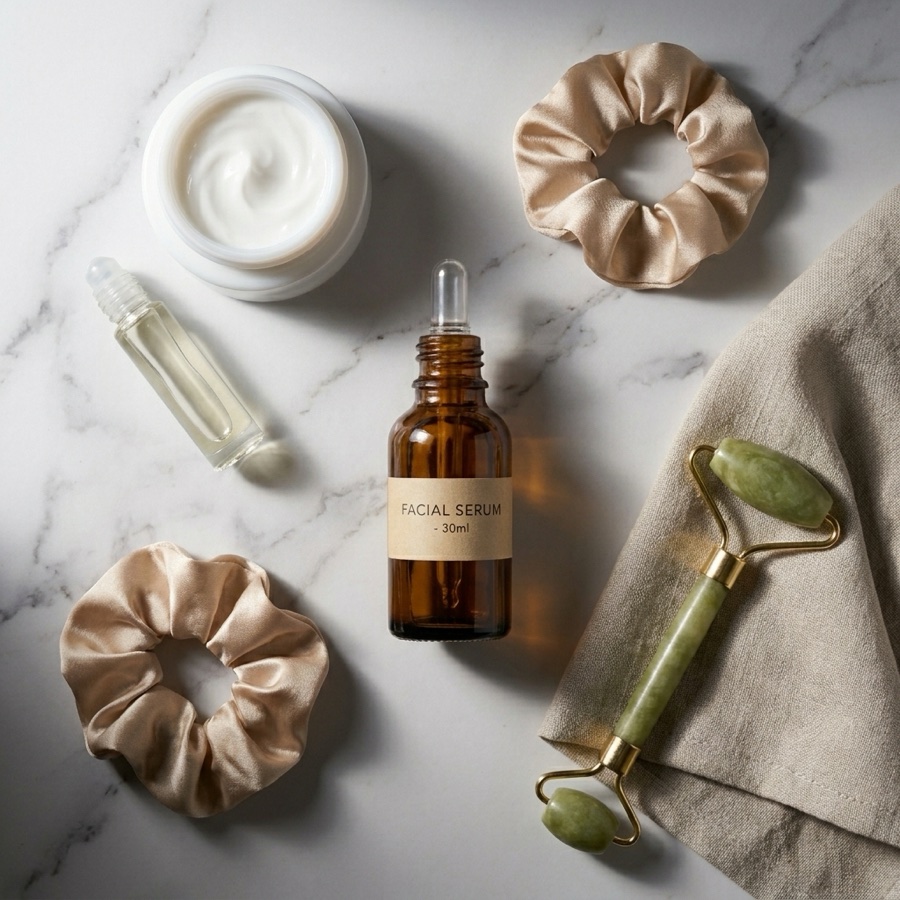

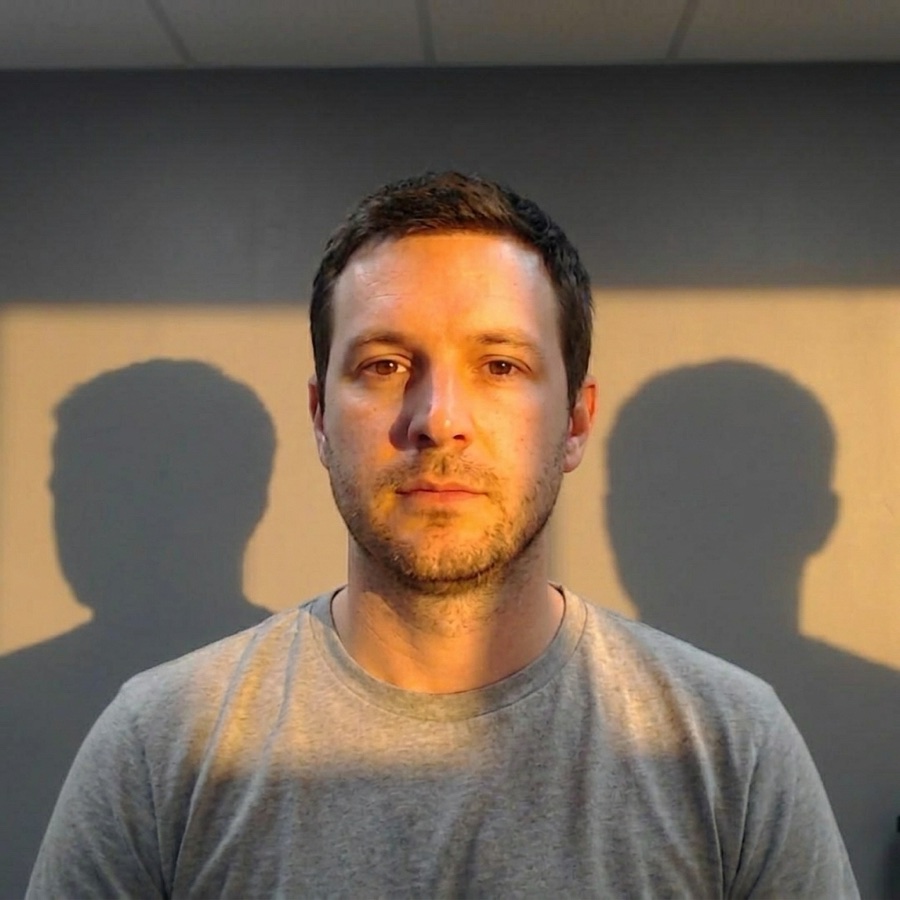
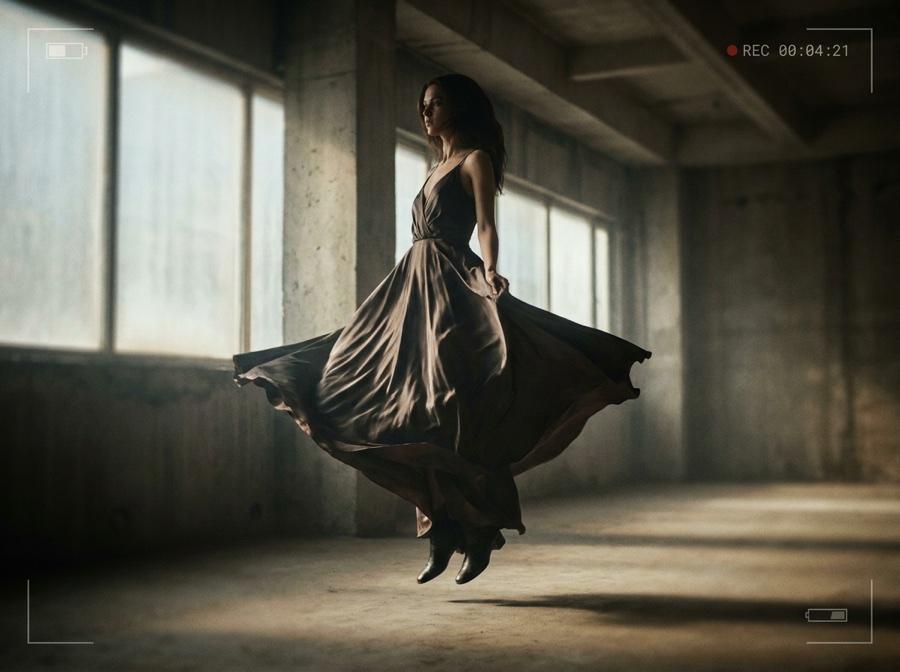
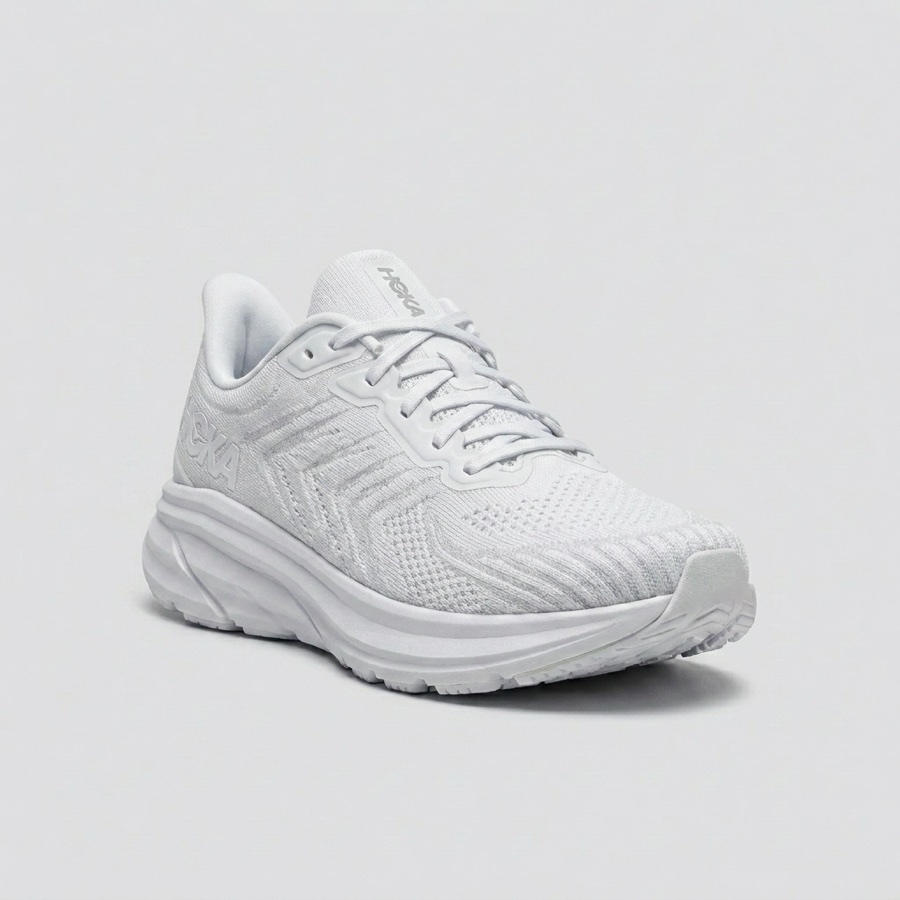
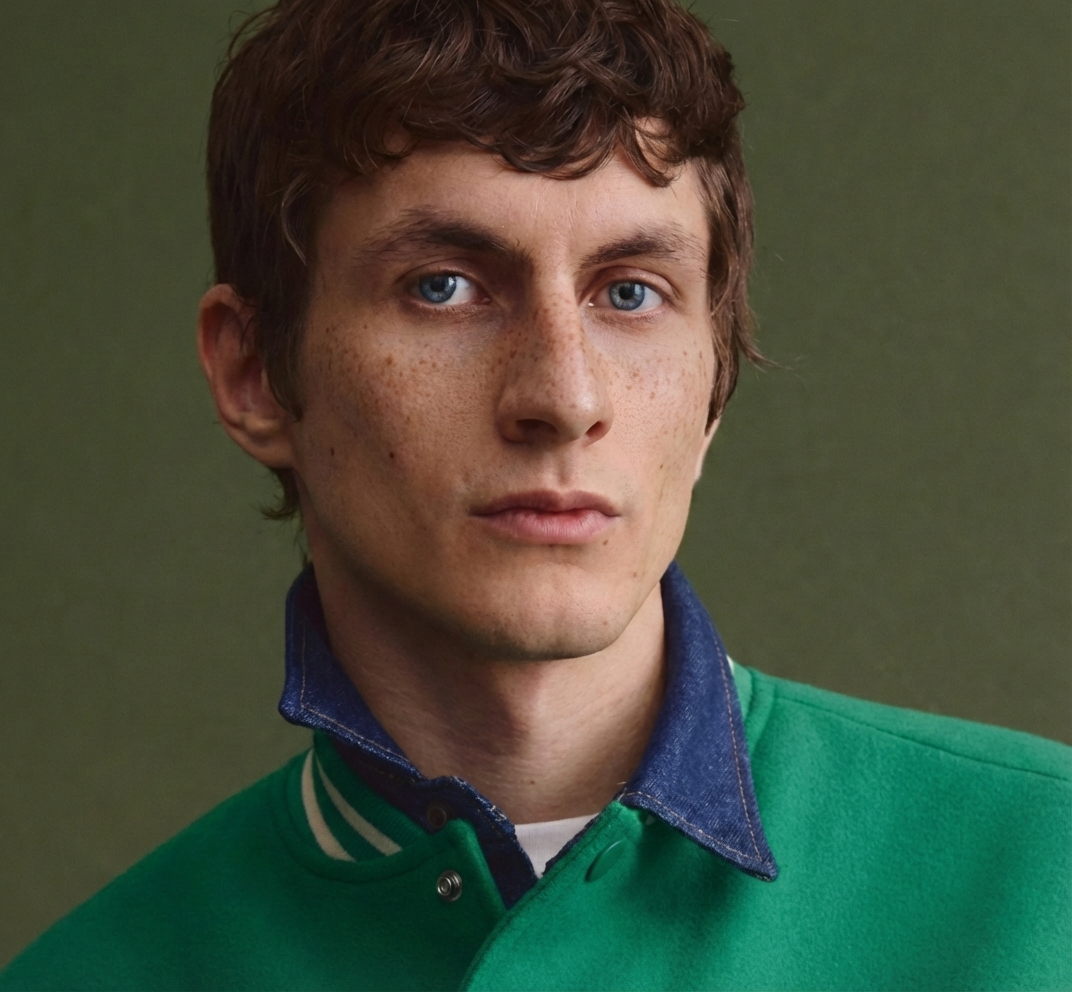
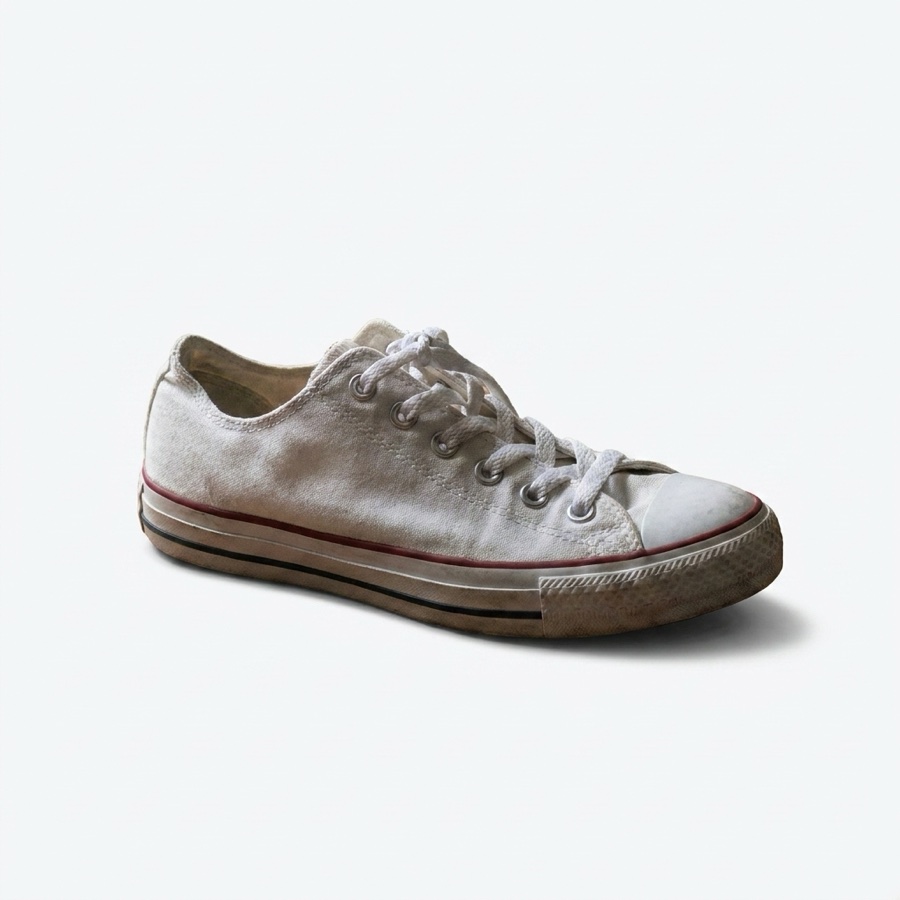
From concept to content in one conversation
Tell your assistant what you are working on. It picks the models and delivers production-ready results.
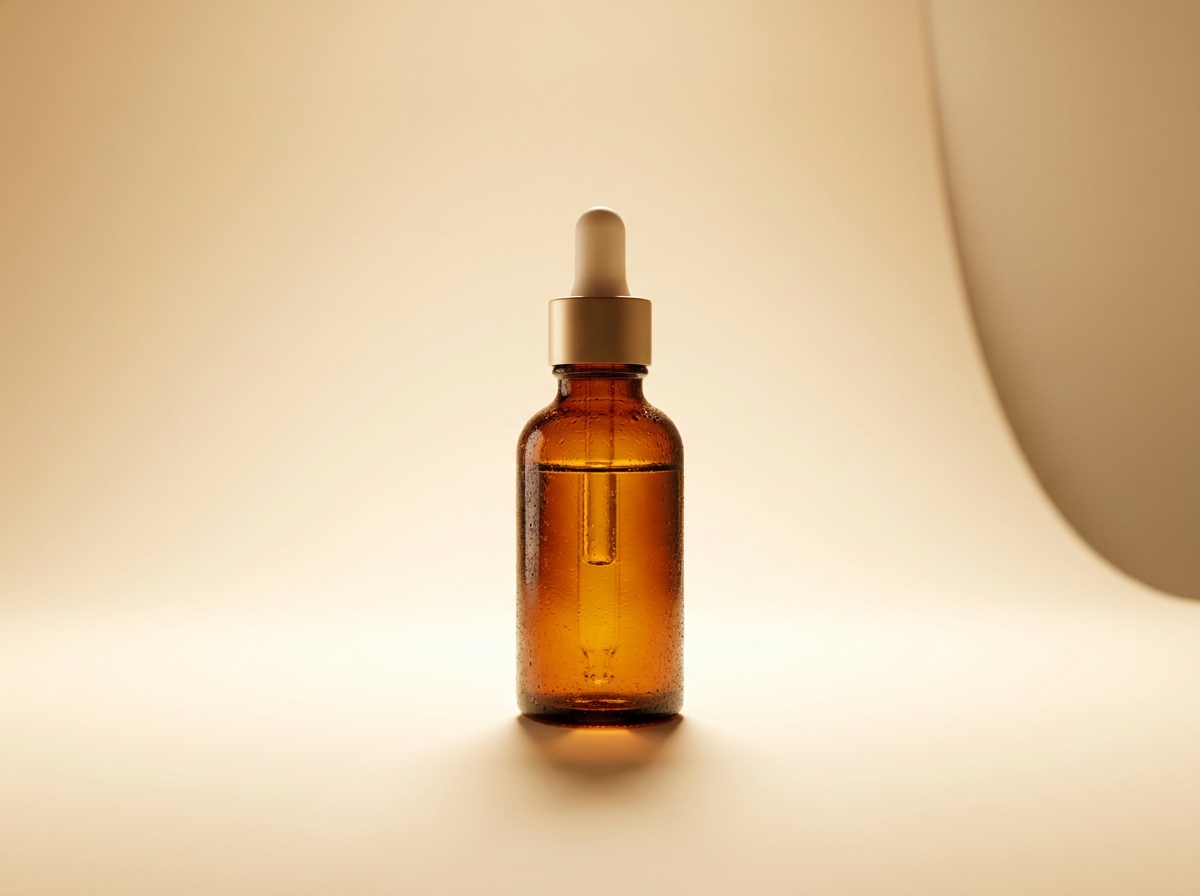
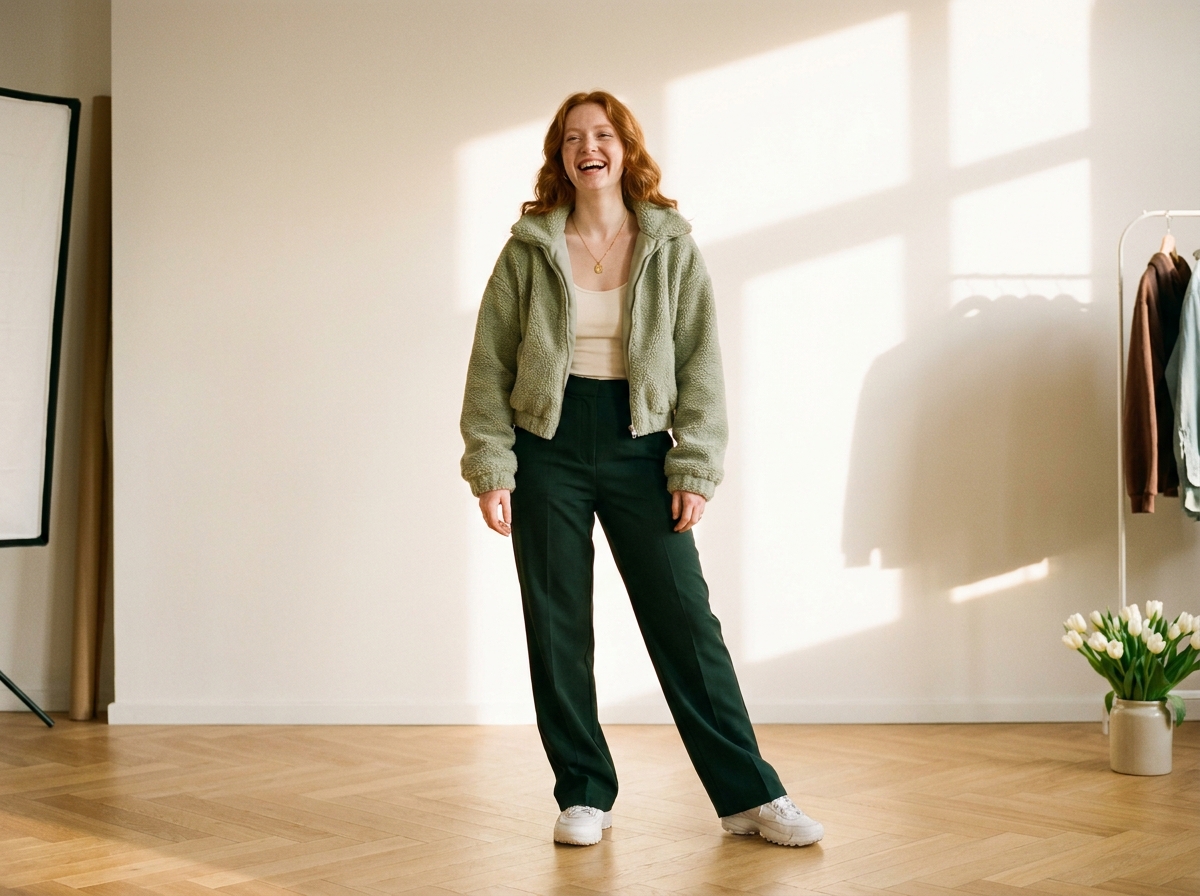
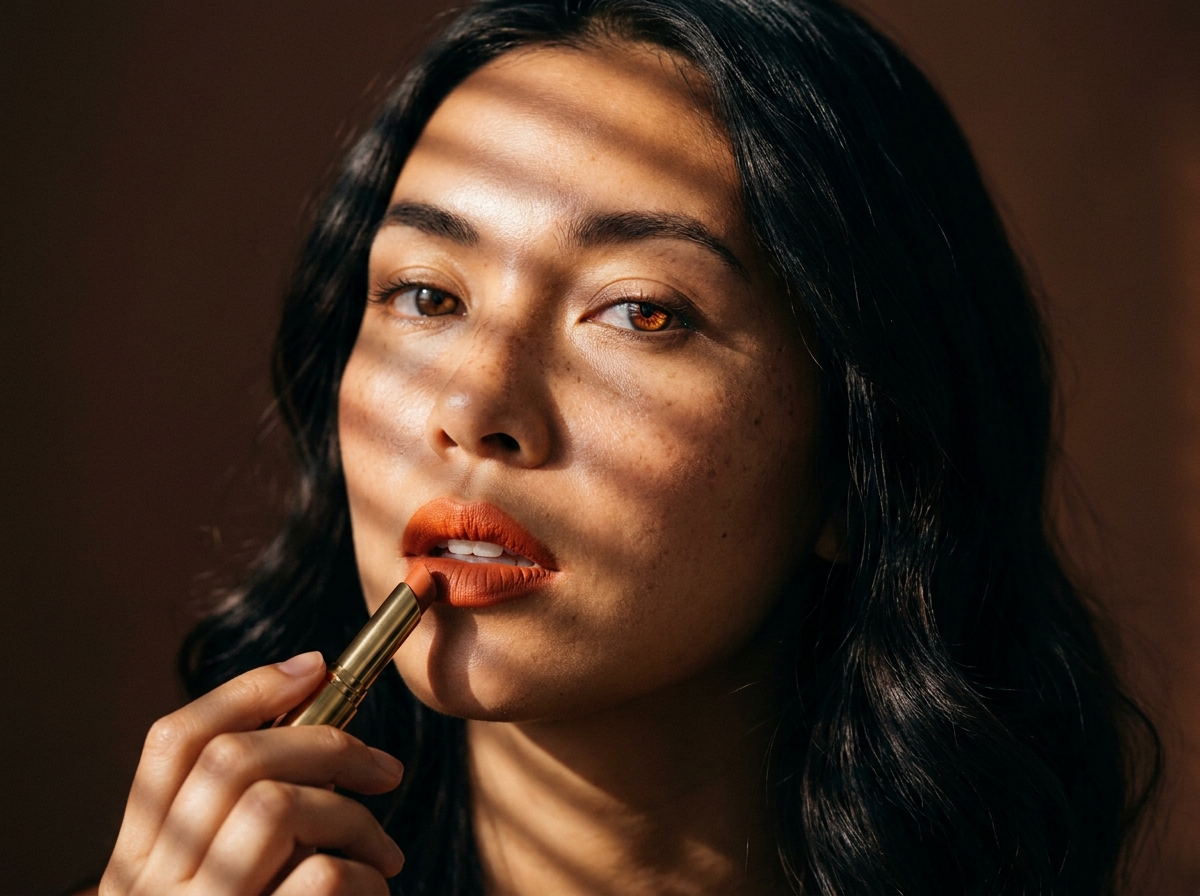
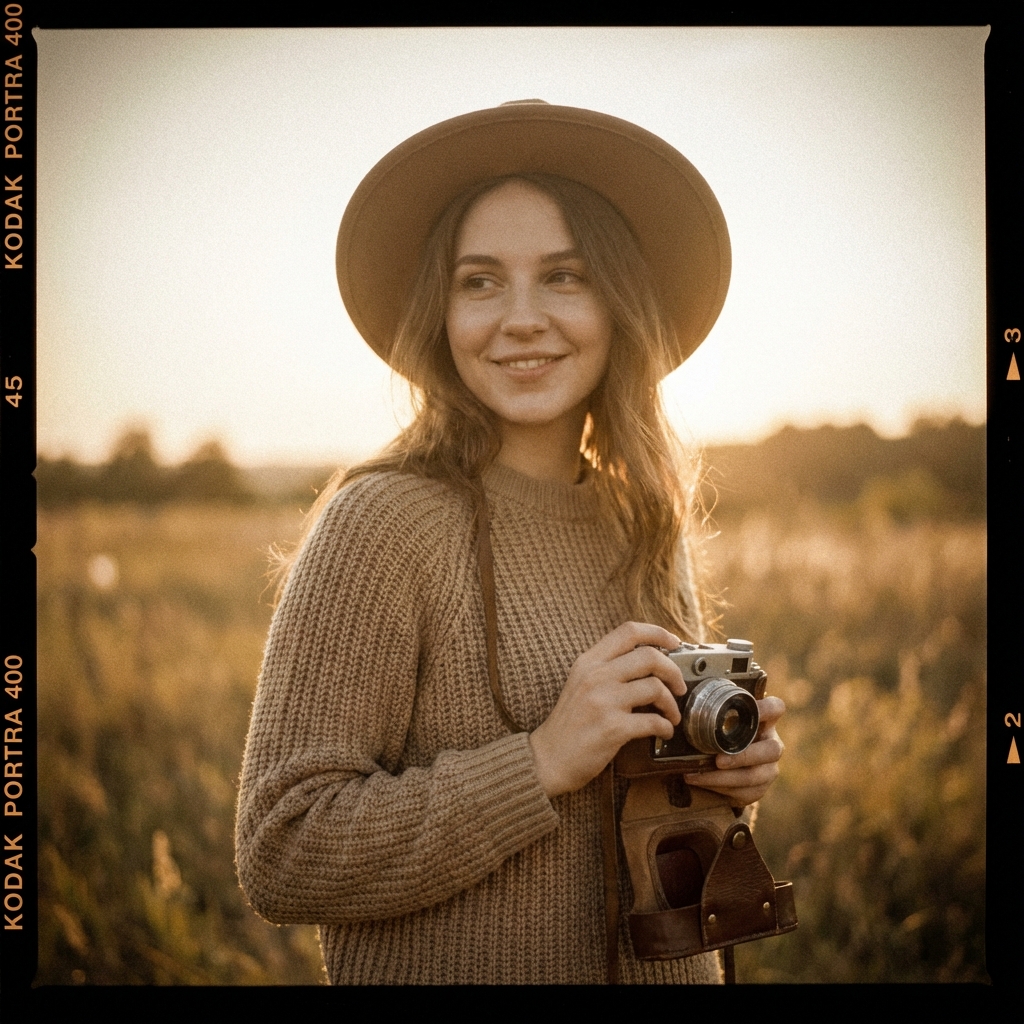
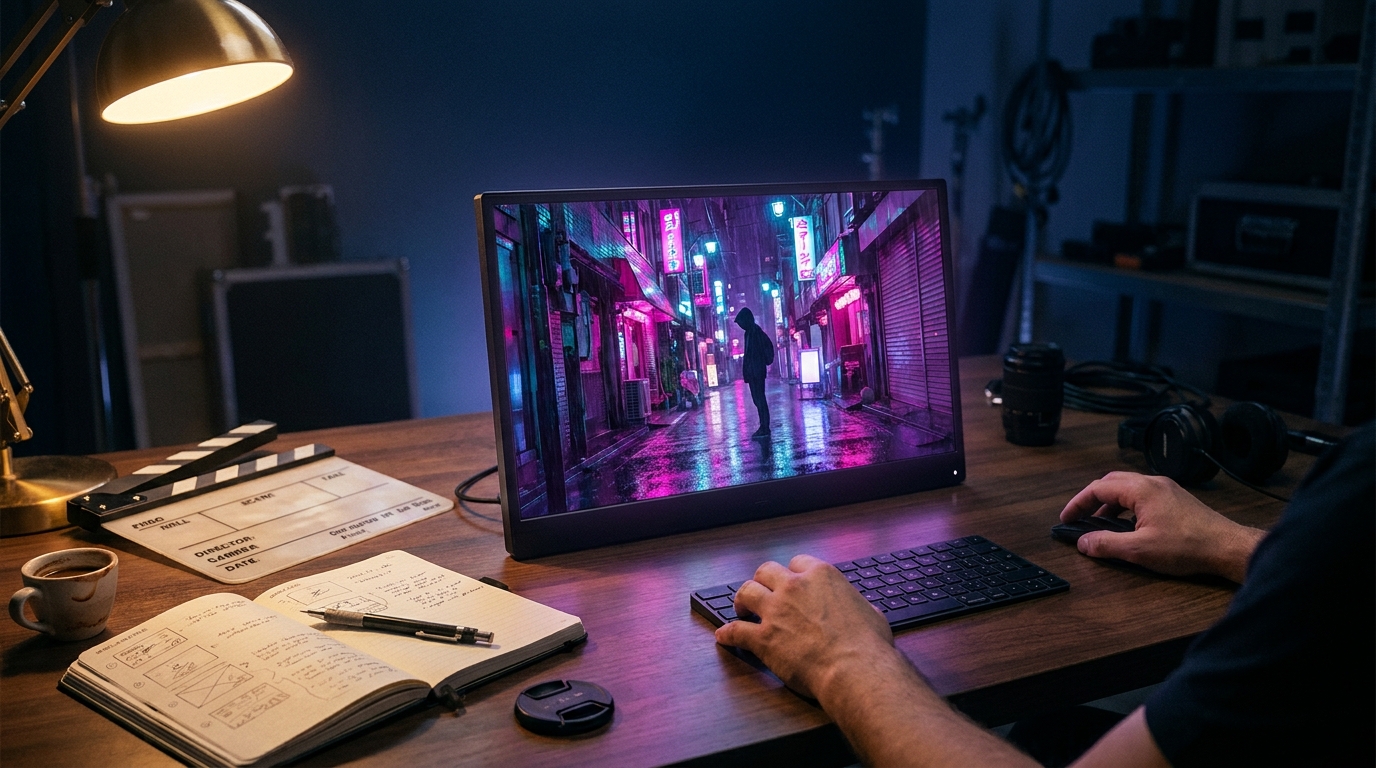
43 tools, grouped the way you work
Read tools work on every plan. Generation tools use AI credits on a paid plan.
5 tools use AI credits. 2 destructive tools, cancel avatar and cancel video, always confirm first.
Auto-loaded resources
Read-only context your assistant pulls at the start of a chat, no permission prompt.
designerbox://account/summaryPlan, AI credits, design count, active team and folders.designerbox://brand-profiles/activeYour active brand voice, tone, themes and niche.designerbox://teams/currentWhich team this connection is scoped to.designerbox://recent-designsYour 10 most recent designs, pre-loaded into context.Named workflows
Slash-menu shortcuts that orchestrate several tools and confirm before changing anything.
/weekly-design-batchPropose weekly design themes from your brand and recent work./audit-galleryFlag recent designs that drift from your brand. Read-only./brand-syncSurface stale brand fields and suggest updates you approve./regenerate-with-styleRecreate an existing design in a different style.Pick the plan that matches your usage
Every plan reads designs and browses photo packs. Generation unlocks as you upgrade.
Free
Read designs, search photo packs, list folders and brand profiles, and check plan limits. 112 credits, 1 channel, 10 MB storage.
Basic, Pro & Premium
AI image, video and avatar generation, brand updates and multi-team workspaces. 500 to 2,500 credits a month.
Ultra
Everything at scale: 8,000 credits a month, unlimited storage and unlimited channels.
Got any questions left?
Everything you need to connect DesignerBox to your AI assistant.
How does DesignerBox connect to AI assistants?
Which AI clients are supported?
What can I create through MCP?
Which AI models can it use?
Do I need an API key?
How do credits and pricing work?
Is it secure?
How long does generation take?
Can it use my existing designs and brand profiles?
What is the MCP server URL?
Explore more
Your design team now has an AI front door
Connect once. Then ask any AI assistant to design, generate and manage your work.