
DesignerBox × Claude · MCP
DesignerBox for Claude
Generate product photos, ads, and short video from a prompt, without leaving Claude. Connect the DesignerBox MCP server once and Claude runs studio-grade image and video models plus ready-made design apps on your account. No API keys to wire up, no tab-switching.
Copy the MCP server URL
This is the DesignerBox MCP endpoint. Claude Code connects to it over HTTP.
https://mcp.designerbox.ai/apiAdd it to Claude
In a terminal, run the command below for Claude Code. On Claude Desktop, use the one-click button.
claude mcp add --transport http \
  designerbox https://mcp.designerbox.ai/api
Sign in and prompt
On first use, Claude opens a browser tab to authorise your DesignerBox account. After that, just describe what you want to generate.
Example: “Generate a flat-lay of these three products on marble.”
What is DesignerBox for Claude?
DesignerBox is an AI design studio for product photography, ad creative, and marketing video. This page connects it to Claude Code through the Model Context Protocol, so you can run the same studio-grade models and design apps with plain-language prompts, right where you already work. Connect once. New models and tools show up automatically.
Generate in your workflow
Ask Claude for a product shot, an ad, or a try-on and it renders the result on your DesignerBox account, inline, with no context switch.
Automate design pipelines
Wire generation into scripts and multi-step tasks: pull a brief, generate variations, remove backgrounds, and save assets, all driven from Claude.
Batch on-brand assets
Produce a full set of catalogue images, angle variations, or ad sizes in one pass, styled to your brand profile.
See it in Claude
Describe the asset in one message. DesignerBox picks the right model, generates on your account, and hands the result back to Claude.
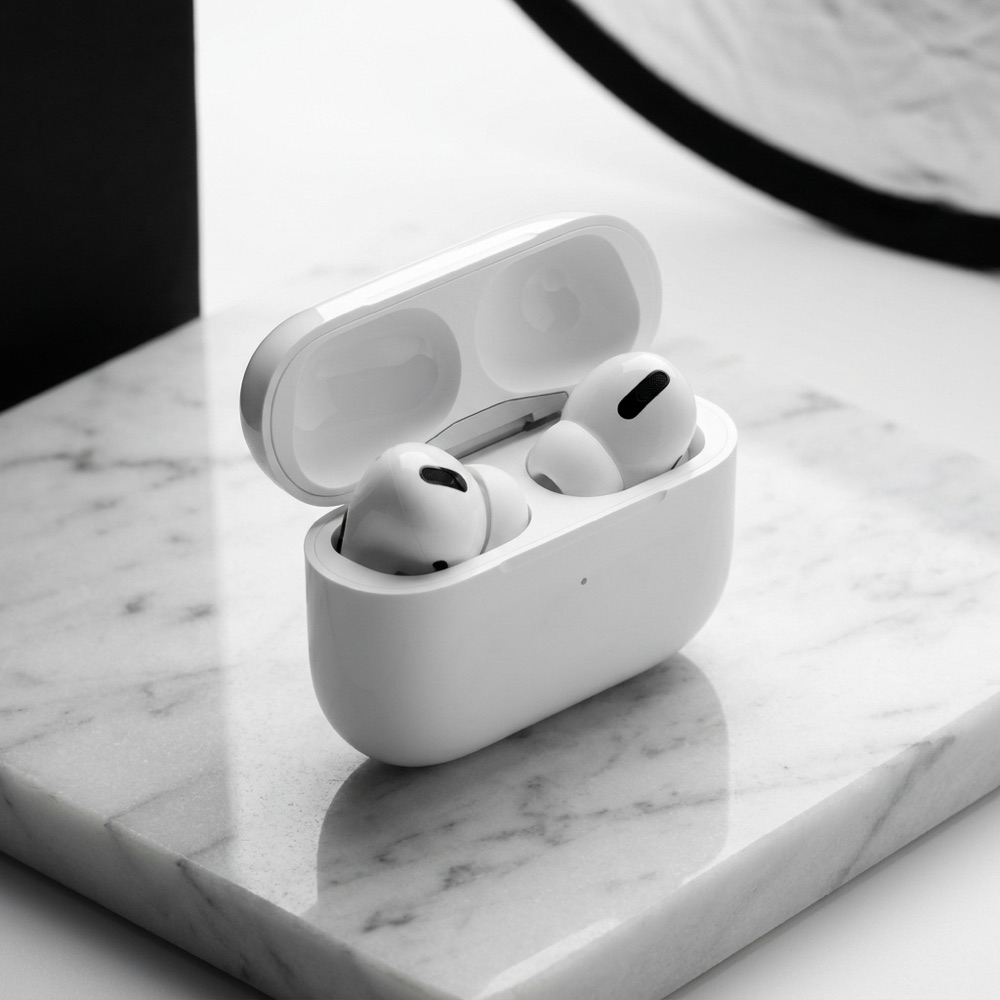
Done. Four studio shots on your account. Want ad copy or more angles?
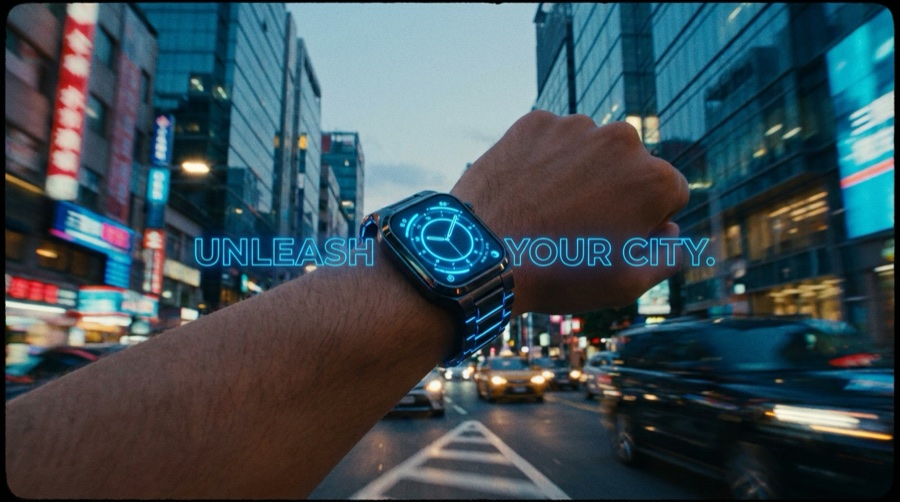
Rendered an 8s launch cut with audio. Saved to your library.
Studio-grade models, one connection
Claude routes to the best model for the job. Image and video, from a single MCP endpoint, with no per-model setup.
Works everywhere you build
Set up DesignerBox once and use the same tools across every client that speaks MCP.
Pricing that follows your plan
Connecting is free. Generations run on your DesignerBox credits, so you never pay per model to unlock it.
Free
Connect the MCP server at no cost and generate with your Free plan credits. Good for a first run from Claude.
Basic, Pro & Premium
More monthly credits, more storage, and access to higher-cost image and video models for regular production.
Ultra
The largest credit allotment and unlimited storage for batch generation and heavy day-to-day use.
Frequently asked questions
What is DesignerBox for Claude?
How do I connect DesignerBox to Claude?
What can I generate from Claude?
Which models does it use?
Does it work with other AI clients too?
How does pricing work?
Can I use the outputs commercially?
Bring DesignerBox into Claude
Connect the MCP server and generate on-brand product visuals without leaving Claude Code.
New to the DesignerBox MCP? Start at the overview.