Discover, remix, and shareAI workflows
A shared library of AI workflows and Techniques, built by creators. Browse them, copy any into your workspace in one click, and publish your own.
Free to browse. Remix in one click. Publish anytime.
 Paid ad
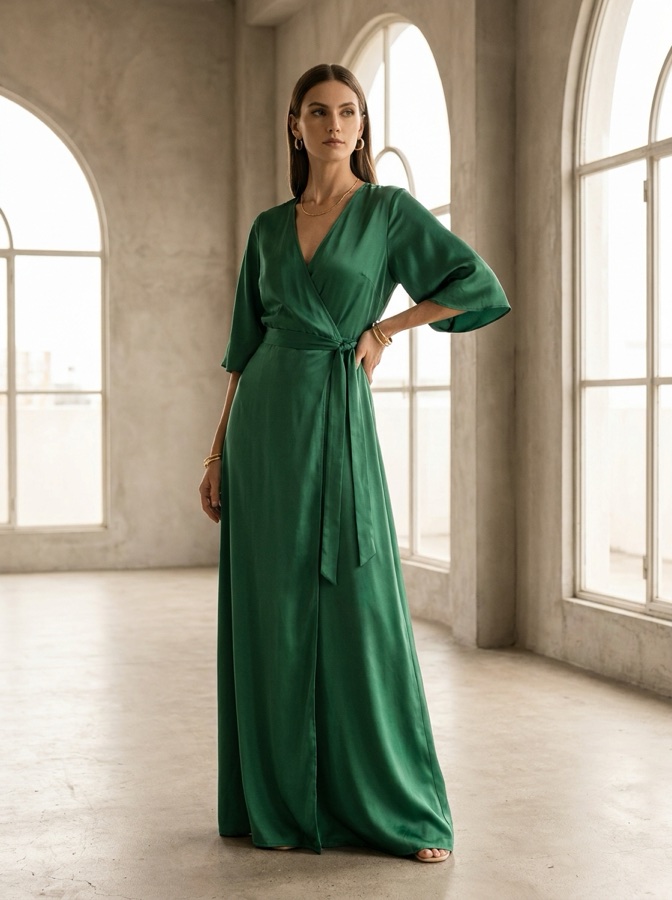 On-model
 Flat lay
 Product ad
 Brand story
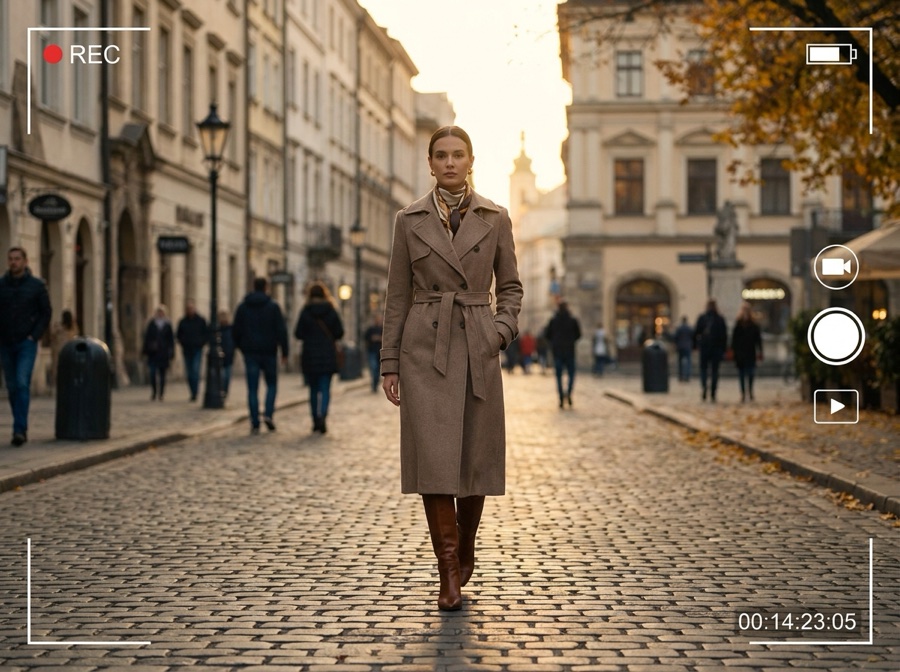 Styled scene
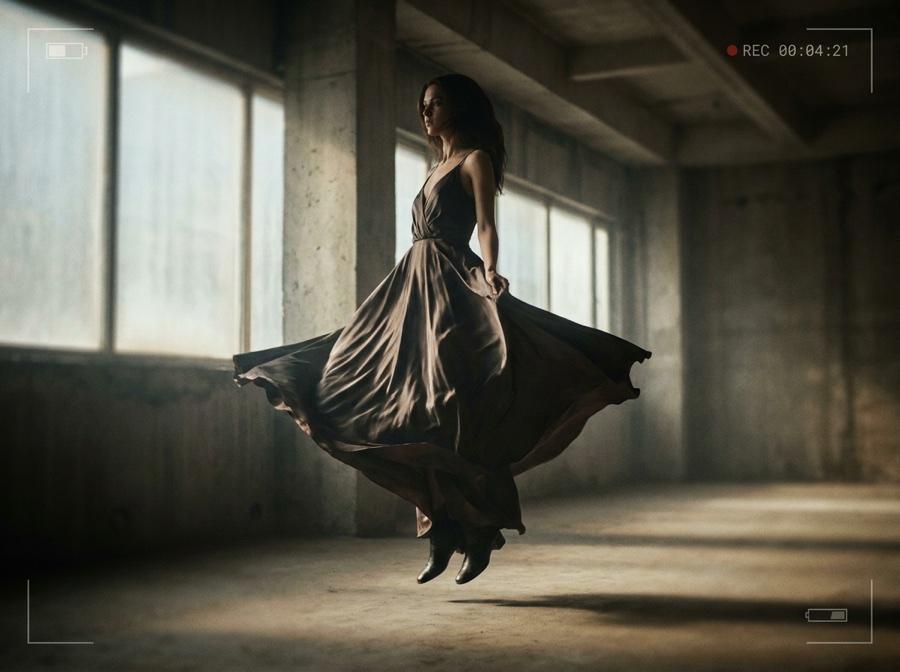 Fashion video
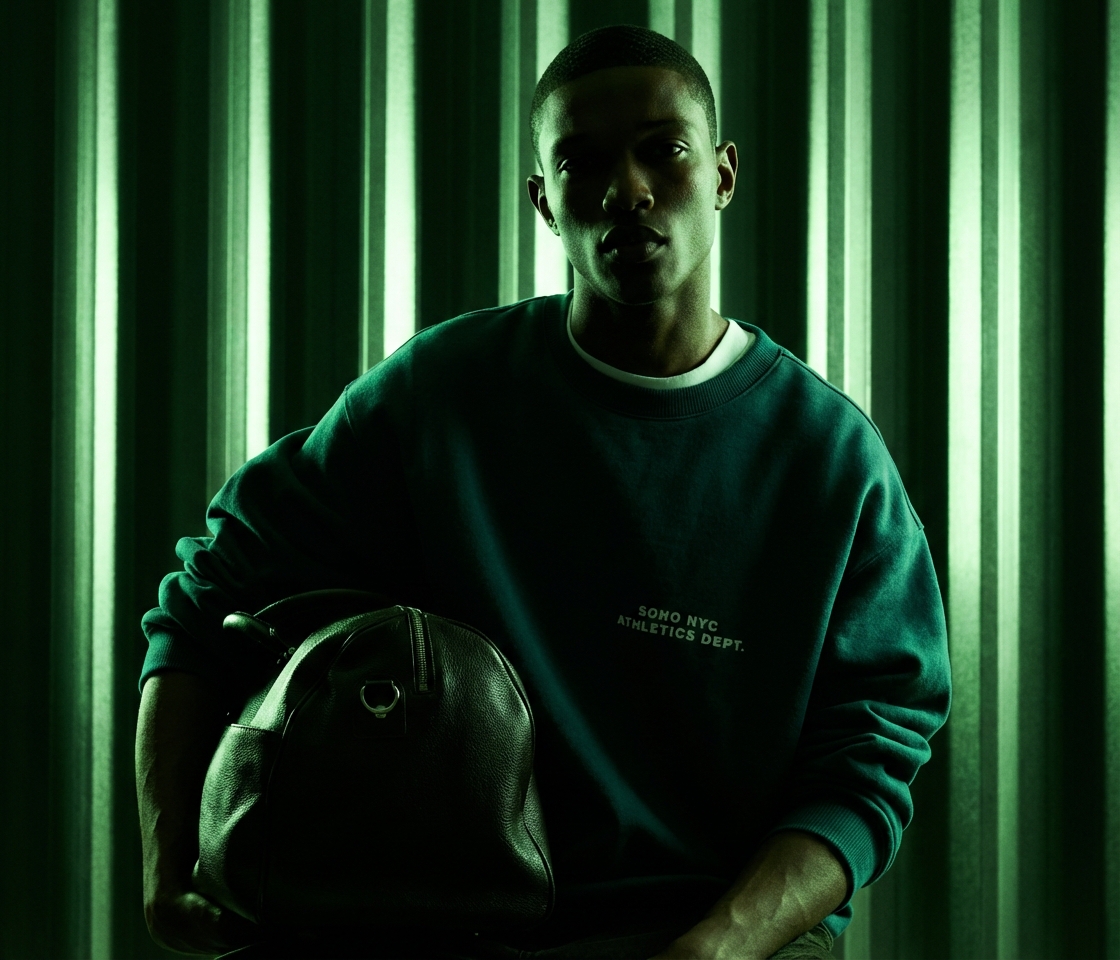 Relight
 Angles
 Photodump
What is the DesignerBox Community?
The DesignerBox Community is a shared library where creators publish complete AI workflows and single-node Techniques. Anyone can browse them, copy a workflow into their own workspace, or drop a Technique into a pipeline, then publish their own work back for others to reuse.
Copy, don't rebuild
Open any workflow and clone the whole pipeline into your workspace. Every node stays editable.
One node, done
Add a published Technique as a single node in your own workflow. No setup, no prompt engineering.
Publish and get discovered
Share your best workflows and Techniques. Get used, remixed, and credited across the community.
From browsing to building in three steps
Browse the community
Explore the gallery of workflows and Techniques. Filter by category, model, or what is trending right now.
Remix it your way
Copy a full workflow into your workspace, or drop a single Technique into a pipeline you are already building.
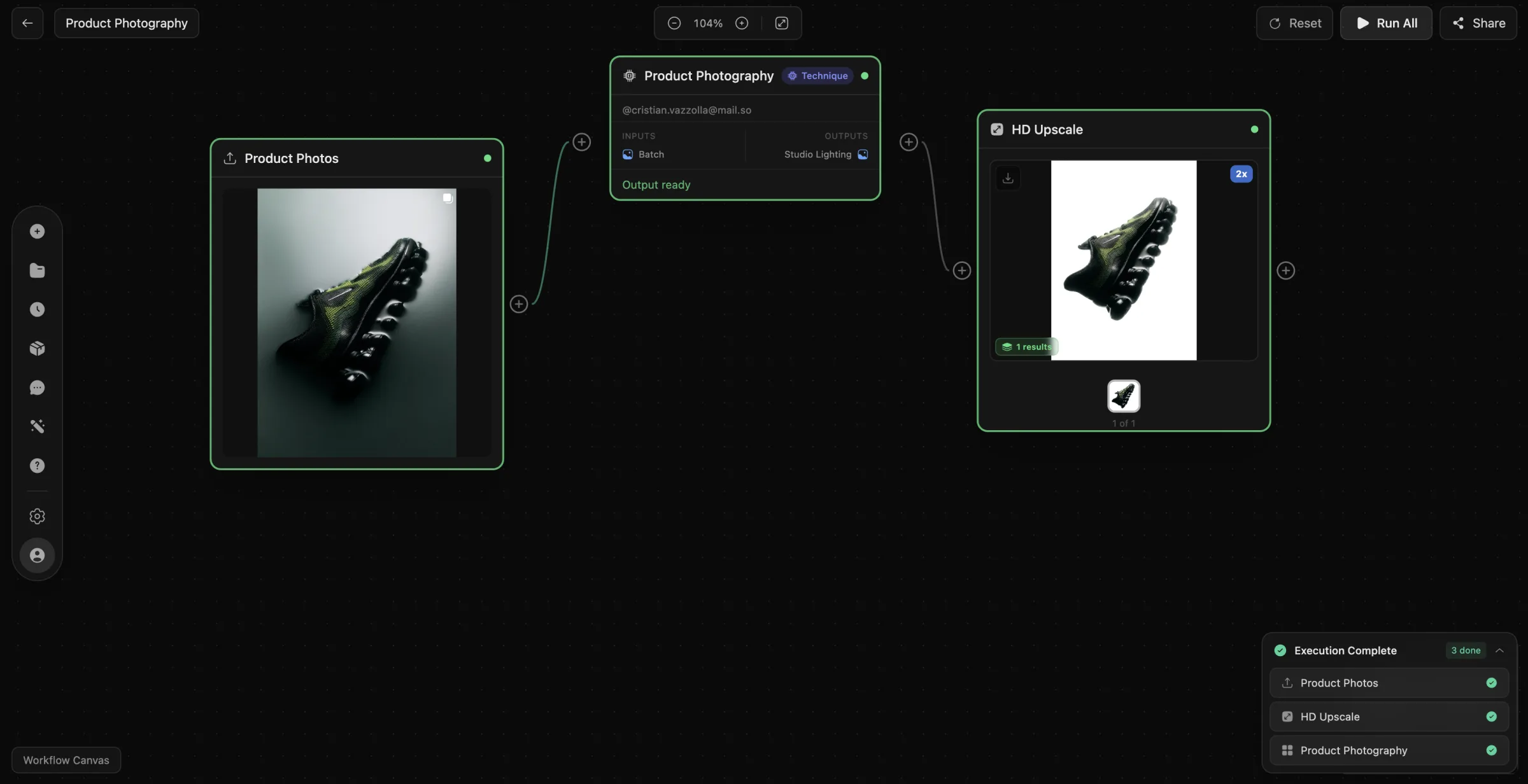
Publish and get discovered
Package your own workflow or Technique, write a short description, and publish it for the community to use.
Everything the community shares
Gallery
Finished outputs from every app and model, with the exact recipe behind each one.
Explore →Workflows
Multi-step pipelines you copy and run: product photography, video ads, brand kits, and more.
Explore →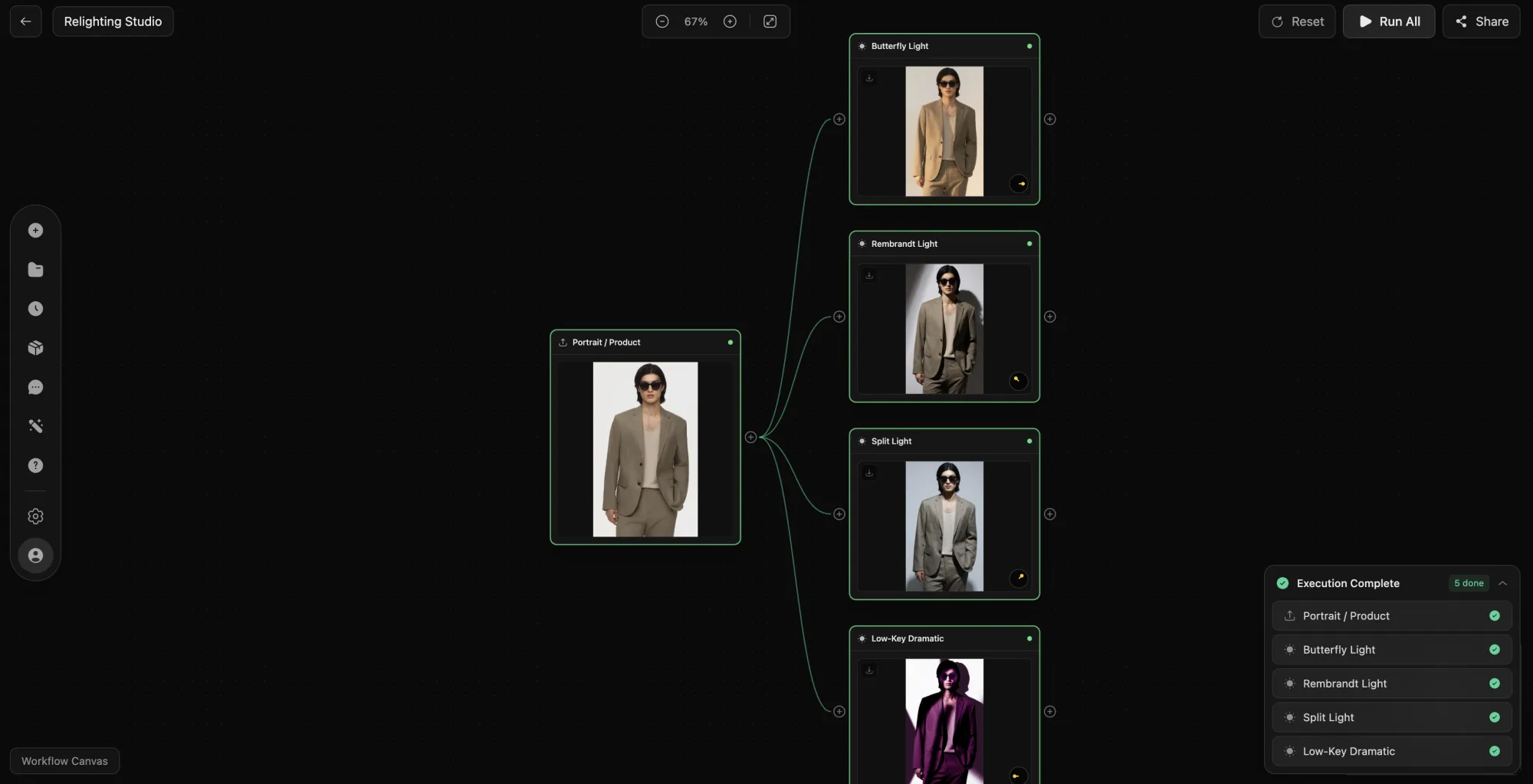
Techniques
Single-node blocks you drop into any workflow: relight, upscale, restyle, and more.
Explore →Prompt Library
Copy-paste prompts organised by model and by job, ready to use in seconds.
Explore →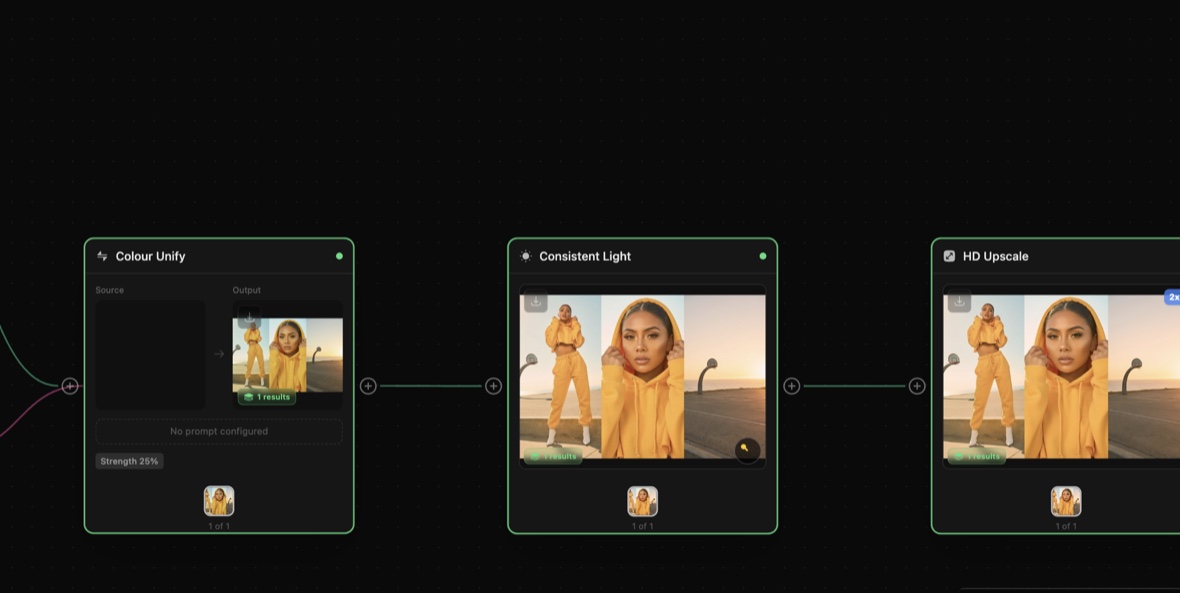
Skills & Agents
Recipes that run DesignerBox from Claude, ChatGPT, and Cursor over MCP.
Explore →Personas
Ready-made AI creator and model archetypes mapped to the job you need.
Explore →Workflows and Techniques
A workflow
- A complete, multi-step pipeline
- Copies into your workspace, fully editable
- Built for full campaigns and repeatable jobs
- Runs on every top image and video model
A Technique
- A single, packaged node
- Drops into any workflow you are building
- Zero setup, it just works
- One clean step, reused everywhere
Questions about the community
How it works, what it costs, and how to publish your own.
What is the DesignerBox Community?
What is the difference between a workflow and a Technique?
Do I need an account to use community workflows?
How much does it cost?
Can I publish my own workflows?
Which AI models do community workflows use?
Start with the community
Copy the workflows that work, publish what you build, all in one workspace. Free to start, no credit card.
