Copy-paste AI prompts that actually work
144 battle-tested prompts organised by model and by use case, each with the formula behind it. Copy one, run it in DesignerBox, and remix it into your own. No sign-up needed to browse.
What is the DesignerBox prompt library?
The DesignerBox prompt library is a free set of 144 copy-paste AI prompts organised by model (Nano Banana, Seedance, Veo, Sora, FLUX, GPT Image, Kling) and by use case (product photography, UGC ads, headshots, virtual staging, cinematic ads). Every pack includes the prompt formula that model responds to, so you can write your own rather than only copying ours.
Prompts are not interchangeable between models, which is why most prompt lists disappoint. FLUX wants a camera report with a lens and an aperture. Nano Banana wants plain descriptive sentences. GPT Image 2 wants a design brief with every word in quotes. Seedance wants four ordered layers and exactly one camera move. Handing the same string to all four gets you one good result and three near misses.
Each collection below is written in the dialect its model actually speaks, and each one opens with the formula so the prompts are a starting point rather than a ceiling. The use-case packs work the other way round: they are model-agnostic, so you can run the same brief across two or three models in the same workspace and keep whichever output reads most like real work. Start with the picker if you are not sure which model fits the job.
Which model should you use?
The job usually picks the model, not the other way round. Find the row that matches what you are making, then open its prompt pack.
| Model | Type | Best for | How it wants to be prompted |
|---|---|---|---|
| Nano Banana | Image | Product, packaging and consistent edits | Plain descriptive sentences, on-image text in quotes |
| GPT Image 2 | Image | Ad layouts, posters and anything with type | Brief it like a designer, quote every word |
| FLUX 2 | Image | Photoreal portraits, interiors and stills | Lens, aperture, film stock, lighting setup |
| Seedance 2.0 | Video | Precise camera moves and product beats | Four layers, one move, constraint tail |
| Veo 3.1 | Video | Directed shots that need synced audio | Shot-list language plus a soundscape line |
| Sora 2 | Video | Narrative scenes and believable world motion | Give the action a reason, name the consequence |
| Kling 2.6 | Video | Image-to-video, UGC and human motion | Prompt the motion only, guard the hands |
Prompts tuned for each model
Every model likes to be prompted differently. These packs are written for how each one actually behaves, so you spend less time fighting the generator.
Nano Banana
Product, packaging and portrait prompts written in the plain descriptive style Google’s image model rewards. Strong on legible on-pack text and subject consistency across edits.
View 12 promptsSeedance 2.0
Camera-directed video prompts built in four layers, with a constraint tail that cleans up warping. The precision pick when you know the exact move you want.
View 12 promptsVeo 3.1
Shot-list style prompts with real film language and a soundscape line, because Veo is the model that generates synced audio alongside the picture.
View 12 promptsSora 2
Scene-driven prompts that give the model a reason for the action, which is what makes Sora’s world simulation and cause-and-effect look filmed rather than generated.
View 12 promptsGPT Image 2
Layout-first prompts for anything that has to carry words: ad creative, packaging, posters and UI. The model to reach for when typography has to come out clean.
View 12 promptsFLUX 2
Camera-language prompts with lens, aperture, film stock and a real lighting setup. The photorealism specialist, and the one that most rewards knowing photography terms.
View 12 promptsKling 2.6
Motion-only prompts for image-to-video: describe what moves, not the scene the frame already shows. The workhorse for creator footage and product-in-hand reveals.
View 12 promptsPrompts for what you are making
Model-agnostic packs for the jobs people actually run, from product shots to UGC ads. Run them across a few models and keep the best output.
Product photography
Catalog stills, marble heroes, flat lays and in-use lifestyle scenes. Model-agnostic, so run each one across two models and keep whichever reads more like a real shoot.
View 12 promptsUGC ads
Hook, demo, proof and reaction beats written to look filmed on a phone. Includes the anti-polish rules that stop an AI creator reading as a glossy commercial.
View 12 promptsAI headshots
Corporate, founder, creative and press portraits with the crop, background, lens and expression locked so results read as photographed rather than avatar-generated.
View 12 promptsReal estate
Furnish empty rooms, dress kitchens and brighten tired listing photos, with the preserve-the-architecture instruction baked into every prompt so staging stays honest.
View 12 promptsCinematic ads
A full shot list for a spot: hero open, lifestyle beat, macro texture, accent motion, reveal and end card. Generate each separately and cut them into one film.
View 12 promptsCopy, run, remix
Three steps from prompt to finished asset, all in one workspace.
Grab any prompt with one tap. Each one names the subject, surface, light, and camera, so it works straight away.
Paste it in, pick a model, and generate. Switch models in the same workspace to compare results side by side.
Edit, upscale, or turn a still into video. Save your winners as reusable workflows and ship a whole campaign.
The models behind these prompts
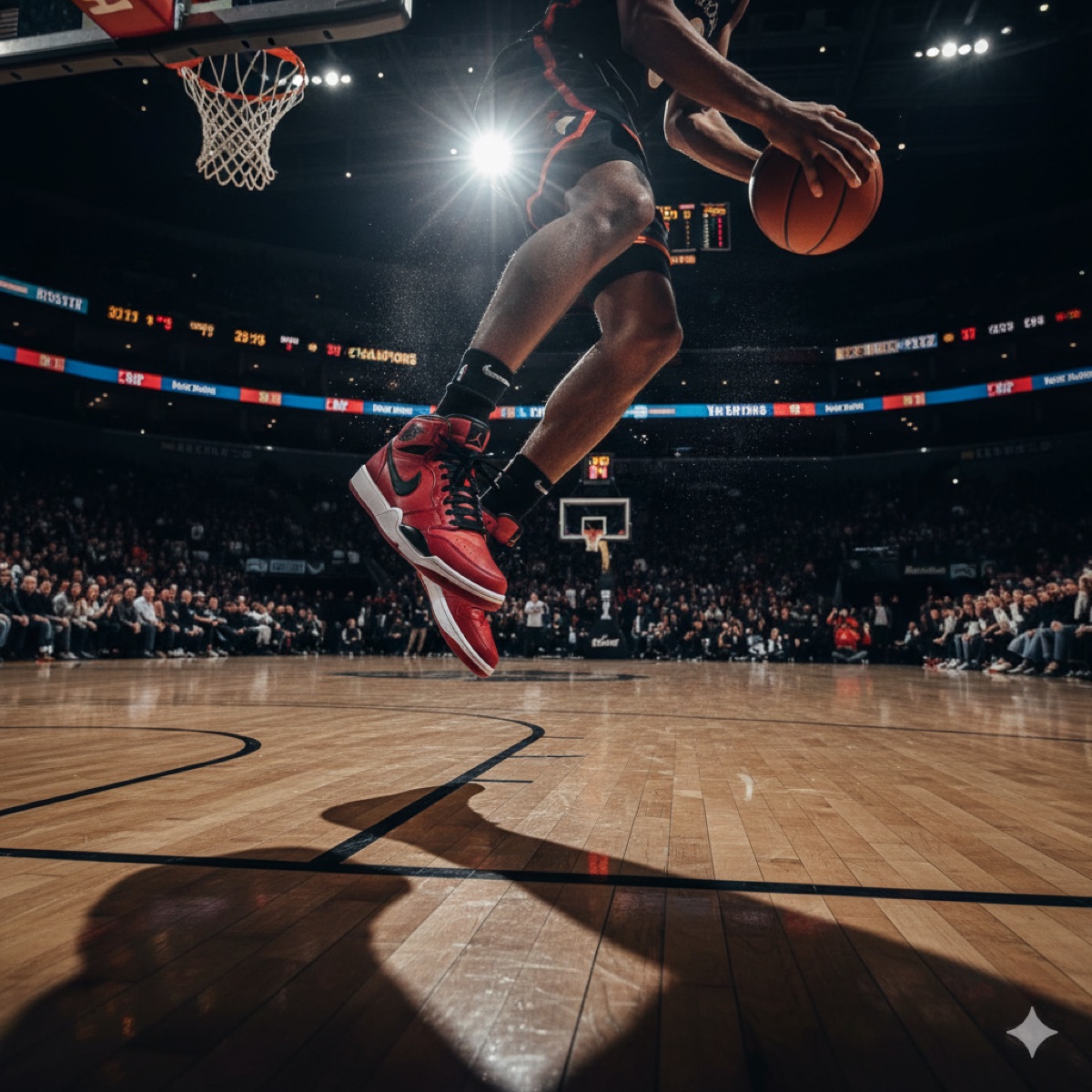
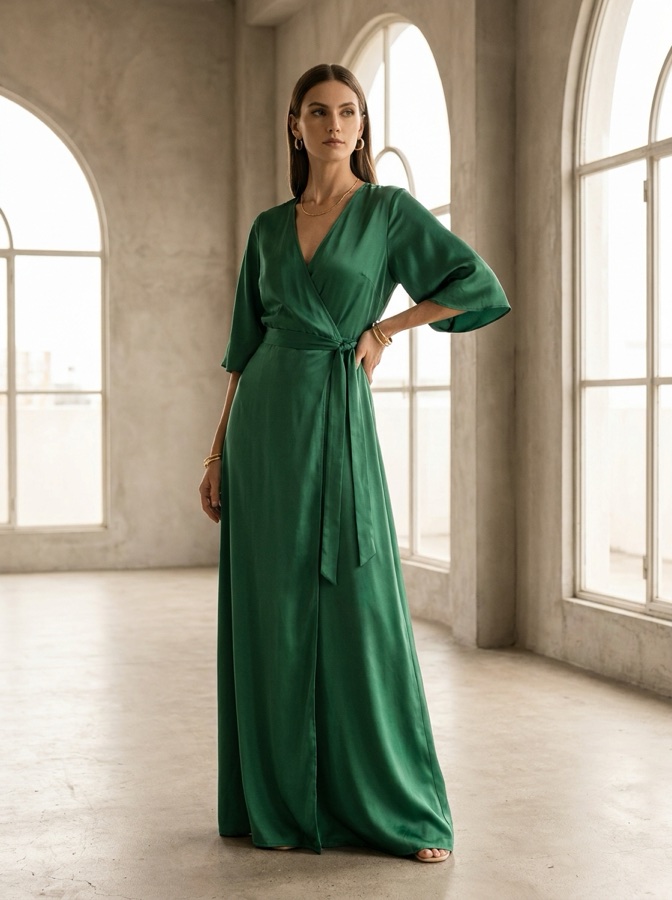
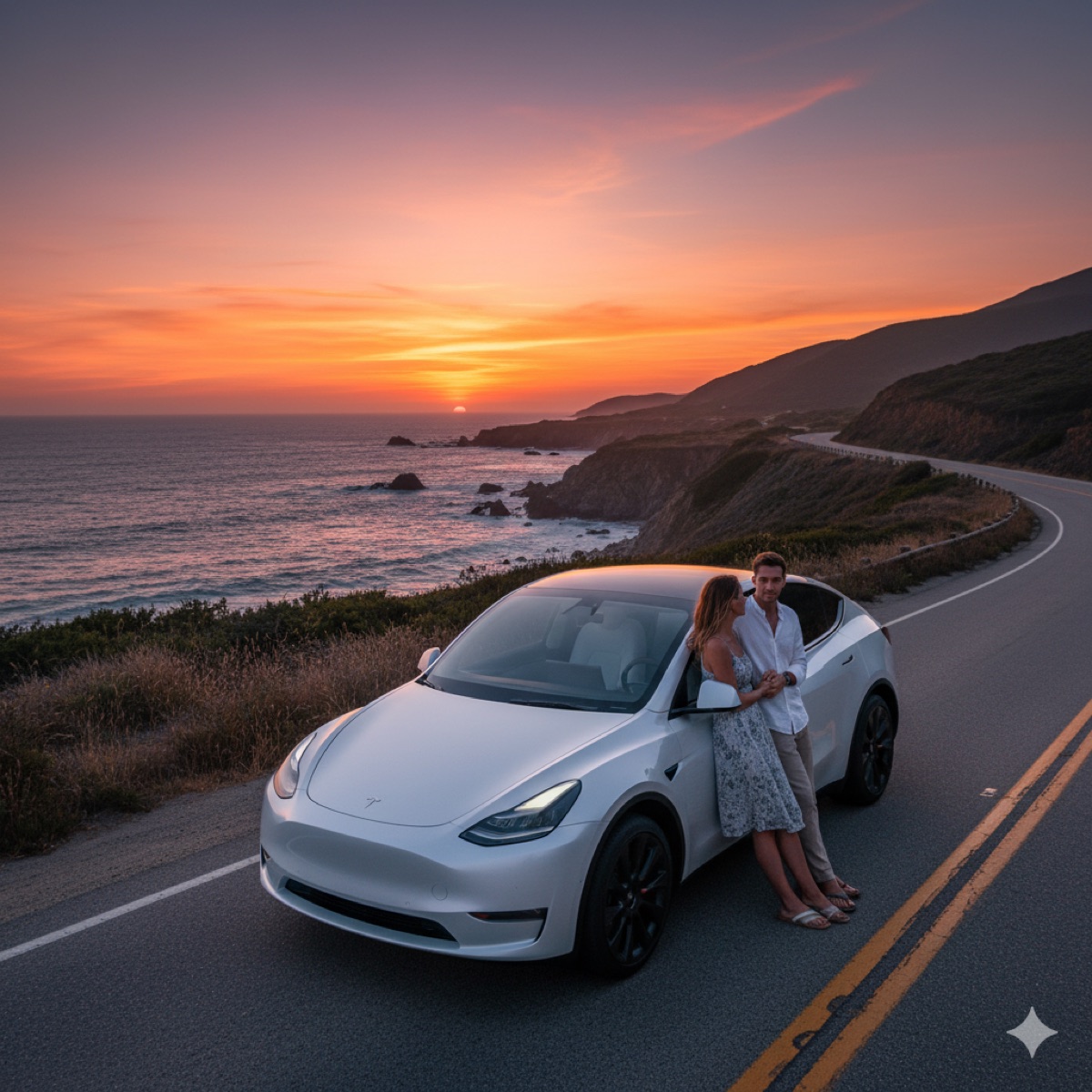
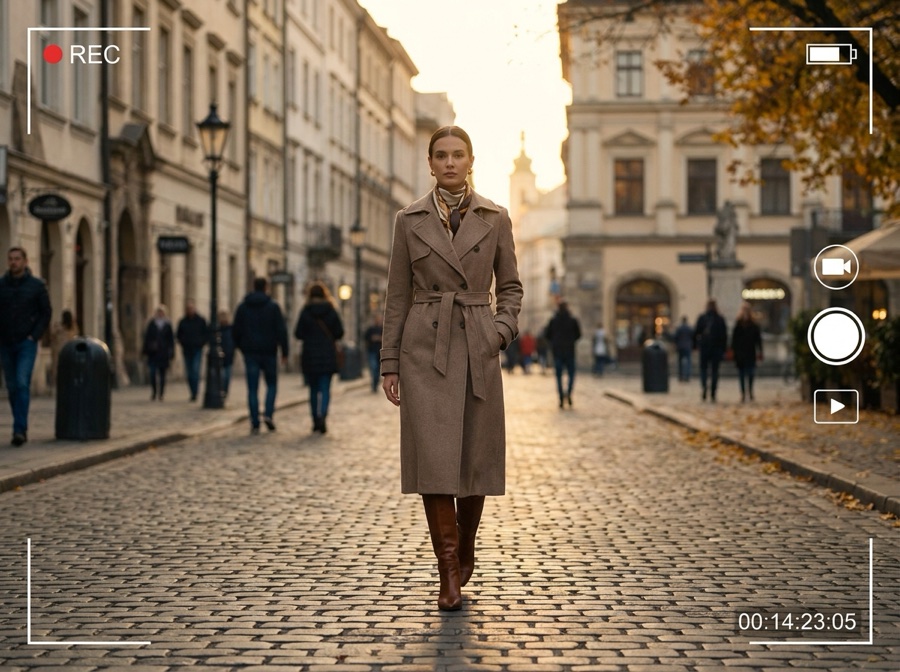
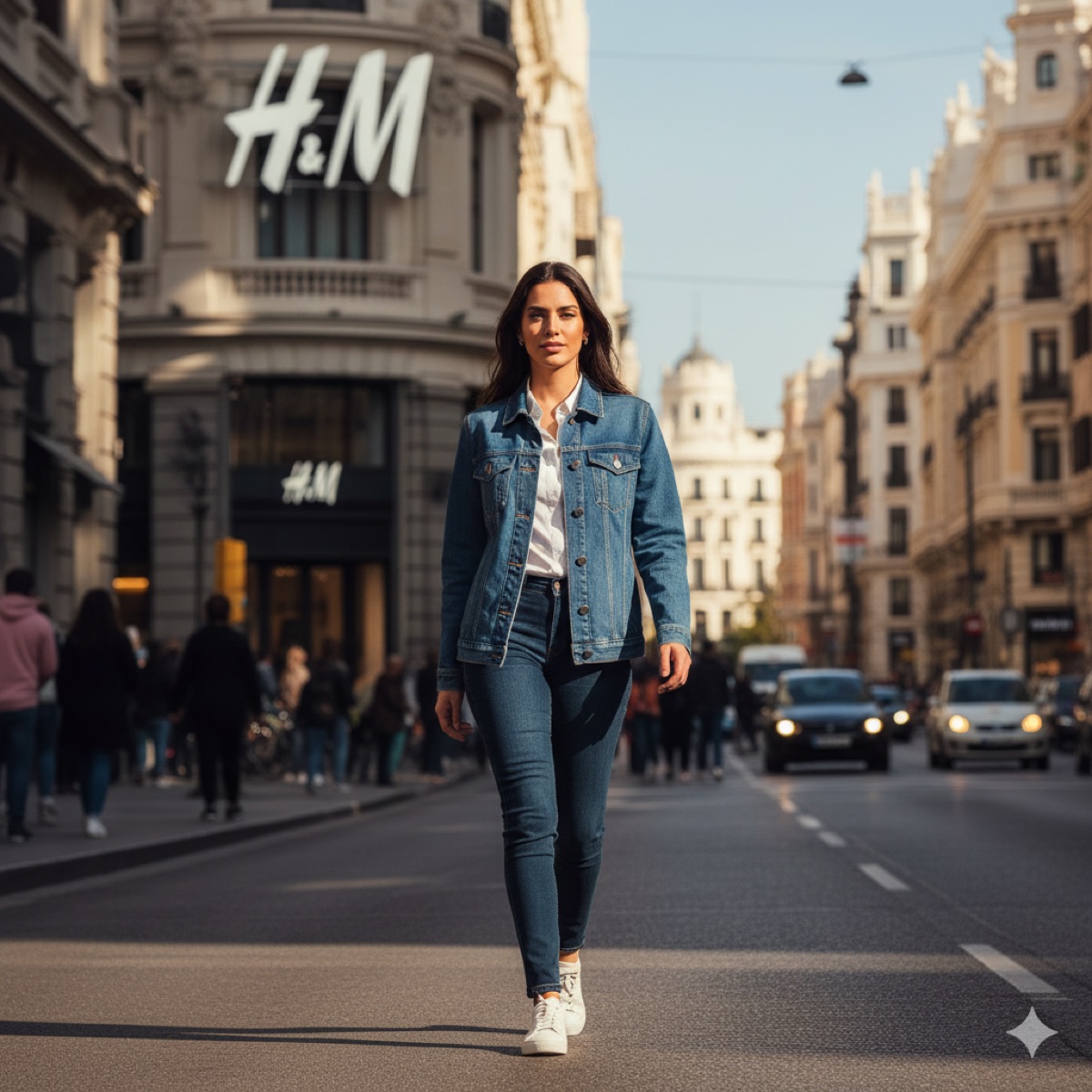
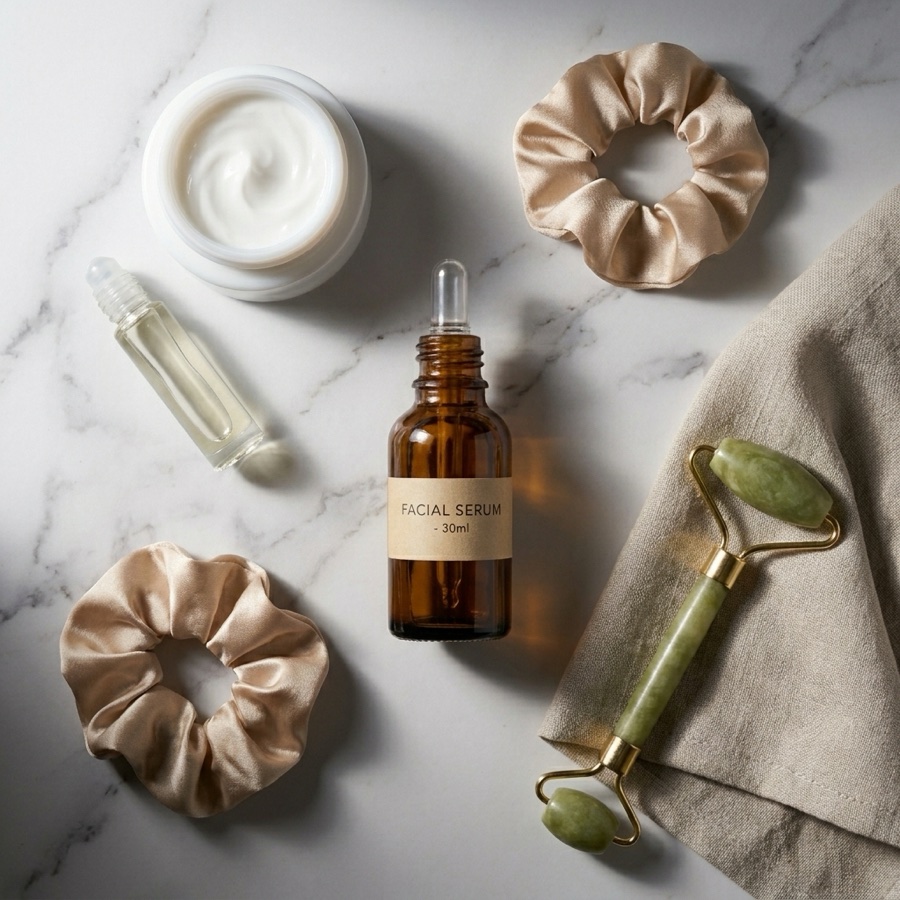
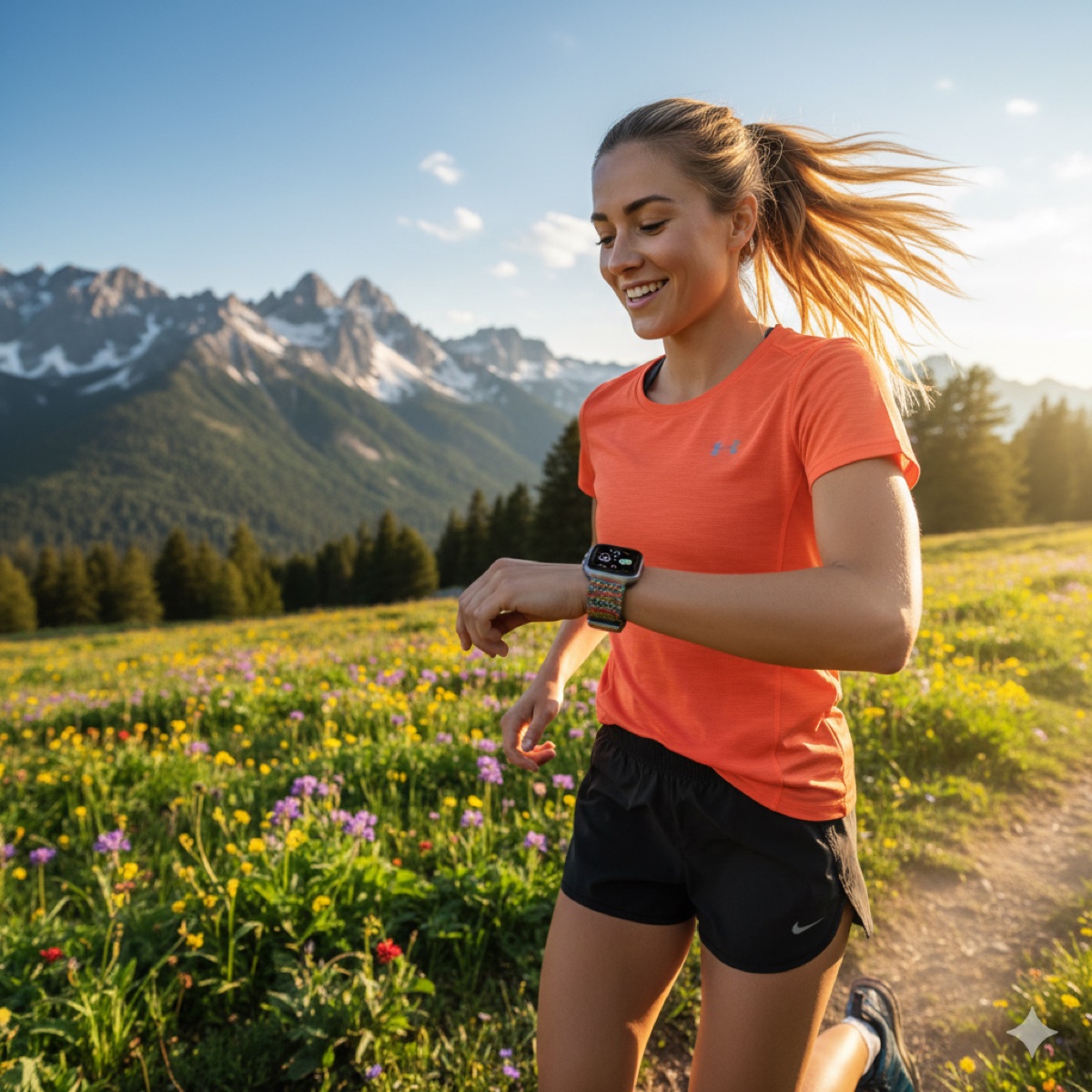
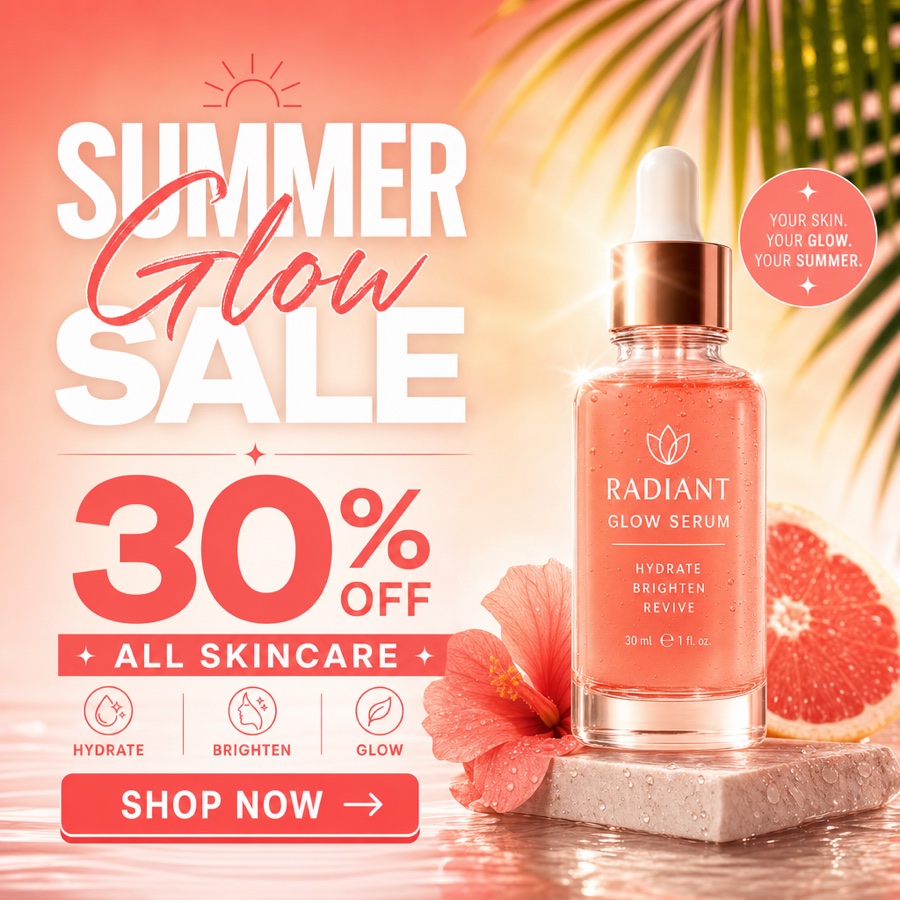
Every prompt here runs on the same production models that made these results.
Prompt library, answered
The quick version of how the library works.
What is the DesignerBox prompt library?
Are these prompts free to use?
Do I need a specific model for each prompt?
Which AI model should I use for my prompt?
How do I turn a prompt into a finished asset?
How often are new prompts added?
Turn a prompt into a finished asset
Start with free credits. No card required to try it.