Storyboard your brand campaign before you shoot a frame
Turn a short brief and your brand references into a styled visual storyboard and mood board. See the look, mood, and direction of your campaign in one board, with no designer or slide deck.
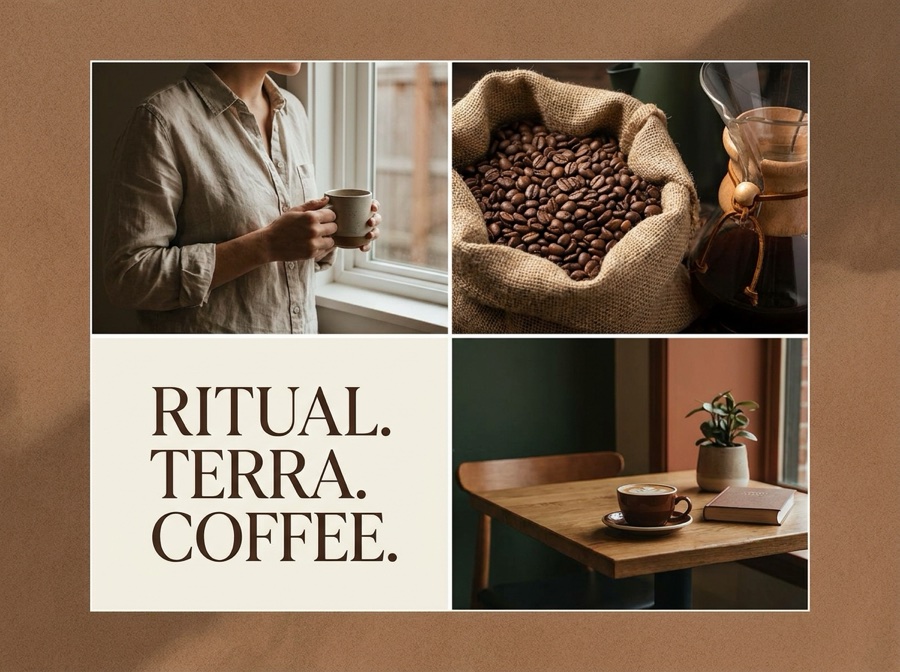 Storyboard
What is an AI brand storyboard?
It turns your campaign brief and brand references into one styled visual storyboard. You describe the goal, audience, and look, and the AI composes a mood board and scene direction, a finished storyboard in seconds, with no deck to build by hand.
Plan the whole campaign in one canvas
Add your references, write the brief, and generate your storyboard, all inside the DesignerBox canvas without jumping between tools.
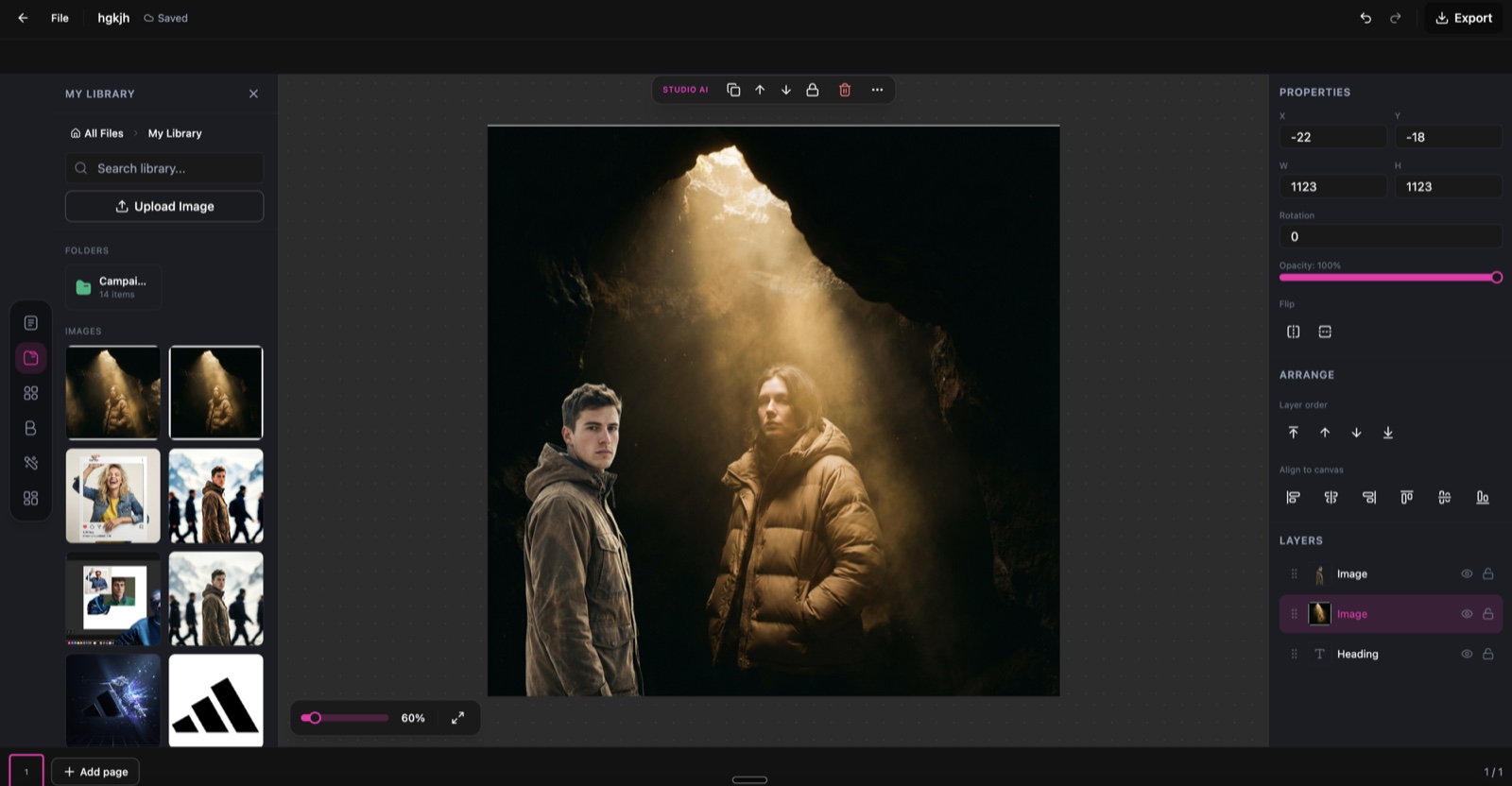
Brand Visual Storyboard, running inside the DesignerBox canvas.
Describe the direction in plain words
No rigid templates. Write the mood, style, and scenes you want, and the AI composes the storyboard to match.
A bold product launch teaser: dark studio, a single hero light, moody and premium.
A bright, playful summer campaign with pastel tones and relaxed lifestyle scenes.
A minimal, editorial brand look with lots of negative space and muted colour.
A festive seasonal campaign with warm light, props, and a cosy mood.
From brief to storyboard in three steps
Add your brief and references
Add your brand assets and a short brief: your goal, audience, and the look you want. The AI reads it and sets your visual direction.
Describe the look
Describe the mood, style, and scenes in plain words. Ask for a launch teaser, an ad campaign look, or a seasonal theme, whatever the campaign needs.
Generate and download
The AI renders a styled storyboard and mood board. Download it at social or print resolution, up to 4K.
A storyboard for every campaign
The same workflow, styled for whatever you are planning.
Product launch
Plan a launch with hero shots, feature highlights, and unboxing moments in one board.
Ad campaign
Map a multi-channel ad campaign with a consistent look across every placement.
Social content
Plan a content series with visual themes and a clear style before you post.
Video production
Pre-visualise a shoot with scene-by-scene direction and mood references.
Seasonal campaign
Plan holiday and event campaigns with themed visual narratives.
Brand launch
Visualise a full brand launch, from teaser to reveal, in a single storyboard.
Skip the moodboard scramble
The old way
- Hunt for references and stock images across a dozen tabs
- Paste them into slides and nudge boxes by hand
- Wait on a designer to mock up the look
- Rebuild the whole board whenever the direction changes
With Brand Visual Storyboard
- Describe the look and generate a storyboard on screen
- Regenerate a new direction in seconds
- Get a polished mood board without a designer
- Spin up a fresh board for every campaign at no extra cost
Brand Visual Storyboard specs
| Best for | Campaign mood boards, visual direction, and pre-production planning |
|---|---|
| Inputs | A short brief plus your brand references |
| Output | One styled landscape storyboard and mood board |
| Style control | Describe the mood and direction in plain words |
| Output resolution | Up to 4K, social and print ready |
| Export formats | PNG and JPG |
| Powered by | DesignerBox's latest AI image models |
Frequently asked questions
What information do I need to create a storyboard?
Can I edit individual storyboard frames?
What export formats are available?
How many credits does each storyboard cost?
Can I add my brand colors and logo?
Is this for video storyboards only?
Ready to storyboard your campaign?
Describe your campaign and get an AI-generated visual storyboard in seconds.
