Flat lay product shots for campaigns and product pages
Upload your products and let AI arrange them into styled, top-down compositions your team can ship. Describe how each item sits, and get shots sized for ecommerce, paid social, and campaign pages.
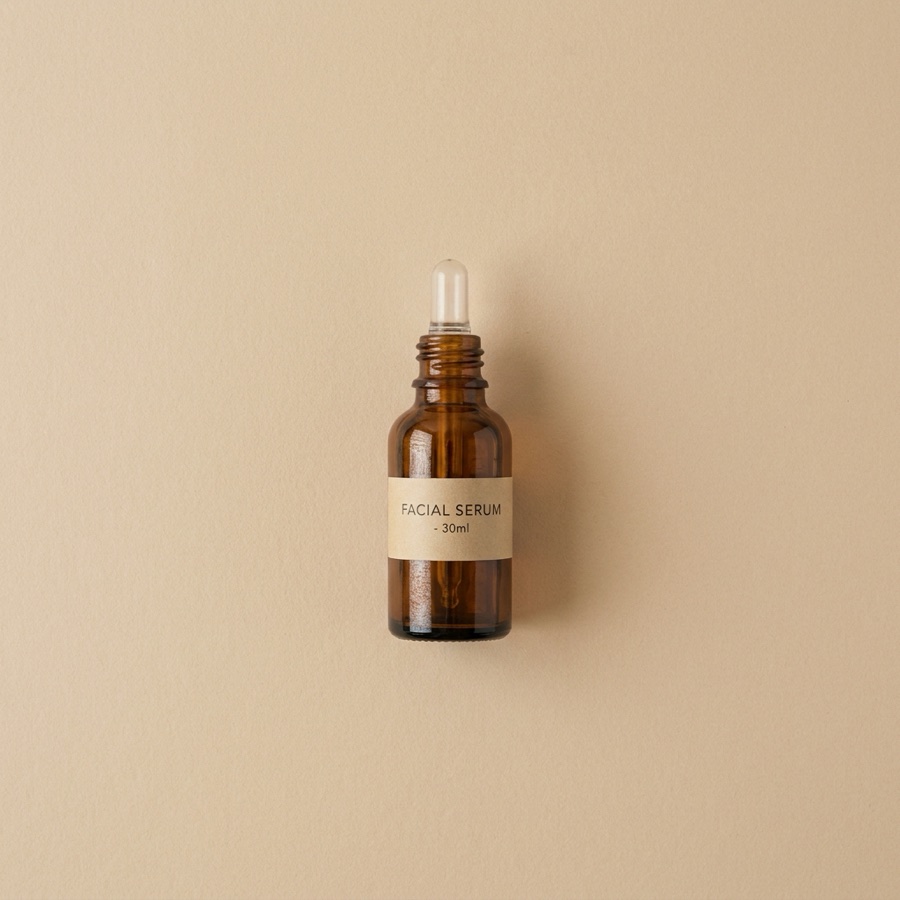 Raw product
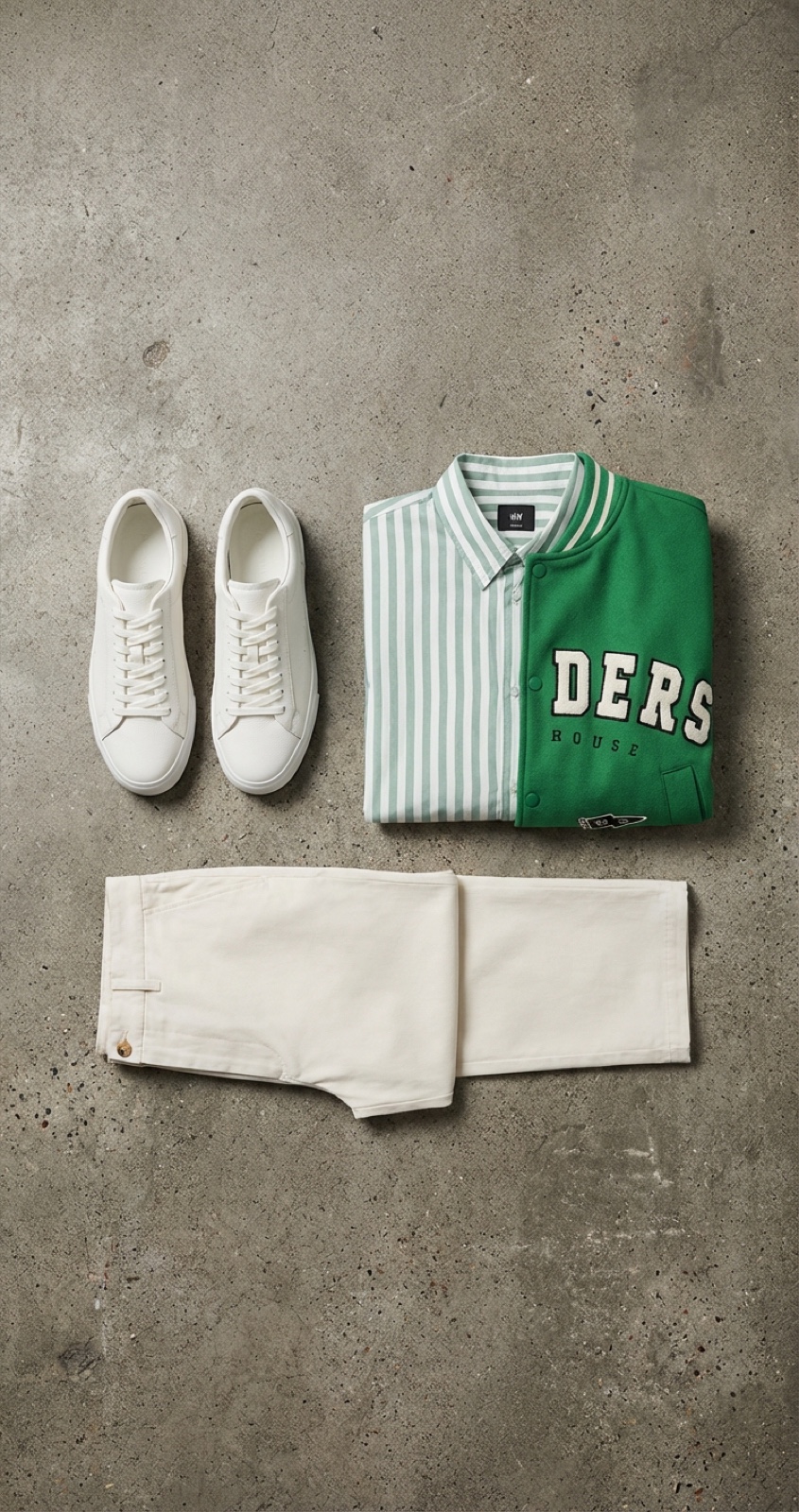 Apparel
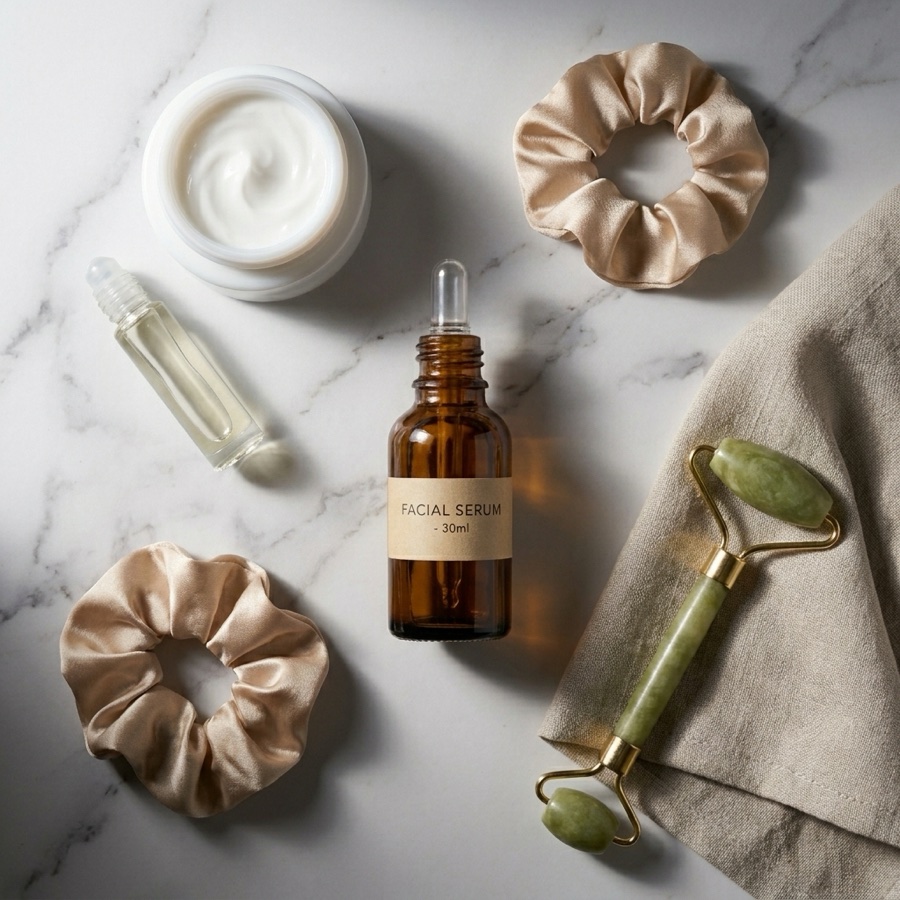 Flat lay
What is an AI flat lay generator?
It turns your individual product photos into one styled, top-down scene. You upload each item, describe how you want them arranged, and the AI removes the backgrounds, composes the shot, and renders natural lighting and shadows, a finished flat lay in seconds, with no photographer or studio.
One product photo in, a styled flat lay out
Drop in a plain product shot and get back a composed scene with props, texture, and studio lighting, ready to post.
The whole composition lives in one panel
Upload products, write a one-line arrangement brief, and preview the flat lay, without exporting and re-uploading between tools.
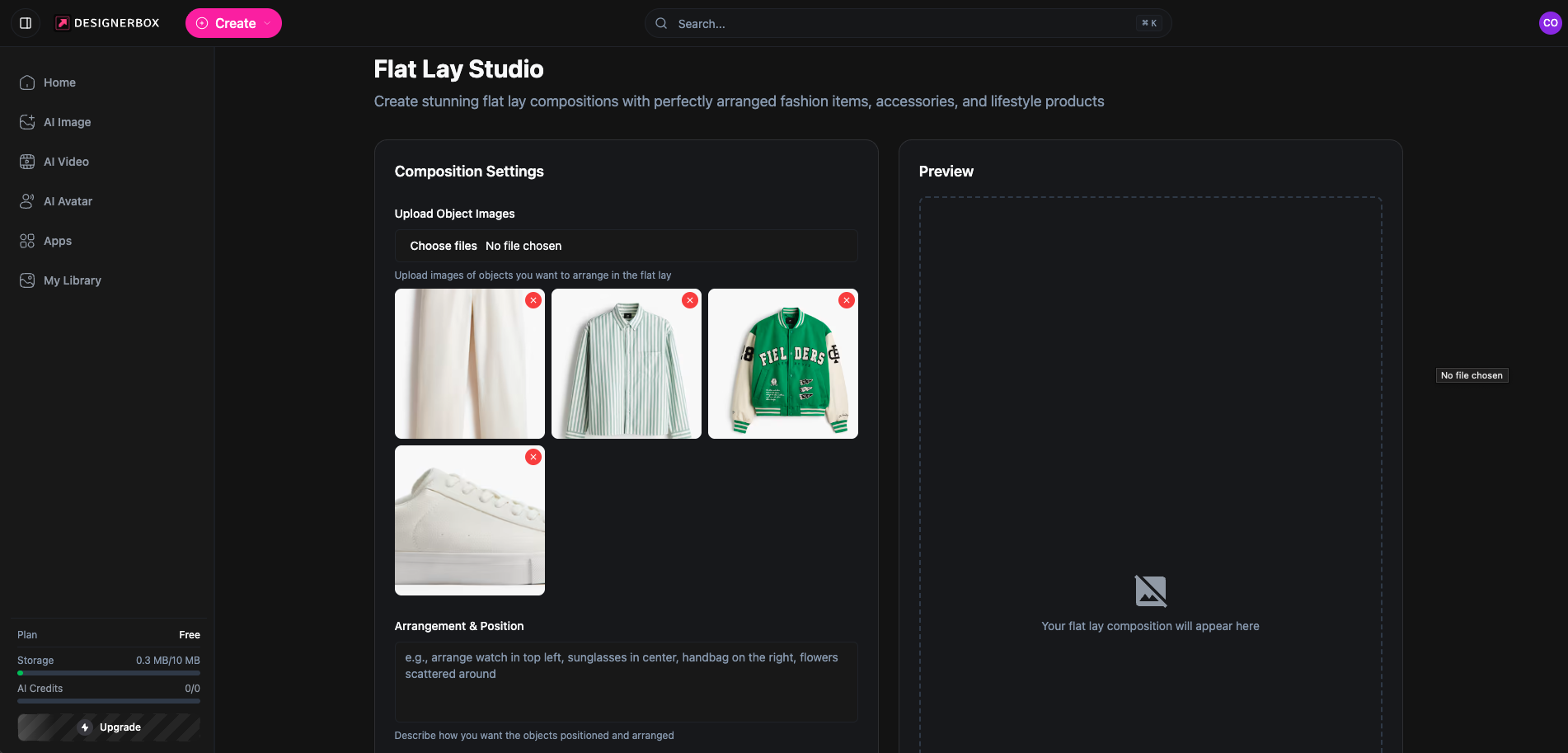
Flat Lay Studio, running inside the DesignerBox canvas.
Describe the arrangement in plain words
No rigid templates. Type where each item goes in the Arrangement & Position field, and the AI composes the scene, the way the app actually works.
Arrange the watch top-left, sunglasses in the centre, handbag on the right, flowers scattered around.
Lay everything out in a clean, even grid with plenty of negative space.
Scatter the items casually across a marble surface for a relaxed lifestyle feel.
Put one hero product in the centre with the rest arranged neatly around it.
From product photos to a flat lay in three steps
Upload your products
Add photos of your products. AI removes backgrounds and prepares each item for composition, no pre-processing needed.
Describe the arrangement
Type where each item should sit in plain words, or leave it to the AI. Ask for a grid, a scattered look, or one hero product, whatever the shot needs.
Generate and download
AI renders a flat lay with realistic shadows and lighting. Download at social or print resolution, up to 4K.
Flat lay photography for every category
The same workflow, styled for whatever you sell.
Beauty & cosmetics
Arrange makeup, skincare, and beauty products into clean, aesthetic compositions.
Fashion & accessories
Style apparel, jewellery, bags, and watches for lookbooks and social feeds.
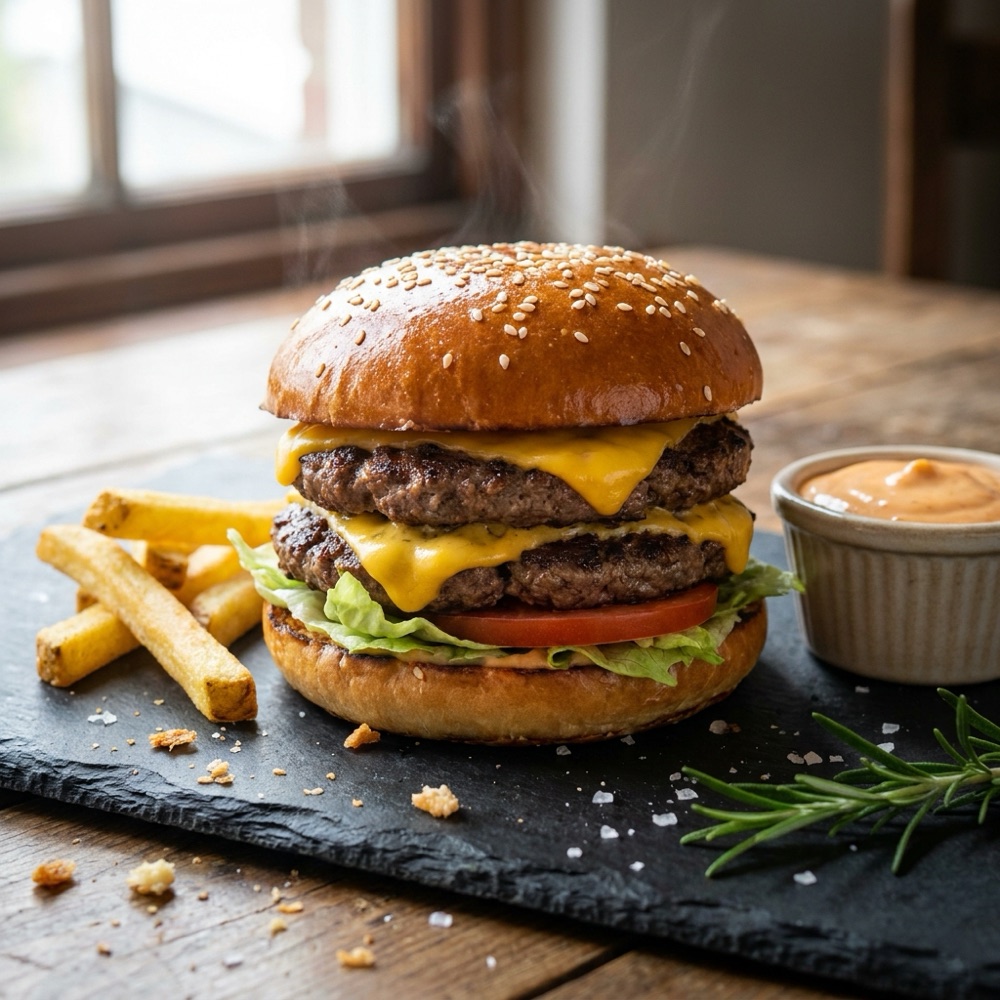
Food & beverage
Create appetising overhead shots of dishes, ingredients, and packaged goods.
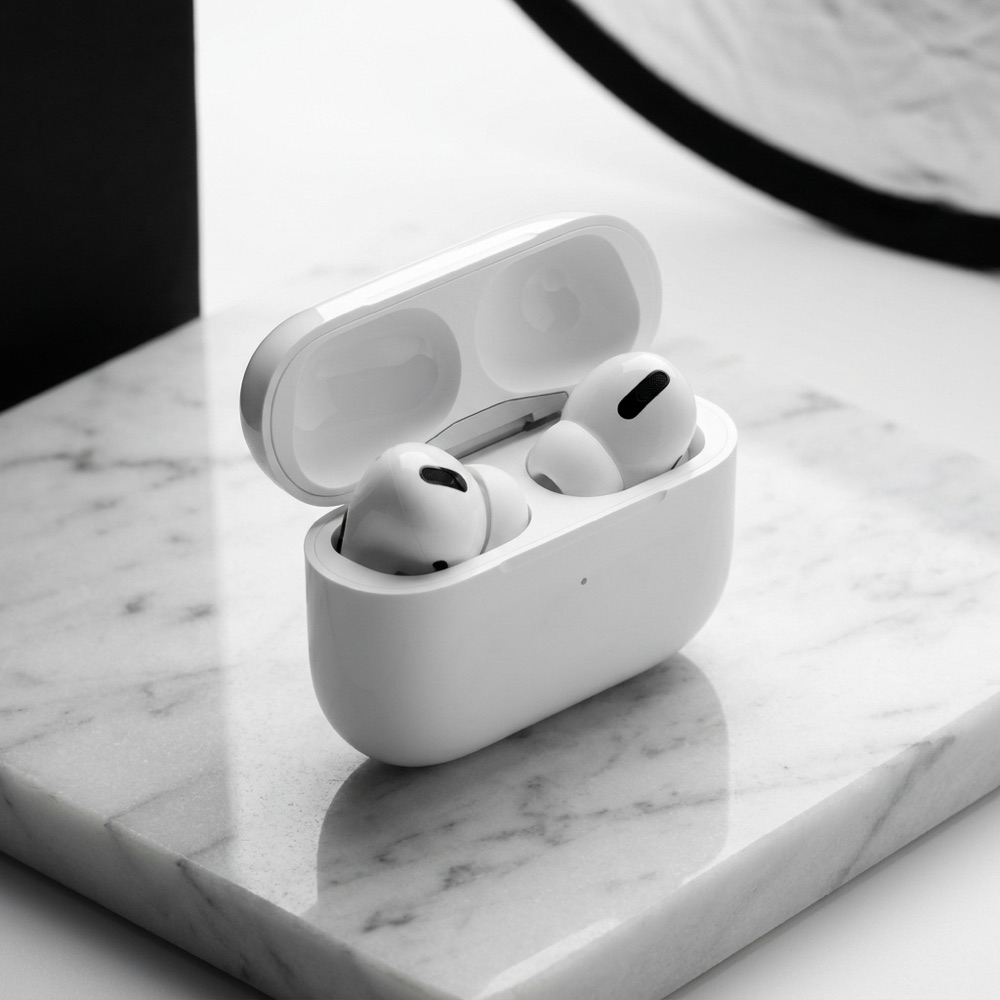
Tech & gadgets
Showcase electronics and accessories in clean, modern flat lay arrangements.
Skip the studio day
The old way
- Book a photographer and a shoot day for every product set
- Style, light, and re-shoot each arrangement by hand
- Wait days for edited files to come back
- Re-shoot from scratch whenever the season or product changes
With Flat Lay Studio
- Upload the products you already have and compose on screen
- Describe a new arrangement and regenerate in seconds
- Get a finished, high-resolution flat lay without a shoot
- Spin up variations for every campaign at no extra shoot cost
Flat Lay Studio specs
| Best for | Product flat lays, catalogue stills, and social sets |
|---|---|
| Credit cost | 5 credits per generation |
| Products per flat lay | Up to 12 items in one composition |
| Background removal | Automatic, no pre-processing needed |
| Backgrounds | Any surface or backdrop you describe in the prompt |
| Output resolution | Up to 4K (1080×1080 for Instagram, print-ready) |
| Export formats | PNG and JPG |
| Powered by | DesignerBox's latest AI image models |
Frequently asked questions
What is an AI flat lay generator?
What types of products work best for flat lays?
Do I need to remove backgrounds before uploading?
Can I customise the background?
How many credits does Flat Lay Studio cost?
How many products can I include in one flat lay?
What resolution are the generated flat lays?
Ready to create flat lays?
Upload your products and get professional flat lay compositions in seconds.
