Create anything, on brand, in one place
Images, video, avatars, and audio in a single workspace with every top AI model built in. Start from a prompt or a product photo, and nothing comes out looking like generic AI.
Free plan to start. One subscription, every model.
Made with DesignerBox
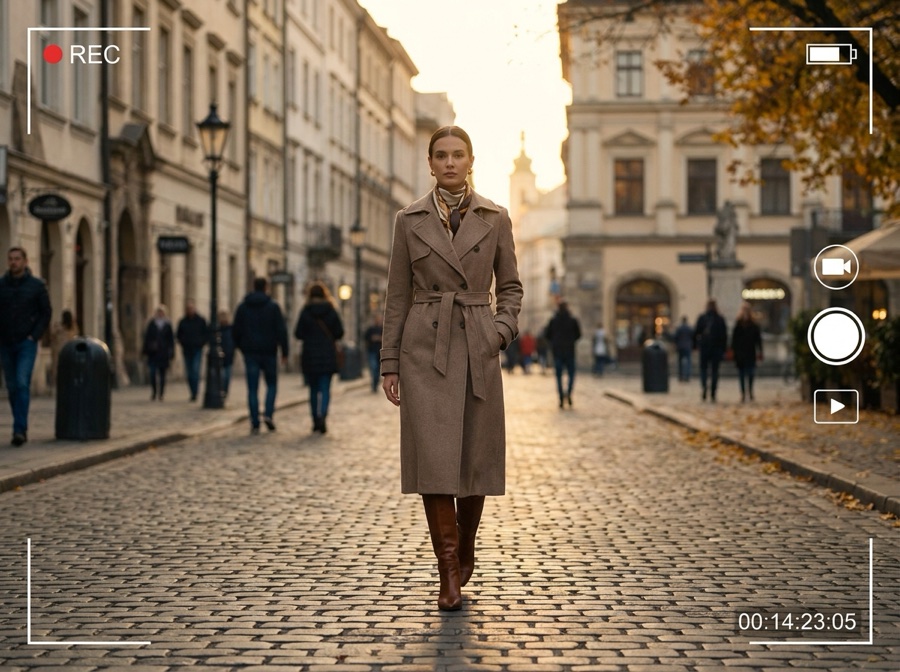
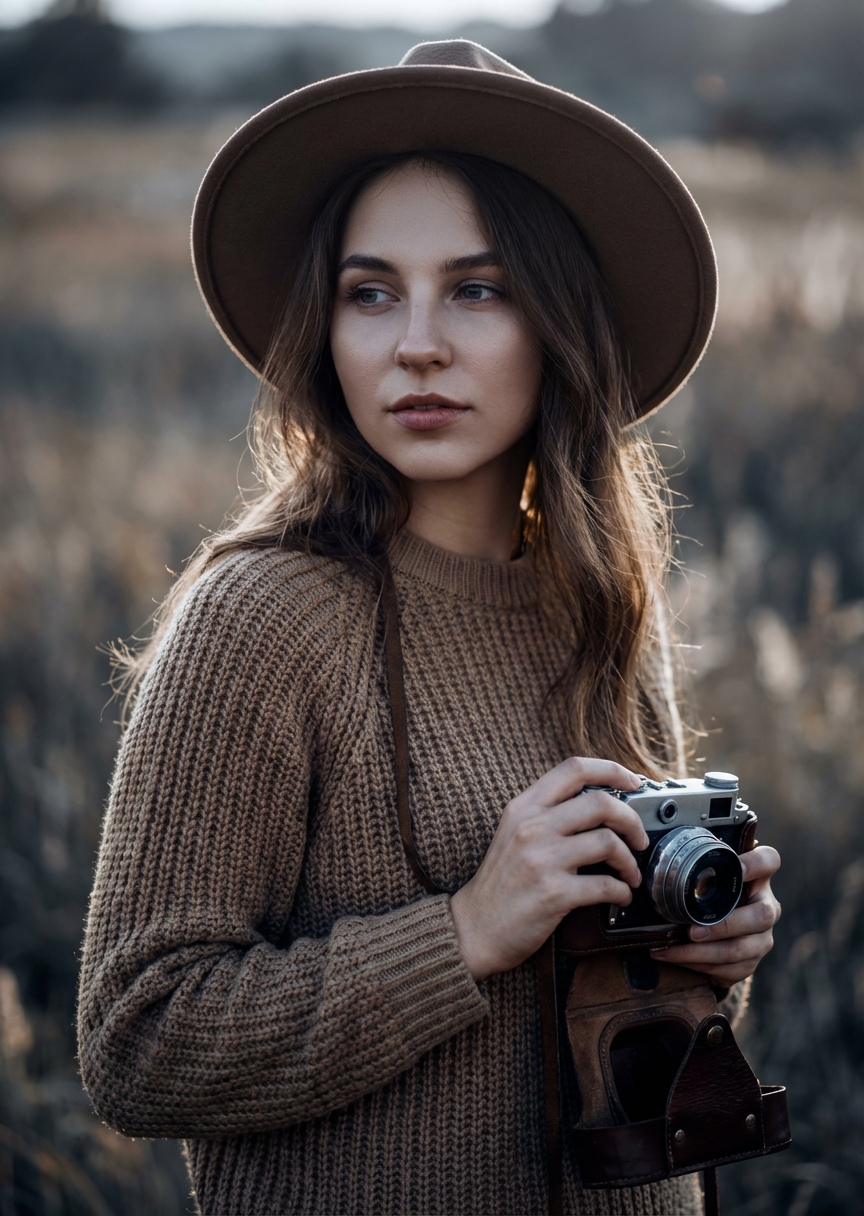
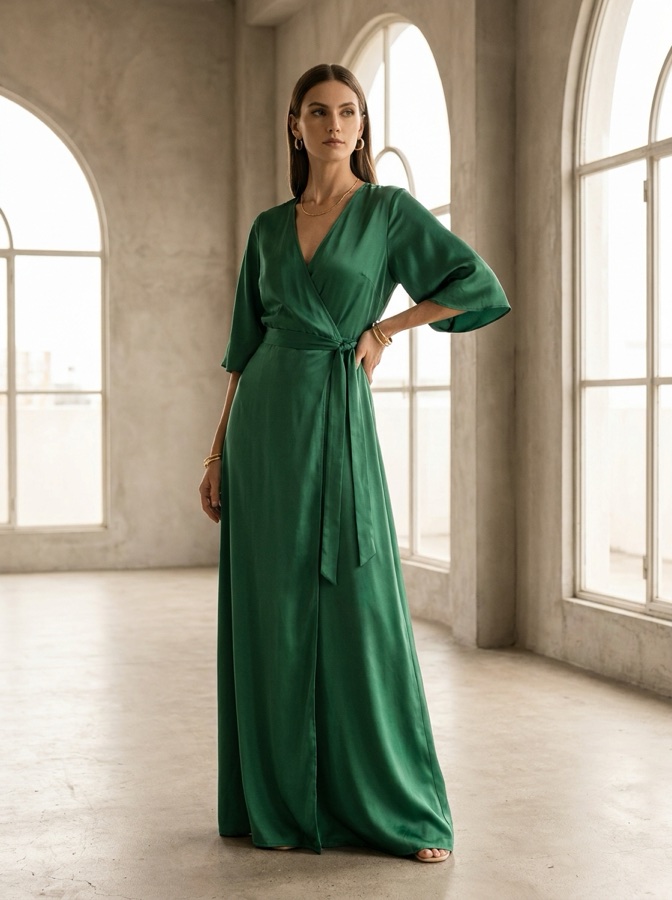
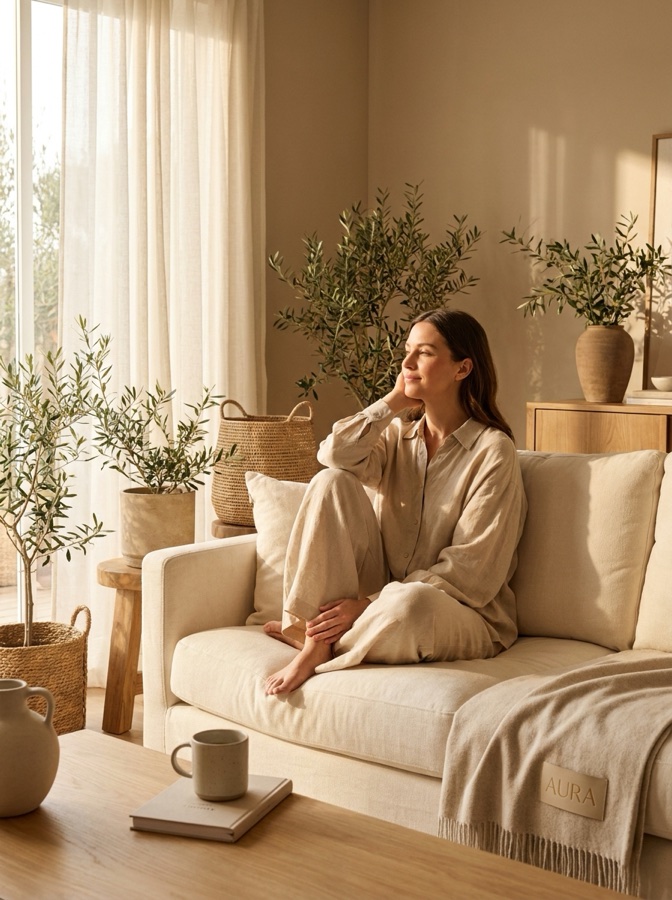
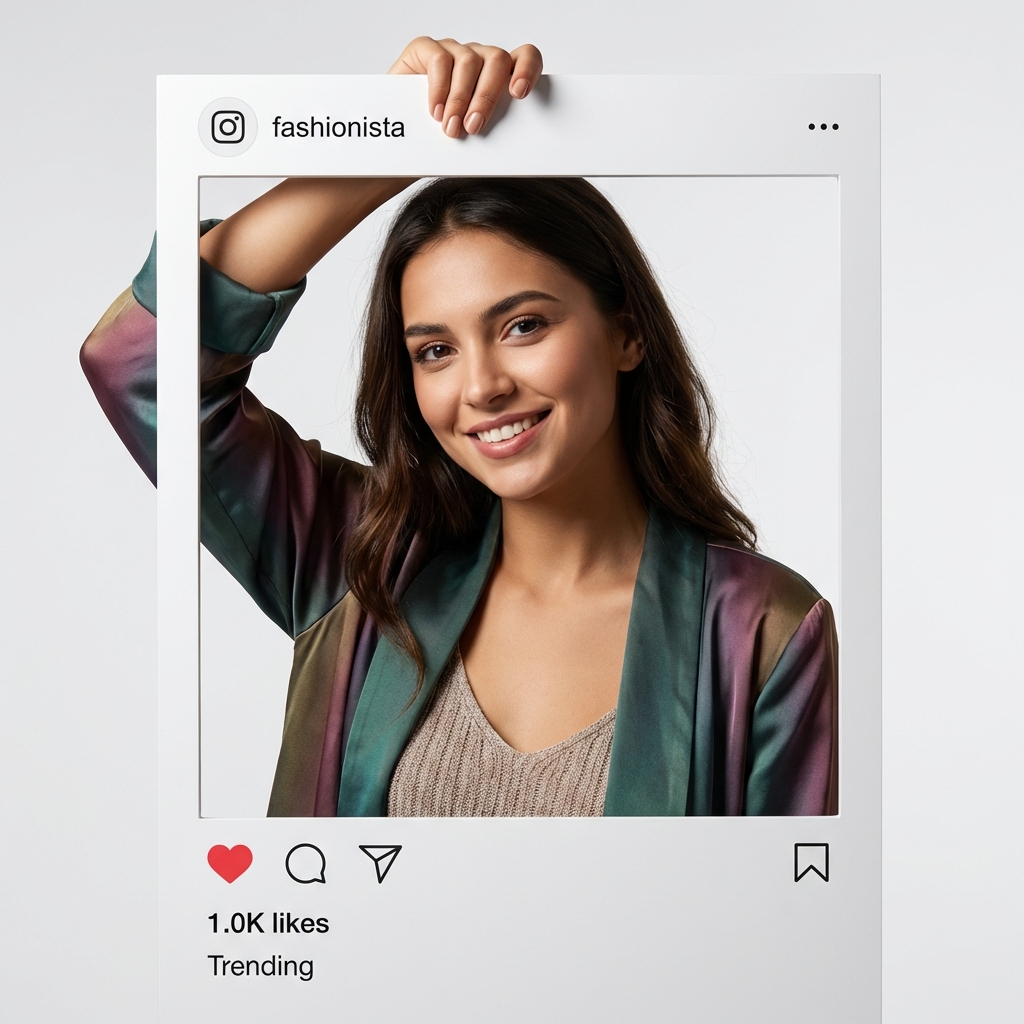
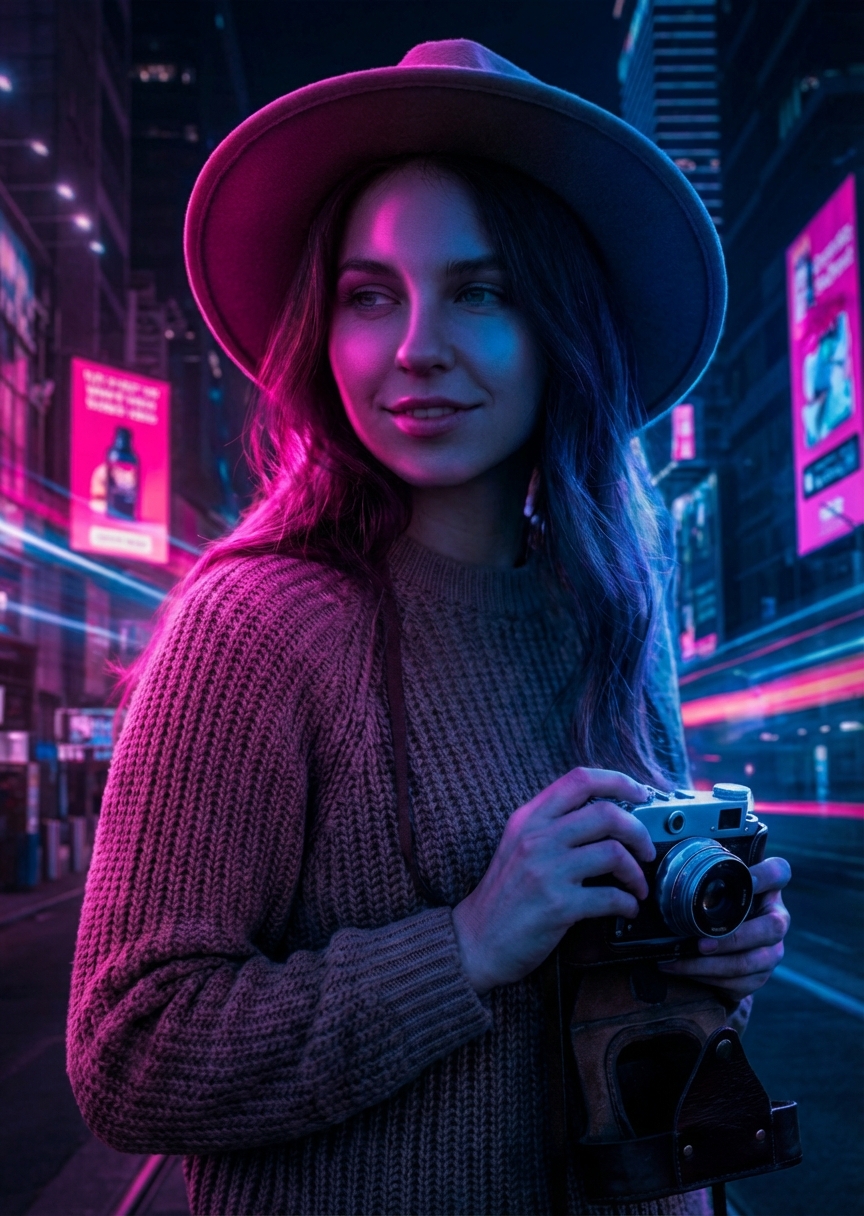
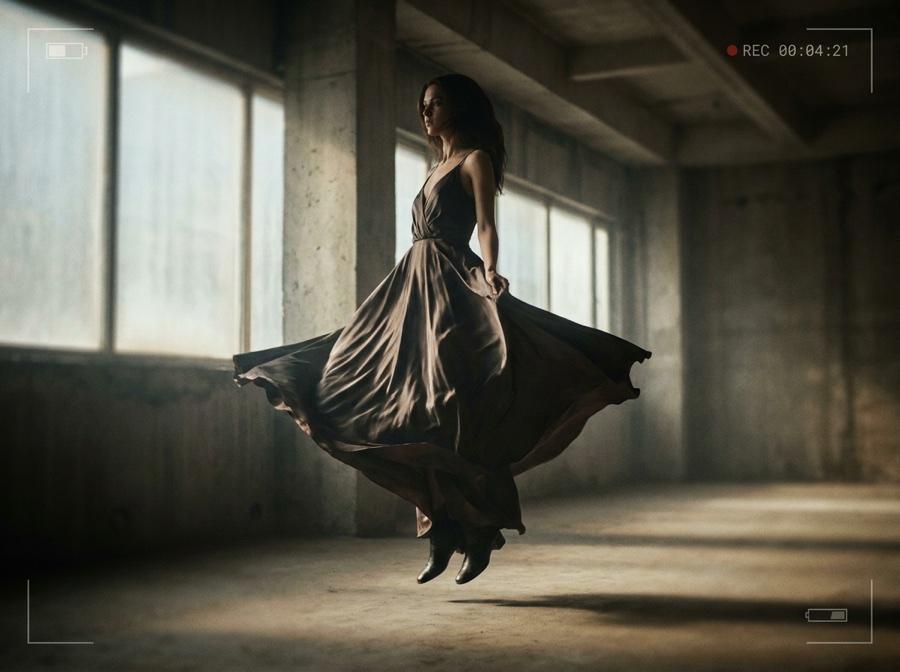
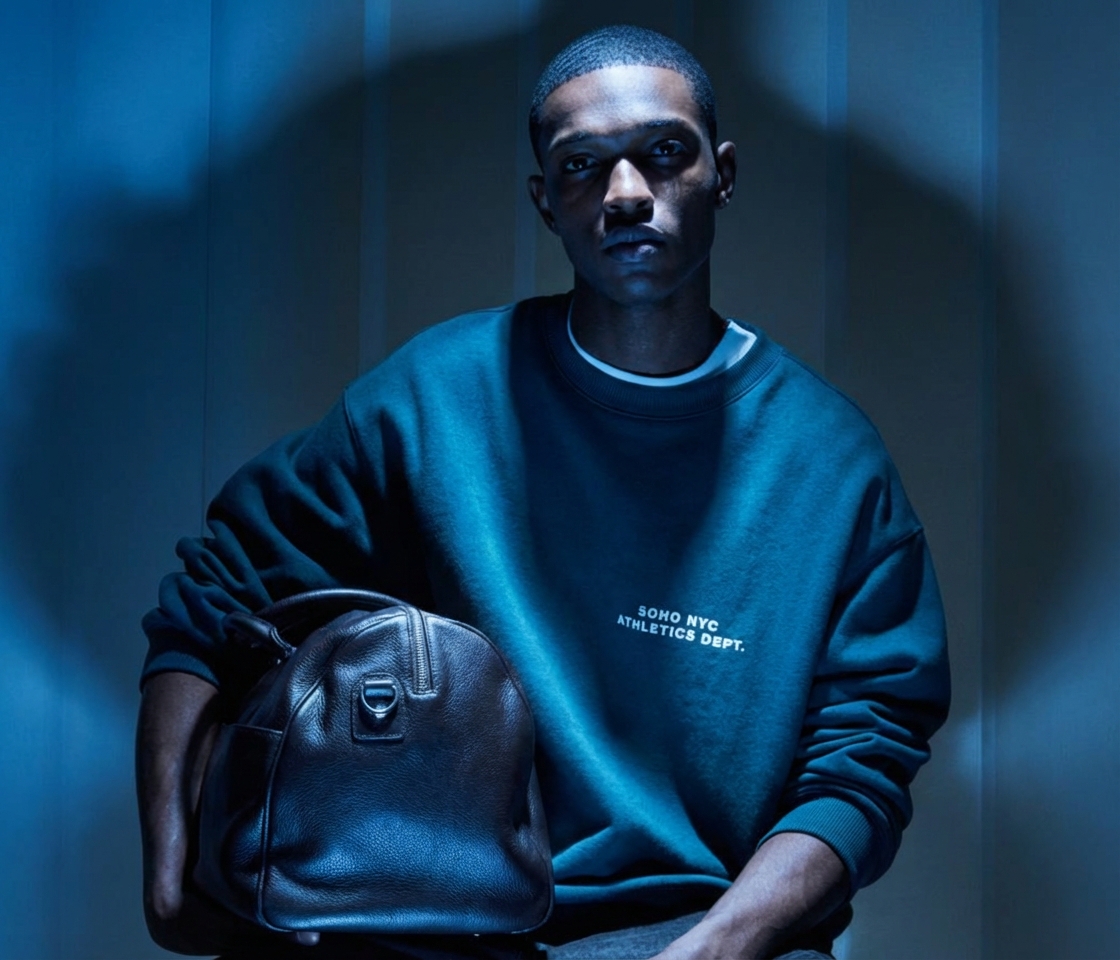
From a blank prompt to a finished asset
One workspace for the whole make-something loop: generate, edit, and keep it consistent.
Start from a prompt or a photo
Describe what you want, or upload a product shot or reference. Both are valid starting points.
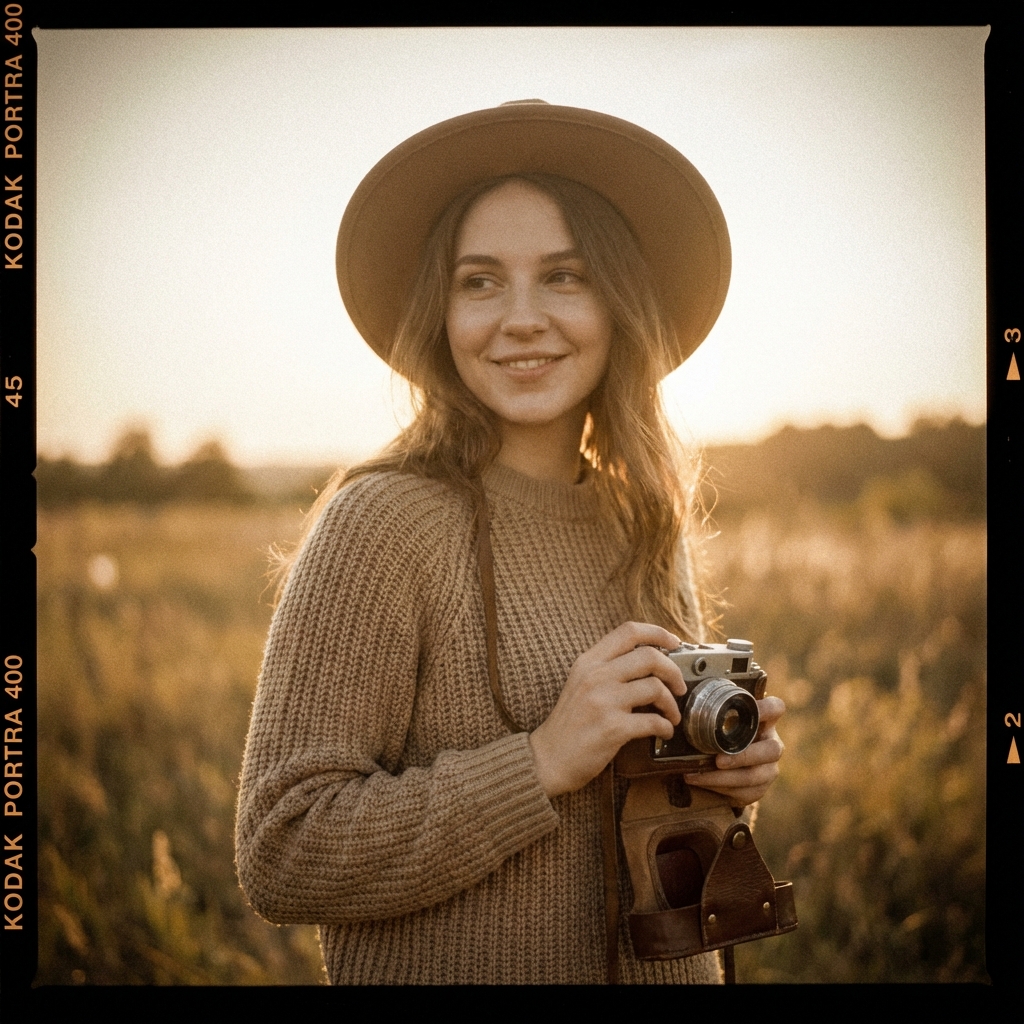
Pick the right model
Image, video, or avatar, every top model is one click away. No app-switching, no extra subscription.
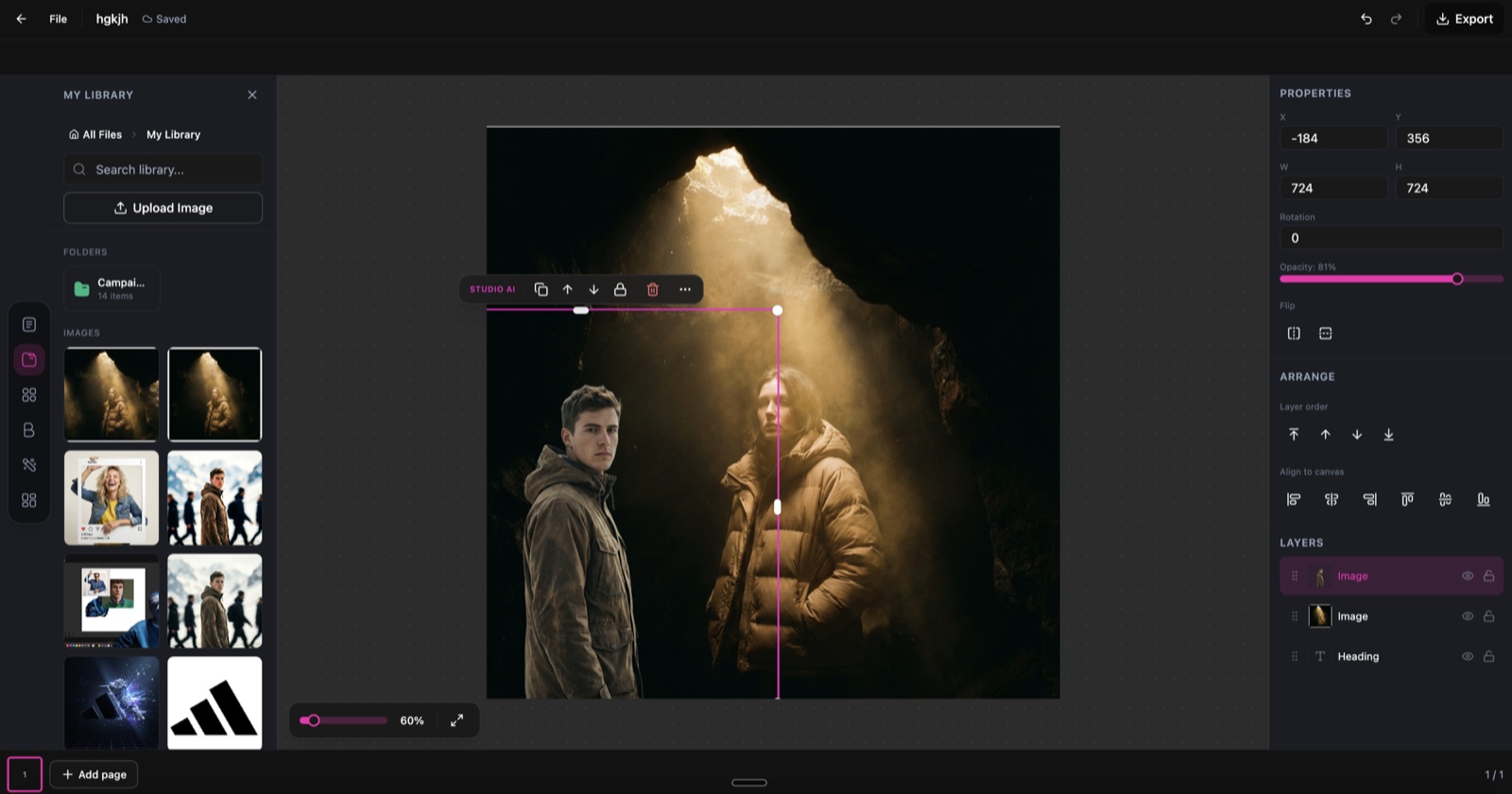
Edit and keep it consistent
Retouch, restyle, and upscale, and reuse the same character across scenes without losing detail.
Everything you make, in one workspace
No six-tool stack. Generate, edit, and organize creative in one place.
Image generation
Text-to-image and image-to-image with the top models, kept on brand.
Video generation
Turn prompts and stills into short, polished video clips with synced audio.
AI avatars
Create consistent brand characters and reuse them across scenes.
Editing & upscale
Retouch, restyle, upscale, and compose on the canvas without quality loss.
Audio & voiceover
Add voiceover and audio so a still becomes a finished clip in one place.
One organized library
Every generation is saved, searchable, and reusable across your next project.
Every top model, one subscription
Stop paying for and switching between six generators. The best image and video models live in one studio, so you pick the right engine per shot and keep everything in one library.
- Generate an image with one model, animate it with another
- Keep characters and style consistent across every asset
- Edit and upscale without losing detail or resolution

 OriginalRestyled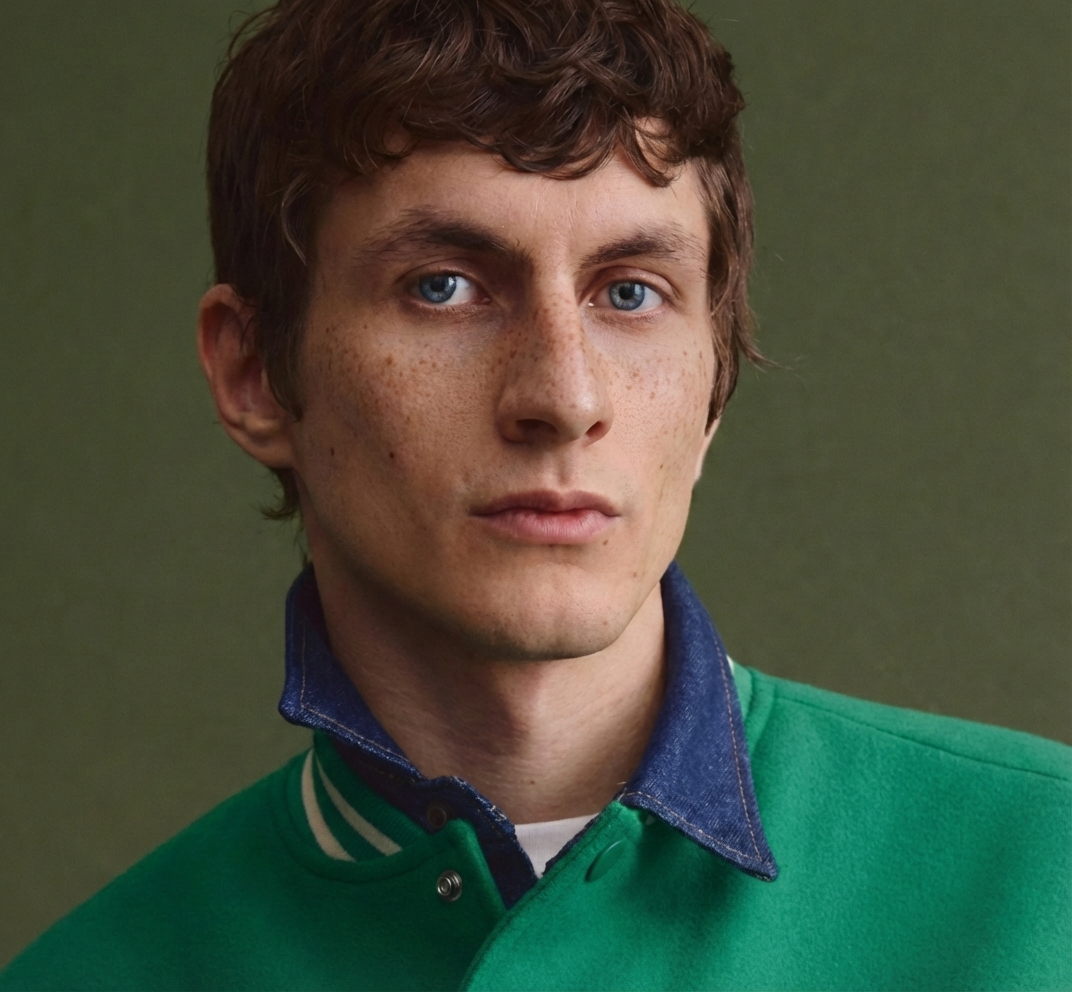
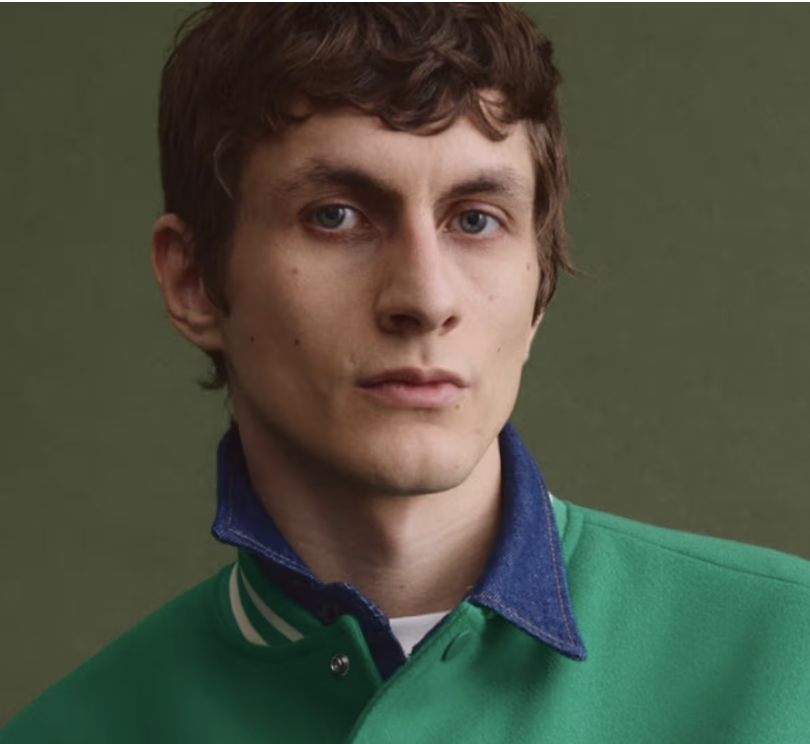 BeforeRetouched
Every model, one studio
Pick the right engine per shot. Model line-up current as of July 2026.
| Model | Type | Provider | Best for |
|---|---|---|---|
| Nano Banana Pro | Image | Editing and 4K detail | |
| GPT Image 2 | Image | OpenAI | Text inside images, prompt fidelity |
| Seedream 5 | Image | ByteDance | Photoreal scenes |
| FLUX 2 Flex | Image | Black Forest Labs | Photorealism with control |
| Veo 3.1 | Video | Video with synced audio | |
| Seedance 2.0 | Video | ByteDance | Fast product and ad video |
| Kling 2.6 Pro | Video | Kuaishou | Longer, dynamic clips |
Six generators, or one Creative Studio
Every extra tool is another subscription, another login, and another export that loses your look.
The scattered stack
- A different app for image, video, avatars, and editing
- Assets scattered across five tools and no shared library
- Every export drops quality and drifts off brand
- Paying for models you use once a month
The Creative Studio
- Image, video, avatars, and audio in one workspace
- One organized, searchable library for everything
- Consistent characters and style across every asset
- One subscription, every top model included
Creative Studio questions
What creators and teams ask before switching.
What can I make in the Creative Studio?
What does "multi-model" mean here?
How does my work stay on brand?
Which AI models can I use?
Is my work saved and reusable?
Can agencies and teams use it?
Start creating on brand
Make your first on-brand image, video, or avatar, then keep it all in one library.
Free plan to start. Book a demo if you run creative for a team or clients.

40% offevery annual plan
Switch to annual before you go and keep 40% off for the whole year.
- Every top AI image, video and avatar model included.
- One workspace for your whole campaign.
- 7-day free trial. Cancel anytime.