Create ads that sell and scale
Turn one product photo or URL into video ads, UGC, and campaign-ready creative that looks like your brand, not generic AI. Ship more, in every platform size, without a bigger team.
Free plan to start. No agency, no editor, no photoshoot.
Real campaigns made with DesignerBox
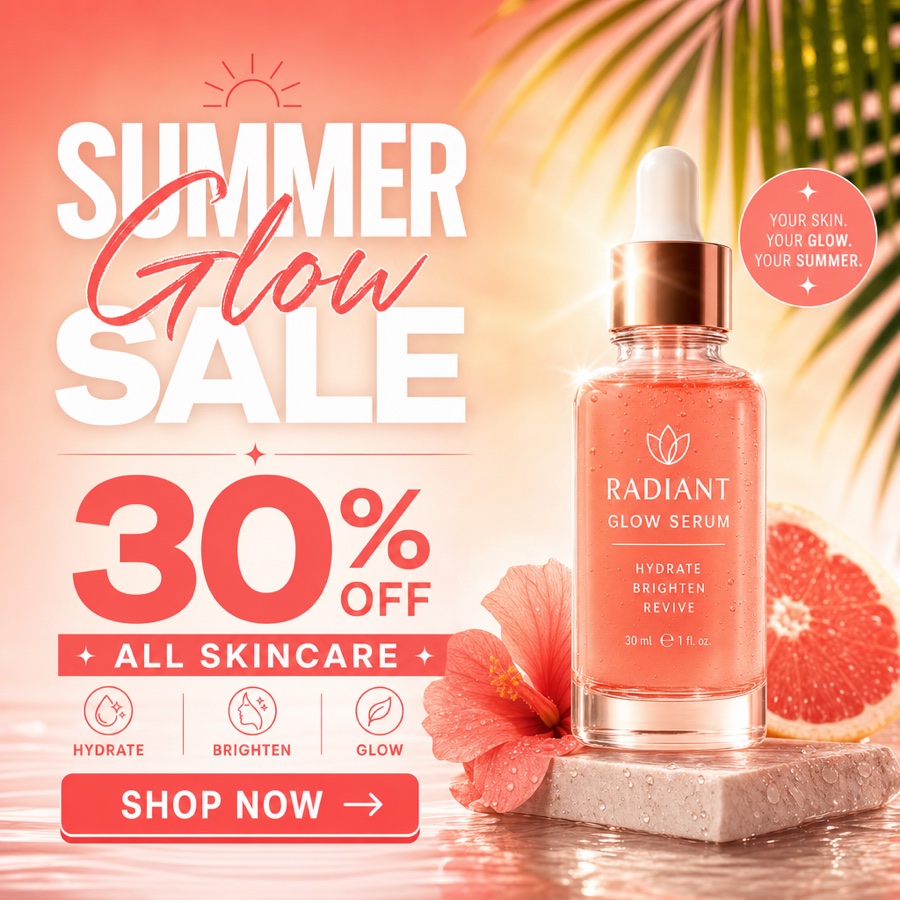
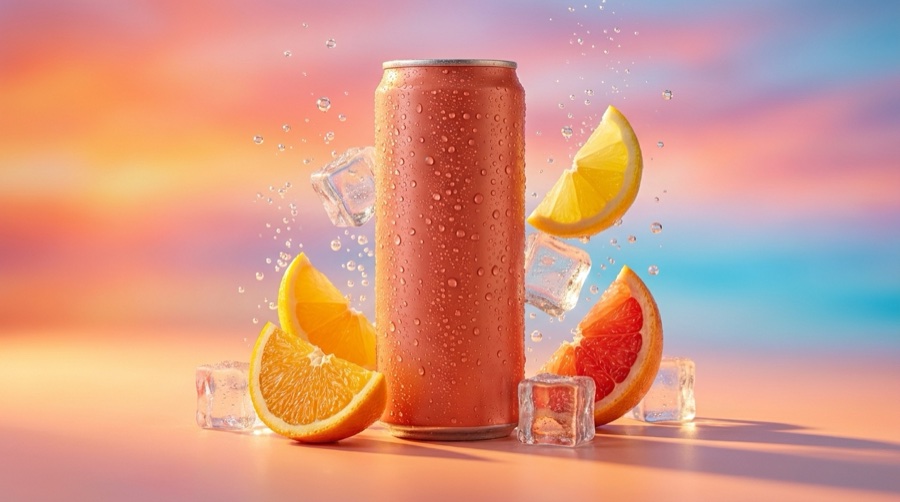
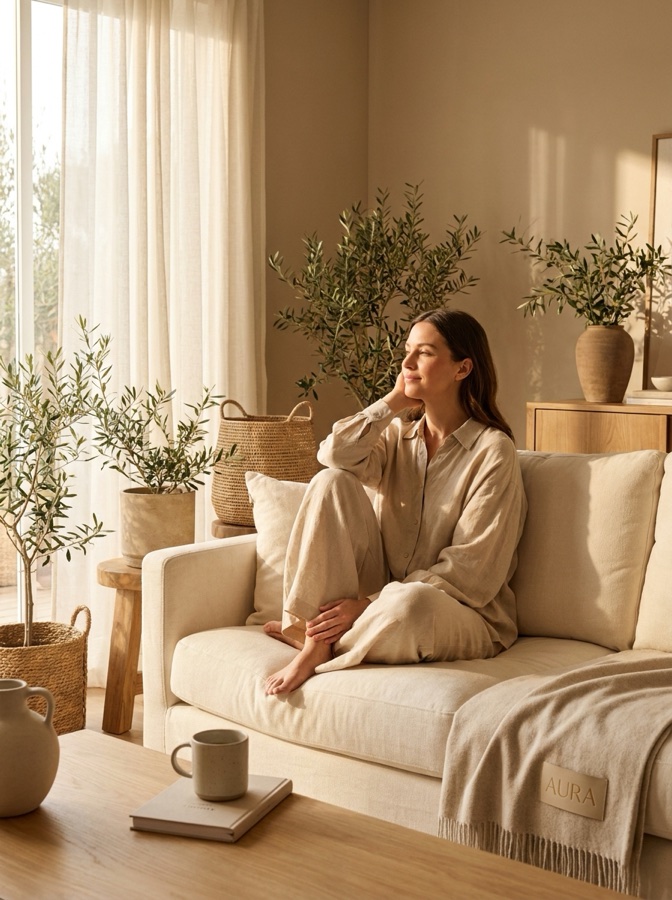
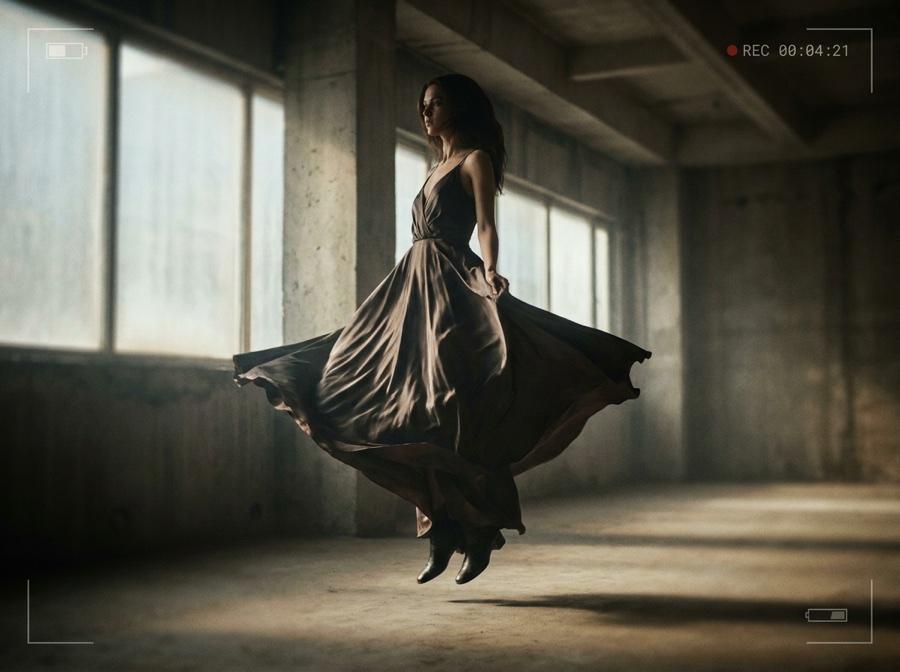
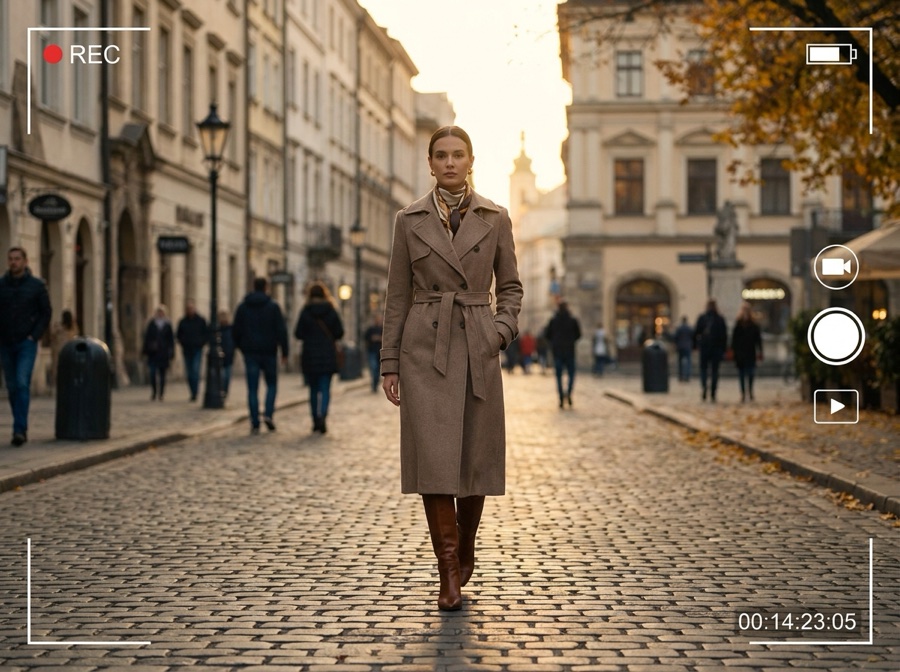
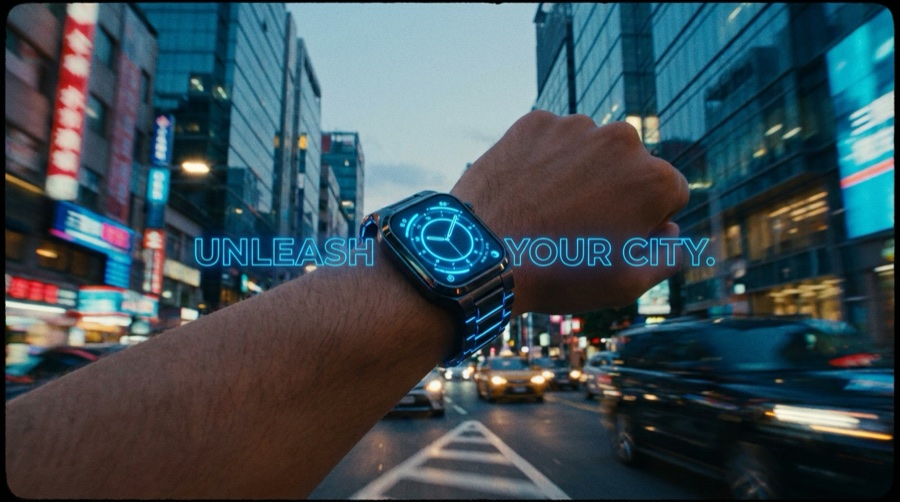
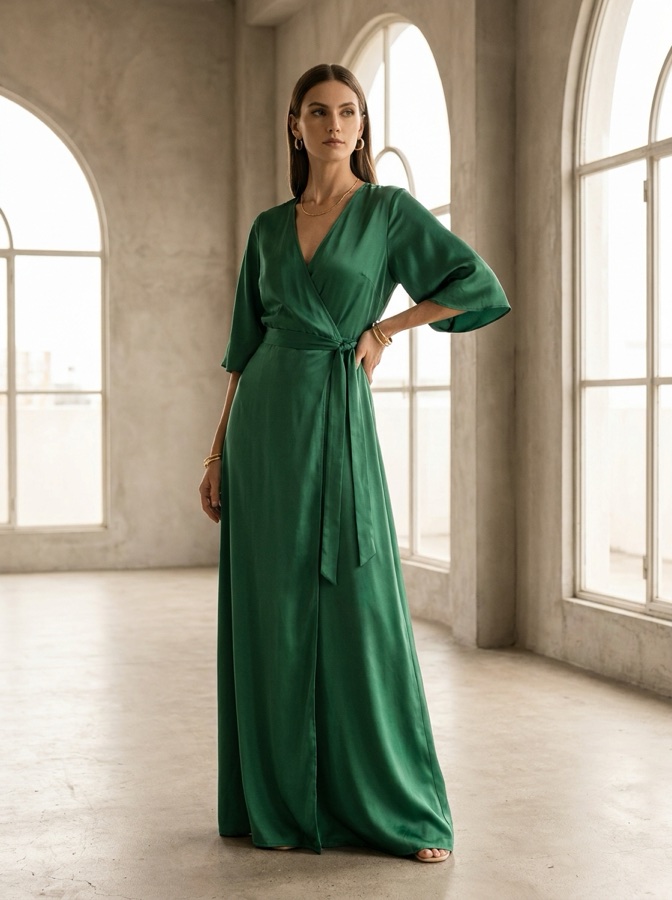
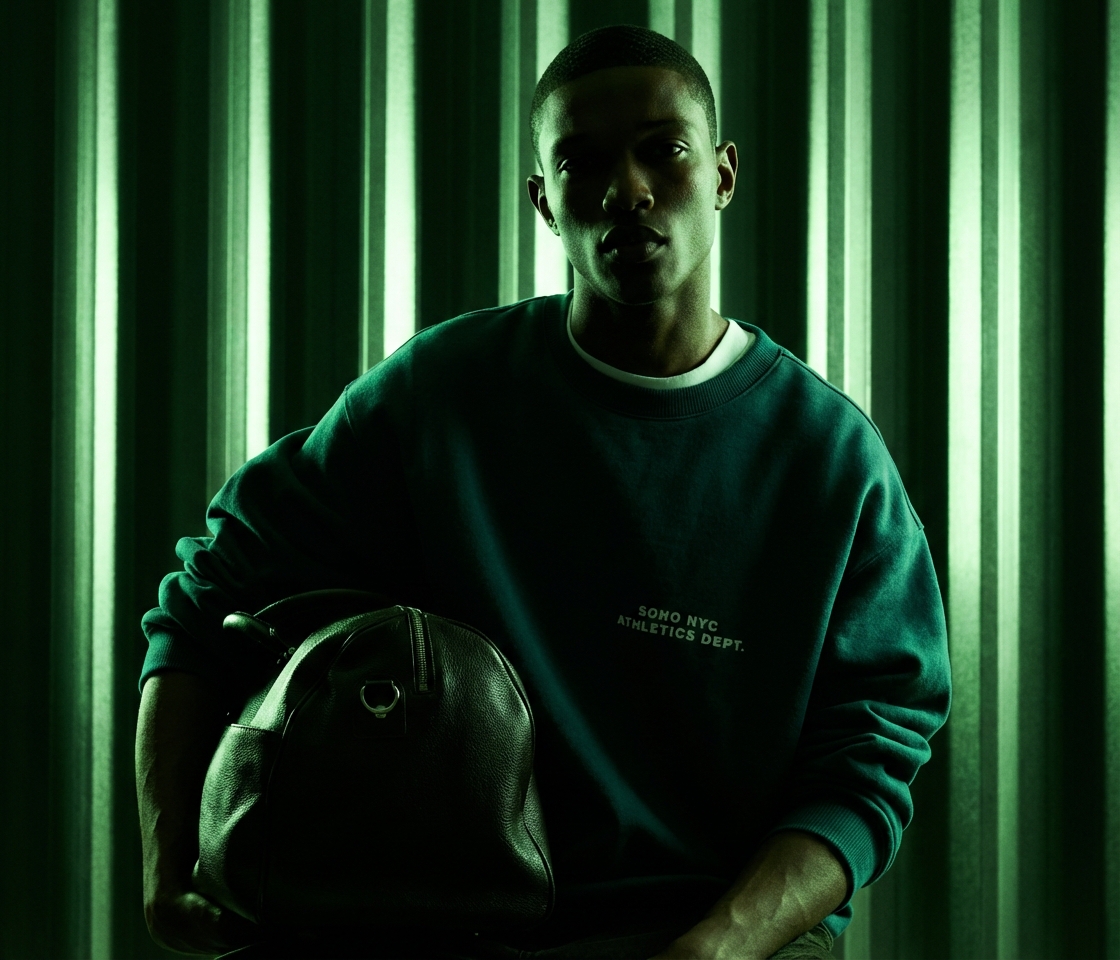
One product in, a full ad set out
From a link or a single photo to platform-ready ads in three steps. No brief, no editor, no exporting to Premiere.
Paste a URL or drop a photo
Give the Marketing Studio a product page URL or one product shot. That is everything it needs to start.
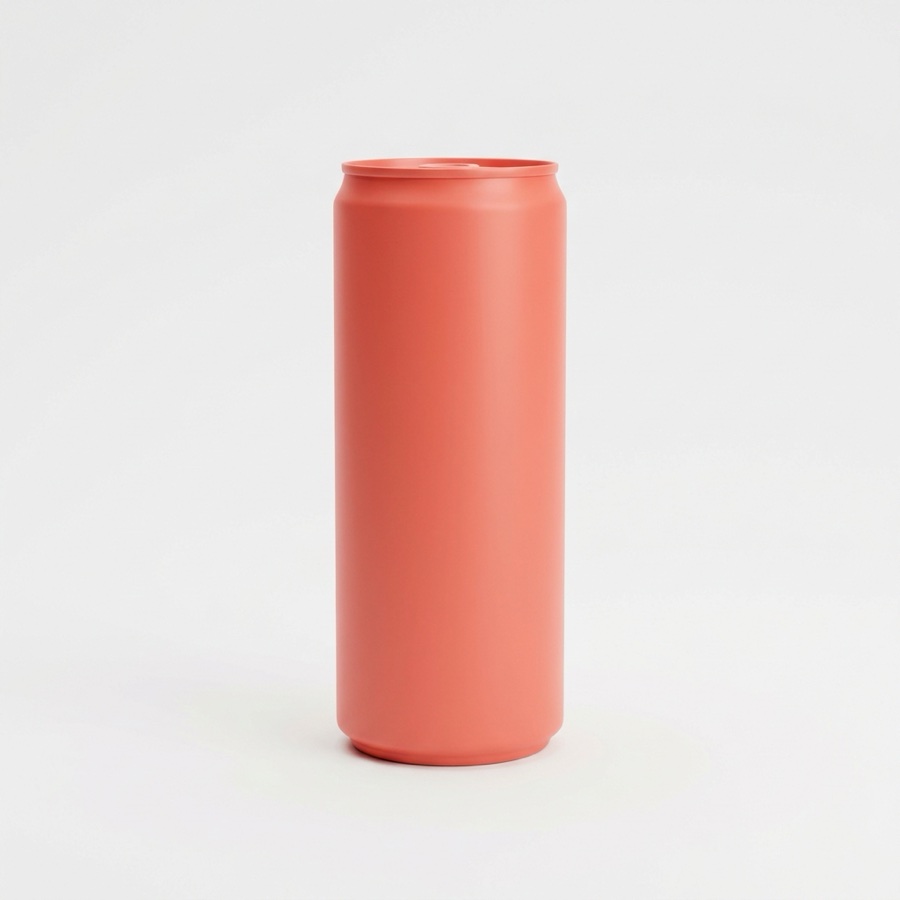
Pick an ad format
Choose video ad, UGC, unboxing, or static creative. Every top video and image model is one click away.
Ship every size, on brand
Export the ad resized to every Meta, TikTok, and YouTube spec in one batch, consistent across the set.
Every format your team ships in a week
The jobs a modern marketing team runs on repeat, in one workspace instead of six tools.
Video ads
Turn a product photo or URL into scroll-stopping video ads with synced audio.
UGC video ads
Creator-style, talking-avatar ads at the volume performance needs, no actors to hire.
Unboxing & demo
Product-in-use, unboxing, and demo clips that show the thing actually working.
Static ad creative
On-brand static and motion ads generated as variants, ready for A/B tests.
Multi-format export
One master, resized to every platform spec in a single batch export.
Reusable campaigns
Save a winning campaign as a workflow and rerun it for the next drop or client.
Ads that refuse to look AI-generated
Most AI ad tools hand you something that screams "made by a robot." DesignerBox builds every ad on your real product, so it looks like your brand shot it.
- Built from your actual product photo or URL, not a generic stock look
- Edit and iterate without losing detail or resolution
- Keep characters and styling consistent across the whole campaign
Your photoFinished ad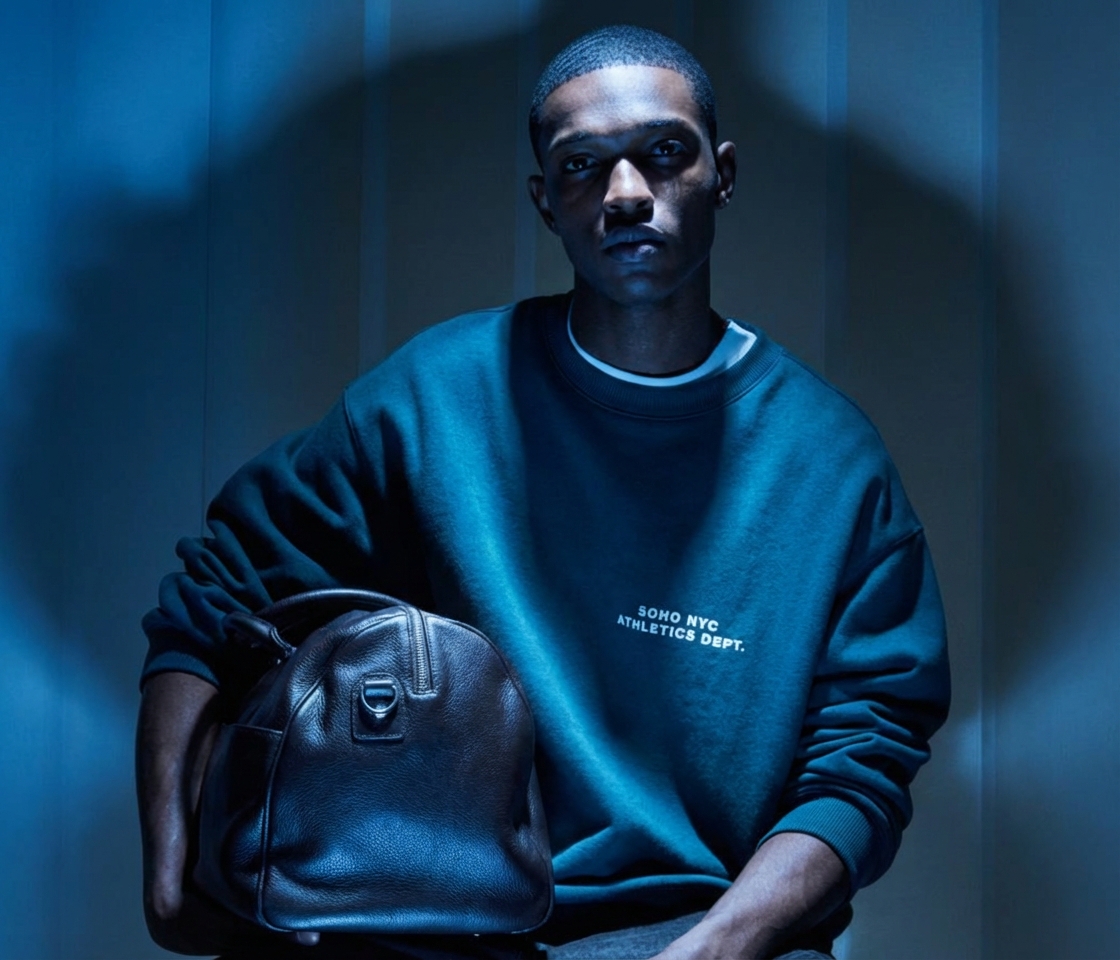
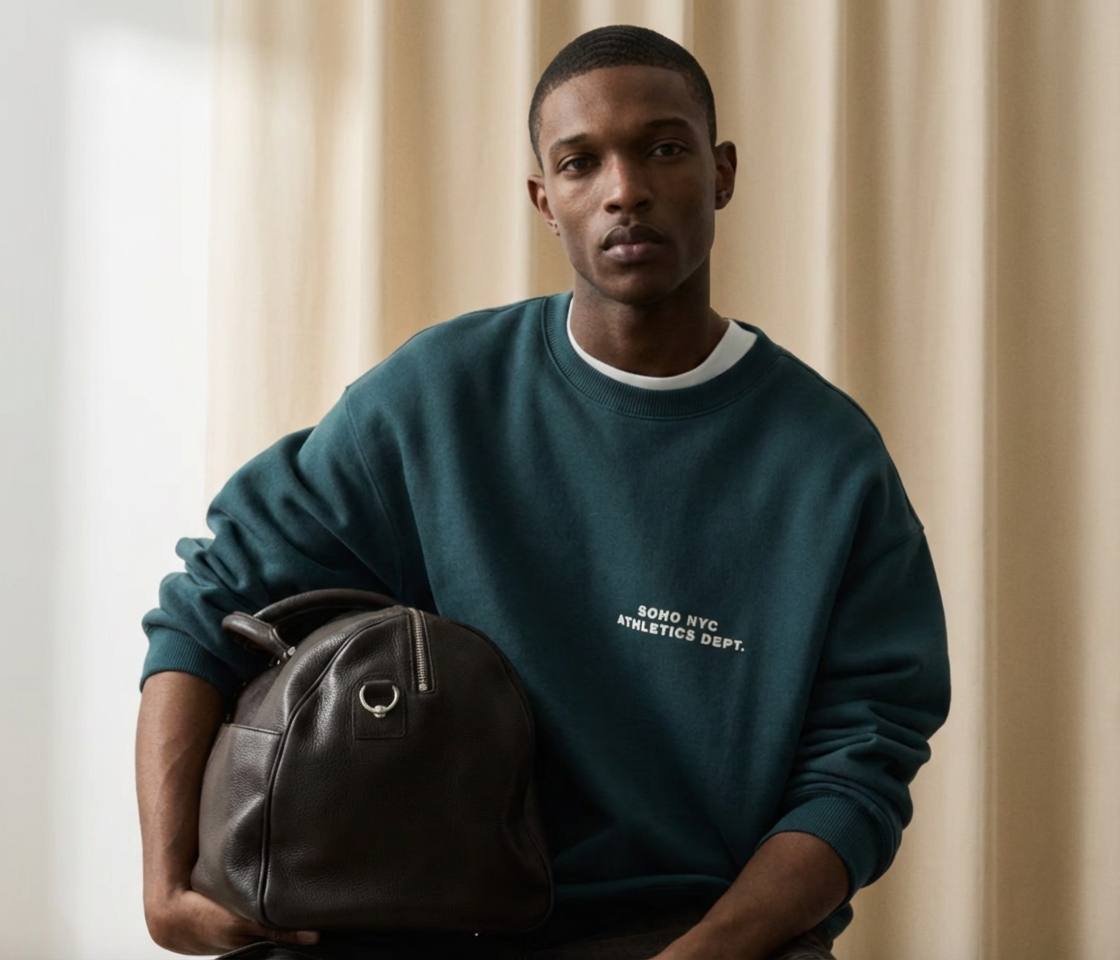 FlatRelit
The models behind your ads
Pick the right engine per shot. Model line-up current as of July 2026.
| Model | Type | Provider | Best for |
|---|---|---|---|
| Veo 3.1 | Video | Video with synced audio | |
| Seedance 2.0 | Video | ByteDance | Fast product and ad video |
| Kling 2.6 Pro | Video | Kuaishou | Longer, dynamic clips |
| Runway Gen-4.5 | Video | Runway | Stylized motion |
| GPT Image 2 | Image | OpenAI | Text inside images, prompt fidelity |
| Nano Banana Pro | Image | Editing and 4K detail |
Six tools and a freelancer, or one Marketing Studio
The old ad stack leaks time and budget at every handoff. DesignerBox collapses it into one place.
The scattered stack
- A generator, an editor, a UGC app, and a resizer that never talk to each other
- Output that looks AI-made and gets rejected on brand review
- Every new drop starts from a blank canvas again
- Four subscriptions and a freelancer invoice per campaign
The Marketing Studio
- Generate, edit, and export ads in one workspace
- On-brand output built from your real product, ready to ship
- Save a campaign once, rerun it for every future drop
- One subscription, every top model included
Marketing Studio questions
Everything a performance team asks before switching.
What is an AI video ad generator?
Can I turn a product URL into an ad?
Will the ads look AI-generated?
What ad formats can I create?
Which AI models does the Marketing Studio use?
Can my team reuse a winning campaign?
Ship your next campaign faster
Turn one product into a full set of on-brand ads and UGC, in every size, today.
Free plan to start. Book a demo if you run creative for a team or clients.

40% offevery annual plan
Switch to annual before you go and keep 40% off for the whole year.
- Every top AI image, video and avatar model included.
- One workspace for your whole campaign.
- 7-day free trial. Cancel anytime.