Product visuals that actually convert
Turn a single product photo into studio-quality shots, on-model looks, and virtual try-on, in every marketplace size. Catalog and PDP visuals that sell, without a photoshoot.
Free plan to start. No photographer, no set, no reshoots.
Catalog visuals made with DesignerBox
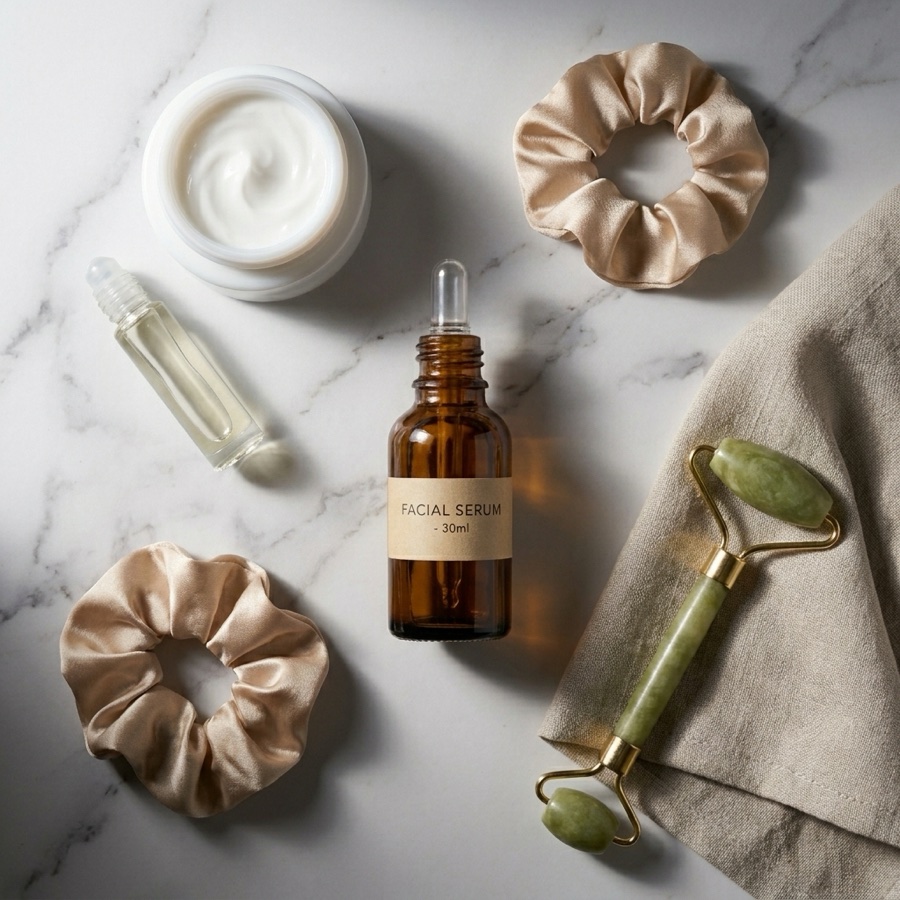
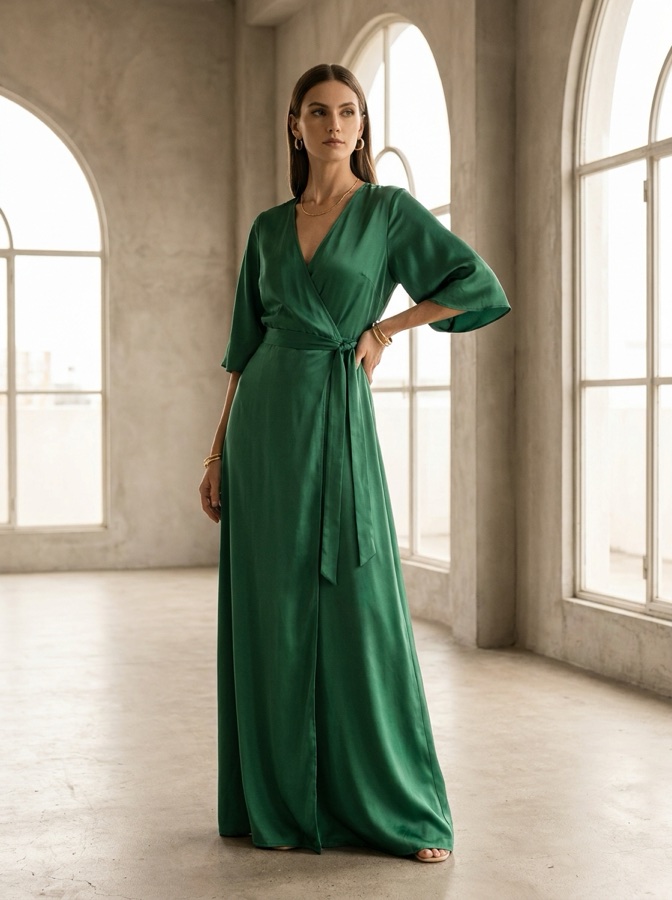
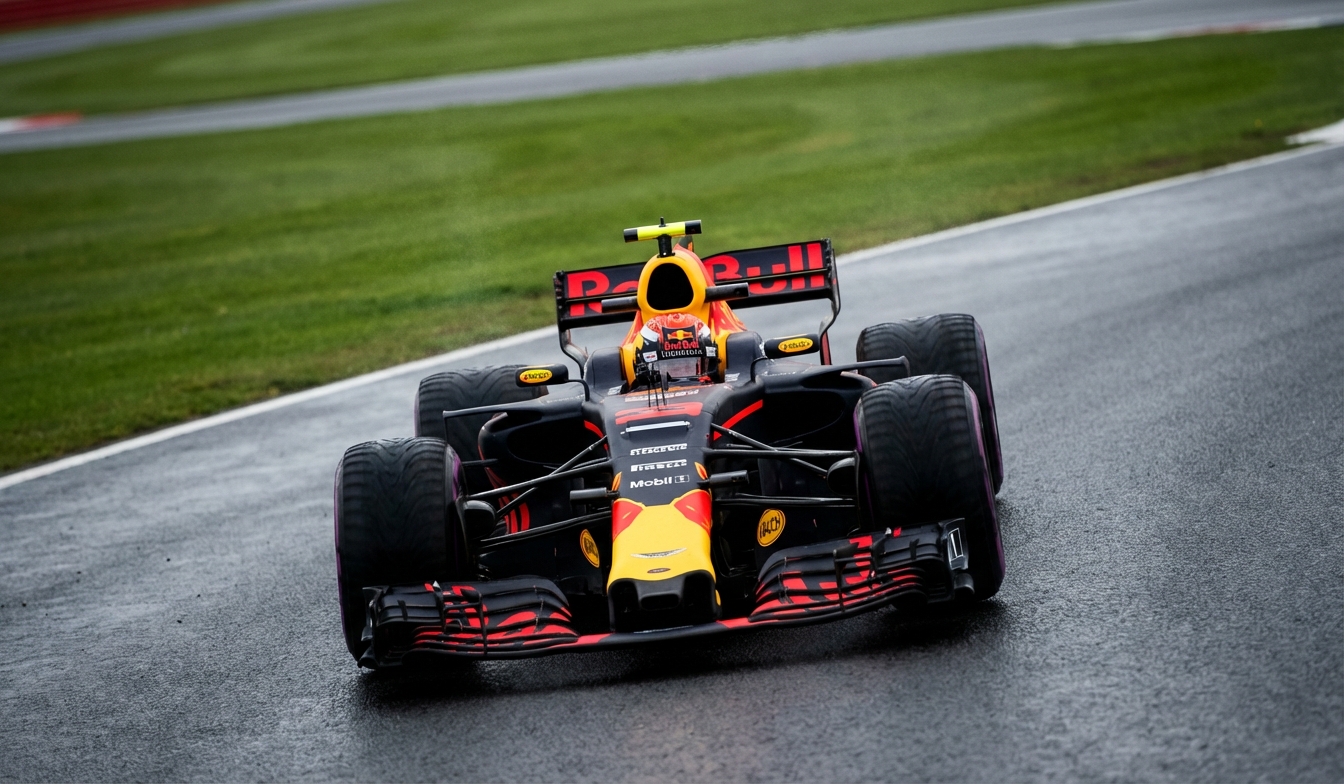
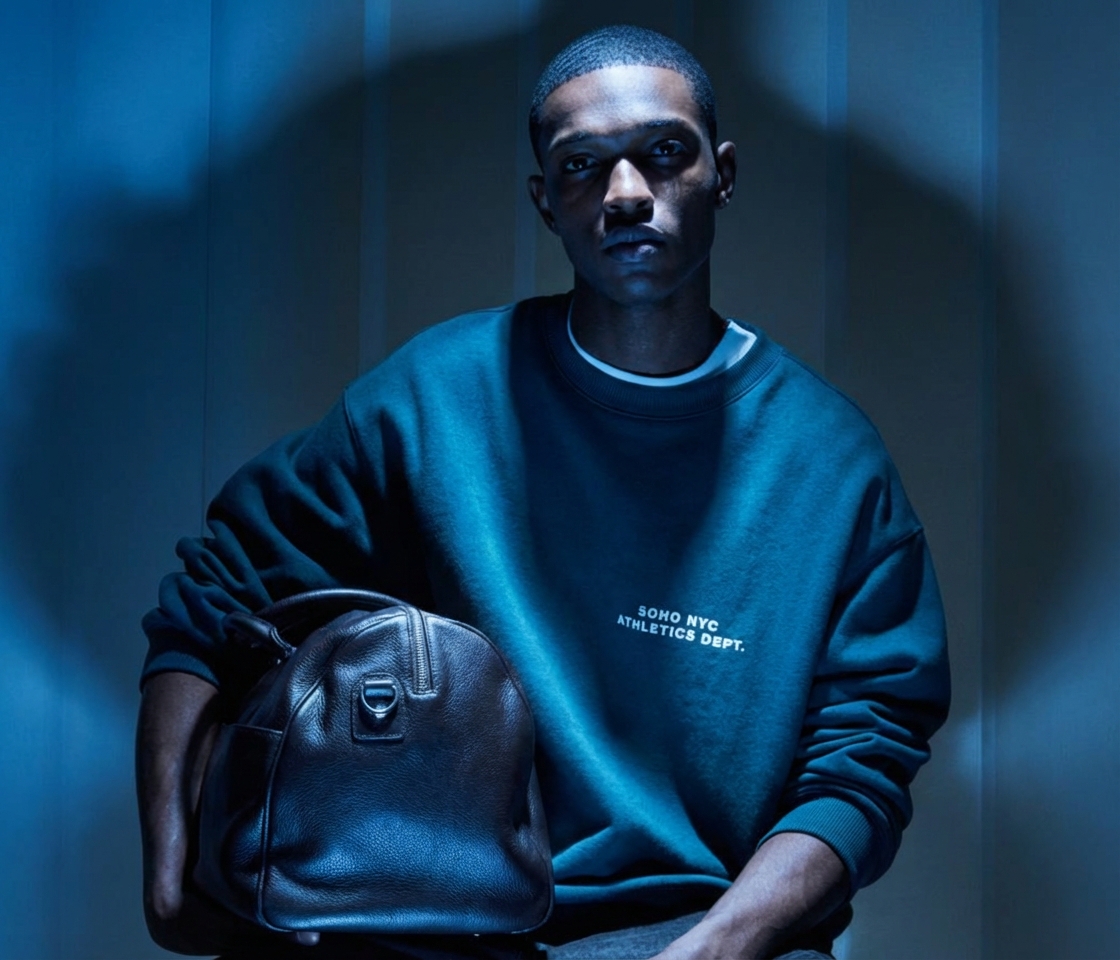
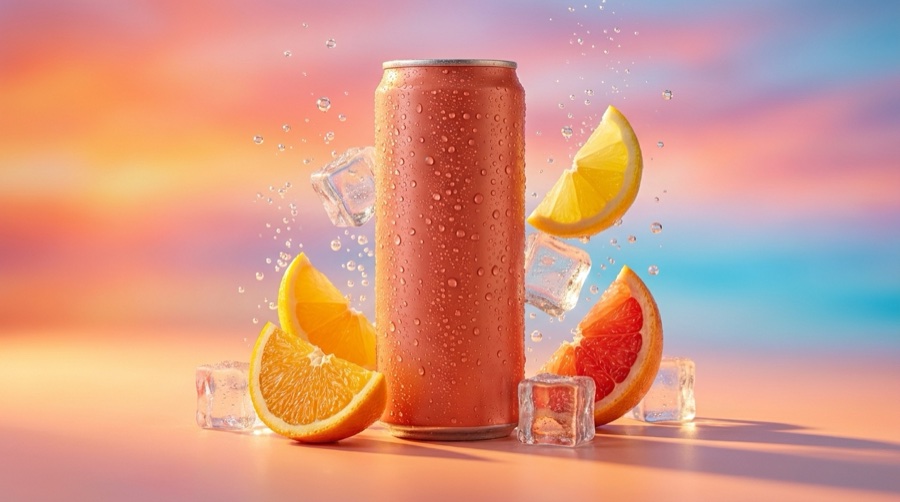
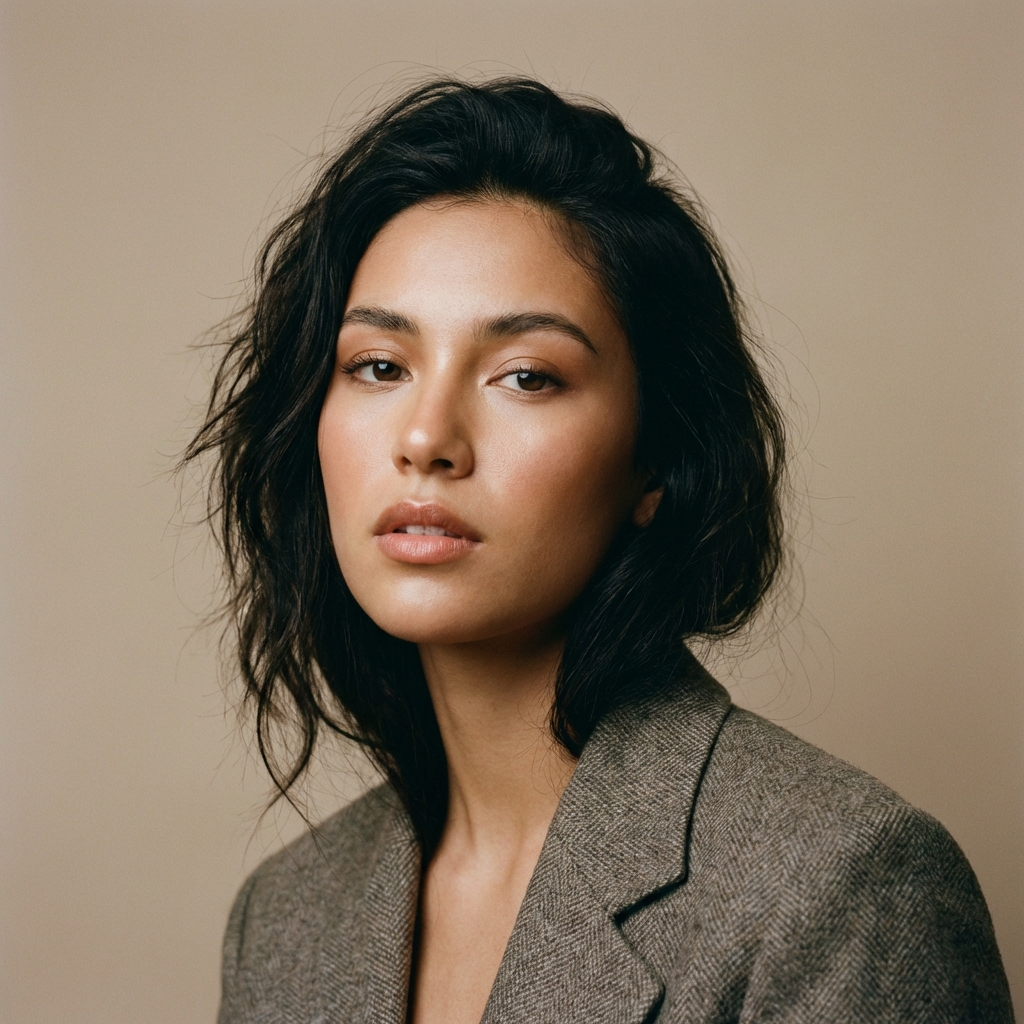
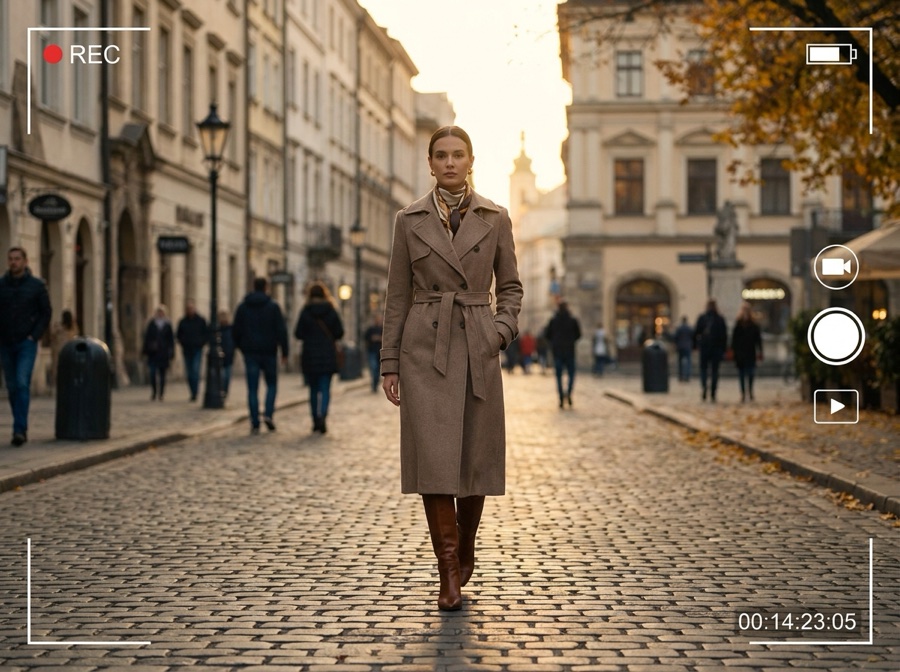
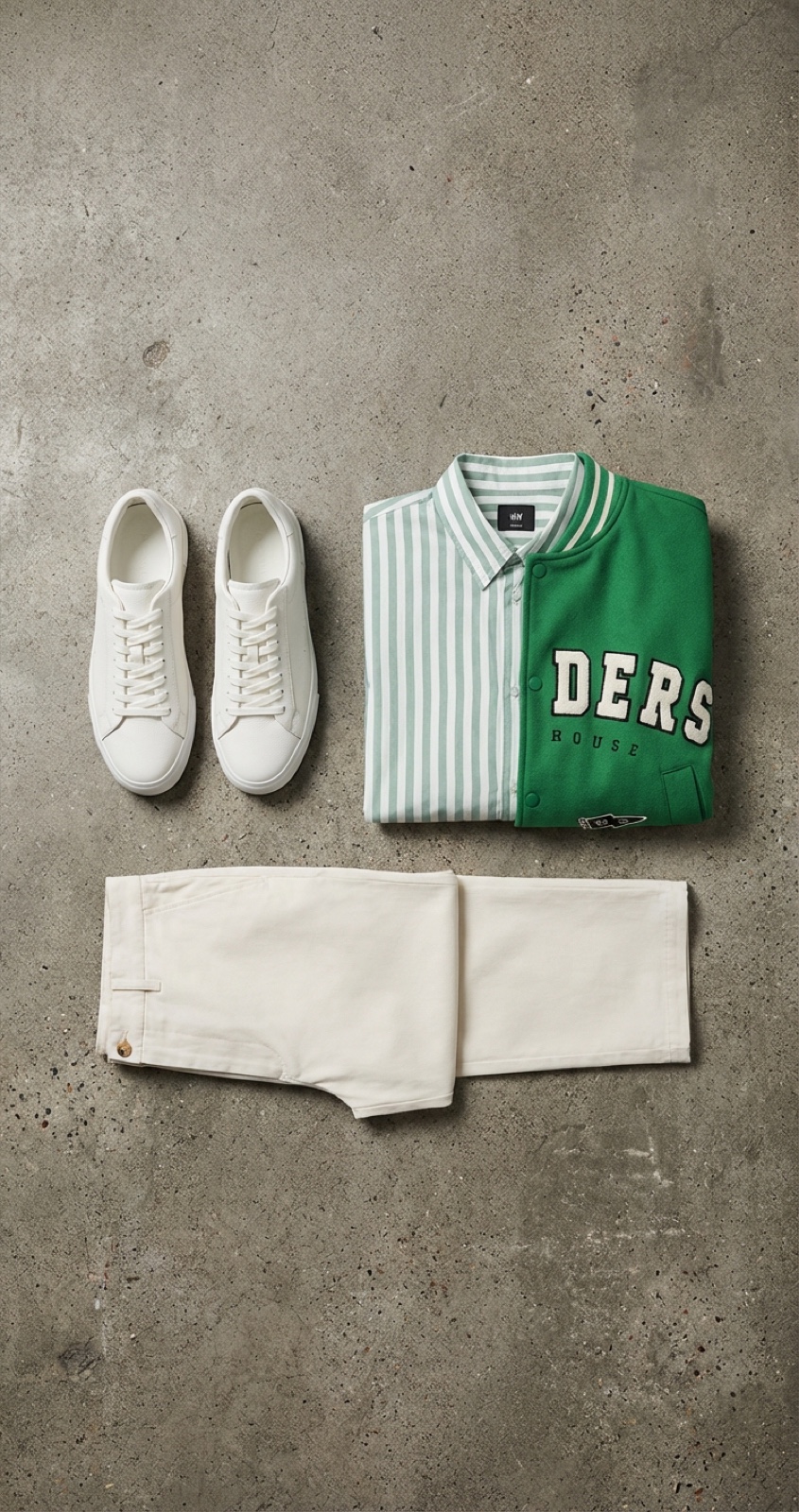
One product photo, a full catalog out
From a single shot to marketplace-ready visuals across every aspect ratio, in three steps.
Upload one product photo
A plain packshot on any background is enough. That single image is everything the studio needs.
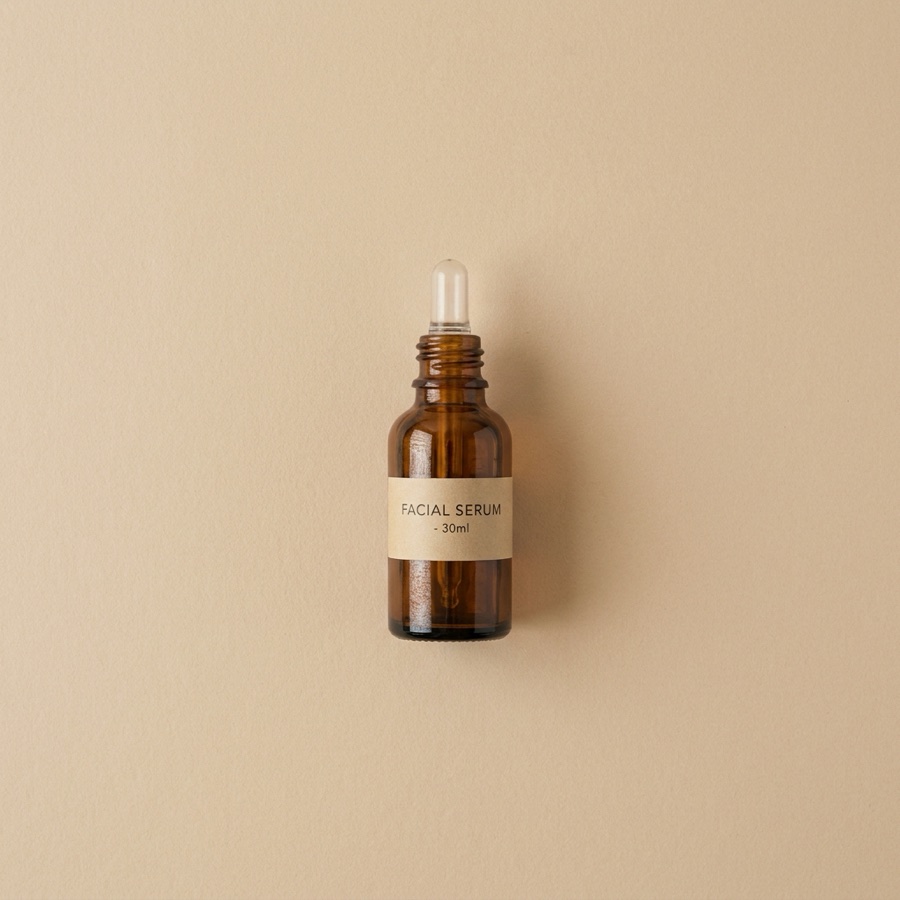
Pick a shot type
Lifestyle, flat lay, on-model, or try-on. Keep the same model and look consistent across products.
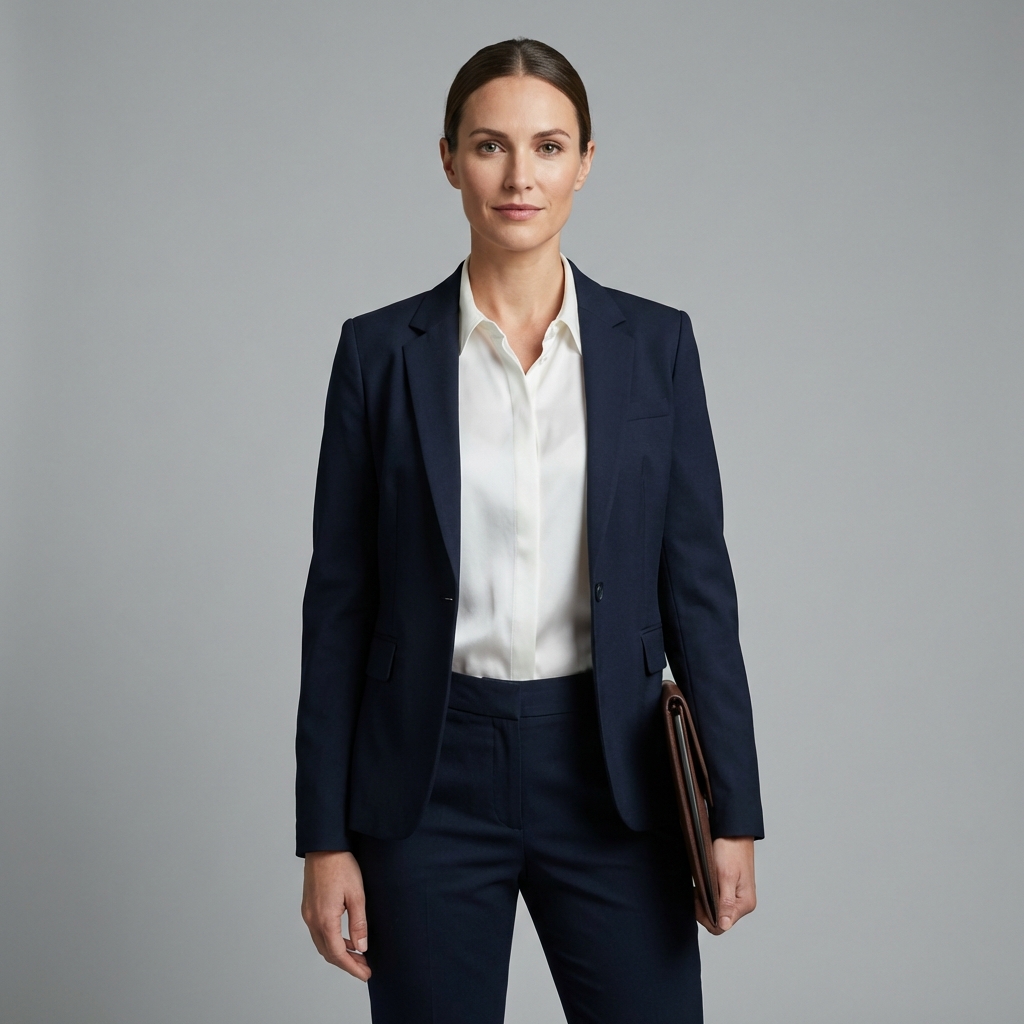
Export marketplace-ready
Every aspect ratio for Shopify, Amazon, and social, generated as a batch and ready to list.
Everything a catalog and PDP need
Studio-quality without a studio, all from one product image.
Product photography
Lifestyle shots, flat lays, and hero images from one photo.
Virtual try-on
See outfits and products on a consistent model, no reshoot.
On-model looks
Consistent on-model imagery and lookbooks for catalog and PDP.
Product angles
Turn one photo into every angle your listings and ads need.
Background remover
Clean, marketplace-ready cutouts in one click.
Reusable per SKU
Save a look once and rerun it for the next product or drop.
On-model looks without the model
Show your product on a real-looking model and keep that model consistent across the whole catalog. No casting, no studio day, no reshoot when the SKU changes.
- Same model and styling across every product
- On-model looks and lookbooks for PDP and social
- Built from your real product, so it looks shot, not synthetic
Your photoStudio shot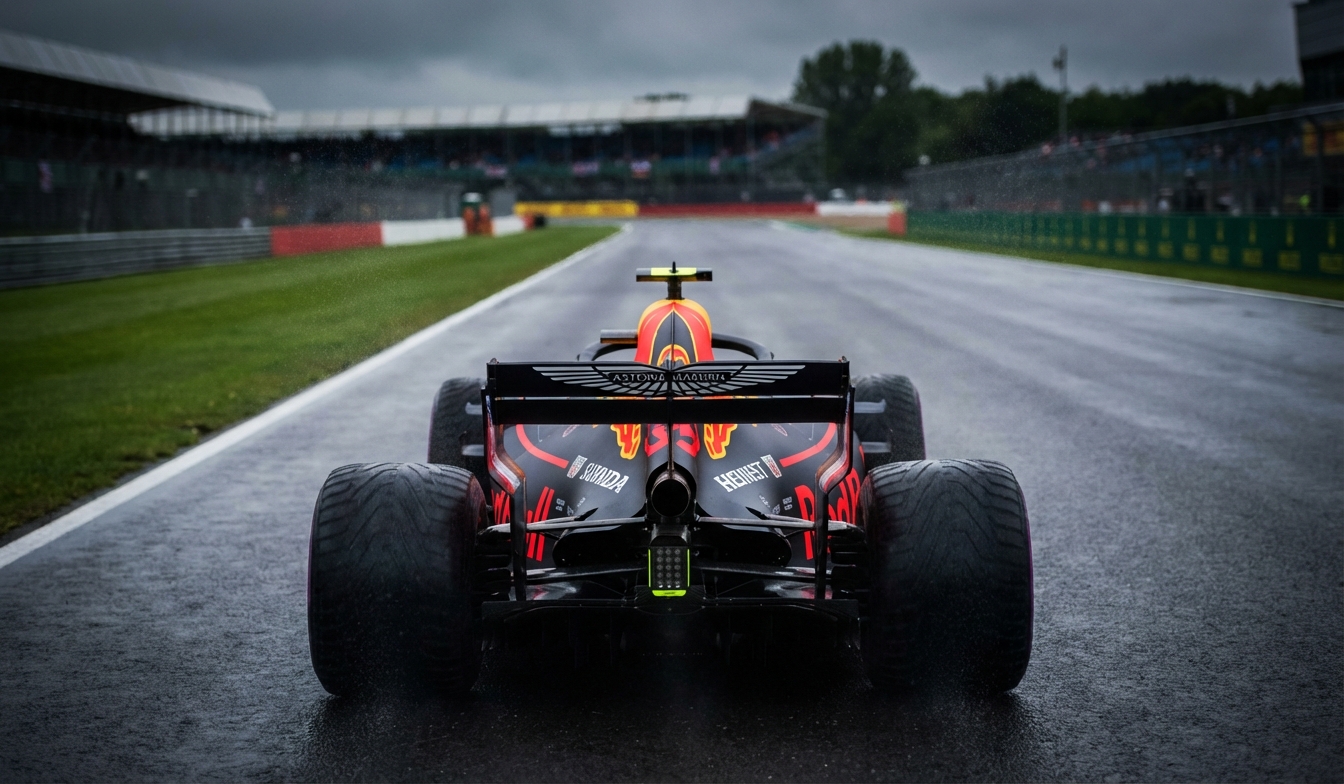 One angleNew angle
Visuals for every kind of catalog
From apparel to consumables, the Commerce Studio handles the shot types each category lists on.
The models behind your visuals
Pick the right engine per shot. Model line-up current as of July 2026.
| Model | Type | Provider | Best for |
|---|---|---|---|
| Nano Banana Pro | Image | Editing and 4K detail | |
| GPT Image 2 | Image | OpenAI | Text inside images, prompt fidelity |
| Seedream 5 | Image | ByteDance | Photoreal scenes |
| FLUX 2 Flex | Image | Black Forest Labs | Photorealism with control |
| FLUX Pro 1.1 | Image | Black Forest Labs | Crisp product stills |
| Veo 3.1 | Video | Video with synced audio | |
| Seedance 2.0 | Video | ByteDance | Fast product and ad video |
A photoshoot, or one Commerce Studio
Traditional catalog shoots cost weeks and a five-figure invoice per season. This replaces most of them.
The traditional way
- Book a photographer, studio, model, and retoucher
- Wait weeks for shots, then reshoot when a SKU changes
- Resize every image by hand for each marketplace
- A different look for every drop, no consistency
The Commerce Studio
- Studio-quality shots from one product photo
- New SKU, new shot in minutes, not weeks
- Every marketplace size exported as a batch
- Consistent models and looks across the whole catalog
Commerce Studio questions
What ecommerce and brand teams ask before switching.
What is AI product photography?
Do I need a photoshoot?
How does virtual try-on work?
Are the images marketplace-ready?
Can I keep models consistent across a catalog?
Which AI models does the Commerce Studio use?
Turn one photo into a full catalog
Generate product shots, on-model looks, and try-on that convert, in every marketplace size.
Free plan to start. Book a demo if you run a catalog or agency.

40% offevery annual plan
Switch to annual before you go and keep 40% off for the whole year.
- Every top AI image, video and avatar model included.
- One workspace for your whole campaign.
- 7-day free trial. Cancel anytime.