Professional Flat Lay Photography with AI
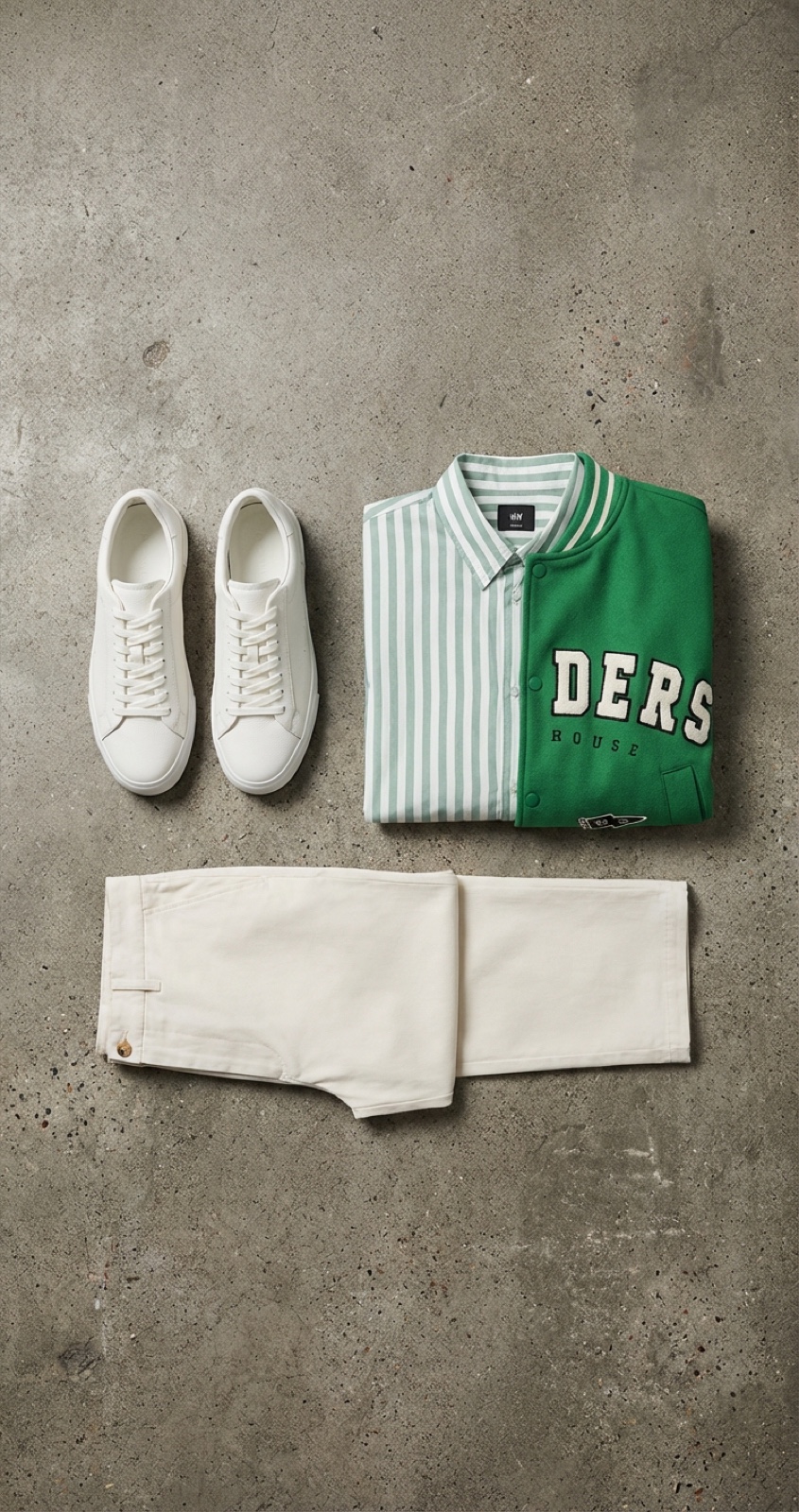
Upload your fashion items, accessories, or products and let AI compose them into stunning flat-lay arrangements. Describe how you want items positioned — or let AI auto-arrange — and get professional product photography in seconds.
- AI-powered composition and arrangement
- Upload multiple product images at once
- Text-guided positioning and layout
- Professional photography-quality output
How It Works
Upload Items
Add multiple fashion items, accessories, and products. Upload individual object images that will be arranged into a cohesive flat-lay composition.
AI Arrangement
Describe how items should be positioned using natural language, or let AI create the perfect layout. Fine-tune placement with simple text instructions.
Professional Output
Get studio-quality flat-lay photography instantly. AI generates perfectly lit, beautifully arranged compositions ready for e-commerce and social media.
Key Features
Everything you need to create professional flat-lay product photography
Multi-Item Upload
Upload multiple object images for your flat lay composition
Arrangement Control
Text-based positioning: shoes bottom left, bag center right
AI Composition
AI generates professional flat lay from your items and instructions
Live Preview
See your flat lay composition before final generation
Style Presets
Choose backgrounds and arrangement styles for your composition
Export Options
Download high-resolution images for e-commerce and social media
How It Works
Detailed Features
Professional flat-lay photography tools at your fingertips
Multiple Objects
Arrange multiple items in a single composition for cohesive product photography
Text Positioning
Natural language control — describe where each item goes in your composition
Background Selection
Choose from concrete, marble, wood, fabric, and other professional surfaces
Dynamic Pricing
Credits scale with composition complexity — simple layouts cost less
Auto-Save
All generated flat lays are automatically saved to your asset library
E-commerce Ready
Optimized dimensions and quality for product listings and social media posts
Frequently Asked Questions
Common questions about Flat Lay Studio
How many items can I add to a flat lay?
You can upload multiple product images to include in a single flat-lay composition. The AI arranges all items into a cohesive, professional layout.
What backgrounds are available?
Flat Lay Studio supports various professional surfaces including concrete, marble, wood grain, fabric textures, and solid color backgrounds. The AI selects appropriate lighting for each surface.
How does the arrangement text work?
Simply describe where you want items placed using natural language. For example: 'arrange watch in top left, sunglasses in center, handbag on the right, flowers scattered around.' The AI interprets your instructions to create the layout.
Can I use flat lays for e-commerce product photos?
Yes, Flat Lay Studio is designed for e-commerce. Generated images are high-resolution and professionally composed, suitable for product listings, lookbooks, and marketing materials.
How many credits does a flat lay cost?
Credit costs are dynamic and depend on the complexity of the composition. The exact cost is displayed before generation so you can decide before spending credits.
What image formats are supported for upload?
You can upload product images in PNG and JPEG formats. The generated flat-lay compositions are output as high-quality images ready for download.
Ready to Create Professional Flat Lays?
Upload your products and let AI create stunning flat-lay photography in seconds.
Get Started