For ad teams and agencies
AI ad creative at the volume your team needs
Make more versions of your best ads, in the sizes ad platforms need and in other languages. You see the price before each run.
- Claude
- ChatGPT
- Cursor
The jobs
Four jobs an ad team repeats every week
Each job has an app or a template in DesignerBox.
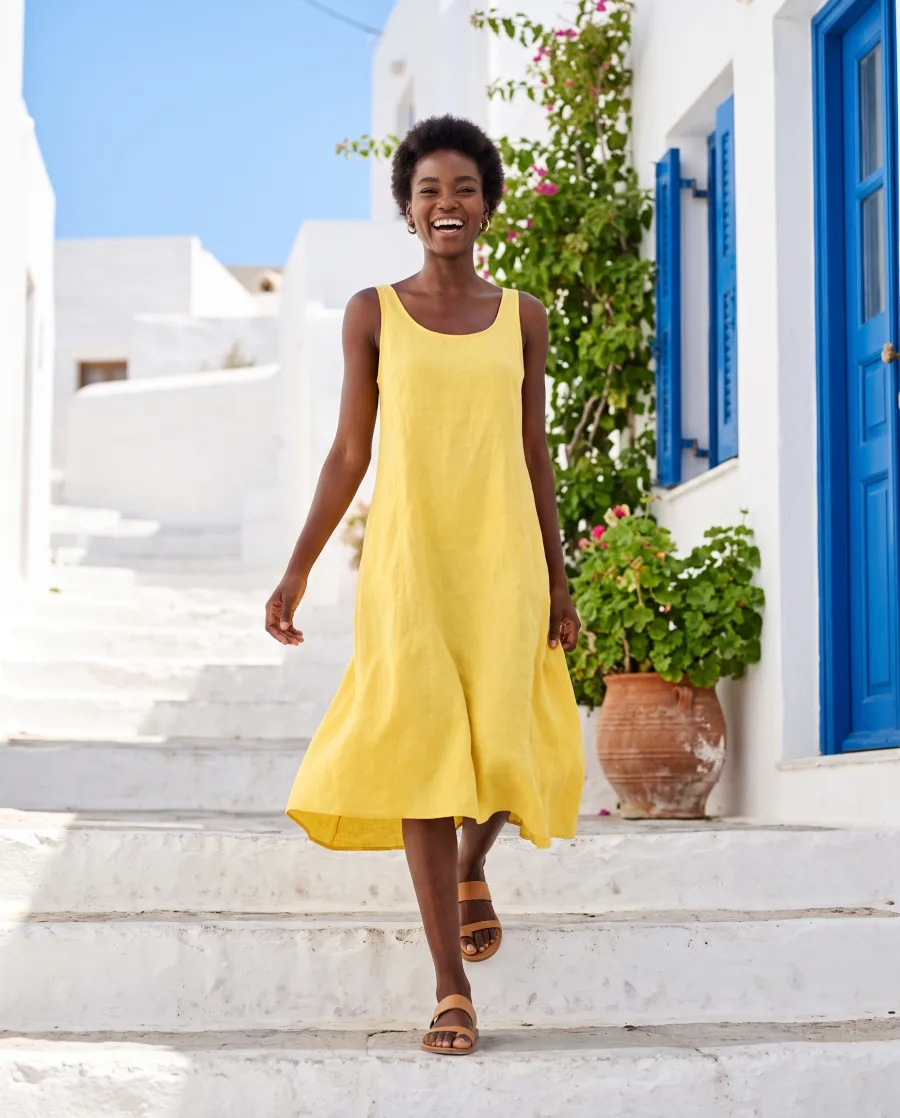
One ad in feed, square and story sizes
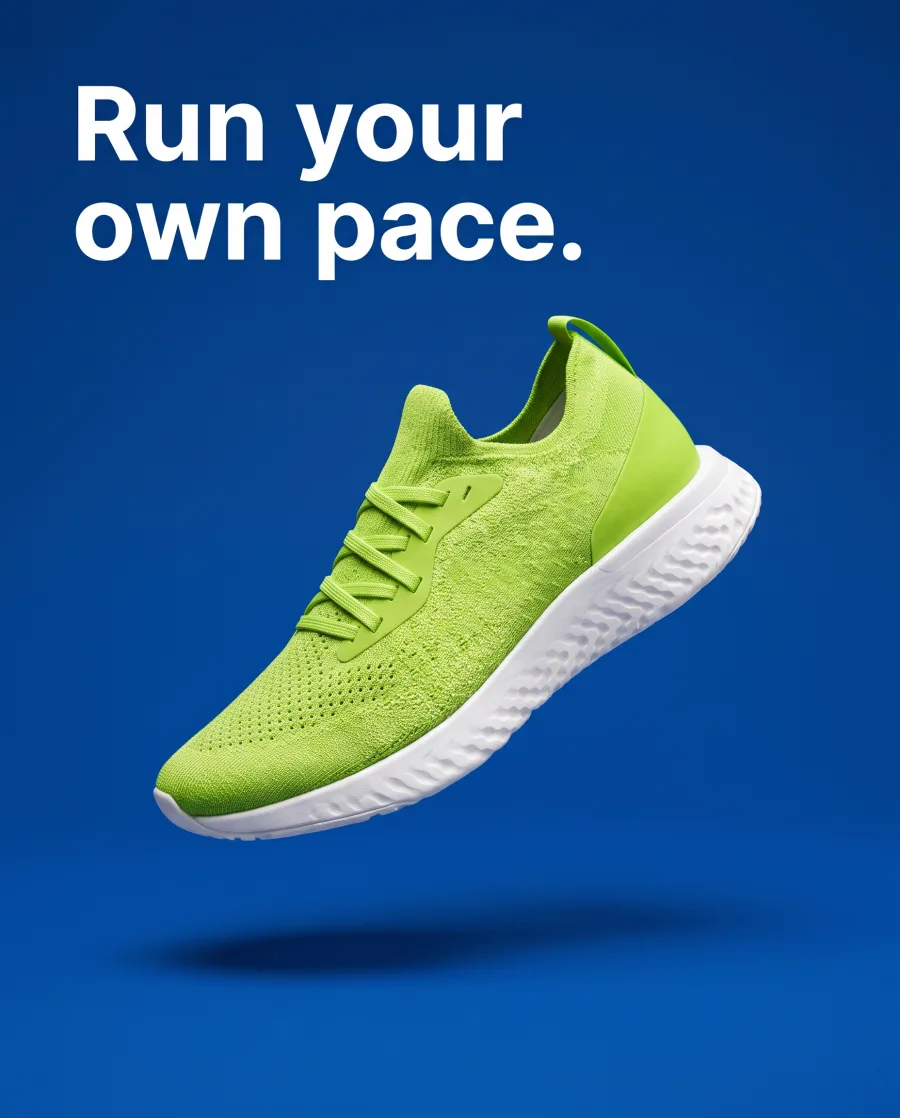
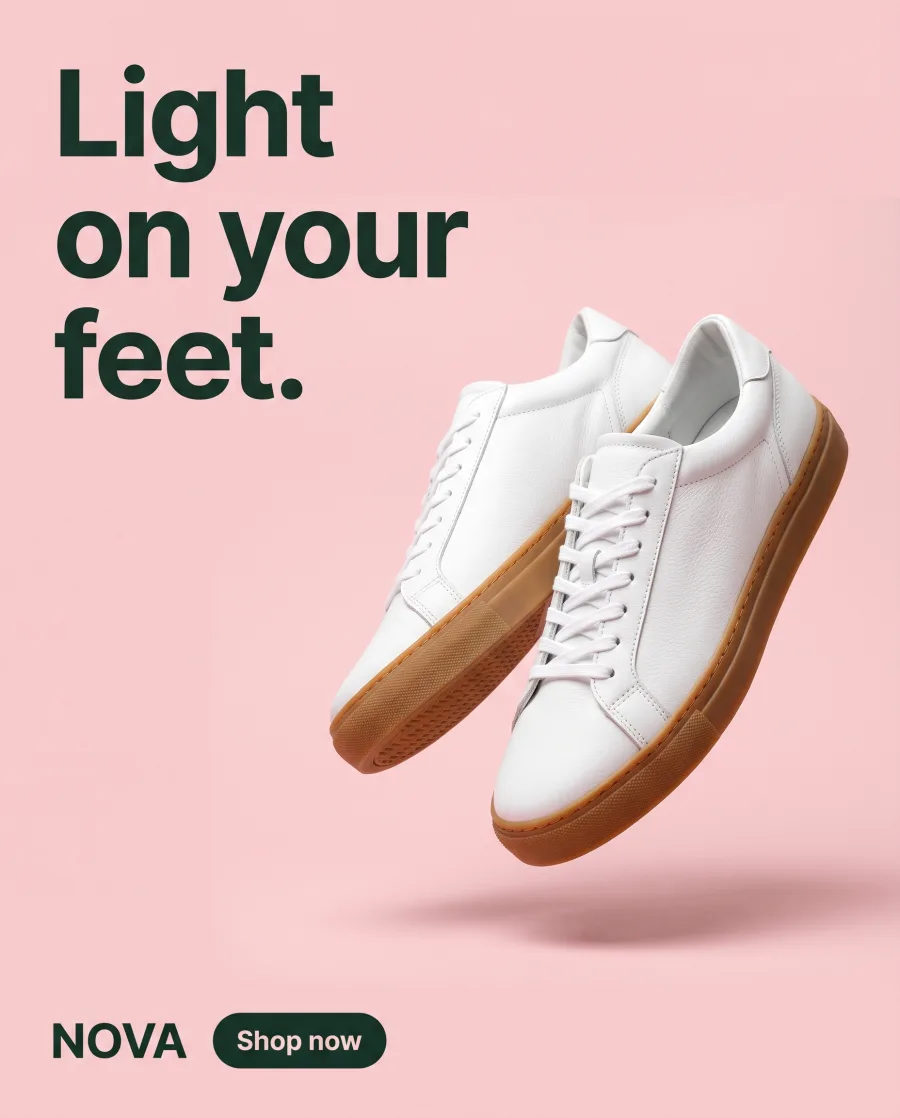
The Ad in other sizes app turns one approved ad into the sizes ad platforms ask for. A batch runs it for many ads at once.
See the AI ad generator Your adFeed 4:5
 Square 1:1
 Story 9:16
Concept frames before anyone books a shoot
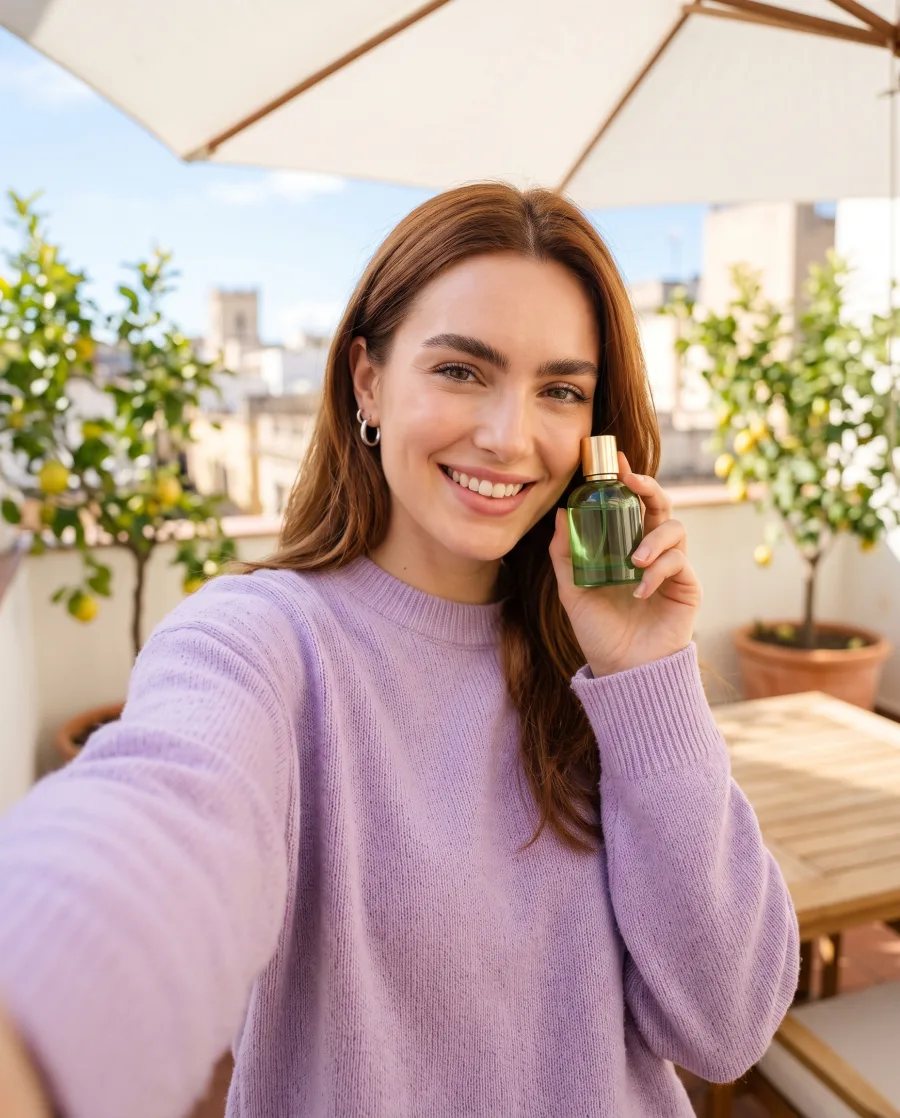
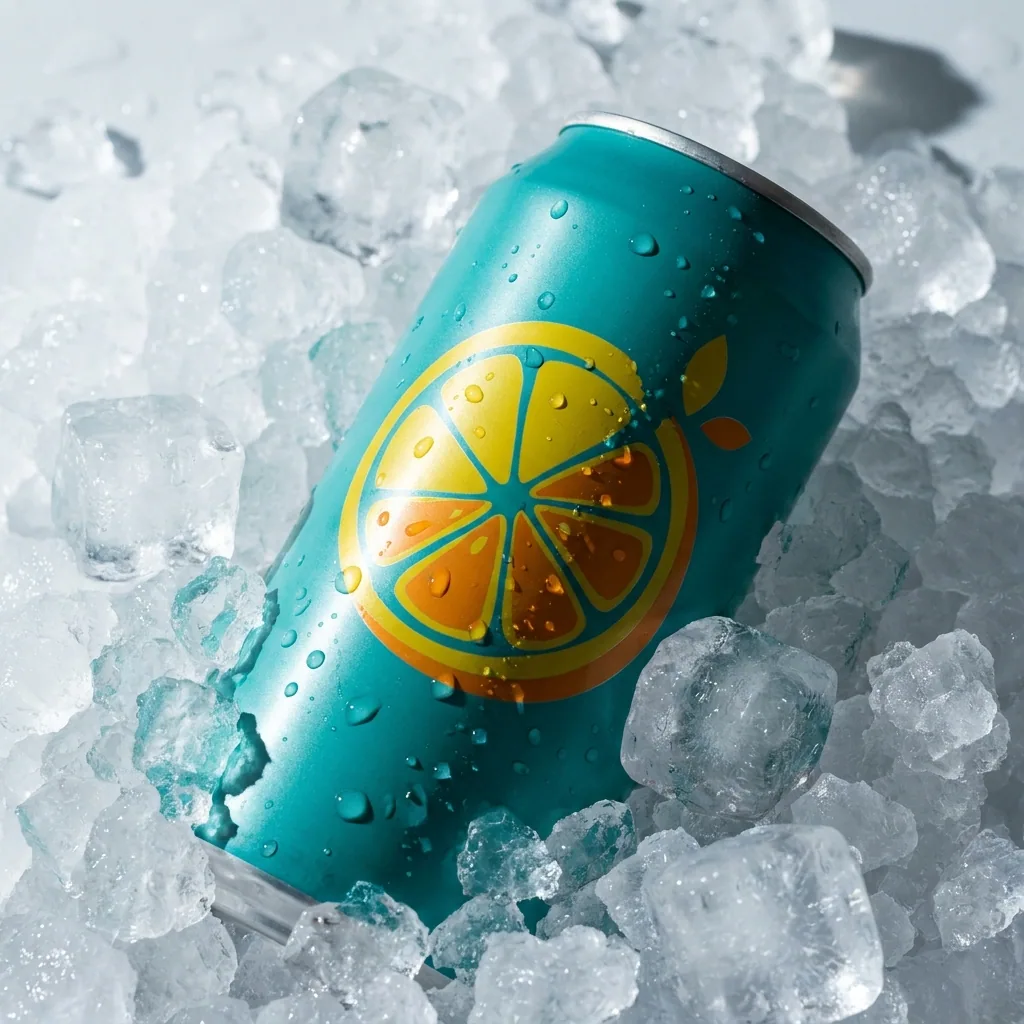
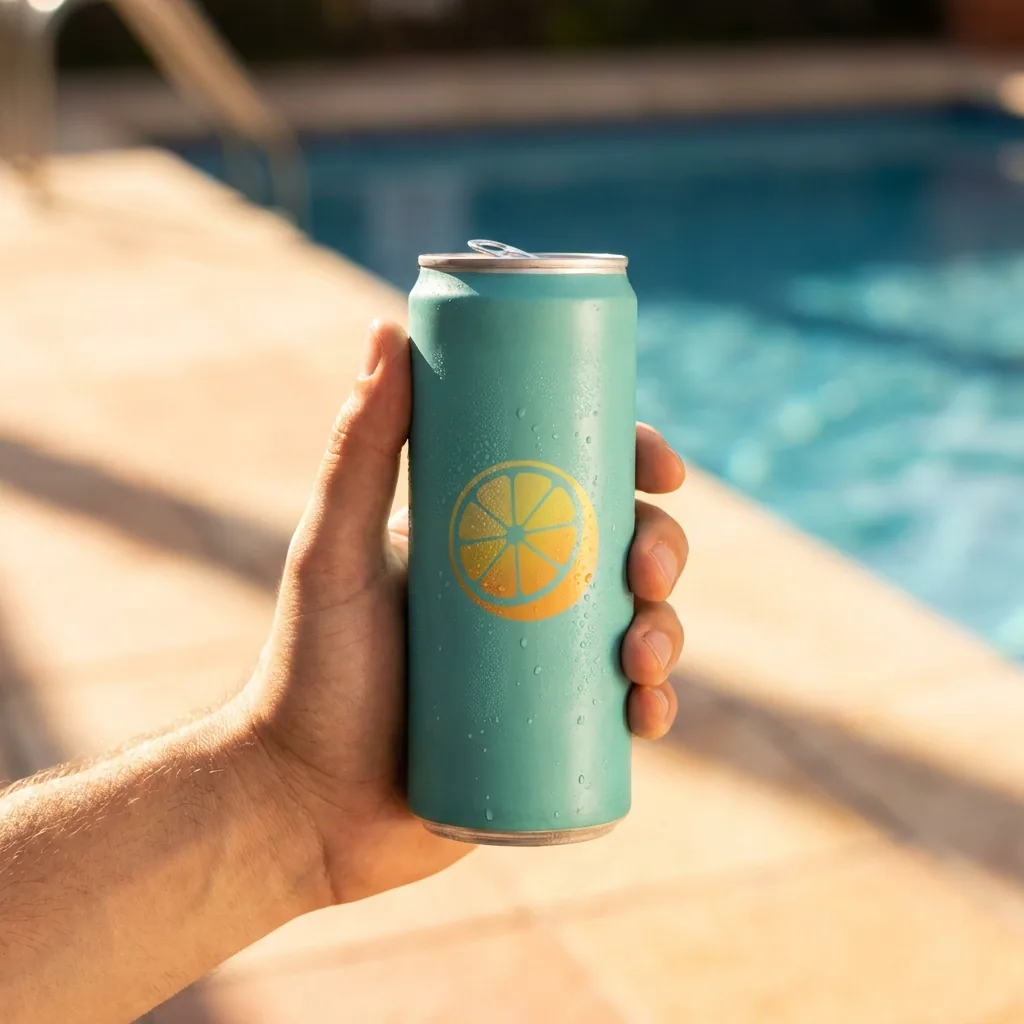
Turn a brief and a product photo into the product in several scenes, so the team can pick a direction first.
See campaign concepts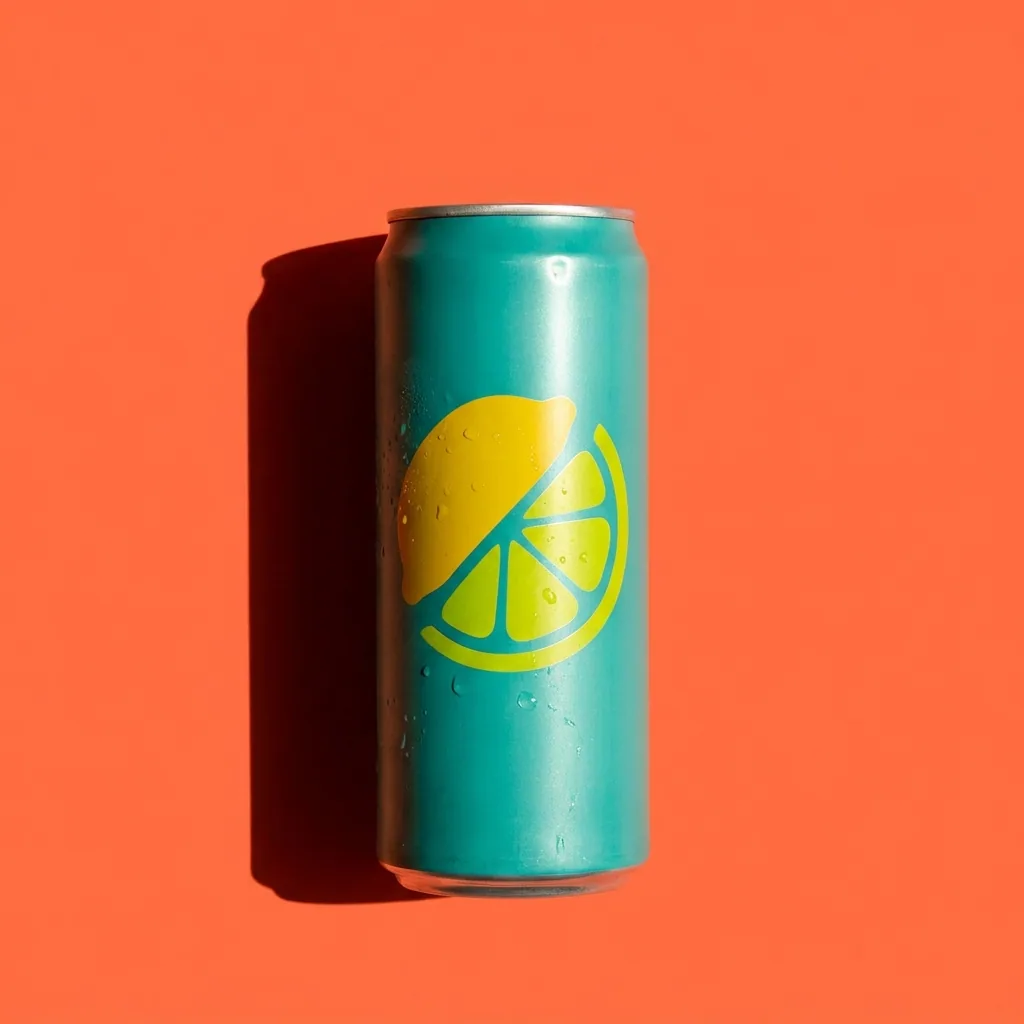 Your product
 On ice
 By the pool
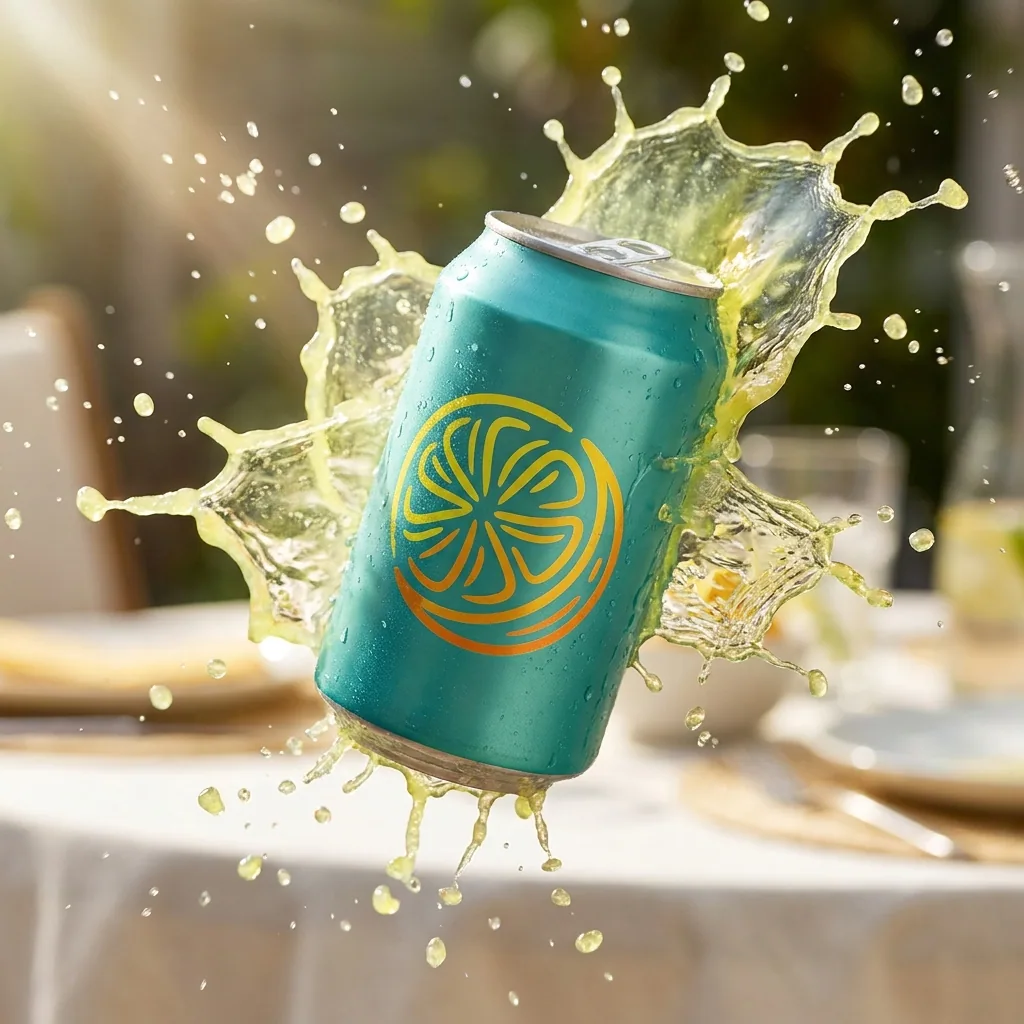 With a splash
Fresh versions of an ad that works
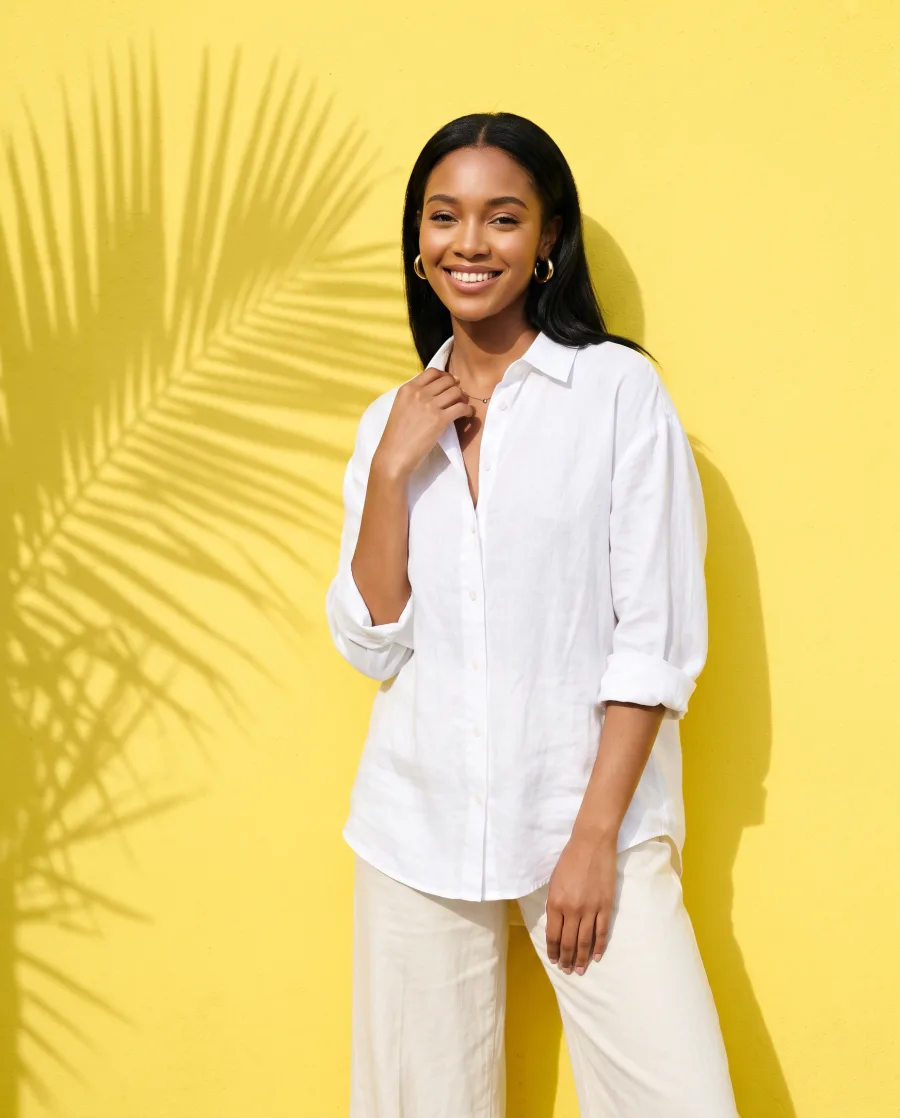
An ad loses its effect over time. The Versions of an ad app makes four versions of it, each with another place or colour, for the next test.
See the apps Your ad
 Breakfast table
 Yellow studio
 In a cafe
Short video ads from a product photo
Make 5-second clips of the product for Reels and TikTok, then add captions and music in the video editor. Video starts on the Premium plan.
See AI video ads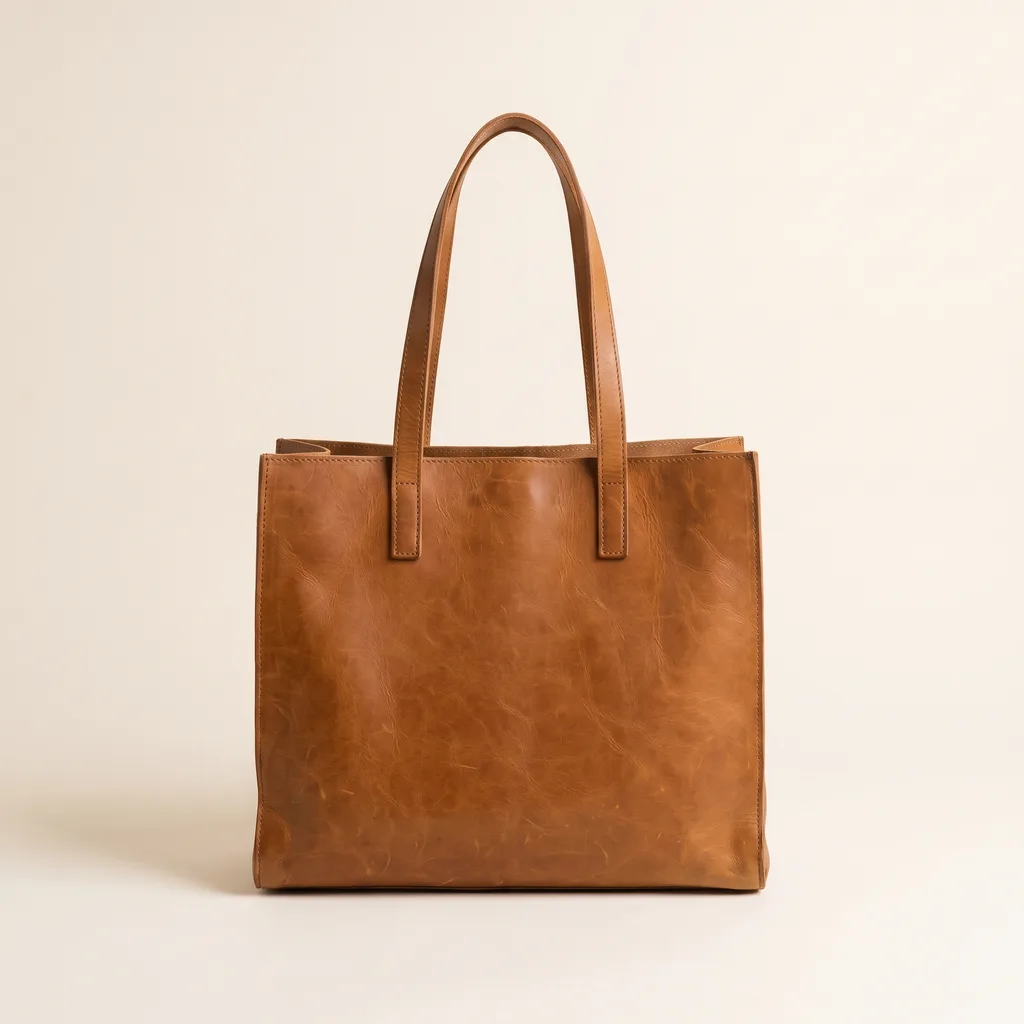 Your photo
Start free. You see the price before you make anything.
Your own photos, your own prompts and the commercial licence start on the Pro plan. Video starts on the Premium plan.
For ad teams
Features for ad teams
The parts of DesignerBox an ad team uses most.
- Your brand rules, set oncePick your brand in Create, and the chat uses it too.Read more
- The same presenter across a campaignMake an avatar once and reuse it across a series of ads. An avatar returns nine fixed poses. Use a real person's face only with their written consent.Read more
- Ad sizes in one batchThe Ad in other sizes app turns one approved ad into four sizes for ad platforms. A batch runs it for many ads at once. The cost shows before the run.Read more
- Presenter video without a shootThe Video with a person app makes a video of a person saying your words, with your product. You can use one of your avatars as the person. Use it for product demos and ad reads, and label it as AI-generated. Never use a real person's face without their written consent. Video starts on the Premium plan.Read more
- A model for each shotPick the image or video model for each shot without leaving the workflow. The cost of the run shows before you start it.Read more
- Figma, MCP and the APIThe Figma plugin makes images on your Figma canvas. Your AI chat can run your workflows over MCP. The API, on the Ultra plan, runs workflows from your own code. DesignerBox does not post to your ad accounts.Read more
Where to start
First workflows for an ad team
Each one starts from a template or an app. Make a copy of the template, or open the app, then add your own inputs. The workflow applies your brand rules.
- Campaign versions. Input: an approved ad, your brand and a sheet of products. Result: a version of the ad for each product, ready for your review.
- Presenter video. Input: a script and an avatar you have the right to use. Result: a lip-synced presenter clip. Label it as AI-generated. Video starts on the Premium plan.
- Concept frames. Input: a brief and a product photo. Result: your product in several scenes, so the team can pick a direction.
- Winning ad refresh. Input: an ad that worked and the parts to change. Result: new versions of that ad for the next test.
- Resize batch. Input: a sheet of finished ads. Result: each ad in tall, square and wide sizes, in one batch.
Can we keep our brand consistent across many versions?
Yes. A senior lead builds the workflow once, and the team runs it for every version. You still check each result before you use it.
Can we use generated assets in paid media?
Yes, from the Pro plan. Pro, Premium and Ultra include the commercial licence for your results, and the terms page says what it covers. Check each ad against the rules of the ad platform you use.
How do we make versions in other languages?
Make the ad in your source language, then open the Ad in other languages app. It rebuilds the ad in each language you choose and redraws the layout around the new text. Check each translated line with a native speaker before the ad runs.
Which AI models can we use?
You can use image and video models such as Nano Banana, GPT Image, Veo, Kling and Seedance. The models page lists all of them. You pick the model for each shot inside the workflow, and the cost of each run shows before you start it.
Does it work with Figma and other design tools?
Yes, with Figma. The Figma plugin makes images on your Figma canvas. Results download as standard image and video files that other design tools can open. The API, on the Ultra plan, runs workflows from your own code.
Which plan does a team need?
A team that shares one workspace needs the Ultra plan. Every plan below Ultra is for one person. Ultra has a workspace for up to five people, with shared brand kits, white label options and the API. For a larger team, book a demo. The pricing page shows every plan.
Is there a free trial?
Yes, in two ways. The free plan lets you try DesignerBox without paying. Your first paid plan starts with a 7-day trial. The trial takes a card and becomes a paid plan unless you cancel. The pricing page has the details.
Do you offer single sign-on, audit logs or indemnity?
No. DesignerBox does not offer company single sign-on (SSO), audit logs or an indemnity for generated results. Ultra is the largest plan. It has a workspace for up to five people, shared brand kits, white label options, the API and dedicated support. Book a demo if your team needs more.
Make your first pictures today.
Sign up with Google or your email. Nothing to set up.
Get started free- Claude
- ChatGPT
- Cursor