Remove any background and keep a clean, sharp cutout
Upload any photo and the AI lifts your subject off its background, hair, fur, and fine edges included. Download a transparent PNG, or drop the cutout onto a new backdrop.
 Original
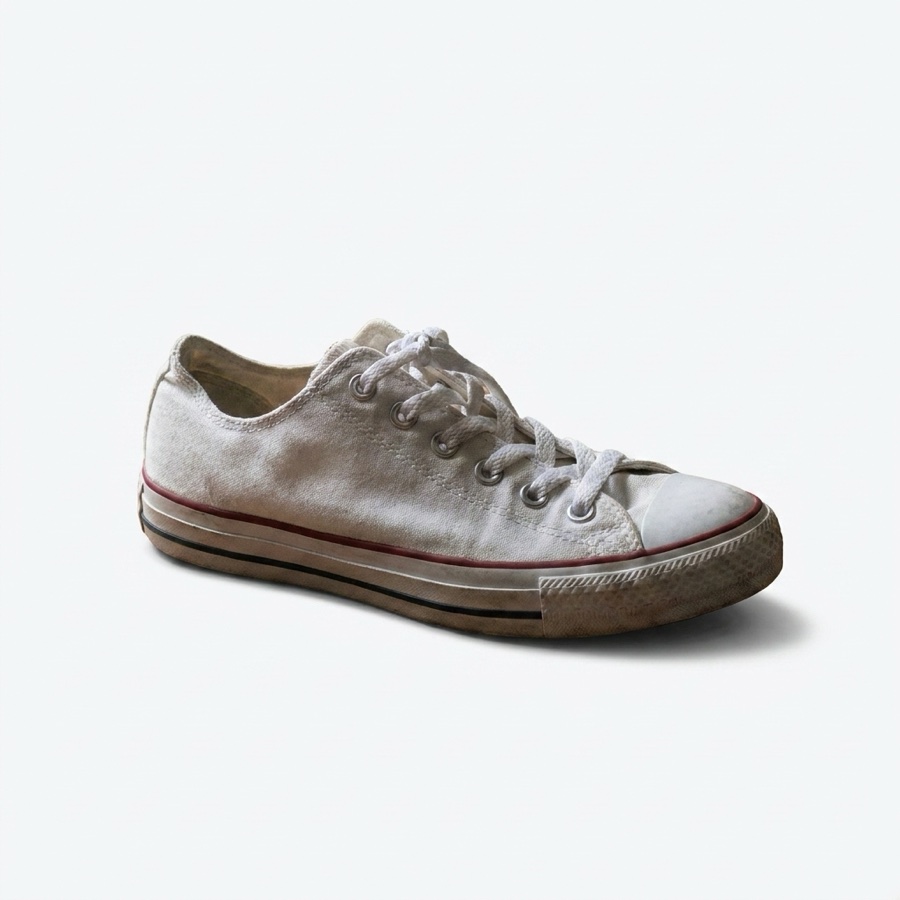 Cutout
What is an AI background remover?
It separates the subject in your photo from everything behind it, automatically. You upload an image, the AI traces the edges, hair and fine detail included, and hands back a clean cutout on a transparent background in seconds, with no manual masking.
A busy photo in, a clean cutout out
Drop in any shot and get your subject lifted off the background, ready to drop onto white, a brand colour, or a whole new scene.
Clean cutouts for any subject
The same one-click removal, tuned for whatever is in the frame.
People & portraits
Sharp hair and clothing edges for professional headshots and portraits.
Products
Isolate products for clean e-commerce listings and catalogue shots.
Animals & pets
Handles fur, feathers, and complex outlines without harsh edges.
Logos & graphics
Extract logos and graphic elements with crisp, sharp edges.
Cars & vehicles
Cut out vehicles, reflections and glass included, for listings and ads.
Food & objects
Lift food and everyday objects off any background for content.
Cut out and restyle in the same canvas
Remove the background, then place your subject on a new colour, drop it into a fresh scene, or stack it with other layers, without exporting between tools.
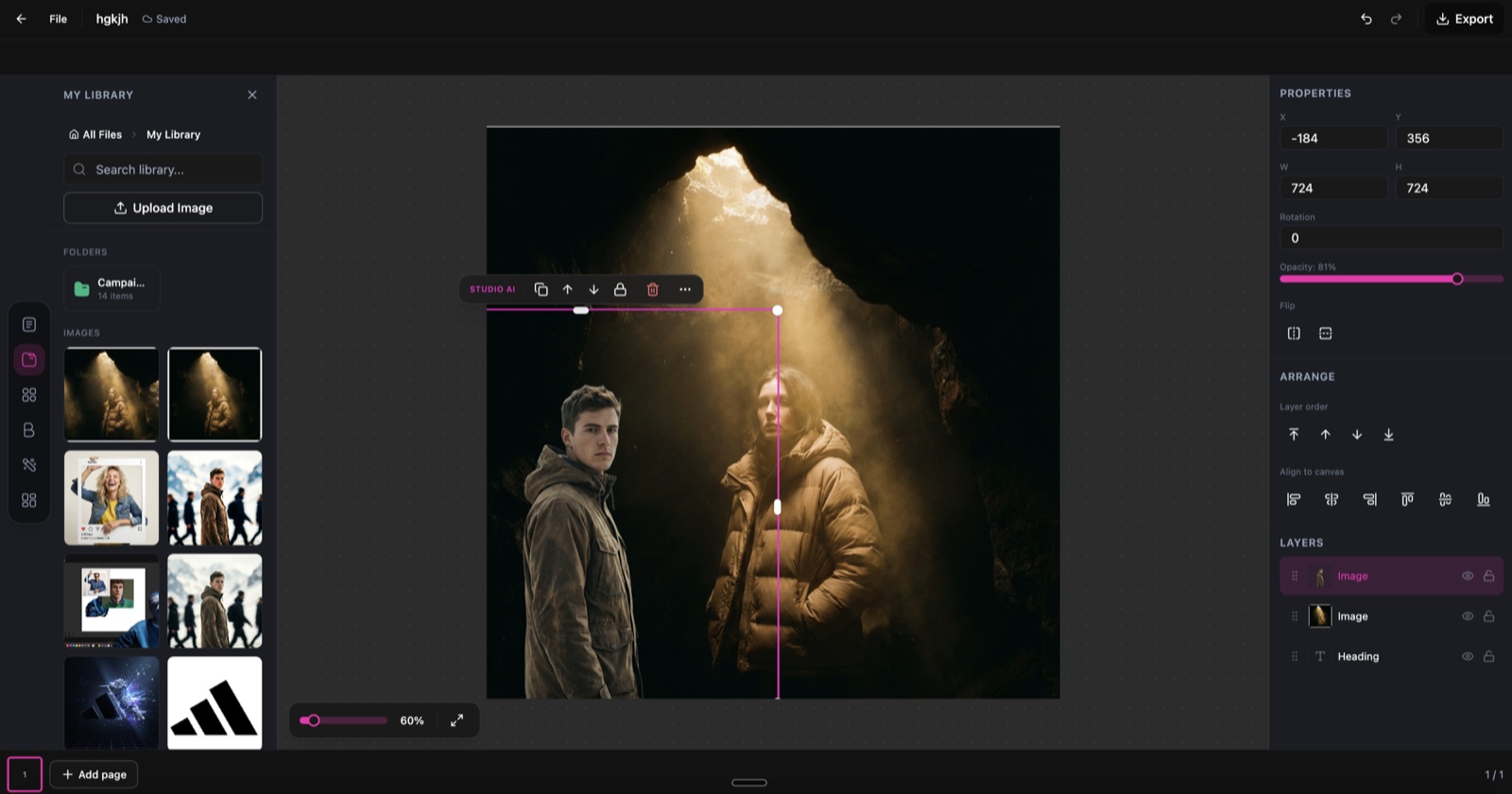
Background Remover, running inside the DesignerBox canvas.
From full photo to clean cutout in three steps
Upload your image
Drop in any JPG, PNG, or WebP. The AI reads the photo and finds the main subject, however busy the background is.
AI removes the background
In seconds it traces precise edges, hair, fur, and semi-transparent areas included, and lifts the subject cleanly off its background.
Download or replace
Save a transparent PNG, or swap in a new background, a solid colour, gradient, or your own image, before you export.
Where a clean cutout goes to work
One transparent PNG, ready for every channel.
E-commerce listings
White-background product photos that meet Amazon, Shopify, and marketplace rules.
Social content
Place subjects on bold backgrounds for scroll-stopping posts.
Marketing materials
Isolate subjects for flyers, banners, decks, and ad campaigns.
Profile & headshots
Clean professional headshots on a neutral or branded backdrop.
Design composites
Pull out elements to build collages and photo composites.
Print & merch
Transparent PNGs ready for t-shirts, mugs, stickers, and print-on-demand.
Skip the manual cutout
The old way
- Trace around the subject by hand with the pen tool
- Fight with hair, fur, and fine edges pixel by pixel
- Redo the mask every time the photo changes
- Pay a designer or an editor for every cutout
With Background Remover
- Upload the photo and get a clean cutout automatically
- Hair, fur, and fine edges handled by the AI
- Re-run any image in seconds, with no re-masking
- Batch through a whole catalogue at no extra cost
Background Remover specs
| Best for | Transparent cutouts, product isolation, and clean backdrops |
|---|---|
| Subjects | People, products, animals, logos, vehicles, and food |
| Edge detection | Traces hair, fur, and semi-transparent areas automatically |
| Background removal | Automatic, no manual masking or selection |
| Output | Transparent PNG, or a new solid, gradient, or image background |
| Input formats | JPG, PNG, and WebP |
| Cost | Free in the Studio editor |
| Powered by | DesignerBox's latest AI image models |
Frequently asked questions
What types of images work with Background Remover?
How does it handle fine details like hair?
What format is the output?
How many credits does Background Remover cost?
Can I process multiple images at once?
Will the edges look natural?
Ready to remove backgrounds?
Upload an image and get a clean, transparent cutout in seconds.