










Brand Visual Storyboard

Plan Your Brand Campaigns

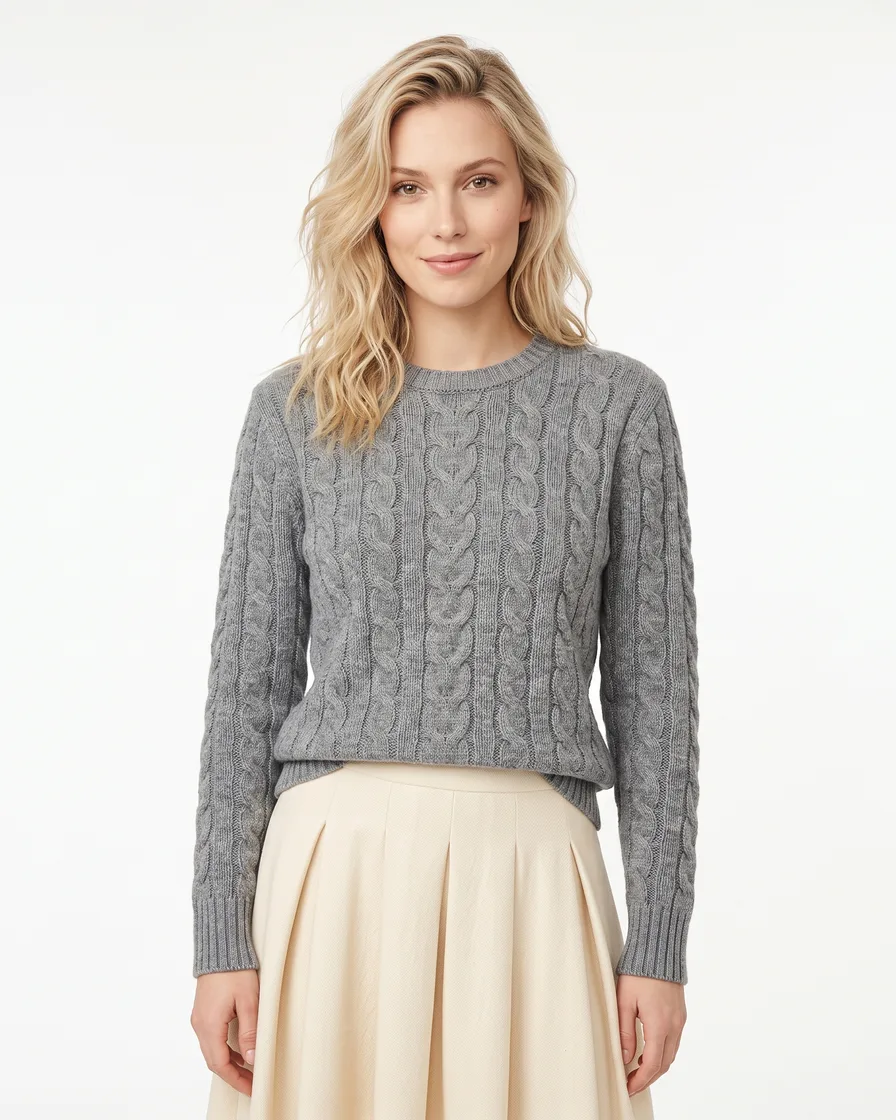
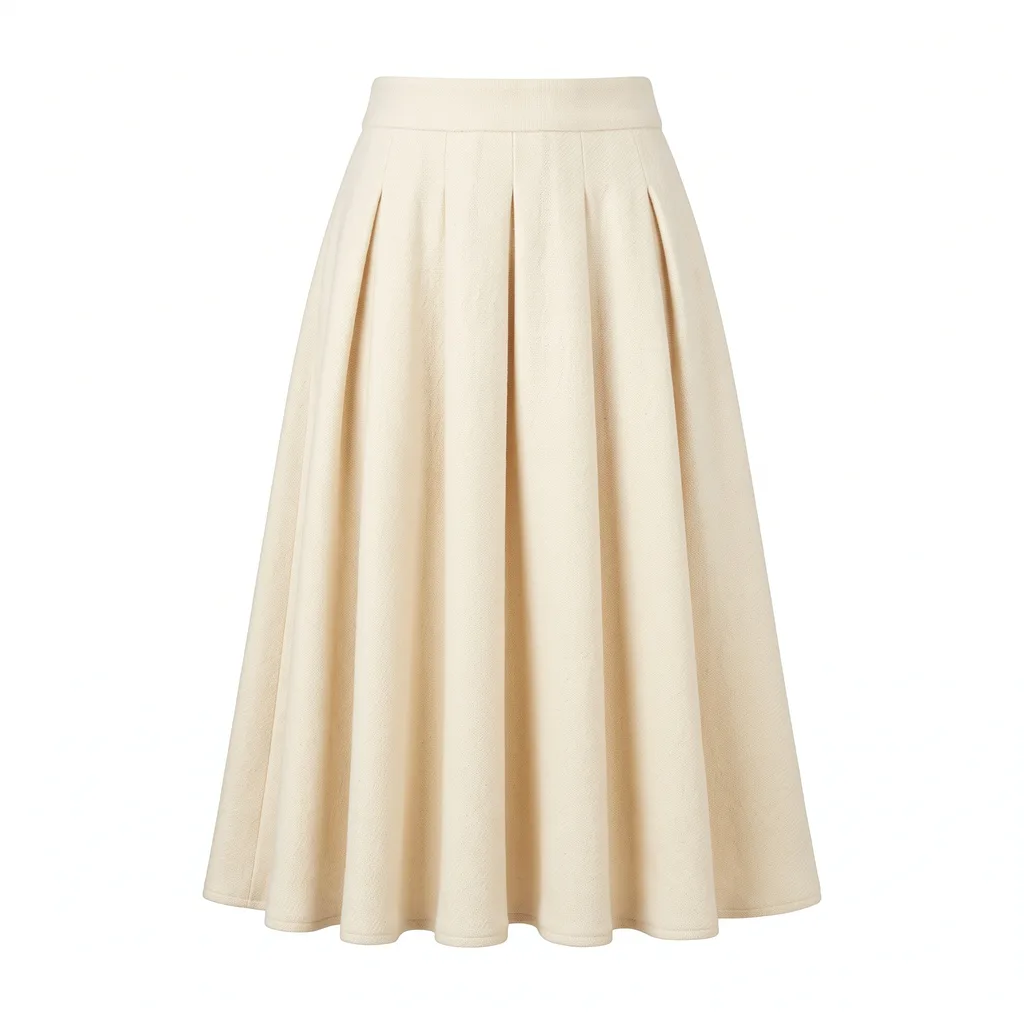
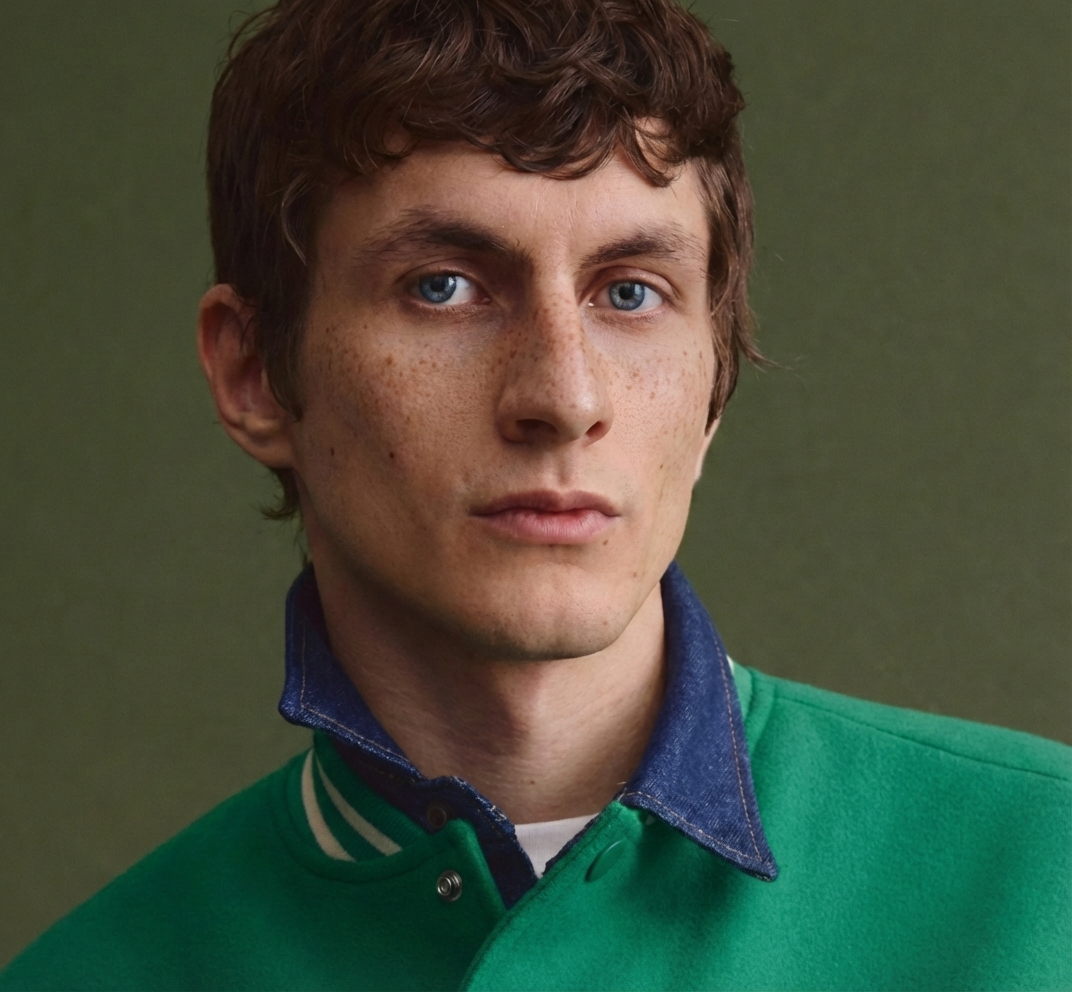
Plan and visualize your brand campaigns before production. Create AI-generated storyboards with scene-by-scene visuals, mood boards, copy notes, and campaign timelines — all in a presentation-ready format.

  • AI-generated campaign storyboards
  • Scene-by-scene visual planning
  • Mood boards and style references
  • Export as PDF or presentation slides
Try Brand Visual Storyboard

How It Works

Add Campaign Brief

Upload your brand assets, reference images, and campaign brief. Describe your campaign goals, target audience, and visual direction. The AI uses these to generate relevant storyboard visuals.

Build Your Storyboard

AI generates scene-by-scene storyboard frames with visuals, shot descriptions, and copy notes. Rearrange scenes, add annotations, and customize the mood board for each section.

Export & Share

Download your storyboard as a polished PDF, presentation slides, or individual frame images. Share with your team, clients, or production crew.

Storyboard Types

Visual planning templates for every campaign

Product Launch

Plan product launch campaigns with hero shots, feature highlights, and unboxing sequences

Ad Campaign

Map out multi-channel advertising campaigns with consistent visual storytelling

Social Content

Plan social media content series with visual themes, posting sequences, and style guides

Video Production

Pre-visualize video shoots with scene-by-scene storyboards and shot lists

Seasonal Campaign

Plan holiday, seasonal, and event-based campaigns with themed visual narratives

Brand Launch

Visualize complete brand launch strategies from teaser to reveal to sustained presence

How It Works

1
Describe Your Campaign
Enter your campaign brief — goals, target audience, key messages, and visual style. Upload reference images and brand assets to guide the AI.
2
AI Generates Storyboard
AI creates a scene-by-scene storyboard with visuals, shot descriptions, mood references, and copy suggestions. Reorder, edit, or regenerate any frame.
3
Export & Present
Download your storyboard as a presentation-ready PDF, slide deck, or collection of frame images. Perfect for client presentations and production meetings.

What's Included

Complete storyboarding toolkit for brand campaigns

Campaign Timeline

Visual timeline showing campaign phases — teaser, launch, sustained, and wrap-up stages

Mood Board

AI-generated mood boards with color palettes, textures, and visual style references

Copy & Notes

Add headlines, descriptions, and production notes to each storyboard frame

Team Sharing

Export shareable formats for seamless collaboration with designers, clients, and production teams

PDF & Slides Export

Download as polished PDF documents or presentation slide decks ready for meetings

Frame Annotations

Add shot type, camera angle, lighting notes, and creative direction to each frame

Frequently Asked Questions

Common questions about Brand Visual Storyboard

At minimum, describe your campaign goal and visual style. For best results, also provide your brand assets (logo, colors), target audience, key messages, and any reference images that capture the look you want.

Yes, you can regenerate any frame with a different description, reorder frames by dragging, add or remove frames, and customize annotations and copy notes for each scene.

Storyboards can be exported as multi-page PDFs, presentation slides (compatible with Google Slides and PowerPoint), or individual PNG/JPG frame images.

Each storyboard frame costs 3 credits to generate. A typical 8-frame storyboard costs 24 credits. Regenerating individual frames costs 3 credits each.

Yes, upload your brand assets and the AI incorporates your logo, colors, and visual identity into the storyboard frames and mood board for consistent brand representation.

No, Brand Visual Storyboard works for any campaign type — social media content series, product launches, email campaigns, print advertising, and video production.

Ready to Plan Your Campaign?

Describe your campaign and get AI-generated storyboards in minutes.

Get Started
×