Video editor
AI video editor for your product clips
Put the clips you generate in order on a timeline. Add captions, a voice and music, then download one video for your ads. Your brand font and colours carry across every clip.
- Clips, words and sound on one timeline
- 20 voices to read your script
- One video file to download


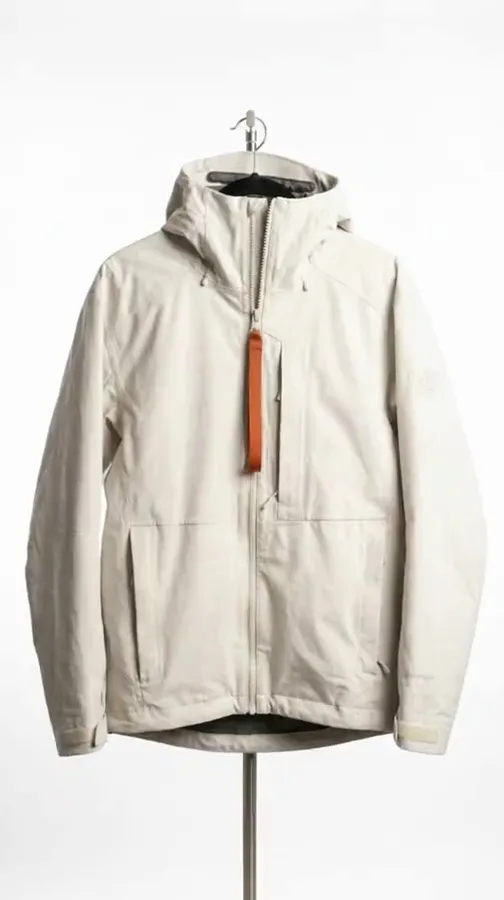


Four clips in order, then the words and the sound. The clip beside the timeline was made with AI in DesignerBox.Video starts on the Premium plan.
Who it is for
Does that sound like you?
Scaling without compromising quality.
Anyone can make an AI picture. Making hundreds that still look like your brand is the hard part. A finished video needs the same brand font, colours and look as the pictures beside it.
How we solve it:- Put your clips in order on the timeline
- Add captions, one of 20 voices, and music
- Download one video, from the Premium plan
Cut the waiting time and budget for deliverables.
You deliver for several clients, and each one has its own brand book. Waiting weeks for a shoot or an edit delays every delivery. The clips you already made become a finished ad in the same place.
How we solve it:- One brand record per client, read on every run
- Apps a colleague runs from a short form
- A shared workspace and team seats on the Ultra plan
What you get
What the timeline holds
Three lanes and a player. The clips run in order, the words sit over them, and the sound runs underneath.
The clips lane
Drag your clips into order, trim each one and add a transition. The clips come from your templates, your workflows or your own uploads.
The words lane
Speech becomes subtitles, and titles use your brand font. Put a line on the picture where it belongs.
The sound lane
Type the script and pick one of twenty voices. Add music underneath and set how loud each one is.
One video out
Set the colour over the whole video, then download one file for your ads. Video starts on the Premium plan.
How it works
How a video is put together
- 01
Make the clips
A template or an app makes short clips of your product. Each clip lands in Assets. Video starts on the Premium plan.
- 02
Put them in order
Drag the clips onto the timeline. Trim each one, add a transition, put a title on top.
- 03
Add the sound and download
Type the script and pick one of 20 voices. Add music. Download one video for your ads.
One workflow, four ways to run it
A template, a workflow, an app, a batch
They are the same engine at four distances. Start with somebody else's, save your own, share it with a colleague, then run it over the whole catalogue.
Template
A workflow somebody already built. Open one, add your photo, press Run.
Anyone, on the first day
Workflow
Your own steps, saved once with your brand and your products, run again.
The person who sets the standard
App
The same workflow behind a short form. Fill the fields, press Run.
A colleague who never opens the steps
Batch
One workflow over a spreadsheet. One product per row, reviewed in one pass.
One person, once, for the whole drop





Everything in one place
Everything you need, in one place
The full workflow, from your product photos to the finished ad, in one subscription.
Templates
Start from a finished result
Workflows
Your steps, saved to run again

Apps
Fill a short form, press Run

Batch
Run one workflow on a whole spreadsheet

Image editor
Change one picture, keep the detail
Assets
Every result in one place

Brand
Logos, fonts, colours and rules

AI models
The image and video models inside every workflow
MCP server
Run DesignerBox from Claude, ChatGPT, Cursor or Codex
Figma plugin
Make on-brand images inside Figma
Chrome extension
Make images and video beside any web page
iOS app
Your workspace on your phone
API
Run workflows from your own code. See the Ultra plan.
Questions
Curious? Let's clear things up.
Which plan do I need for video?
The Premium plan. Video starts there, and so do virtual try-on, upscaling and both editors. The pricing page lists what each plan holds.
Can I add captions?
Yes. Speech in the clip becomes text, and the text becomes subtitles you can edit. Titles and captions use your brand font, so the words match the rest of the brand.
Can a presenter speak my script?
Yes. A talking avatar speaks your script with lip sync, for a product walkthrough or an explainer. The presenter is generated, so the clip is not a customer review. Never present it as one.
Where do the clips come from?
A video template or an app makes them from your product photo, and each one lands in Assets. You can also upload your own clip with the video upload step.
Is it an editor or a generator?
Both. Templates and apps generate the clips. The editor is a real timeline: tracks, trims, transitions, animated text, a voice, music and a colour grade over the whole video. You download one file.
Scale content without limits.
Generate content for your products or services with AI, starting today, and keep your brand on every piece.